
Chapter 5 Intro to Scripting CIS 275Web Application
Chapter 5: Intro to Scripting CIS 275—Web Application Development for Business I
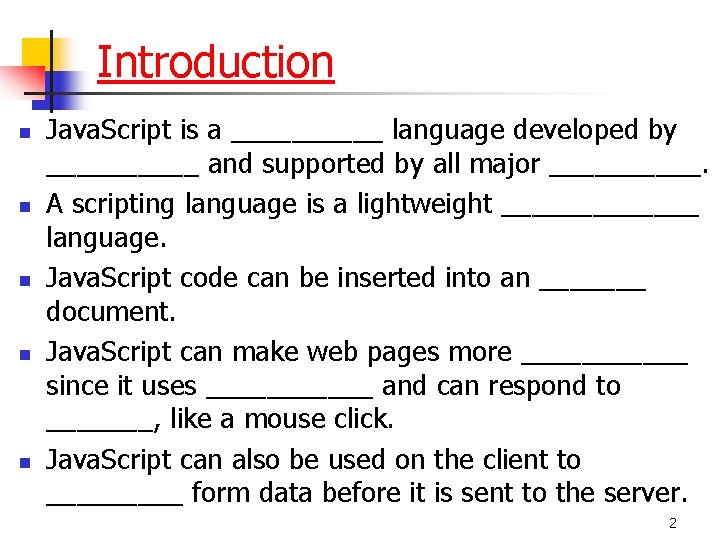
Introduction n n Java. Script is a _____ language developed by _____ and supported by all major _____. A scripting language is a lightweight _______ language. Java. Script code can be inserted into an _______ document. Java. Script can make web pages more ______ since it uses ______ and can respond to _______, like a mouse click. Java. Script can also be used on the client to _____ form data before it is sent to the server. 2
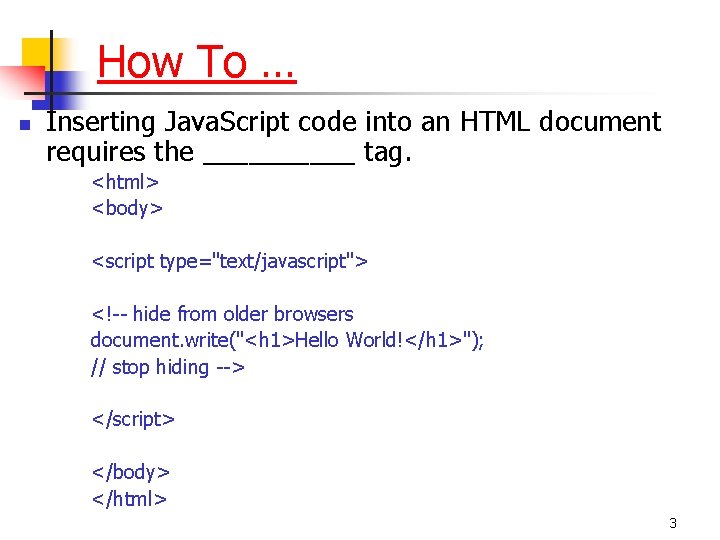
How To … n Inserting Java. Script code into an HTML document requires the _____ tag. <html> <body> <script type="text/javascript"> <!-- hide from older browsers document. write("<h 1>Hello World!</h 1>"); // stop hiding --> </script> </body> </html> 3
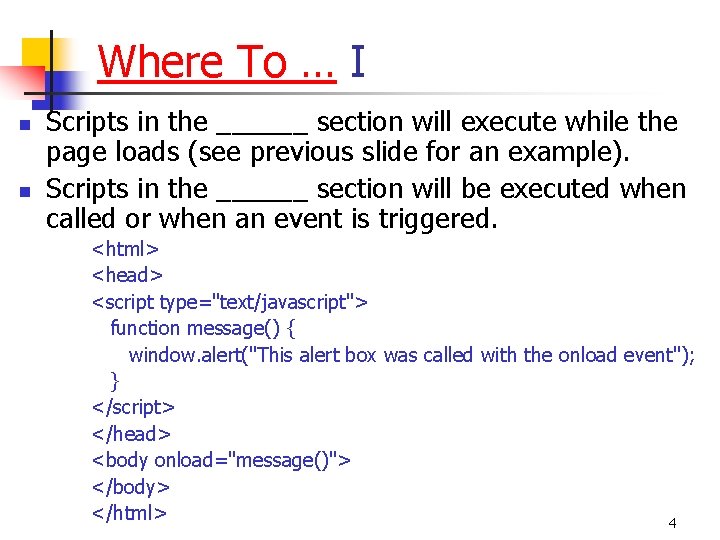
Where To … I n n Scripts in the ______ section will execute while the page loads (see previous slide for an example). Scripts in the ______ section will be executed when called or when an event is triggered. <html> <head> <script type="text/javascript"> function message() { window. alert("This alert box was called with the onload event"); } </script> </head> <body onload="message()"> </body> </html> 4
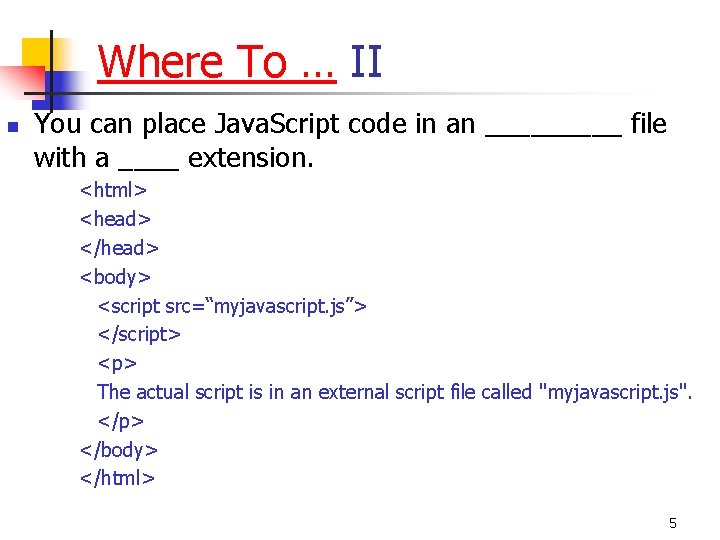
Where To … II n You can place Java. Script code in an _____ file with a ____ extension. <html> <head> </head> <body> <script src=“myjavascript. js”> </script> <p> The actual script is in an external script file called "myjavascript. js". </p> </body> </html> 5
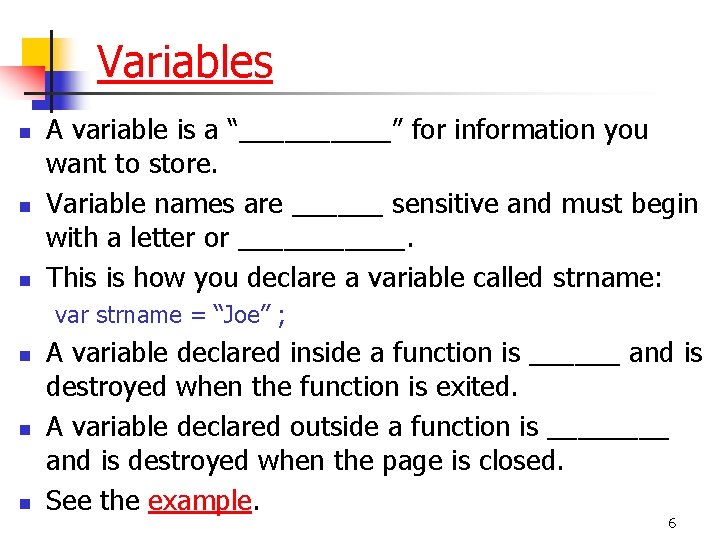
Variables n n n A variable is a “_____” for information you want to store. Variable names are ______ sensitive and must begin with a letter or ______. This is how you declare a variable called strname: var strname = “Joe” ; n n n A variable declared inside a function is ______ and is destroyed when the function is exited. A variable declared outside a function is ____ and is destroyed when the page is closed. See the example. 6
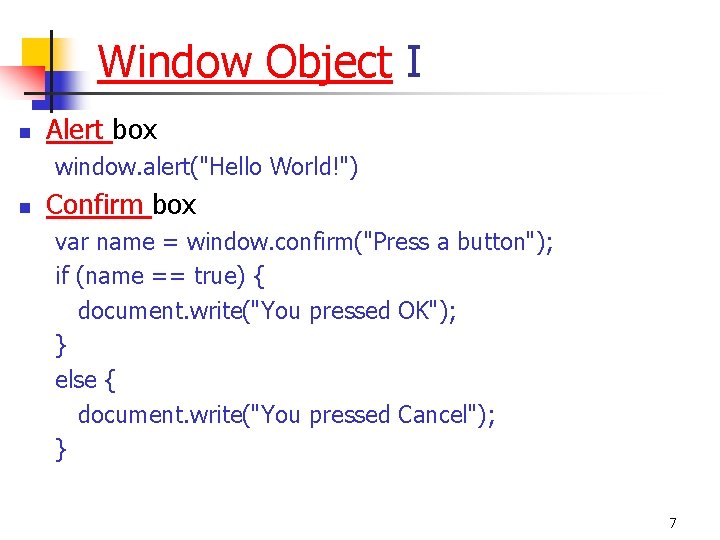
Window Object I n Alert box window. alert("Hello World!") n Confirm box var name = window. confirm("Press a button"); if (name == true) { document. write("You pressed OK"); } else { document. write("You pressed Cancel"); } 7
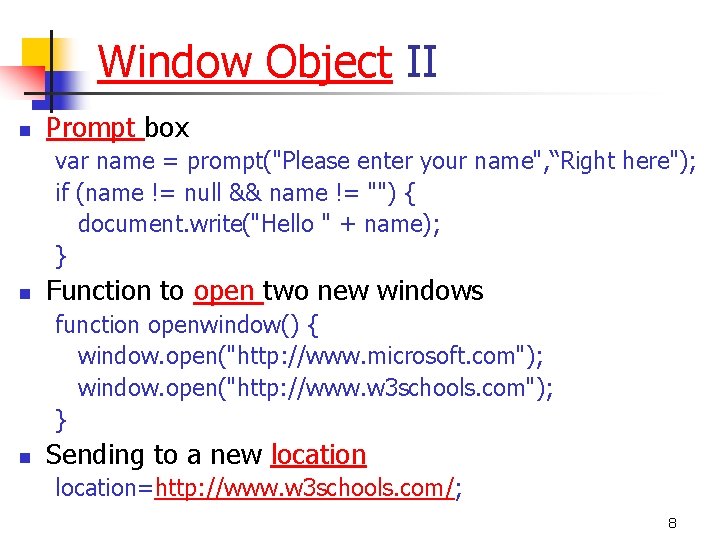
Window Object II n Prompt box var name = prompt("Please enter your name", “Right here"); if (name != null && name != "") { document. write("Hello " + name); } n Function to open two new windows function openwindow() { window. open("http: //www. microsoft. com"); window. open("http: //www. w 3 schools. com"); } n Sending to a new location=http: //www. w 3 schools. com/; 8
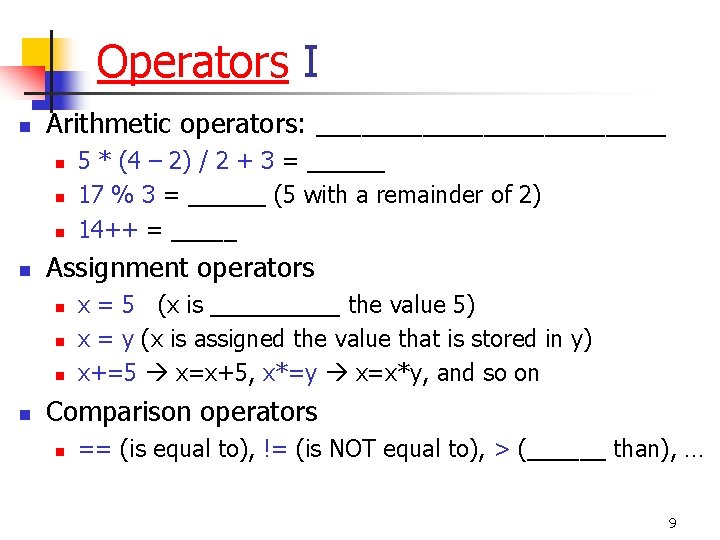
Operators I n Arithmetic operators: ____________ n n Assignment operators n n 5 * (4 – 2) / 2 + 3 = ______ 17 % 3 = ______ (5 with a remainder of 2) 14++ = _____ x = 5 (x is _____ the value 5) x = y (x is assigned the value that is stored in y) x+=5 x=x+5, x*=y x=x*y, and so on Comparison operators n == (is equal to), != (is NOT equal to), > (______ than), … 9
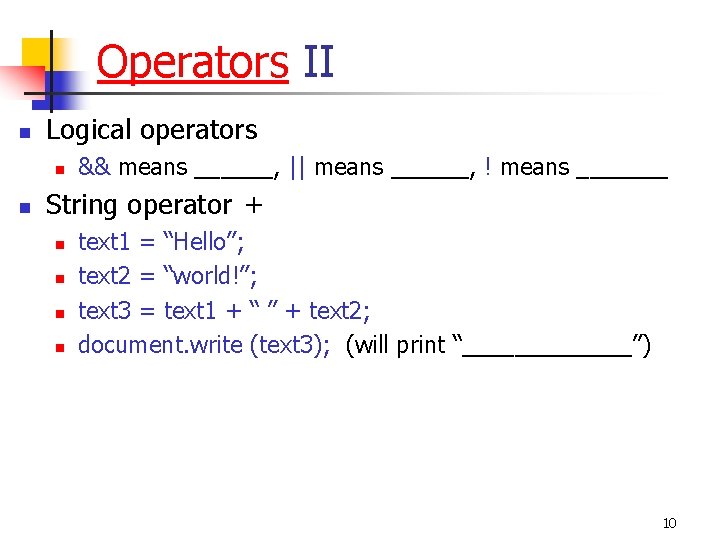
Operators II n Logical operators n n && means ______, || means ______, ! means _______ String operator + n n text 1 = “Hello”; text 2 = “world!”; text 3 = text 1 + “ ” + text 2; document. write (text 3); (will print “_______”) 10
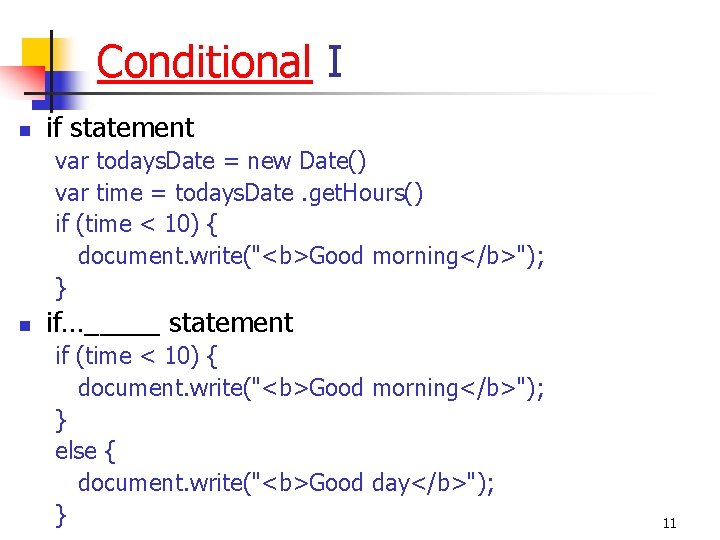
Conditional I n if statement var todays. Date = new Date() var time = todays. Date. get. Hours() if (time < 10) { document. write("<b>Good morning</b>"); } n if…_____ statement if (time < 10) { document. write("<b>Good morning</b>"); } else { document. write("<b>Good day</b>"); } 11
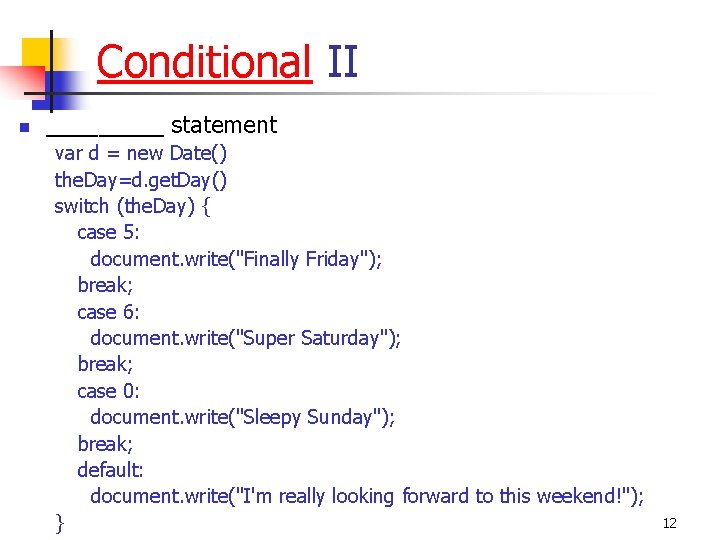
Conditional II n _____ statement var d = new Date() the. Day=d. get. Day() switch (the. Day) { case 5: document. write("Finally Friday"); break; case 6: document. write("Super Saturday"); break; case 0: document. write("Sleepy Sunday"); break; default: document. write("I'm really looking forward to this weekend!"); } 12
- Slides: 12