
Chapter 5 Implementing Processes Process is the most
- Slides: 27
Chapter 5 - Implementing Processes • Process is the most fundamental object • Process is a program executing in a virtual computer • Process represented in the kernel via a data structure called a process descriptor • Time sharing - interleaving execution of processes (Figure 5. 1)
• This chapter introduces SOS - The Simple Operating System; explanations and code is given in C++; we will note Java. SOS implementation differences as we go along. • System Call Interface – Simpler than Chapter 3’s – All return a nonnegative integer if they complete successfully, zero if not important and negative if an error occurred – Note that Java. SOS system calls are defined not as function/method calls, but as software interrupt handler values in SOSSyscall. Int. Handler. java -- look at Make. System. Call() method in App. Tests. java
– int Create. Process(int block. Number, int number. Of. Blocks) - create a new process, returning process ID (PID); you provide disk information of binary location – Java. SOS version: SOSSyscall. Inthandler. Create. Process. System. Call interrupt is a bit convoluted - the interrupt handler calls SOSProcess. Manager. Create. Process. Sys. Proc(), which in turn creates a Java thread in HWSimulation. Create. Process(); note that since native Java threads are used as Java. SOS processes there is no need for disk location information. The drawback is that this Java. SOS requires all processes to be pre-built into the system (notice the hard-coded process creations in Create. Process()).
– void Exit. Process(int exit. Code) - terminate calling process with return code value – Java. SOS version: SOSSyscall. Inthandler. Exit. Process. System. Call – int Create. Message. Queue(void) - Create OS-managed message queue – Java. SOS version: SOSSyscall. Inthandler. Create. Message. Queue. System. Call – int Send. Message(int msg_q_id, int *msg) - Send 8 integers to the specified message queue; -1 = not a valid msg_q, -2 = no avail. buffers – Java. SOS version: SOSSyscall. Inthandler. Send. Message. System. Call (see App. Test. java)
– int Receive. Message(int msg_q_id, int *msg) Receive 8 integers from the specified message queue; block if not available; -1 = not a valid msg_q, Java. SOS version: SOSSyscall. Inthandler. Receive. Message. System. Call (see App. Test. java) – int Read. Disk. Block(int block. Number, char *buffer) read disk block into memory buffer; note this always succeeds (not realistic: ) – Java. SOS version: SOSSyscall. Inthandler. Disk. Read. System. Call (note switching of verb & noun) – int Write. Disk. Block(int block. Number, char *buffer) write disk block from memory buffer; note this always succeeds (also not realistic: )
– Java. SOS version: SOSSyscall. Inthandler. Disk. Write. System. Call (note again the switching of verb & noun) – Figure 5. 2 shows control and data flow between O/S objects, system calls and the hardware – Java. SOS uses the following user memory addresses during system calls: • • 100: base address of parameter block 101: system call number 102: syscall parameter # 1 103: syscall parameter # 2 – Seen in App. Tests. Make. System. Call(), which uses SIM. hw. Set. Cell() to write the user memory addresses.
• Implementation of SOS • Note that this section of the book covers the C++ SOS used throughout the rest of the book. While not exactly codecompatible to Java. SOS, the data structures and algorithms in Java. SOS were implemented directly from this architecture. • Figure 5. 3 - SOS Architecture (data & control flow) • System Constants (p. 122) – Note Process. Size, Time. Quantum, Number. Of. Processes, and the list of System call numbers. – Java. SOS: SOSData. java contains some; SIM. java contains some and others are scattered about on a per-class basis • Global Data (p. 123) – Note Save. Area, Process. Descriptor, & interrupt vector pointers – Java. SOS: SOSData. java contains some; SIM. java contains some and others are scattered about on a per-class basis
– Implementation of SOS Processes • Create. Process. Sys. Proc(): find a process table entry, initialize, load up binary in pre-assigned memory space, set state of process to Ready. • Java. SOS: SOSProcess. Manager. Create. Process. Sys. Proc() is similar, except the binary is not loaded from disk (pre-built into Java. SOS). • Process States & the Process State Diagram (Figure 5. 4) – Possible states of a process: » Running - process is currently assigned the CPU and is executing (one running process per processor) » Ready - process wants the CPU, but none is available (this is usually a queue) » Blocked - process wants something other than the CPU and is waiting for some event – Know how the Figure 5. 4 finite state machine operates!
– Dispatcher - name of the part of the operating system that manages the process state finite machine • Finds a process in the ready queue and starts it running • If ready queue is empty, it waits for an interrupt to wake it up in the future to see if there’s anything to do then • Dispatcher - load process state of selected process. Once the ia register is set to the previously-stored value then control resumes in that process (note this is the final thing done by the interrupt handler that called the dispatcher; more than likely the timer interrupt). • The Dispatcher can be called from many points in the O/S, but it never returns! • The Dispatcher allocates a time quantum to the selected process (aka time slice) • In Java. SOS, Dispatcher(), Run. Process(), & Select. Process. To. Run() are in SOSProcess. Manager. java
– Preemptive vs non-preemptive CPU scheduling • In preemptive scheduling a process is only allowed to run for it’s current time slice. The end of the time slice is defined by the timer interrupt, which preempts the currently -running process via the interrupt mechanism. This protects the CPU from a CPU-hungry process. Once in the timer interrupt handler, the O/S calls the Dispatcher, which can decide to either resume the same process or select another. • In non-preemptive CPU scheduling no timer mechanism exists to force an interrupt at some point in the near future. A CPU-bound program will hog the CPU until it is finished. • A multi-user/multi-process operating system should use preemptive CPU scheduling! • DOS: non-preemptive
– Preemptive vs non-preemptive CPU scheduling • Windows 3. 1, 3. 11: “friendly” non-preemption (that is, a Windows program needs to occasionally call the O/S to perform a windowing operation, effectively giving up the CPU) • Windows ‘ 95: (a mess!) For 16 -bit applications, it is nonpreemptive; for 32 -bit applications it is preemptive. • Windows NT: preemptive • Macintosh: “friendly” non-preemption • UNIX: preemptive • Java. SOS: preemptive (almost!) – System stack: unlike a standard procedure/function call, where activation records and local variables are pushed on the stack, the system call processing does tricks to reuse stack space
– Timer Interrupt Handler • Handles the timer interrupt, used to protect the CPU. • Book code is similar to Java. SOS code in SOSTimer. Int. Handler. java: – Save current process’ state, if there was one – Invoke Dispatcher() • Note CRA-1’s SOS use of special instructions to do a block copy of the registers into a special savearea of kernel memory: storeall savearea+16 • On CRA-1, we save ia, psw, base & bound, all 32 of the general-purpose registers and set up the system stack (r 30) • The assembly code in the Timer Interrupt Handler is the steps needed for half of a context switch between processes; the Dispatcher() will call Run. Process() to perform the other half.
• SOS Initialization • Java. SOS: init code resides in SOSStart. java – – Set up interrupt vectors (jump table) Initialize process table (array of Process. Descriptors) Set up the process table entry for PID == 0 (the system process) Call each of the important subsystems and let them initialize: » Memory » I/O » Process – Call the Dispatcher() to start things rolling. – The initial SOS process • Creates other processes (Figure 5. 5) • Useful to pull out O/S initialization code from kernel • On UNIX, this process has a PID == 1 and is known as init, the parent of all other processes
• Switching Between Processes – Important to protect CPU by switching control between processes – A context switch involves the saving & restoring of all relevant process data (control registers, user registers, memory pointers, etc. ) – Notice how the context switch mechanism is a combination of what parts of the context the hardware interrupt does and what the operating system does (Figure 5. 6) – Notice how the standard single-process flow of control (Figure 5. 7) differs from the flow of control between multiple processes (Figure 5. 8)
• Switching Between Processes – Control changes within a process or the operating system are all procedure calls. – Interrupts switch control from a user process to the operating system. – The rti instruction switches control from the operating system to a user process. – Java. SOS: interrupts are simulated by direct Java method calls to the interrupt handlers (like in SOSSys. Call. Int. Handler. java) • System Call Interrupt Handling – Figure 5. 10 flowchart for handling syscall interrupt – This flow chart works for Java. SOS one, too!
– The SOS C++ code for the System Call Interrupt Handler is fairly identical to the Java. SOS version - a giant switch statement with cases for each system call. • Copying Messages between Address Spaces – The SOS version has two simple routines that do memory copies using the particular process’ base address. – Java. SOS accomplishes this with the separate memory routines found in HWSimulation. java: • Get. Cell() / Set. Cell() - Read relative to base+bounds • Get. Cell. Unmapped / Set. Cell. Unmapped()- Absolute read • Get. Cell. Unmapped. As. Int() - Absolute read of an Integer
– Note Figure 5. 11 showing how data is transferred between two cooperating processes (a message sender and a message receiver) – The O/S has to get involved and has to address kernel -managed data (the message queue) as well as data space within each of the two processes
• Program Error Interrupt Handler – Invoked when a program attempts an illegal operation – In SOS, we forcibly remove the process from the process table. – Java. SOS does the same thing (code in SOSProg. Err. Int. Handler. java, where else? : ) • Disk Driver Subsystem – Disk. IO() is called from the System call interrupt handler when a Read or Write of the disk is requested. (Look in SOSDisk. Driver. java for Java. SOS). – Since disk is a slow device we can’t afford to have the machine wait in the current system call.
– Instead, we insert the disk request in a queue structure, schedule the disk I/O to happen, and call the Dispatcher() to find another process to run. – Note that like with Wait() processing, we set the caller’s state to Blocked, since it can’t continue until the disk activity has completed. – Schedule. Disk() • Returns if disk busy • If not busy, gets the next disk request from the disk request queue and issues the disk request (via Issue. Disk. Read() or Issue. Disk. Write()) • The Issue. Disk functions use memory-mapped I/O to set up the 2 -word disk request structure, with interrupts enabled • At some point in the future, the disk interrupt handler is called when the disk controller fires off the interrupt
– The Disk Interrupt Handler (Java. SOS: SOSDisk. Int. Handler. java) performs: • Save state of process that was interrupted. • Unblock process that was waiting for the I/O (SOS uses a global process_using_disk variable that is set in Schedule. Disk()). • Java. SOS: The pending_disk_request global variable points to an instance of a SOSDisk. Request, which contains the PID of the process waiting for the I/O to complete. • Call Schedule. Disk() to start the next disk I/O, if anything is queued up. • Call the Dispatcher() to continue user processes, if any.
• Implementation of Waiting – An operating system must handle it’s own blocking and resuming for those operations that happen in a particular sequence. – It’s easy enough to suspend execution of a user process while waiting for something (like disk I/O, a child to call Exit() while a parent is blocked on Wait(), etc. ) by setting it’s state to Blocked. – We can’t, however, set the operating system to Blocked since it would then block itself! – Instead, we have to keep some state information relevant to the “suspended” system call and have processing of a related system call handle the “resumption”.
• Implementation of Waiting – Prime example is from P 1: • The Wait. Process. System. Call blocks the parent process and the Exit. Process. System. Call completes the logical conclusion of the Wait() call by having the child unblock the parent. • This means information known at the time of the Wait() must be stored away and usable by the Exit() later on. • One solution stores the parent’s PID in a new location located in the child’s SOSProcess. Descriptor. • So, in effect, the Exit system call “resumes” the processing of the parent started in the Wait system call.
• Implementation of Waiting – Another example is in the book -- what happens if a Receive. Message() happens before a Send. Message()? (Figure 5. 12) – One approach would be to wait around in the Receive waiting for the Send to eventually show up. – This isn’t possible while inside the operating system with interrupts disabled and no user programs running! – So, must “suspend” the Receive. Message() call by saving message state and “resume” the call by putting the correct Receive code in Send. Message() for when the Sender eventually makes that system call.
• Flow of Control in SOS (and Java. SOS) – Figure 5. 13 shows the flow of a disk read or write. – Figure 5. 14: Create. Process or Exit – Figure 5. 15: Create. Message. Queue – Figure 5. 16: Send or Receive Message • Comment on interrupt processing: – SOS disables all interrupts while handling a system call. Some system calls may take a while to complete. – In the real world, some I/O devices may require interrupt handling to happen very frequently (serial port handling bytes one at a time)
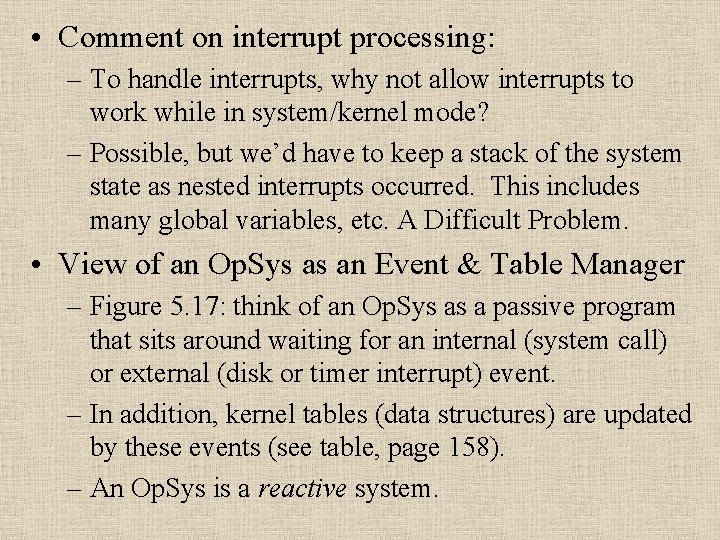
• Comment on interrupt processing: – To handle interrupts, why not allow interrupts to work while in system/kernel mode? – Possible, but we’d have to keep a stack of the system state as nested interrupts occurred. This includes many global variables, etc. A Difficult Problem. • View of an Op. Sys as an Event & Table Manager – Figure 5. 17: think of an Op. Sys as a passive program that sits around waiting for an internal (system call) or external (disk or timer interrupt) event. – In addition, kernel tables (data structures) are updated by these events (see table, page 158). – An Op. Sys is a reactive system.
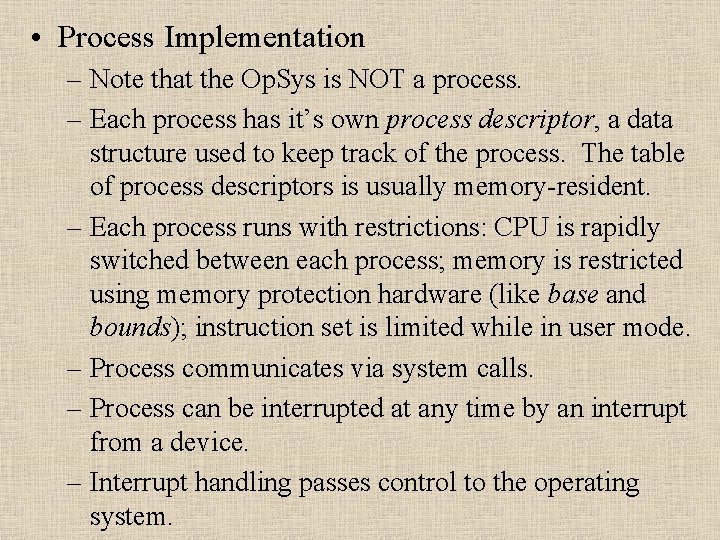
• Process Implementation – Note that the Op. Sys is NOT a process. – Each process has it’s own process descriptor, a data structure used to keep track of the process. The table of process descriptors is usually memory-resident. – Each process runs with restrictions: CPU is rapidly switched between each process; memory is restricted using memory protection hardware (like base and bounds); instruction set is limited while in user mode. – Process communicates via system calls. – Process can be interrupted at any time by an interrupt from a device. – Interrupt handling passes control to the operating system.
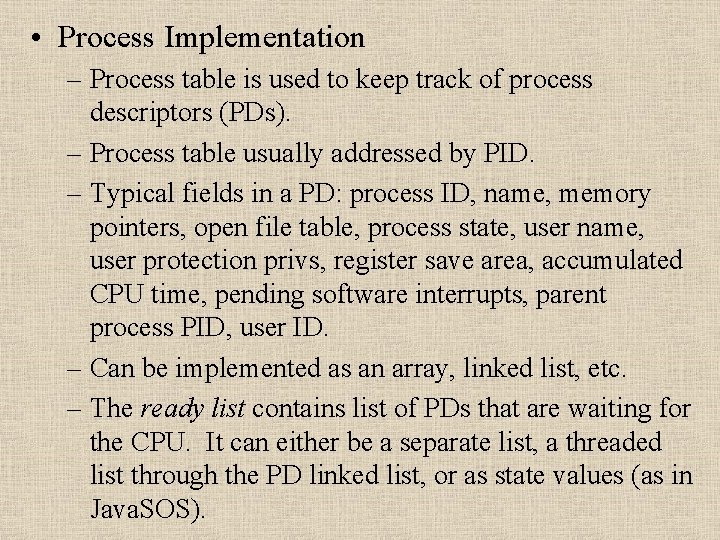
• Process Implementation – Process table is used to keep track of process descriptors (PDs). – Process table usually addressed by PID. – Typical fields in a PD: process ID, name, memory pointers, open file table, process state, user name, user protection privs, register save area, accumulated CPU time, pending software interrupts, parent process PID, user ID. – Can be implemented as an array, linked list, etc. – The ready list contains list of PDs that are waiting for the CPU. It can either be a separate list, a threaded list through the PD linked list, or as state values (as in Java. SOS).