
Chapter 5 Control Structures II Java Programming From
- Slides: 53
Chapter 5: Control Structures II Java Programming: From Problem Analysis to Program Design,
Chapter Objectives s Learn about repetition (looping) control structures. s Explore how to construct and use countcontrolled, sentinel-controlled and flagcontrolled repetition structures. s Examine break and continue statements. s Discover how to form and use nested control structures. 2
Why Is Repetition Needed? How can you solve the following problem: s What is the sum of all the numbers from 1 to 100. s. The answer will be 1 + 2 + 3 + 4 + 5 + 6 + … + 99 + 100. 3
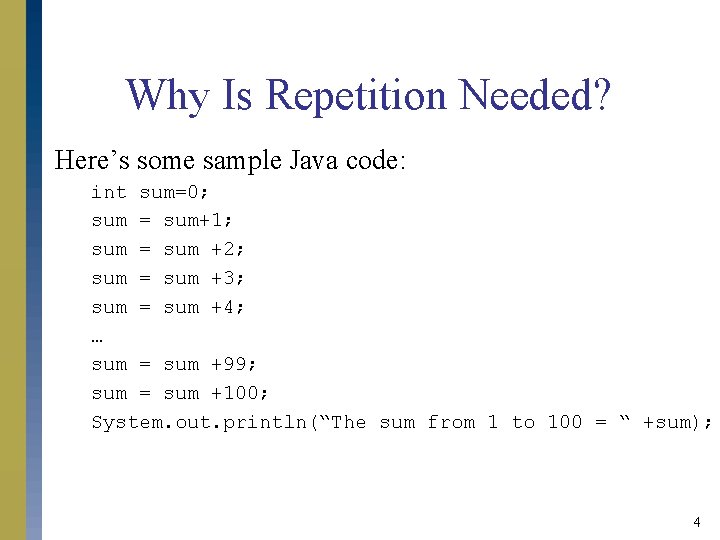
Why Is Repetition Needed? Here’s some sample Java code: int sum=0; sum = sum+1; sum = sum +2; sum = sum +3; sum = sum +4; … sum = sum +99; sum = sum +100; System. out. println(“The sum from 1 to 100 = “ +sum); 4
Why Is Repetition Needed? This solution has two major problems. s Firstly, it’s tedious and it would take a long time to type in. There is also a high risk of making an error while typing it in. s Secondly, it doesn’t easily scale. This may work for 100 numbers but how would you handle having to add from 1 to a 1000? Or to 1000000000? 5
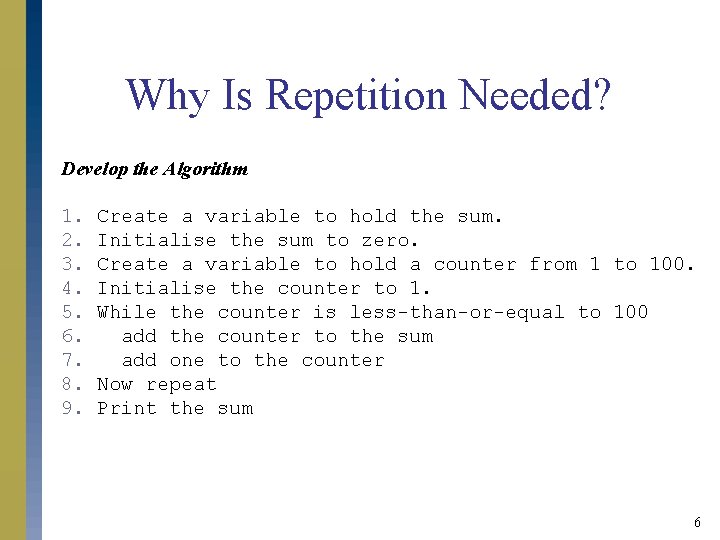
Why Is Repetition Needed? Develop the Algorithm 1. 2. 3. 4. 5. 6. 7. 8. 9. Create a variable to hold the sum. Initialise the sum to zero. Create a variable to hold a counter from 1 to 100. Initialise the counter to 1. While the counter is less-than-or-equal to 100 add the counter to the sum add one to the counter Now repeat Print the sum 6
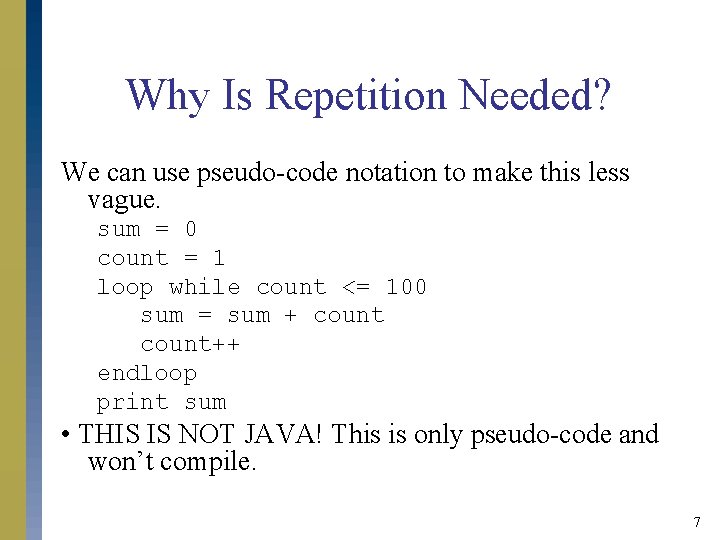
Why Is Repetition Needed? We can use pseudo-code notation to make this less vague. sum = 0 count = 1 loop while count <= 100 sum = sum + count++ endloop print sum • THIS IS NOT JAVA! This is only pseudo-code and won’t compile. 7
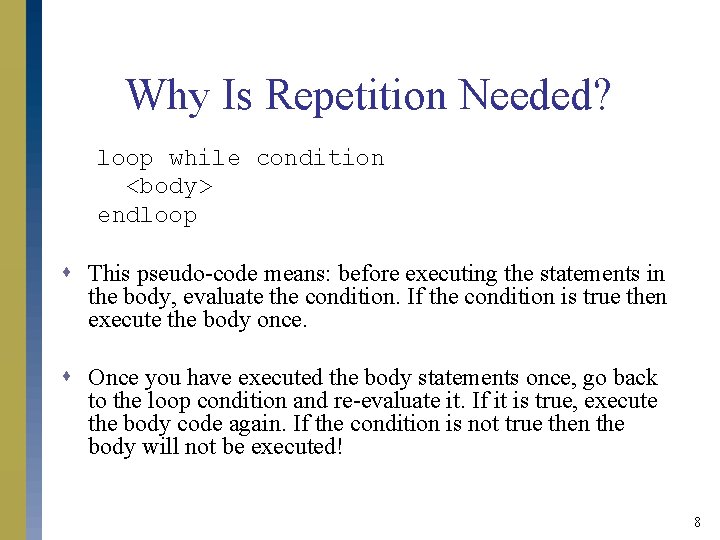
Why Is Repetition Needed? loop while condition <body> endloop s This pseudo-code means: before executing the statements in the body, evaluate the condition. If the condition is true then execute the body once. s Once you have executed the body statements once, go back to the loop condition and re-evaluate it. If it is true, execute the body code again. If the condition is not true then the body will not be executed! 8
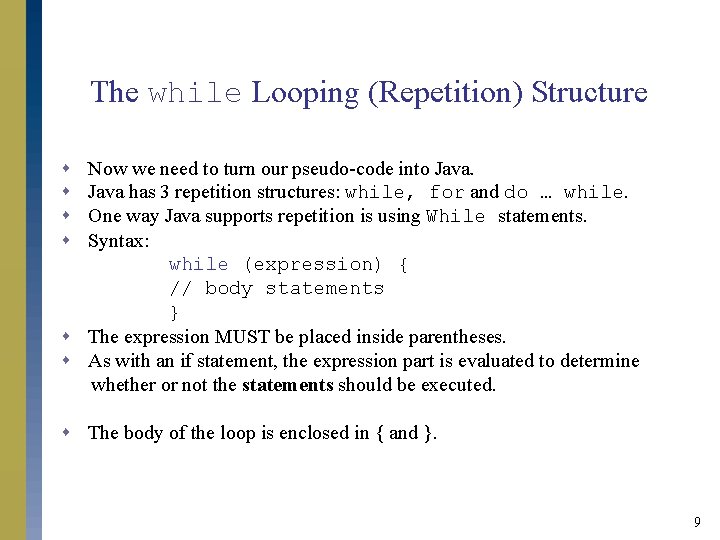
The while Looping (Repetition) Structure s s Now we need to turn our pseudo-code into Java has 3 repetition structures: while, for and do … while. One way Java supports repetition is using While statements. Syntax: while (expression) { // body statements } s The expression MUST be placed inside parentheses. s As with an if statement, the expression part is evaluated to determine whether or not the statements should be executed. s The body of the loop is enclosed in { and }. 9
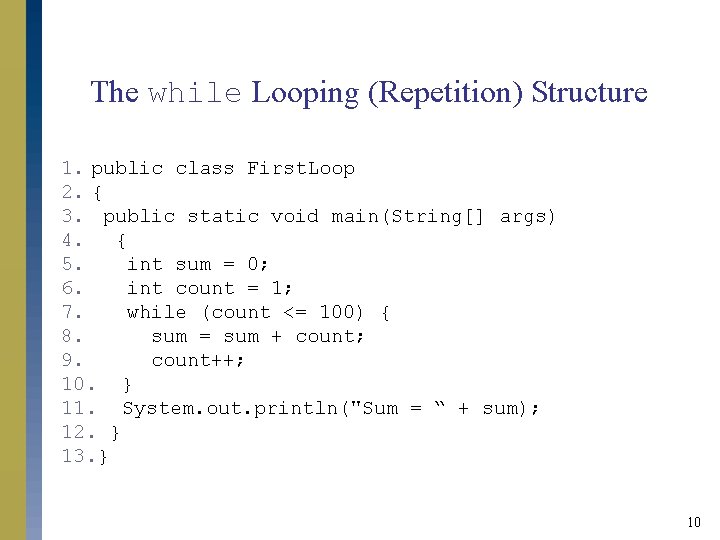
The while Looping (Repetition) Structure 1. public class First. Loop 2. { 3. public static void main(String[] args) 4. { 5. int sum = 0; 6. int count = 1; 7. while (count <= 100) { 8. sum = sum + count; 9. count++; 10. } 11. System. out. println("Sum = “ + sum); 12. } 13. } 10
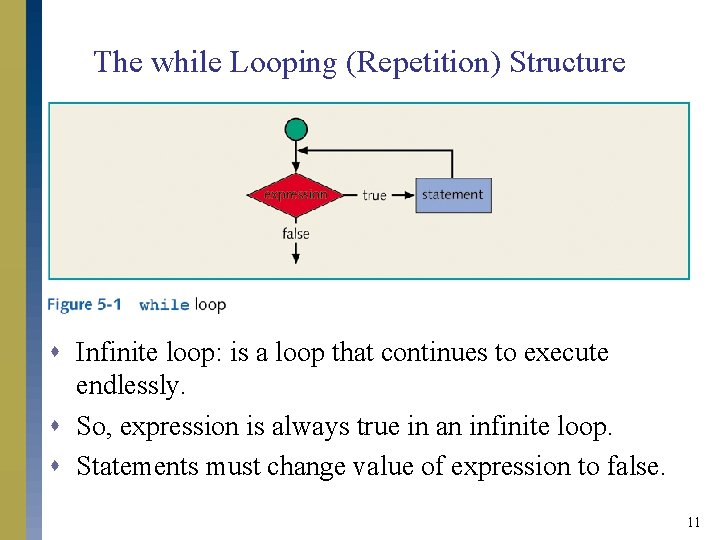
The while Looping (Repetition) Structure s Infinite loop: is a loop that continues to execute endlessly. s So, expression is always true in an infinite loop. s Statements must change value of expression to false. 11
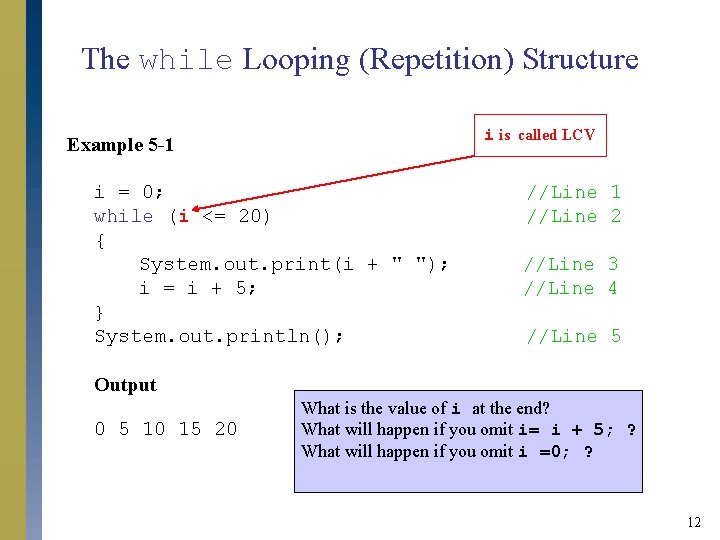
The while Looping (Repetition) Structure i is called LCV Example 5 -1 i = 0; while (i <= 20) { System. out. print(i + " "); i = i + 5; } System. out. println(); //Line 1 //Line 2 //Line 3 //Line 4 //Line 5 Output 0 5 10 15 20 What is the value of i at the end? What will happen if you omit i= i + 5; ? What will happen if you omit i =0; ? 12
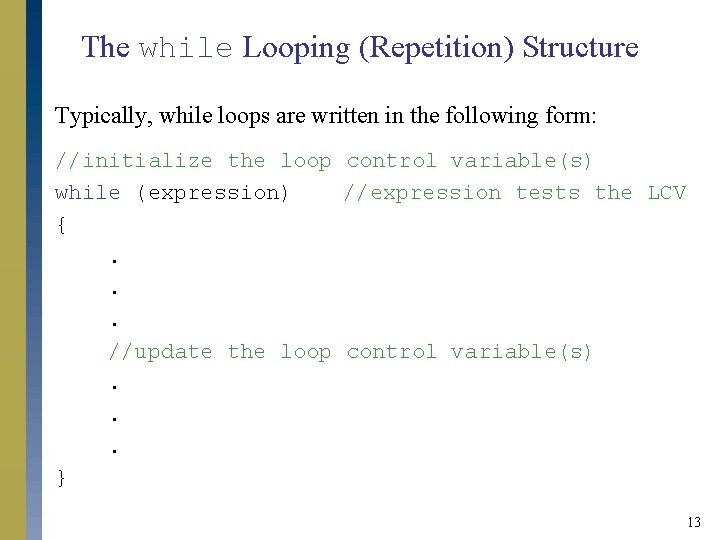
The while Looping (Repetition) Structure Typically, while loops are written in the following form: //initialize the loop control variable(s) while (expression) //expression tests the LCV {. . . //update the loop control variable(s). . . } 13
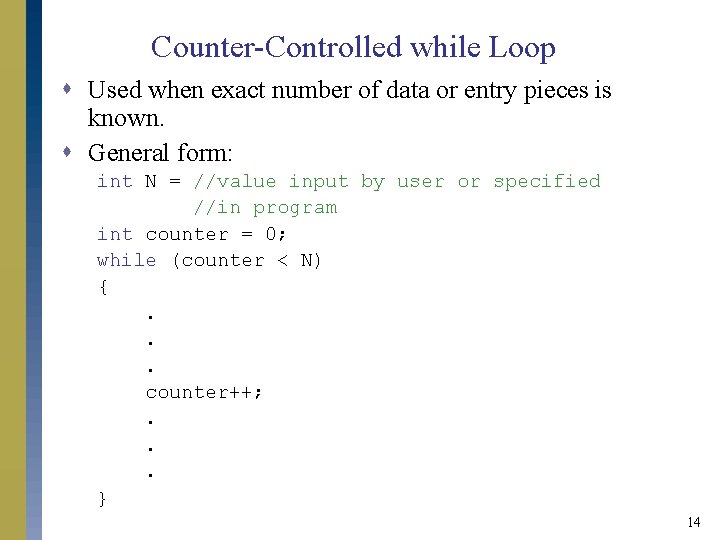
Counter-Controlled while Loop s Used when exact number of data or entry pieces is known. s General form: int N = //value input by user or specified //in program int counter = 0; while (counter < N) {. . . counter++; . . . } 14
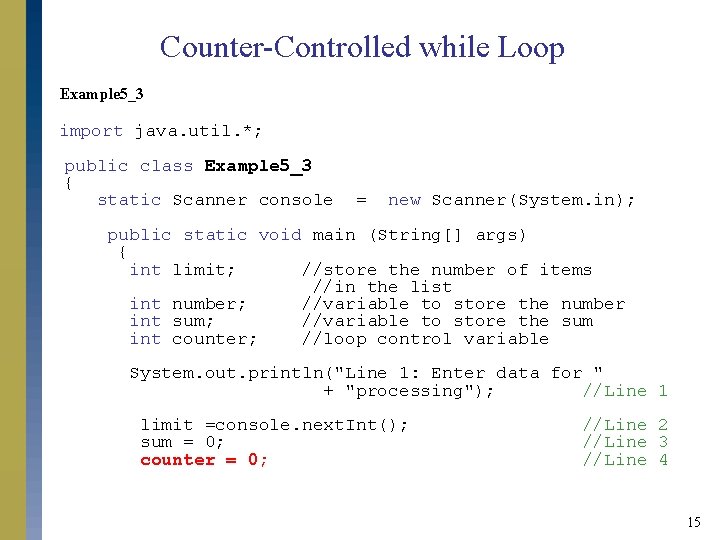
Counter-Controlled while Loop Example 5_3 import java. util. *; public class Example 5_3 { static Scanner console = new Scanner(System. in); public static void main (String[] args) { int limit; //store the number of items //in the list int number; //variable to store the number int sum; //variable to store the sum int counter; //loop control variable System. out. println("Line 1: Enter data for " + "processing"); //Line 1 limit =console. next. Int(); sum = 0; counter = 0; //Line 2 //Line 3 //Line 4 15
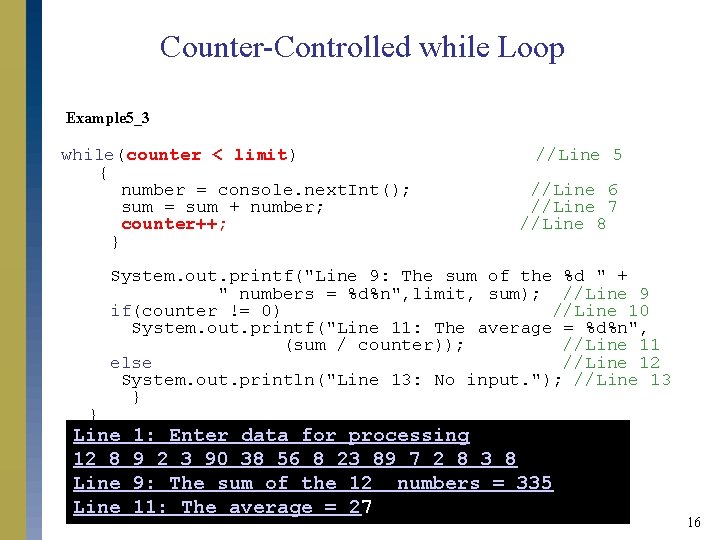
Counter-Controlled while Loop Example 5_3 while(counter < limit) { number = console. next. Int(); sum = sum + number; counter++; } } //Line 5 //Line 6 //Line 7 //Line 8 System. out. printf("Line 9: The sum of the %d " + " numbers = %d%n", limit, sum); //Line 9 if(counter != 0) //Line 10 System. out. printf("Line 11: The average = %d%n", (sum / counter)); //Line 11 else //Line 12 System. out. println("Line 13: No input. "); //Line 13 } Line 12 8 Line 1: Enter data for processing 9 2 3 90 38 56 8 23 89 7 2 8 3 8 9: The sum of the 12 numbers = 335 11: The average = 27 16
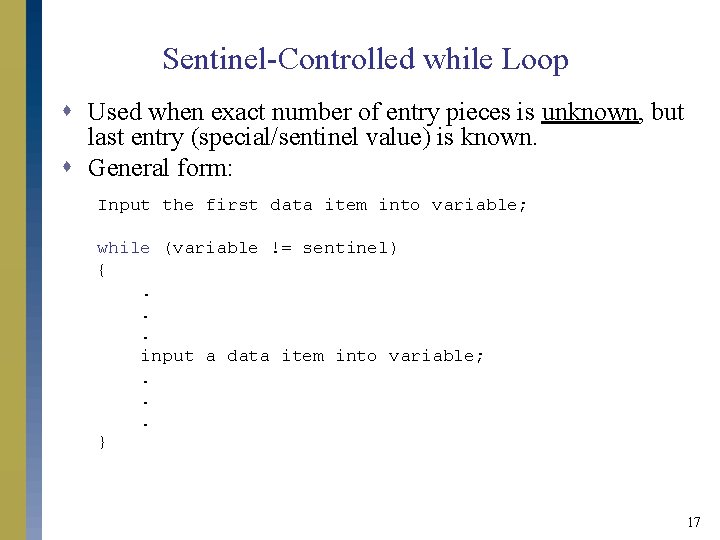
Sentinel-Controlled while Loop s Used when exact number of entry pieces is unknown, but last entry (special/sentinel value) is known. s General form: Input the first data item into variable; while (variable != sentinel) {. . . input a data item into variable; . . . } 17
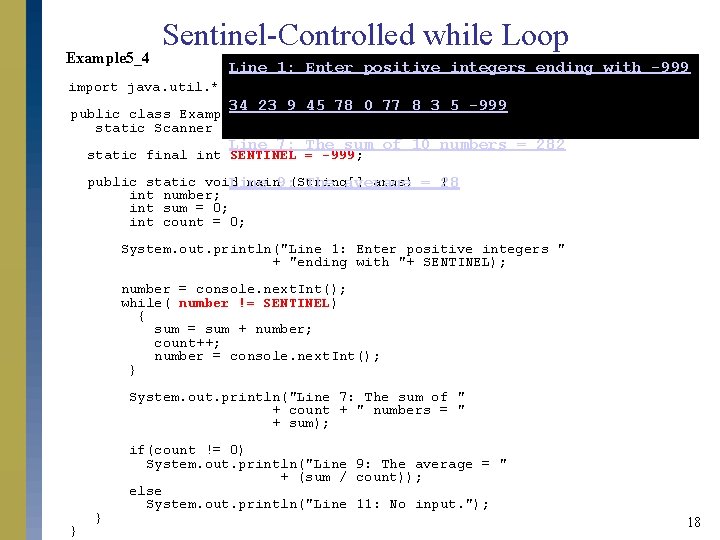
Example 5_4 Sentinel-Controlled while Loop Line 1: Enter positive integers ending with -999 import java. util. *; 34 23 9 45 78 0 77 8 3 5 -999 public class Example 5_4{ static Scanner console = new Scanner(System. in); Line 7: The sum of 10 numbers = 282 static final int SENTINEL = -999; public static void main 9: (String[] args) = { Line The average 28 int number; int sum = 0; int count = 0; System. out. println("Line 1: Enter positive integers " + "ending with "+ SENTINEL); number = console. next. Int(); while( number != SENTINEL) { sum = sum + number; count++; number = console. next. Int(); } System. out. println("Line 7: The sum of " + count + " numbers = " + sum); } } if(count != 0) System. out. println("Line 9: The average = " + (sum / count)); else System. out. println("Line 11: No input. "); 18
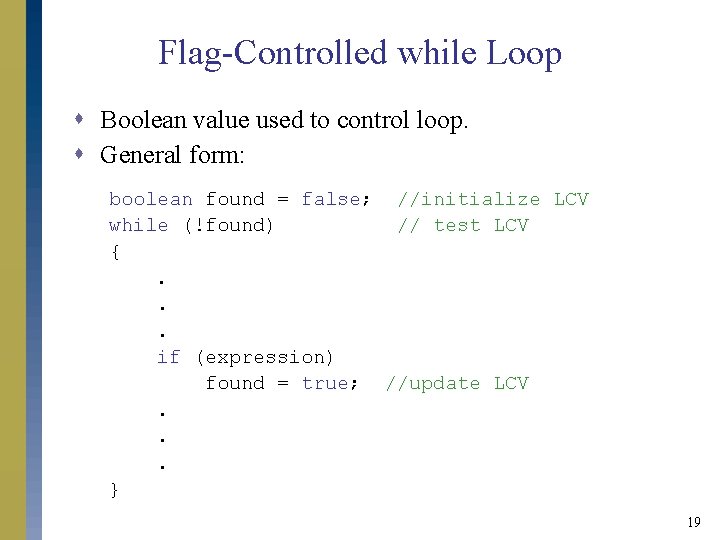
Flag-Controlled while Loop s Boolean value used to control loop. s General form: boolean found = false; //initialize LCV while (!found) // test LCV {. . . if (expression) found = true; //update LCV. . . } 19
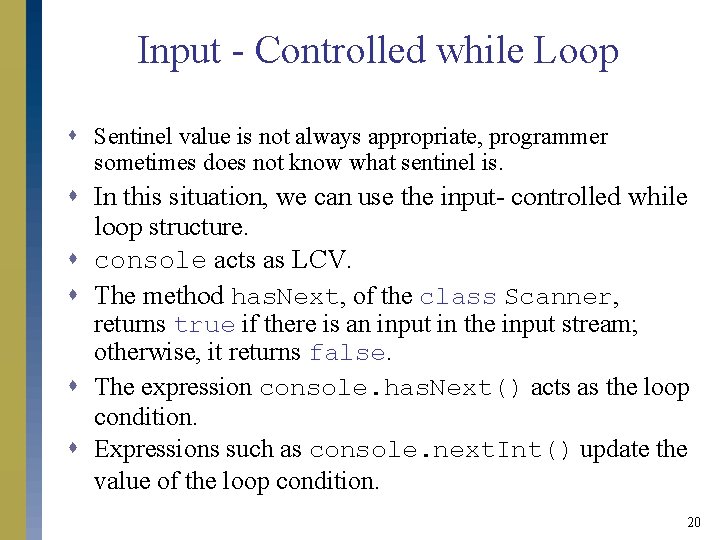
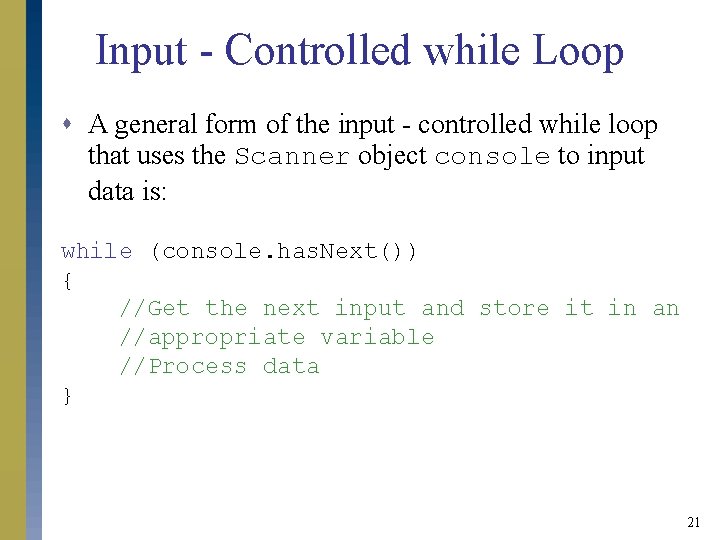
Input - Controlled while Loop s Sentinel value is not always appropriate, programmer sometimes does not know what sentinel is. s In this situation, we can use the input- controlled while loop structure. s console acts as LCV. s The method has. Next, of the class Scanner, returns true if there is an input in the input stream; otherwise, it returns false. s The expression console. has. Next() acts as the loop condition. s Expressions such as console. next. Int() update the value of the loop condition. 20
Input - Controlled while Loop s A general form of the input - controlled while loop that uses the Scanner object console to input data is: while (console. has. Next()) { //Get the next input and store it in an //appropriate variable //Process data } 21
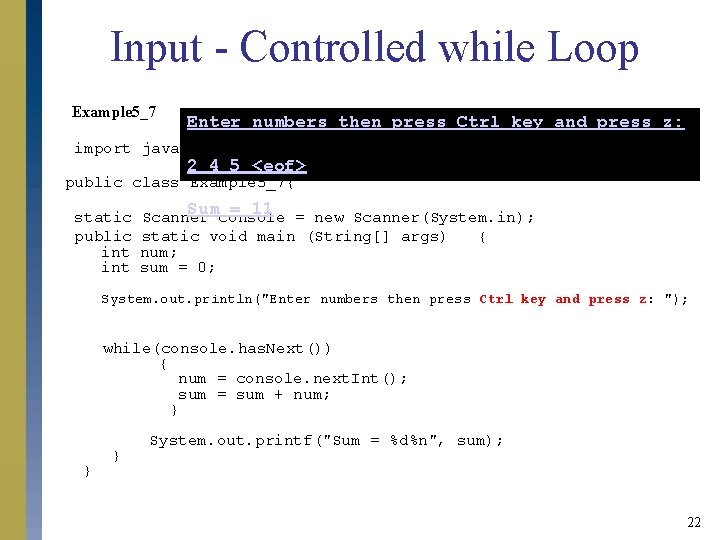
Input - Controlled while Loop Example 5_7 Enter numbers then press Ctrl key and press z: import java. util. *; 2 4 5 <eof> public class Example 5_7{ static public int Sum = 11 Scanner console = new Scanner(System. in); static void main (String[] args) { num; sum = 0; System. out. println("Enter numbers then press Ctrl key and press z: "); while(console. has. Next()) { num = console. next. Int(); sum = sum + num; } } } System. out. printf("Sum = %d%n", sum); 22
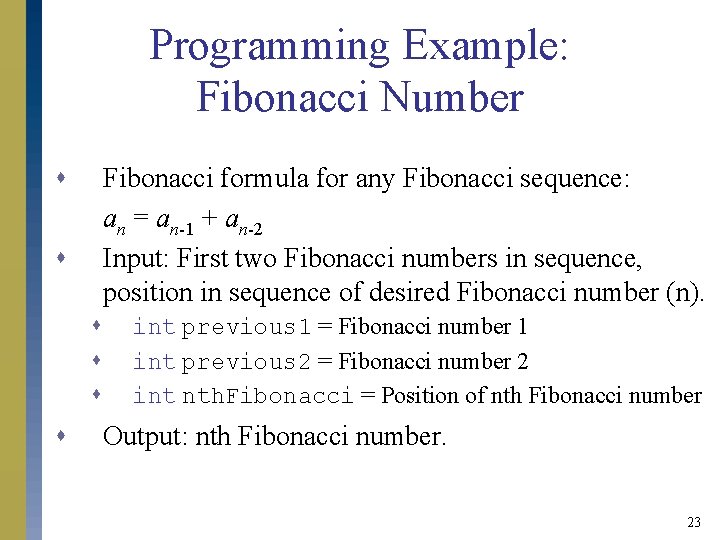
Programming Example: Fibonacci Number s Fibonacci formula for any Fibonacci sequence: an = an-1 + an-2 Input: First two Fibonacci numbers in sequence, position in sequence of desired Fibonacci number (n). s s s int previous 1 = Fibonacci number 1 int previous 2 = Fibonacci number 2 int nth. Fibonacci = Position of nth Fibonacci number Output: nth Fibonacci number. 23
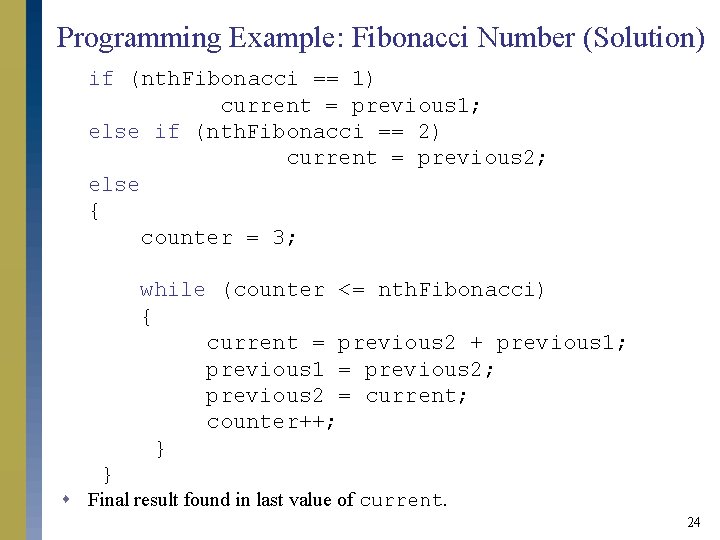
Programming Example: Fibonacci Number (Solution) if (nth. Fibonacci == 1) current = previous 1; else if (nth. Fibonacci == 2) current = previous 2; else { counter = 3; while (counter <= nth. Fibonacci) { current = previous 2 + previous 1; previous 1 = previous 2; previous 2 = current; counter++; } } s Final result found in last value of current. 24
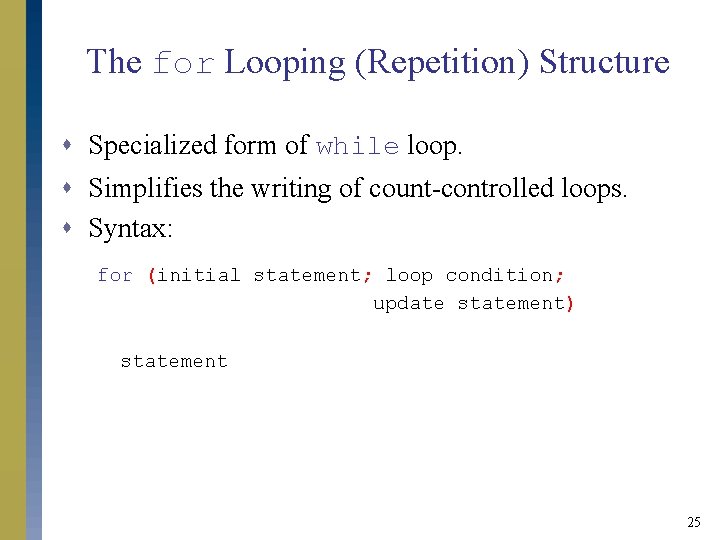
The for Looping (Repetition) Structure s Specialized form of while loop. s Simplifies the writing of count-controlled loops. s Syntax: for (initial statement; loop condition; update statement) statement 25
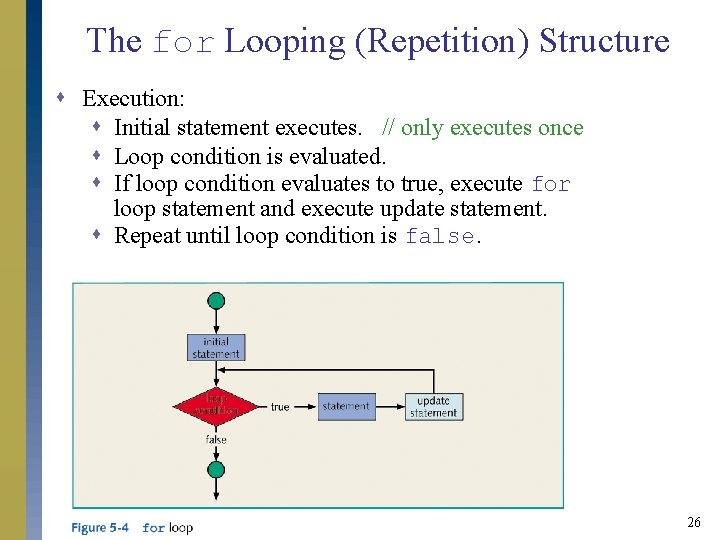
The for Looping (Repetition) Structure s Execution: s Initial statement executes. // only executes once s Loop condition is evaluated. s If loop condition evaluates to true, execute for loop statement and execute update statement. s Repeat until loop condition is false. 26
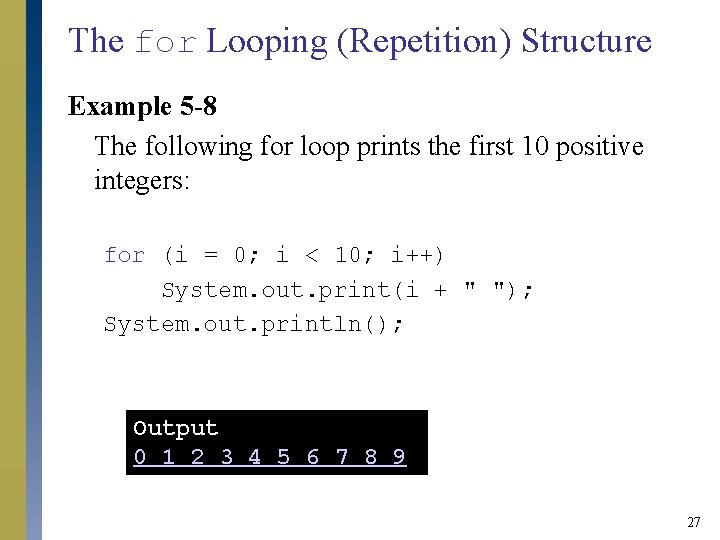
The for Looping (Repetition) Structure Example 5 -8 The following for loop prints the first 10 positive integers: for (i = 0; i < 10; i++) System. out. print(i + " "); System. out. println(); Output 0 1 2 3 4 5 6 7 8 9 27
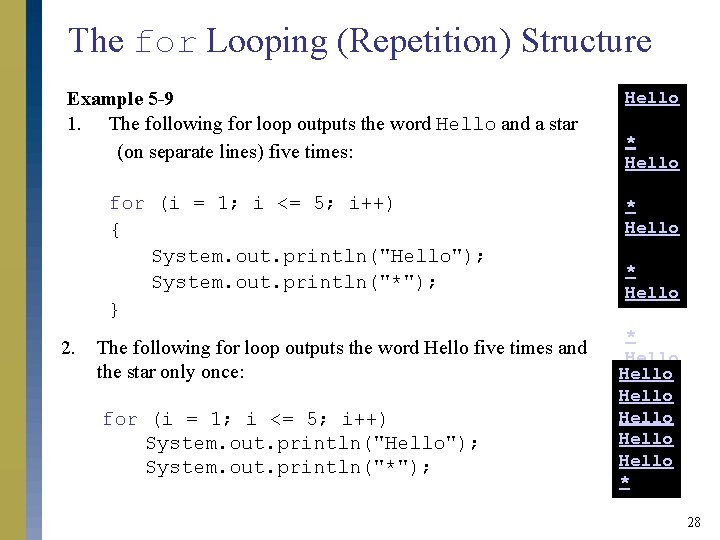
The for Looping (Repetition) Structure Example 5 -9 1. The following for loop outputs the word Hello and a star (on separate lines) five times: for (i = 1; i <= 5; i++) { System. out. println("Hello"); System. out. println("*"); } 2. The following for loop outputs the word Hello five times and the star only once: for (i = 1; i <= 5; i++) System. out. println("Hello"); System. out. println("*"); Hello * Hello Hello * 28
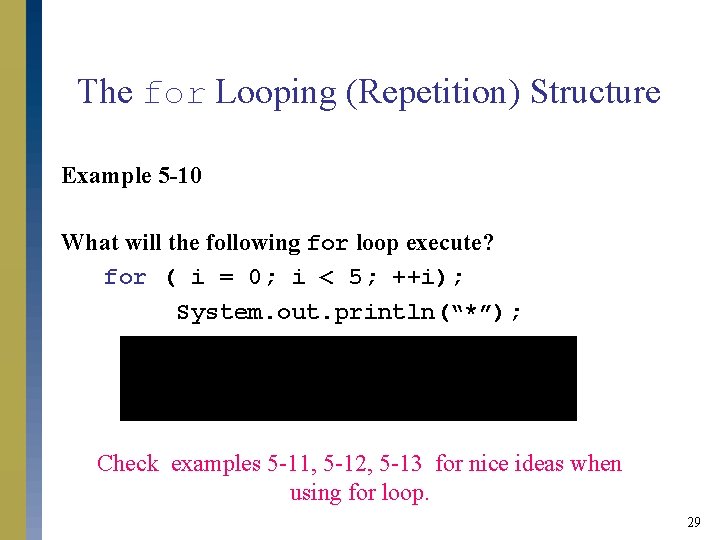
The for Looping (Repetition) Structure Example 5 -10 What will the following for loop execute? for ( i = 0; i < 5; ++i); System. out. println(“*”); Check examples 5 -11, 5 -12, 5 -13 for nice ideas when using for loop. 29
The for Looping (Repetition) Structure s Does not execute if initial condition is false. s Update expression changes value of loop control variable, eventually making it false. s If loop condition is always true, result is an infinite loop. s Infinite loop can be specified by omitting all three control statements: for (; ; ) System. out. println(“Hello”); //infinite loop printing Hello s If loop condition is omitted, it is assumed to be true. s for statement ending in semicolon is empty. 30
Programming Example: Classify Numbers s Input: N integers (positive, negative, and zeros). int N = 20; //N easily modified s Output: Number of 0 s, number of even integers, number of odd integers. 31
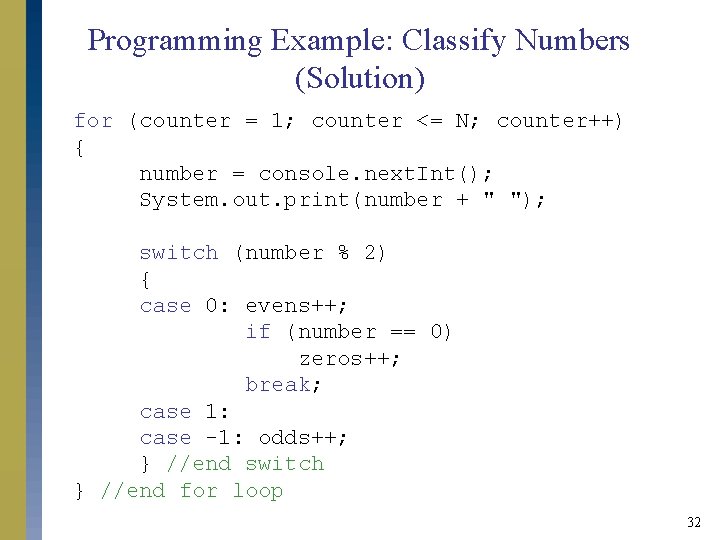
Programming Example: Classify Numbers (Solution) for (counter = 1; counter <= N; counter++) { number = console. next. Int(); System. out. print(number + " "); switch (number % 2) { case 0: evens++; if (number == 0) zeros++; break; case 1: case -1: odds++; } //end switch } //end for loop 32
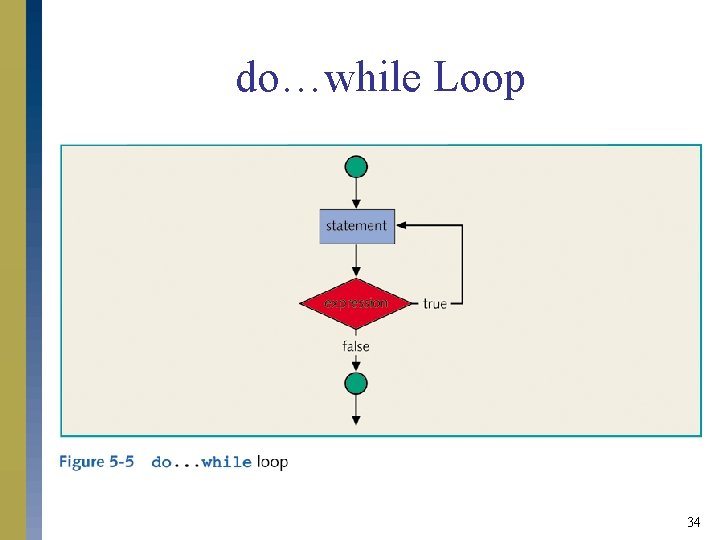
The do…while Loop (Repetition) Structure s Syntax: do statement while (expression); s Statements are executed first and then expression is evaluated. s Statements are executed at least once and then continued if expression is true. 33
do…while Loop 34
do…while Loop (Post-Test Loop) s In a while or for loop: condition is evaluated before executing the body of the loop pre-test loops. s In a do … while loop: condition is evaluated after executing the body of the loop post-test loop. 35
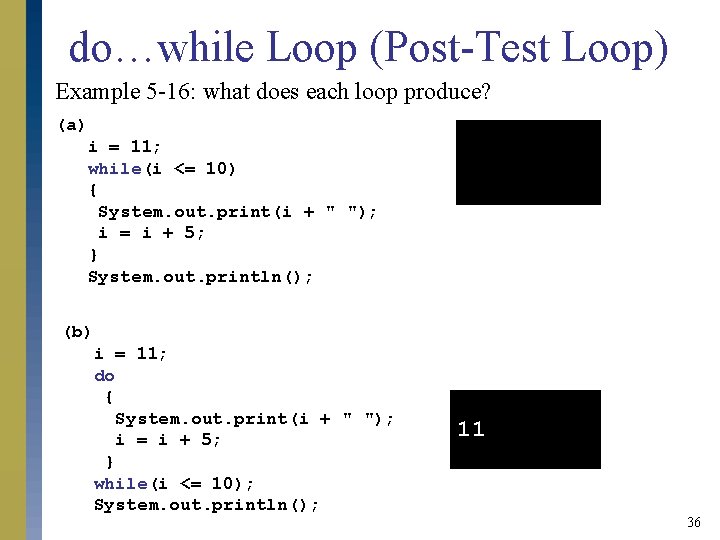
do…while Loop (Post-Test Loop) Example 5 -16: what does each loop produce? (a) i = 11; while(i <= 10) { System. out. print(i + " "); i = i + 5; } System. out. println(); (b) i = 11; do { System. out. print(i + " "); i = i + 5; } while(i <= 10); System. out. println(); 11 36
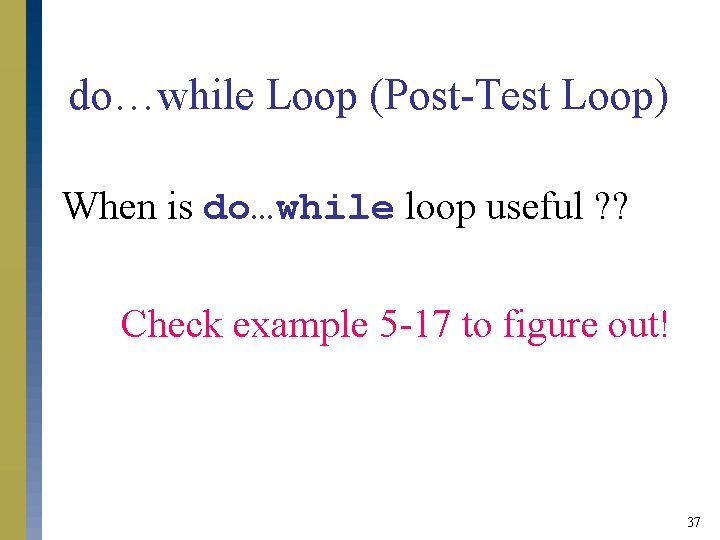
do…while Loop (Post-Test Loop) When is do…while loop useful ? ? Check example 5 -17 to figure out! 37
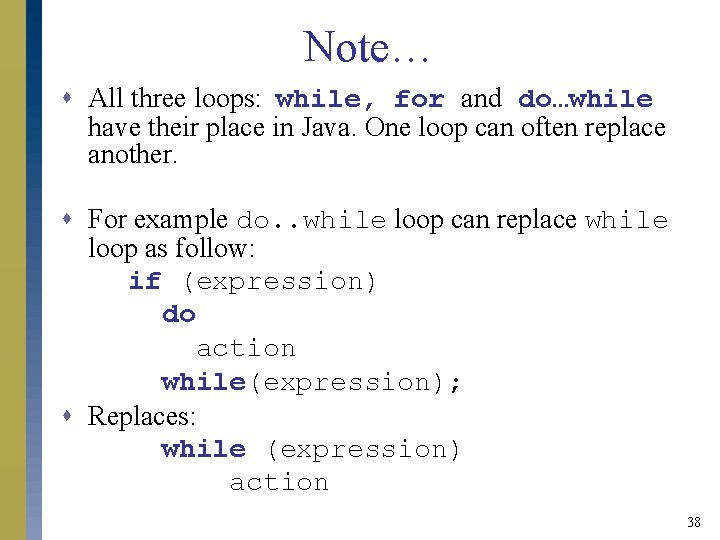
Note… s All three loops: while, for and do…while have their place in Java. One loop can often replace another. s For example do. . while loop can replace while loop as follow: if (expression) do action while(expression); s Replaces: while (expression) action 38
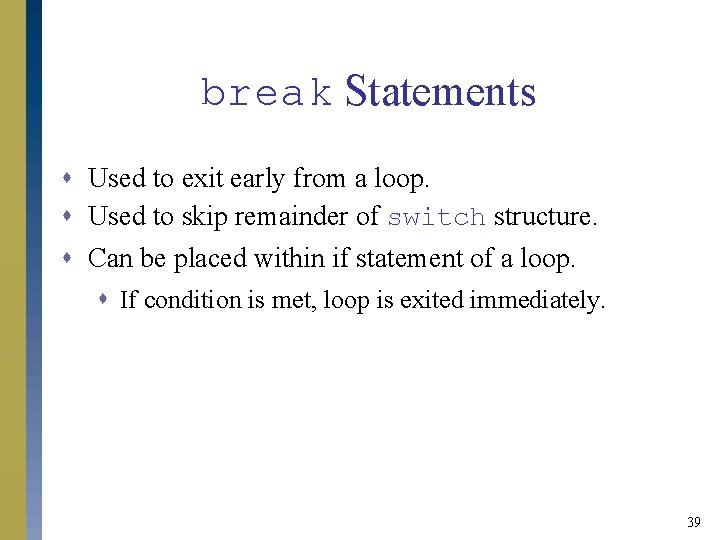
break Statements s Used to exit early from a loop. s Used to skip remainder of switch structure. s Can be placed within if statement of a loop. s If condition is met, loop is exited immediately. 39
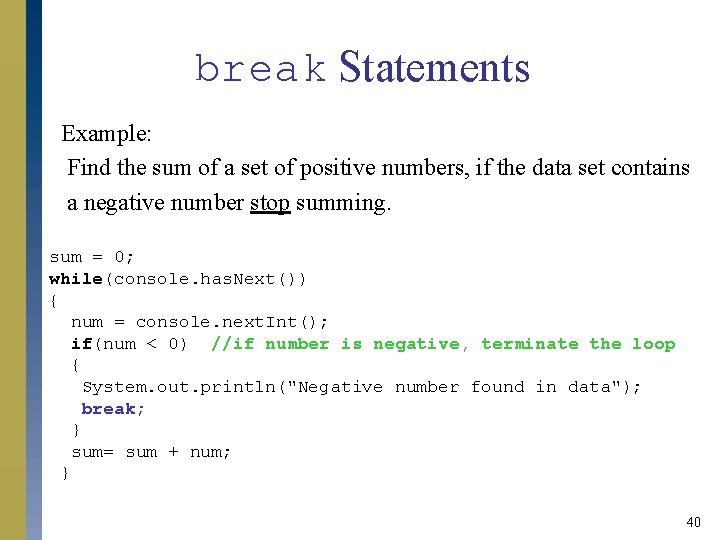
break Statements Example: Find the sum of a set of positive numbers, if the data set contains a negative number stop summing. sum = 0; while(console. has. Next()) { num = console. next. Int(); if(num < 0) //if number is negative, terminate the loop { System. out. println("Negative number found in data"); break; } sum= sum + num; } 40
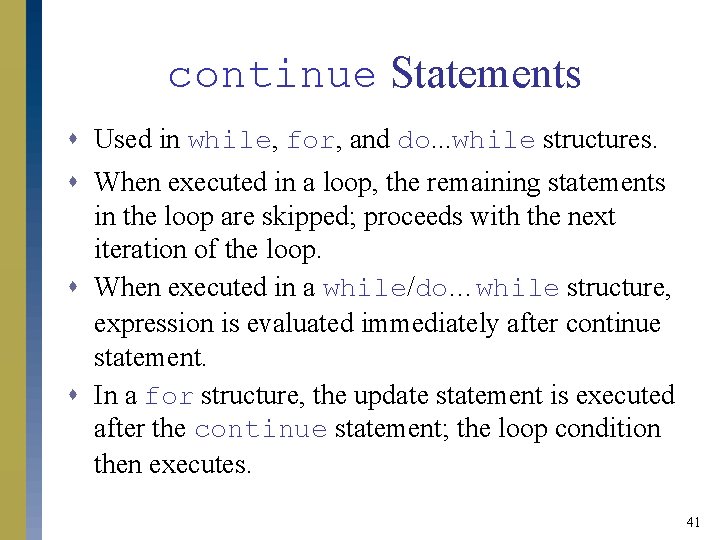
continue Statements s Used in while, for, and do. . . while structures. s When executed in a loop, the remaining statements in the loop are skipped; proceeds with the next iteration of the loop. s When executed in a while/do…while structure, expression is evaluated immediately after continue statement. s In a for structure, the update statement is executed after the continue statement; the loop condition then executes. 41
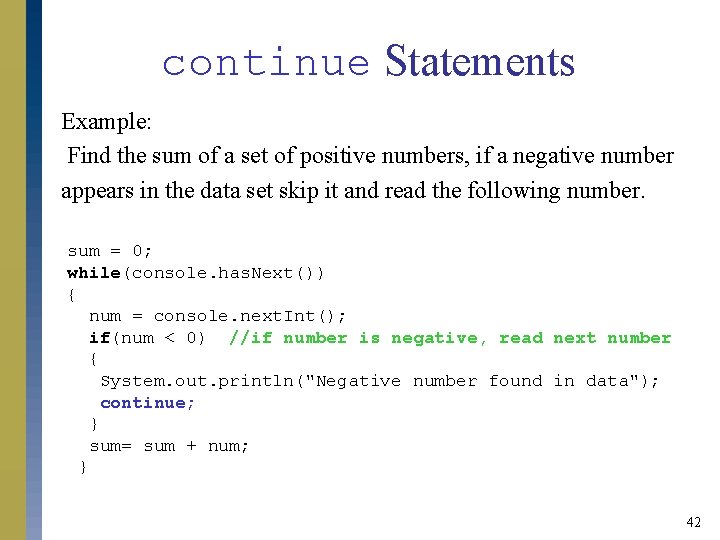
continue Statements Example: Find the sum of a set of positive numbers, if a negative number appears in the data set skip it and read the following number. sum = 0; while(console. has. Next()) { num = console. next. Int(); if(num < 0) //if number is negative, read next number { System. out. println("Negative number found in data"); continue; } sum= sum + num; } 42
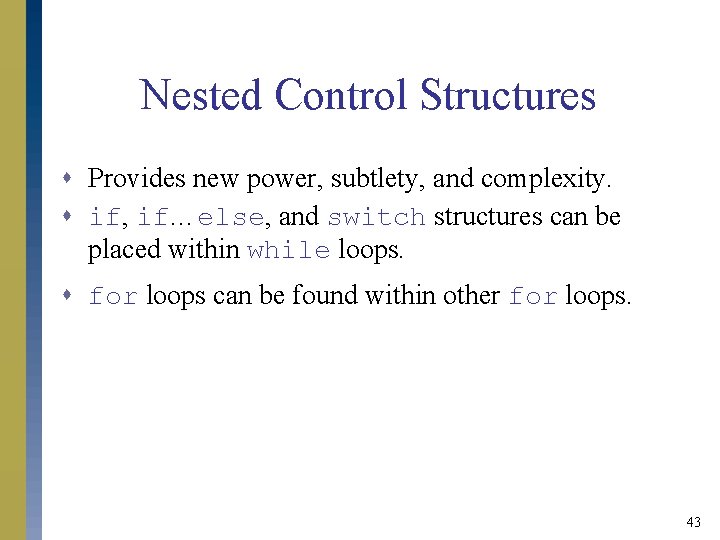
Nested Control Structures s Provides new power, subtlety, and complexity. s if, if…else, and switch structures can be placed within while loops. s for loops can be found within other for loops. 43
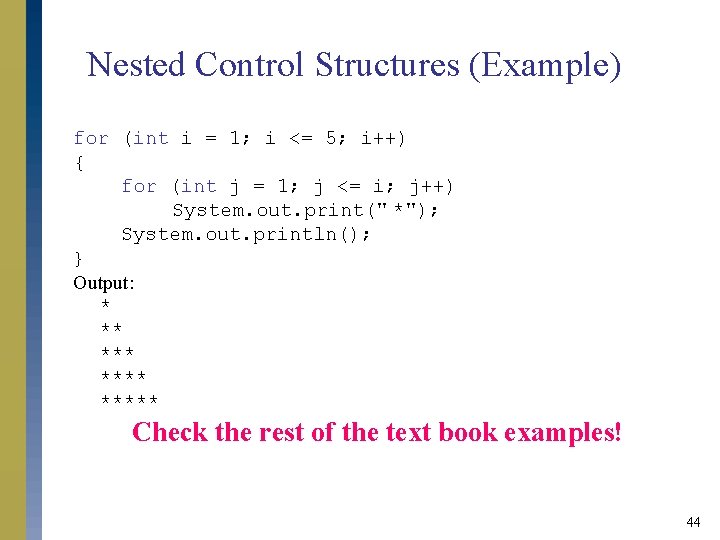
Nested Control Structures (Example) for (int i = 1; i <= 5; i++) { for (int j = 1; j <= i; j++) System. out. print(" *"); System. out. println(); } Output: * ** ***** Check the rest of the text book examples! 44
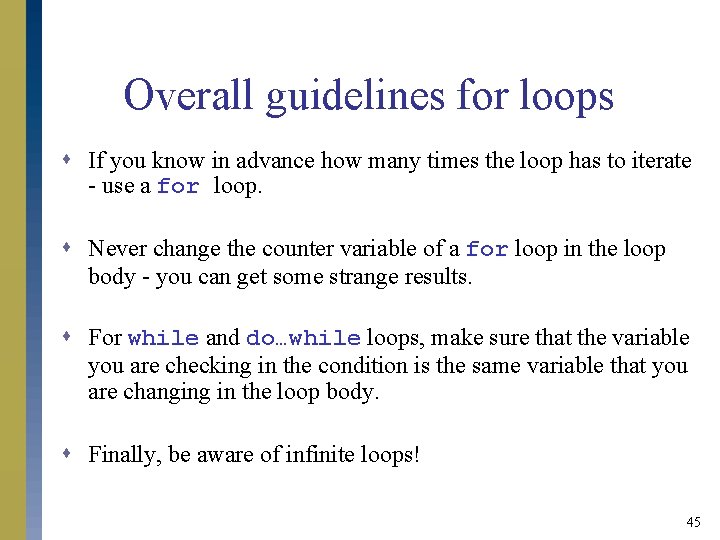
Overall guidelines for loops s If you know in advance how many times the loop has to iterate - use a for loop. s Never change the counter variable of a for loop in the loop body - you can get some strange results. s For while and do…while loops, make sure that the variable you are checking in the condition is the same variable that you are changing in the loop body. s Finally, be aware of infinite loops! 45
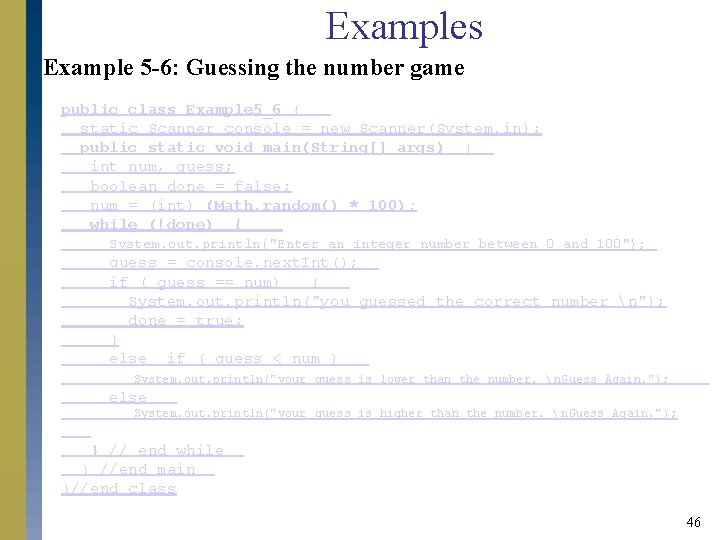
Examples Example 5 -6: Guessing the number game public class Example 5_6 { static Scanner console = new Scanner(System. in); public static void main(String[] args) { int num, guess; boolean done = false; num = (int) (Math. random() * 100); while (!done) { System. out. println("Enter an integer number between 0 and 100"); guess = console. next. Int(); if ( guess == num) { System. out. println("you guessed the correct number n"); done = true; } else if ( guess < num ) System. out. println("your guess is lower than the number. n. Guess Again. "); else System. out. println("your guess is higher than the number. n. Guess Again. "); } // end while } //end main }//end class 46
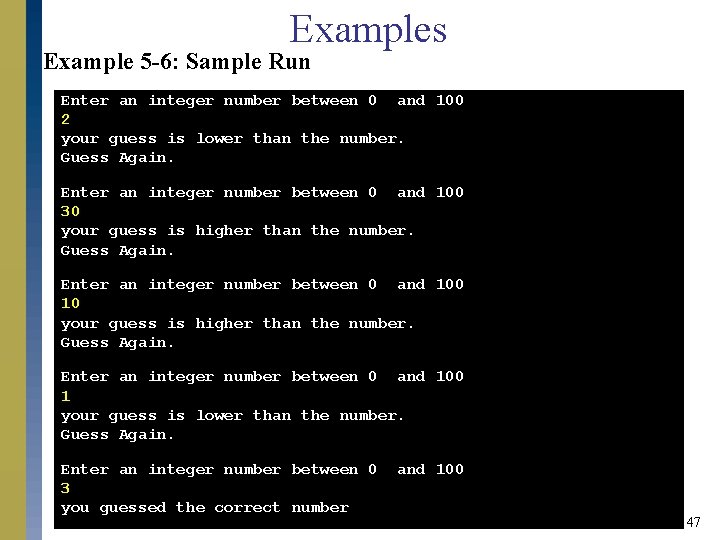
Examples Example 5 -6: Sample Run Enter an integer number between 0 and 100 2 your guess is lower than the number. Guess Again. Enter an integer number between 0 and 100 30 your guess is higher than the number. Guess Again. Enter an integer number between 0 and 100 1 your guess is lower than the number. Guess Again. Enter an integer number between 0 3 you guessed the correct number and 100 47
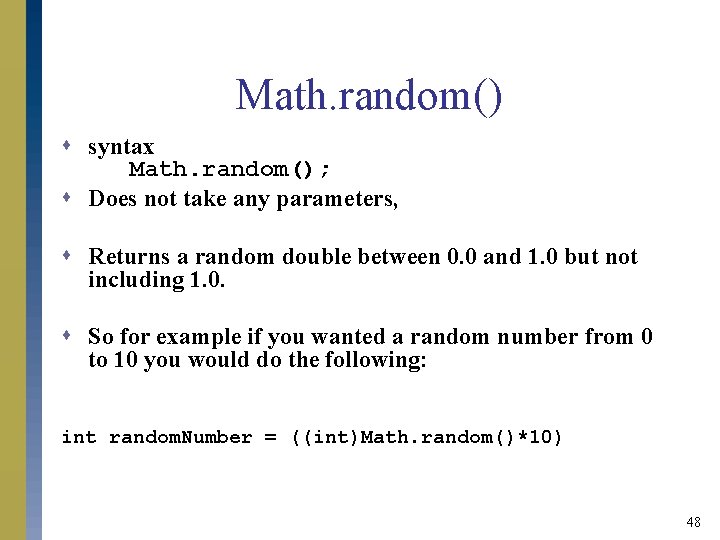
Math. random() s syntax Math. random(); s Does not take any parameters, s Returns a random double between 0. 0 and 1. 0 but not including 1. 0. s So for example if you wanted a random number from 0 to 10 you would do the following: int random. Number = ((int)Math. random()*10) 48
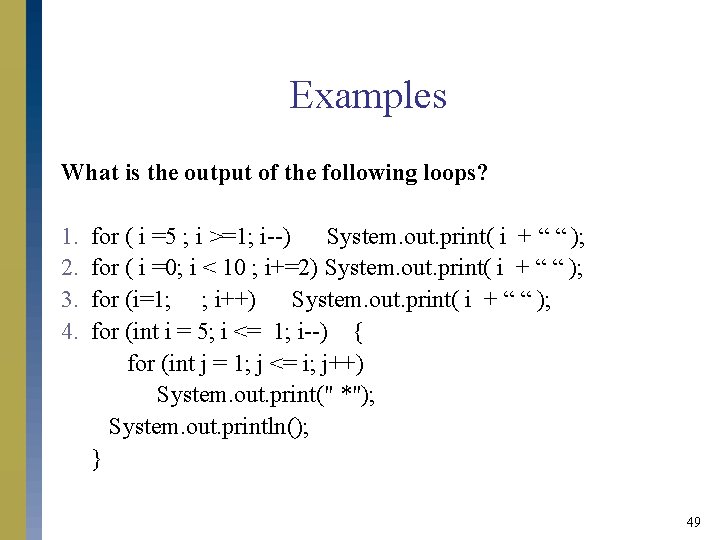
Examples What is the output of the following loops? 1. 2. 3. 4. for ( i =5 ; i >=1; i--) System. out. print( i + “ “ ); for ( i =0; i < 10 ; i+=2) System. out. print( i + “ “ ); for (i=1; ; i++) System. out. print( i + “ “ ); for (int i = 5; i <= 1; i--) { for (int j = 1; j <= i; j++) System. out. print(" *"); System. out. println(); } 49
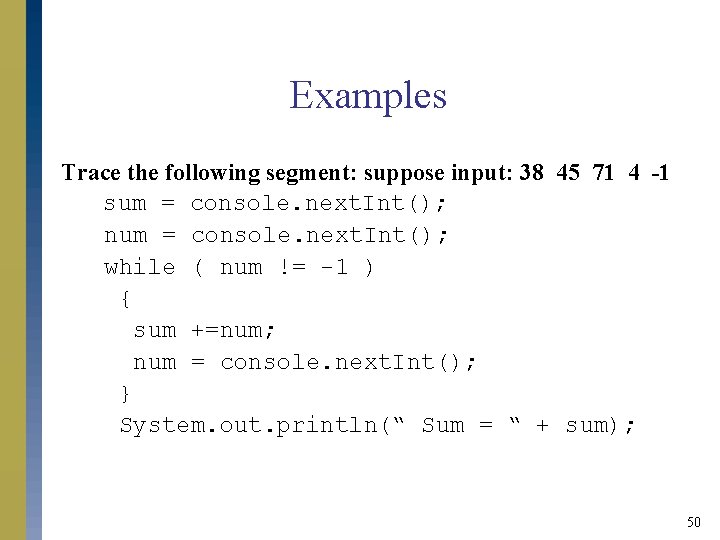
Examples Trace the following segment: suppose input: 38 45 71 4 -1 sum = console. next. Int(); num = console. next. Int(); while ( num != -1 ) { sum +=num; num = console. next. Int(); } System. out. println(“ Sum = “ + sum); 50
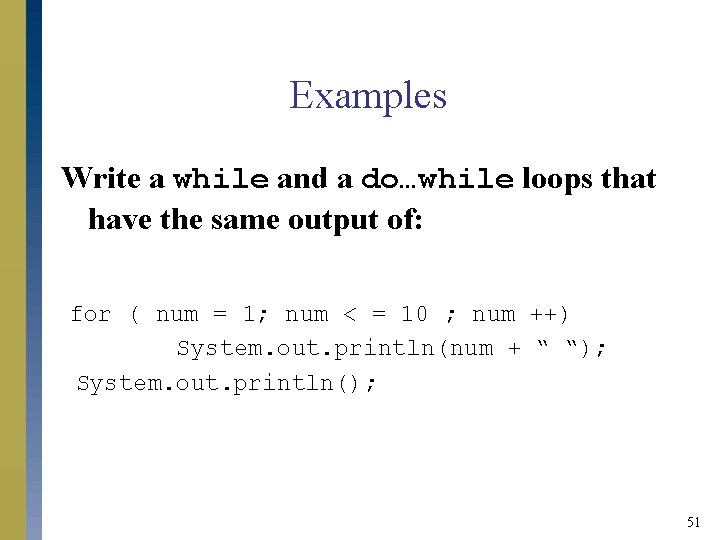
Examples Write a while and a do…while loops that have the same output of: for ( num = 1; num < = 10 ; num ++) System. out. println(num + “ “); System. out. println(); 51
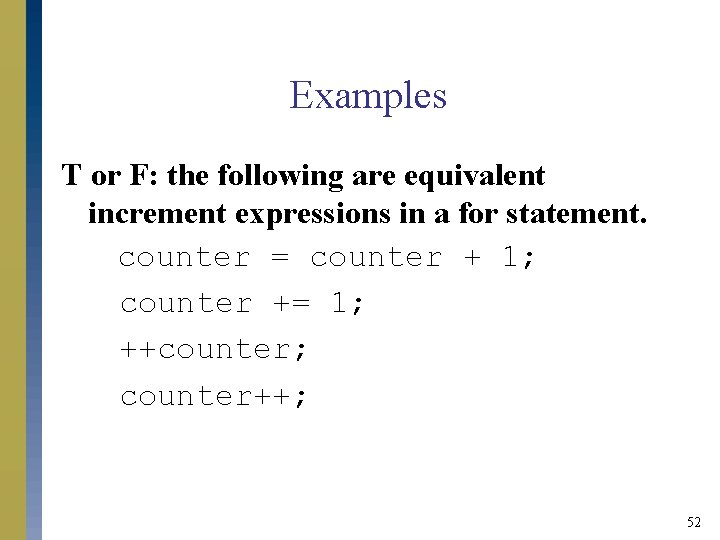
Examples T or F: the following are equivalent increment expressions in a for statement. counter = counter + 1; counter += 1; ++counter; counter++; 52
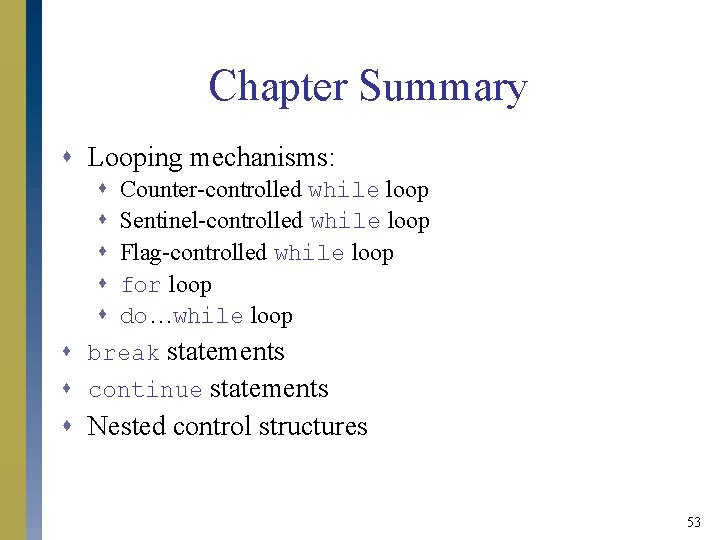
Chapter Summary s Looping mechanisms: s s s Counter-controlled while loop Sentinel-controlled while loop Flag-controlled while loop for loop do…while loop s break statements s continue statements s Nested control structures 53