
Chapter 5 Conditionals and loops Conditionals and Loops
- Slides: 51
Chapter 5: Conditionals and loops
Conditionals and Loops l l Now we will examine programming statements that allow us to: l make decisions l repeat processing steps in a loop Chapter 5 focuses on: l boolean expressions l conditional statements l comparing data l repetition statements 2
Outline Altering flow of control Boolean expressions Conditional Statements The while Statement Other Repetition Statements
Normal flow of control l l Flow of control l The order in which statements are executed l Execution normally proceeds in a linear fashion l JAVA application begins with the first line of the main method l And proceeds step by step to the end of the main method Some programming statements allow us to l decide or not to execute a particular statement l execute a statement over and over, repetitively
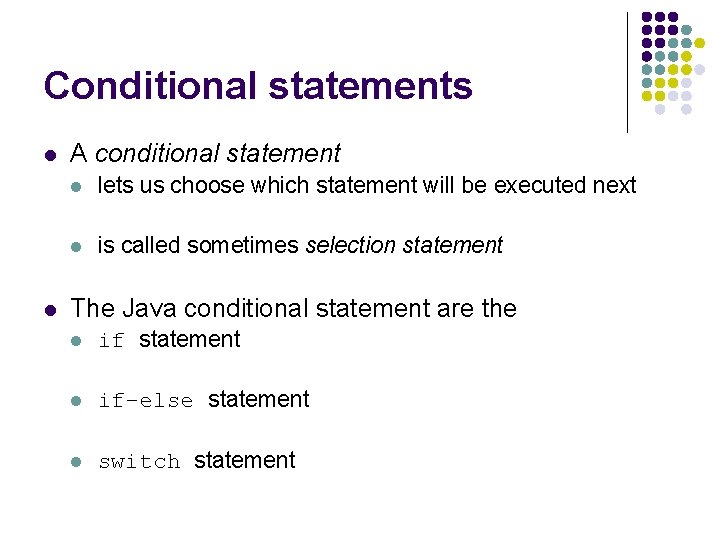
Conditional statements l l A conditional statement l lets us choose which statement will be executed next l is called sometimes selection statement The Java conditional statement are the l if statement l if-else statement l switch statement
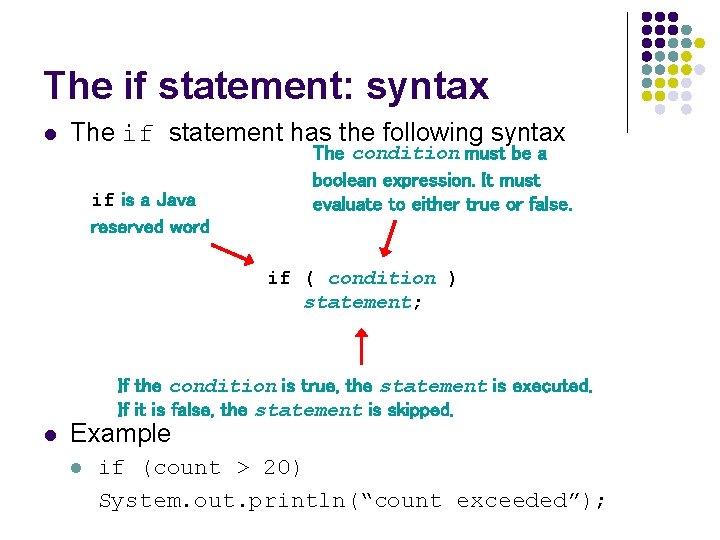
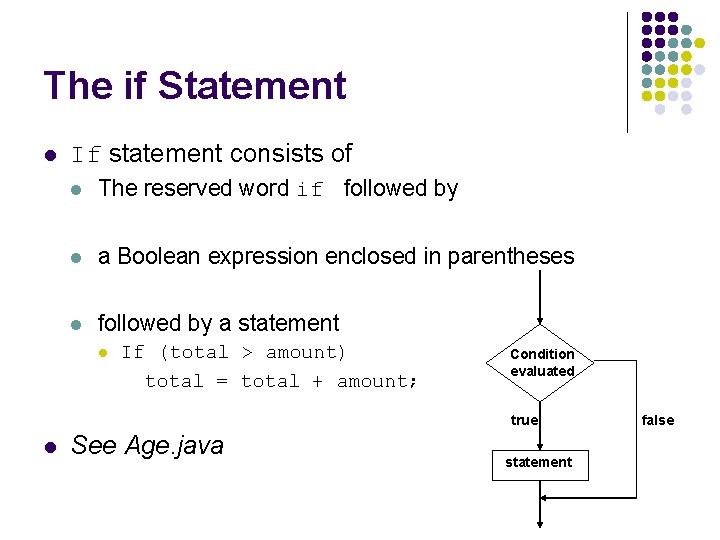
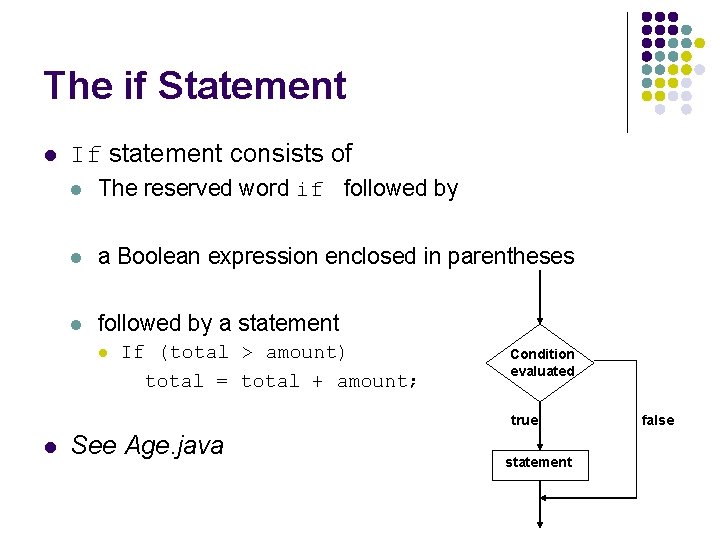
The if statement: syntax l The if statement has the following syntax if is a Java reserved word The condition must be a boolean expression. It must evaluate to either true or false. if ( condition ) statement; If the condition is true, the statement is executed. If it is false, the statement is skipped. l Example l if (count > 20) System. out. println(“count exceeded”);
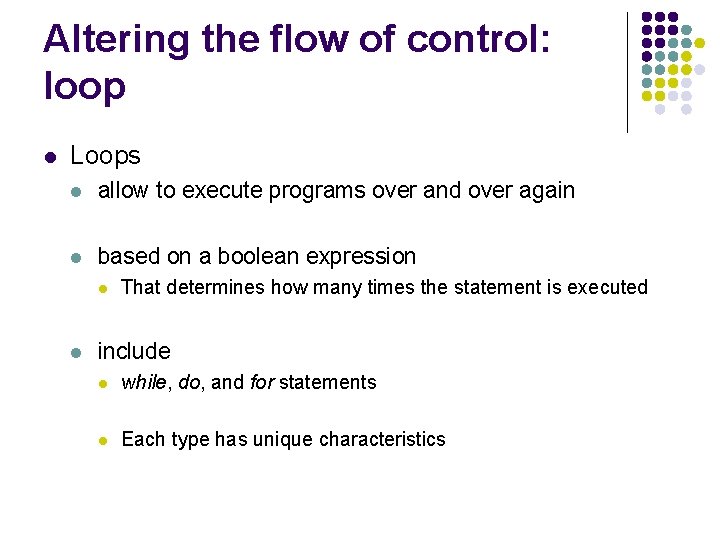
Altering the flow of control: loop l Loops l allow to execute programs over and over again l based on a boolean expression l l That determines how many times the statement is executed include l while, do, and for statements l Each type has unique characteristics
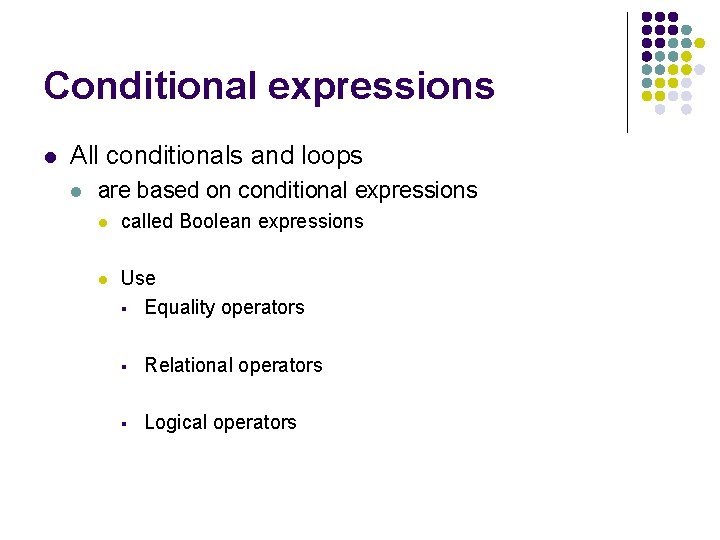
Conditional expressions l All conditionals and loops l are based on conditional expressions l called Boolean expressions l Use § Equality operators § Relational operators § Logical operators
Outline Altering flow of control Boolean expressions Conditional Statements The while Statement Other Repetition Statements
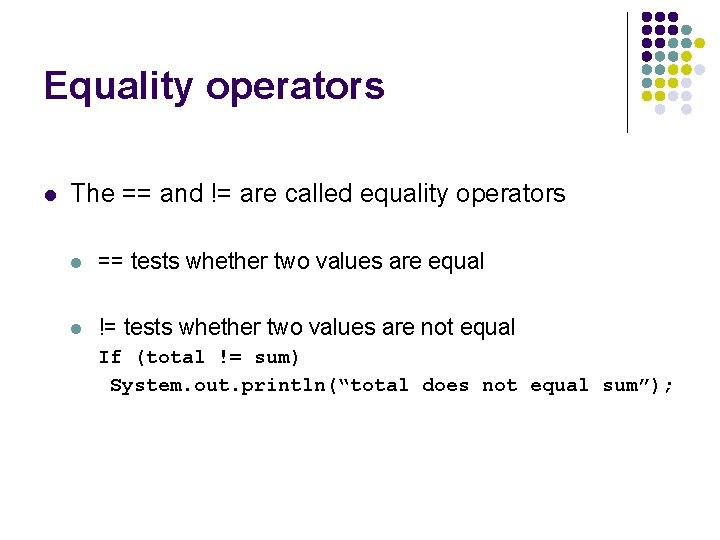
Equality operators l The == and != are called equality operators l == tests whether two values are equal l != tests whether two values are not equal If (total != sum) System. out. println(“total does not equal sum”);
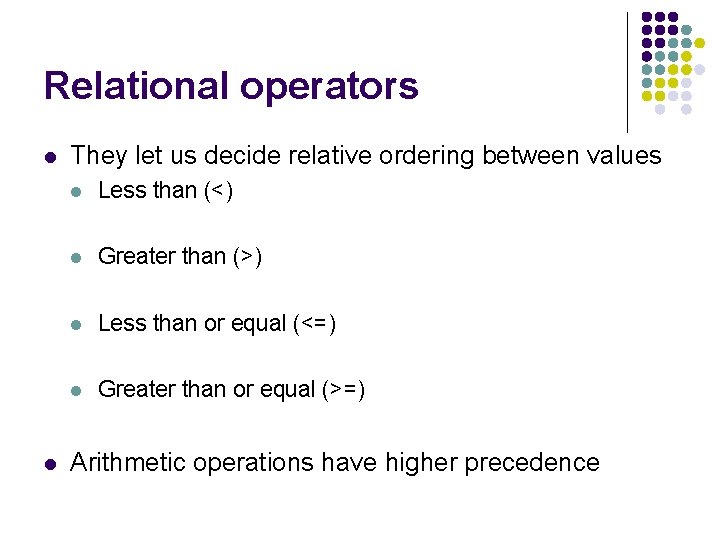
Relational operators l l They let us decide relative ordering between values l Less than (<) l Greater than (>) l Less than or equal (<=) l Greater than or equal (>=) Arithmetic operations have higher precedence
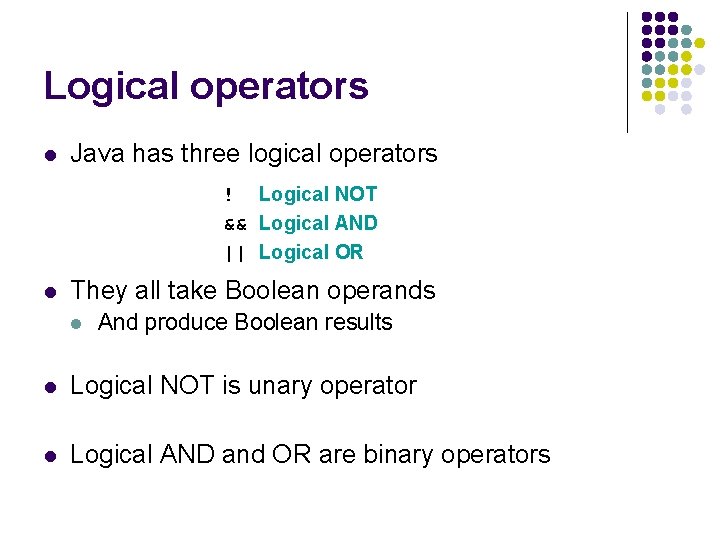
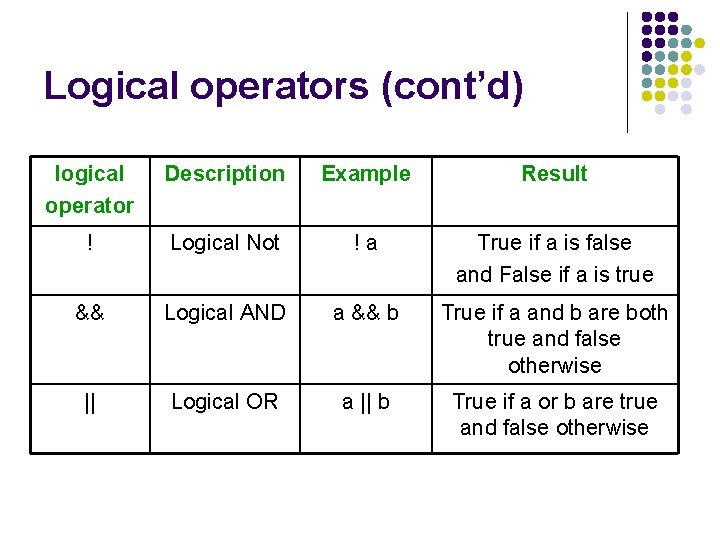
Logical operators l Java has three logical operators ! Logical NOT && Logical AND || Logical OR l They all take Boolean operands l And produce Boolean results l Logical NOT is unary operator l Logical AND and OR are binary operators
Logical operators (cont’d) logical operator Description Example Result ! Logical Not !a True if a is false and False if a is true && Logical AND a && b True if a and b are both true and false otherwise || Logical OR a || b True if a or b are true and false otherwise
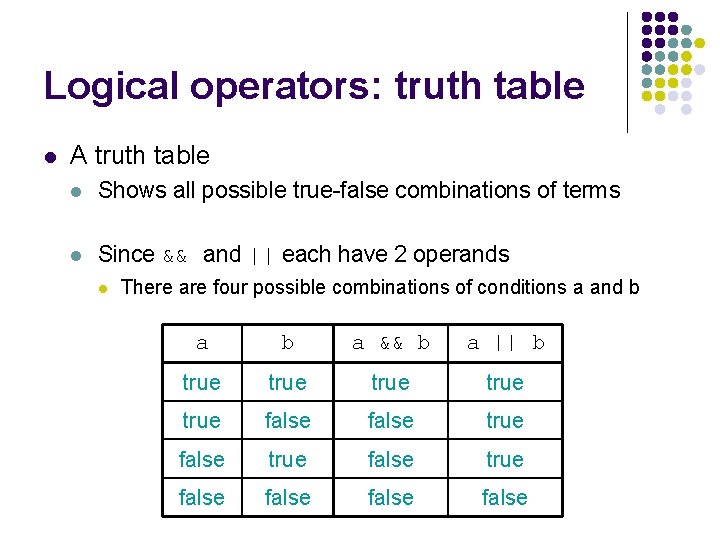
Logical operators: truth table l A truth table l Shows all possible true-false combinations of terms l Since && and || each have 2 operands l There are four possible combinations of conditions a and b a && b a || b true true false true false
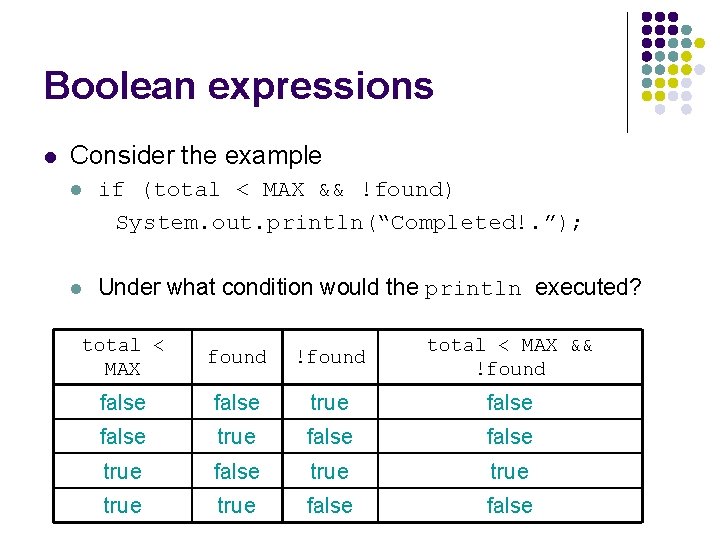
Boolean expressions l Consider the example l if (total < MAX && !found) System. out. println(“Completed!. ”); l Under what condition would the println executed? total < MAX found !found total < MAX && !found false true false true false
Outline Altering flow of control Boolean expressions Conditional Statements The while Statement Other Repetition Statements
The if Statement l If statement consists of l The reserved word if followed by l a Boolean expression enclosed in parentheses l followed by a statement l If (total > amount) total = total + amount; Condition evaluated true l See Age. java statement false
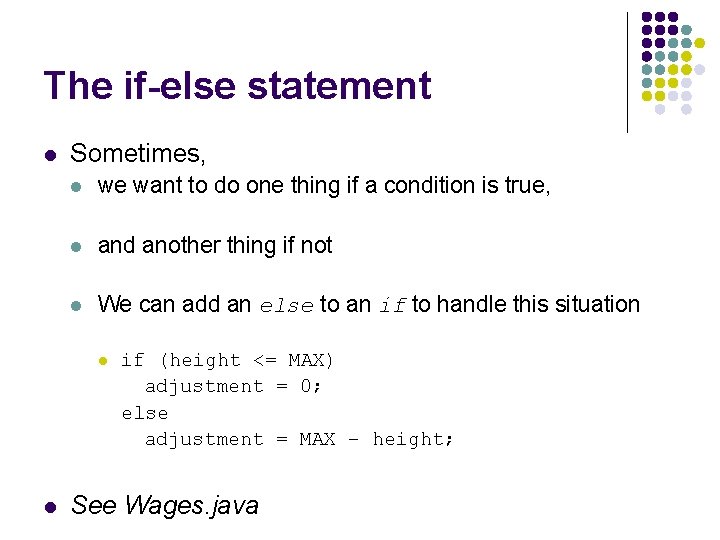
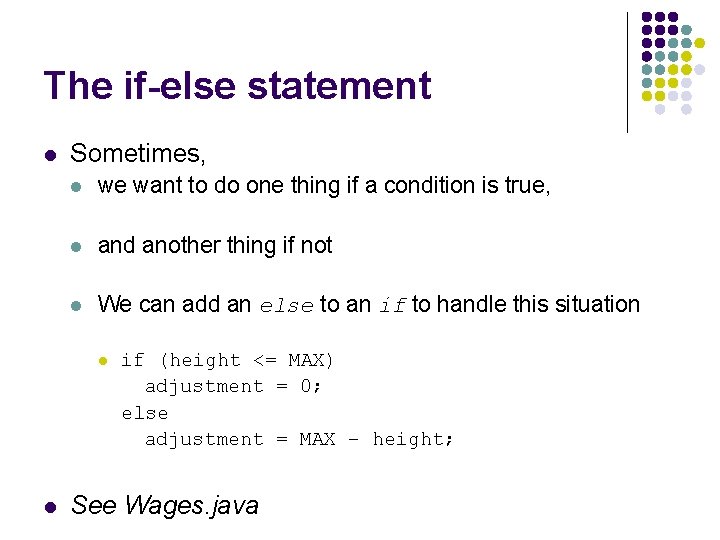
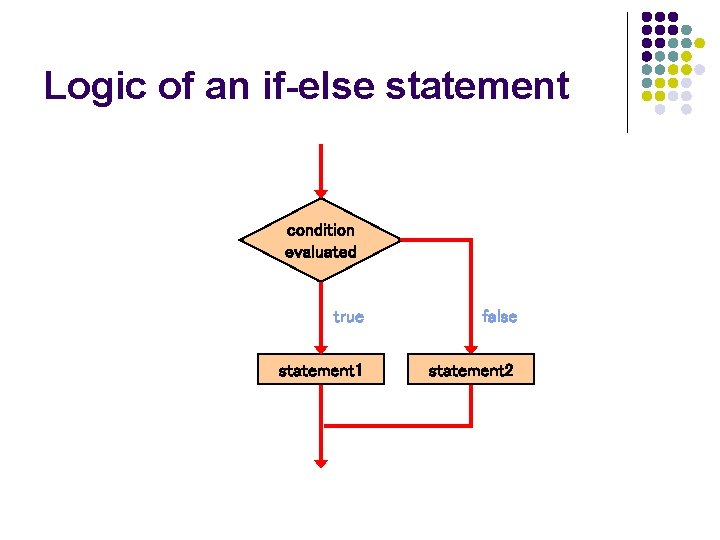
The if-else statement l Sometimes, l we want to do one thing if a condition is true, l and another thing if not l We can add an else to an if to handle this situation l l if (height <= MAX) adjustment = 0; else adjustment = MAX – height; See Wages. java
The if Statement l If statement consists of l The reserved word if followed by l a Boolean expression enclosed in parentheses l followed by a statement l If (total > amount) total = total + amount; Condition evaluated true l See Age. java statement false
The if-else statement l Sometimes, l we want to do one thing if a condition is true, l and another thing if not l We can add an else to an if to handle this situation l l if (height <= MAX) adjustment = 0; else adjustment = MAX – height; See Wages. java
Logic of an if-else statement condition evaluated true false statement 1 statement 2
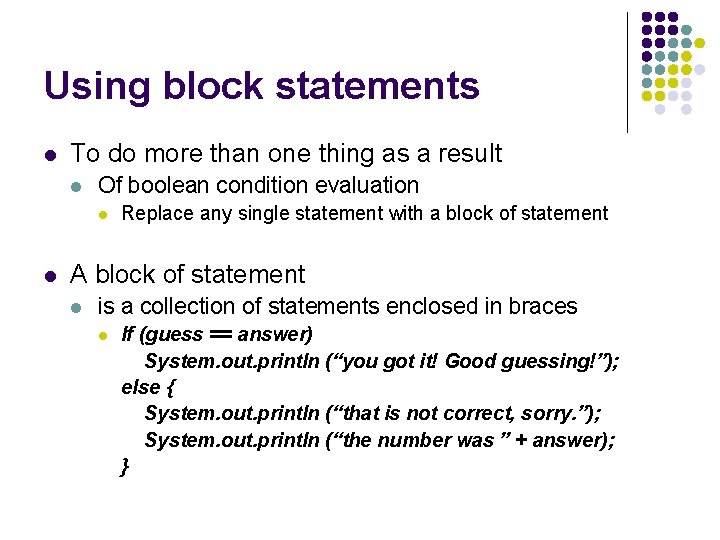
Using block statements l To do more than one thing as a result l Of boolean condition evaluation l l Replace any single statement with a block of statement A block of statement l is a collection of statements enclosed in braces l If (guess == answer) System. out. println (“you got it! Good guessing!”); else { System. out. println (“that is not correct, sorry. ”); System. out. println (“the number was ” + answer); }
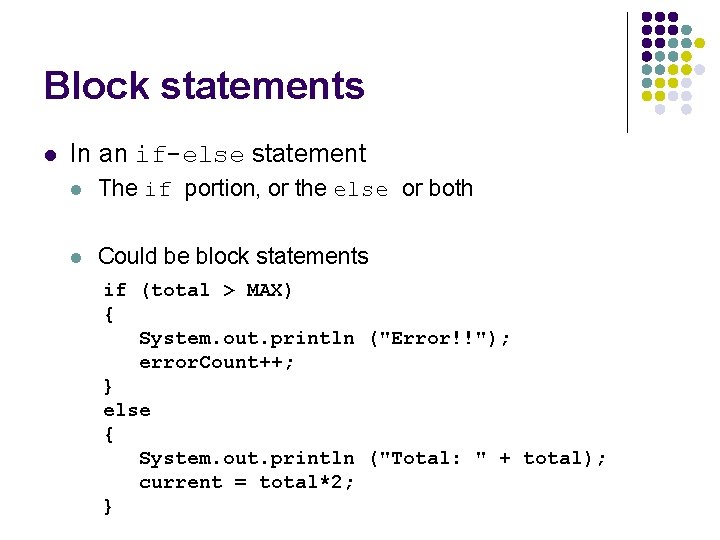
Block statements l In an if-else statement l The if portion, or the else or both l Could be block statements if (total > MAX) { System. out. println ("Error!!"); error. Count++; } else { System. out. println ("Total: " + total); current = total*2; }
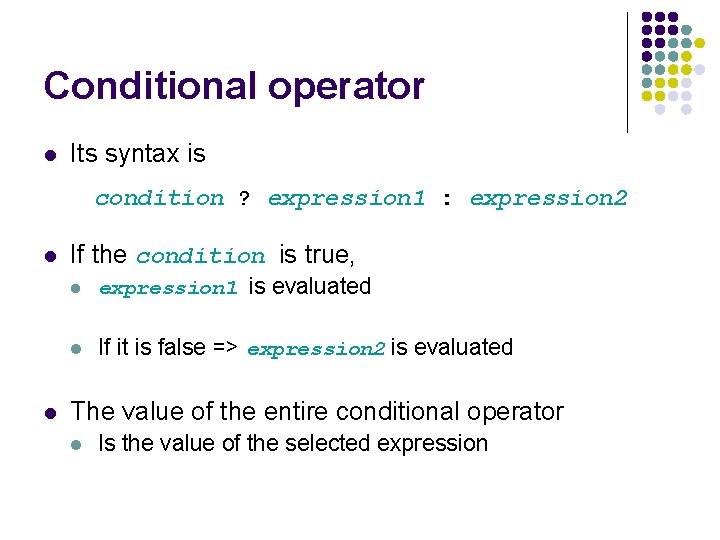
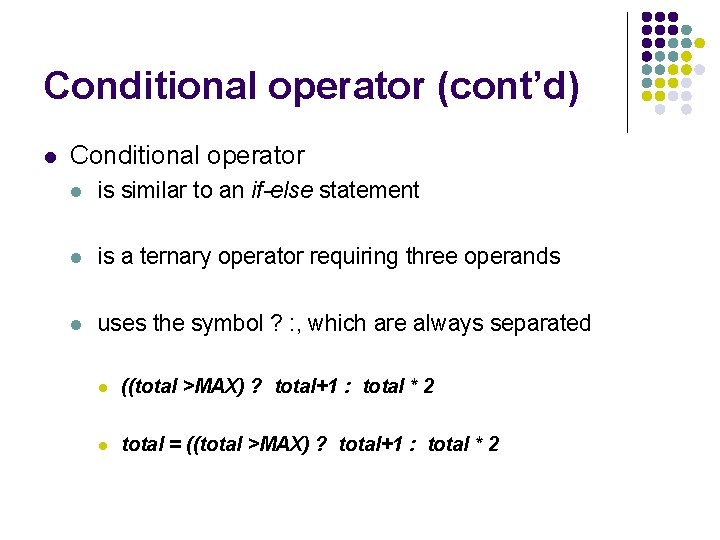
Conditional operator l Its syntax is condition ? expression 1 : expression 2 l l If the condition is true, l expression 1 is evaluated l If it is false => expression 2 is evaluated The value of the entire conditional operator l Is the value of the selected expression
Conditional operator (cont’d) l Conditional operator l is similar to an if-else statement l is a ternary operator requiring three operands l uses the symbol ? : , which are always separated l ((total >MAX) ? total+1 : total * 2 l total = ((total >MAX) ? total+1 : total * 2
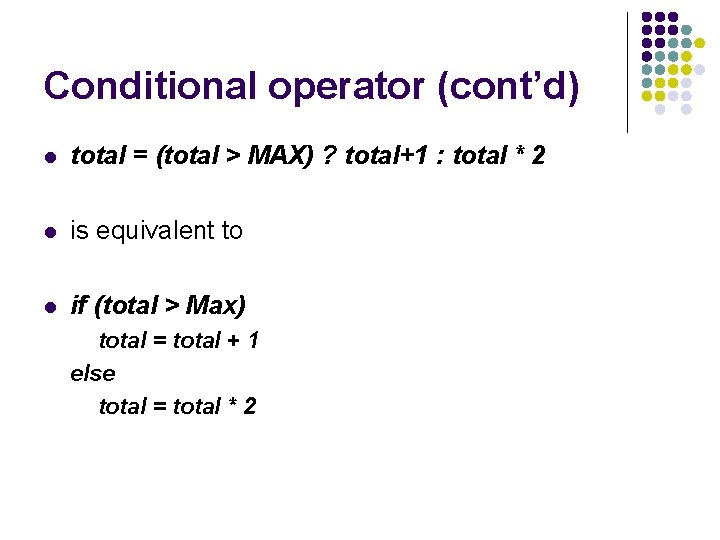
Conditional operator (cont’d) l total = (total > MAX) ? total+1 : total * 2 l is equivalent to l if (total > Max) total = total + 1 else total = total * 2
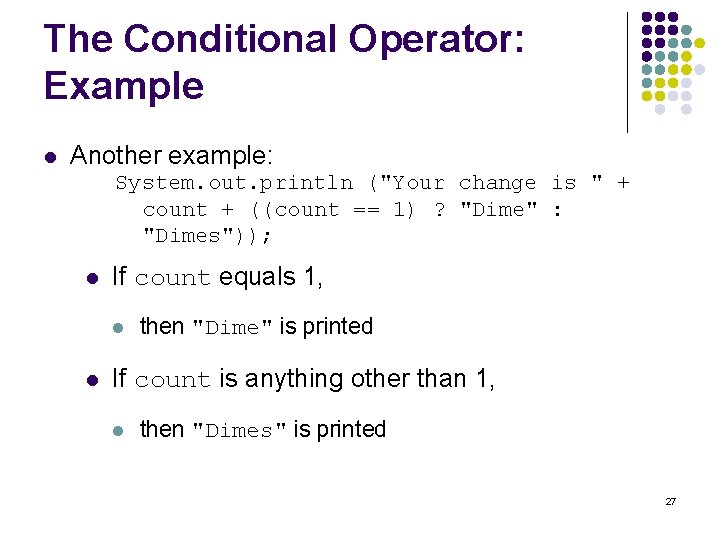
The Conditional Operator: Example l Another example: System. out. println ("Your change is " + count + ((count == 1) ? "Dime" : "Dimes")); l If count equals 1, l l then "Dime" is printed If count is anything other than 1, l then "Dimes" is printed 27
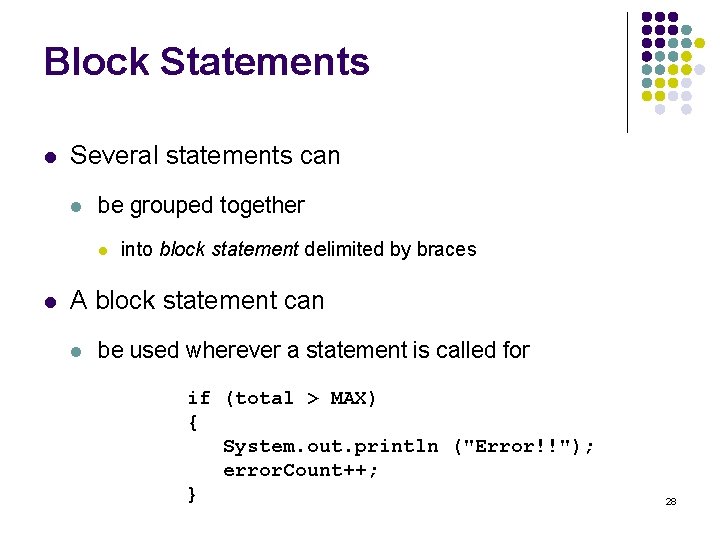
Block Statements l Several statements can l be grouped together l l into block statement delimited by braces A block statement can l be used wherever a statement is called for if (total > MAX) { System. out. println ("Error!!"); error. Count++; } 28
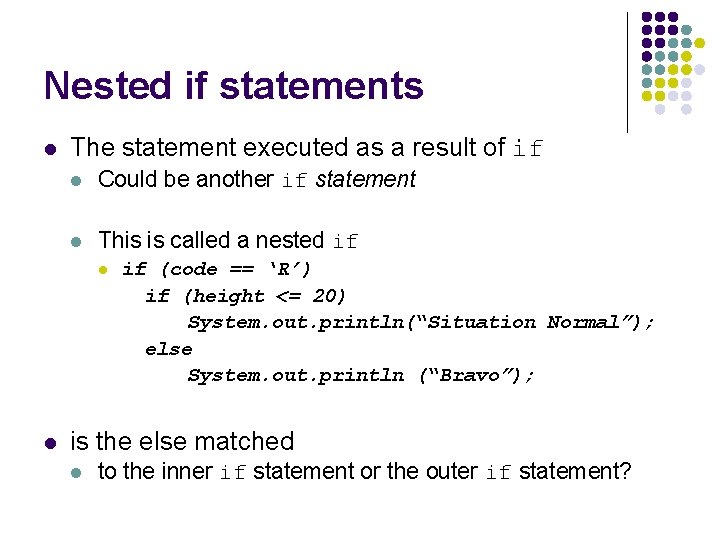
Nested if statements l The statement executed as a result of if l Could be another if statement l This is called a nested if l l if (code == ‘R’) if (height <= 20) System. out. println(“Situation Normal”); else System. out. println (“Bravo”); is the else matched l to the inner if statement or the outer if statement?
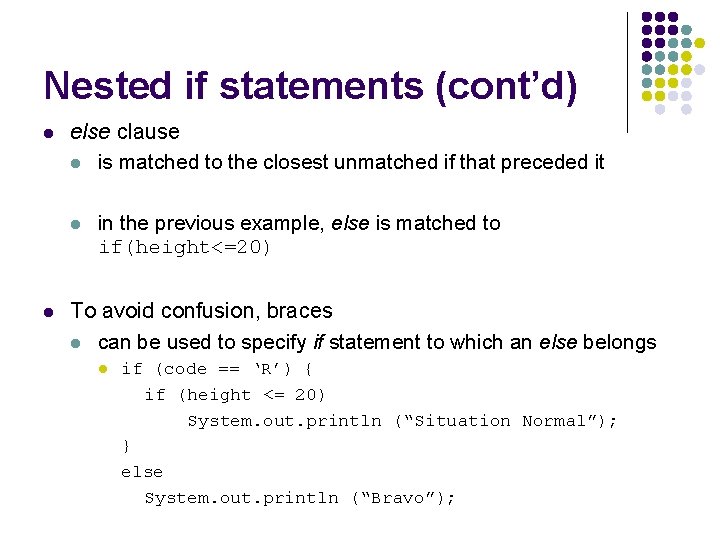
Nested if statements (cont’d) l else clause l is matched to the closest unmatched if that preceded it l l in the previous example, else is matched to if(height<=20) To avoid confusion, braces l can be used to specify if statement to which an else belongs l if (code == ‘R’) { if (height <= 20) System. out. println (“Situation Normal”); } else System. out. println (“Bravo”);
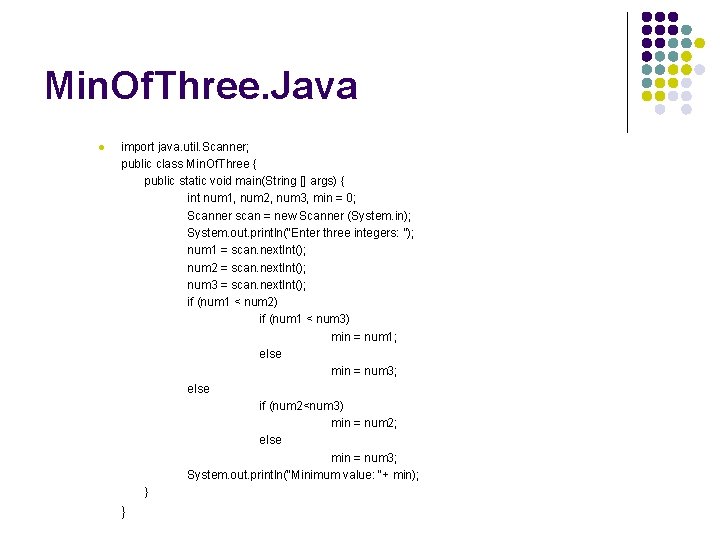
Min. Of. Three. Java l import java. util. Scanner; public class Min. Of. Three { public static void main(String [] args) { int num 1, num 2, num 3, min = 0; Scanner scan = new Scanner (System. in); System. out. println(“Enter three integers: ”); num 1 = scan. next. Int(); num 2 = scan. next. Int(); num 3 = scan. next. Int(); if (num 1 < num 2) if (num 1 < num 3) min = num 1; else min = num 3; else if (num 2<num 3) min = num 2; else min = num 3; System. out. println(“Minimum value: “+ min); } }
Comparing data
Comparing Data l When comparing data using boolean expressions l l understand the nuances of certain data types Let's examine some key situations: l Comparing floating point values for equality l Comparing characters l Comparing strings (alphabetical order) l Comparing object vs. comparing object references
Comparing Float Values l You should rarely use the equality operator (==) l l Two floating point values are equal l l if the underlying binary representations match exactly Computations often result l l when comparing two floating point values in slight differences that may be irrelevant In many situations, you might consider l two floating point numbers to be "close enough" l even if they aren't exactly equal
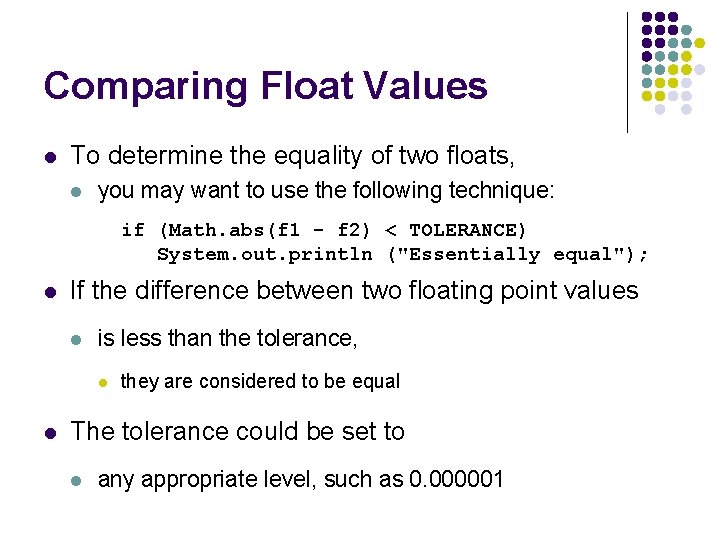
Comparing Float Values l To determine the equality of two floats, l you may want to use the following technique: if (Math. abs(f 1 - f 2) < TOLERANCE) System. out. println ("Essentially equal"); l If the difference between two floating point values l is less than the tolerance, l l they are considered to be equal The tolerance could be set to l any appropriate level, such as 0. 000001
Comparing Characters l Java character data is based on l l Unicode establishes a particular numeric value l l for each character, and therefore an ordering We can use relational operators l l the Unicode character set on character data based on this ordering For example, l the character '+' is less than the character 'J' l because it comes before it in the Unicode character set
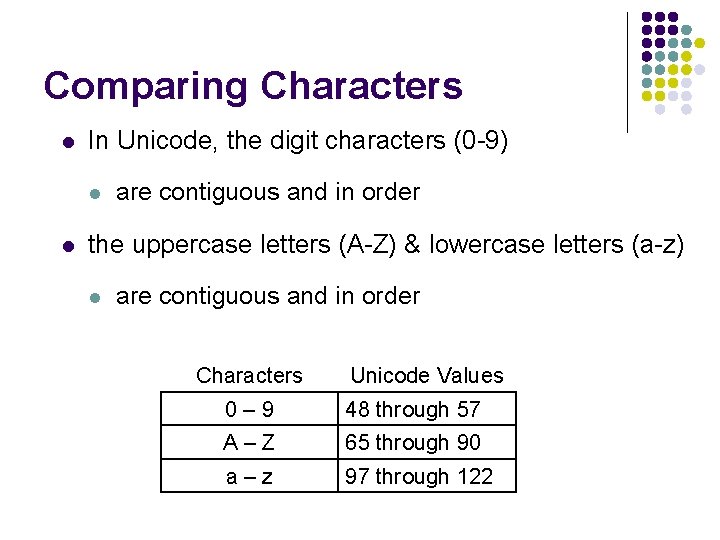
Comparing Characters l In Unicode, the digit characters (0 -9) l l are contiguous and in order the uppercase letters (A-Z) & lowercase letters (a-z) l are contiguous and in order Characters Unicode Values 0– 9 48 through 57 A–Z 65 through 90 a–z 97 through 122
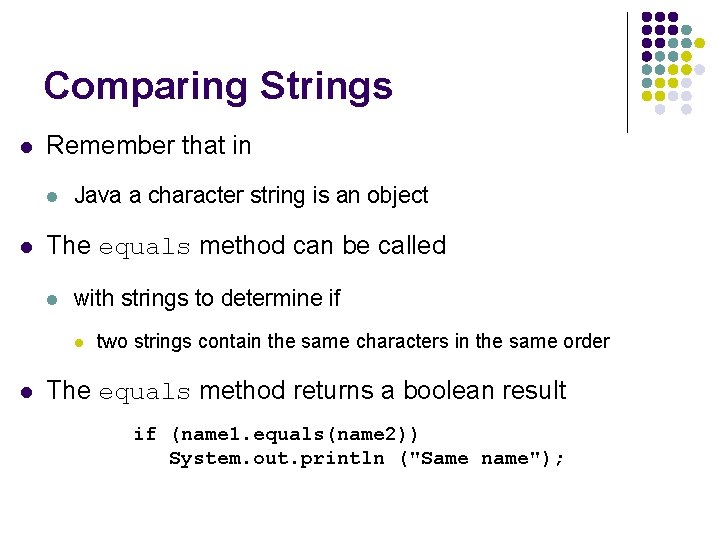
Comparing Strings l Remember that in l l Java a character string is an object The equals method can be called l with strings to determine if l l two strings contain the same characters in the same order The equals method returns a boolean result if (name 1. equals(name 2)) System. out. println ("Same name");
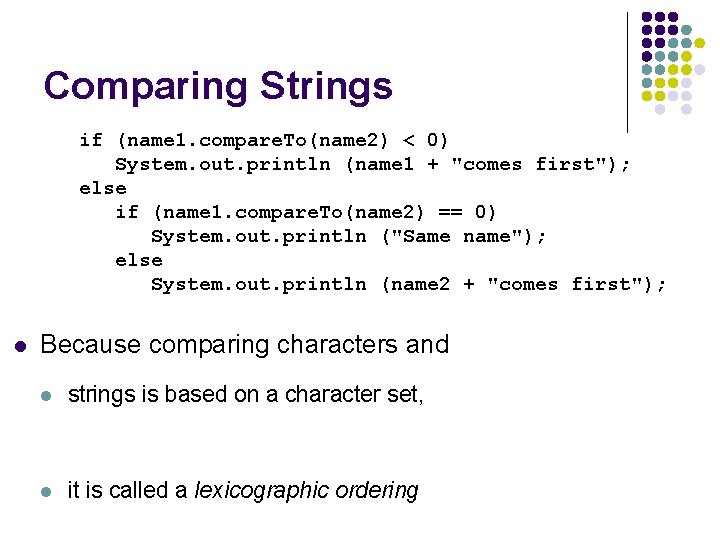
Comparing Strings l We cannot use the relational operators l l to compare strings The String class contains l a method called compare. To l to determine if one string comes before another
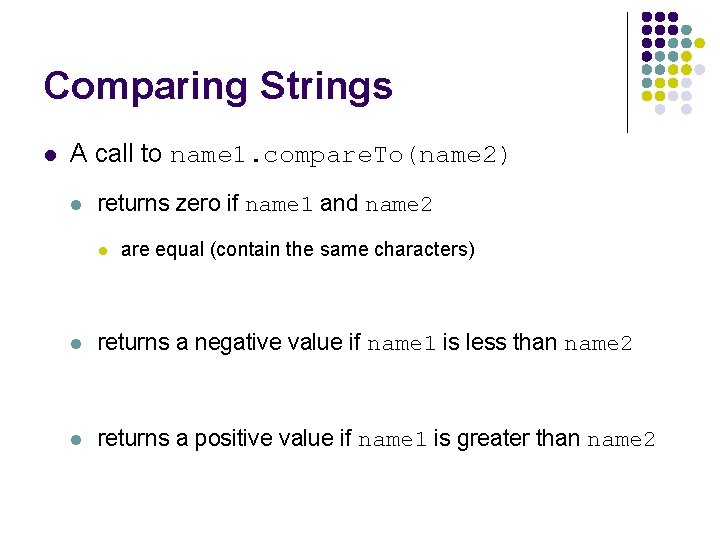
Comparing Strings l A call to name 1. compare. To(name 2) l returns zero if name 1 and name 2 l are equal (contain the same characters) l returns a negative value if name 1 is less than name 2 l returns a positive value if name 1 is greater than name 2
Comparing Strings if (name 1. compare. To(name 2) < 0) System. out. println (name 1 + "comes first"); else if (name 1. compare. To(name 2) == 0) System. out. println ("Same name"); else System. out. println (name 2 + "comes first"); l Because comparing characters and l strings is based on a character set, l it is called a lexicographic ordering
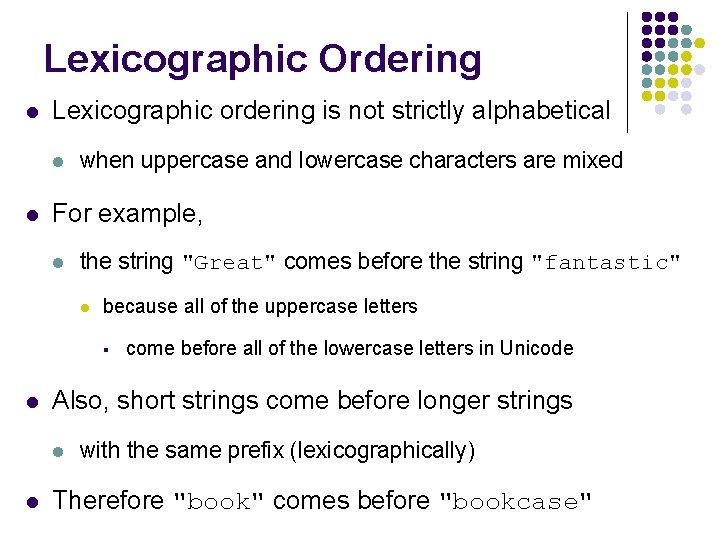
Lexicographic Ordering l Lexicographic ordering is not strictly alphabetical l l when uppercase and lowercase characters are mixed For example, l the string "Great" comes before the string "fantastic" l because all of the uppercase letters § l Also, short strings come before longer strings l l come before all of the lowercase letters in Unicode with the same prefix (lexicographically) Therefore "book" comes before "bookcase"
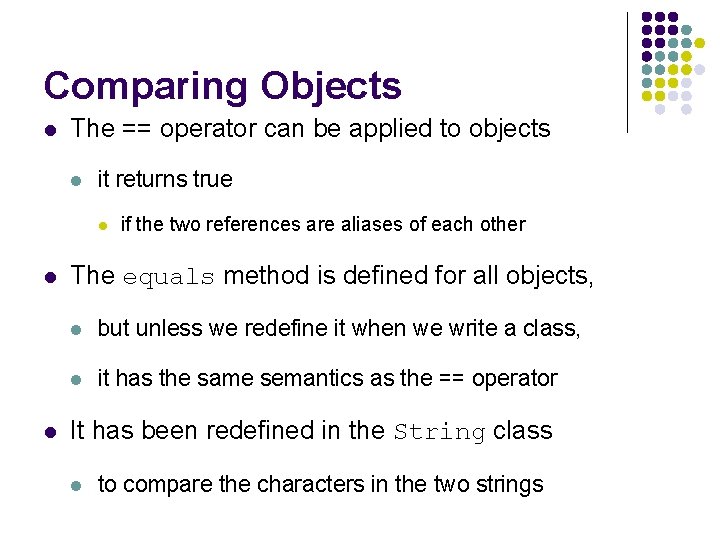
Comparing Objects l The == operator can be applied to objects l it returns true l l l if the two references are aliases of each other The equals method is defined for all objects, l but unless we redefine it when we write a class, l it has the same semantics as the == operator It has been redefined in the String class l to compare the characters in the two strings
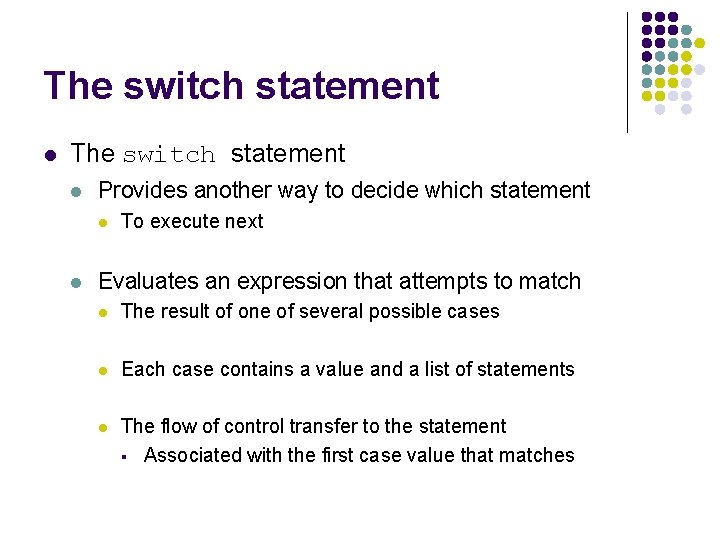
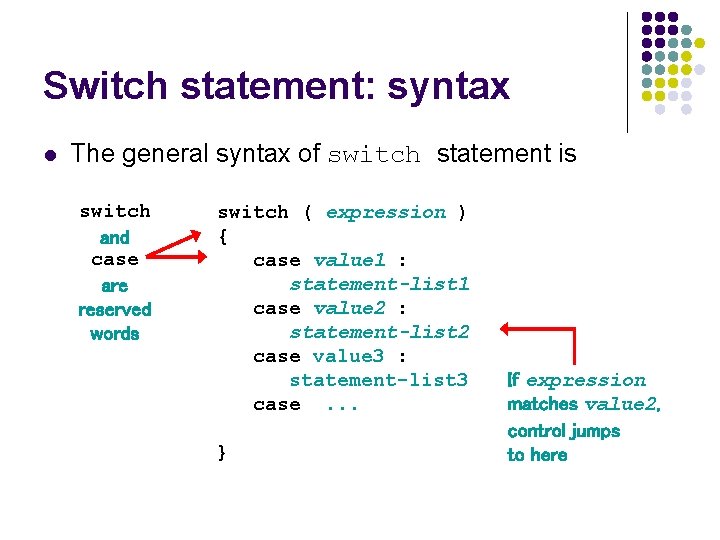
The switch statement l Provides another way to decide which statement l l To execute next Evaluates an expression that attempts to match l The result of one of several possible cases l Each case contains a value and a list of statements l The flow of control transfer to the statement § Associated with the first case value that matches
Switch statement: syntax l The general syntax of switch statement is switch and case are reserved words switch ( expression ) { case value 1 : statement-list 1 case value 2 : statement-list 2 case value 3 : statement-list 3 case. . . } If expression matches value 2, control jumps to here
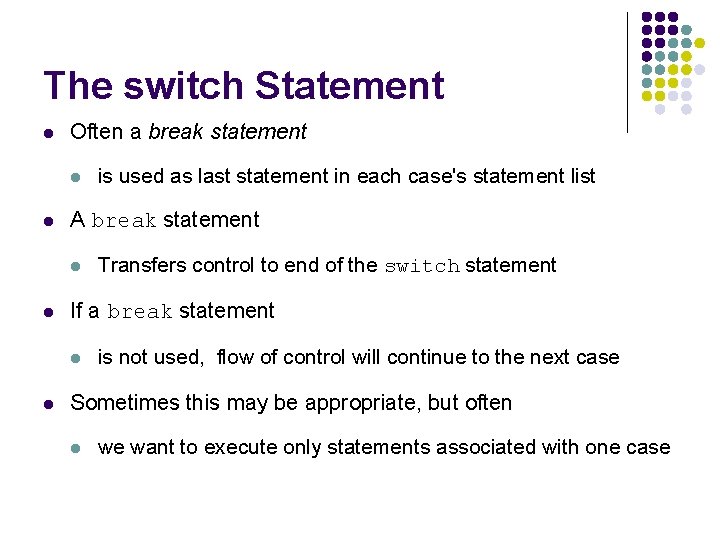
The switch Statement l Often a break statement l l A break statement l l Transfers control to end of the switch statement If a break statement l l is used as last statement in each case's statement list is not used, flow of control will continue to the next case Sometimes this may be appropriate, but often l we want to execute only statements associated with one case
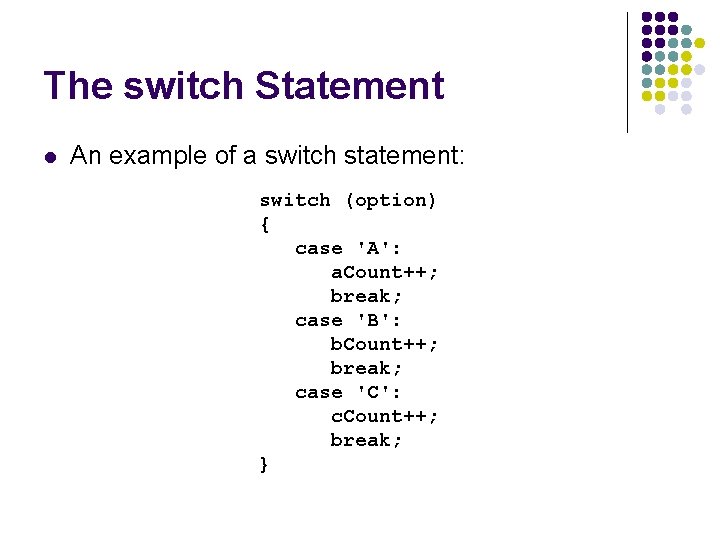
The switch Statement l An example of a switch statement: switch (option) { case 'A': a. Count++; break; case 'B': b. Count++; break; case 'C': c. Count++; break; }
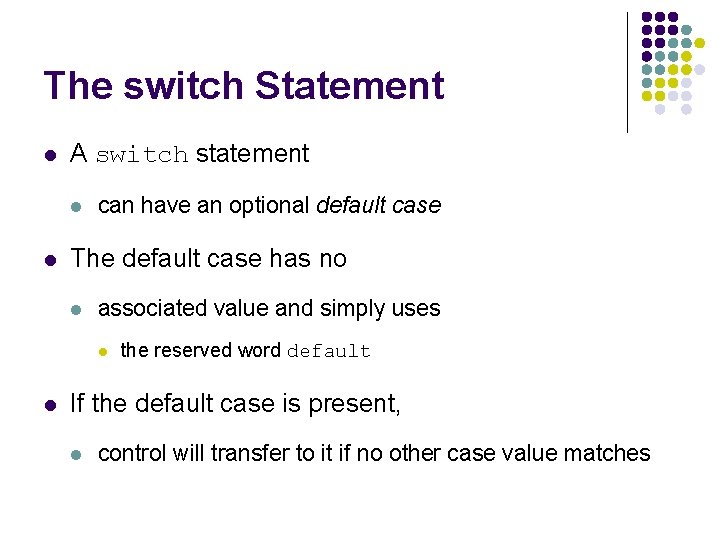
The switch Statement l A switch statement l l can have an optional default case The default case has no l associated value and simply uses l l the reserved word default If the default case is present, l control will transfer to it if no other case value matches
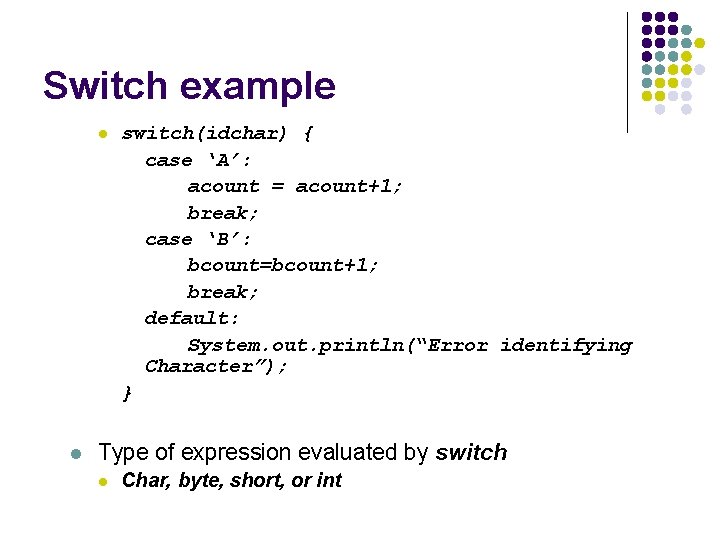
Switch example l l switch(idchar) { case ‘A’: acount = acount+1; break; case ‘B’: bcount=bcount+1; break; default: System. out. println(“Error identifying Character”); } Type of expression evaluated by switch l Char, byte, short, or int
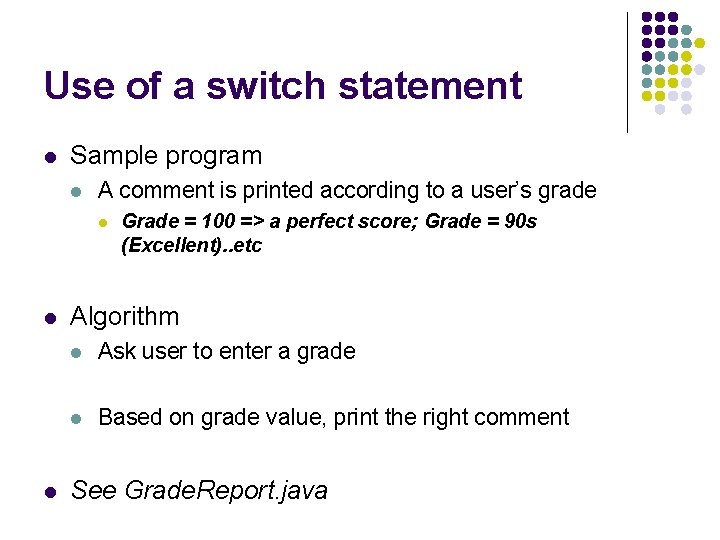
Use of a switch statement l Sample program l A comment is printed according to a user’s grade l l l Grade = 100 => a perfect score; Grade = 90 s (Excellent). . etc Algorithm l Ask user to enter a grade l Based on grade value, print the right comment See Grade. Report. java
Outline Altering flow of control Boolean expressions Conditional Statements The while Statement Other Repetition Statements