
Chapter 5 Basic Starting Systems Computer Systems for
Chapter 5 Basic Starting Systems
Computer Systems for Operations
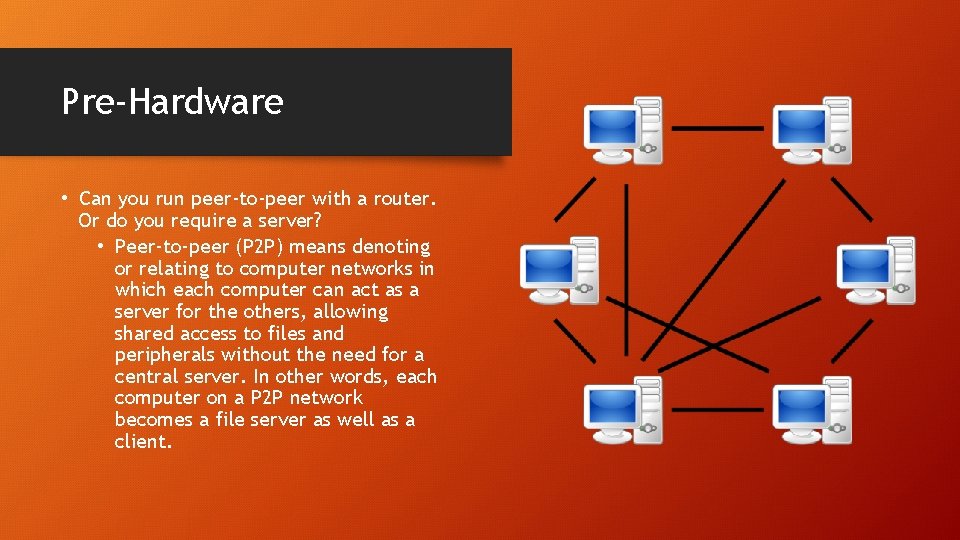
Pre-Hardware • Can you run peer-to-peer with a router. Or do you require a server? • Peer-to-peer (P 2 P) means denoting or relating to computer networks in which each computer can act as a server for the others, allowing shared access to files and peripherals without the need for a central server. In other words, each computer on a P 2 P network becomes a file server as well as a client.
Pre-Hardware cont. . • Can you run the system on WIFI? If so you will need a strong router. • All machines should be on the same operating system. This really helps if you need to do quick fixes or speed up your system • How are you going to back up your system? External hard-drive or Internet/Cloud?
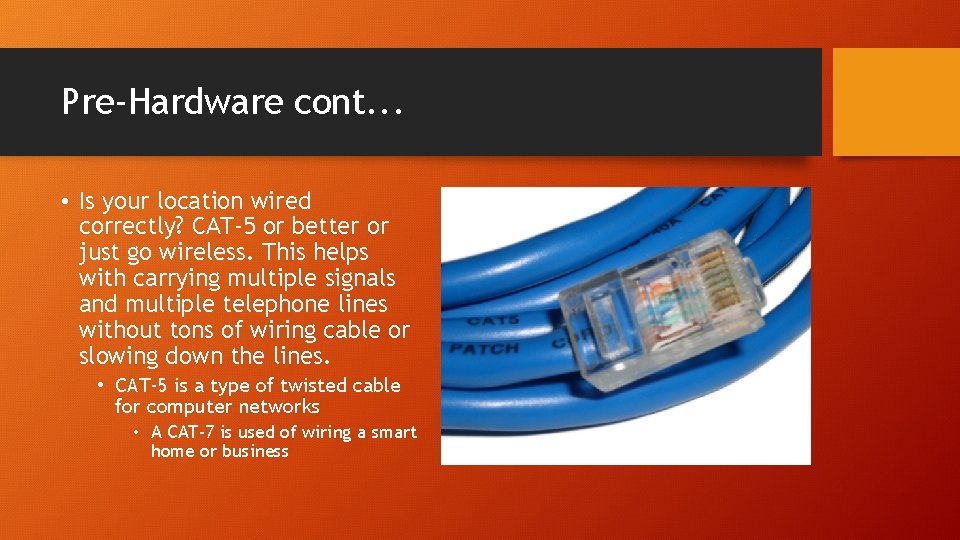
Pre-Hardware cont. . . • Is your location wired correctly? CAT-5 or better or just go wireless. This helps with carrying multiple signals and multiple telephone lines without tons of wiring cable or slowing down the lines. • CAT-5 is a type of twisted cable for computer networks • A CAT-7 is used of wiring a smart home or business
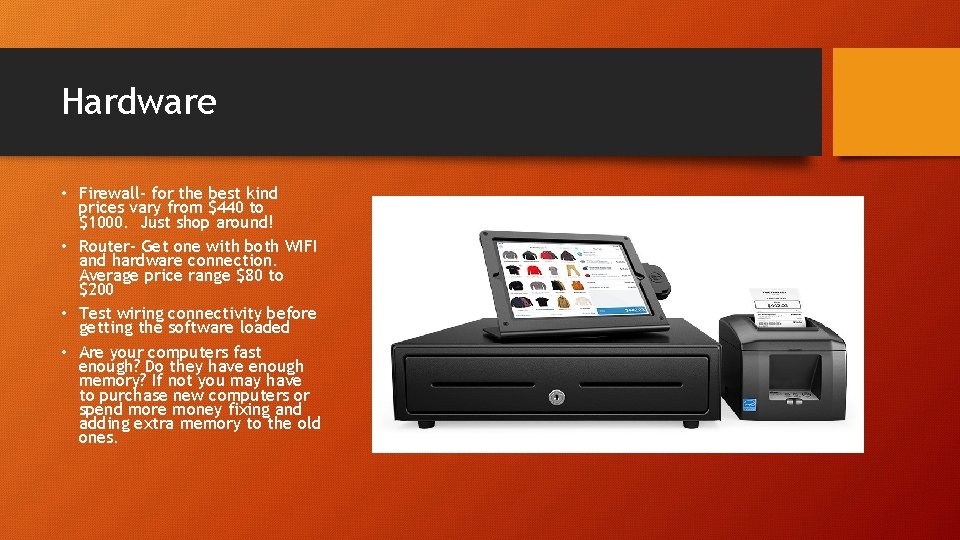
Hardware • Firewall- for the best kind prices vary from $440 to $1000. Just shop around! • Router- Get one with both WIFI and hardware connection. Average price range $80 to $200 • Test wiring connectivity before getting the software loaded • Are your computers fast enough? Do they have enough memory? If not you may have to purchase new computers or spend more money fixing and adding extra memory to the old ones.
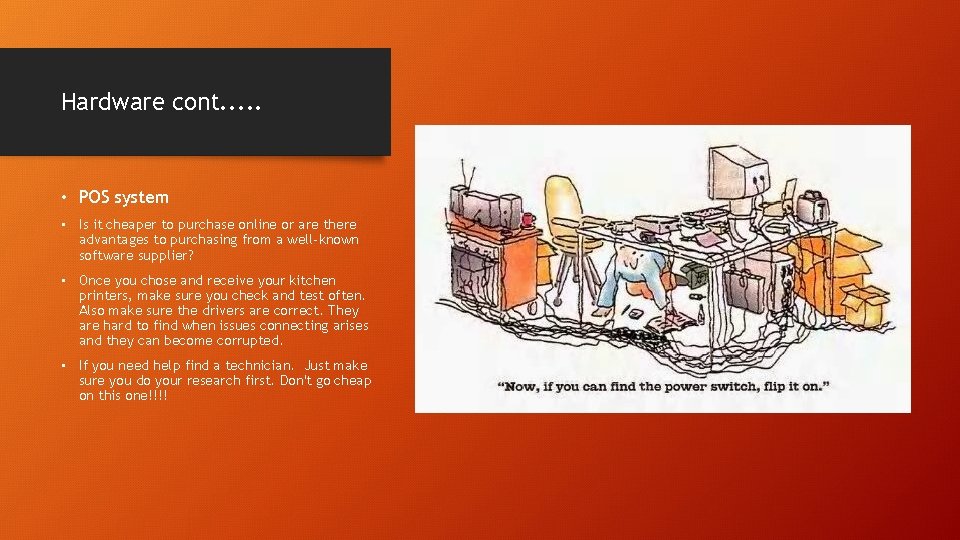
Hardware cont. . . • POS system • Is it cheaper to purchase online or are there advantages to purchasing from a well-known software supplier? • Once you chose and receive your kitchen printers, make sure you check and test often. Also make sure the drivers are correct. They are hard to find when issues connecting arises and they can become corrupted. • If you need help find a technician. Just make sure you do your research first. Don't go cheap on this one!!!!
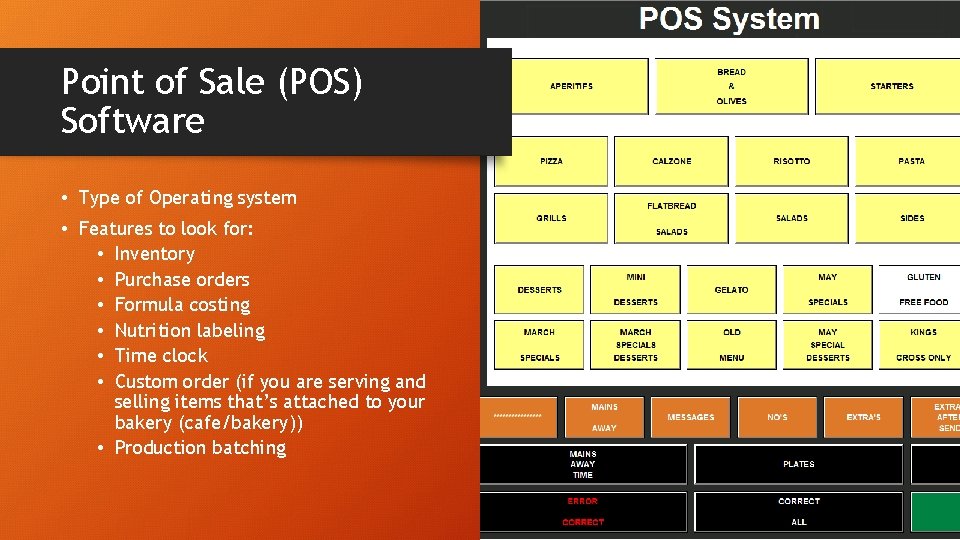
Point of Sale (POS) Software • Type of Operating system • Features to look for: • Inventory • Purchase orders • Formula costing • Nutrition labeling • Time clock • Custom order (if you are serving and selling items that’s attached to your bakery (cafe/bakery)) • Production batching
POS cont. . . • Product costing- addition of labor and overhead • Overhead-accounting fees, advertising, insurance, rent, supplies, taxes, bills, equipment repairs, utilities, etc. • Lot tracking • Receiving and lot assigning • Custom cake orders • Online ordering
Point of Sale Data Source Data • Customer Count by day: How many customers by day? • Customer count by hour: How many customers by hour? • Customer count by week • Customer count by month: Trends tend to jump around. How is June this year as compared to last year? Sales • Sales by day: Even sales by departments • Sales by team members: How is productive? Who is interacting with customers? • Sales by hour: What are your biggest hours? • Sales by week: Judge against budget. Do not wait for the month • Sales by month: This feeds into your profit and loss. If it is a surprise, you need to pay more attention to your weekly numbers.
Point of Sales Data cont. . . Credit card and cash sales • No sales: why was the drawer opened? • Refunds: If the refund is for a penny and there is no paperwork, somebody was using the refund button to open the drawer. Why? • Cash pulls: Lowering the amount of cash in a drawer. This needs to be done frequently by management. • Mis-rings: Overcharges, etc. Usually a supervisor has the authorization to make this adjustment. What is the adjustment for? Reports • Customer count: Is it doing what I expect? • Sales-by day: Am I correctly scheduled? What was the weather? • Sales- by week: Did I meet or exceed budget? Why? • Sales- by month: Am I on sales plan? If not, why? • Average sales per customer (ASPC): Is the staff selling? And are they pushing daily specials or signature items?
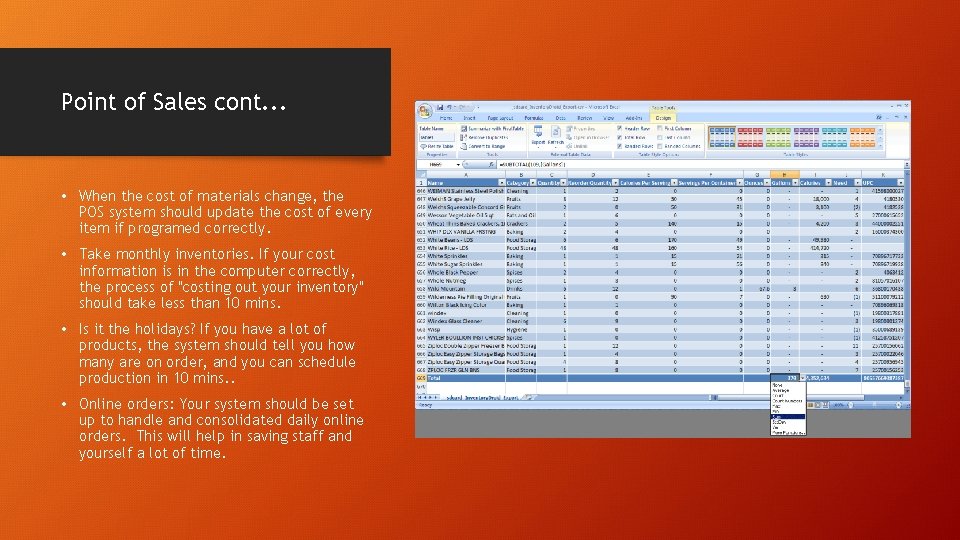
Point of Sales cont. . . • When the cost of materials change, the POS system should update the cost of every item if programed correctly. • Take monthly inventories. If your cost information is in the computer correctly, the process of "costing out your inventory" should take less than 10 mins. • Is it the holidays? If you have a lot of products, the system should tell you how many are on order, and you can schedule production in 10 mins. . • Online orders: Your system should be set up to handle and consolidated daily online orders. This will help in saving staff and yourself a lot of time.

Point of Sales cont. .
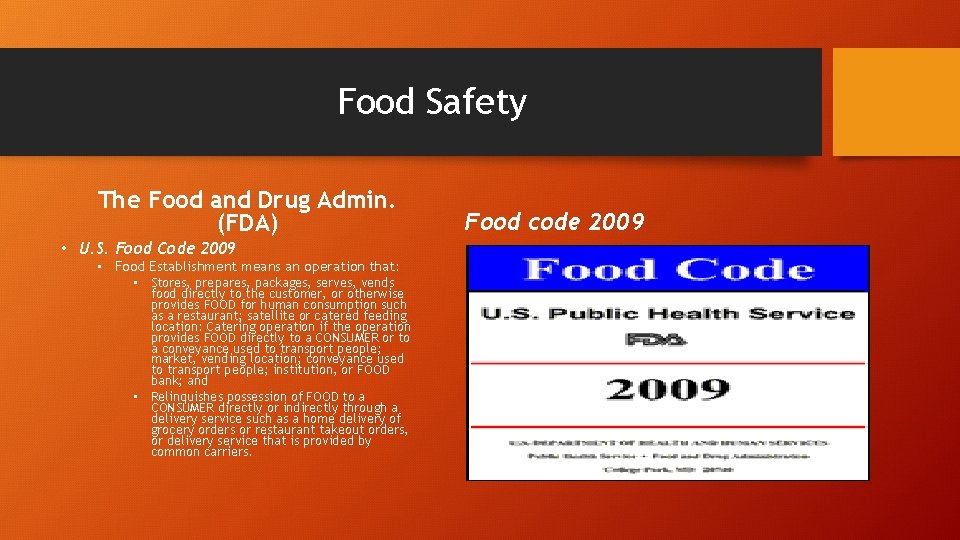
Food Safety The Food and Drug Admin. (FDA) • U. S. Food Code 2009 • Food Establishment means an operation that: • Stores, prepares, packages, serves, vends food directly to the customer, or otherwise provides FOOD for human consumption such as a restaurant; satellite or catered feeding location: Catering operation if the operation provides FOOD directly to a CONSUMER or to a conveyance used to transport people; market, vending location; conveyance used to transport people; institution, or FOOD bank; and • Relinquishes possession of FOOD to a CONSUMER directly or indirectly through a delivery service such as a home delivery of grocery orders or restaurant takeout orders, or delivery service that is provided by common carriers. Food code 2009
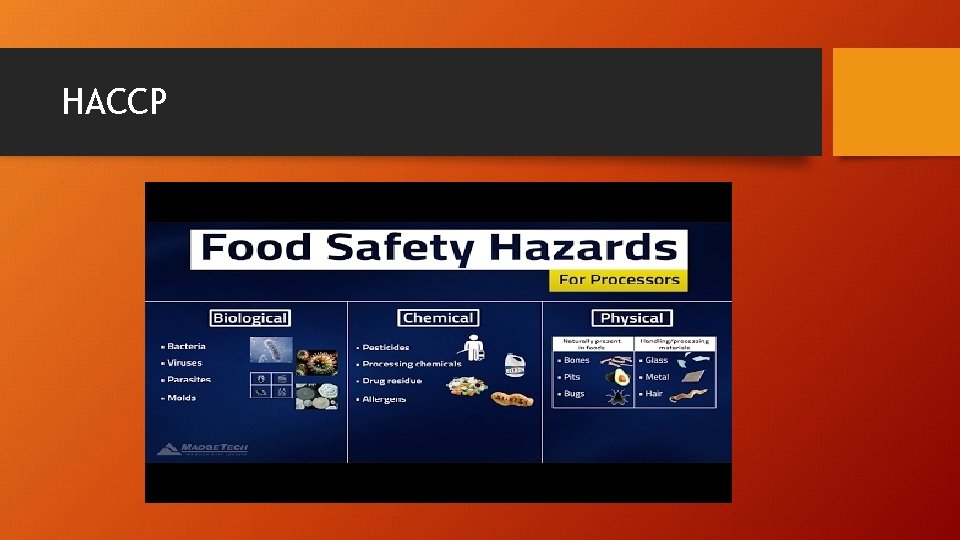
Food Safety cont. . . FDA U. S. Food code 2017 • Read packet Hazard Analysis and Critical Control Points (HACCP) • Hazard Analysis and Critical Control Points was developed for NASA by Pillsbury for the space program. • This is mostly used now and days for recalls in the food industry and for chemicals used in the kitchen
HACCP
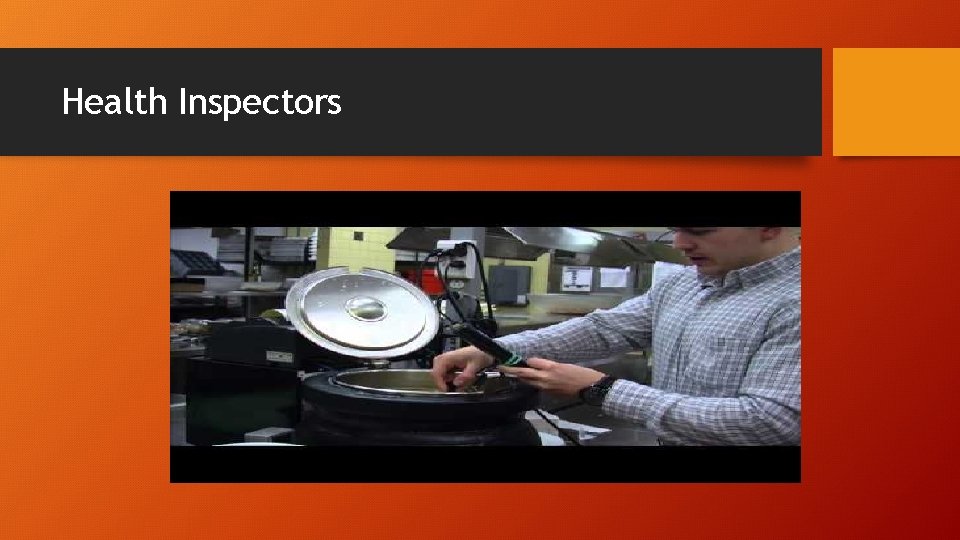
Dealing with Inspectors Health Department • They are looking to make sure you are not going to make anybody sick. This is where your Serve. Safe class comes into play. • If you are good with your cleaning schedule, your equipment is good, and temperature control is where it needs to be, your visit will be quick. ALMOST NOBODY gets 100, but if you are doing your job well, you will avoid critical write-ups and will just have some minor things. FDA • Same as the Health Department, but they will focus on different things. Don’t be surprised if it is the first time you have heard of these issues.
Dealing with Inspectors cont. . . Occupational Safety and Health Administration (OSHA) • State or Federal • Read Handout Fire marshals and insurance safety • If your bakery were to catch on fire, will all of your safety systems work? • Are any exits blocked, are fire extinguishers up to date on tags, exit signs working, and electrical panels accessible? • If they give you a write-up, you MUST comply.
Health Inspectors
Hiring Employees • The interview starts with are they on time? • Make sure your application form is legal. • Always have the applicant complete the application in your store, even if they have a beautiful resume. ( Can they read and write) • Check their ID • Check the application to make sure it is completed 100%. • Make sure the application is signed and dated. • If the last three jobs are only covering 8 months in time, provide them more paper and ask them to go back 5 years. • Ask questions that cannot be answered yes or no. • Focus on their skills, let them describe. • Look for gaps in employment • Ask about their favorite classes and teachers in their schools • Discuss past jobs. And why did that person change companies? • Does the person look you in the eye when speaking with you? • Have the prospect read the job description and discuss
Hiring your first employee
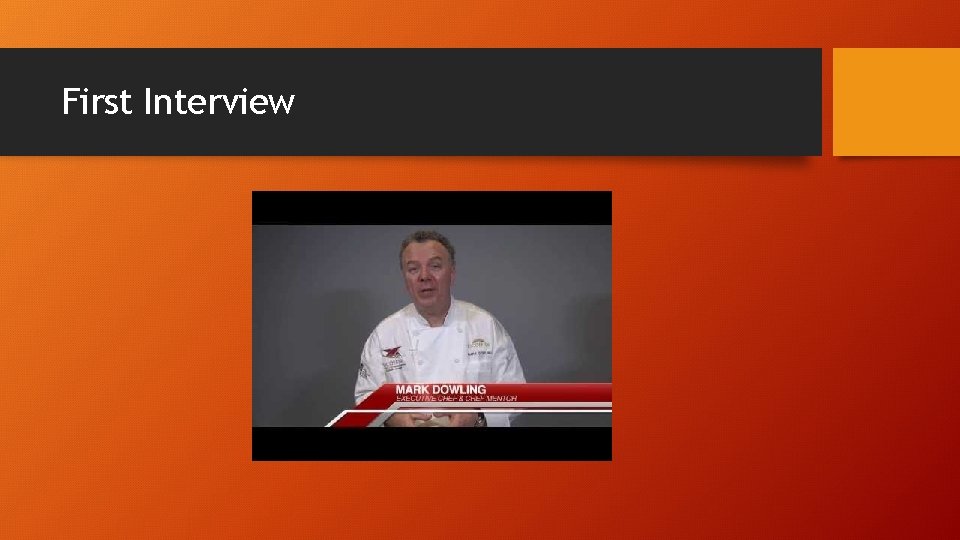
First Interview
Finding Employees
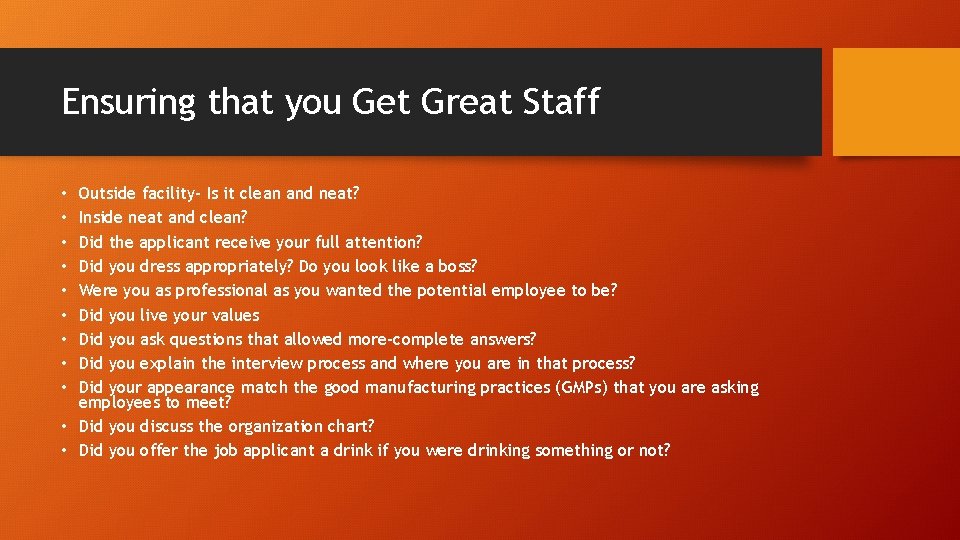
Ensuring that you Get Great Staff Outside facility- Is it clean and neat? Inside neat and clean? Did the applicant receive your full attention? Did you dress appropriately? Do you look like a boss? Were you as professional as you wanted the potential employee to be? Did you live your values Did you ask questions that allowed more-complete answers? Did you explain the interview process and where you are in that process? Did your appearance match the good manufacturing practices (GMPs) that you are asking employees to meet? • Did you discuss the organization chart? • Did you offer the job applicant a drink if you were drinking something or not? • • •
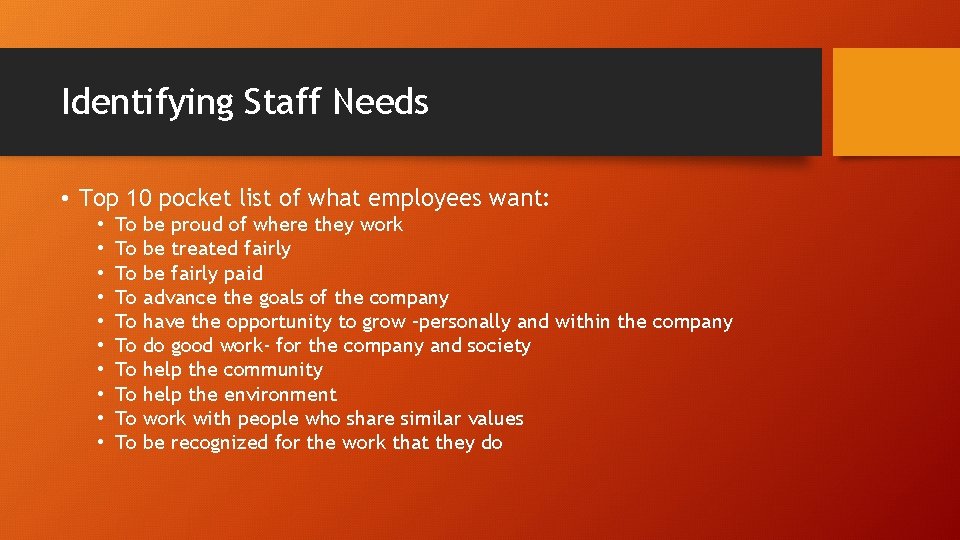
Identifying Staff Needs • Top 10 pocket list of what employees want: • • • To To To be proud of where they work be treated fairly be fairly paid advance the goals of the company have the opportunity to grow –personally and within the company do good work- for the company and society help the community help the environment work with people who share similar values be recognized for the work that they do
Skill Demonstrations Bakers • Have applicant make a certain product of your choosing • Quiz the applicant on the following • The difference in flours • How to figure out dough temperature for yeast dough • Difference between single and double acting baking powder. Decorators • They HAVE to decorate. They must be able to set up, level, and ice a cake. • Provide a sheet cake for them to level • Let the applicant select colors on a cake. Give them a theme. Does the colors match up to theme? • Have them make every type of border and flower they know. • Have them ice and decorate a cupcake, and a cutout cookie. • If they do a good job, try them for a couple of days at day wages.
Skill Demonstration cont. . • Sales Staff • Have the applicant take a special ordercan he/she follow the form? • Take a custom cake –did they get the details right? • Teach a task • Ask them to box a cake if they have bakery experience • Ask them to retray and refresh the showcase if they are experienced
Processing New Hires • Forms needed • W-4 for payroll exemptions • WH-4 (State form) for payroll exemptions • I-9 -(Used for verifying the identity and employment authorization of individuals hired for employment in the U. S) • Make a color copy of the applicant's ID • Get their date of birth –once they are hired (varies) • Special state employee form- some states require an additional form sent in to show employment. • Insurance (if applicable) • Information on payroll procedures and when (date) the new hire will receive the first paycheck and what period of time will it cover. • Consent for background checks (Fair Credit Reporting Act) • Acknowledgement of receipt of employee policy handbook.
Processing New Hires Cont. . • Consent for drug testing (if applicable) • Consent for video surveillance (if applicable) • Notice of Workers' Compensation Coverage- whether the company carries workers' comp insurance or not, it must notify new hires one way or the other • Time card or setup in electronic time clock Bathroom procedures Breaks Work schedule Uniform Policy (if you are providing uniforms also have them sign a property return security deposit agreement) • Setting up training • Make a new hire report within 20 days of hire (this can be done online at www. twc. state. tx. us ) • •
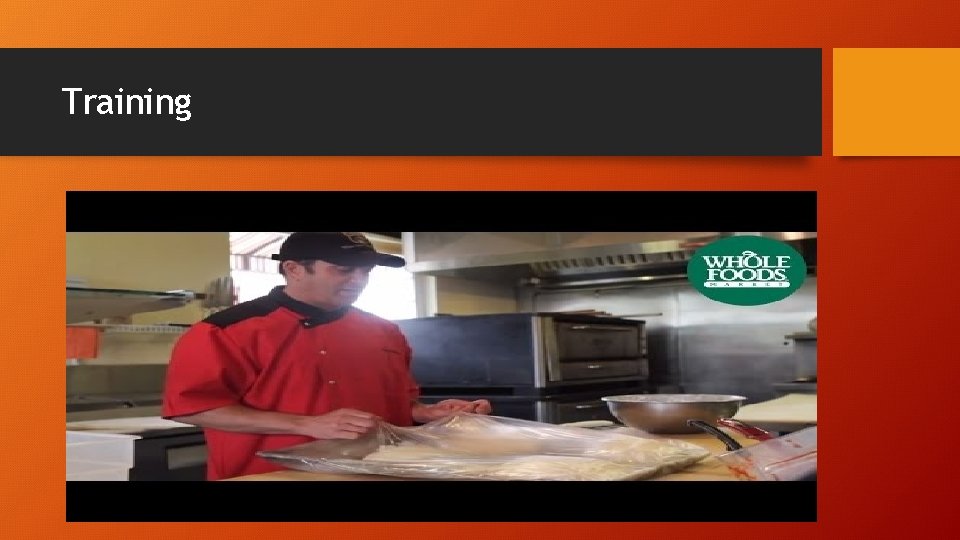
Training
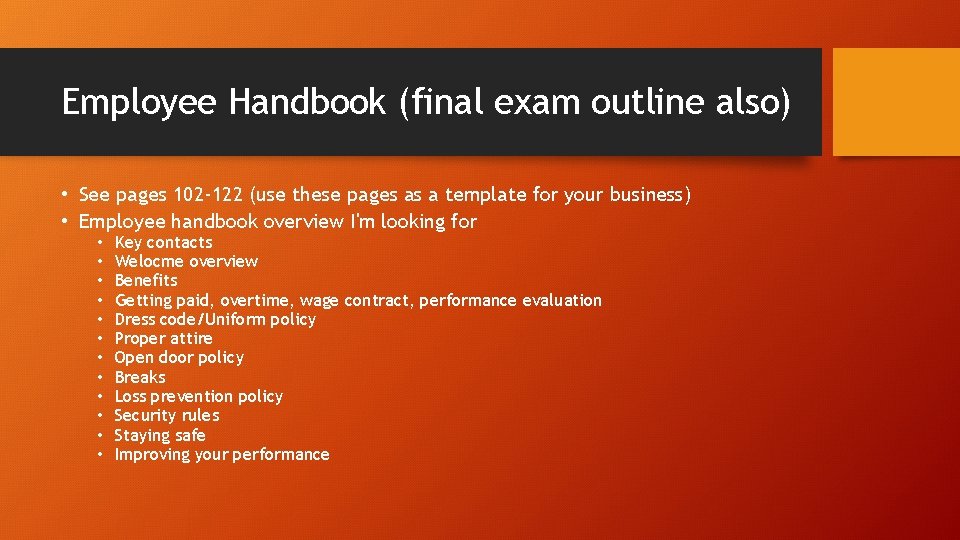
Employee Handbook (final exam outline also) • See pages 102 -122 (use these pages as a template for your business) • Employee handbook overview I'm looking for • • • Key contacts Welocme overview Benefits Getting paid, overtime, wage contract, performance evaluation Dress code/Uniform policy Proper attire Open door policy Breaks Loss prevention policy Security rules Staying safe Improving your performance
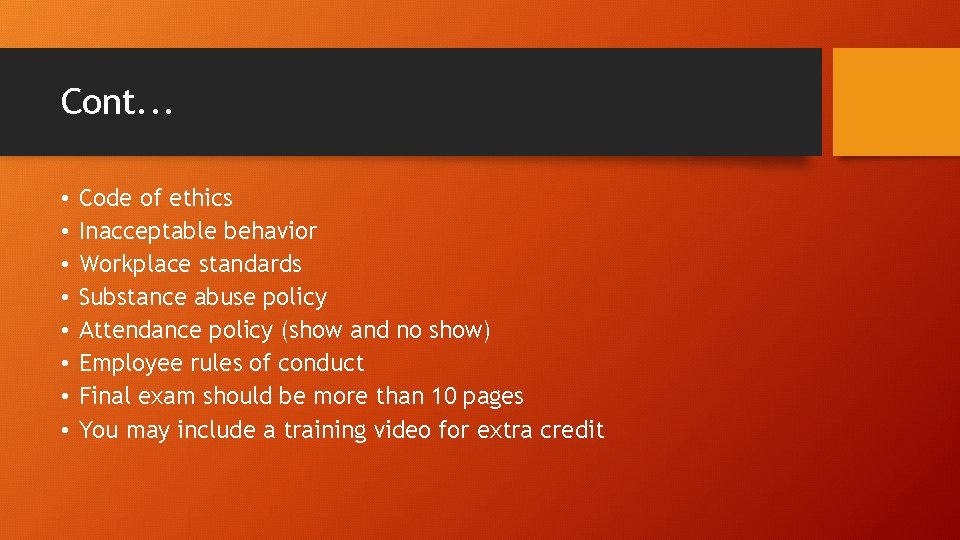
Cont. . . • • Code of ethics Inacceptable behavior Workplace standards Substance abuse policy Attendance policy (show and no show) Employee rules of conduct Final exam should be more than 10 pages You may include a training video for extra credit
- Slides: 32