
Chapter 5 4 Artificial Intelligence Pathfinding Outline n
- Slides: 37
Chapter 5. 4 Artificial Intelligence: Pathfinding
Outline n n n Introduction to pathfinding 5 pathfinding algorithms Summary 2
Introduction n n Almost every game requires pathfinding Agents must be able to find their way around the game world Pathfinding is not a trivial problem The fastest and most efficient pathfinding techniques tend to consume a great deal of resources 3
Pathfinding algorithms n n n A* algorithm Random-Trace Breadth-First Best-First Dijkstra 4
Representing the Search Space n n Agents need to know where they can move Search space should represent either n n n Search space typically doesn’t represent: n n Clear routes that can be traversed Or the entire walkable surface Small obstacles or moving objects Most common search space representations: n n n Grids Waypoint graphs Navigation meshes 5
Grids n 2 D grids – intuitive world representation n Works well for many games including some 3 D games such as Warcraft III Each cell is flagged as either Passable or impassable Each object in the world can occupy one or more cells 6
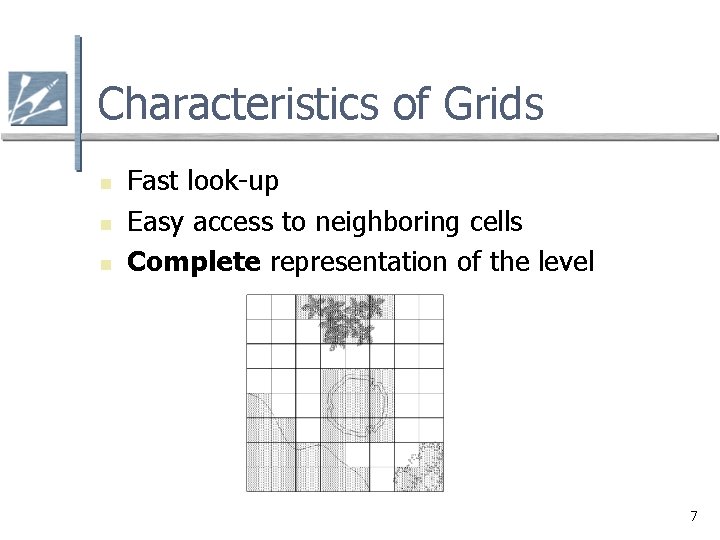
Characteristics of Grids n n n Fast look-up Easy access to neighboring cells Complete representation of the level 7
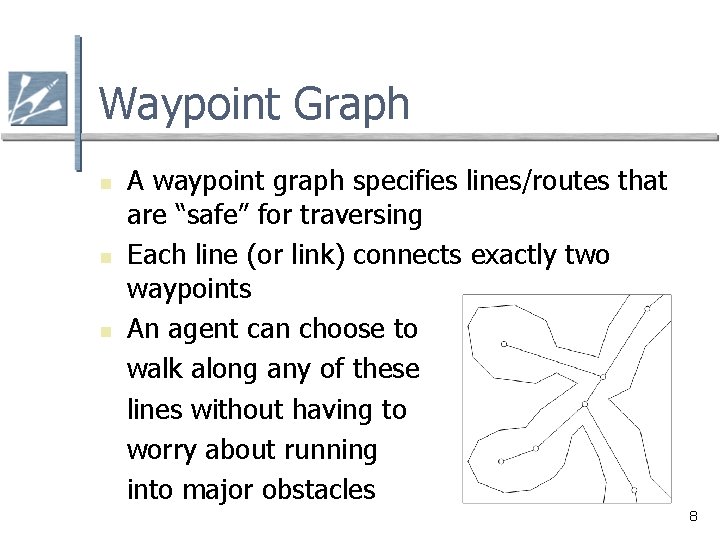
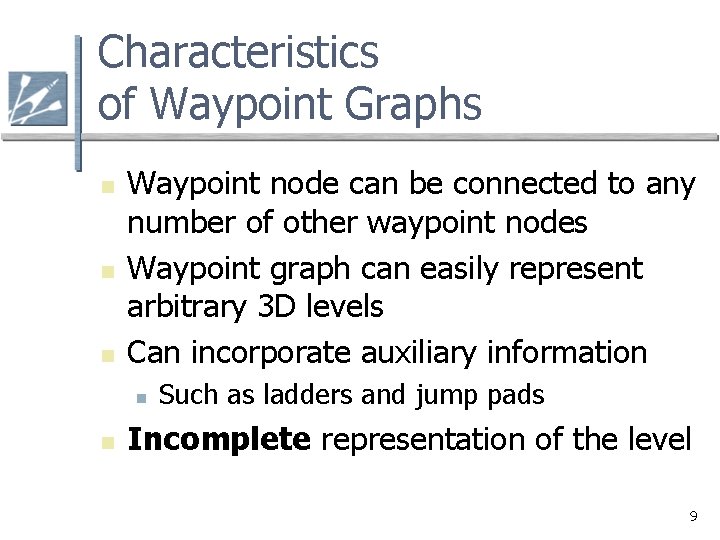
Waypoint Graph n n n A waypoint graph specifies lines/routes that are “safe” for traversing Each line (or link) connects exactly two waypoints An agent can choose to walk along any of these lines without having to worry about running into major obstacles 8
Characteristics of Waypoint Graphs n n n Waypoint node can be connected to any number of other waypoint nodes Waypoint graph can easily represent arbitrary 3 D levels Can incorporate auxiliary information n n Such as ladders and jump pads Incomplete representation of the level 9
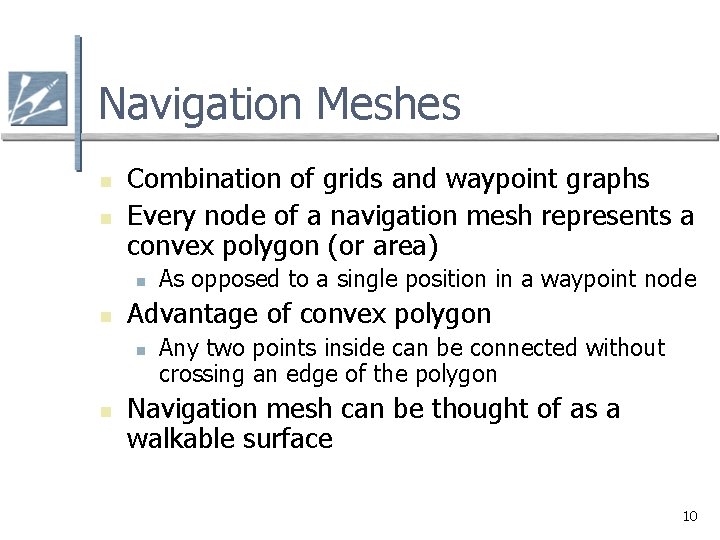
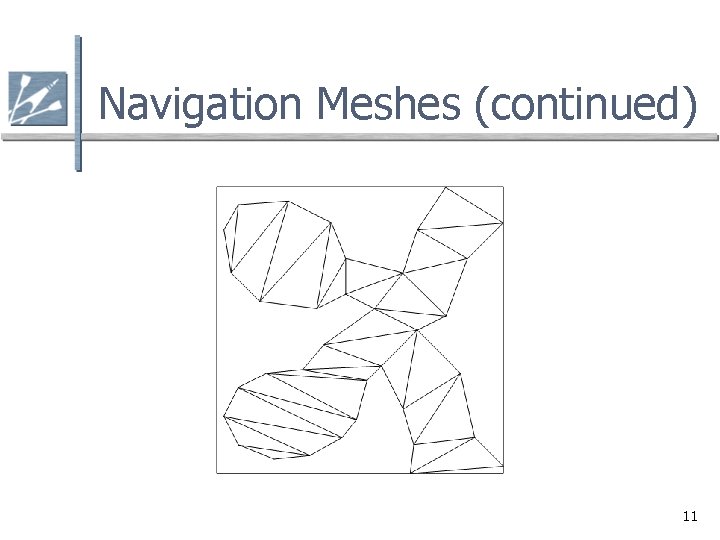
Navigation Meshes n n Combination of grids and waypoint graphs Every node of a navigation mesh represents a convex polygon (or area) n n Advantage of convex polygon n n As opposed to a single position in a waypoint node Any two points inside can be connected without crossing an edge of the polygon Navigation mesh can be thought of as a walkable surface 10
Navigation Meshes (continued) 11
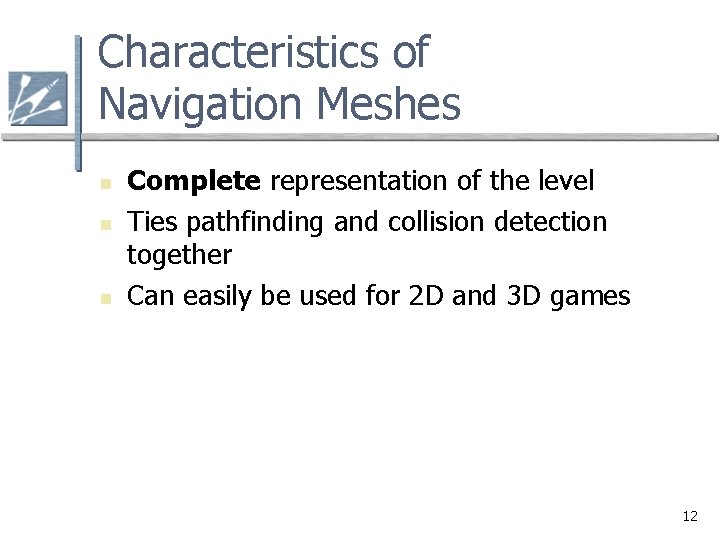
Characteristics of Navigation Meshes n n n Complete representation of the level Ties pathfinding and collision detection together Can easily be used for 2 D and 3 D games 12
Searching for a Path n n A path is a list of cells, points, or nodes that an agent must traverse A pathfinding algorithm finds a path n n From a start position to a goal position The following pathfinding algorithms can be used on n Grids Waypoint graphs Navigation meshes 13
Criteria for Evaluating Pathfinding Algorithms n n Quality of final path Resource consumption during search n n CPU and memory Whether it is a complete algorithm n A complete algorithm guarantees to find a path if one exists 14
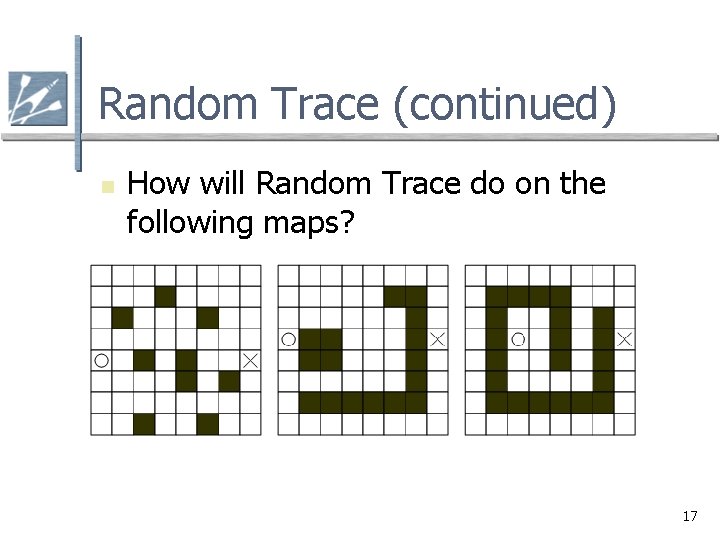
Random Trace n Simple algorithm n n n Agent moves towards goal If goal reached, then done If obstacle n n Trace around the obstacle clockwise or counterclockwise (pick randomly) until free path towards goal Repeat procedure until goal reached 15
Random Trace Characteristics n n Not a complete algorithm Found paths are unlikely to be optimal Incapable of considering a wide variety of paths Consumes very little memory 16
Random Trace (continued) n How will Random Trace do on the following maps? 17
Understanding A* n To understand A* n n First understand Breadth-First, Best-First, and Dijkstra algorithms A* is a combination of Best-First and Dijkstra These algorithms use nodes to represent candidate paths They keep track of numerous paths simultaneously 18
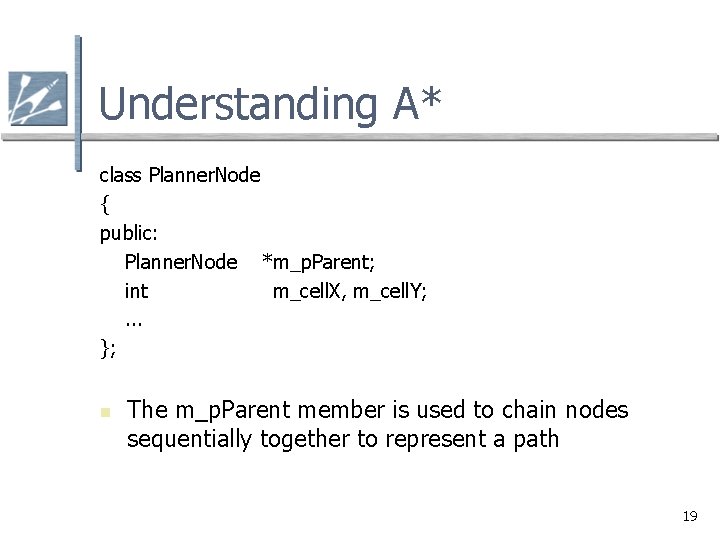
Understanding A* class Planner. Node { public: Planner. Node *m_p. Parent; int m_cell. X, m_cell. Y; . . . }; n The m_p. Parent member is used to chain nodes sequentially together to represent a path 19
Understanding A* n n n All of the following algorithms use two lists n The open list n The closed list Open list keeps track of promising nodes When a node is examined from open list n Taken off open list and checked to see whether it has reached the goal If it has not reached the goal n Used to create additional nodes n Then placed on the closed list The closed nodes are those that do not correspond to the goal cell and have been processed already 20
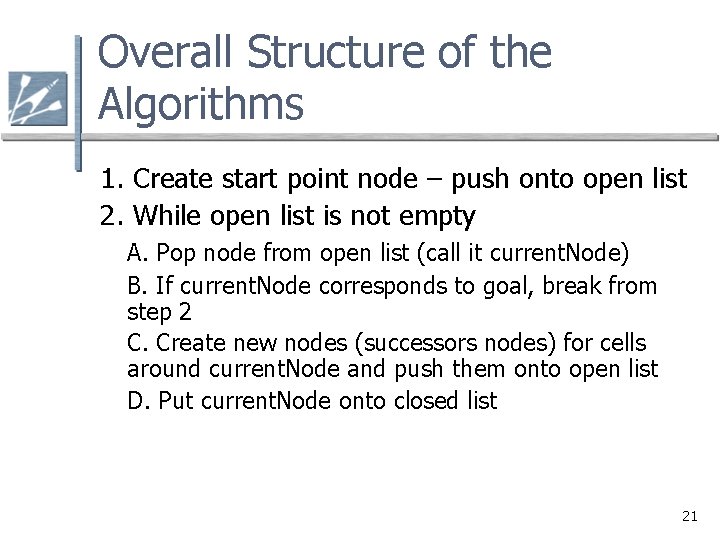
Overall Structure of the Algorithms 1. Create start point node – push onto open list 2. While open list is not empty A. Pop node from open list (call it current. Node) B. If current. Node corresponds to goal, break from step 2 C. Create new nodes (successors nodes) for cells around current. Node and push them onto open list D. Put current. Node onto closed list 21
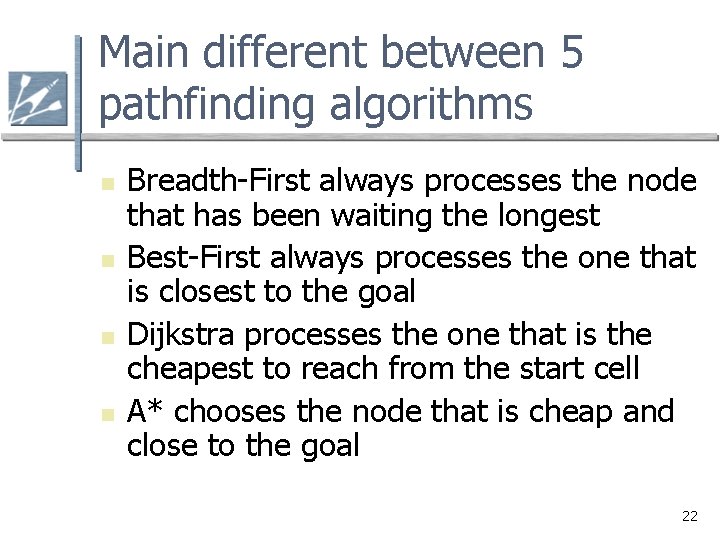
Main different between 5 pathfinding algorithms n n Breadth-First always processes the node that has been waiting the longest Best-First always processes the one that is closest to the goal Dijkstra processes the one that is the cheapest to reach from the start cell A* chooses the node that is cheap and close to the goal 22
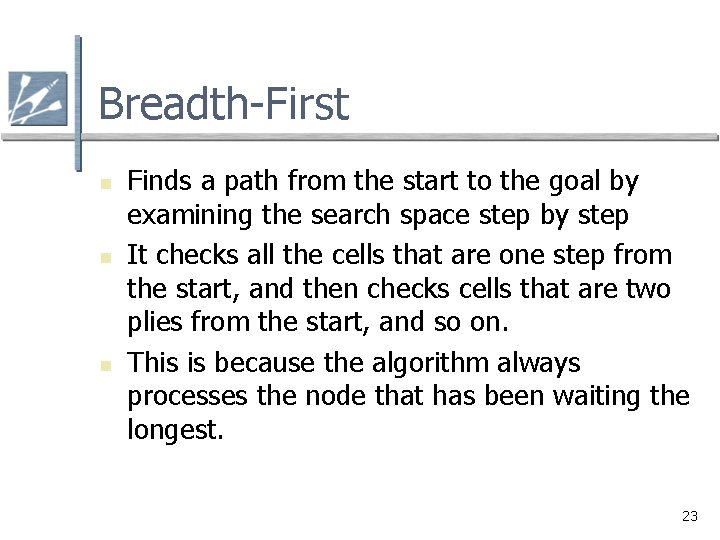
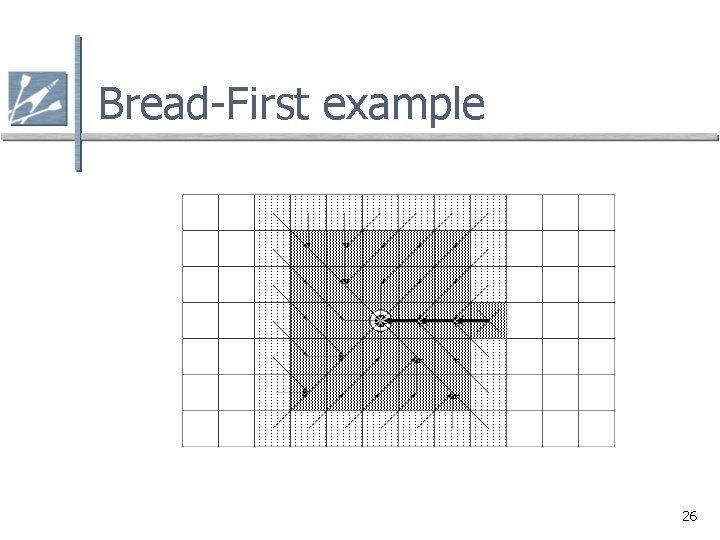
Breadth-First n n n Finds a path from the start to the goal by examining the search space step by step It checks all the cells that are one step from the start, and then checks cells that are two plies from the start, and so on. This is because the algorithm always processes the node that has been waiting the longest. 23
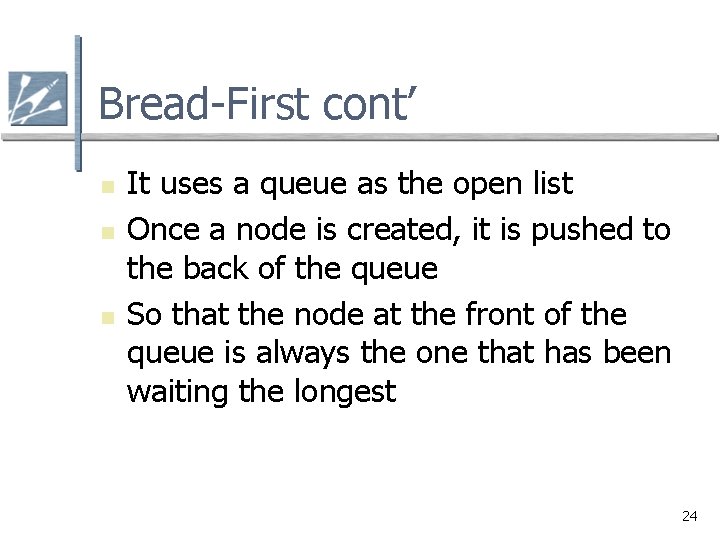
Bread-First cont’ n n n It uses a queue as the open list Once a node is created, it is pushed to the back of the queue So that the node at the front of the queue is always the one that has been waiting the longest 24
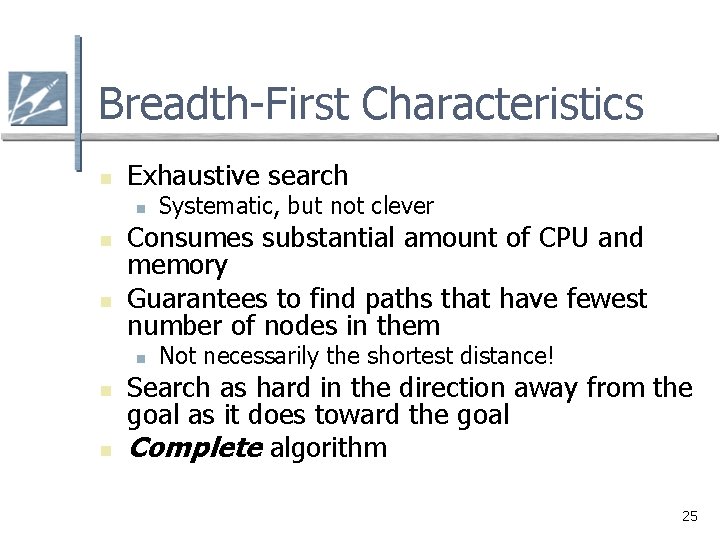
Breadth-First Characteristics n Exhaustive search n n n Consumes substantial amount of CPU and memory Guarantees to find paths that have fewest number of nodes in them n n n Systematic, but not clever Not necessarily the shortest distance! Search as hard in the direction away from the goal as it does toward the goal Complete algorithm 25
Bread-First example 26
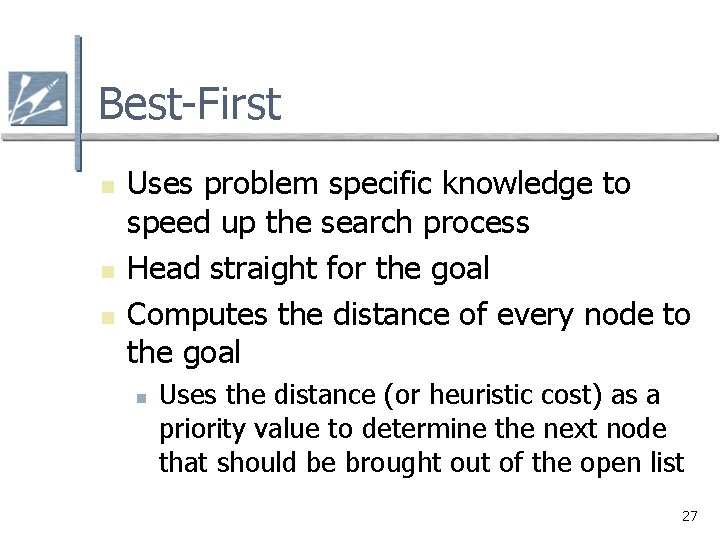
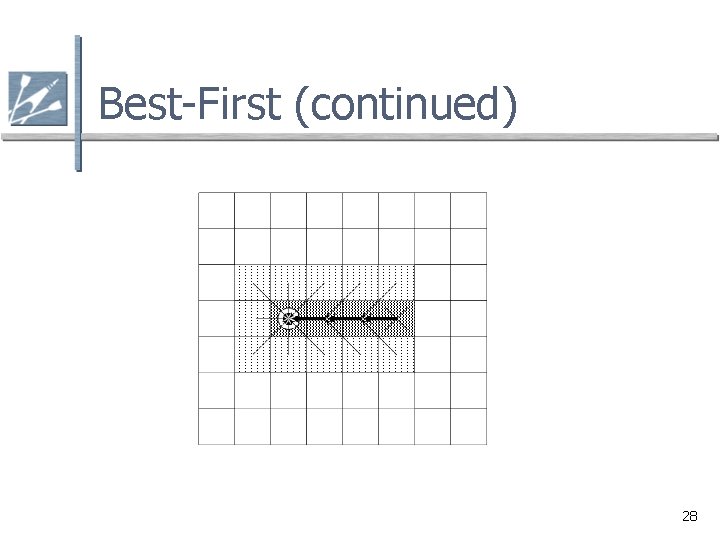
Best-First n n n Uses problem specific knowledge to speed up the search process Head straight for the goal Computes the distance of every node to the goal n Uses the distance (or heuristic cost) as a priority value to determine the next node that should be brought out of the open list 27
Best-First (continued) 28
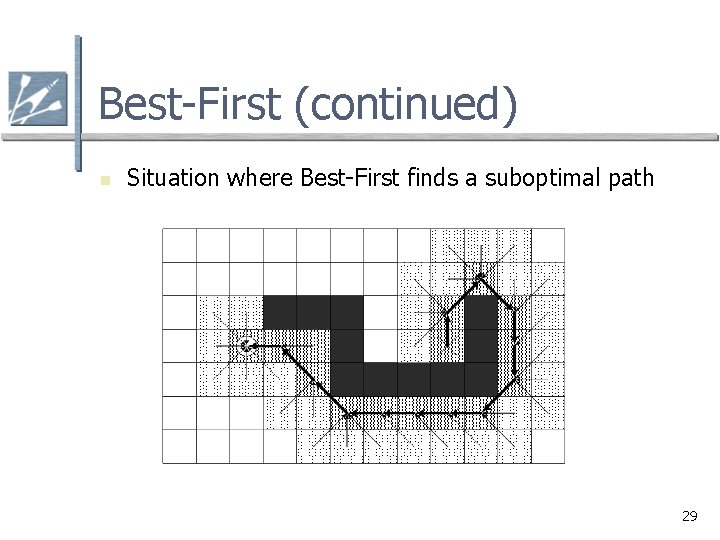
Best-First (continued) n Situation where Best-First finds a suboptimal path 29
Best-First Characteristics n n n Heuristic search Uses fewer resources than Breadth-First Tends to find good paths n n No guarantee to find most optimal path Complete algorithm 30
Dijkstra n Disregards distance to goal n n n Keeps track of the cost of every path No guessing Computes accumulated cost paid to reach a node from the start n Uses the cost (called the given cost) as a priority value to determine the next node that should be brought out of the open list 31
Dijkstra Characteristics n n Exhaustive search At least as resource intensive as Breadth-First Always finds the most optimal path Complete algorithm 32
A* n n n It uses an admissible heuristic function that never overestimates the true cost Uses both heuristic cost (the estimated cost to reach the goal) and given cost (the actual cost paid to reach a node from the start) to order the open list Final Cost = Given Cost + (Heuristic Cost * Heuristic Weight) 33
A* cont’ n n n Final Cost = Given Cost + (Heuristic Cost * Heuristic Weight) Heuristic weight can be used to control the amount of emphasis on the heuristic cost versus the given cost. It can control whether A* should behave more like Best-First or Dijkstra. If hw=0, final cost will be the given cost ->Dijkstra If hw >>1, it will behave just like Best-First 34
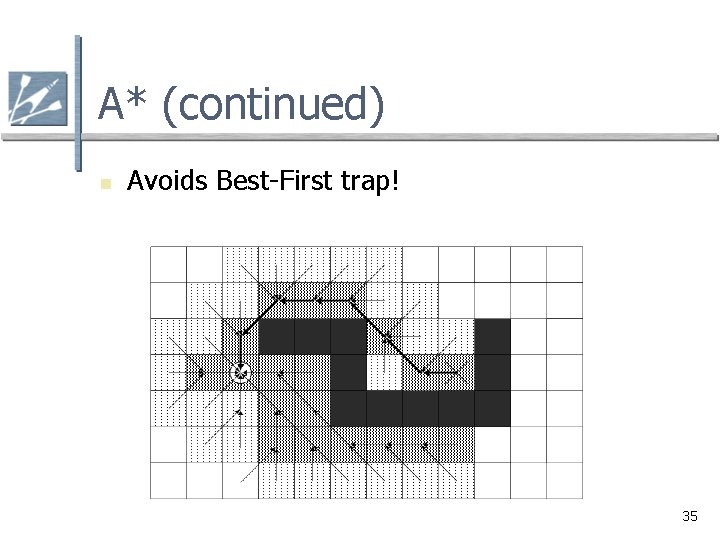
A* (continued) n Avoids Best-First trap! 35
A* Characteristics n n Heuristic search On average, uses fewer resources than Dijkstra and Breadth-First Admissible heuristic guarantees it will find the most optimal path Complete algorithm 36
Summary n Two key aspects of pathfinding: n n Representing the search space Searching for a path 37