
Chapter 41 Java Server Face 1 Objectives F
Chapter 41 Java. Server Face 1
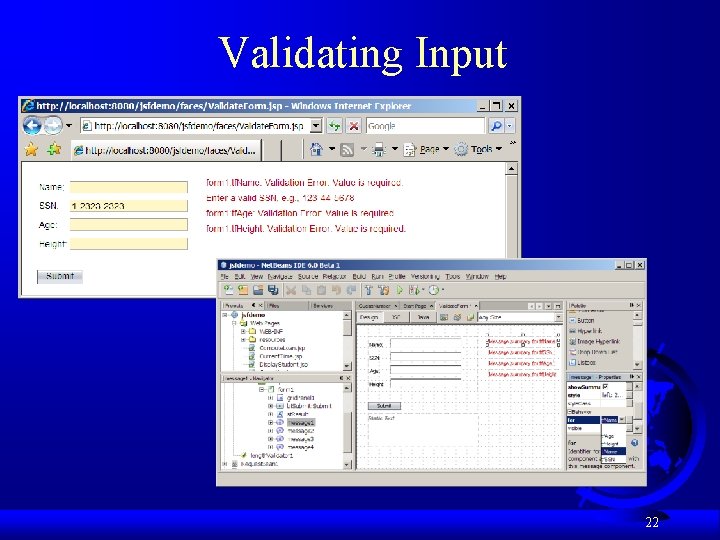
Objectives F To explain what JSF is (§ 41. 1). F To create a JSF page using Net. Beans (§ 41. 2). F To create JSF UI components (e. g. , Static Text, Text Field, Button, Drop Down List, List Box, Radio Button Group, Check Box Group, Text Area, Table) (§ 41. 3). F To use JSF containers Grid Panel, Group Panel, and Layout Panel to group components (§ 41. 4). F To bind data with JSF UI components (§ 41. 5). F To validate input using Message components (§ 41. 6). 2
What is JSF? JSF supports visual Web development. You can create a Web user interface using a tool without writing any code. JSF completely separates Web UI from Java code so the application developed using JSF is easy to debug and maintain. 3
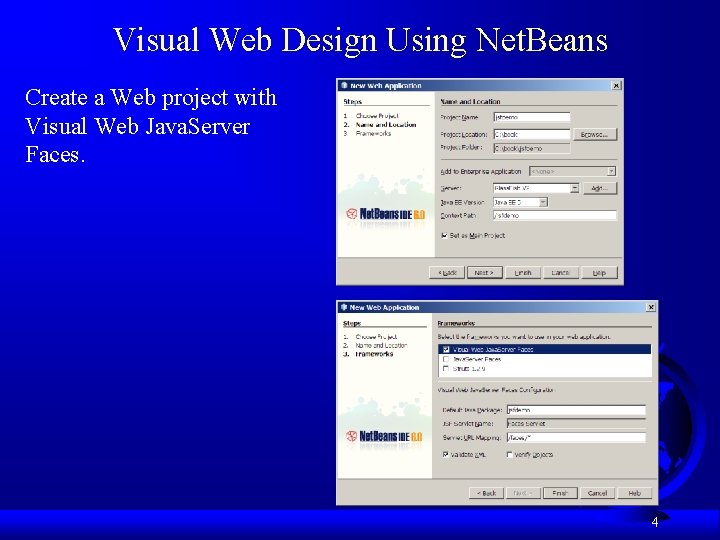
Visual Web Design Using Net. Beans Create a Web project with Visual Web Java. Server Faces. 4
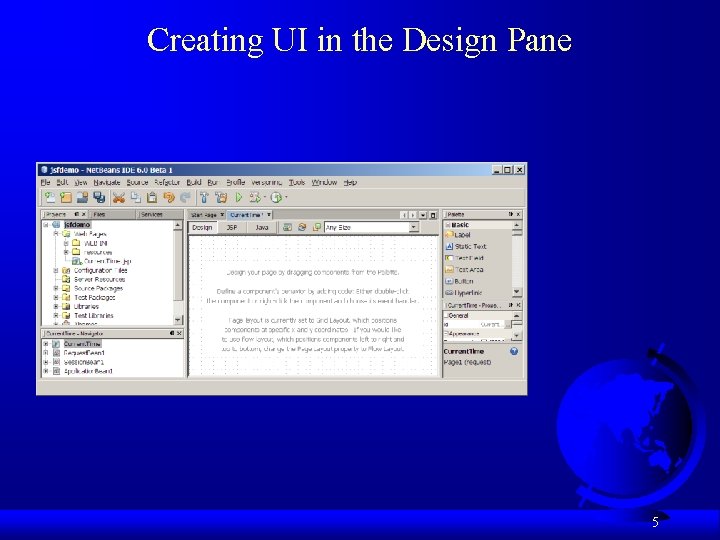
Creating UI in the Design Pane 5
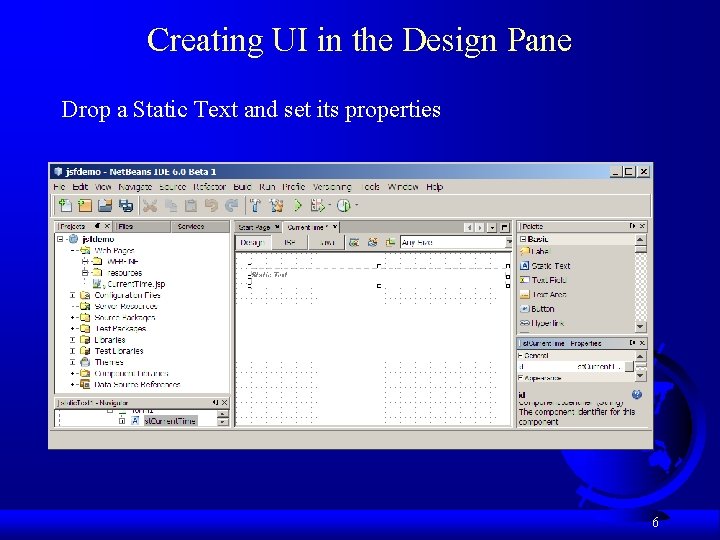
Creating UI in the Design Pane Drop a Static Text and set its properties 6
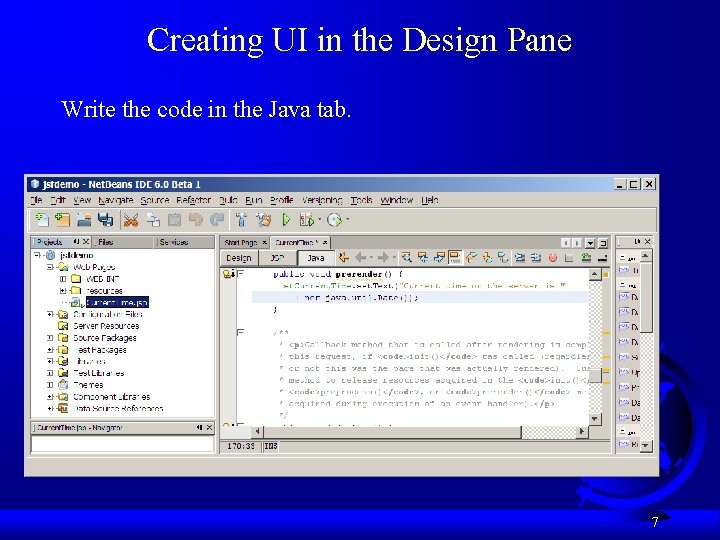
Creating UI in the Design Pane Write the code in the Java tab. 7
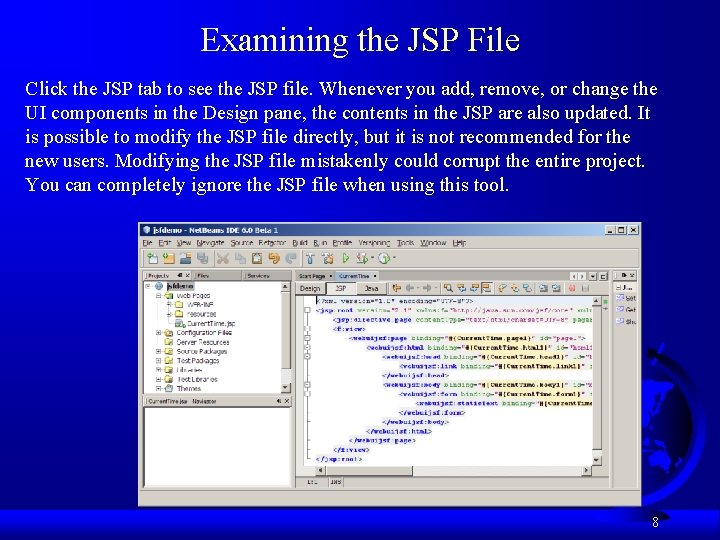
Examining the JSP File Click the JSP tab to see the JSP file. Whenever you add, remove, or change the UI components in the Design pane, the contents in the JSP are also updated. It is possible to modify the JSP file directly, but it is not recommended for the new users. Modifying the JSP file mistakenly could corrupt the entire project. You can completely ignore the JSP file when using this tool. 8
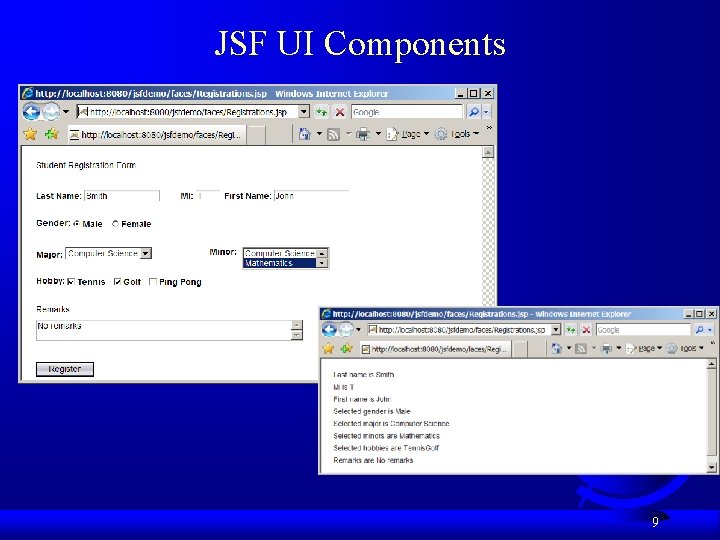
JSF UI Components 9
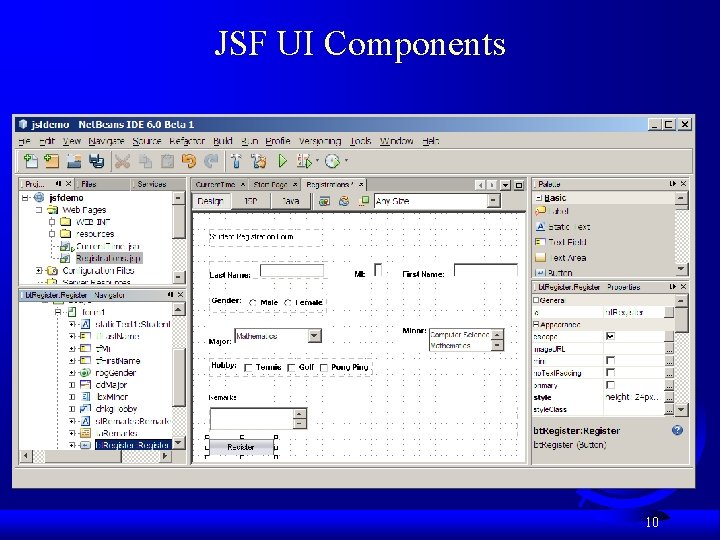
JSF UI Components 10
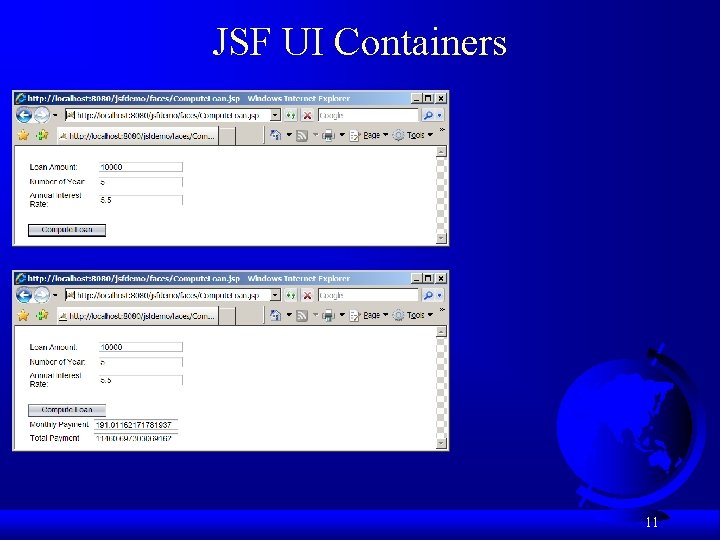
JSF UI Containers 11
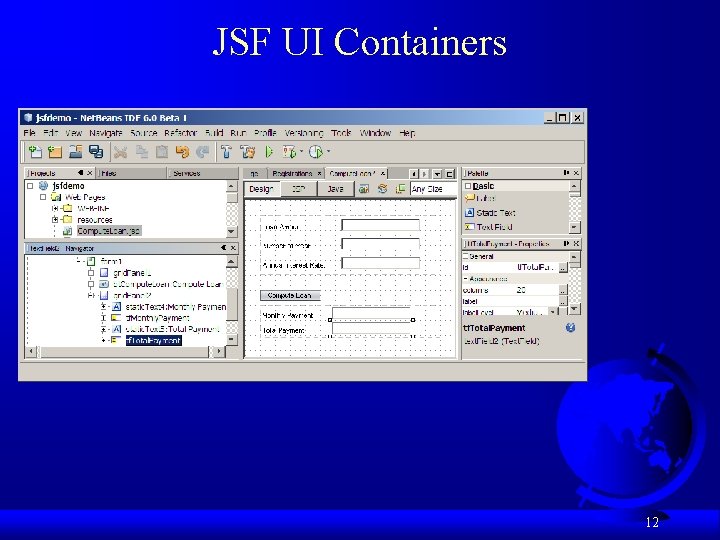
JSF UI Containers 12
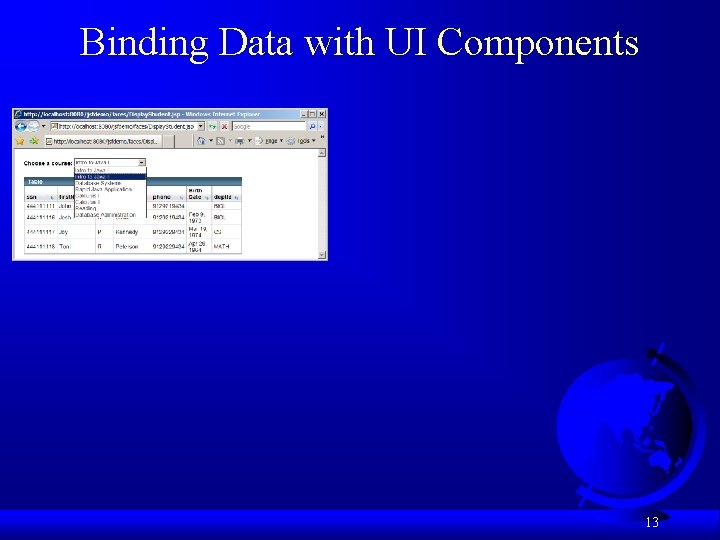
Binding Data with UI Components 13
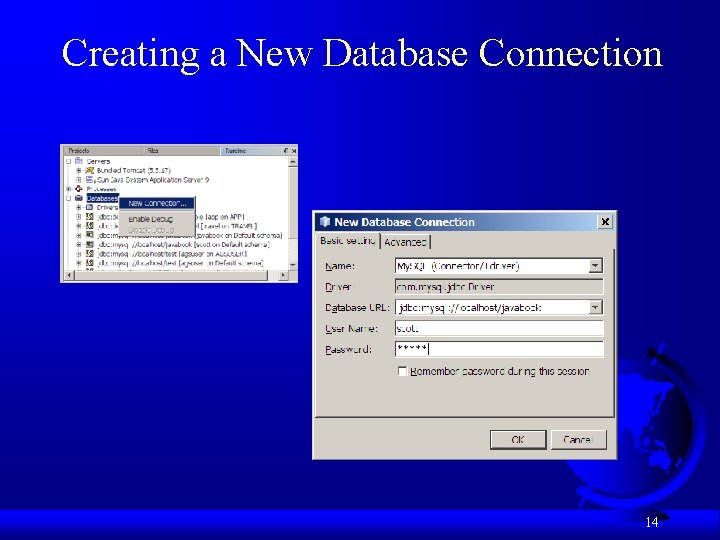
Creating a New Database Connection 14
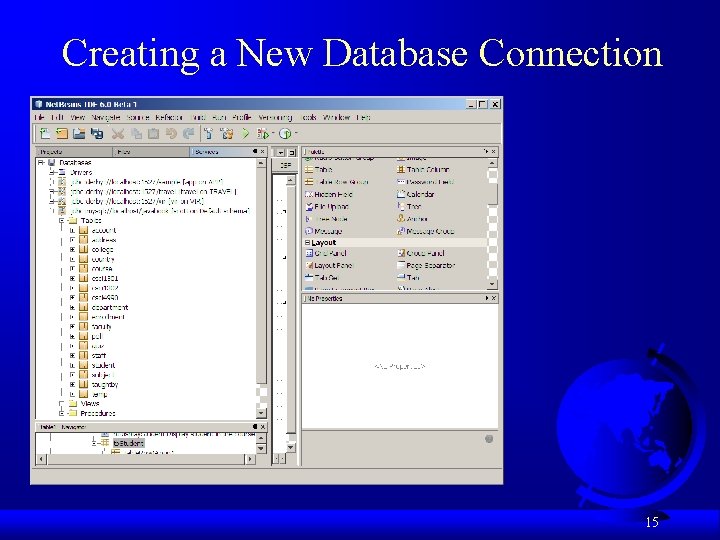
Creating a New Database Connection 15
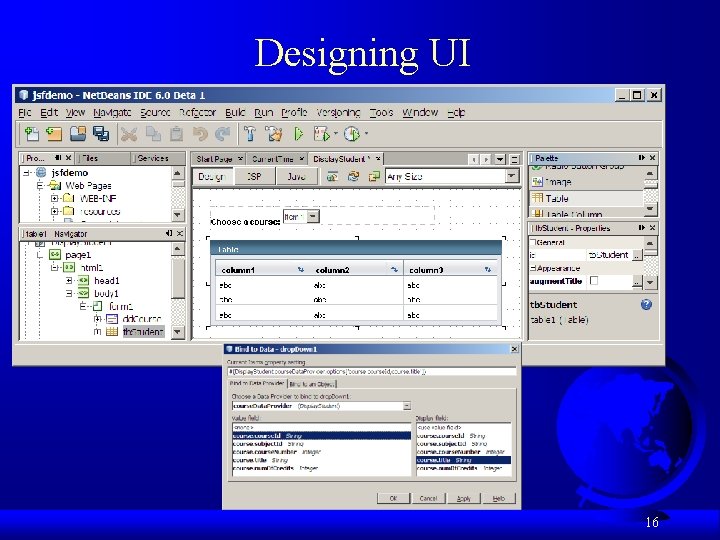
Designing UI 16
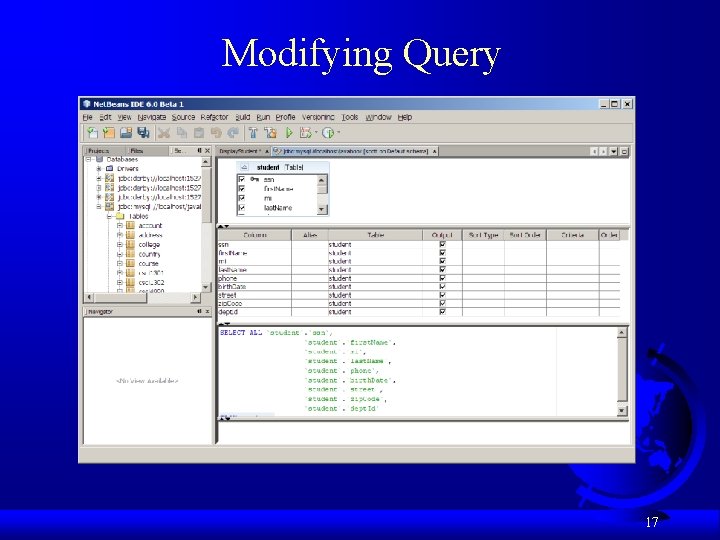
Modifying Query 17
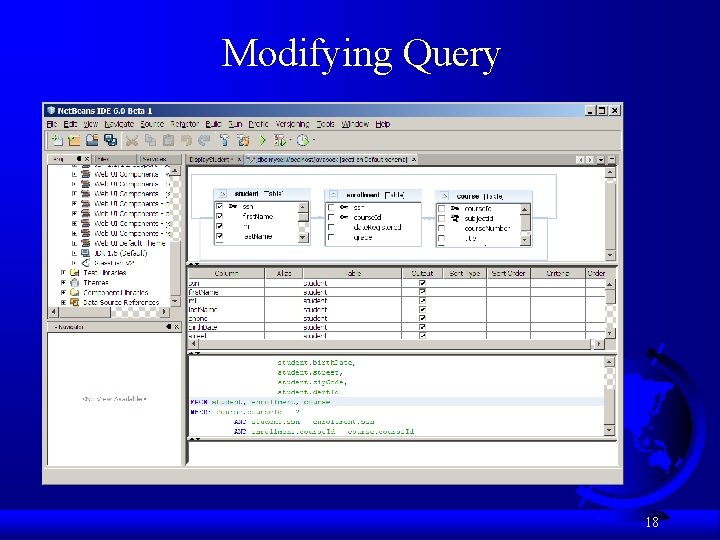
Modifying Query 18
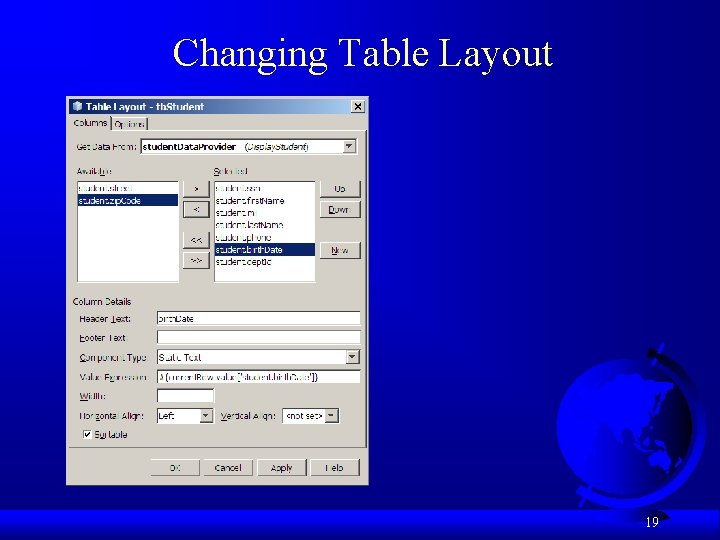
Changing Table Layout 19
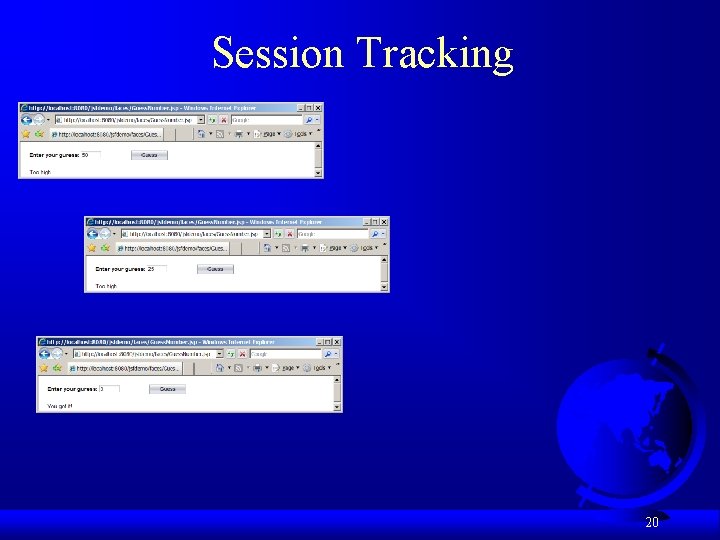
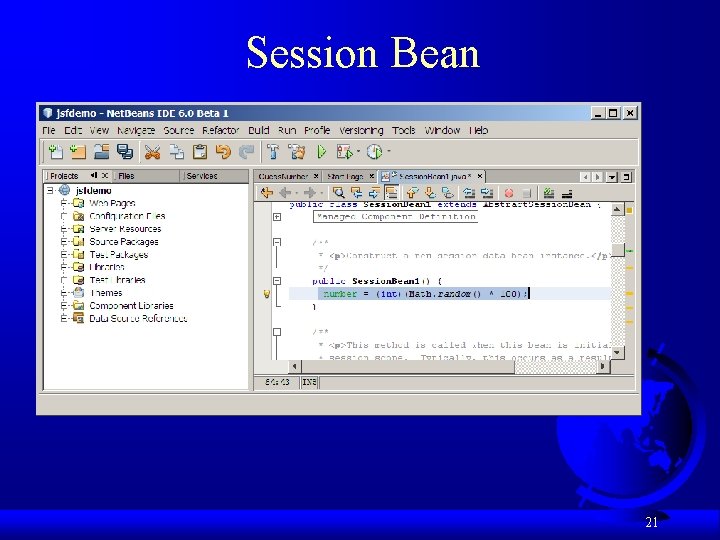
Session Tracking 20
Session Bean 21
Validating Input 22
- Slides: 22