
CHAPTER 4 Virtual Environments Designing the User Interface

- Slides: 17
CHAPTER 4: Virtual Environments Designing the User Interface: Strategies for Effective Human-Computer Interaction Fifth Edition Ben Shneiderman & Catherine Plaisant in collaboration with Addison Wesley is an imprint of Maxine S. Cohen and Steven M. Jacobs © 2010 Pearson Addison-Wesley. All rights reserved.
Virtual Reality o Virtual Reality is a high-end user-computer interface that involves real-time simulation and interaction through multiple sensory channels. o Sensory information may include visual, auditory, haptic, tactile, smell, taste… o Visual is dominating o Virtual reality can break physical laws and allow users to act as though they were somewhere else (Ask the students to take note of this definition) 1 -2 © 2010 Pearson Addison-Wesley. All rights reserved. 6 -2
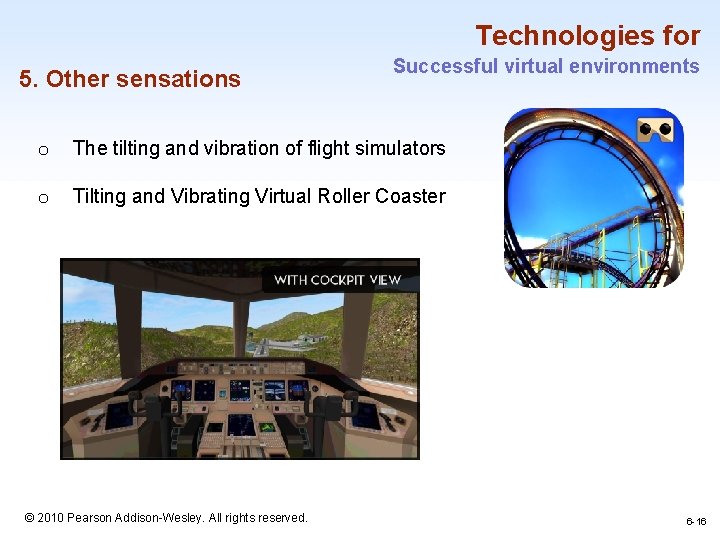
Significance of Virtual reality in Flight Simulators • Flight simulation designers work hard to create the most realistic experience for fighter and airline pilots. • The cockpit displays and controls are taken from the same production line that creates the real ones. • Then the windows are replaced by high resolution computer displays and sounds are choreographed to give the impression of engine start or reverse thrust. • Finally the vibration and tilting during climbing or turning are created by hydraulic jacks and intricate suspension system. 1 -3 © 2010 Pearson Addison-Wesley. All rights reserved. 6 -3
Significance of Virtual reality in Flight Simulators (Cont. . ) • The elaborate technology may cost $100 million but even so, it is lot cheaper, safer, and more useful for training than the $400 million jet that it simulates. • Flying a plane is a complicated and specialized skill, but simulators are available for more common and some surprising tasks under the alluring name of virtual reality or more descriptive Virtual environments. 1 -4 © 2010 Pearson Addison-Wesley. All rights reserved. 6 -4
Artificial reality and CAVE • Large screen projectors and video sensors combined full body movement with projected images of light creatures that walked along a performer’s arm or of multicolored patterns and sounds generated by the performer’s movement. TM • The CAVE ( Cave Automatic Virtual Environment), a room with several walls of high resolution rear projected displays with three-dimensional audio. • Can offer satisfying experiences for several people at a time. • The theatrical possibilities have attracted researchers and media pioneers who are merging reality with virtuality. 1 -5 © 2010 Pearson Addison-Wesley. All rights reserved. 6 -5
CAVE – video 1 -6 © 2010 Pearson Addison-Wesley. All rights reserved. 6 -6
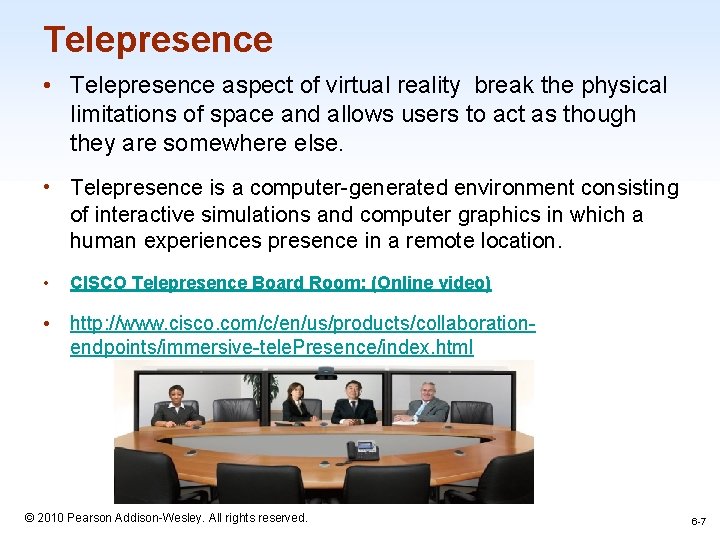
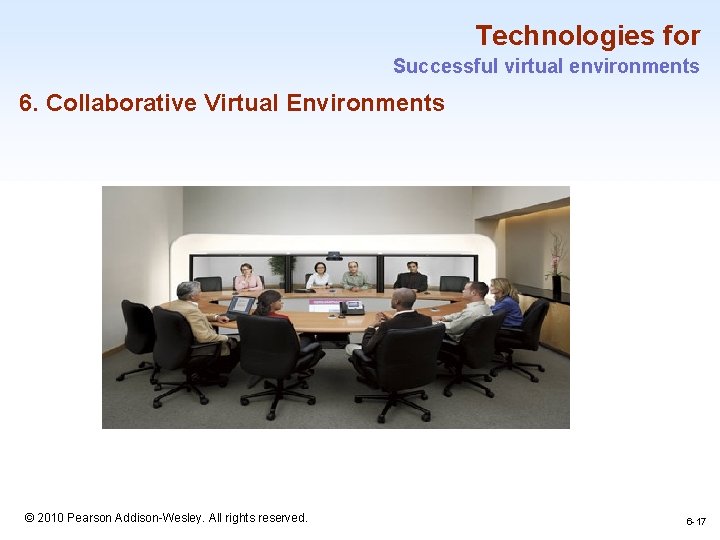
Telepresence • Telepresence aspect of virtual reality break the physical limitations of space and allows users to act as though they are somewhere else. • Telepresence is a computer-generated environment consisting of interactive simulations and computer graphics in which a human experiences presence in a remote location. • CISCO Telepresence Board Room: (Online video) • http: //www. cisco. com/c/en/us/products/collaborationendpoints/immersive-tele. Presence/index. html 1 -7 © 2010 Pearson Addison-Wesley. All rights reserved. 6 -7
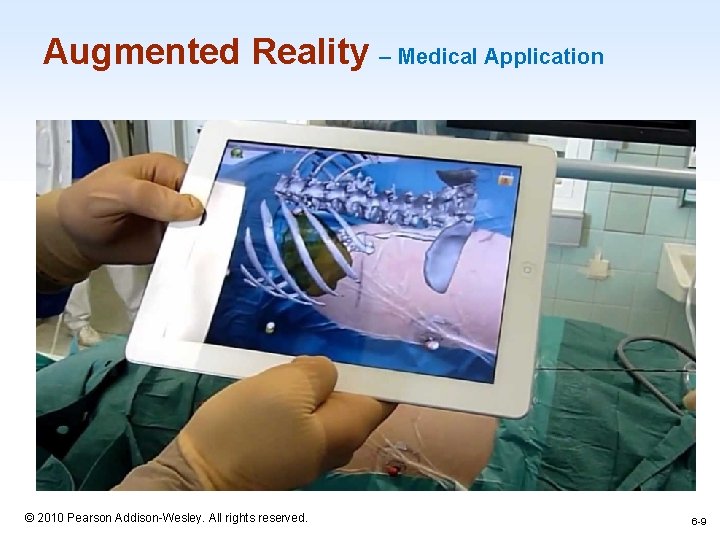
Augmented reality • Enables users to see the real world with an overlay of additional information. • Examples: – while users are looking at the walls of a building, their semitransparent eyeglasses may show the location of electrical wires and studwork. – Medical applications, such as allowing surgeons to look at a patient while they see an overlay of an x-ray or sonogram to help locate a cancer tumor. 1 -8 © 2010 Pearson Addison-Wesley. All rights reserved. 6 -8
Augmented Reality – Medical Application 1 -9 © 2010 Pearson Addison-Wesley. All rights reserved. 6 -9
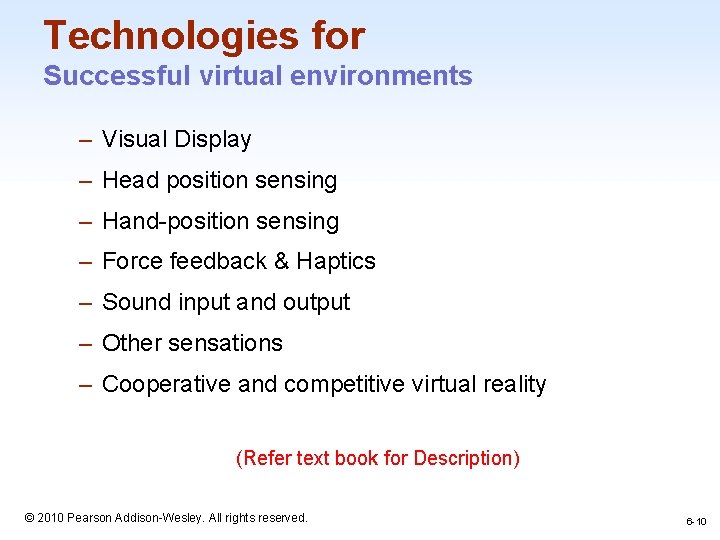
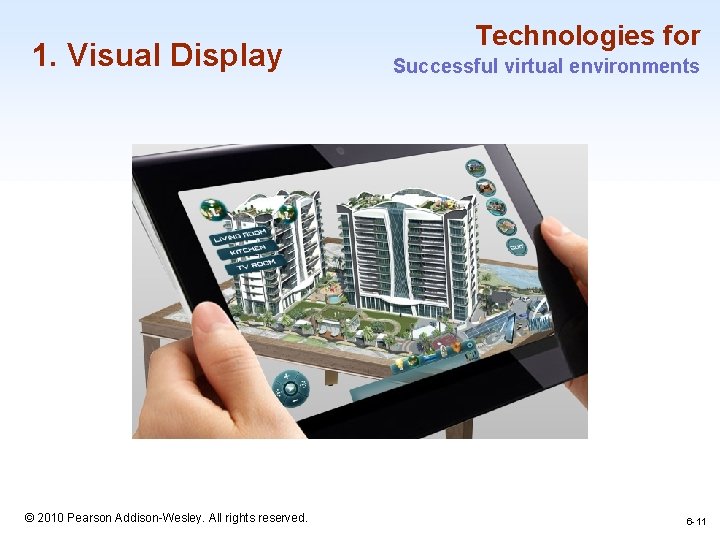
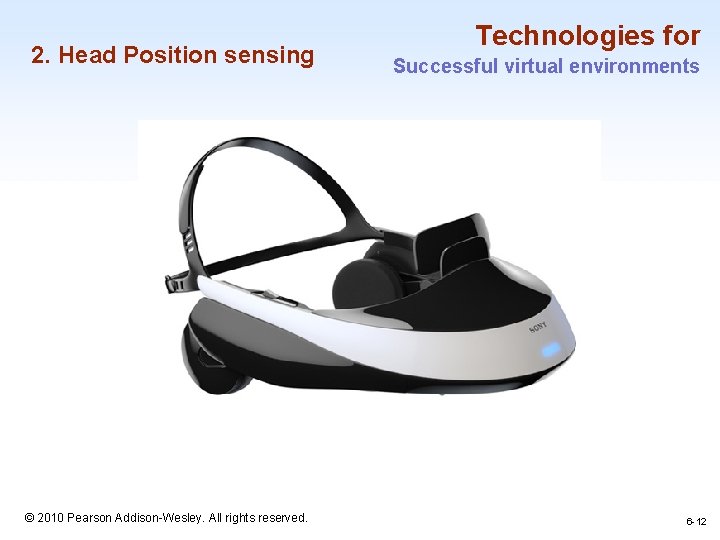
Technologies for Successful virtual environments – Visual Display – Head position sensing – Hand-position sensing – Force feedback & Haptics – Sound input and output – Other sensations – Cooperative and competitive virtual reality (Refer text book for Description) 1 -10 © 2010 Pearson Addison-Wesley. All rights reserved. 6 -10
1. Visual Display Technologies for Successful virtual environments 1 -11 © 2010 Pearson Addison-Wesley. All rights reserved. 6 -11
2. Head Position sensing Technologies for Successful virtual environments 1 -12 © 2010 Pearson Addison-Wesley. All rights reserved. 6 -12
Technologies for 3. Hand Position sensing Successful virtual environments 1 -13 © 2010 Pearson Addison-Wesley. All rights reserved. 6 -13
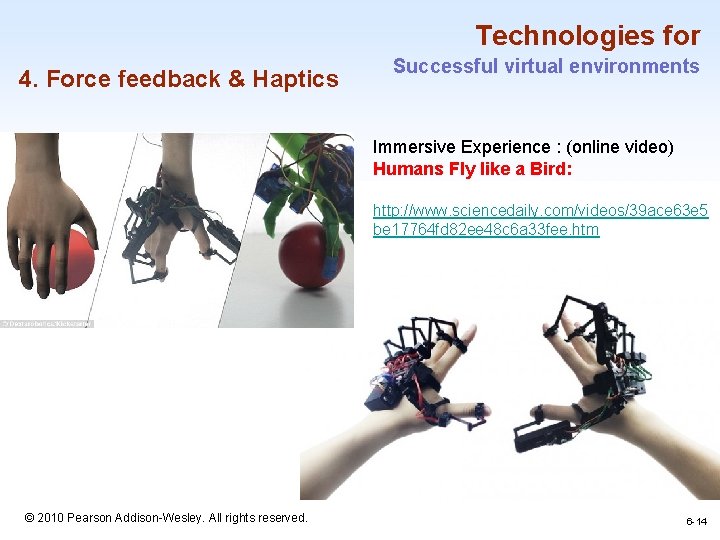
Technologies for 4. Force feedback & Haptics Successful virtual environments Immersive Experience : (online video) Humans Fly like a Bird: http: //www. sciencedaily. com/videos/39 ace 63 e 5 be 17764 fd 82 ee 48 c 6 a 33 fee. htm 1 -14 © 2010 Pearson Addison-Wesley. All rights reserved. 6 -14
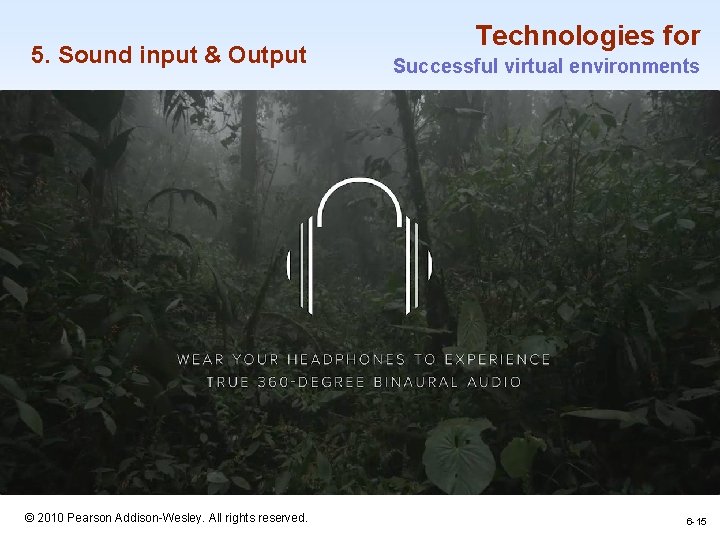
5. Sound input & Output Technologies for Successful virtual environments 1 -15 © 2010 Pearson Addison-Wesley. All rights reserved. 6 -15
Technologies for 5. Other sensations Successful virtual environments o The tilting and vibration of flight simulators o Tilting and Vibrating Virtual Roller Coaster 1 -16 © 2010 Pearson Addison-Wesley. All rights reserved. 6 -16
Technologies for Successful virtual environments 6. Collaborative Virtual Environments 1 -17 © 2010 Pearson Addison-Wesley. All rights reserved. 6 -17