
Chapter 4 The IfThen Statement Conditional control structure
- Slides: 19
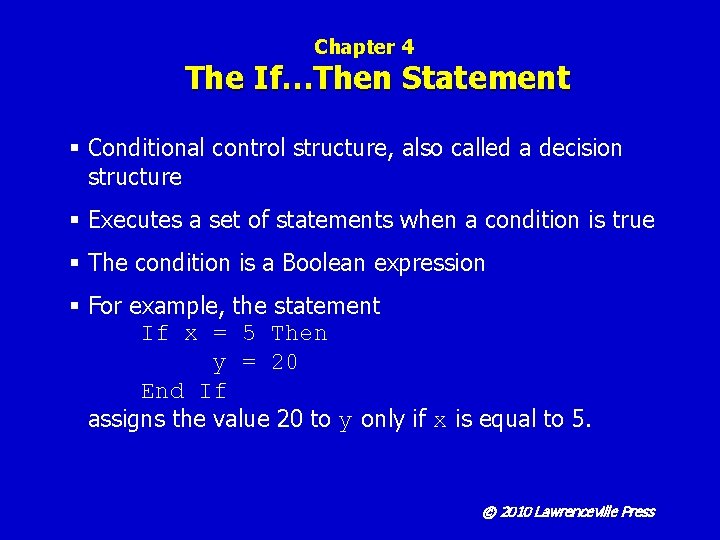
Chapter 4 The If…Then Statement § Conditional control structure, also called a decision structure § Executes a set of statements when a condition is true § The condition is a Boolean expression § For example, the statement If x = 5 Then y = 20 End If assigns the value 20 to y only if x is equal to 5. © 2010 Lawrenceville Press
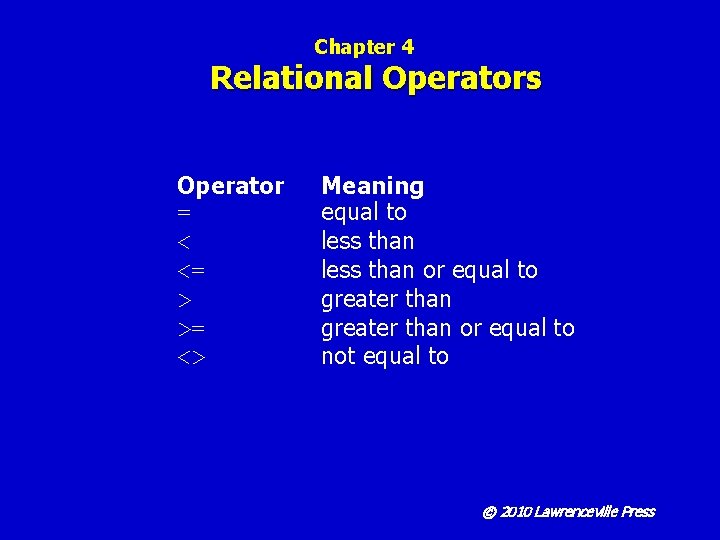
Chapter 4 Relational Operators Operator = < <= > >= <> Meaning equal to less than or equal to greater than or equal to not equal to © 2010 Lawrenceville Press
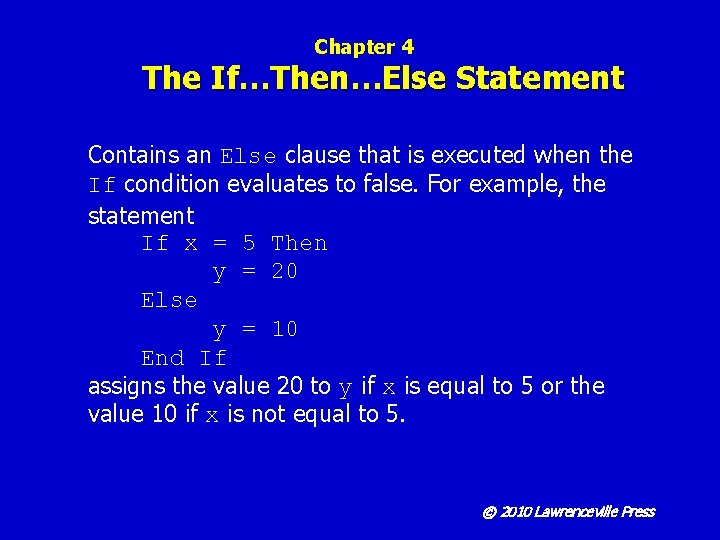
Chapter 4 The If…Then…Else Statement Contains an Else clause that is executed when the If condition evaluates to false. For example, the statement If x = 5 Then y = 20 Else y = 10 End If assigns the value 20 to y if x is equal to 5 or the value 10 if x is not equal to 5. © 2010 Lawrenceville Press
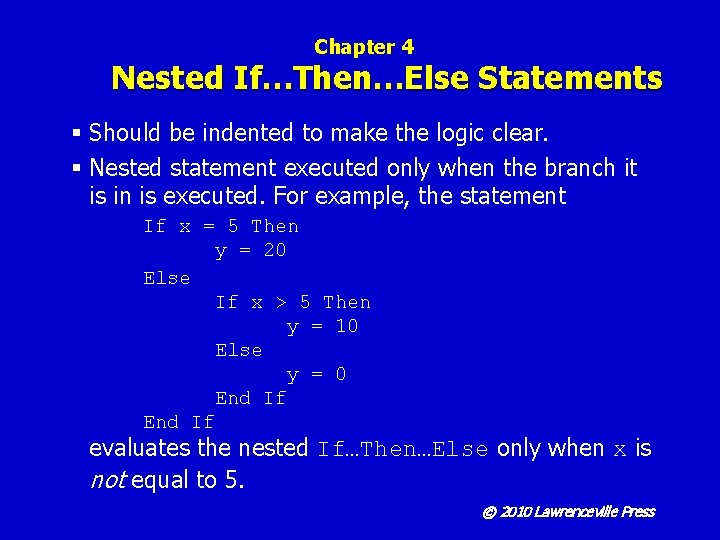
Chapter 4 Nested If…Then…Else Statements § Should be indented to make the logic clear. § Nested statement executed only when the branch it is in is executed. For example, the statement If x = 5 Then y = 20 Else If x > 5 Then y = 10 Else y = 0 End If evaluates the nested If…Then…Else only when x is not equal to 5. © 2010 Lawrenceville Press
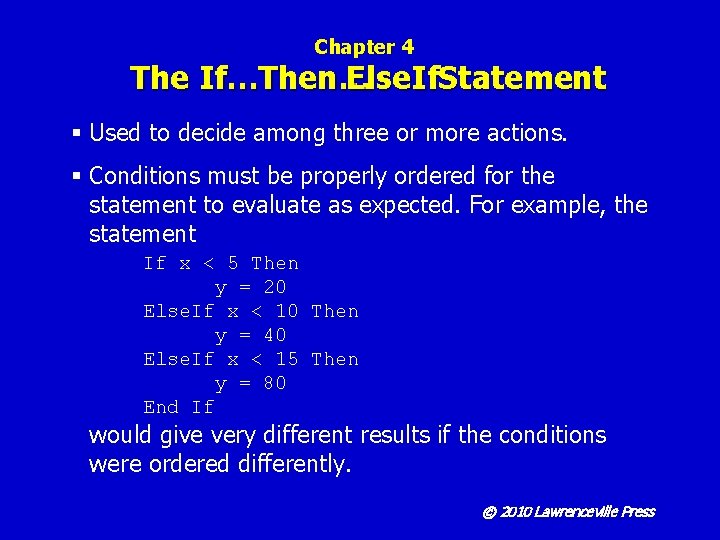
Chapter 4 The If…Then… Else. If. Statement § Used to decide among three or more actions. § Conditions must be properly ordered for the statement to evaluate as expected. For example, the statement If x < 5 Then y = 20 Else. If x < 10 Then y = 40 Else. If x < 15 Then y = 80 End If would give very different results if the conditions were ordered differently. © 2010 Lawrenceville Press
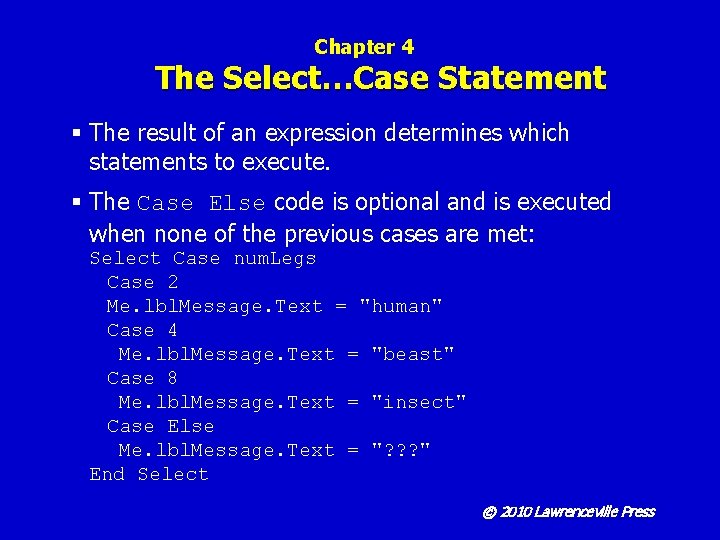
Chapter 4 The Select…Case Statement § The result of an expression determines which statements to execute. § The Case Else code is optional and is executed when none of the previous cases are met: Select Case num. Legs Case 2 Me. lbl. Message. Text = "human" Case 4 Me. lbl. Message. Text = "beast" Case 8 Me. lbl. Message. Text = "insect" Case Else Me. lbl. Message. Text = "? ? ? " End Select © 2010 Lawrenceville Press
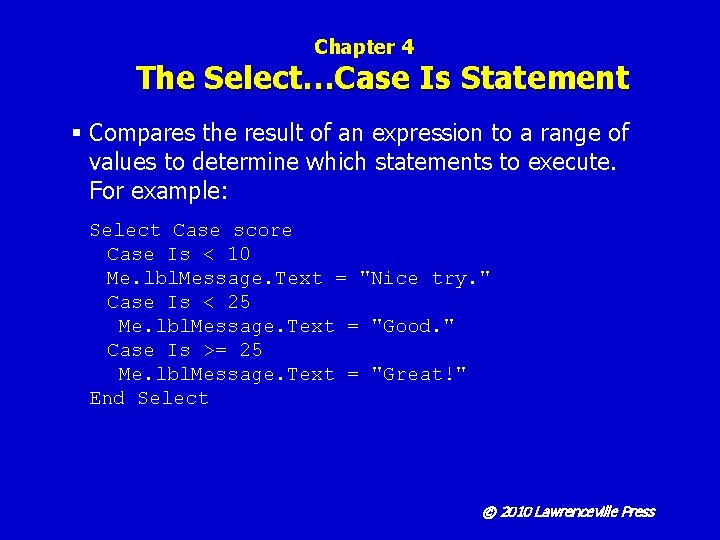
Chapter 4 The Select…Case Is Statement § Compares the result of an expression to a range of values to determine which statements to execute. For example: Select Case score Case Is < 10 Me. lbl. Message. Text = "Nice try. " Case Is < 25 Me. lbl. Message. Text = "Good. " Case Is >= 25 Me. lbl. Message. Text = "Great!" End Select © 2010 Lawrenceville Press
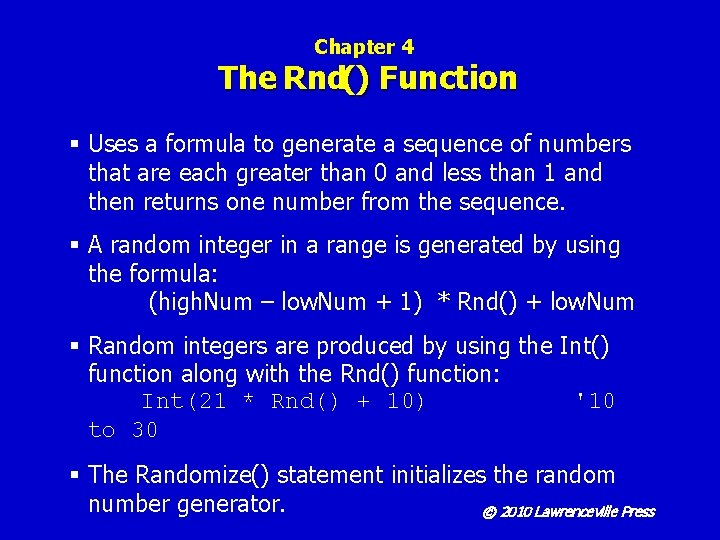
Chapter 4 The Rnd() Function § Uses a formula to generate a sequence of numbers that are each greater than 0 and less than 1 and then returns one number from the sequence. § A random integer in a range is generated by using the formula: (high. Num – low. Num + 1) * Rnd() + low. Num § Random integers are produced by using the Int() function along with the Rnd() function: Int(21 * Rnd() + 10) '10 to 30 § The Randomize() statement initializes the random number generator. © 2010 Lawrenceville Press
Chapter 4 Algorithms § A set of steps that outline how to solve a problem. § Can be implemented in plain English or in a mix of English and program code called pseudocode. § Algorithms allow a programmer to think through a program before actually typing code, which may reduce errors in logic. © 2010 Lawrenceville Press
Chapter 4 Static Variables § Declared with the keyword Static. § Have a lifetime the duration of the program's running time. § Used to extend the lifetime of local variables in a procedure. § Should be explicitly initialized when declared. § A better choice than a global variable because the scope of the variable can be limited. © 2010 Lawrenceville Press
Chapter 4 Compound Boolean Expressions § More than one Boolean expression in a single condition. § Formed using the And, Or, or Not operators. © 2010 Lawrenceville Press
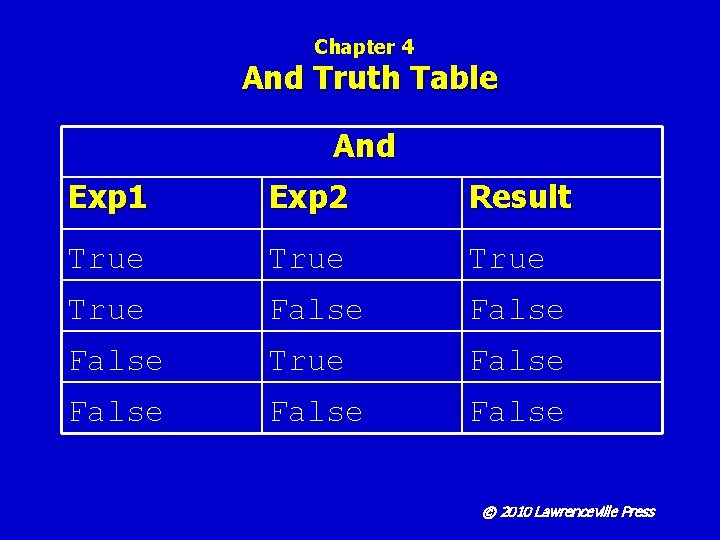
Chapter 4 And Truth Table And Exp 1 Exp 2 Result True False True False © 2010 Lawrenceville Press
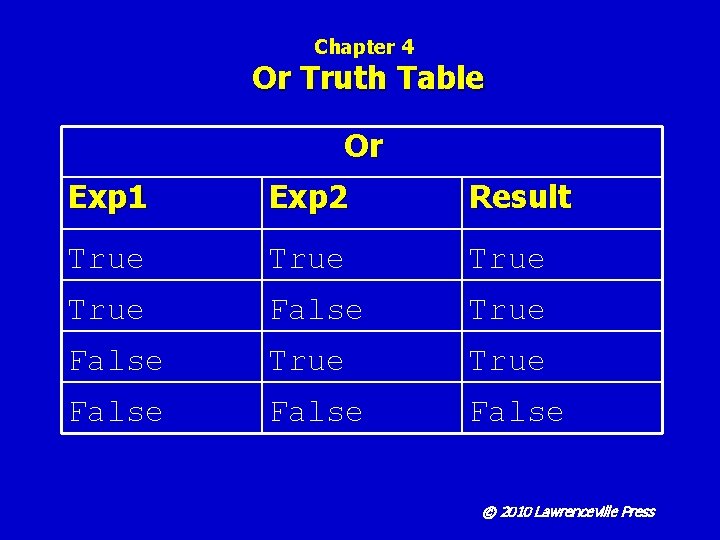
Chapter 4 Or Truth Table Or Exp 1 Exp 2 Result True True False False © 2010 Lawrenceville Press
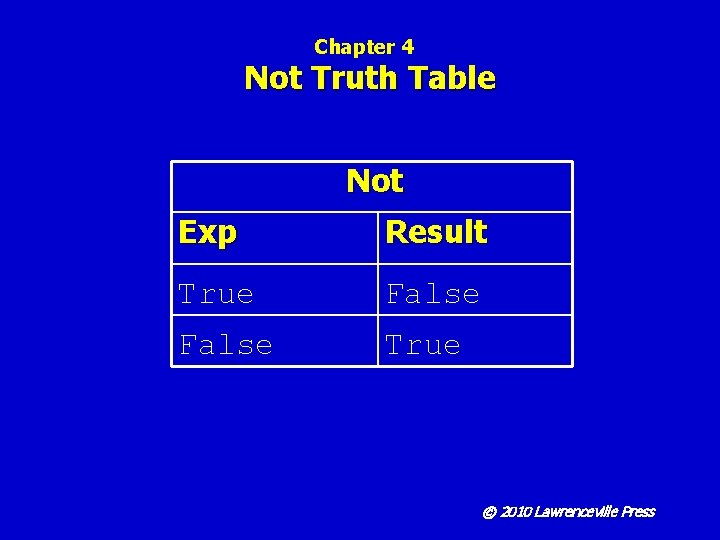
Chapter 4 Not Truth Table Not Exp Result True False True © 2010 Lawrenceville Press
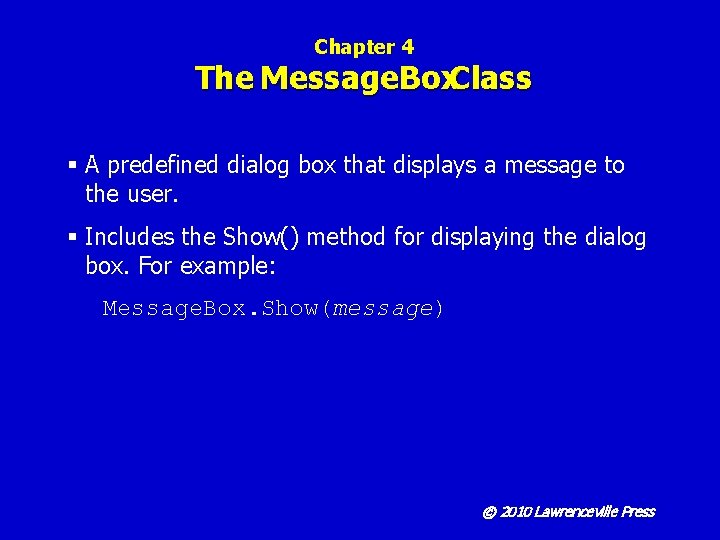
Chapter 4 The Message. Box. Class § A predefined dialog box that displays a message to the user. § Includes the Show() method for displaying the dialog box. For example: Message. Box. Show(message) © 2010 Lawrenceville Press
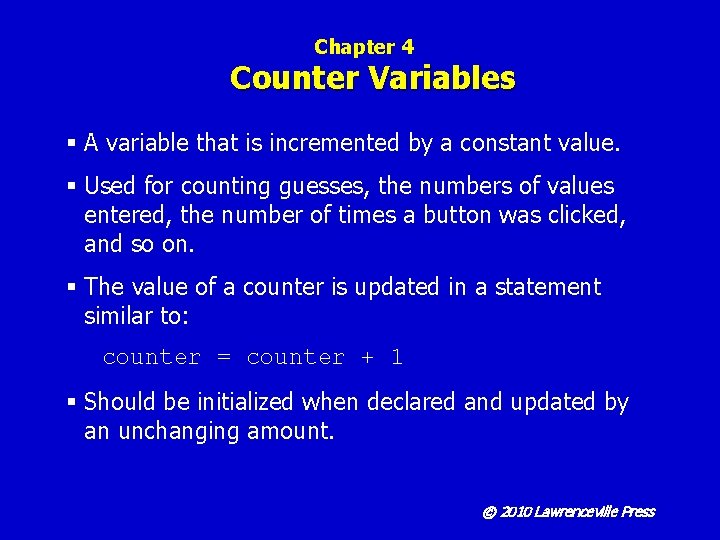
Chapter 4 Counter Variables § A variable that is incremented by a constant value. § Used for counting guesses, the numbers of values entered, the number of times a button was clicked, and so on. § The value of a counter is updated in a statement similar to: counter = counter + 1 § Should be initialized when declared and updated by an unchanging amount. © 2010 Lawrenceville Press
Chapter 4 Assignment Operators Operator += -= Operation addition and then assignment subtraction and then assignment © 2010 Lawrenceville Press
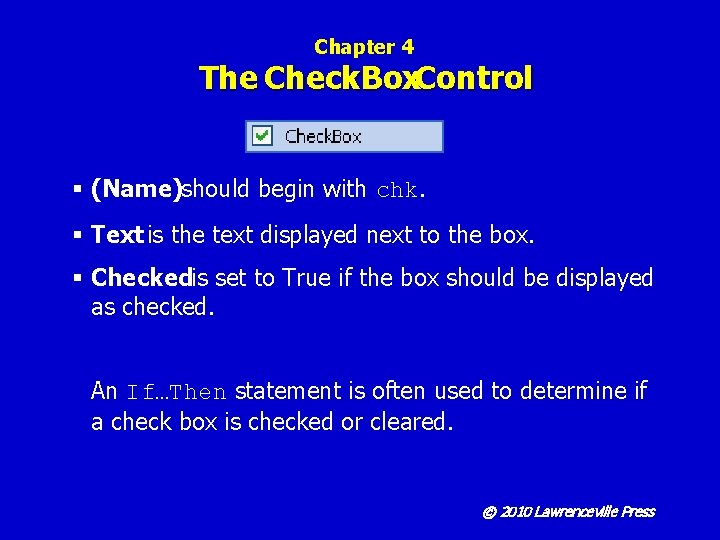
Chapter 4 The Check. Box. Control § (Name)should begin with chk. § Text is the text displayed next to the box. § Checkedis set to True if the box should be displayed as checked. An If…Then statement is often used to determine if a check box is checked or cleared. © 2010 Lawrenceville Press
Chapter 4 Line-Continuation Character § The underscore character is the line-continuation character. § There must be a space before and nothing after and cannot be within quotation marks. § Used for dividing code to make it more readable. © 2010 Lawrenceville Press