
Chapter 4 The Components of the System Unit
- Slides: 20
Chapter 4 The Components of the System Unit
Today The System Unit • • • Motherboard CPU Control Unit ALU Machine Cycle System Clock Data Representation Memory
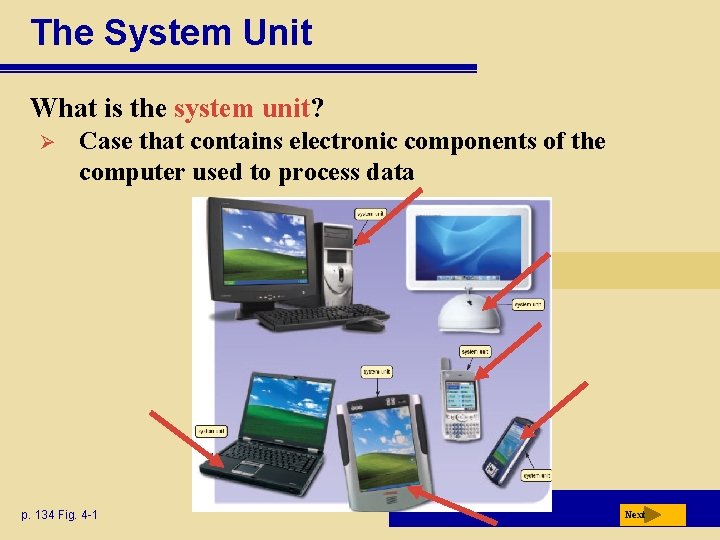
The System Unit What is the system unit? Ø Case that contains electronic components of the computer used to process data p. 134 Fig. 4 -1 Next
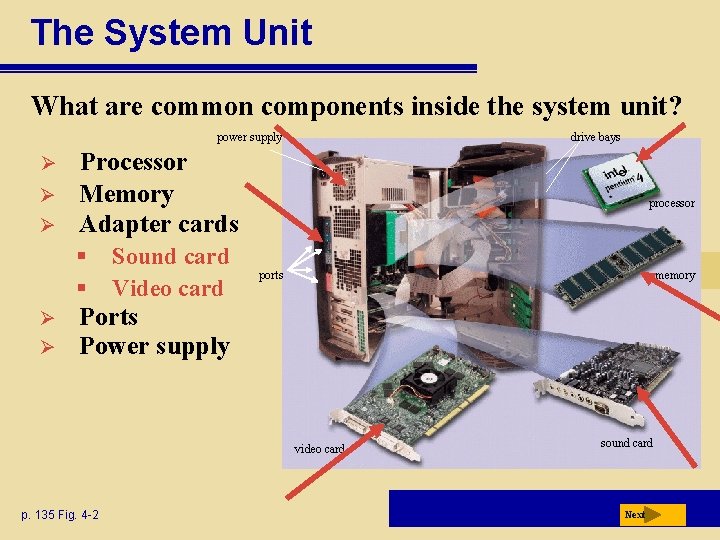
The System Unit What are common components inside the system unit? power supply Ø Ø Ø Processor Memory Adapter cards § § Ø Ø drive bays Sound card Video card processor ports memory Ports Power supply video card p. 135 Fig. 4 -2 sound card Next
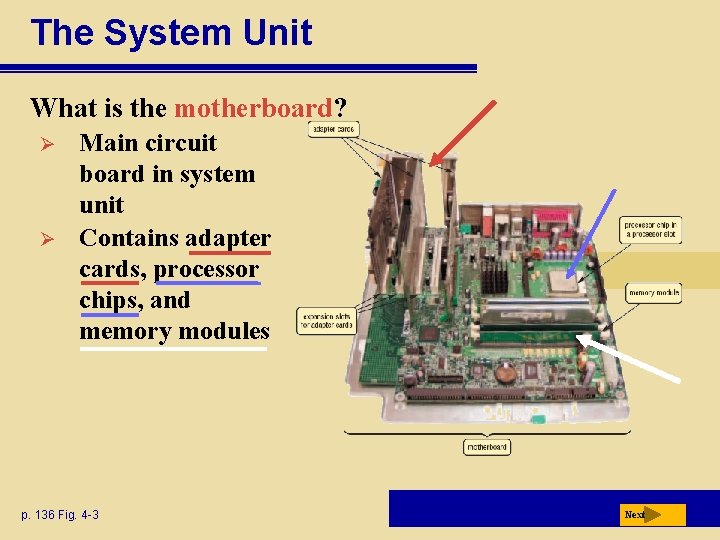
The System Unit What is the motherboard? Ø Ø Main circuit board in system unit Contains adapter cards, processor chips, and memory modules p. 136 Fig. 4 -3 Next
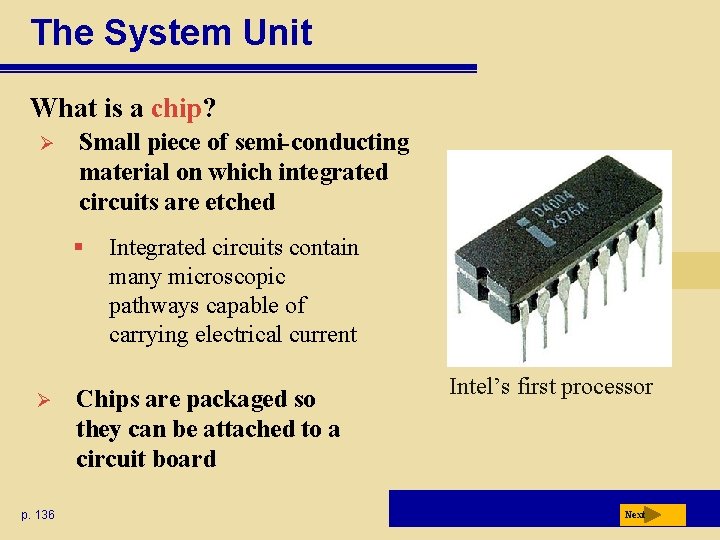
The System Unit What is a chip? Ø Small piece of semi-conducting material on which integrated circuits are etched § Ø p. 136 Integrated circuits contain many microscopic pathways capable of carrying electrical current Chips are packaged so they can be attached to a circuit board Intel’s first processor Next
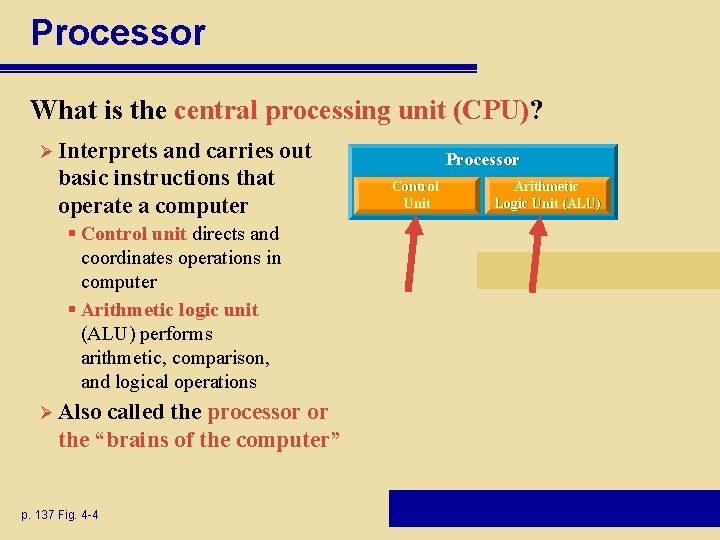
Processor What is the central processing unit (CPU)? Ø Interprets and carries out basic instructions that operate a computer § Control unit directs and coordinates operations in computer § Arithmetic logic unit (ALU) performs arithmetic, comparison, and logical operations Ø Also called the processor or the “brains of the computer” p. 137 Fig. 4 -4 Processor Control Unit Arithmetic Logic Unit (ALU)
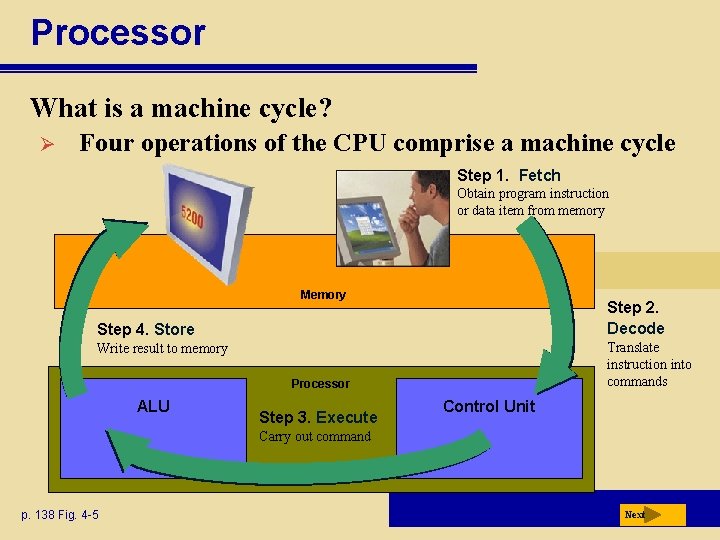
Processor What is a machine cycle? Ø Four operations of the CPU comprise a machine cycle Step 1. Fetch Obtain program instruction or data item from memory Memory Step 2. Decode Step 4. Store Translate instruction into commands Write result to memory Processor ALU Step 3. Execute Control Unit Carry out command p. 138 Fig. 4 -5 Next
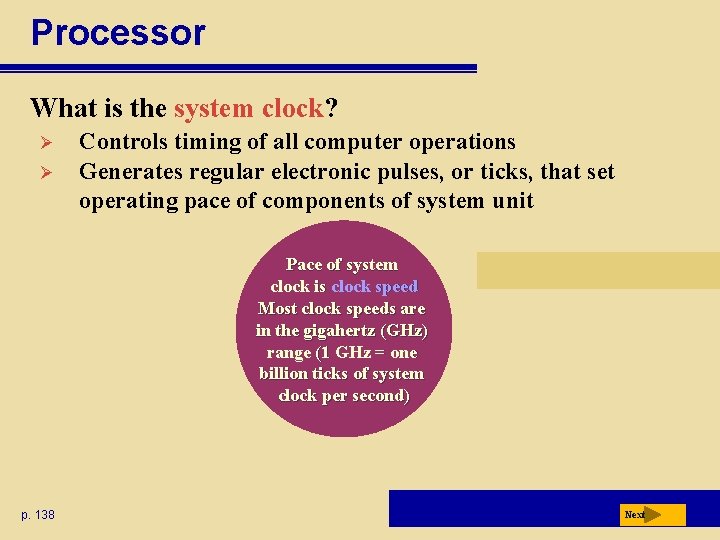
Processor What is the system clock? Ø Ø Controls timing of all computer operations Generates regular electronic pulses, or ticks, that set operating pace of components of system unit Pace of system clock is clock speed Most clock speeds are in the gigahertz (GHz) range (1 GHz = one billion ticks of system clock per second) p. 138 Next
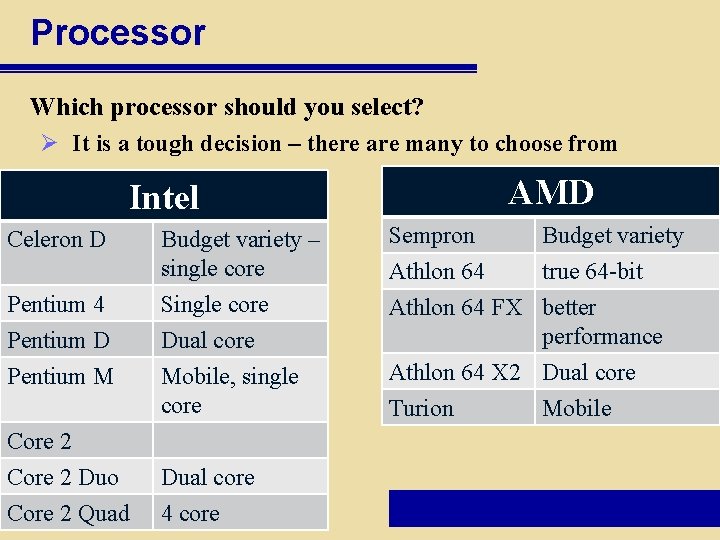
Processor Which processor should you select? Ø It is a tough decision – there are many to choose from Intel Celeron D Pentium 4 Pentium D Pentium M Core 2 Duo p. 139 Core 2 Quad AMD Budget variety – single core Single core Dual core Sempron Budget variety Athlon 64 true 64 -bit Athlon 64 FX better performance Mobile, single core Athlon 64 X 2 Dual core Turion Mobile Dual core 4 core
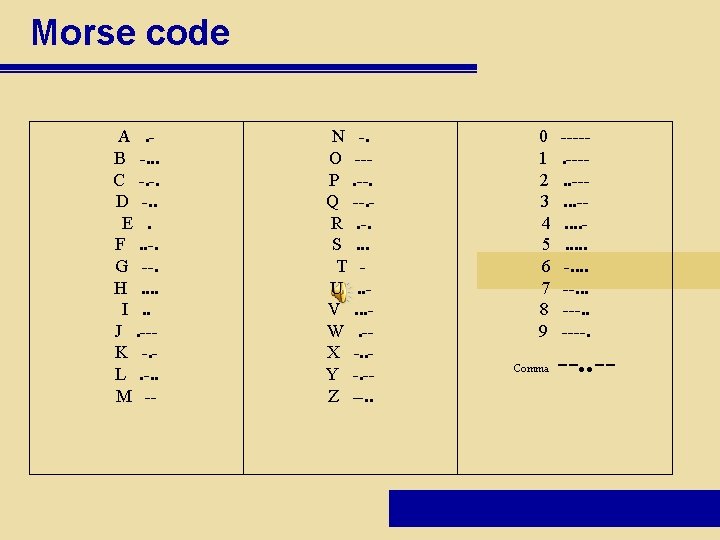
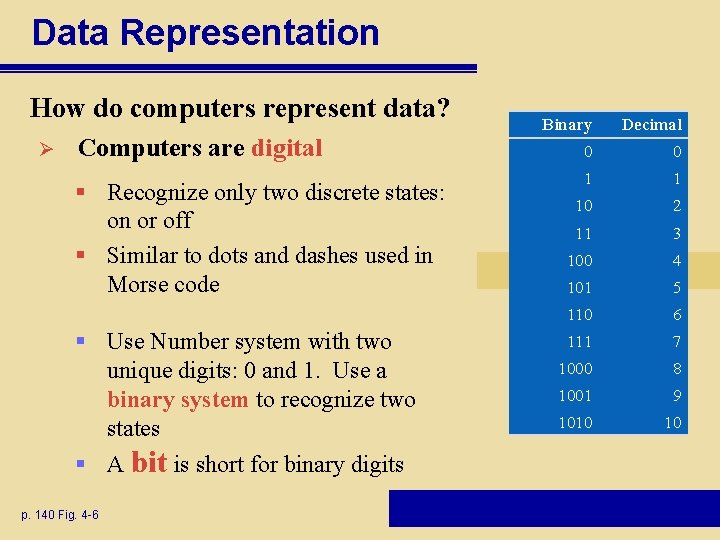
Data Representation How do computers represent data? Ø Computers are digital § Recognize only two discrete states: on or off § Similar to dots and dashes used in Morse code § Use Number system with two unique digits: 0 and 1. Use a binary system to recognize two states § A bit is short for binary digits p. 140 Fig. 4 -6 Binary Decimal 0 0 1 1 10 2 11 3 100 4 101 5 110 6 111 7 1000 8 1001 9 1010 10
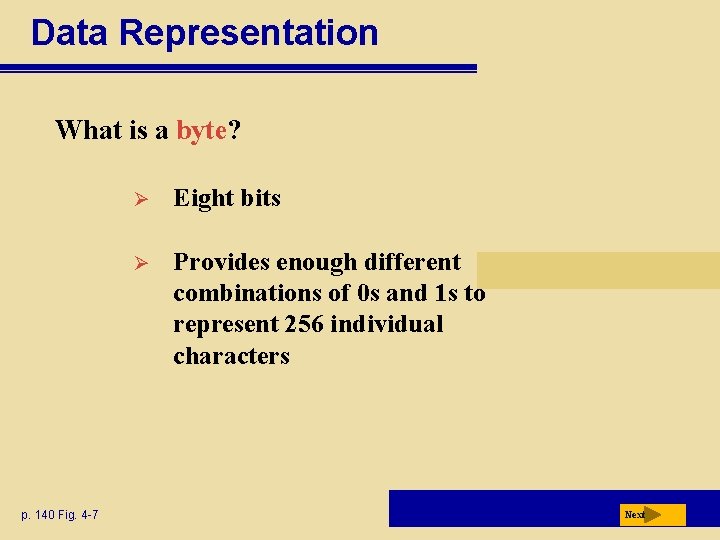
Data Representation What is a byte? p. 140 Fig. 4 -7 Ø Eight bits Ø Provides enough different combinations of 0 s and 1 s to represent 256 individual characters Next
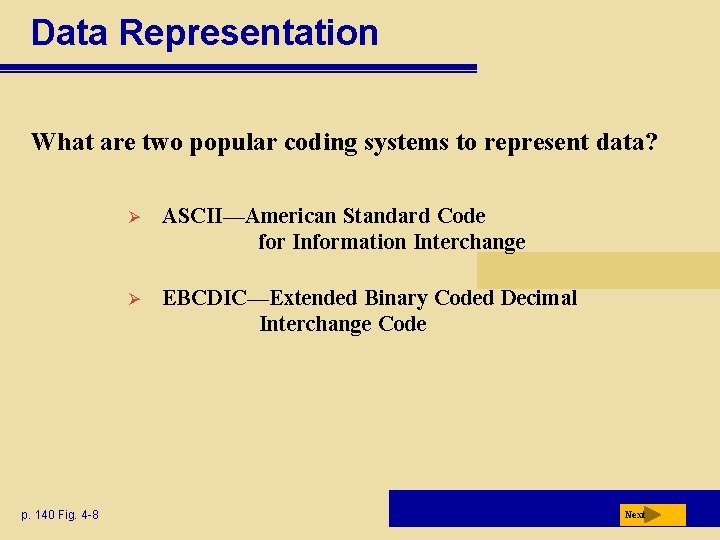
Data Representation What are two popular coding systems to represent data? p. 140 Fig. 4 -8 Ø ASCII—American Standard Code for Information Interchange Ø EBCDIC—Extended Binary Coded Decimal Interchange Code Next
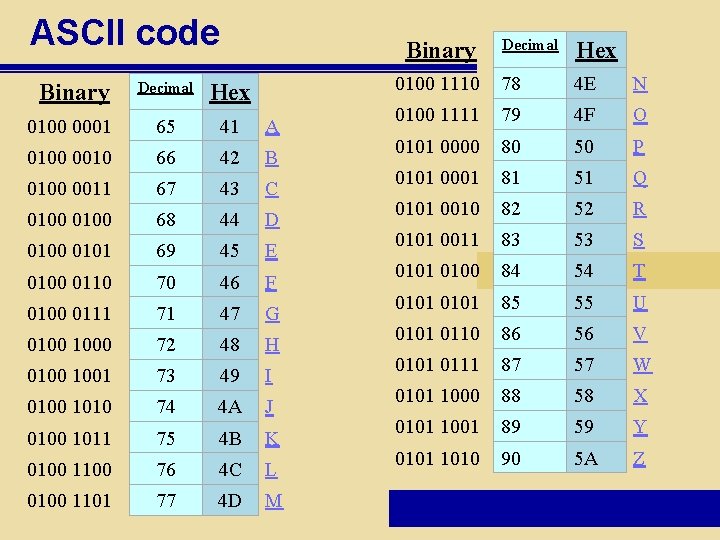
ASCII code Decimal Hex 0100 0001 65 41 A 0100 0010 66 42 B 0100 0011 67 43 C 0100 68 44 D 0100 0101 69 45 E 0100 0110 70 46 F 0100 0111 71 47 G 0100 1000 72 48 H 0100 1001 73 49 I 0100 1010 74 4 A J 0100 1011 75 4 B K 0100 1100 76 4 C L 0100 1101 77 4 D M Binary Decimal Hex 0100 1110 78 4 E N 0100 1111 79 4 F O 0101 0000 80 50 P 0101 0001 81 51 Q 0101 0010 82 52 R 0101 0011 83 53 S 0101 0100 84 54 T 0101 85 55 U 0101 0110 86 56 V 0101 0111 87 57 W 0101 1000 88 58 X 0101 1001 89 59 Y 0101 1010 90 5 A Z Binary
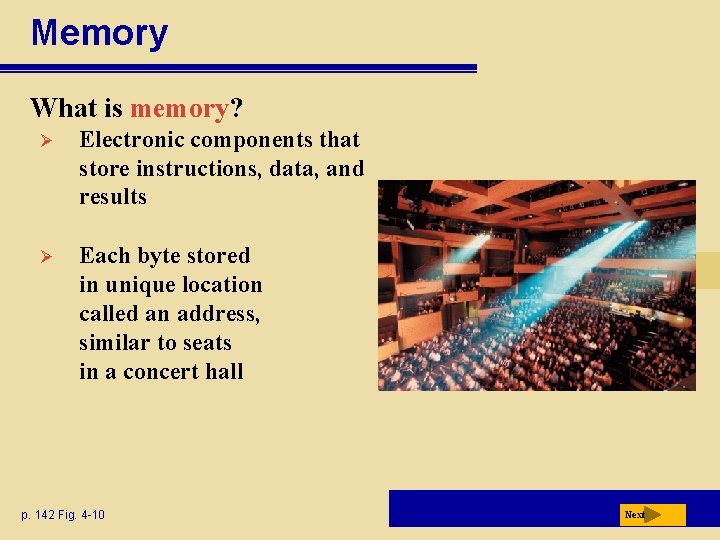
Memory What is memory? Ø Electronic components that store instructions, data, and results Ø Each byte stored in unique location called an address, similar to seats in a concert hall p. 142 Fig. 4 -10 Next
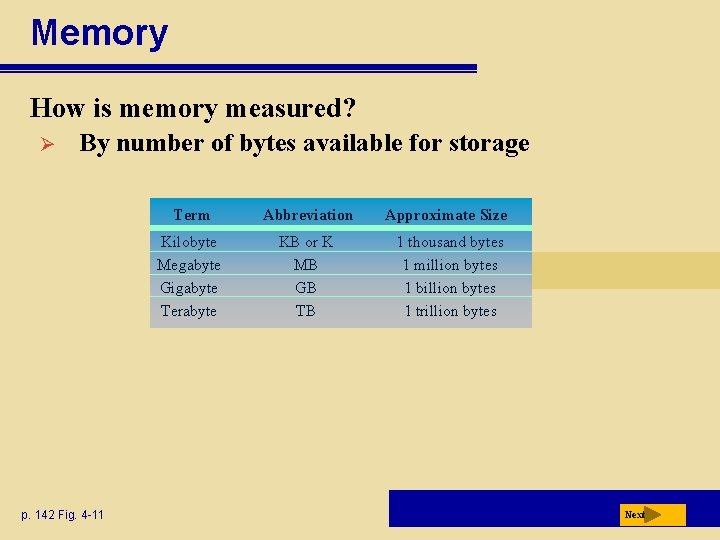
Memory How is memory measured? Ø By number of bytes available for storage p. 142 Fig. 4 -11 Term Abbreviation Approximate Size Kilobyte Megabyte Gigabyte Terabyte KB or K MB GB TB 1 thousand bytes 1 million bytes 1 billion bytes 1 trillion bytes Next
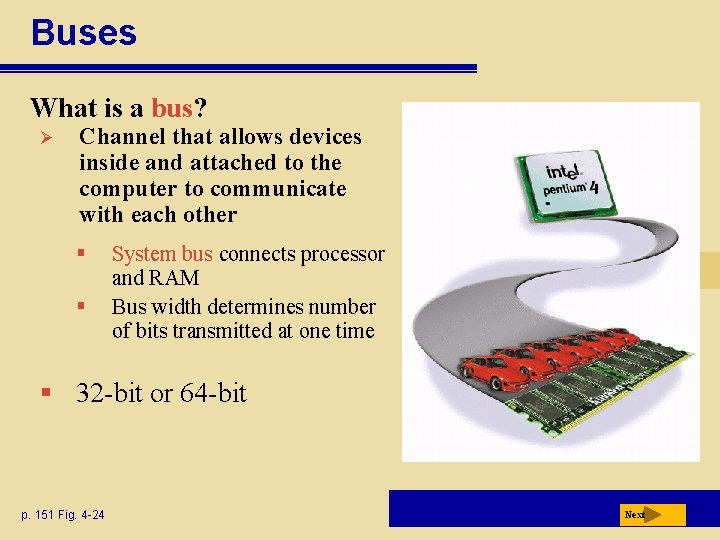
Buses What is a bus? Ø Channel that allows devices inside and attached to the computer to communicate with each other § § System bus connects processor and RAM Bus width determines number of bits transmitted at one time § 32 -bit or 64 -bit p. 151 Fig. 4 -24 Next
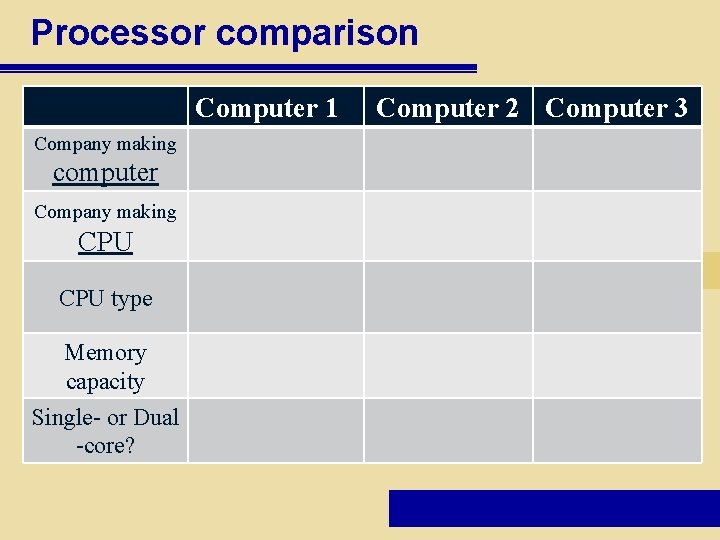
Processor comparison Computer 1 Company making computer Company making CPU type Memory capacity Single- or Dual -core? Computer 2 Computer 3
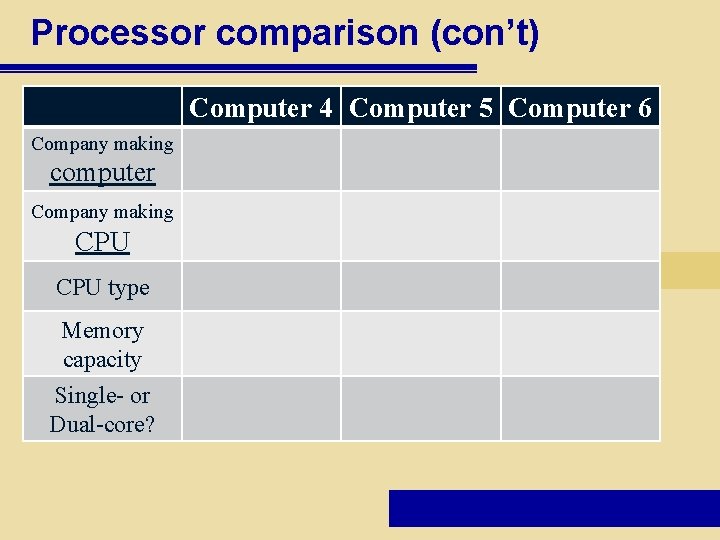
Processor comparison (con’t) Computer 4 Computer 5 Computer 6 Company making computer Company making CPU type Memory capacity Single- or Dual-core?