
Chapter 4 Structured Query Language 1 SQL DataDefinition
![DDL(3) 指令:create table 格式: create table-name ( Field-name datatype, … [, primary key(field-name, …)]](https://slidetodoc.com/presentation_image_h2/f54970bca53970dba4d1c0b2a3be4a26/image-6.jpg "DDL(3) 指令:create table 格式: create table-name ( Field-name datatype, … [, primary key(field-name, …)]")
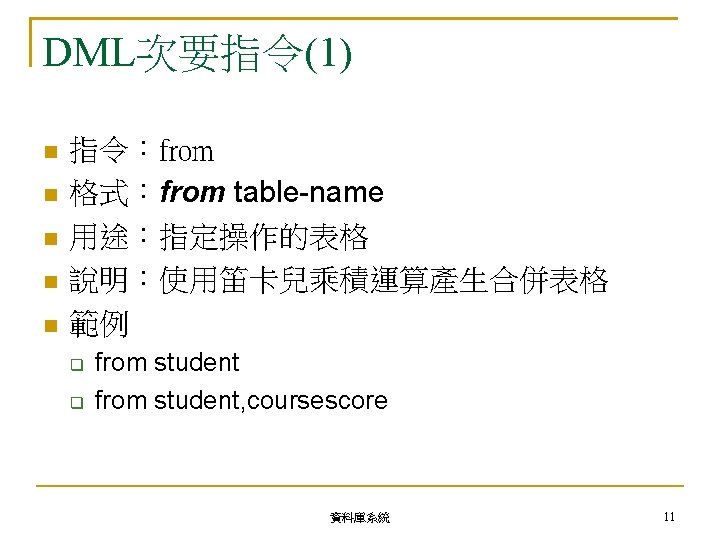
![DML主要指令(1) 指令:select 格式:select {*|[distinct] field-name|[distinct] fieldname} from table-name [where子句] 用途:查詢符合條件式的資料 說明:select指令變化較多,可從複數表格查詢資料, 並可配合其他子句語法查詢特定條件的資料 範例 select](https://slidetodoc.com/presentation_image_h2/f54970bca53970dba4d1c0b2a3be4a26/image-16.jpg "DML主要指令(1) 指令:select 格式:select {*|[distinct] field-name|[distinct] fieldname} from table-name [where子句] 用途:查詢符合條件式的資料 說明:select指令變化較多,可從複數表格查詢資料, 並可配合其他子句語法查詢特定條件的資料 範例 select")
![DML主要指令(3) 指令:update 格式:update table-name set field-name=field-value [where子句] 用途:更新符合條件式的資料 Tips:無條件式代表更新”所有”資料 說明:條件式範圍錯誤也會更新所有資料 範例 update student set](https://slidetodoc.com/presentation_image_h2/f54970bca53970dba4d1c0b2a3be4a26/image-18.jpg "DML主要指令(3) 指令:update 格式:update table-name set field-name=field-value [where子句] 用途:更新符合條件式的資料 Tips:無條件式代表更新”所有”資料 說明:條件式範圍錯誤也會更新所有資料 範例 update student set")
- Slides: 35
Chapter 4 Structured Query Language 資料庫系統 1
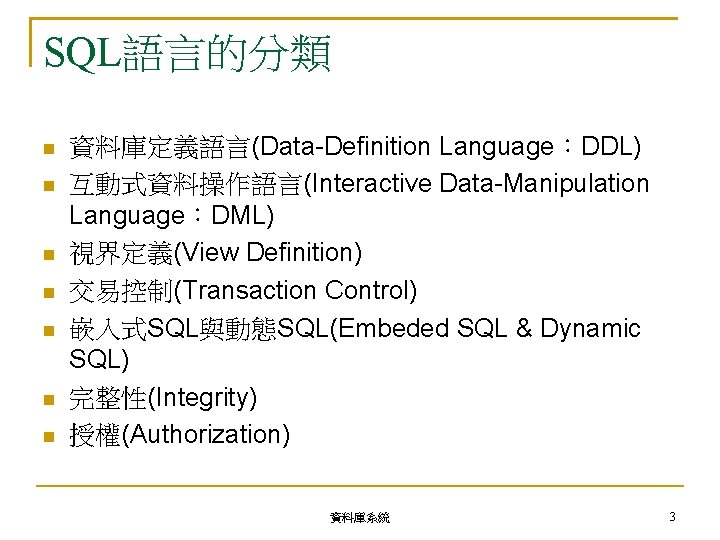
SQL語言的分類 資料庫定義語言(Data-Definition Language:DDL) 互動式資料操作語言(Interactive Data-Manipulation Language:DML) 視界定義(View Definition) 交易控制(Transaction Control) 嵌入式SQL與動態SQL(Embeded SQL & Dynamic SQL) 完整性(Integrity) 授權(Authorization) 資料庫系統 3
DDL(3) 指令:create table 格式: create table-name ( Field-name datatype, … [, primary key(field-name, …)] [, foreign key(field-name) references table-name(field-name)] [, check(rule)] ) 用途:建立表格與設定表格格式 範例 CREATE TABLE student(sid int, name varchar(10), byear int, primary key(sid)); 資料庫系統 6
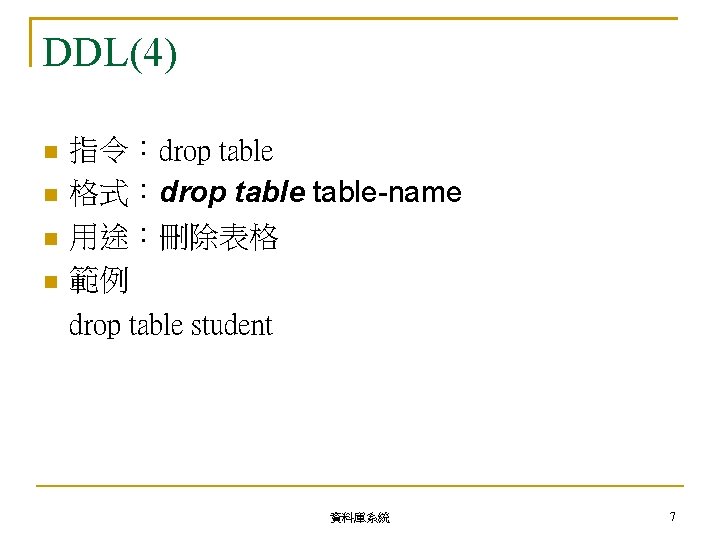
DDL(4) 指令:drop table 格式:drop table-name 用途:刪除表格 範例 drop table student 資料庫系統 7
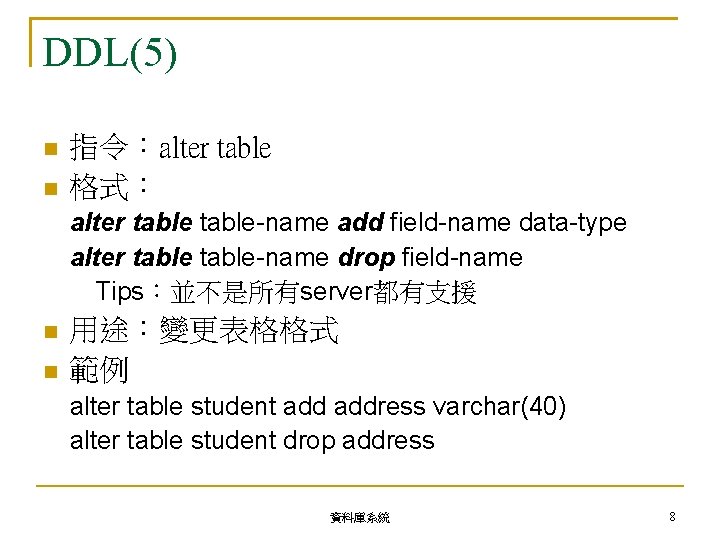
DDL(5) 指令:alter table 格式: alter table-name add field-name data-type alter table-name drop field-name Tips:並不是所有server都有支援 用途:變更表格格式 範例 alter table student address varchar(40) alter table student drop address 資料庫系統 8
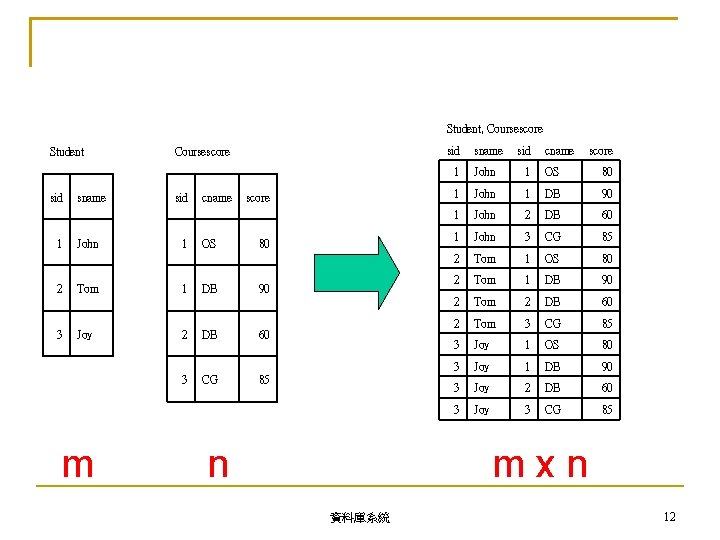
Student, Coursescore Student sid 1 2 3 sname John Tom Joy m sid Coursescore sid 1 1 cname OS DB score 80 90 2 DB 60 3 CG 85 n sname sid cname score 1 John 1 OS 80 1 John 1 DB 90 1 John 2 DB 60 1 John 3 CG 85 2 Tom 1 OS 80 2 Tom 1 DB 90 2 Tom 2 DB 60 2 Tom 3 CG 85 3 Joy 1 OS 80 3 Joy 1 DB 90 3 Joy 2 DB 60 3 Joy 3 CG 85 mxn 資料庫系統 12
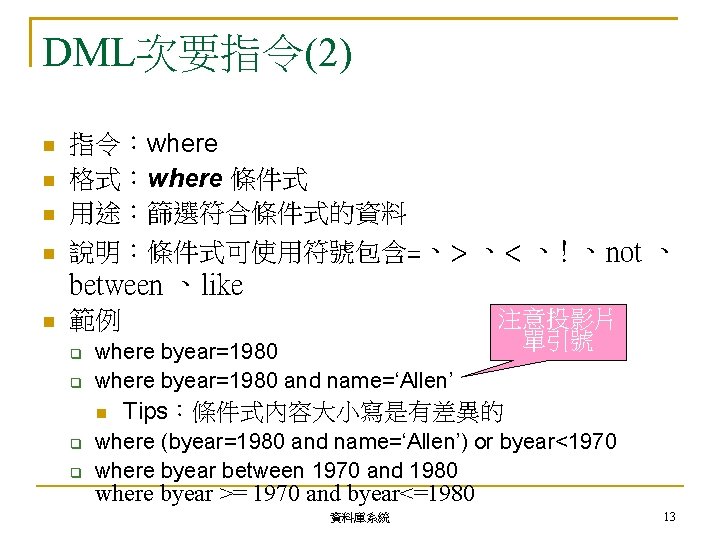
DML次要指令(2) 指令:where 格式:where 條件式 用途:篩選符合條件式的資料 說明:條件式可使用符號包含=、> 、< 、! 、not 、 between 、like 範例 where byear=1980 and name=‘Allen’ 注意投影片 單引號 Tips:條件式內容大小寫是有差異的 where (byear=1980 and name=‘Allen’) or byear<1970 where byear between 1970 and 1980 where byear >= 1970 and byear<=1980 資料庫系統 13
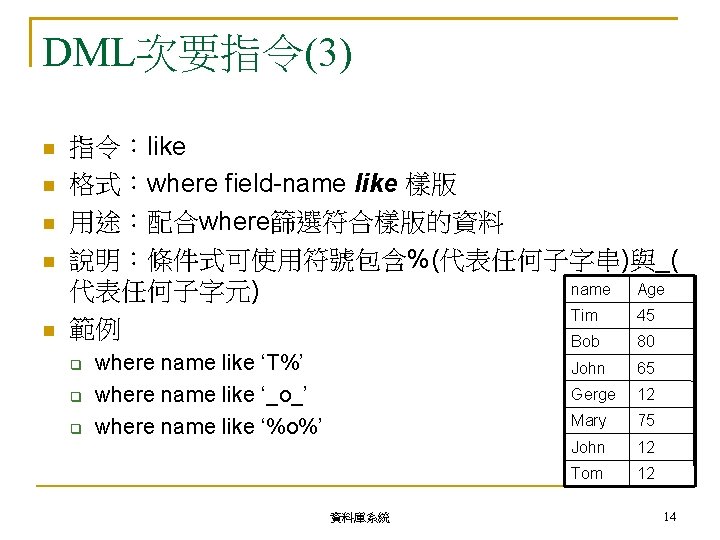
DML次要指令(3) 指令:like 格式:where field-name like 樣版 用途:配合where篩選符合樣版的資料 說明:條件式可使用符號包含%(代表任何子字串)與_( name Age 代表任何子字元) Tim 45 範例 Bob 80 where name like ‘T%’ where name like ‘_o_’ where name like ‘%o%’ 資料庫系統 John 65 Gerge 12 Mary 75 John 12 Tom 12 14
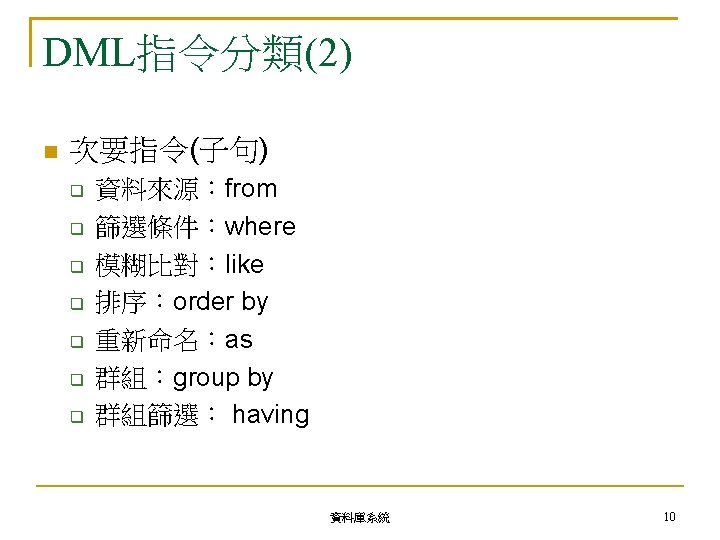
DML主要指令(1) 指令:select 格式:select {*|[distinct] field-name|[distinct] fieldname} from table-name [where子句] 用途:查詢符合條件式的資料 說明:select指令變化較多,可從複數表格查詢資料, 並可配合其他子句語法查詢特定條件的資料 範例 select * from student select byear from student where byear>1975 select distinct byear from student where byear>1975 order by byear 資料庫系統 16
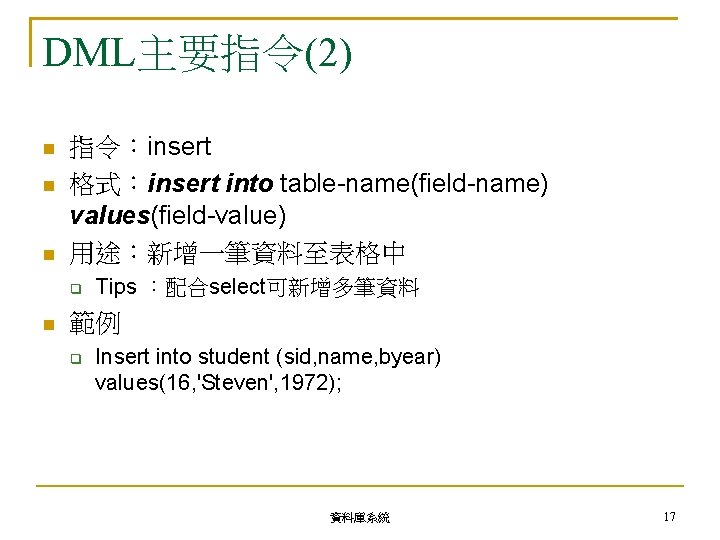
DML主要指令(2) 指令:insert 格式:insert into table-name(field-name) values(field-value) 用途:新增一筆資料至表格中 Tips :配合select可新增多筆資料 範例 Insert into student (sid, name, byear) values(16, 'Steven', 1972); 資料庫系統 17
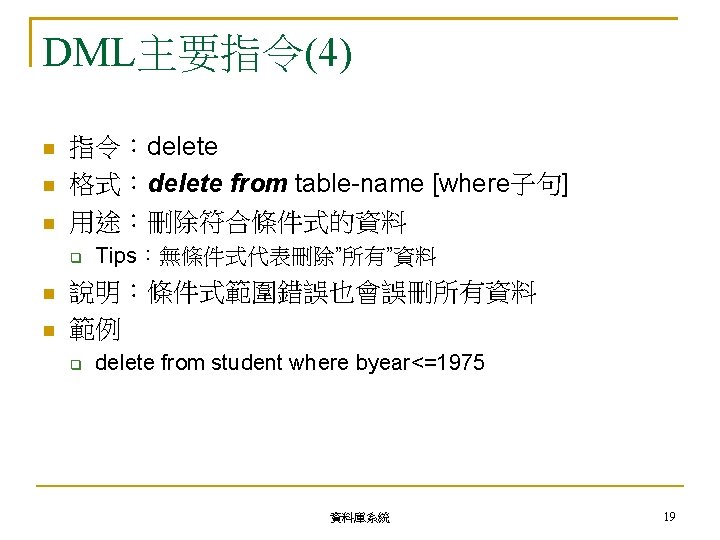
DML主要指令(3) 指令:update 格式:update table-name set field-name=field-value [where子句] 用途:更新符合條件式的資料 Tips:無條件式代表更新”所有”資料 說明:條件式範圍錯誤也會更新所有資料 範例 update student set byear=1970 where name='Tom' update student set byear=byear+15 where name='Tom' 資料庫系統 18
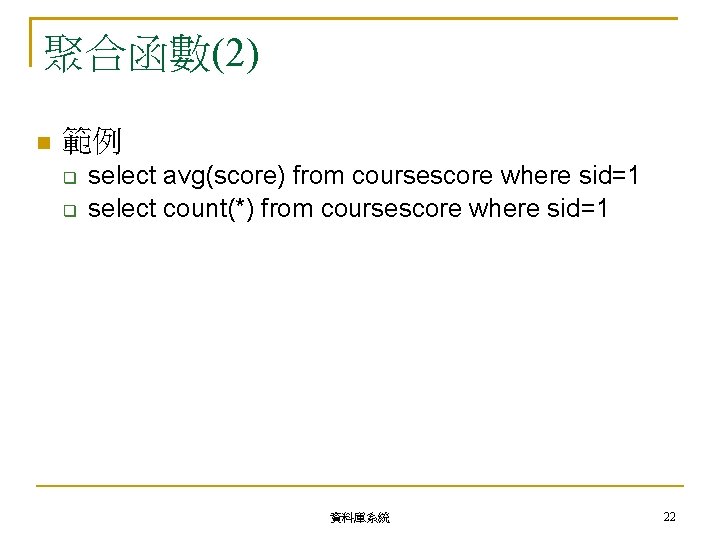
聚合函數(2) 範例 select avg(score) from coursescore where sid=1 select count(*) from coursescore where sid=1 資料庫系統 22
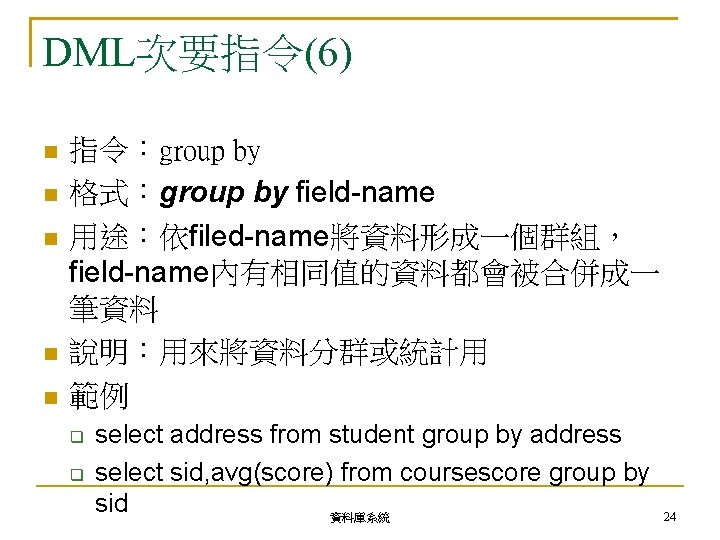
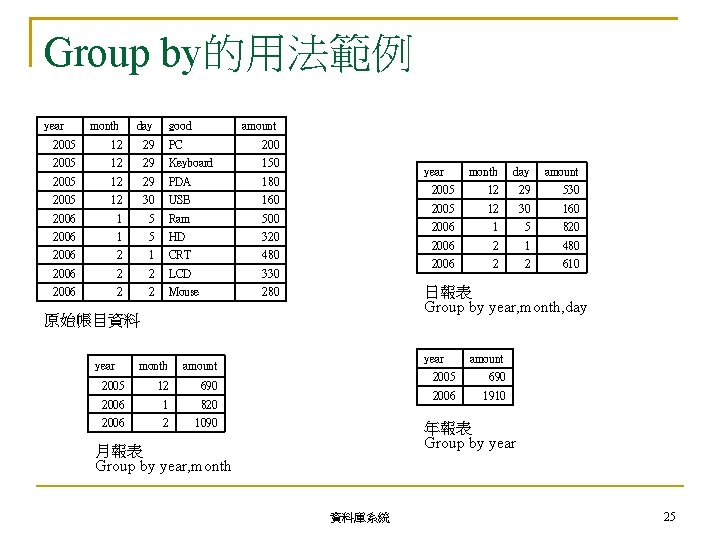
DML次要指令(6) 指令:group by 格式:group by field-name 用途:依filed-name將資料形成一個群組, field-name內有相同值的資料都會被合併成一 筆資料 說明:用來將資料分群或統計用 範例 select address from student group by address select sid, avg(score) from coursescore group by sid 資料庫系統 24
Group by的用法範例 year month day good amount 2005 12 29 PC 2005 12 29 Keyboard 150 2005 12 29 PDA 180 2005 12 30 USB 160 2006 1 5 Ram 500 2006 1 5 HD 320 2006 2 1 CRT 480 2006 2 2 LCD 330 2006 2 2 Mouse 280 year month amount 2005 12 690 2006 1 820 2006 2 1090 day amount 2005 12 29 530 2005 12 30 160 2006 1 5 820 2006 2 1 480 2006 2 2 610 日報表 Group by year, month, day 原始帳目資料 year month year amount 2005 690 2006 1910 年報表 Group by year 月報表 Group by year, month 資料庫系統 25
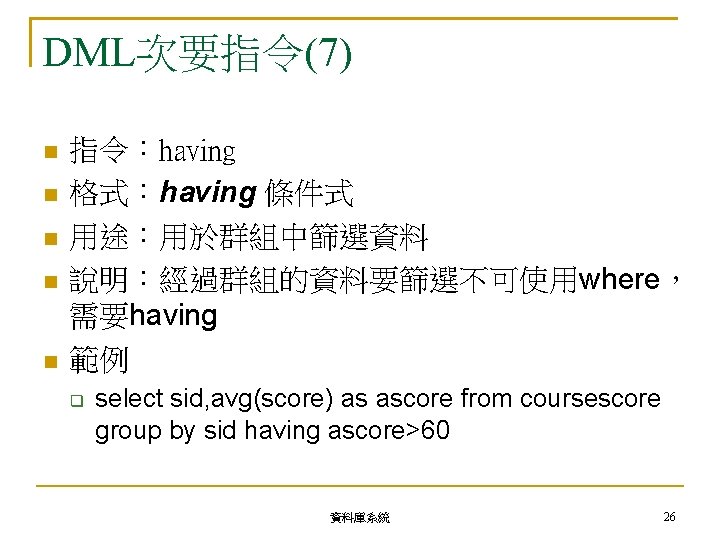
DML次要指令(7) 指令:having 格式:having 條件式 用途:用於群組中篩選資料 說明:經過群組的資料要篩選不可使用where, 需要having 範例 select sid, avg(score) as ascore from coursescore group by sid having ascore>60 資料庫系統 26
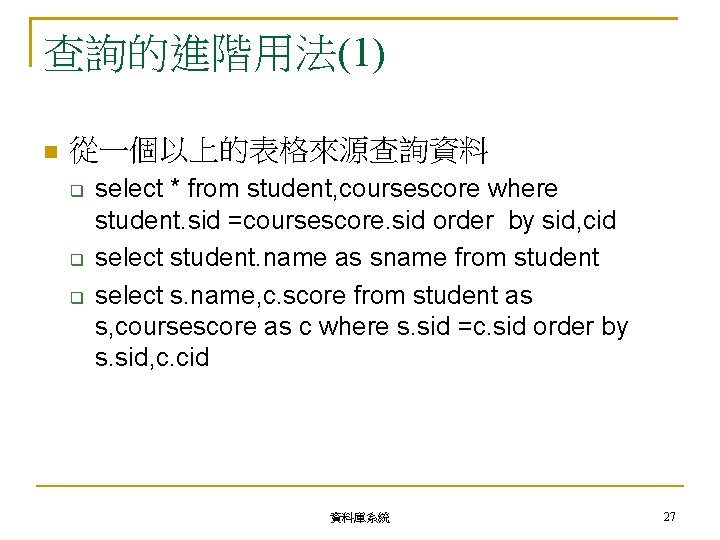
查詢的進階用法(1) 從一個以上的表格來源查詢資料 select * from student, coursescore where student. sid =coursescore. sid order by sid, cid select student. name as sname from student select s. name, c. score from student as s, coursescore as c where s. sid =c. sid order by s. sid, c. cid 資料庫系統 27
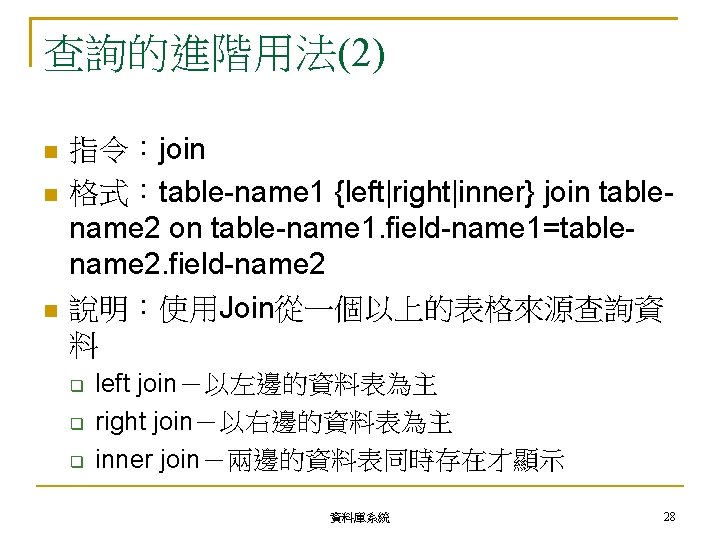
查詢的進階用法(2) 指令:join 格式:table-name 1 {left|right|inner} join tablename 2 on table-name 1. field-name 1=tablename 2. field-name 2 說明:使用Join從一個以上的表格來源查詢資 料 left join-以左邊的資料表為主 right join-以右邊的資料表為主 inner join-兩邊的資料表同時存在才顯示 資料庫系統 28
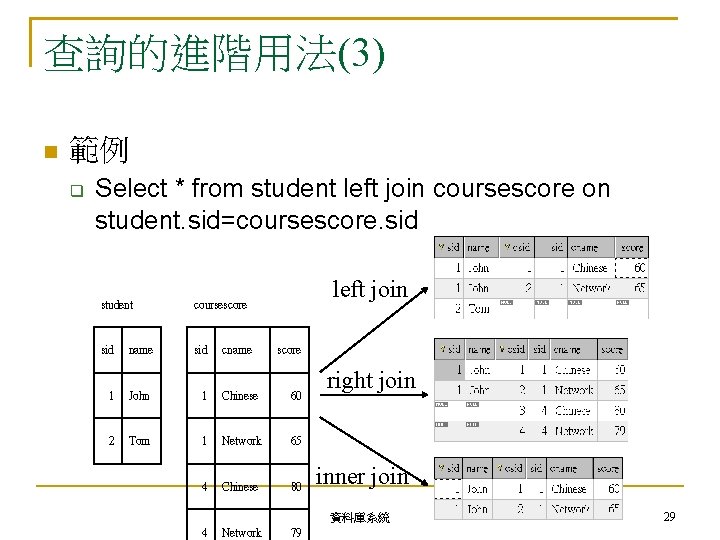
查詢的進階用法(3) 範例 Select * from student left join coursescore on student. sid=coursescore. sid left join student coursescore sid name sid 1 John 1 Chinese 60 2 Tom 1 Network 65 4 Chinese 80 4 Network 79 cname score right join inner join 資料庫系統 29
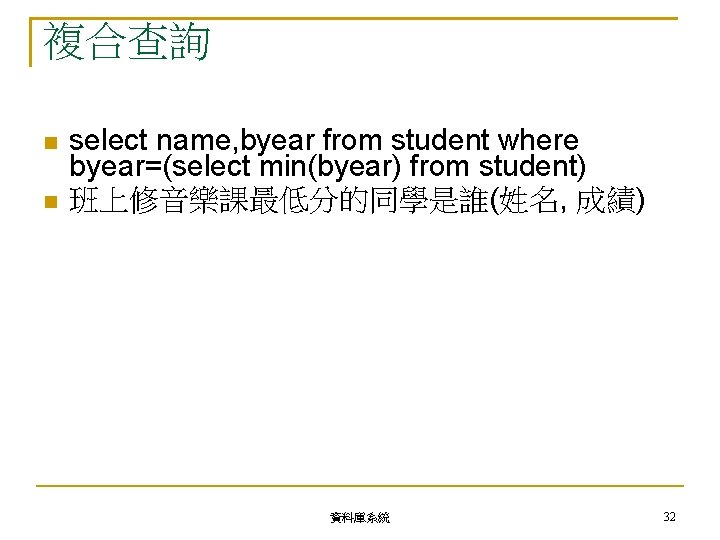
複合查詢 select name, byear from student where byear=(select min(byear) from student) 班上修音樂課最低分的同學是誰(姓名, 成績) 資料庫系統 32
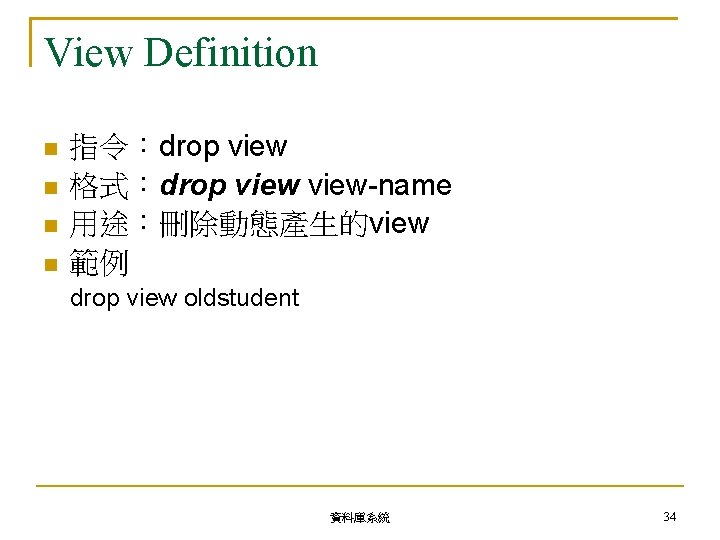
View Definition 指令:drop view 格式:drop view-name 用途:刪除動態產生的view 範例 drop view oldstudent 資料庫系統 34
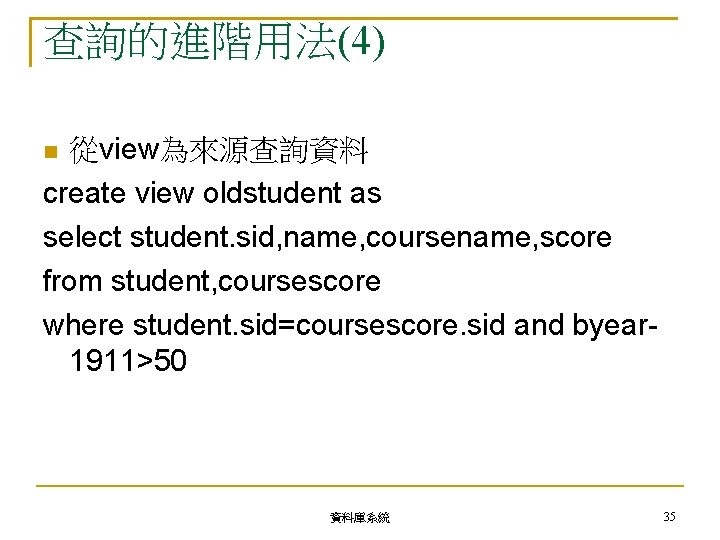
查詢的進階用法(4) 從view為來源查詢資料 create view oldstudent as select student. sid, name, coursename, score from student, coursescore where student. sid=coursescore. sid and byear 1911>50 資料庫系統 35