
Chapter 4 SQL SQL server n n Microsoft

![ALTER DATABASE n Configuring Database Options ALTER DATABASE database_name SET option[, status] ALTER DATABASE](https://slidetodoc.com/presentation_image_h2/4342f687efec150ffe4c3eb90a14831a/image-25.jpg "ALTER DATABASE n Configuring Database Options ALTER DATABASE database_name SET option[, status] ALTER DATABASE")
- Slides: 28
Chapter 4 SQL
SQL server n n Microsoft SQL Server is a client/server database management system. A client/server database management system consists of two components: A front-end component (the client), which is used to present and manipulate data; n A backend component (the database server), which is used to store, retrieve, and protect the databases. n
Components of SQL Server n n n n The commands you primarily use to query a database on a database server are part of the Structured Query Language (SQL). The Structured Query Language is a standardized set of commands used to work with databases. Microsoft SQL Server 2000 supports an enhanced version of SQL referred to as Transact-SQL commands used to create, maintain, and query databases Microsoft SQL Server supports the most recently published standards for ANSI SQL. Sometimes, the version of SQL implemented in SQL Server referred to as SQL-92.
Transact-SQL n n n Data Definition Language (DDL) statements, which enable you to create database objects. Data Manipulation Language (DML) statements, which enable you to query or modify data. Data Control Language (DCL) statements, which enable you to determine, set, or revoke users’ permissions to SQL databases and their objects
n n n Microsoft SQL Server 2000 supports two login authentication modes : Windows Authentication mode Mixed mode
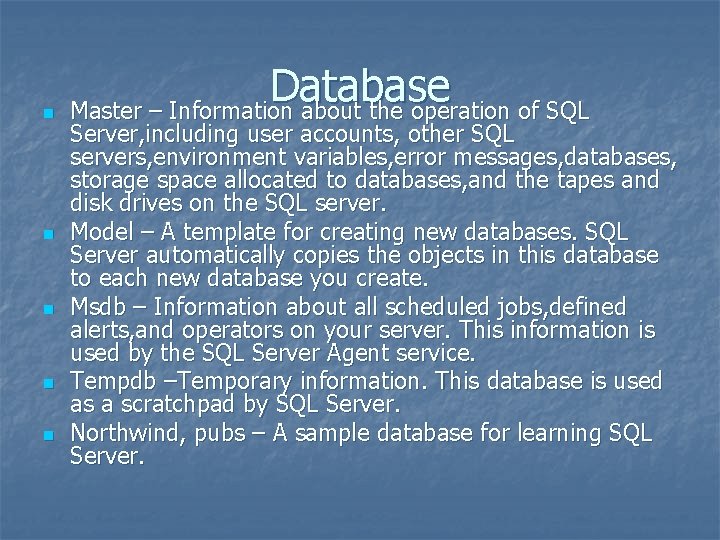
n n n Database Master – Information about the operation of SQL Server, including user accounts, other SQL servers, environment variables, error messages, databases, storage space allocated to databases, and the tapes and disk drives on the SQL server. Model – A template for creating new databases. SQL Server automatically copies the objects in this database to each new database you create. Msdb – Information about all scheduled jobs, defined alerts, and operators on your server. This information is used by the SQL Server Agent service. Tempdb –Temporary information. This database is used as a scratchpad by SQL Server. Northwind, pubs – A sample database for learning SQL Server.
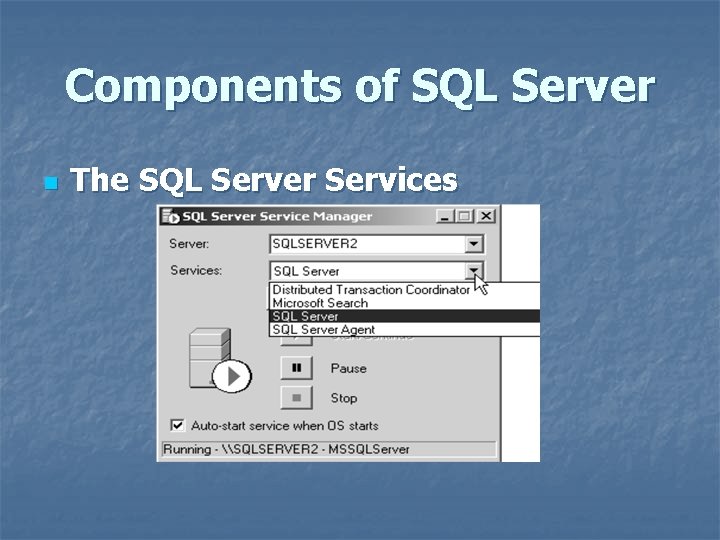
Components of SQL Server n The SQL Server Services
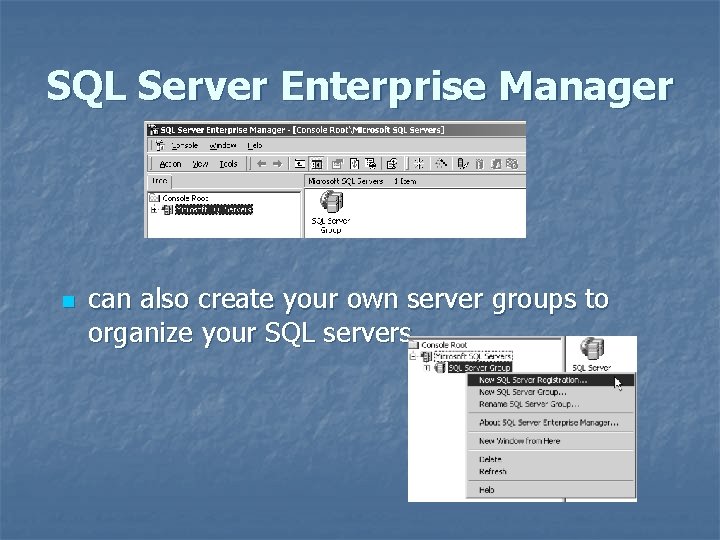
SQL Server Enterprise Manager n can also create your own server groups to organize your SQL servers
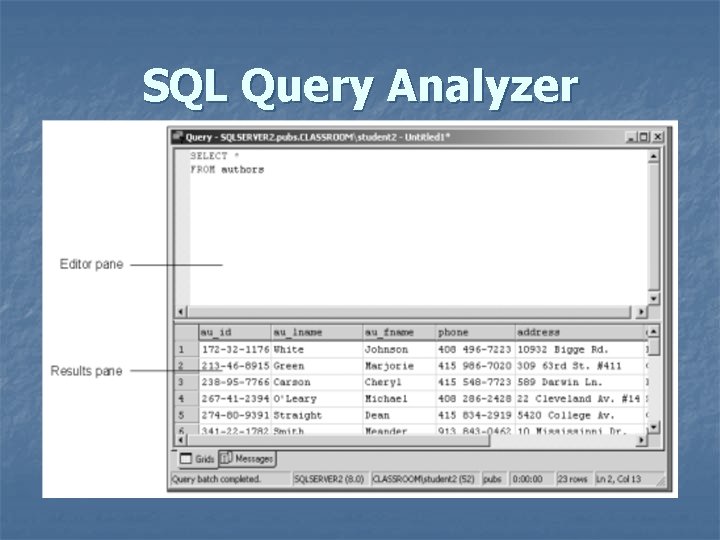
SQL Query Analyzer n n Use SQL Query Analyzer to run SQL queries as well as to optimize the performance of the queries. A query is simply a command you send to your server. This query can request data from the server, change data, or delete information.
SQL Query Analyzer
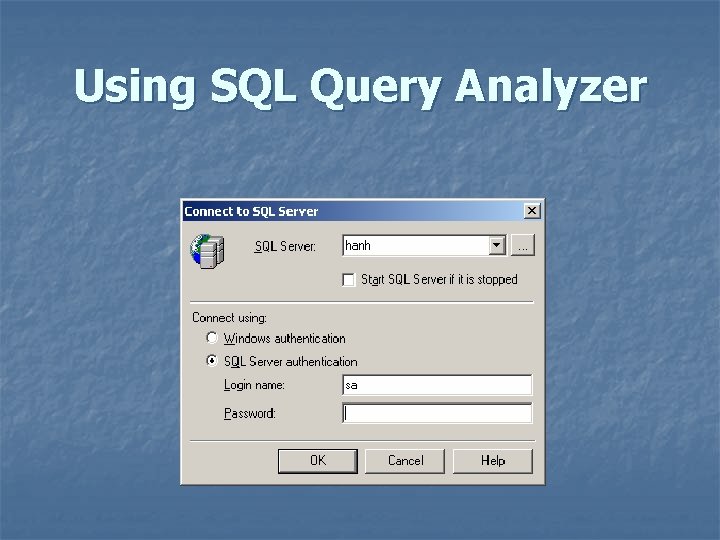
Using SQL Query Analyzer
SQL Server Database Structure n n n the term database refers to a collection of tables and other database objects such as indexes A table consists of rows and columns; these rows and columns contain the data for the table. A database can contain a virtually unlimited number of tables; each table can contain a maximum of 1, 024 columns (fields).
Designing and Implementing Databases n n To design, create, and manage databases: Identify the issues for designing databases Create and configure databases Manage databases
Identifying Database Design Issues n n Databases and Files: A database is a collection of database objects; these objects include tables, indexes, views, and stored procedures. At a minimum, each database consists of a primary data file with an extension of. mdf. In addition to its primary data file, you can optionally configure SQL Server to store a database in a secondary data file. These files use the extension of. ndf.
Identifying Database Design Issues n n n Transaction Logs: In addition to a database’s primary data file, you must also create a transaction log for each database. SQL Server automatically assigns the extension of. ldf to each transaction log file. SQL Server uses the transaction log to make it possible to either recover (roll forward) or undo (roll back) a transaction to protect your database from corruption in the event of a server crash. .
File groups n n When create a database, SQL Server automatically creates a default filegroup that contains your database’s primary data file
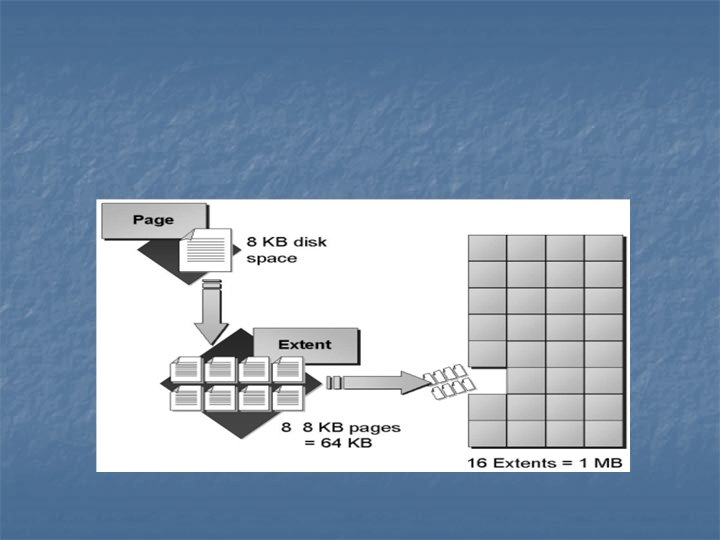
n n n SQL Server uses disk space in 8 KB pages. SQL Server uses some pages to keep track of the space allocated within a database Within a database, SQL Server allocates space for database objects such as tables and indexes in extents. An extent is a contiguous block of eight pages for a total of 64 KB of disk space. A database consists of 16 extents per megabyte.
Creating Databases n n Create a database by using: the CREATE DATABASE Transact-SQL statement. the Create Database Wizard. SQL Server Enterprise Manager
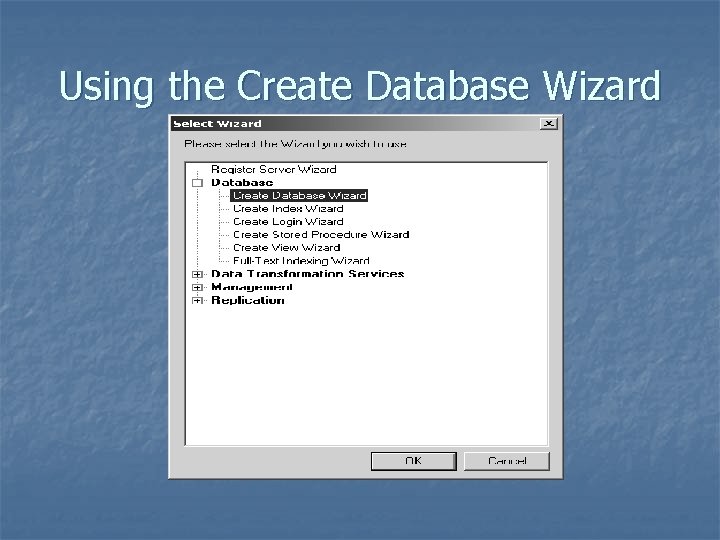
Using the Create Database Wizard
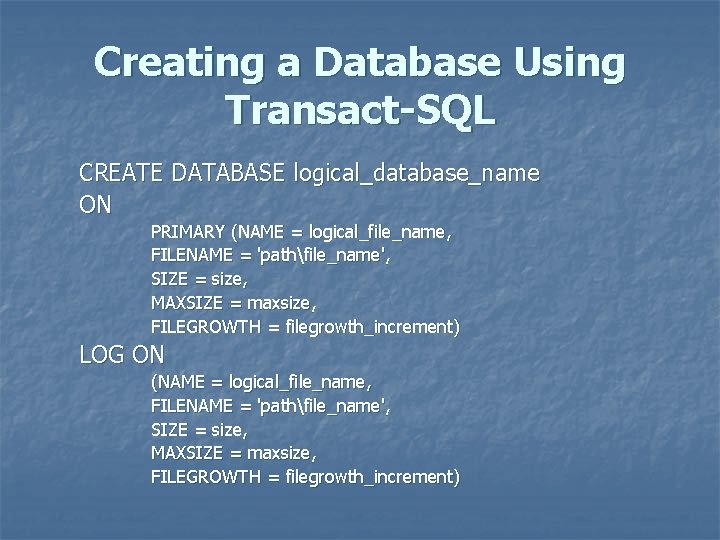
Creating a Database Using Transact-SQL CREATE DATABASE logical_database_name ON PRIMARY (NAME = logical_file_name, FILENAME = 'pathfile_name', SIZE = size, MAXSIZE = maxsize, FILEGROWTH = filegrowth_increment) LOG ON (NAME = logical_file_name, FILENAME = 'pathfile_name', SIZE = size, MAXSIZE = maxsize, FILEGROWTH = filegrowth_increment)
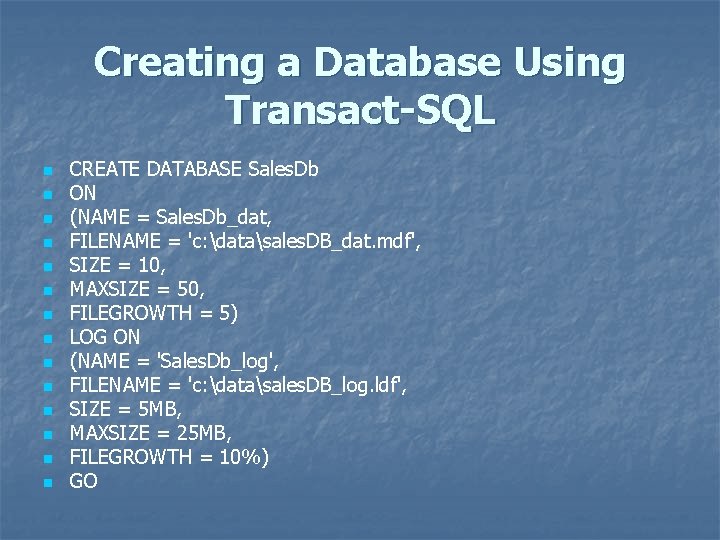
Creating a Database Using Transact-SQL n n n n CREATE DATABASE Sales. Db ON (NAME = Sales. Db_dat, FILENAME = 'c: datasales. DB_dat. mdf', SIZE = 10, MAXSIZE = 50, FILEGROWTH = 5) LOG ON (NAME = 'Sales. Db_log', FILENAME = 'c: datasales. DB_log. ldf', SIZE = 5 MB, MAXSIZE = 25 MB, FILEGROWTH = 10%) GO
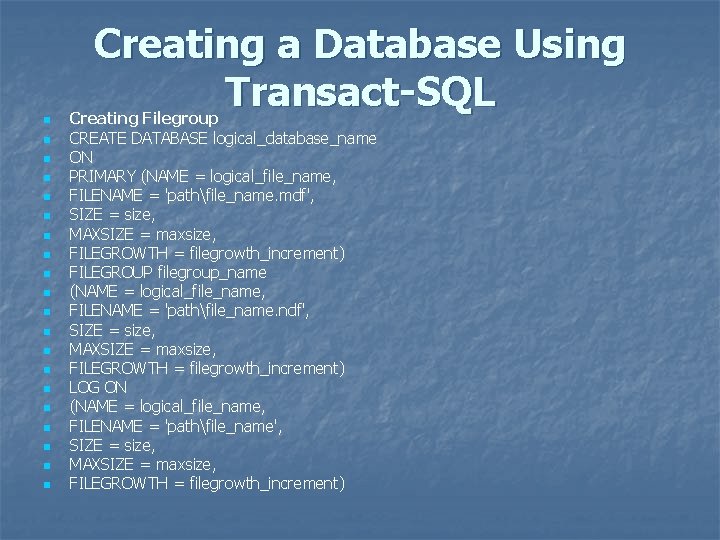
n n n n n Creating a Database Using Transact-SQL Creating Filegroup CREATE DATABASE logical_database_name ON PRIMARY (NAME = logical_file_name, FILENAME = 'pathfile_name. mdf', SIZE = size, MAXSIZE = maxsize, FILEGROWTH = filegrowth_increment) FILEGROUP filegroup_name (NAME = logical_file_name, FILENAME = 'pathfile_name. ndf', SIZE = size, MAXSIZE = maxsize, FILEGROWTH = filegrowth_increment) LOG ON (NAME = logical_file_name, FILENAME = 'pathfile_name', SIZE = size, MAXSIZE = maxsize, FILEGROWTH = filegrowth_increment)
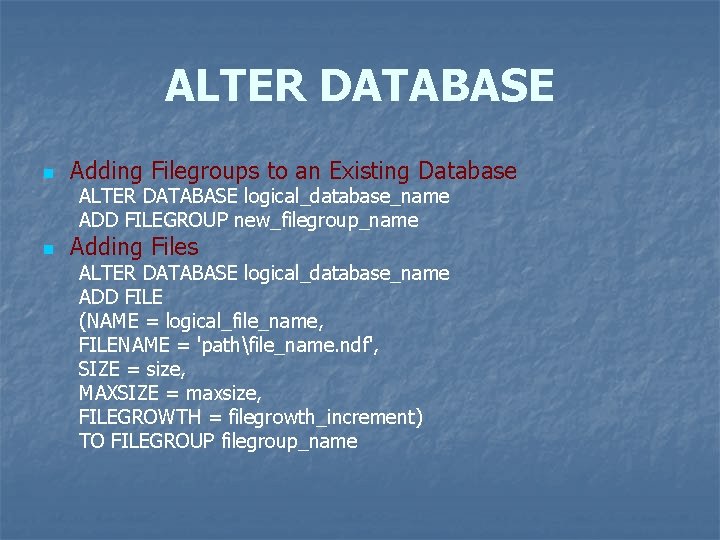
ALTER DATABASE n Adding Filegroups to an Existing Database ALTER DATABASE logical_database_name ADD FILEGROUP new_filegroup_name n Adding Files ALTER DATABASE logical_database_name ADD FILE (NAME = logical_file_name, FILENAME = 'pathfile_name. ndf', SIZE = size, MAXSIZE = maxsize, FILEGROWTH = filegrowth_increment) TO FILEGROUP filegroup_name
ALTER DATABASE n Configuring Database Options ALTER DATABASE database_name SET option[, status] ALTER DATABASE movies SET READ_ONLY
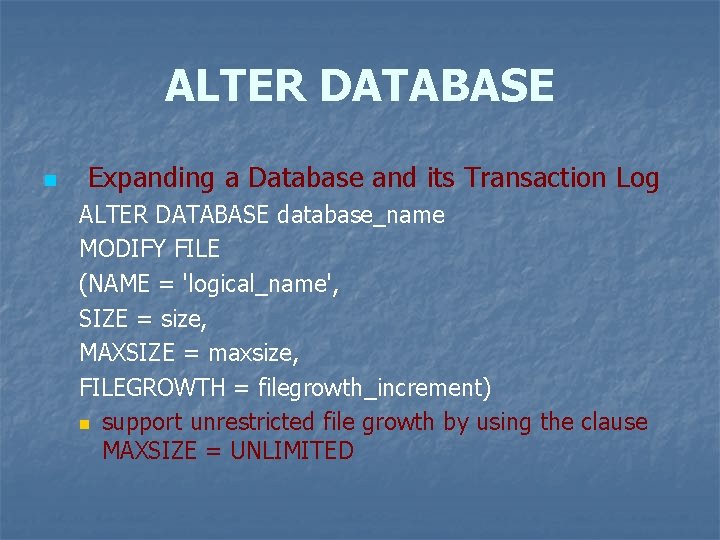
ALTER DATABASE n Expanding a Database and its Transaction Log ALTER DATABASE database_name MODIFY FILE (NAME = 'logical_name', SIZE = size, MAXSIZE = maxsize, FILEGROWTH = filegrowth_increment) n support unrestricted file growth by using the clause MAXSIZE = UNLIMITED
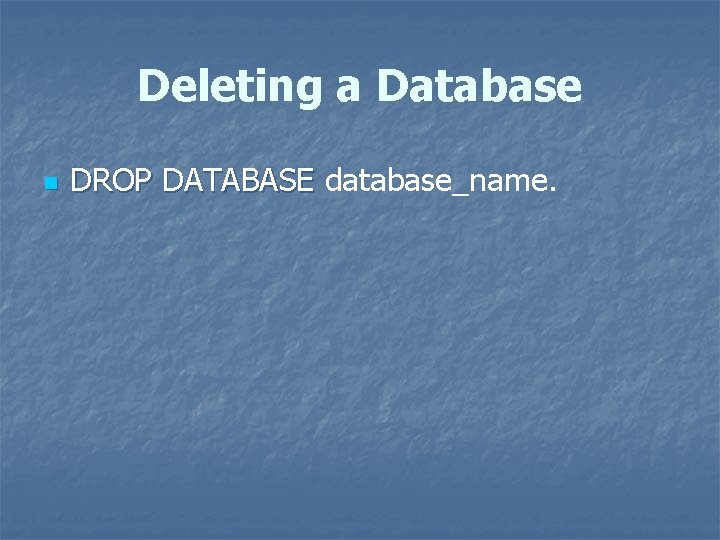
Deleting a Database n DROP DATABASE database_name.
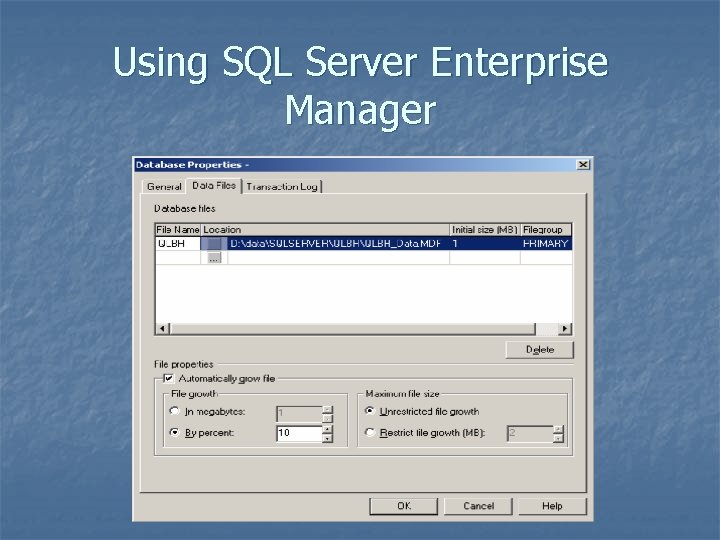
Using SQL Server Enterprise Manager