
Chapter 4 Sorting Printing Summarizing PROC statements have


- Slides: 30
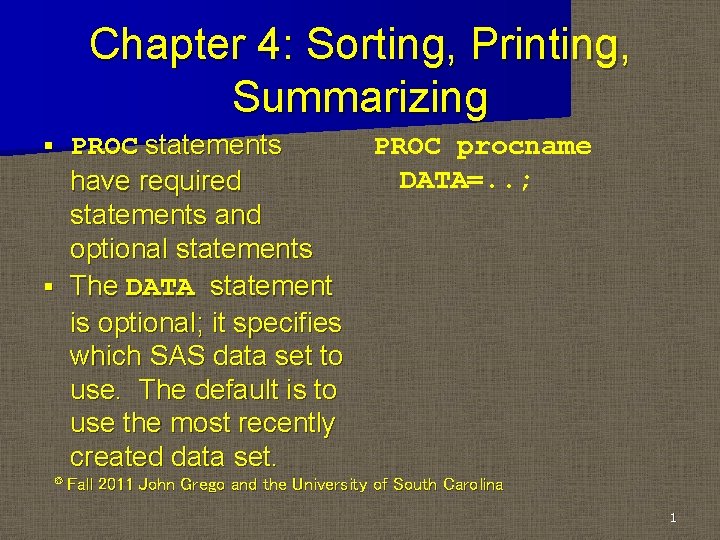
Chapter 4: Sorting, Printing, Summarizing PROC statements have required statements and optional statements § The DATA statement is optional; it specifies which SAS data set to use. The default is to use the most recently created data set. § © Fall PROC procname DATA=. . ; 2011 John Grego and the University of South Carolina 1
BY Variable § BY varname. . is a common option – It tells SAS to do analyses separately for each value of the specified variable – In PROC SORT, the BY statement is required – You must sort the data before using the BY option in other procedures
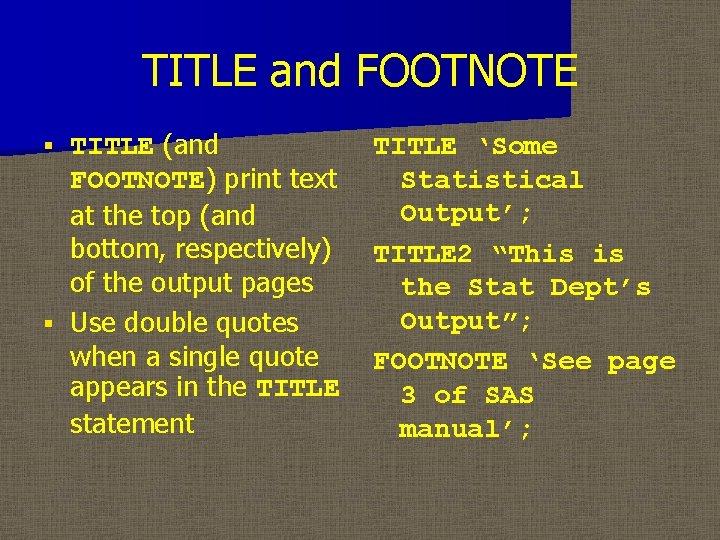
TITLE and FOOTNOTE TITLE (and FOOTNOTE) print text at the top (and bottom, respectively) of the output pages § Use double quotes when a single quote appears in the TITLE statement § TITLE ‘Some Statistical Output’; TITLE 2 “This is the Stat Dept’s Output”; FOOTNOTE ‘See page 3 of SAS manual’;
Null TITLE The null statement TITLE; cancels all previous titles (same with footnotes) § I prefer annotated source code for documentation, but TITLE is good for documenting the action of individual PROC paragraphs §
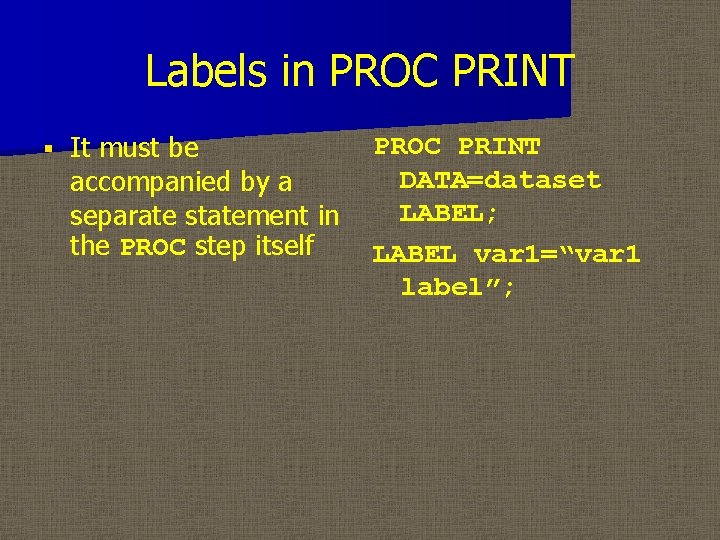
LABEL Statement § The LABEL option allows you to improve output variable names. – In the DATA step, a label is a part of the data set. – In the PROC step, it is only in effect for that procedure
Labels in PROC PRINT § It must be accompanied by a separate statement in the PROC step itself PROC PRINT DATA=dataset LABEL; LABEL var 1=“var 1 label”;
Subsetting with WHERE § We’ve seen how to extract subsets of data in the data step using IF statements § You can have procedures analyze only a subset of the dating using WHERE. . logical condition; A new SAS data set is not created § WHERE works with any SAS procedure § § Note BETWEEN/AND operator.
Sorting Data PROC SORT creates a sorted data set that puts observations in order according to the values of one or more variables § Also think of it as organizing the data in groups, rather than sorting data. It’s a necessary “evil” before processing data group by group §
Saving sorted data The sorted data set is stored with a name specified in the OUT option § If OUT is not specified, the original data set is overwritten with the sorted data set § The required statement BY. . ; tells SAS which variable(s) to use in sorting the data §
Sorting on multiple variables With one BY variable, the data are sorted by the values of that variable § With more than one BY variable, observations are sorted by the first variable, then the second variable within the first, etc §
Sorting options § § By default, this sorts in ascending order. To sort in descending order, enter the keyword DESCENDING before the appropriate BY variable. – Missing values are considered “low” § You can eliminate duplicate observations in the BY variables with the NODUPKEY option. This can be useful for procedures that have difficulty with “ties”
Sorting Character Data § § Dissimilar character data (numeric, case) can be sorted in ASCII, EBCDIC and linguistic order using SORTSEQ= Numeric characters can be ordered as numbers (1, 2, 10, 20) rather than characters (1, 10, 2, 20) using (NUMERIC_COLLATION=ON) in linguistic sorting.
Printing Data with PROC PRINT § PROC PRINT prints data sets to the output window. We’ve already seen PROC PRINT many times, but it has some useful options – NOOBS suppresses printing of observation numbers – LABEL prints labels (if defined) instead of variable names – These appear in the PROC PRINT statement
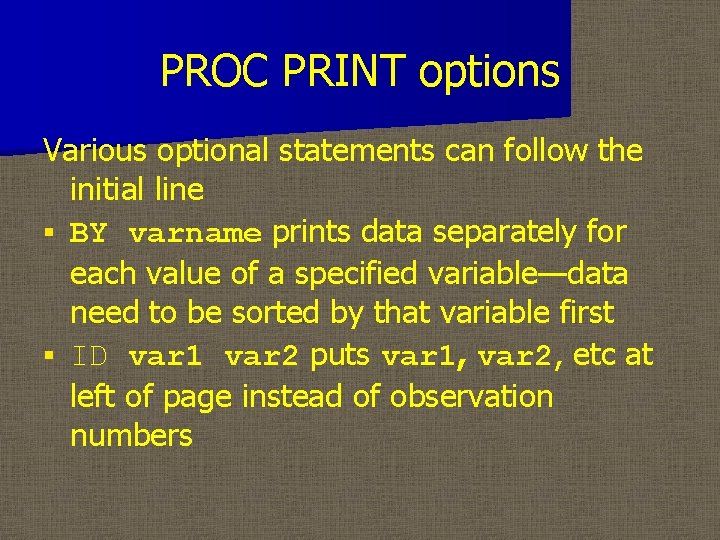
PROC PRINT options Various optional statements can follow the initial line § BY varname prints data separately for each value of a specified variable—data need to be sorted by that variable first § ID var 1 var 2 puts var 1, var 2, etc at left of page instead of observation numbers
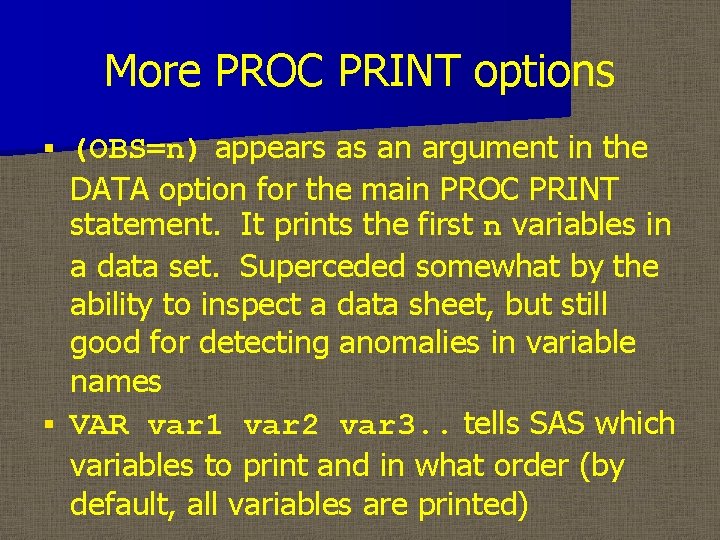
More PROC PRINT options (OBS=n) appears as an argument in the DATA option for the main PROC PRINT statement. It prints the first n variables in a data set. Superceded somewhat by the ability to inspect a data sheet, but still good for detecting anomalies in variable names § VAR var 1 var 2 var 3. . tells SAS which variables to print and in what order (by default, all variables are printed) §
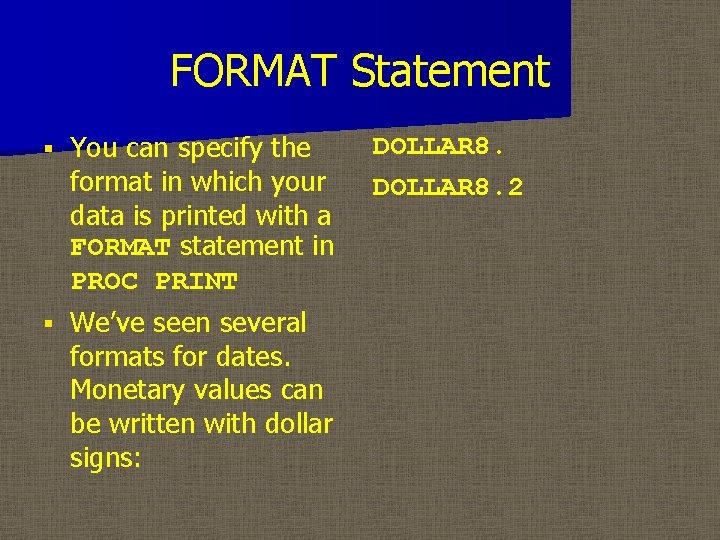
FORMAT Statement § You can specify the format in which your data is printed with a FORMAT statement in PROC PRINT § We’ve seen several formats for dates. Monetary values can be written with dollar signs: DOLLAR 8. 2
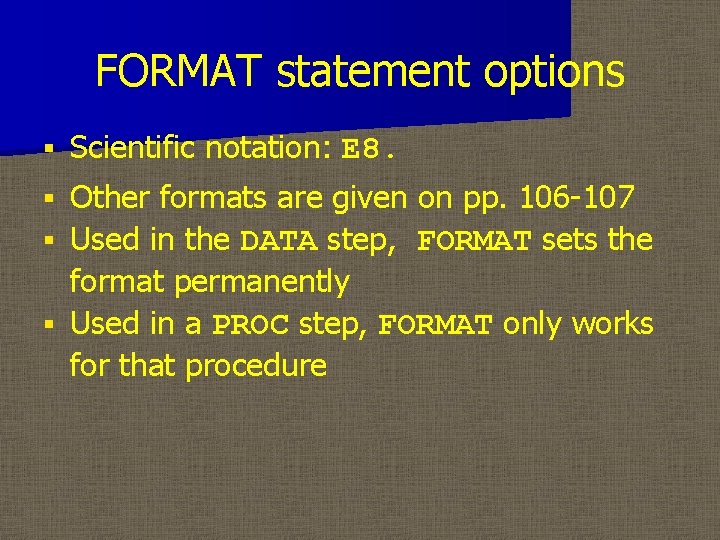
FORMAT statement options § Scientific notation: E 8. Other formats are given on pp. 106 -107 § Used in the DATA step, FORMAT sets the format permanently § Used in a PROC step, FORMAT only works for that procedure §
PROC FORMAT § With PROC FORMAT, you can create your own formats—good for printing coded data in a way that’s easy to read.
PROC FORMAT for grouping § PROC FORMAT is particularly useful for output from procedures that rely heavily on nominal or ordinal data (e. g. , PROC FREQ). SPSS-X is the gold standard for labeling formats. § Specify the name of your created format after the keyword VALUE §
PUT statement § Use of the PUT statement is similar to PROC PRINT, but it is used for writing data to a raw data file
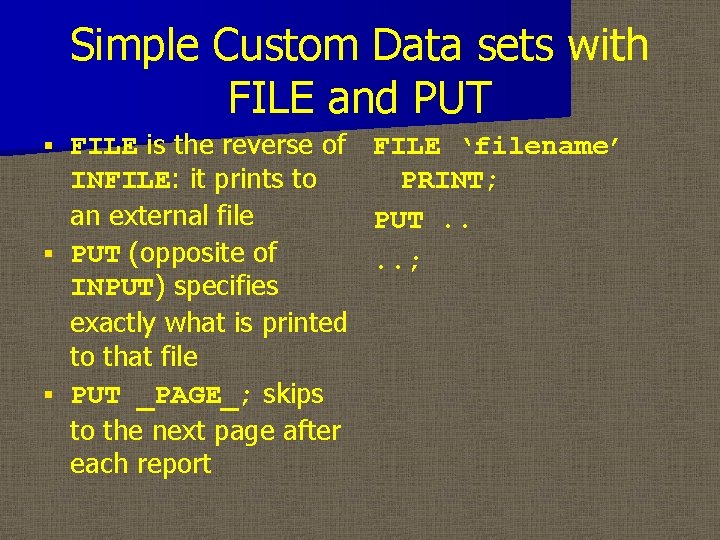
Simple Custom Data sets with FILE and PUT FILE is the reverse of FILE ‘filename’ INFILE: it prints to PRINT; an external file PUT. . § PUT (opposite of. . ; INPUT) specifies exactly what is printed to that file § PUT _PAGE_; skips to the next page after each report §
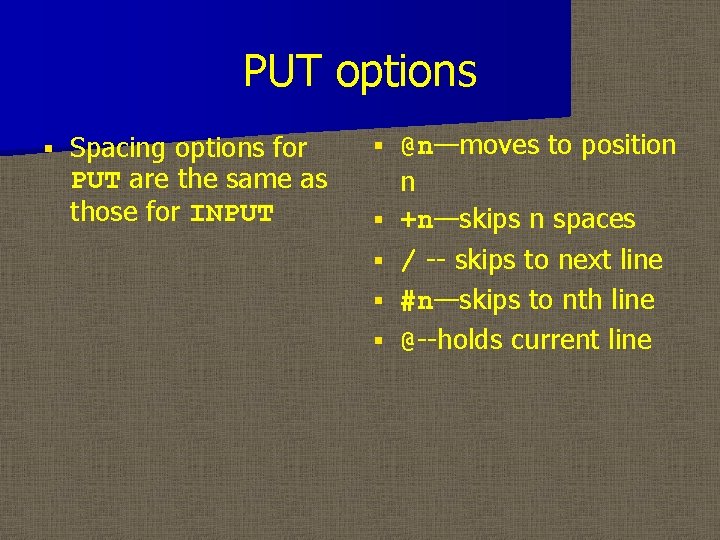
PUT options § Spacing options for PUT are the same as those for INPUT § § § @n—moves to position n +n—skips n spaces / -- skips to next line #n—skips to nth line @--holds current line
Printing data to the Log window PUT can put variable values and text in specified locations. The format is specified the same way as with the FORMAT statement § If no FILE statement is given, the report is printed to the Log window §
Summary Statistics with PROC MEANS can give a variety of summary statistics for each variable. § By default, SAS computes n, mean, stddev, min, max § You can specify others: median, nmiss, range, sum, etc (see list on page 112) §
PROC MEANS options § Optional statements – BY calculates summary statistics for each level of the BY variable—data must be sorted first – CLASS is similar to BY, but the data does not need to be sorted – VAR tells SAS specifically for which variables to calculate summary statistics (the default is to use all numeric variables
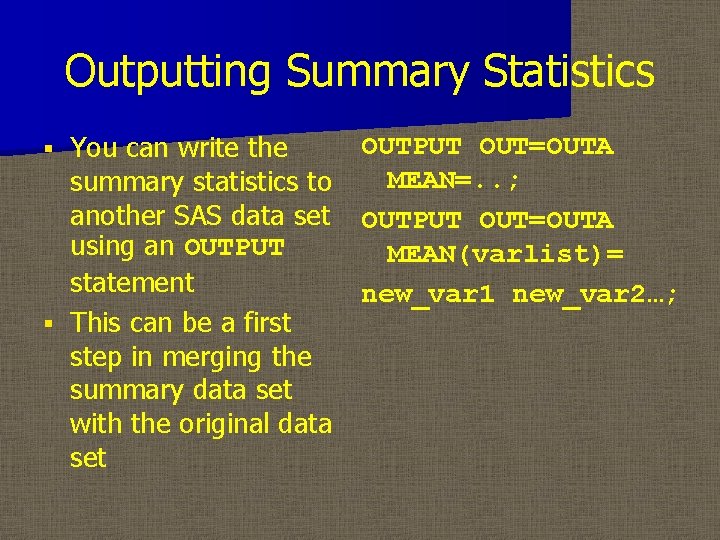
Outputting Summary Statistics You can write the summary statistics to another SAS data set using an OUTPUT statement § This can be a first step in merging the summary data set with the original data set § OUTPUT OUT=OUTA MEAN=. . ; OUTPUT OUT=OUTA MEAN(varlist)= new_var 1 new_var 2…;
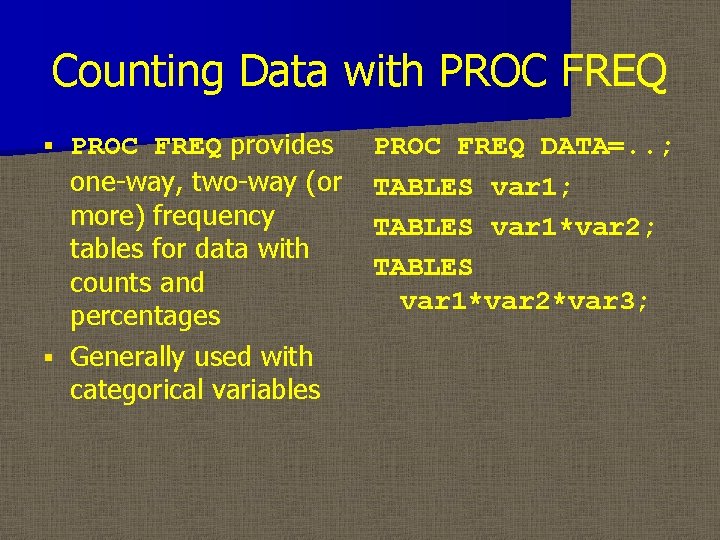
Counting Data with PROC FREQ provides one-way, two-way (or more) frequency tables for data with counts and percentages § Generally used with categorical variables § PROC FREQ DATA=. . ; TABLES var 1*var 2; TABLES var 1*var 2*var 3;
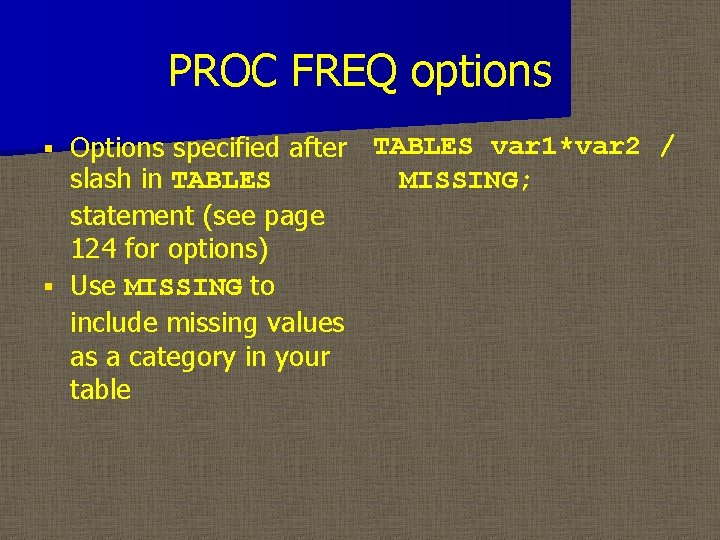
PROC FREQ options Options specified after TABLES var 1*var 2 / slash in TABLES MISSING; statement (see page 124 for options) § Use MISSING to include missing values as a category in your table §
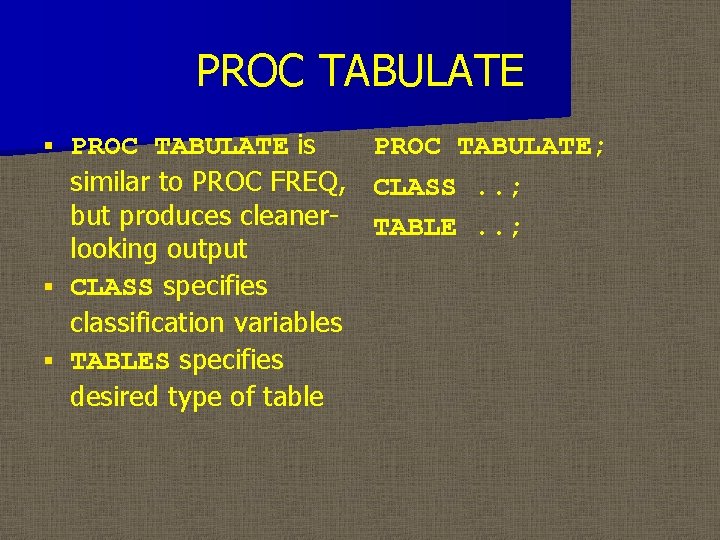
PROC TABULATE is PROC TABULATE; similar to PROC FREQ, CLASS. . ; but produces cleaner- TABLE. . ; looking output § CLASS specifies classification variables § TABLES specifies desired type of table §
PROC REPORT § PROC REPORT has even more functionality than PROC TABULATE § Exploring either of these procedures would make a useful class project