
Chapter 4 Server Clients Workstation Operating Systems Workstation

- Slides: 17
Chapter 4 Server Clients • • • Workstation Operating Systems Workstation Requirements NIC Software Setup Resolve a Resource Conflict Prepare Workstation - Windows 95
Workstation Operating Systems • • MS-DOS Windows 3. 1 and 3. 11 Windows 95 NT Workstation - 10 computers access at same time
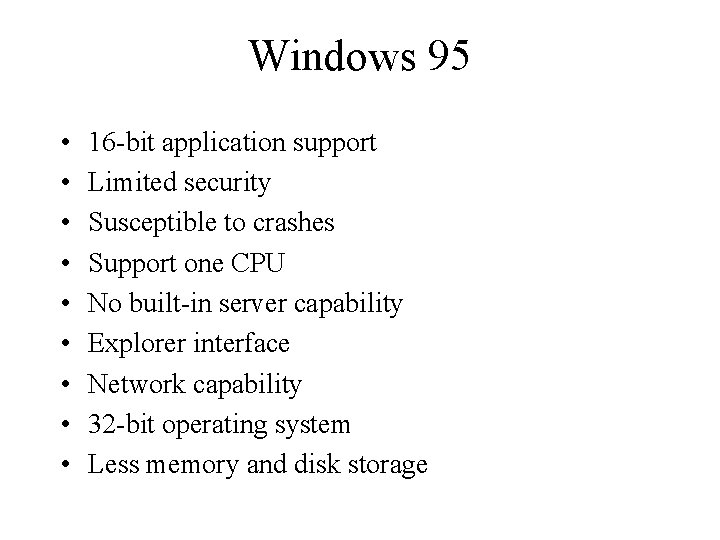
Windows 95 • • • 16 -bit application support Limited security Susceptible to crashes Support one CPU No built-in server capability Explorer interface Network capability 32 -bit operating system Less memory and disk storage
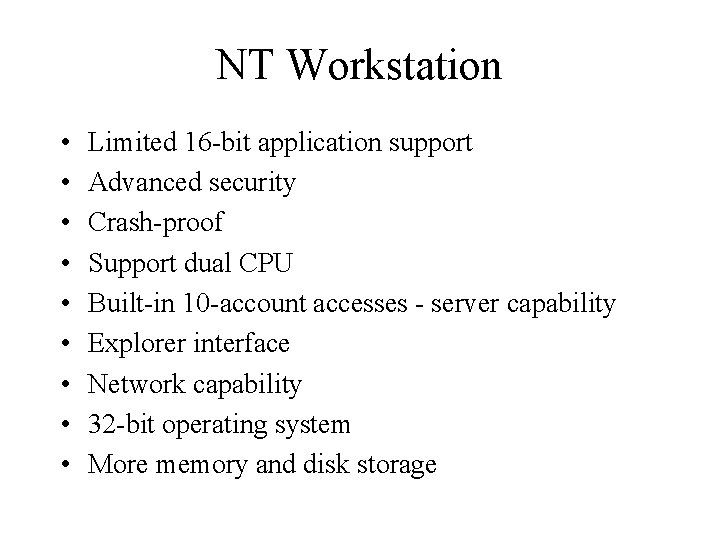
NT Workstation • • • Limited 16 -bit application support Advanced security Crash-proof Support dual CPU Built-in 10 -account accesses - server capability Explorer interface Network capability 32 -bit operating system More memory and disk storage
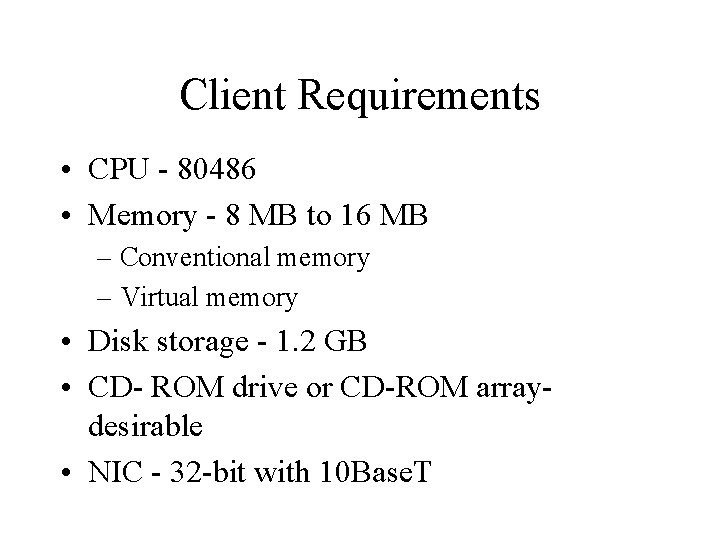
Client Requirements • CPU - 80486 • Memory - 8 MB to 16 MB – Conventional memory – Virtual memory • Disk storage - 1. 2 GB • CD- ROM drive or CD-ROM arraydesirable • NIC - 32 -bit with 10 Base. T
Assignment • Review chapters 1 -4 • Read chapter 5
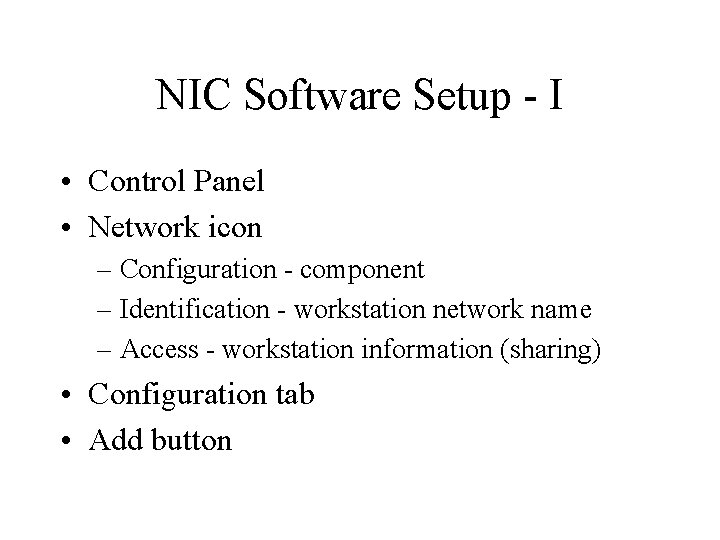
NIC Software Setup - I • Control Panel • Network icon – Configuration - component – Identification - workstation network name – Access - workstation information (sharing) • Configuration tab • Add button
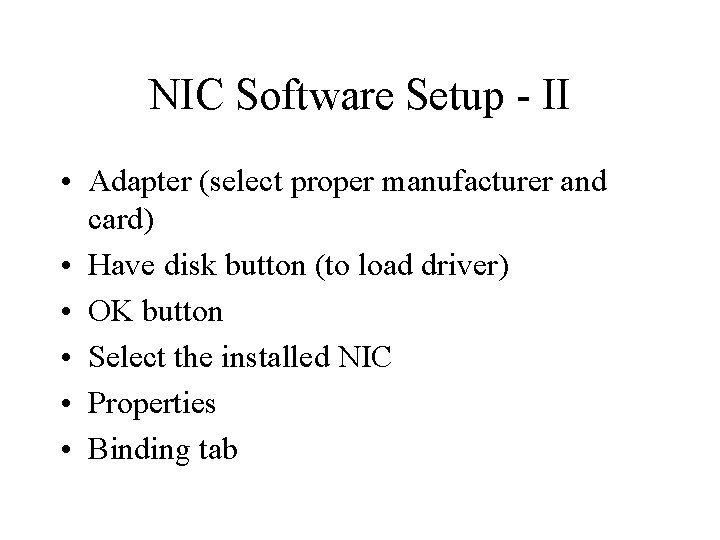
NIC Software Setup - II • Adapter (select proper manufacturer and card) • Have disk button (to load driver) • OK button • Select the installed NIC • Properties • Binding tab
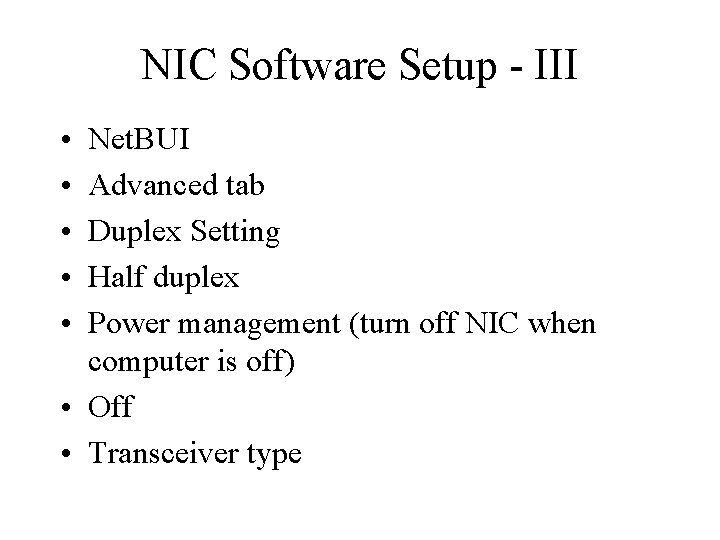
NIC Software Setup - III • • • Net. BUI Advanced tab Duplex Setting Half duplex Power management (turn off NIC when computer is off) • Off • Transceiver type
NIC Software Setup - IV • Auto-Connector (cable type) • Resources tab • Should not have # or * at any resources
Resolve a Resource Conflict • • Control Panel System Icon Device Manager tab Select device Properties button General tab Remove the check mark (Original Configuration) • OK
Prepare Workstation - Windows 95 - I • • Control Panel Network icon Configuration tab Add button Client Add button Microsoft
Prepare Workstation - Windows 95 - II • Microsoft • Client for Microsoft Networks • OK
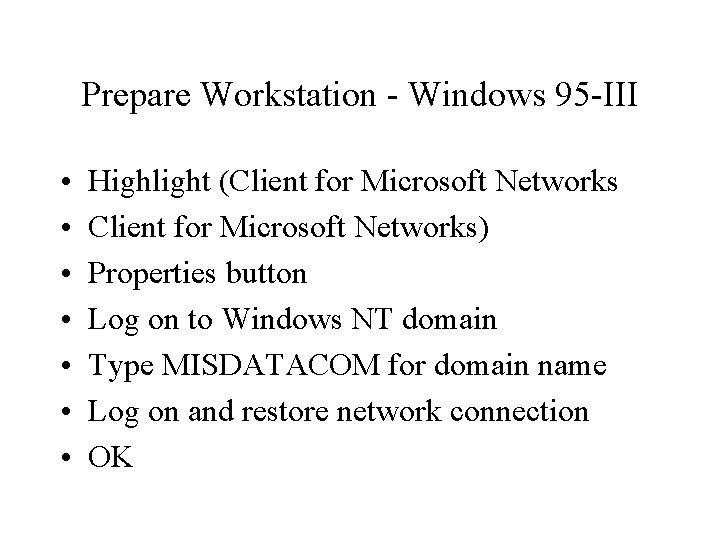
Prepare Workstation - Windows 95 -III • • Highlight (Client for Microsoft Networks) Properties button Log on to Windows NT domain Type MISDATACOM for domain name Log on and restore network connection OK
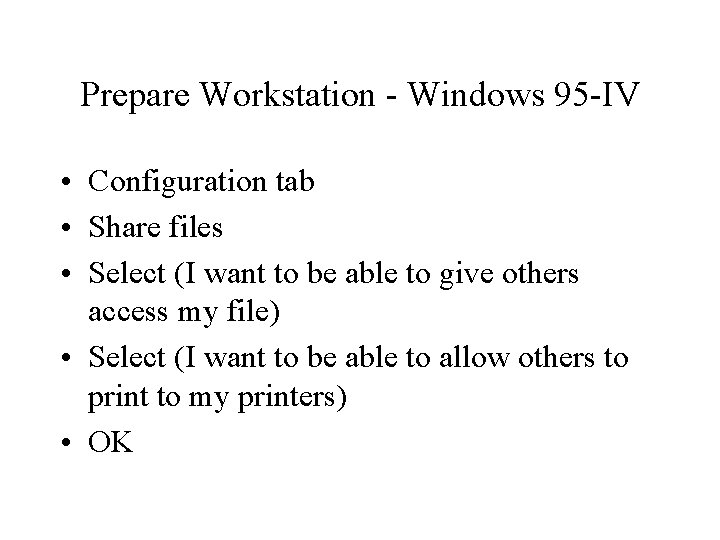
Prepare Workstation - Windows 95 -IV • Configuration tab • Share files • Select (I want to be able to give others access my file) • Select (I want to be able to allow others to print to my printers) • OK
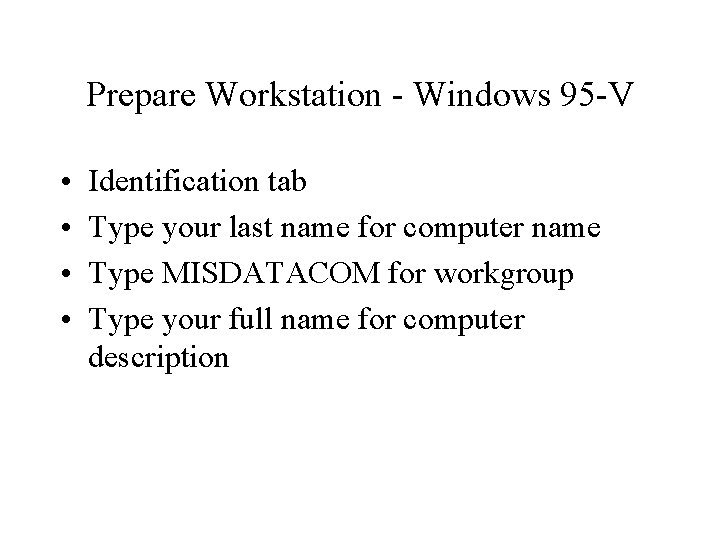
Prepare Workstation - Windows 95 -V • • Identification tab Type your last name for computer name Type MISDATACOM for workgroup Type your full name for computer description
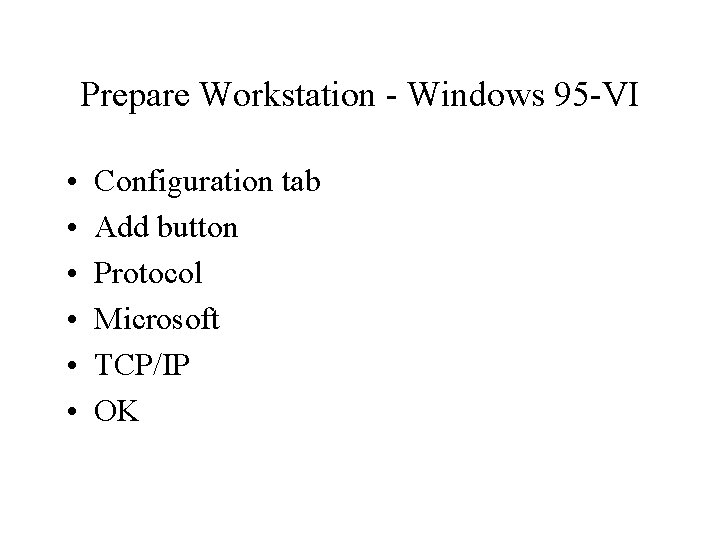
Prepare Workstation - Windows 95 -VI • • • Configuration tab Add button Protocol Microsoft TCP/IP OK