
Chapter 3 Using Classes and Objects Outline Creating
Chapter 3 Using Classes and Objects
Outline Creating Objects The String Class Packages Formatting Output Enumerated Types Wrapper Classes © 2004 Pearson Addison-Wesley. All rights reserved 2
Creating Objects • A variable holds either a primitive type or a reference to an object • A class name can be used as a type to declare an object reference variable String title; • No object is created with this declaration • An object reference variable holds the address of an object • The object itself must be created separately © 2004 Pearson Addison-Wesley. All rights reserved 3

Creating Objects • Generally, we use the new operator to create an object title = new String ("Java Software Solutions"); This calls the String constructor, which is a special method that sets up the object • Creating an object is called instantiation • An object is an instance of a particular class © 2004 Pearson Addison-Wesley. All rights reserved 4
Invoking Methods • We've seen that once an object has been instantiated, we can use the dot operator to invoke its methods count = title. length() • A method may return a value, which can be used in an assignment or expression • A method invocation can be thought of as asking an object to perform a service © 2004 Pearson Addison-Wesley. All rights reserved 5
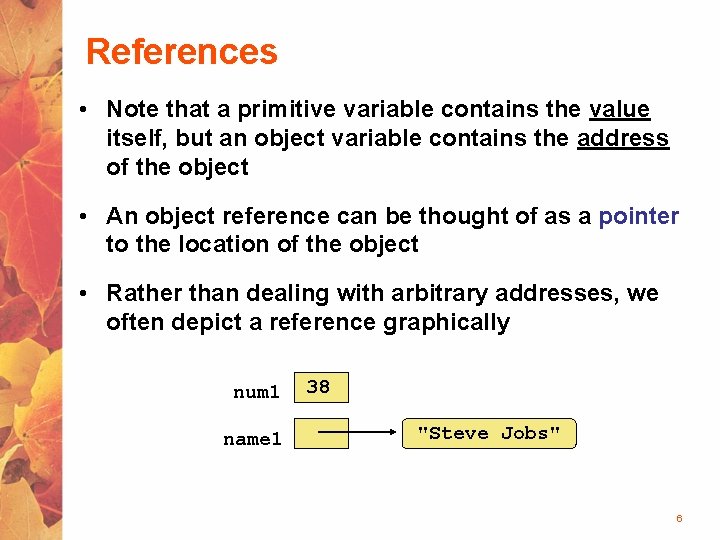
References • Note that a primitive variable contains the value itself, but an object variable contains the address of the object • An object reference can be thought of as a pointer to the location of the object • Rather than dealing with arbitrary addresses, we often depict a reference graphically num 1 name 1 38 "Steve Jobs" 6
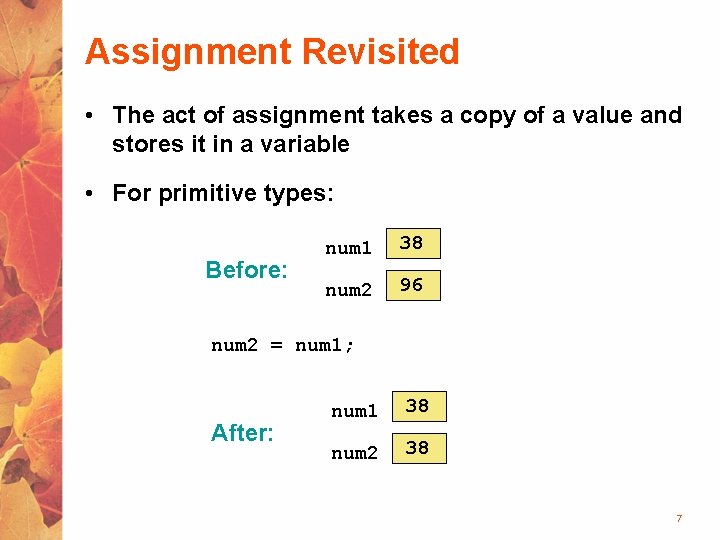
Assignment Revisited • The act of assignment takes a copy of a value and stores it in a variable • For primitive types: Before: num 1 38 num 2 96 num 2 = num 1; After: num 1 38 num 2 38 7
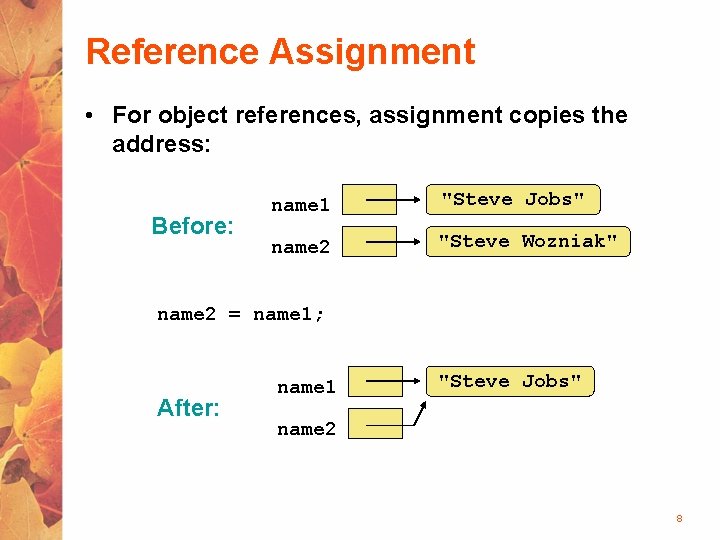
Reference Assignment • For object references, assignment copies the address: Before: name 1 "Steve Jobs" name 2 "Steve Wozniak" name 2 = name 1; After: name 1 "Steve Jobs" name 2 8
Aliases • Two or more references that refer to the same object are called aliases of each other • That creates an interesting situation: one object can be accessed using multiple reference variables • Aliases can be useful, but should be managed carefully • Changing an object through one reference changes it for all of its aliases, because there is really one object. (this doesn’t work with Strings) 9
Garbage Collection • When an object no longer has any valid references to it, it can no longer be accessed by the program • The object is useless, and therefore is called garbage • Java performs automatic garbage collection periodically, returning an object's memory to the system for future use • In other languages, the programmer is responsible for performing garbage collection 10
Outline Creating Objects The String Class Packages Formatting Output Enumerated Types Wrapper Classes © 2004 Pearson Addison-Wesley. All rights reserved 11
The String Class • Because strings are so common, we don't have to use the new operator to create a String object title = "Java Software Solutions"; • This is special syntax that works only for strings • Each string literal (enclosed in double quotes) represents a String object © 2004 Pearson Addison-Wesley. All rights reserved 12
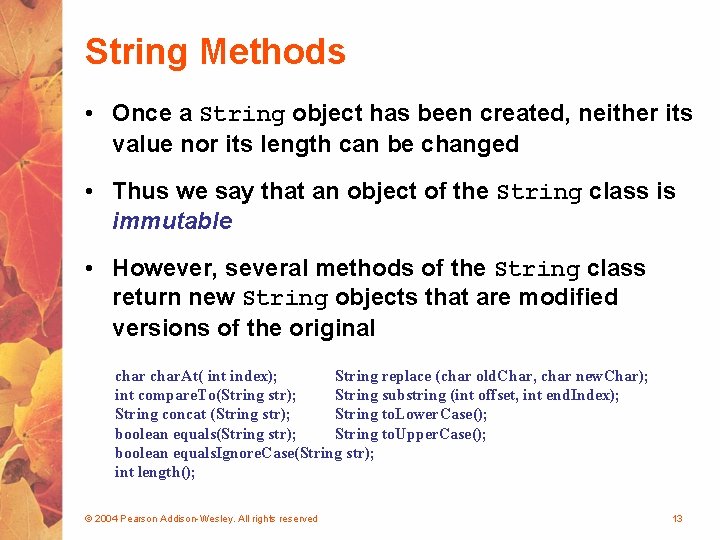
String Methods • Once a String object has been created, neither its value nor its length can be changed • Thus we say that an object of the String class is immutable • However, several methods of the String class return new String objects that are modified versions of the original char. At( int index); String replace (char old. Char, char new. Char); int compare. To(String str); String substring (int offset, int end. Index); String concat (String str); String to. Lower. Case(); boolean equals(String str); String to. Upper. Case(); boolean equals. Ignore. Case(String str); int length(); © 2004 Pearson Addison-Wesley. All rights reserved 13
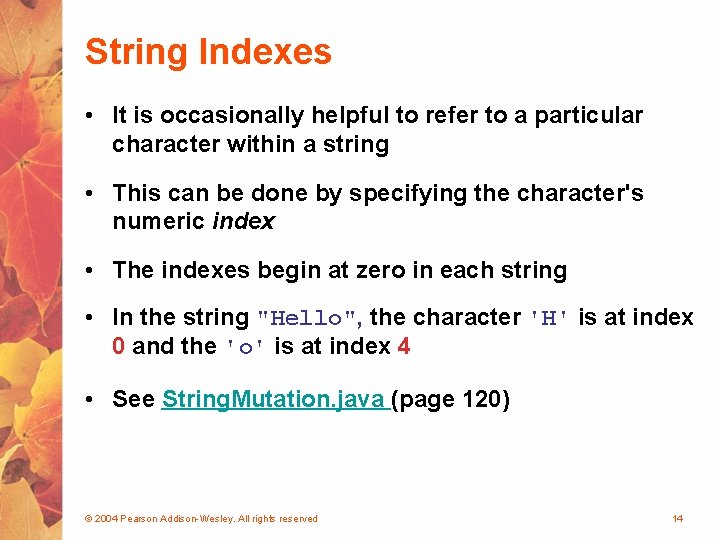
String Indexes • It is occasionally helpful to refer to a particular character within a string • This can be done by specifying the character's numeric index • The indexes begin at zero in each string • In the string "Hello", the character 'H' is at index 0 and the 'o' is at index 4 • See String. Mutation. java (page 120) © 2004 Pearson Addison-Wesley. All rights reserved 14
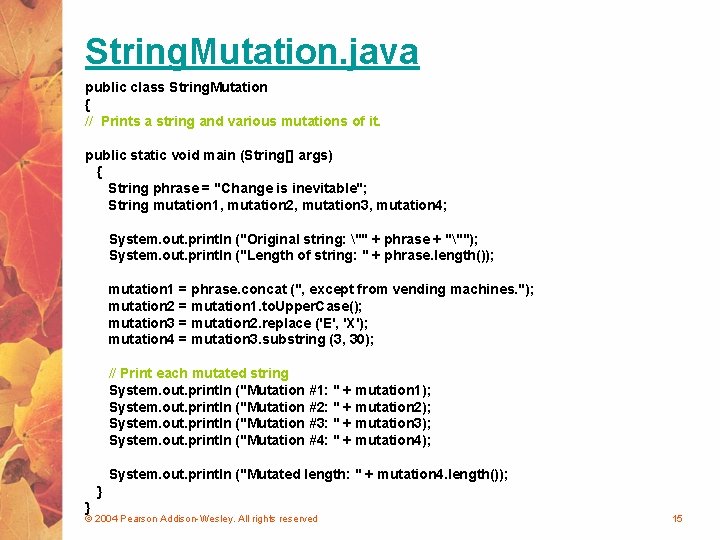
String. Mutation. java public class String. Mutation { // Prints a string and various mutations of it. public static void main (String[] args) { String phrase = "Change is inevitable"; String mutation 1, mutation 2, mutation 3, mutation 4; System. out. println ("Original string: "" + phrase + """); System. out. println ("Length of string: " + phrase. length()); mutation 1 = phrase. concat (", except from vending machines. "); mutation 2 = mutation 1. to. Upper. Case(); mutation 3 = mutation 2. replace ('E', 'X'); mutation 4 = mutation 3. substring (3, 30); // Print each mutated string System. out. println ("Mutation #1: " + mutation 1); System. out. println ("Mutation #2: " + mutation 2); System. out. println ("Mutation #3: " + mutation 3); System. out. println ("Mutation #4: " + mutation 4); System. out. println ("Mutated length: " + mutation 4. length()); } } © 2004 Pearson Addison-Wesley. All rights reserved 15
Outline Creating Objects The String Class Packages Formatting Output Enumerated Types Wrapper Classes © 2004 Pearson Addison-Wesley. All rights reserved 16
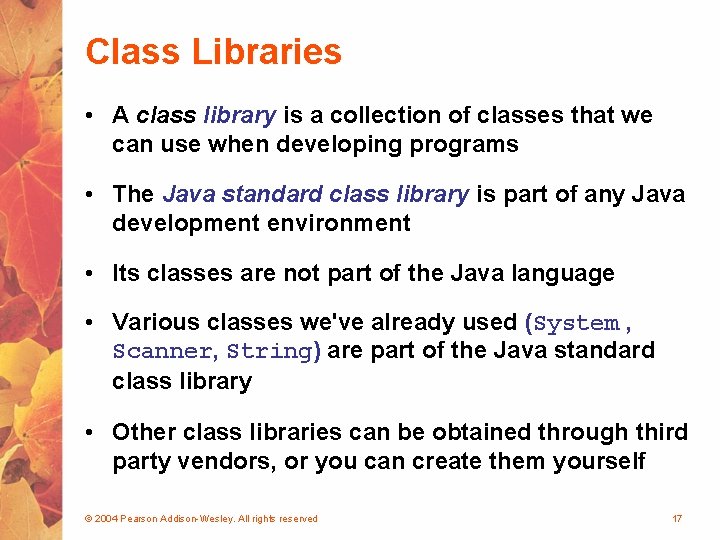
Class Libraries • A class library is a collection of classes that we can use when developing programs • The Java standard class library is part of any Java development environment • Its classes are not part of the Java language • Various classes we've already used (System , Scanner, String) are part of the Java standard class library • Other class libraries can be obtained through third party vendors, or you can create them yourself © 2004 Pearson Addison-Wesley. All rights reserved 17
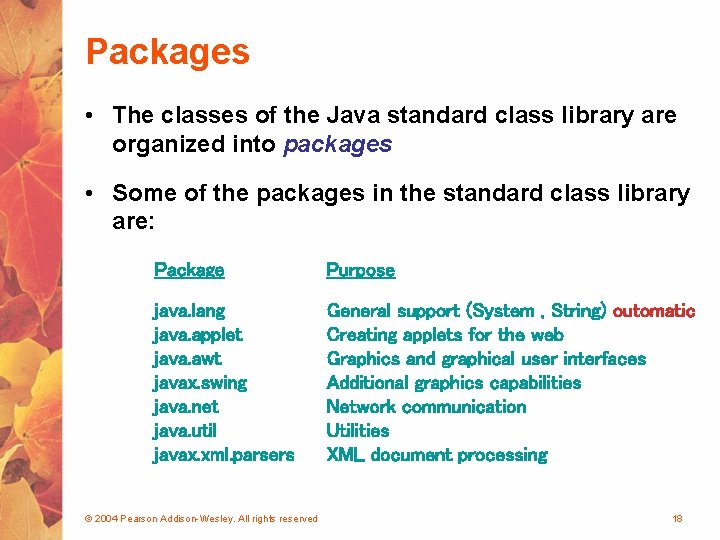
Packages • The classes of the Java standard class library are organized into packages • Some of the packages in the standard class library are: Package Purpose java. lang java. applet java. awt javax. swing java. net java. util javax. xml. parsers General support (System , String) outomatic Creating applets for the web Graphics and graphical user interfaces Additional graphics capabilities Network communication Utilities XML document processing © 2004 Pearson Addison-Wesley. All rights reserved 18
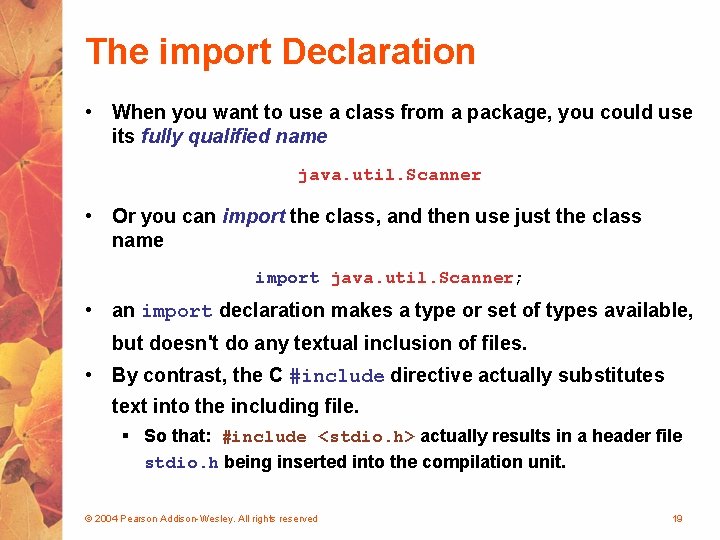
The import Declaration • When you want to use a class from a package, you could use its fully qualified name java. util. Scanner • Or you can import the class, and then use just the class name import java. util. Scanner; • an import declaration makes a type or set of types available, but doesn't do any textual inclusion of files. • By contrast, the C #include directive actually substitutes text into the including file. § So that: #include <stdio. h> actually results in a header file stdio. h being inserted into the compilation unit. © 2004 Pearson Addison-Wesley. All rights reserved 19
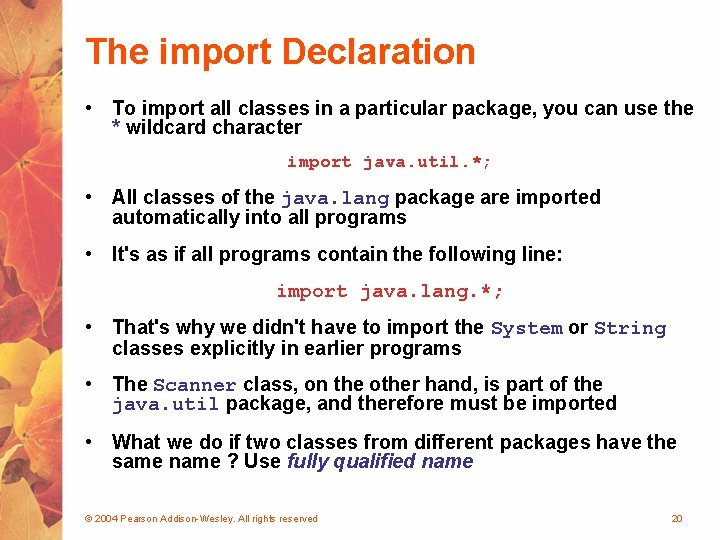
The import Declaration • To import all classes in a particular package, you can use the * wildcard character import java. util. *; • All classes of the java. lang package are imported automatically into all programs • It's as if all programs contain the following line: import java. lang. *; • That's why we didn't have to import the System or String classes explicitly in earlier programs • The Scanner class, on the other hand, is part of the java. util package, and therefore must be imported • What we do if two classes from different packages have the same name ? Use fully qualified name © 2004 Pearson Addison-Wesley. All rights reserved 20
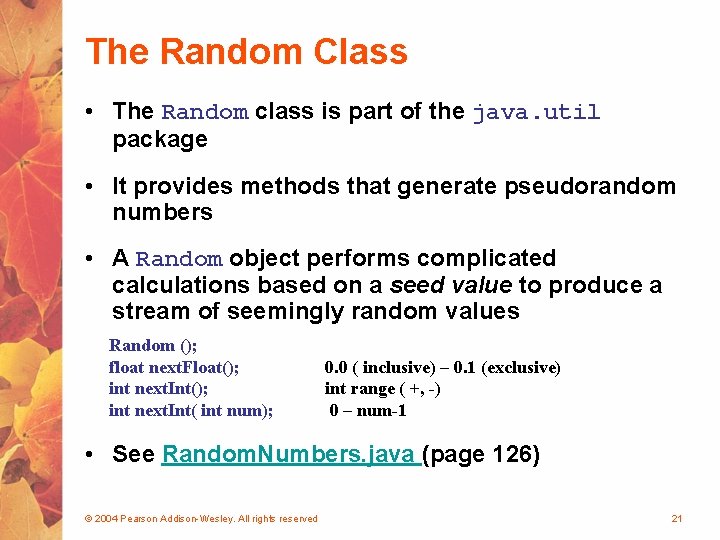
The Random Class • The Random class is part of the java. util package • It provides methods that generate pseudorandom numbers • A Random object performs complicated calculations based on a seed value to produce a stream of seemingly random values Random (); float next. Float(); int next. Int( int num); 0. 0 ( inclusive) – 0. 1 (exclusive) int range ( +, -) 0 – num-1 • See Random. Numbers. java (page 126) © 2004 Pearson Addison-Wesley. All rights reserved 21
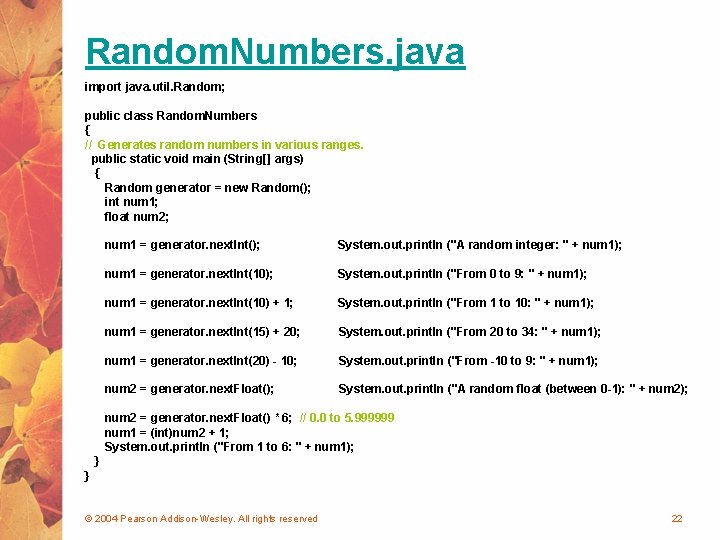
Random. Numbers. java import java. util. Random; public class Random. Numbers { // Generates random numbers in various ranges. public static void main (String[] args) { Random generator = new Random(); int num 1; float num 2; num 1 = generator. next. Int(); System. out. println ("A random integer: " + num 1); num 1 = generator. next. Int(10); System. out. println ("From 0 to 9: " + num 1); num 1 = generator. next. Int(10) + 1; System. out. println ("From 1 to 10: " + num 1); num 1 = generator. next. Int(15) + 20; System. out. println ("From 20 to 34: " + num 1); num 1 = generator. next. Int(20) - 10; System. out. println ("From -10 to 9: " + num 1); num 2 = generator. next. Float(); System. out. println ("A random float (between 0 -1): " + num 2); num 2 = generator. next. Float() * 6; // 0. 0 to 5. 999999 num 1 = (int)num 2 + 1; System. out. println ("From 1 to 6: " + num 1); } } © 2004 Pearson Addison-Wesley. All rights reserved 22
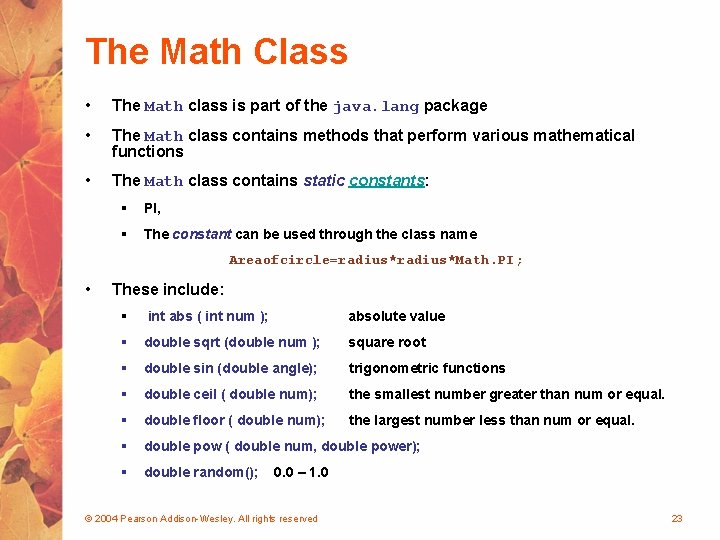
The Math Class • The Math class is part of the java. lang package • The Math class contains methods that perform various mathematical functions • The Math class contains static constants: § PI, § The constant can be used through the class name Areaofcircle=radius*Math. PI; • These include: § int abs ( int num ); absolute value § double sqrt (double num ); square root § double sin (double angle); trigonometric functions § double ceil ( double num); the smallest number greater than num or equal. § double floor ( double num); the largest number less than num or equal. § double pow ( double num, double power); § double random(); 0. 0 – 1. 0 © 2004 Pearson Addison-Wesley. All rights reserved 23
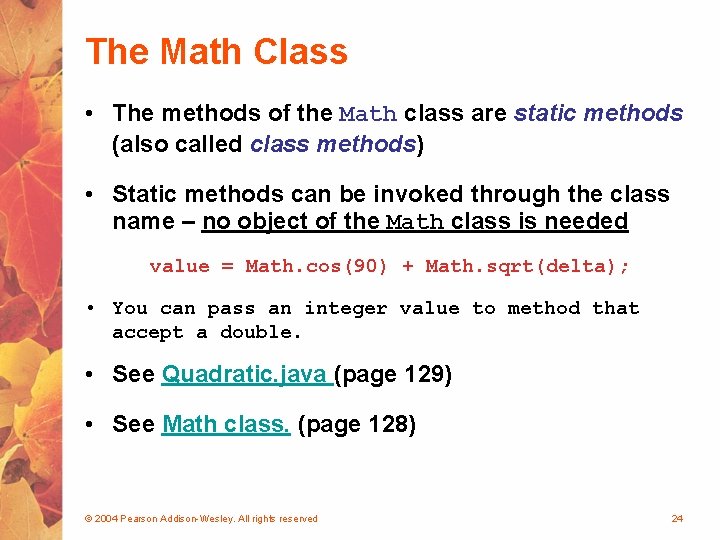
The Math Class • The methods of the Math class are static methods (also called class methods) • Static methods can be invoked through the class name – no object of the Math class is needed value = Math. cos(90) + Math. sqrt(delta); • You can pass an integer value to method that accept a double. • See Quadratic. java (page 129) • See Math class. (page 128) © 2004 Pearson Addison-Wesley. All rights reserved 24
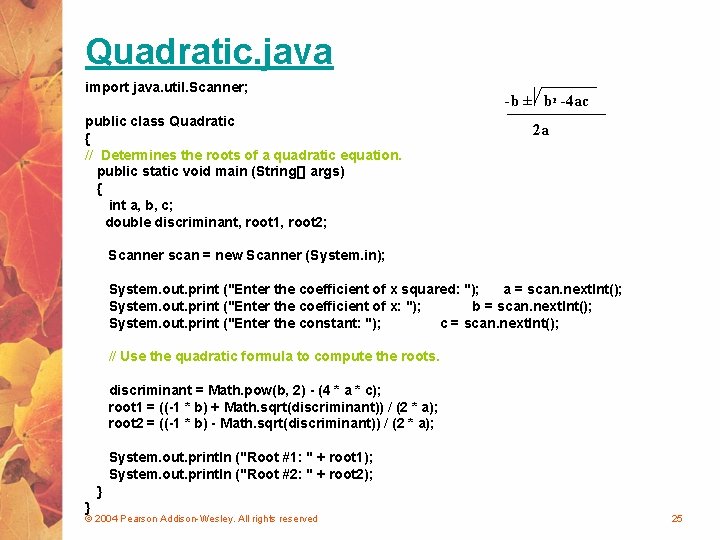
Quadratic. java import java. util. Scanner; public class Quadratic { // Determines the roots of a quadratic equation. public static void main (String[] args) { int a, b, c; double discriminant, root 1, root 2; -b ± b 2 -4 ac 2 a Scanner scan = new Scanner (System. in); System. out. print ("Enter the coefficient of x squared: "); a = scan. next. Int(); System. out. print ("Enter the coefficient of x: "); b = scan. next. Int(); System. out. print ("Enter the constant: "); c = scan. next. Int(); // Use the quadratic formula to compute the roots. discriminant = Math. pow(b, 2) - (4 * a * c); root 1 = ((-1 * b) + Math. sqrt(discriminant)) / (2 * a); root 2 = ((-1 * b) - Math. sqrt(discriminant)) / (2 * a); System. out. println ("Root #1: " + root 1); System. out. println ("Root #2: " + root 2); } } © 2004 Pearson Addison-Wesley. All rights reserved 25
Outline Creating Objects The String Class Packages Formatting Output Enumerated Types Wrapper Classes © 2004 Pearson Addison-Wesley. All rights reserved 26
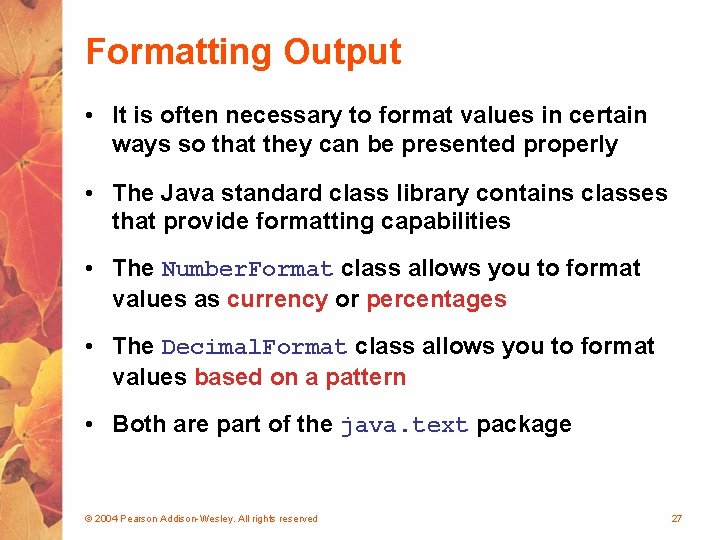
Formatting Output • It is often necessary to format values in certain ways so that they can be presented properly • The Java standard class library contains classes that provide formatting capabilities • The Number. Format class allows you to format values as currency or percentages • The Decimal. Format class allows you to format values based on a pattern • Both are part of the java. text package © 2004 Pearson Addison-Wesley. All rights reserved 27
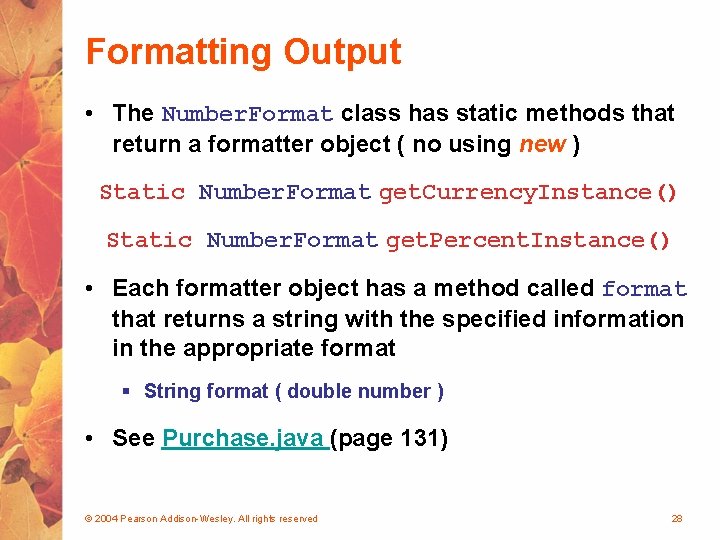
Formatting Output • The Number. Format class has static methods that return a formatter object ( no using new ) Static Number. Format get. Currency. Instance() Static Number. Format get. Percent. Instance() • Each formatter object has a method called format that returns a string with the specified information in the appropriate format § String format ( double number ) • See Purchase. java (page 131) © 2004 Pearson Addison-Wesley. All rights reserved 28
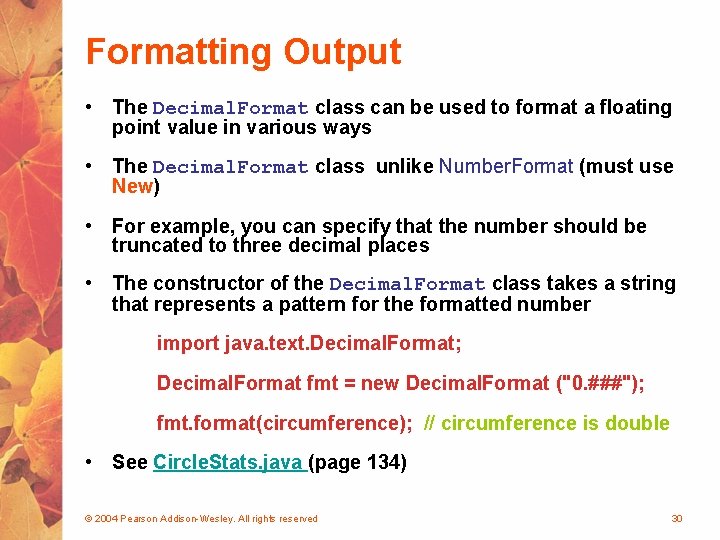
Formatting Output • The Decimal. Format class can be used to format a floating point value in various ways • The Decimal. Format class unlike Number. Format (must use New) • For example, you can specify that the number should be truncated to three decimal places • The constructor of the Decimal. Format class takes a string that represents a pattern for the formatted number import java. text. Decimal. Format; Decimal. Format fmt = new Decimal. Format ("0. ###"); fmt. format(circumference); // circumference is double • See Circle. Stats. java (page 134) © 2004 Pearson Addison-Wesley. All rights reserved 30
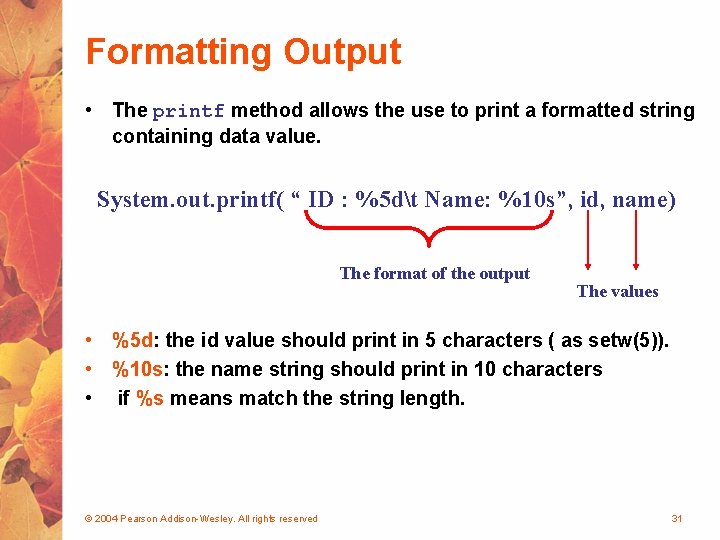
Formatting Output • The printf method allows the use to print a formatted string containing data value. System. out. printf( “ ID : %5 dt Name: %10 s”, id, name) The format of the output The values • %5 d: the id value should print in 5 characters ( as setw(5)). • %10 s: the name string should print in 10 characters • if %s means match the string length. © 2004 Pearson Addison-Wesley. All rights reserved 31
Outline Creating Objects The String Class Packages Formatting Output Enumerated Types Wrapper Classes © 2004 Pearson Addison-Wesley. All rights reserved 32
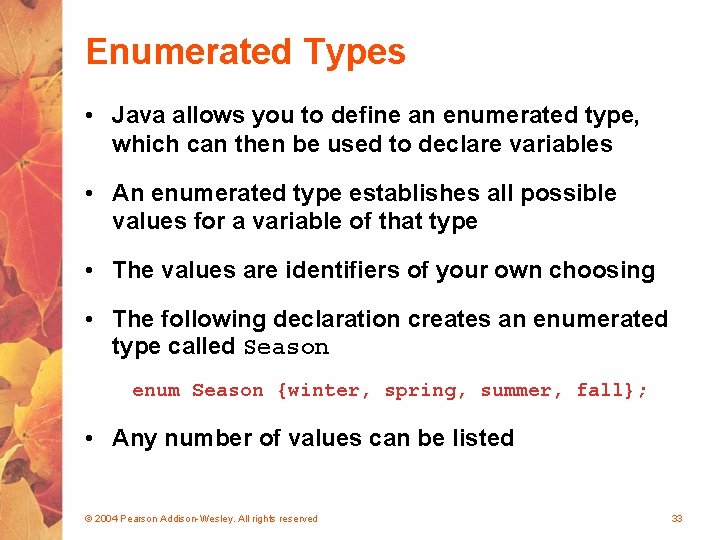
Enumerated Types • Java allows you to define an enumerated type, which can then be used to declare variables • An enumerated type establishes all possible values for a variable of that type • The values are identifiers of your own choosing • The following declaration creates an enumerated type called Season enum Season {winter, spring, summer, fall}; • Any number of values can be listed © 2004 Pearson Addison-Wesley. All rights reserved 33
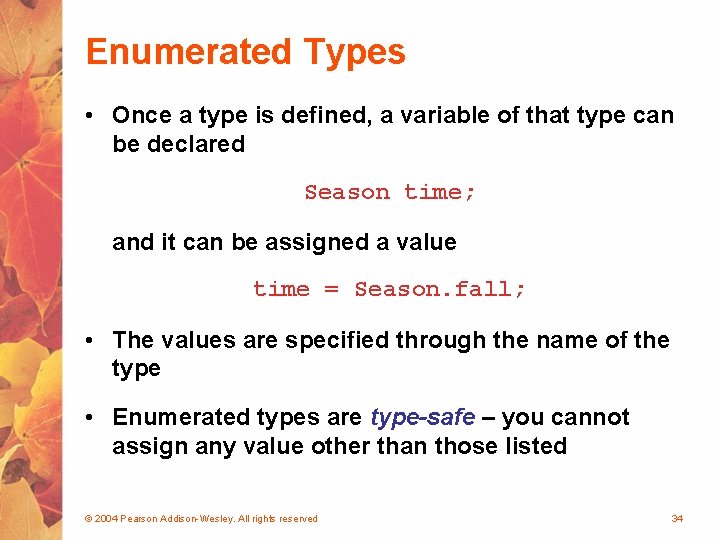
Enumerated Types • Once a type is defined, a variable of that type can be declared Season time; and it can be assigned a value time = Season. fall; • The values are specified through the name of the type • Enumerated types are type-safe – you cannot assign any value other than those listed © 2004 Pearson Addison-Wesley. All rights reserved 34
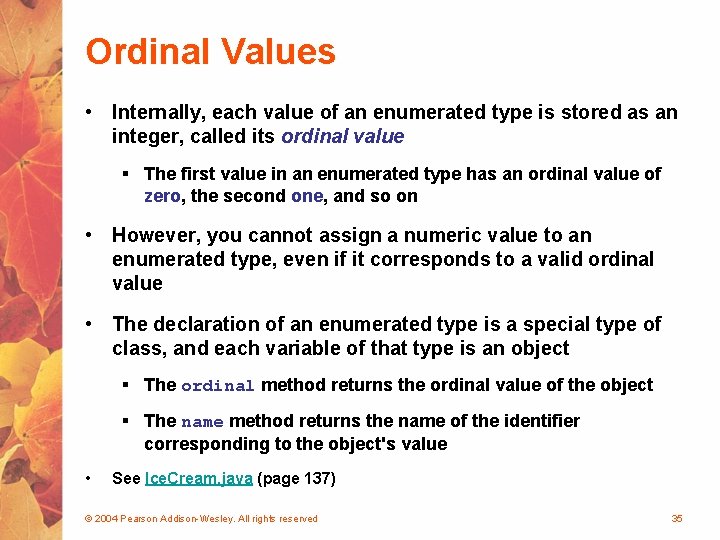
Ordinal Values • Internally, each value of an enumerated type is stored as an integer, called its ordinal value § The first value in an enumerated type has an ordinal value of zero, the second one, and so on • However, you cannot assign a numeric value to an enumerated type, even if it corresponds to a valid ordinal value • The declaration of an enumerated type is a special type of class, and each variable of that type is an object § The ordinal method returns the ordinal value of the object § The name method returns the name of the identifier corresponding to the object's value • See Ice. Cream. java (page 137) © 2004 Pearson Addison-Wesley. All rights reserved 35
Outline Creating Objects The String Class Packages Formatting Output Enumerated Types Wrapper Classes © 2004 Pearson Addison-Wesley. All rights reserved 36
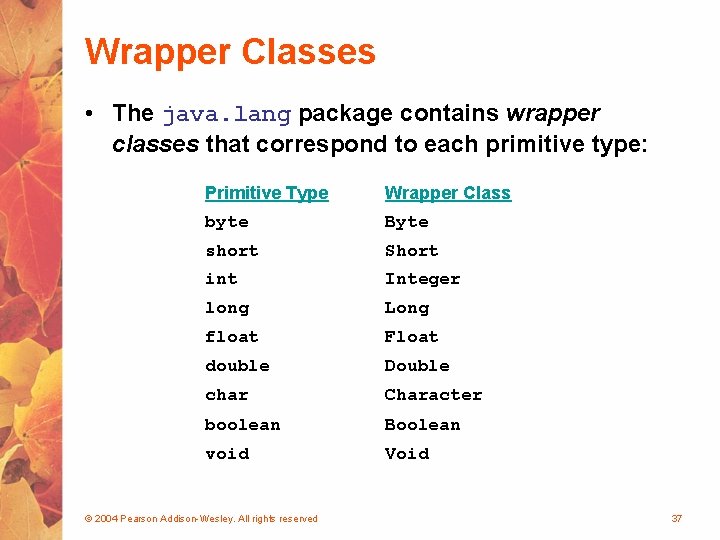
Wrapper Classes • The java. lang package contains wrapper classes that correspond to each primitive type: Primitive Type Wrapper Class byte Byte short Short int Integer long Long float Float double Double char Character boolean Boolean void Void © 2004 Pearson Addison-Wesley. All rights reserved 37
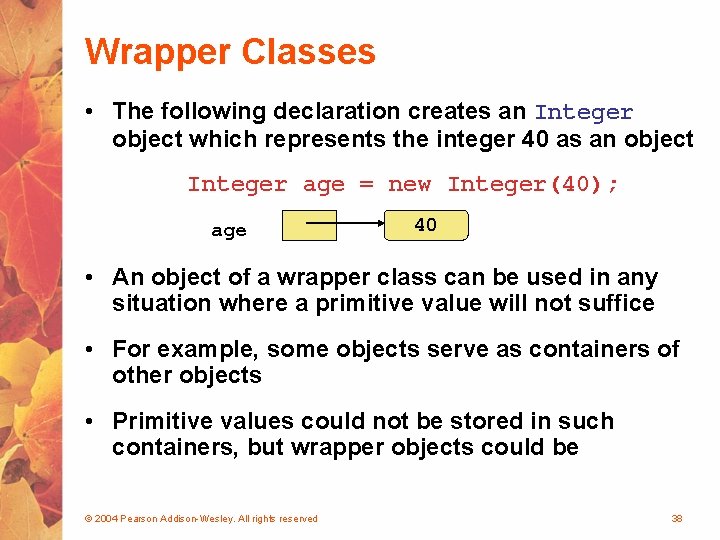
Wrapper Classes • The following declaration creates an Integer object which represents the integer 40 as an object Integer age = new Integer(40); age 40 • An object of a wrapper class can be used in any situation where a primitive value will not suffice • For example, some objects serve as containers of other objects • Primitive values could not be stored in such containers, but wrapper objects could be © 2004 Pearson Addison-Wesley. All rights reserved 38
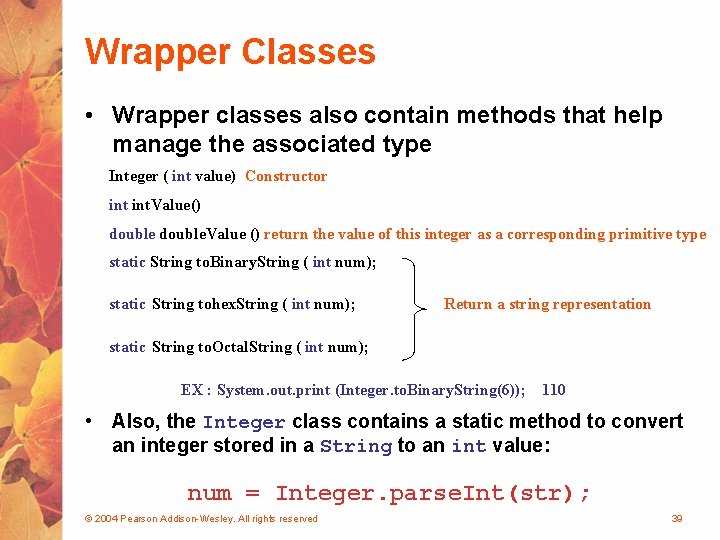
Wrapper Classes • Wrapper classes also contain methods that help manage the associated type Integer ( int value) Constructor int. Value() double. Value () return the value of this integer as a corresponding primitive type static String to. Binary. String ( int num); static String tohex. String ( int num); Return a string representation static String to. Octal. String ( int num); EX : System. out. print (Integer. to. Binary. String(6)); 110 • Also, the Integer class contains a static method to convert an integer stored in a String to an int value: num = Integer. parse. Int(str); © 2004 Pearson Addison-Wesley. All rights reserved 39
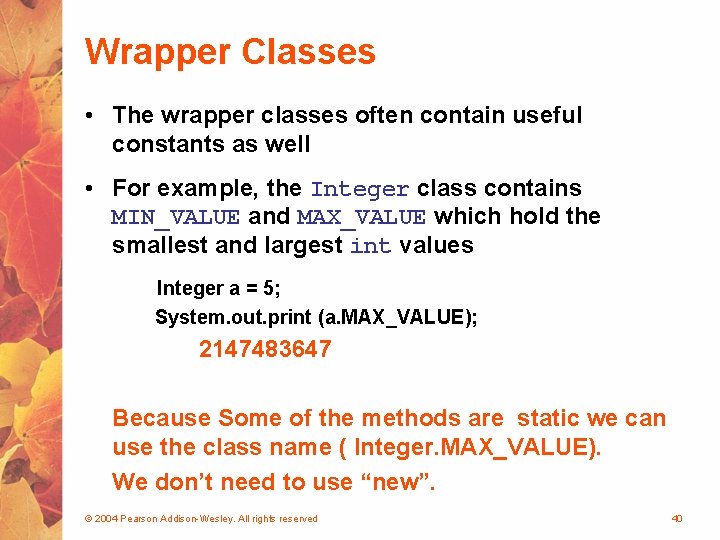
Wrapper Classes • The wrapper classes often contain useful constants as well • For example, the Integer class contains MIN_VALUE and MAX_VALUE which hold the smallest and largest int values Integer a = 5; System. out. print (a. MAX_VALUE); 2147483647 Because Some of the methods are static we can use the class name ( Integer. MAX_VALUE). We don’t need to use “new”. © 2004 Pearson Addison-Wesley. All rights reserved 40
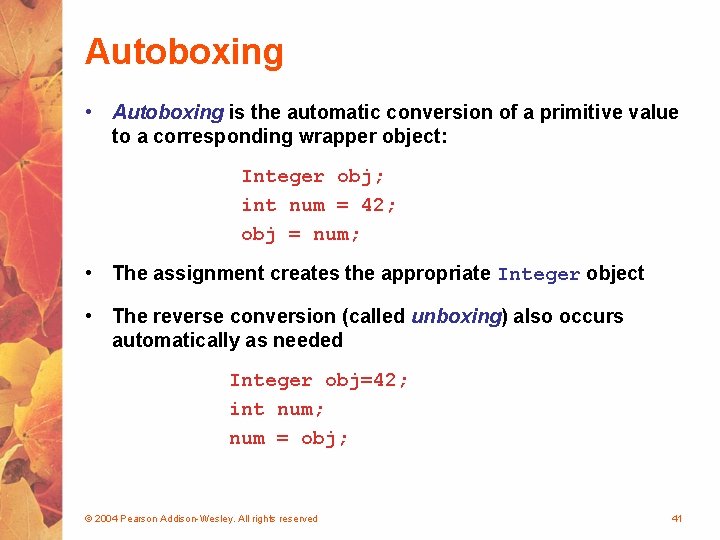
Autoboxing • Autoboxing is the automatic conversion of a primitive value to a corresponding wrapper object: Integer obj; int num = 42; obj = num; • The assignment creates the appropriate Integer object • The reverse conversion (called unboxing) also occurs automatically as needed Integer obj=42; int num; num = obj; © 2004 Pearson Addison-Wesley. All rights reserved 41
- Slides: 40