
Chapter 3 Software Solutions for Personal and Professional
- Slides: 52
Chapter 3: Software Solutions for Personal and Professional Gain Succeeding with Technology: Second Edition Succeeding with Technology
Objectives n Discuss the importance and types of software n Discuss the functions of some popular programming languages n Describe the functions of system software and operating systems Succeeding with Technology 2
Objectives (continued) n Describe the support provided by application software n Discuss how software can be acquired, customized, installed, removed, and managed Succeeding with Technology 3
An Overview of Software – System and Application Software n Two basic types of software q System software n q Coordinates hardware activities Application software n Consists of programs written to q Solve problems q Help people and organizations achieve their goals Succeeding with Technology 4
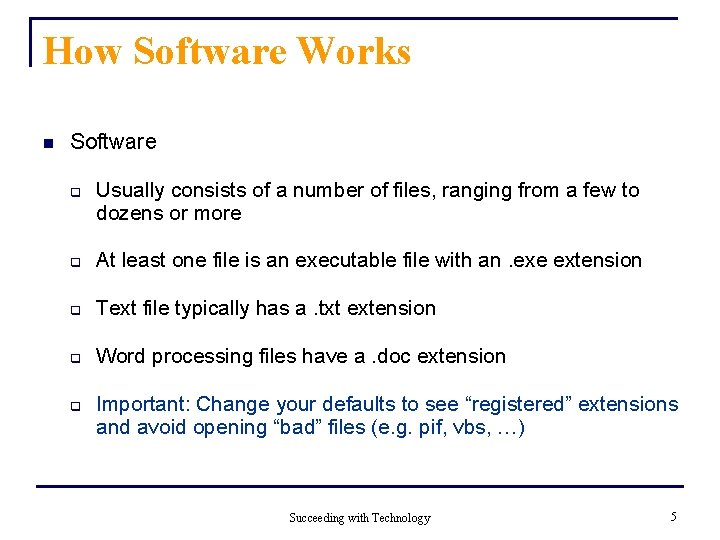
How Software Works n Software q Usually consists of a number of files, ranging from a few to dozens or more q At least one file is an executable file with an. exe extension q Text file typically has a. txt extension q Word processing files have a. doc extension q Important: Change your defaults to see “registered” extensions and avoid opening “bad” files (e. g. pif, vbs, …) Succeeding with Technology 5
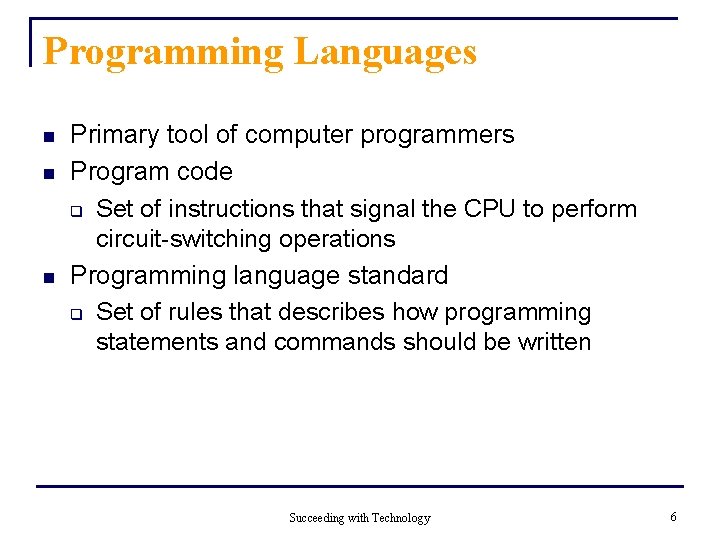
Programming Languages n n n Primary tool of computer programmers Program code q Set of instructions that signal the CPU to perform circuit-switching operations Programming language standard q Set of rules that describes how programming statements and commands should be written Succeeding with Technology 6
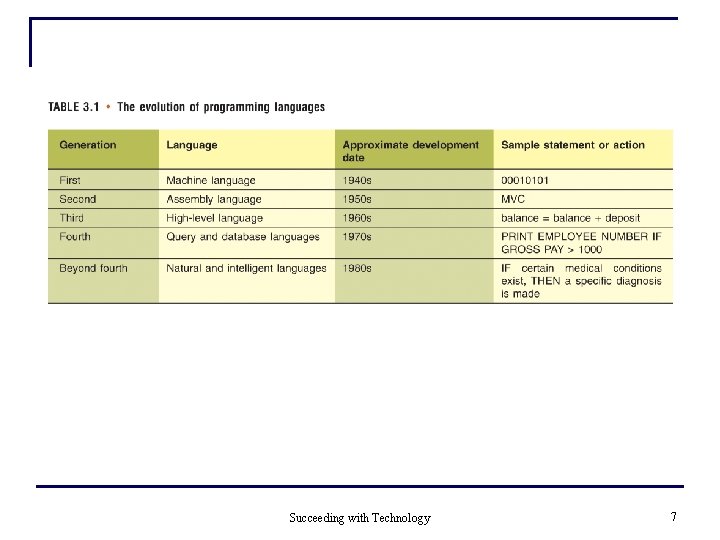
Succeeding with Technology 7
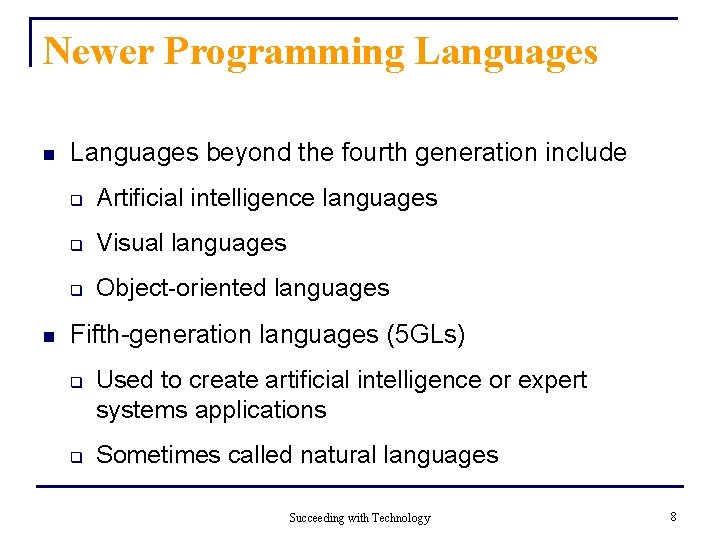
Newer Programming Languages n n Languages beyond the fourth generation include q Artificial intelligence languages q Visual languages q Object-oriented languages Fifth-generation languages (5 GLs) q q Used to create artificial intelligence or expert systems applications Sometimes called natural languages Succeeding with Technology 8
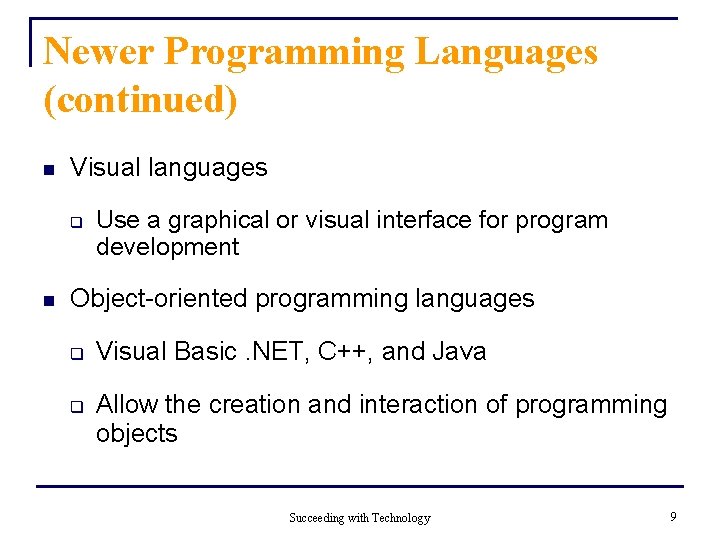
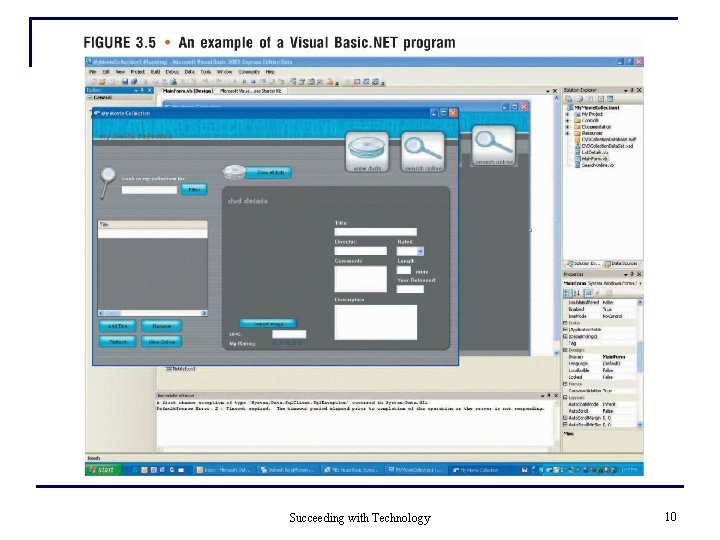
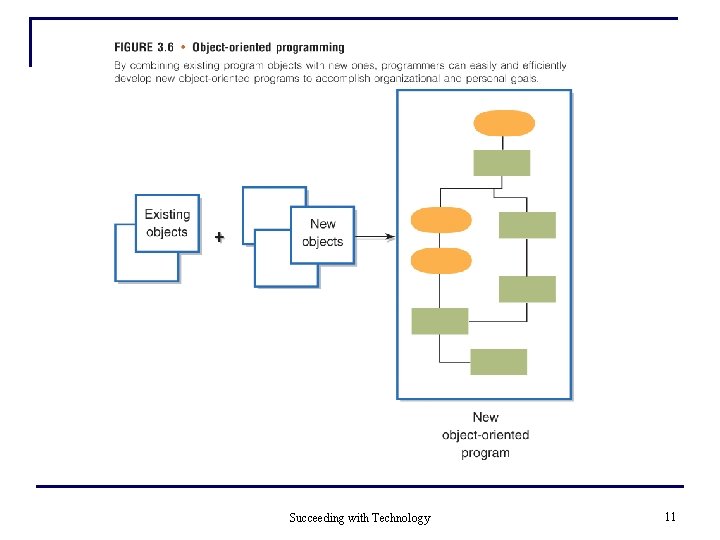
Newer Programming Languages (continued) n Visual languages q n Use a graphical or visual interface for program development Object-oriented programming languages q q Visual Basic. NET, C++, and Java Allow the creation and interaction of programming objects Succeeding with Technology 9
Succeeding with Technology 10
Succeeding with Technology 11
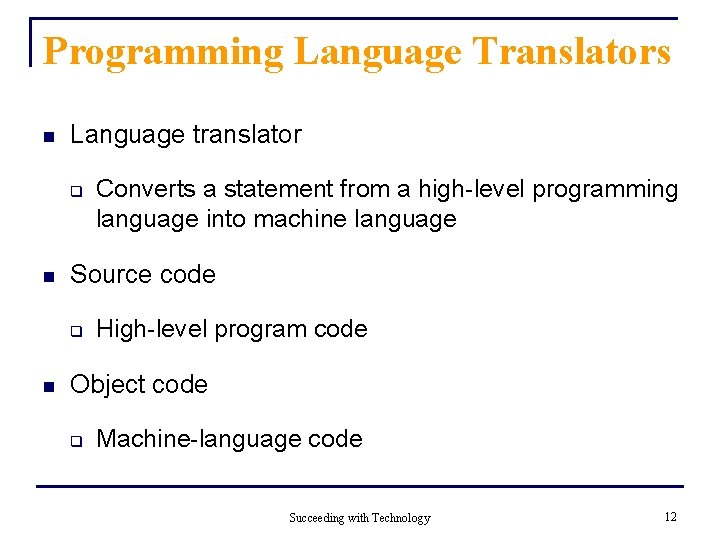
Programming Language Translators n Language translator q n Source code q n Converts a statement from a high-level programming language into machine language High-level program code Object code q Machine-language code Succeeding with Technology 12
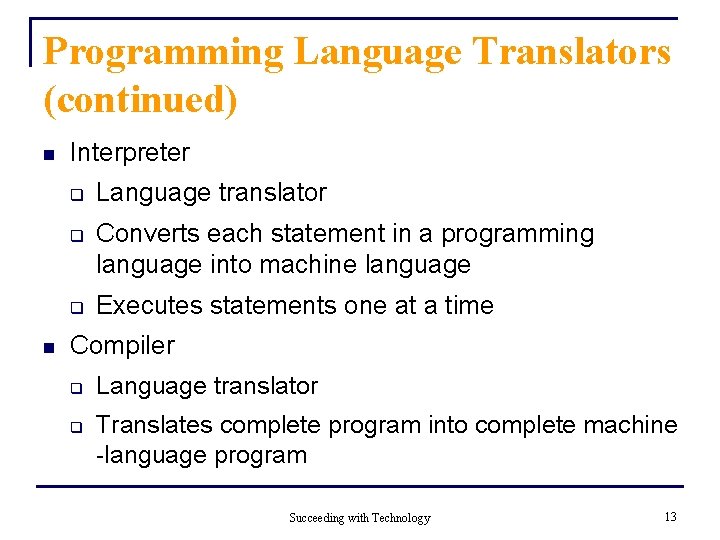
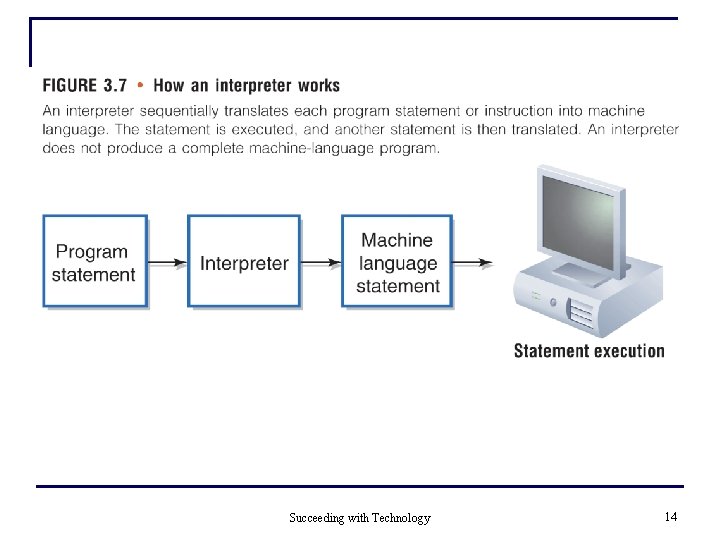
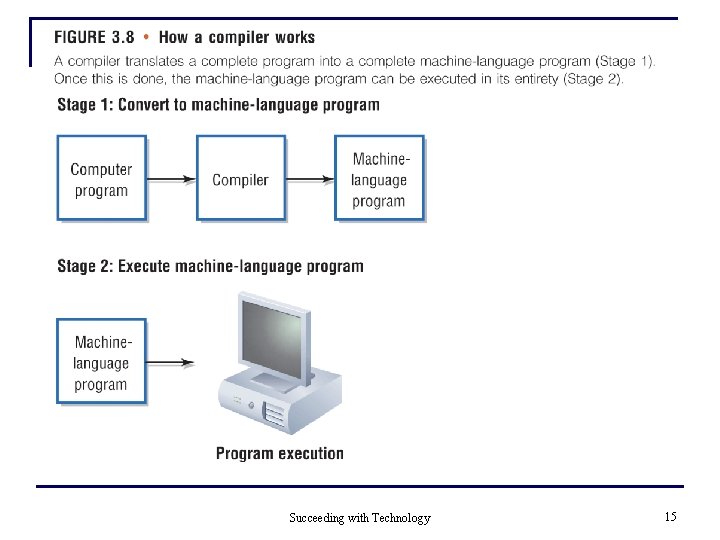
Programming Language Translators (continued) n Interpreter q q q n Language translator Converts each statement in a programming language into machine language Executes statements one at a time Compiler q q Language translator Translates complete program into complete machine -language program Succeeding with Technology 13
Succeeding with Technology 14
Succeeding with Technology 15
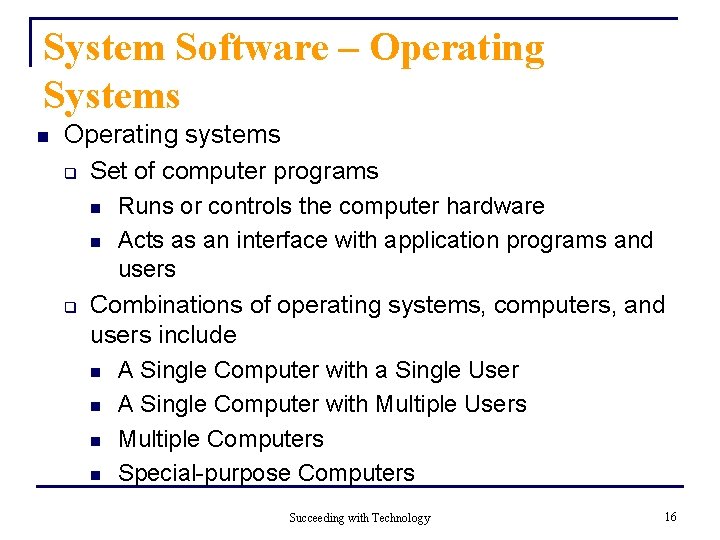
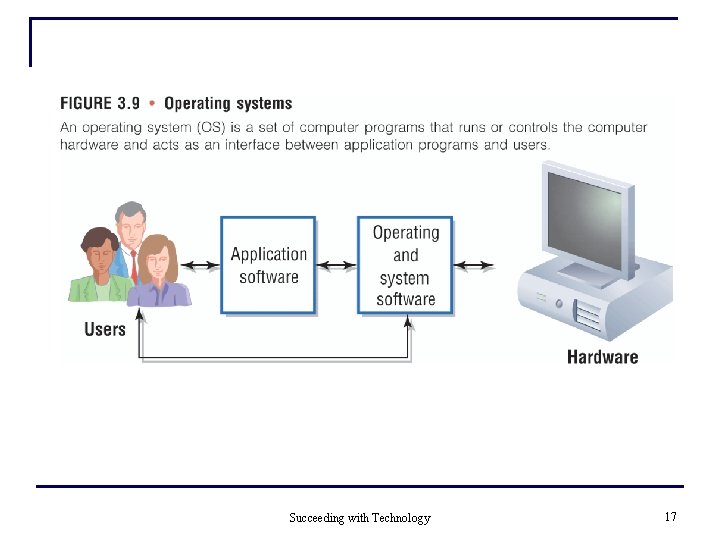
System Software – Operating Systems n Operating systems q Set of computer programs Runs or controls the computer hardware n Acts as an interface with application programs and users Combinations of operating systems, computers, and users include n A Single Computer with a Single User n A Single Computer with Multiple Users n Multiple Computers n Special-purpose Computers n q Succeeding with Technology 16
Succeeding with Technology 17
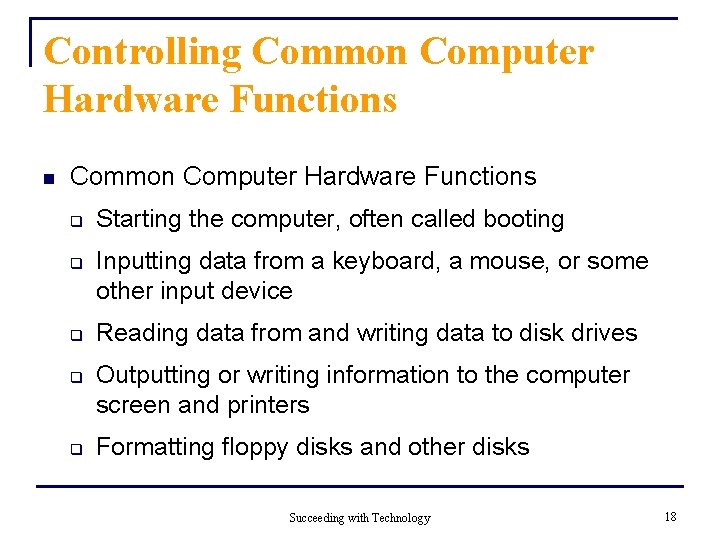
Controlling Common Computer Hardware Functions n Common Computer Hardware Functions q q q Starting the computer, often called booting Inputting data from a keyboard, a mouse, or some other input device Reading data from and writing data to disk drives Outputting or writing information to the computer screen and printers Formatting floppy disks and other disks Succeeding with Technology 18
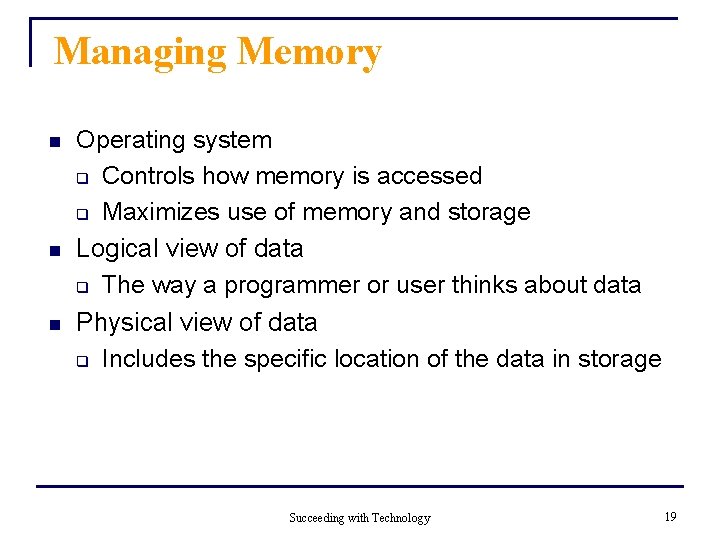
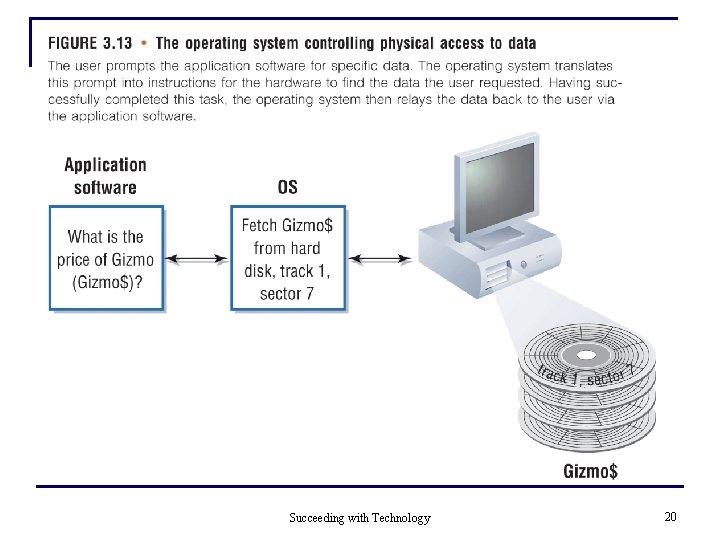
Managing Memory n n n Operating system q Controls how memory is accessed q Maximizes use of memory and storage Logical view of data q The way a programmer or user thinks about data Physical view of data q Includes the specific location of the data in storage Succeeding with Technology 19
Succeeding with Technology 20
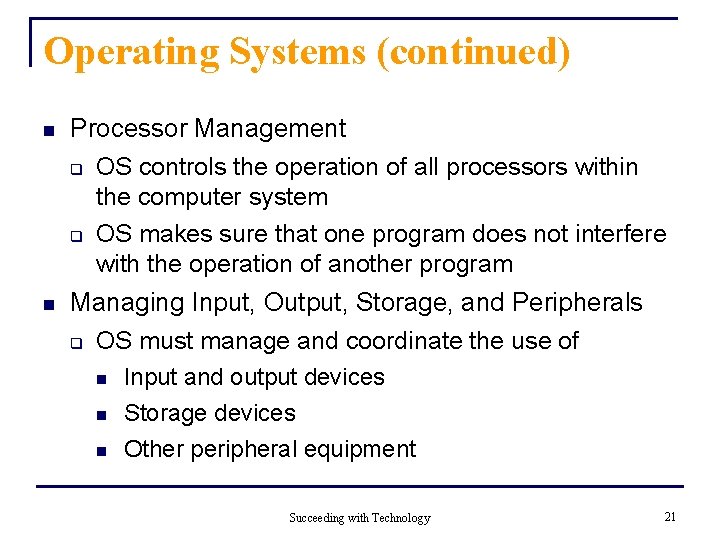
Operating Systems (continued) n n Processor Management q OS controls the operation of all processors within the computer system q OS makes sure that one program does not interfere with the operation of another program Managing Input, Output, Storage, and Peripherals q OS must manage and coordinate the use of n Input and output devices n Storage devices n Other peripheral equipment Succeeding with Technology 21
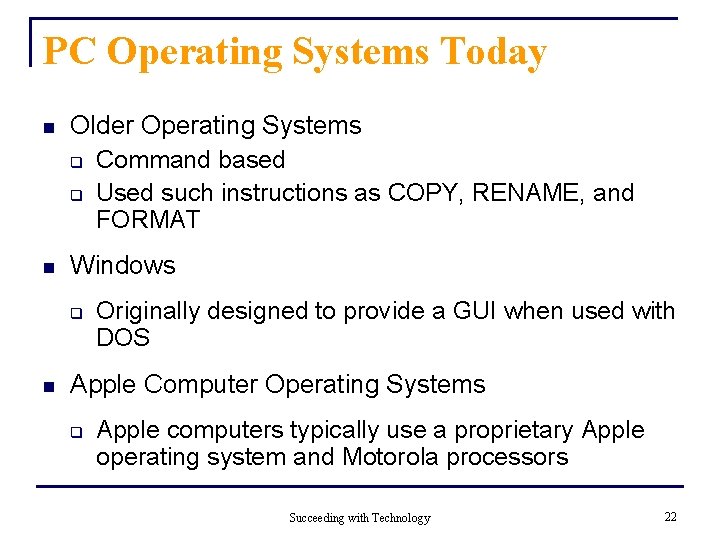
PC Operating Systems Today n Older Operating Systems q Command based q Used such instructions as COPY, RENAME, and FORMAT n Windows q n Originally designed to provide a GUI when used with DOS Apple Computer Operating Systems q Apple computers typically use a proprietary Apple operating system and Motorola processors Succeeding with Technology 22
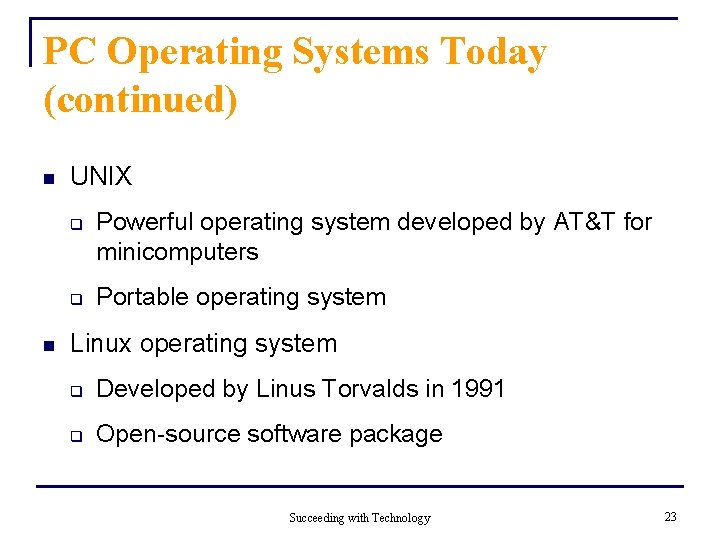
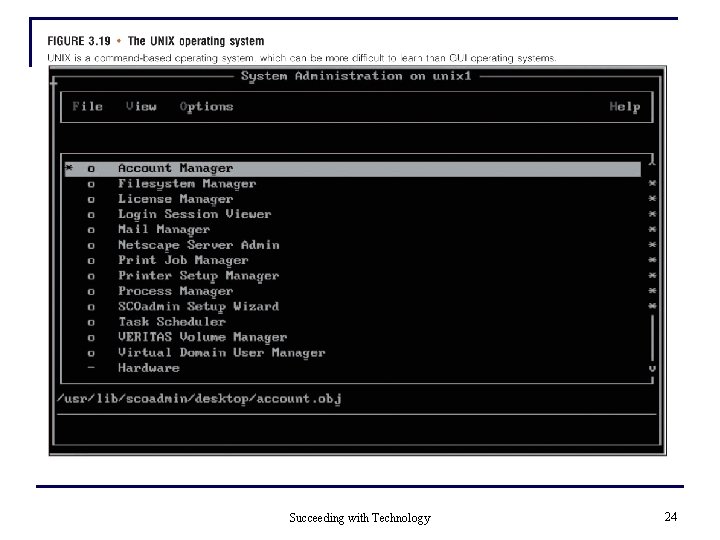
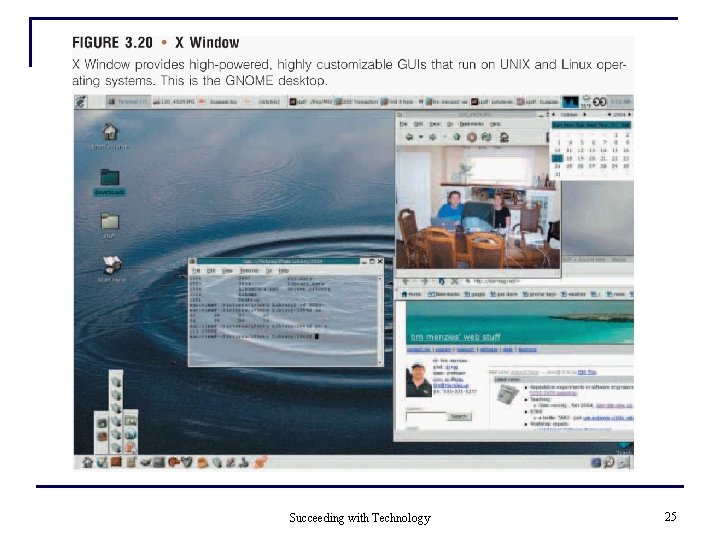
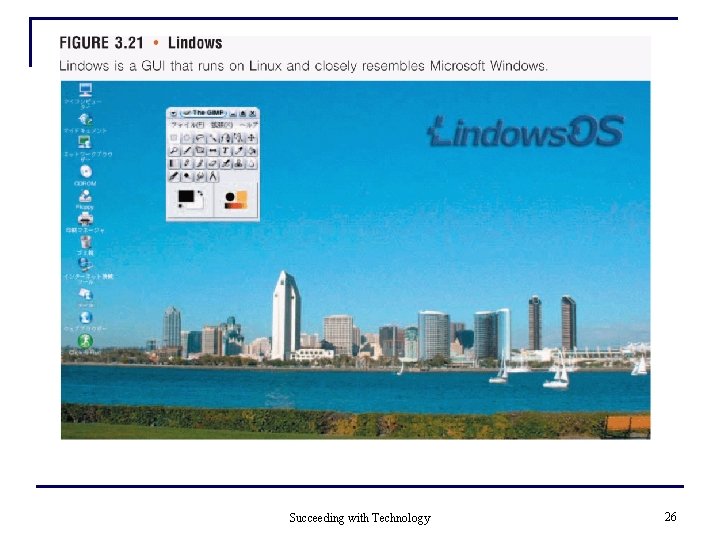
PC Operating Systems Today (continued) n UNIX q q n Powerful operating system developed by AT&T for minicomputers Portable operating system Linux operating system q Developed by Linus Torvalds in 1991 q Open-source software package Succeeding with Technology 23
Succeeding with Technology 24
Succeeding with Technology 25
Succeeding with Technology 26
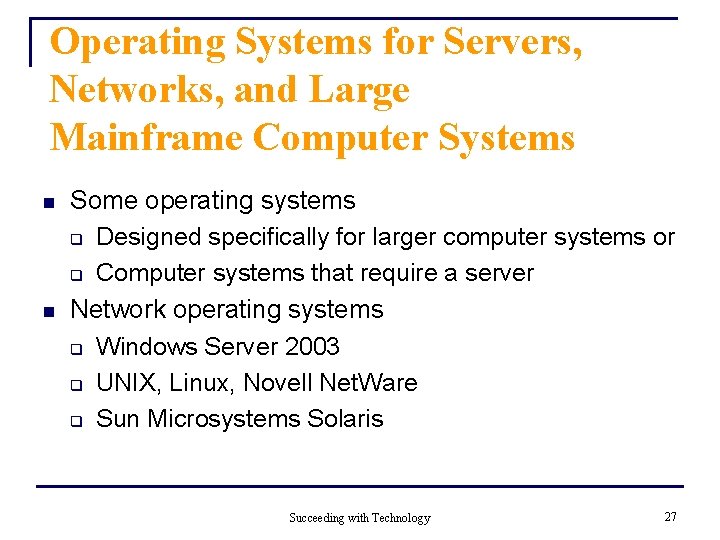
Operating Systems for Servers, Networks, and Large Mainframe Computer Systems n n Some operating systems q Designed specifically for larger computer systems or q Computer systems that require a server Network operating systems q Windows Server 2003 q UNIX, Linux, Novell Net. Ware q Sun Microsystems Solaris Succeeding with Technology 27
Operating Systems for Handheld Computers and Special. Purpose Devices n n Embedded operating systems q Operating systems for handheld devices and other small devices that contain computers Microsoft q Has developed operating systems for small computers and devices Succeeding with Technology 28
Utility Programs n n Used to q Merge and sort sets of data q Keep track of computer jobs being run q Perform other important routine tasks Often come installed on computer systems Succeeding with Technology 29
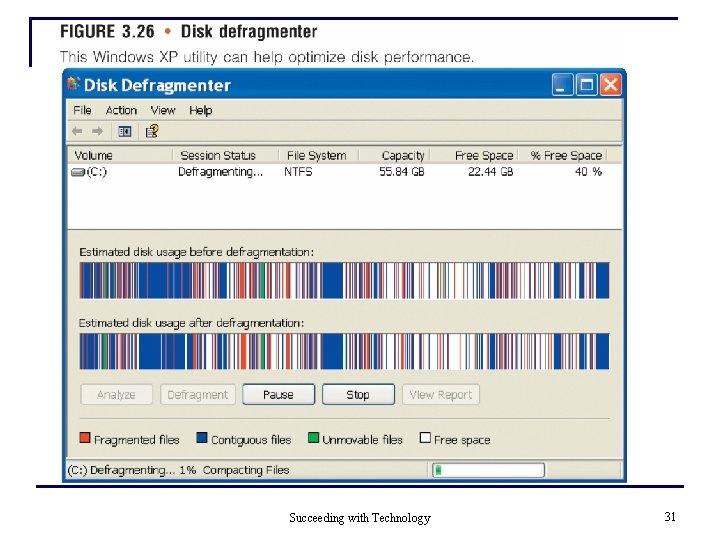
Utility Programs (continued) n Popular utility program features q Virus detection and recovery q File compression q Spam and pop-up-ad guards q Hardware and disk utilities q Disk backup q Transferring files q Search utilities Succeeding with Technology 30
Succeeding with Technology 31
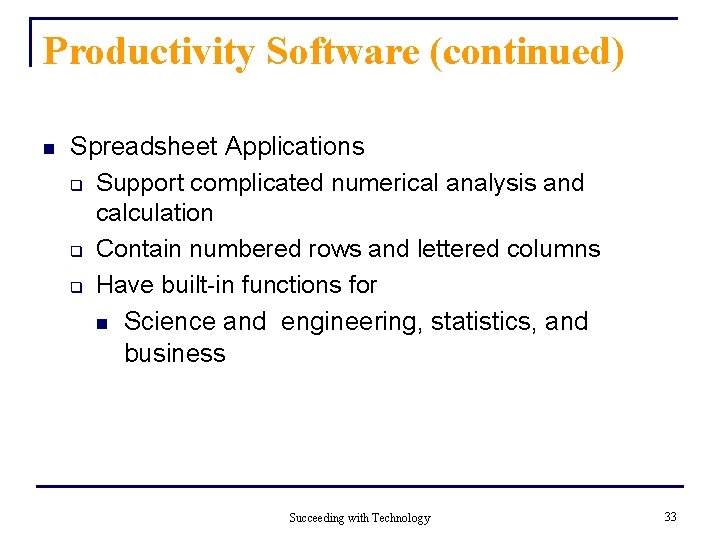
Application Software - Productivity Software n Word-processing Applications q Most highly used application software for individuals q Microsoft Word q n Most popular word-processing program n Available on both PCs and Macintosh computers Features include n Easy entry of text and formatting n Spelling and grammar checking Succeeding with Technology 32
Productivity Software (continued) n Spreadsheet Applications q Support complicated numerical analysis and calculation q Contain numbered rows and lettered columns q Have built-in functions for n Science and engineering, statistics, and business Succeeding with Technology 33
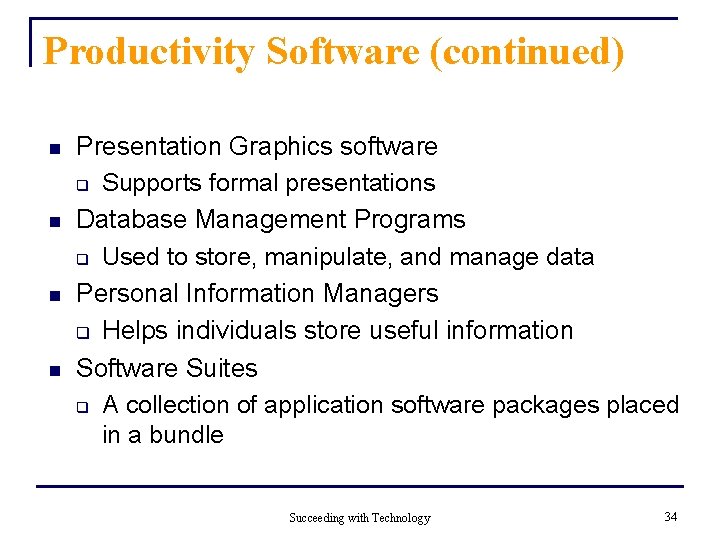
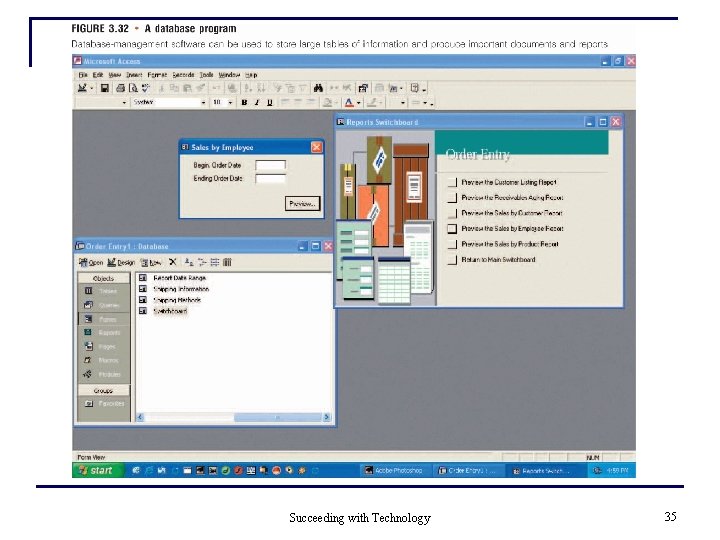
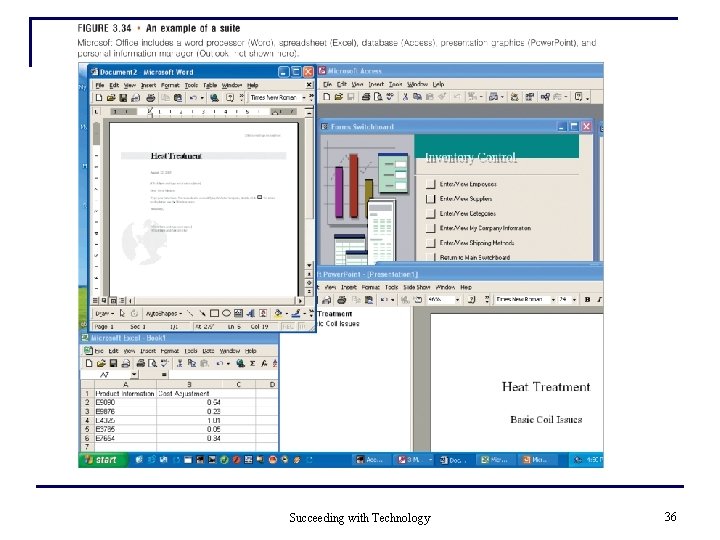
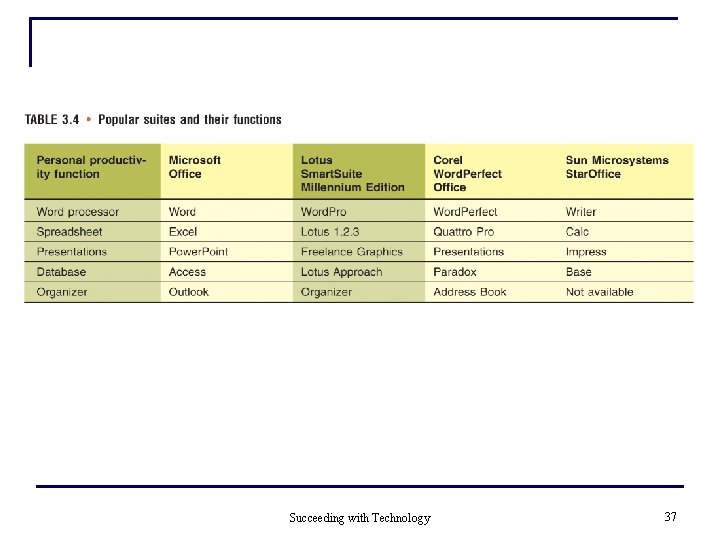
Productivity Software (continued) n n Presentation Graphics software q Supports formal presentations Database Management Programs q Used to store, manipulate, and manage data Personal Information Managers q Helps individuals store useful information Software Suites q A collection of application software packages placed in a bundle Succeeding with Technology 34
Succeeding with Technology 35
Succeeding with Technology 36
Succeeding with Technology 37
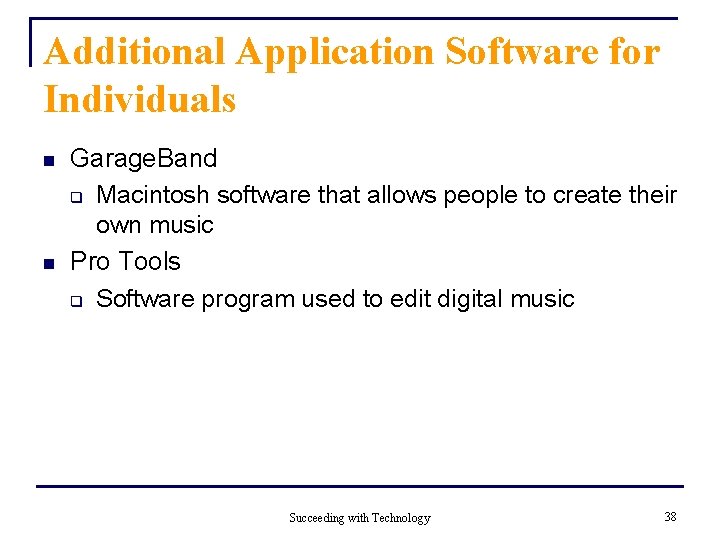
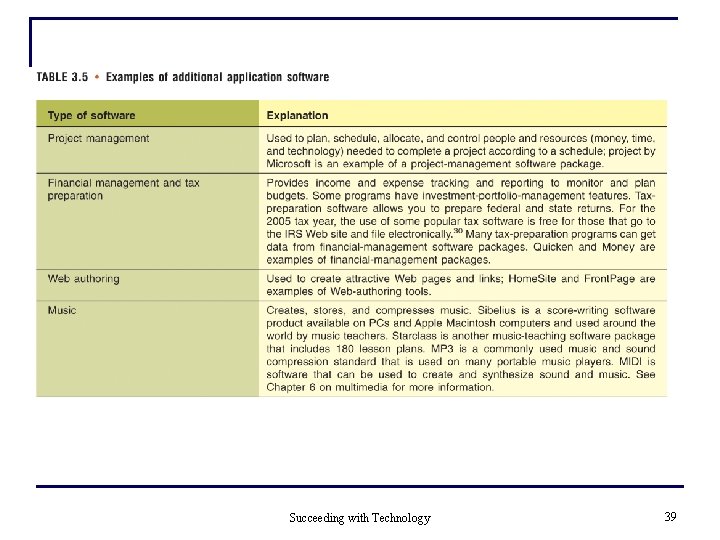
Additional Application Software for Individuals n n Garage. Band q Macintosh software that allows people to create their own music Pro Tools q Software program used to edit digital music Succeeding with Technology 38
Succeeding with Technology 39
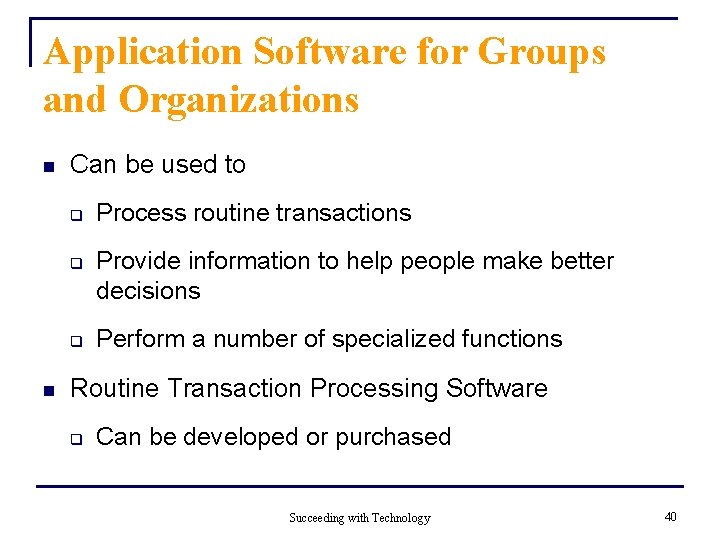
Application Software for Groups and Organizations n Can be used to q q q n Process routine transactions Provide information to help people make better decisions Perform a number of specialized functions Routine Transaction Processing Software q Can be developed or purchased Succeeding with Technology 40
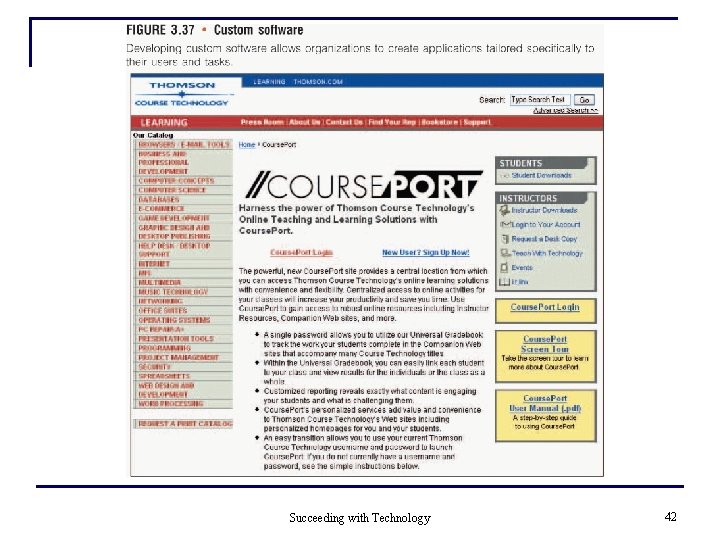
Software Issues and Trends Acquiring Application Software n Customized Application Software q In-house developed software q Can also be obtained from external vendors q Advantages Software usually meets user requirements n Software has more flexibility Disadvantages n Organization must acknowledge the time it takes to develop required features n Can be very expensive to develop n q Succeeding with Technology 41
Succeeding with Technology 42
Acquiring Application Software (continued) n Off-the-Shelf Application Software q Software programs developed for a general market q Advantages n n n Lower costs Less risk High quality Less time Fewer resources Succeeding with Technology 43
Installing New Software, Handling Bugs, and Removing Old or Unwanted Software n To install most software q q Check the documentation Place the CD that contains software in the computer’s CD drive q Follow installation instructions q Register software once installed q Check for updates Succeeding with Technology 44
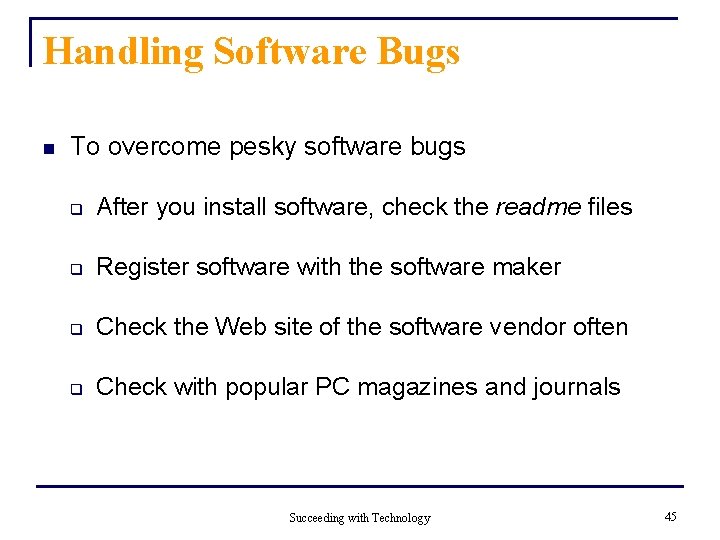
Handling Software Bugs n To overcome pesky software bugs q After you install software, check the readme files q Register software with the software maker q Check the Web site of the software vendor often q Check with popular PC magazines and journals Succeeding with Technology 45
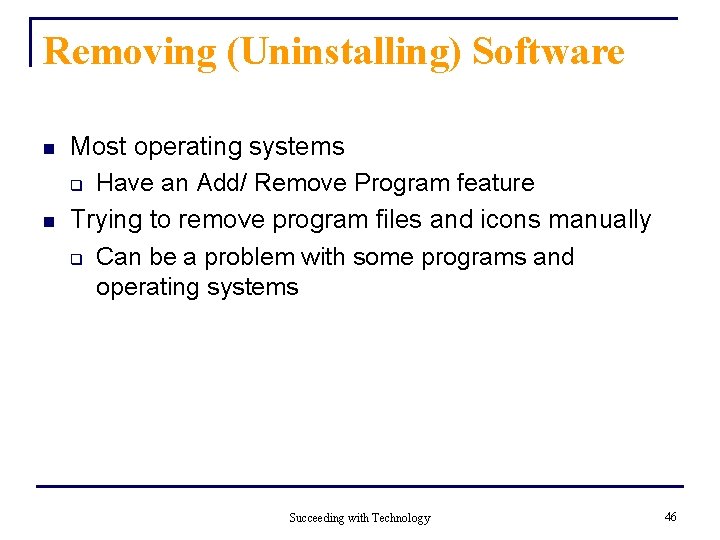
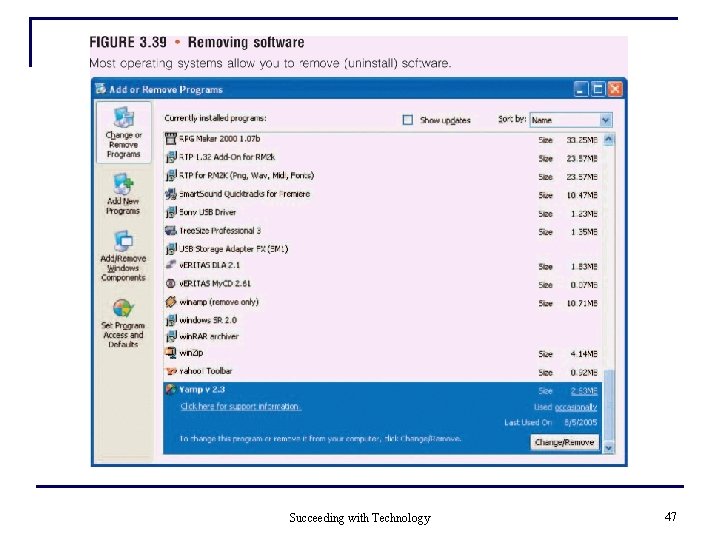
Removing (Uninstalling) Software n n Most operating systems q Have an Add/ Remove Program feature Trying to remove program files and icons manually q Can be a problem with some programs and operating systems Succeeding with Technology 46
Succeeding with Technology 47
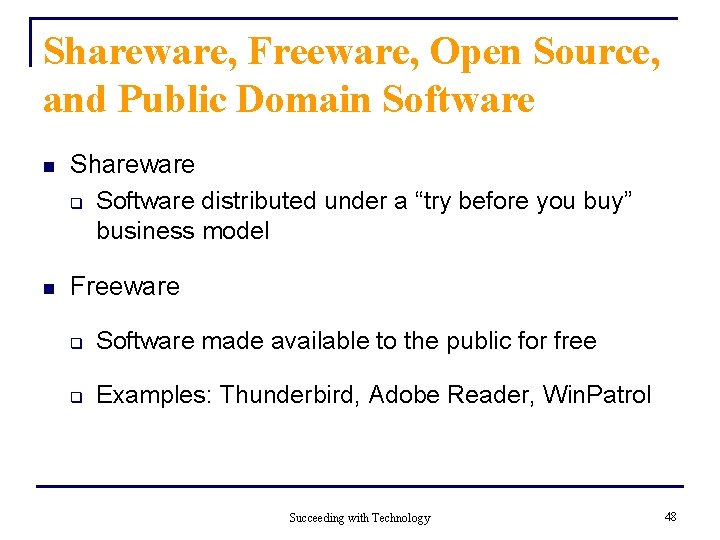
Shareware, Freeware, Open Source, and Public Domain Software n Shareware q Software distributed under a “try before you buy” business model n Freeware q Software made available to the public for free q Examples: Thunderbird, Adobe Reader, Win. Patrol Succeeding with Technology 48
Shareware, Freeware, Open Source, and Public Domain Software (Continued) n Open-source software q Makes the source or machine code available to public q Can be modified by public q You can develop your own software that integrates with the open-source software q Linux n An example of an open-source operating system Succeeding with Technology 49
Summary n n n Software consists of programs that q Control the workings of the computer hardware All software programs q Written in coding schemes called programming languages Programming languages q Have gone through several generations q Each generation makes writing software easier and faster (sic) Succeeding with Technology 50
Summary (continued) n n System software q A collection of programs that interacts with hardware and application software Organizations can q Customize application software q Buy existing programs off the shelf, or q Use a combination of customized and off-the-shelf application software Succeeding with Technology 51
Summary (continued) n Software issues and trends include q Acquiring software q Installing new software q Handling software bugs q Removing software q Copyrights and licenses q The use of shareware, freeware, and open-source software Succeeding with Technology 52