
Chapter 3 Selection Structures Making Decisions Extended Prelude








- Slides: 29
Chapter 3: Selection Structures: Making Decisions Extended Prelude to Programming Concepts & Design, 3/e by Stewart Venit and Elizabeth Drake
3. 1 An Introduction to Selection Structures • Single-alternative (If-Then) – A single block of statements to be executed or skipped • Dual-alternative (If-Then-Else ) – Two blocks of statements, one of which is to be executed, while the other one is to be skipped • Multiple-alternative – More than two blocks of statements, only one of which is to be executed and the rest skipped 2
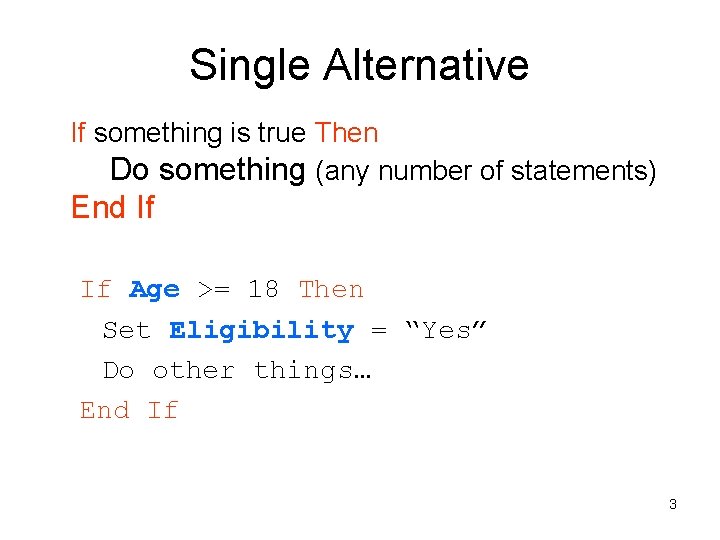
Single Alternative If something is true Then Do something (any number of statements) End If If Age >= 18 Then Set Eligibility = “Yes” Do other things… End If 3
Dual Alternative If something is true Then Do something Else Do something else End If If Age >= 18 Then Set Eligibility = ‘Yes’ Else Set Eligibility = ‘No’ End If 4
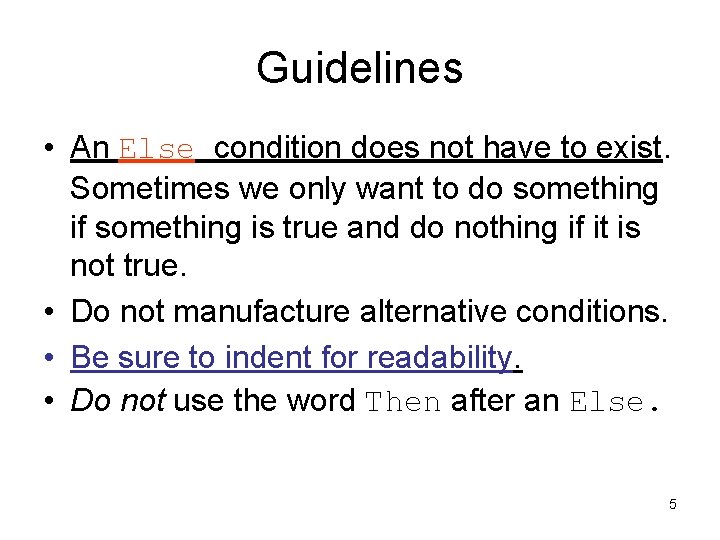
Guidelines • An Else condition does not have to exist. Sometimes we only want to do something if something is true and do nothing if it is not true. • Do not manufacture alternative conditions. • Be sure to indent for readability. • Do not use the word Then after an Else. 5
Relational Operators • Relational operators are the symbols used in the condition to be evaluated in If statements: = <> < > <= >= equal to not equal to less than greater than less than or equal to greater than or equal to 6
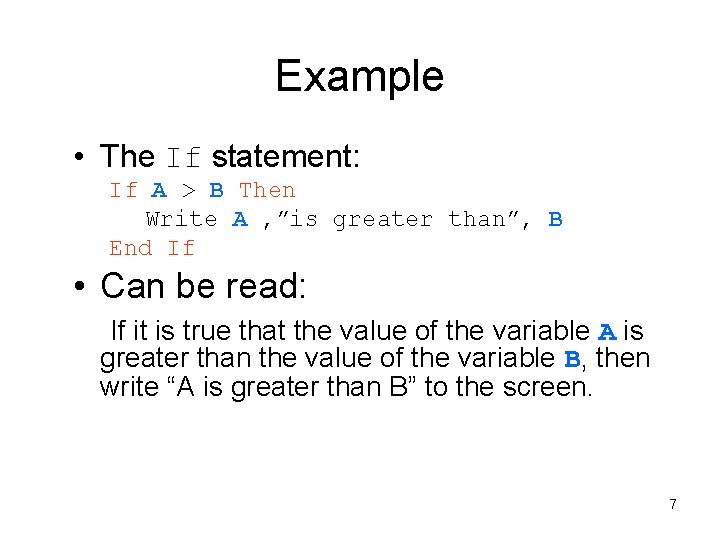
Example • The If statement: If A > B Then Write A , ”is greater than”, B End If • Can be read: If it is true that the value of the variable A is greater than the value of the variable B, then write “A is greater than B” to the screen. 7
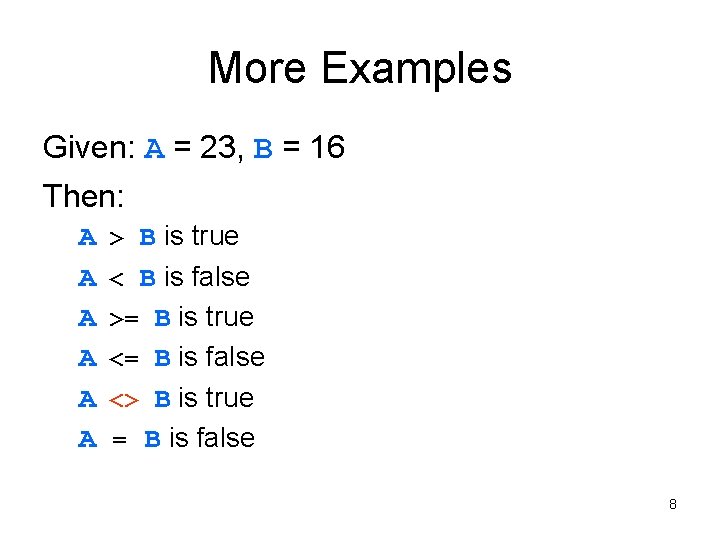
More Examples Given: A = 23, B = 16 Then: A A A > B is true < B is false >= B is true <= B is false <> B is true = B is false 8
Comparison vs. Assignment Operators The equals sign (=) in this text may have two different meanings. The difference is very significant. As an assignment operator, the equals sign sets the value of an expression on the right side to the variable on the left side. As a comparison operator, the equals sign asks the question, “Is the value of the variable on the left side the same as the value of the expression, number, or variable on the right side? ” Many programming languages distinguish between these two operators as follows: • a single equals sign (=) signifies the assignment operator • a double equals sign (==) signifies the comparison operator This is demonstrated in the examples that follow in the next slides. 9
The Assignment Operator Given: A = 14, B = 27 In programming code, the assignment statement: A=B sets the value of B to the variable A. In other words, after this statement is executed, both A = 17 and B = 17. In this case, the equals sign is used as an assignment operator. 10
The Comparison Operator Given: A = 14, B = 27 Using the relational operators, the statement: A == B is a comparison. This statement asks the question, “Is the value of A the same as the value of B? ” In this case, since A and B have different values, the answer is “no” and the statement would result in a value of False. In this text, we often use the one symbol (=) to represent both assignment and comparison operators and rely on the context to make the meaning clear. 11
Using Relational Operators on Strings • Two strings are equal if they contain exactly the same characters in the same order. Otherwise they are not equal. • If two strings consist of letters, alphabetical order determines the effect of the operators. • Examples: “a” < “b” “boy” > “apple” “abc” <> “a b c” “String” <> “string” 12
Logical Operators • Logical operators are used to connect simple conditions into a more complex condition called a compound condition. • The simple conditions each contain one relational operator. • Using compound conditions reduces the amount of code that must be written. 13
Example This code is equivalent to Input X If X < 5 Then Write “OK” End If If X > 10 Then Write “OK” End If this code. But this code is shorter! Input X If (X<5) OR (X>10) Then Write “OK” End If 14
Hints • In a compound condition, it is necessary to use complete simple conditions. • This is correct: If (X < 5) OR (X > 10) Then … • This is not correct: If (X < 5 OR > 10) Then … 15
The AND Operator • A compound condition consisting of two simple conditions joined by an AND is true only if both simple conditions are true. It is false if even one of the conditions is false. The statement: If (X > 5) AND (X < 10) Then … is true only if X is 6, 7, 8, or 9. It has to be both greater than 5 and less than 10 at the same time. 16
The OR Operator • A compound condition consisting of two simple conditions joined by an OR is true if even one of the simple conditions is true. It is false only if both are false. For example: If (Response =“Y”) OR (Response =“y”) Then … • This is true if Response is uppercase or lower case y. For the above condition to be false, Response would have to be something other than either ‘Y’ or ‘y’. 17
The NOT Operator • AND and OR affect 2 simple conditions. • NOT affects only one condition. If you need to negate more than one simple condition, you will need more than one NOT. • A condition with the NOT operator is true only if the condition is false. NOT ( A < B) is true only if B is greater than or equal to A. If ( X > 100) AND NOT ( X = Y) Then… is true only if X is greater than 100 but not equal to the value of Y. 18
Truth Tables for OR, AND, and NOT Operators X Y X OR Y X AND Y NOT X true false true false false true 19
Hierarchy of Operations Type Operator Order Performed Arithmetic operations ( ) ^ * / % + - 1 st parentheses 2 nd exponentiation 3 rd: multiplication, division, modulus 4 th: addition, subtraction <> >= All relational operators have equal precedence are performed first, in order shown Relational operations are performed second Logical operations are performed last, in the order shown = > NOT AND OR < <= 1 st: NOT 2 nd: AND 3 rd: OR 20
3. 3 Selecting from Several Alternatives • Sometimes, we must handle more than two options in a program. If something is true Then Do something Else If something else is true Then Do something else Else Do a different something else End If 21
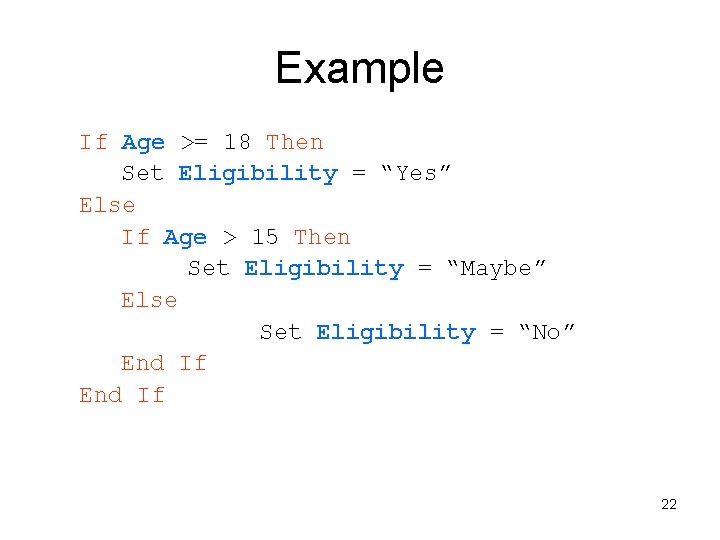
Example If Age >= 18 Then Set Eligibility = “Yes” Else If Age > 15 Then Set Eligibility = “Maybe” Else Set Eligibility = “No” End If 22
Hints • The number of End If’s must equal the number of If’s. • You can draw a line to connect them to check. • In the previous example, the check for Age = 5 will never be done if the Age is > 18. • Regardless of how many possible conditions are included, only one will ever be executed. 23
Case-type Statements • Case or Switch statements can be used to more easily code multiple alternative If’s • Use the special or keyword Case. • Use Select to start the Case statement. • Specify the expression to be evaluated. • List each possible value of the expression and what to do if that is that value is the true one. • Use End Case to end the statement • The results will be the same as a correctly coded multiple-alternative If-Then-Else structure. 24
Example Select Case of Choice Case: 1 Set Operation Case: 2 Set Operation Case: 3 Set Operation Case: 4 Set Operation End Case = “Add” = “Subtract” = “Multiply” = “Divide” 25
Another Example • The Case statement can be used to compare any combination of numbers, strings, characters, or variables For example: Input Entry Select Case of Entry Case: Password Write “Welcome!” Case: “new user” Write “Click on New to open an account” Case: 0 Write “Goodbye” Default: Write “Do not understand. Try again. ” End Case 26
3. 4 Applications of Selection Structures • Program defensively in order to prevent bad data from entering our program. To do this, set error traps (idiot proofing). • If our program should accept only a Cost greater than 0, we can stop any other value from entering with the following trap: Input Cost If Cost <= 0 Then Write “Invalid cost” Else Write “The cost is ”, Cost End If 27
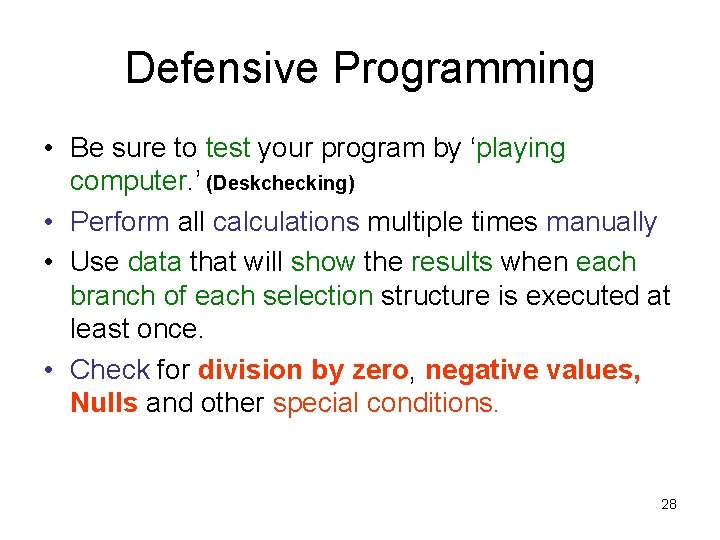
Defensive Programming • Be sure to test your program by ‘playing computer. ’ (Deskchecking) • Perform all calculations multiple times manually • Use data that will show the results when each branch of each selection structure is executed at least once. • Check for division by zero, negative values, Nulls and other special conditions. 28
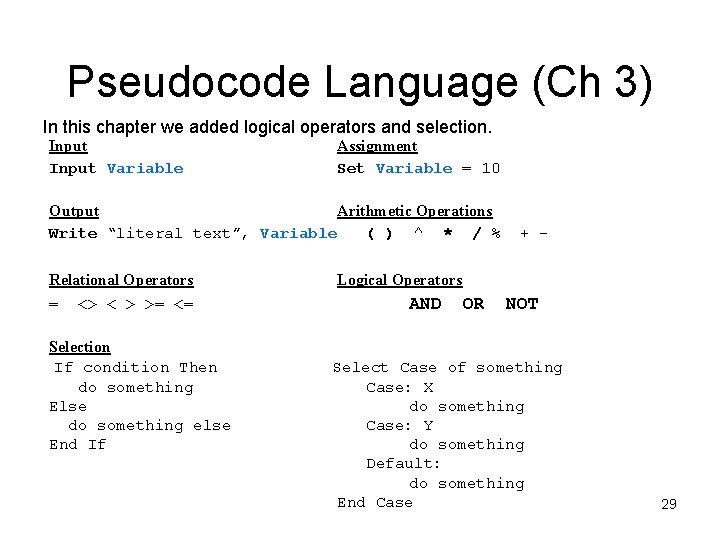
Pseudocode Language (Ch 3) In this chapter we added logical operators and selection. Input Variable Assignment Set Variable = 10 Output Arithmetic Operations Write “literal text”, Variable ( ) ^ * / % Relational Operators = <> < > >= <= Selection If condition Then do something Else do something else End If + - Logical Operators AND OR NOT Select Case of something Case: X do something Case: Y do something Default: do something End Case 29