
Chapter 3 SearchingSubstitution regular expression CISC 3130 Spring
Chapter 3: Searching/Substitution: regular expression CISC 3130, Spring 2013 Xiaolan Zhang 1 1
Outline Shell globbing, or pathname expansion Grep, egrep, fgrep regular expression sed cut, paste, comp, uniq, sort 2 2

Globbing, filename expansion Globbing: shell expands filename patterns or templates containing special characters. e. g. , example. ? ? ? might expand to example. 001 and example. txt Demo using echo command: echo * Globbing is carried out by shell recognizes and expands wild cards. * (asterisk): matches every filename in a given directory. ? : match a single-character [ab]: match a or b ^ : negating the match. 3 Strings containing * will not match filenames that start with a dot
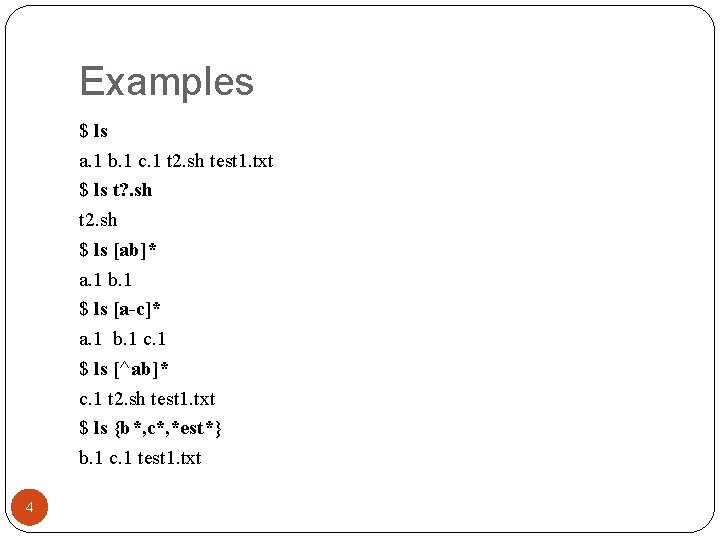
Examples $ ls a. 1 b. 1 c. 1 t 2. sh test 1. txt $ ls t? . sh t 2. sh $ ls [ab]* a. 1 b. 1 $ ls [a-c]* a. 1 b. 1 c. 1 $ ls [^ab]* c. 1 t 2. sh test 1. txt $ ls {b*, c*, *est*} b. 1 c. 1 test 1. txt 4
Outline Shell globbing, or pathname expansion grep, egrep, fgrep regular expression sed cut, paste, comp, uniq, sort 5 5
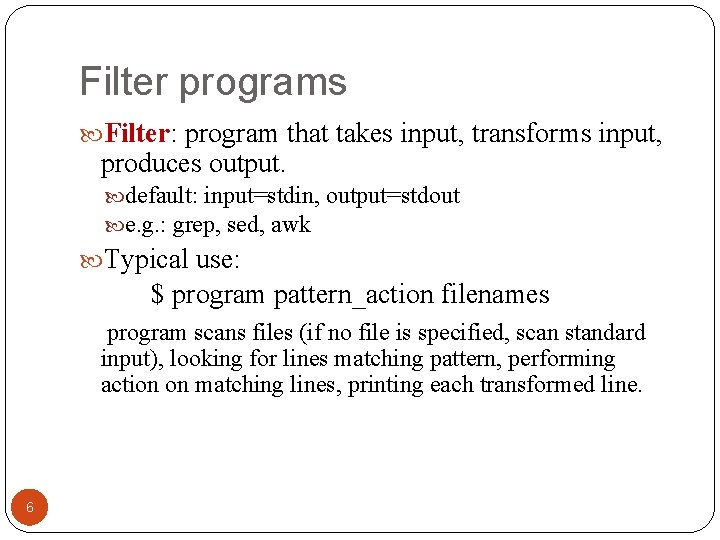
Filter programs Filter: program that takes input, transforms input, produces output. default: input=stdin, output=stdout e. g. : grep, sed, awk Typical use: $ program pattern_action filenames program scans files (if no file is specified, scan standard input), looking for lines matching pattern, performing action on matching lines, printing each transformed line. 6
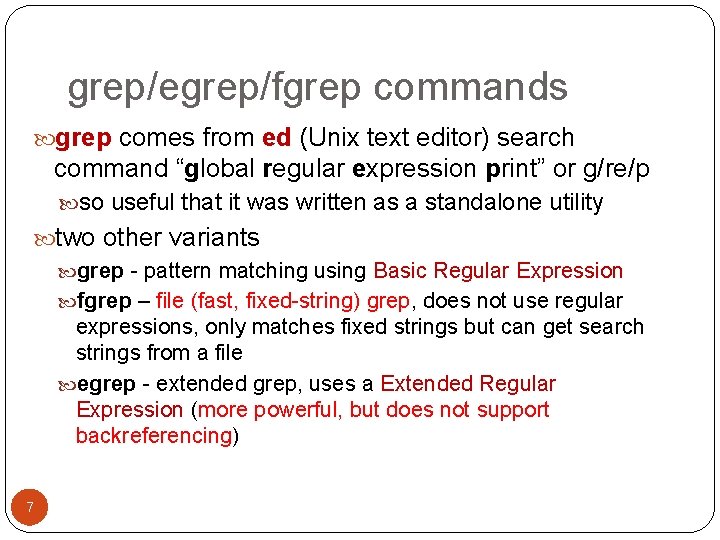
grep/egrep/fgrep commands grep comes from ed (Unix text editor) search command “global regular expression print” or g/re/p so useful that it was written as a standalone utility two other variants grep - pattern matching using Basic Regular Expression fgrep – file (fast, fixed-string) grep, does not use regular expressions, only matches fixed strings but can get search strings from a file egrep - extended grep, uses a Extended Regular Expression (more powerful, but does not support backreferencing) 7
![grep syntax Syntax grep [-hilnv] [-e expression] [filename], or grep [-hilnv] expression [filename] Options](http://slidetodoc.com/presentation_image/35aba8c09735c9f385e16d53f8890e55/image-8.jpg "grep syntax Syntax grep [-hilnv] [-e expression] [filename], or grep [-hilnv] expression [filename] Options")
grep syntax Syntax grep [-hilnv] [-e expression] [filename], or grep [-hilnv] expression [filename] Options -E 8 use extended regular expression (replace egrep) -F match using fixed string (replace fgrep) -h do not display filenames -i Ignore case -l List only filenames containing matching lines -n Precede each matching line with its line number -v Negate matches -x Match whole line only (fgrep only) -e expression Specify expression as option -f filename Take regular expression (egrep) or a list of strings (fgrep) from filename
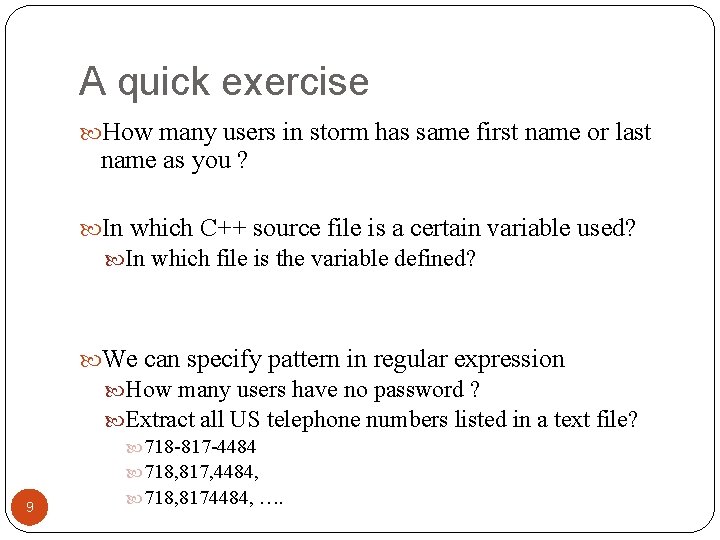
A quick exercise How many users in storm has same first name or last name as you ? In which C++ source file is a certain variable used? In which file is the variable defined? We can specify pattern in regular expression 9 How many users have no password ? Extract all US telephone numbers listed in a text file? 718 -817 -4484 718, 817, 4484, 718, 8174484, ….
Outline Shell globbing, or pathname expansion grep, egrep, fgrep regular expression Basics: BRE and ERE Common features of BRE and ERE BRE backreference ERE extensions sed cut, paste, comp, uniq, sort 10 10
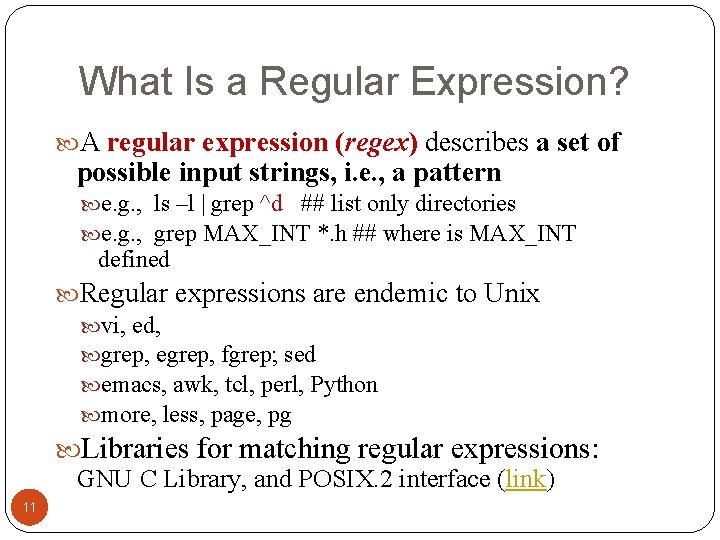
What Is a Regular Expression? A regular expression (regex) describes a set of possible input strings, i. e. , a pattern e. g. , ls –l | grep ^d ## list only directories e. g. , grep MAX_INT *. h ## where is MAX_INT defined Regular expressions are endemic to Unix vi, ed, grep, egrep, fgrep; sed emacs, awk, tcl, perl, Python more, less, page, pg Libraries for matching regular expressions: GNU C Library, and POSIX. 2 interface (link) 11
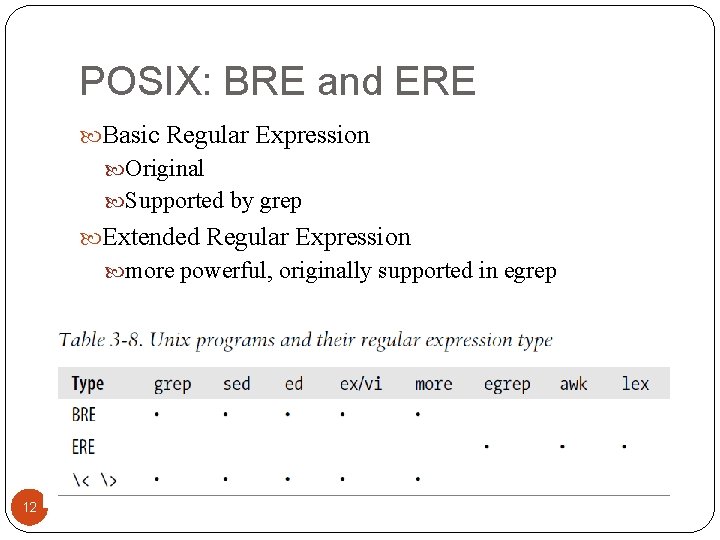
POSIX: BRE and ERE Basic Regular Expression Original Supported by grep Extended Regular Expression more powerful, originally supported in egrep 12
Outline Shell globbing, or pathname expansion Grep, egrep, fgrep regular expression Basics: BRE and ERE Common features of BRE and ERE BRE backreference ERE extensions sed cut, paste, comp, uniq, sort 13 13
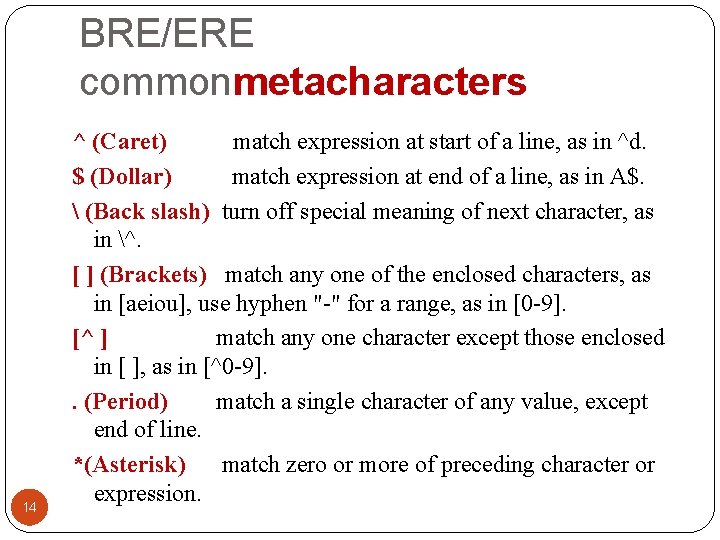
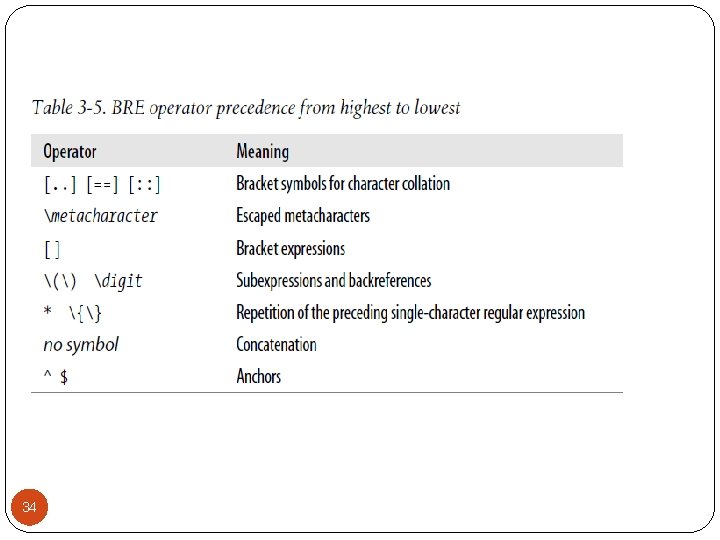
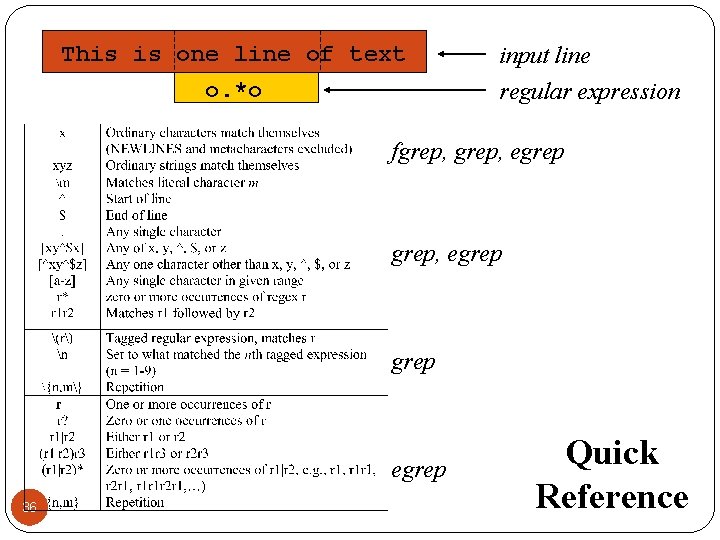
BRE/ERE commonmetacharacters 14 ^ (Caret) match expression at start of a line, as in ^d. $ (Dollar) match expression at end of a line, as in A$. (Back slash) turn off special meaning of next character, as in ^. [ ] (Brackets) match any one of the enclosed characters, as in [aeiou], use hyphen "-" for a range, as in [0 -9]. [^ ] match any one character except those enclosed in [ ], as in [^0 -9]. . (Period) match a single character of any value, except end of line. *(Asterisk) match zero or more of preceding character or expression.
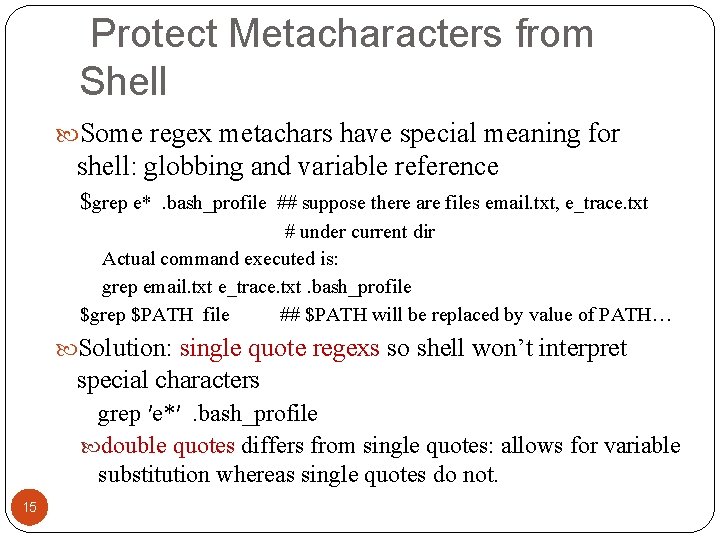
Protect Metacharacters from Shell Some regex metachars have special meaning for shell: globbing and variable reference $grep e* . bash_profile ## suppose there are files email. txt, e_trace. txt # under current dir Actual command executed is: grep email. txt e_trace. txt. bash_profile $grep $PATH file ## $PATH will be replaced by value of PATH… Solution: single quote regexs so shell won’t interpret special characters grep ′e*′ . bash_profile double quotes differs from single quotes: allows for variable substitution whereas single quotes do not. 15
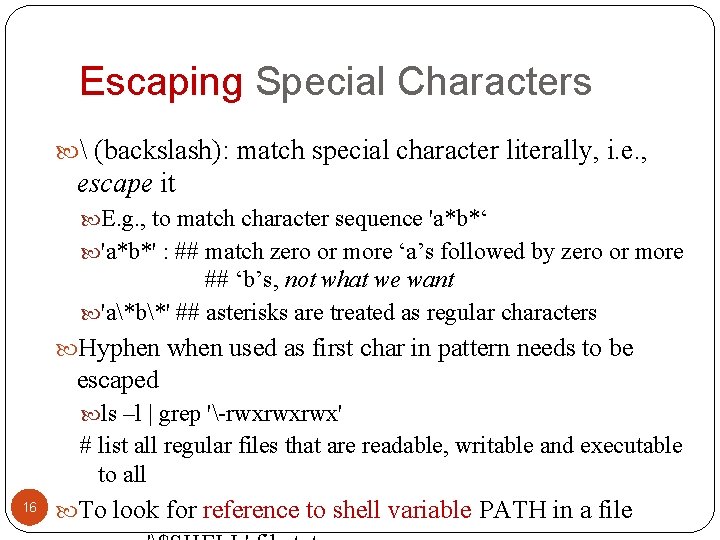
Escaping Special Characters (backslash): match special character literally, i. e. , escape it E. g. , to match character sequence 'a*b*‘ 'a*b*' : ## match zero or more ‘a’s followed by zero or more ## ‘b’s, not what we want 'a*b*' ## asterisks are treated as regular characters Hyphen when used as first char in pattern needs to be escaped ls –l | grep '-rwxrwxrwx' # list all regular files that are readable, writable and executable to all 16 To look for reference to shell variable PATH in a file
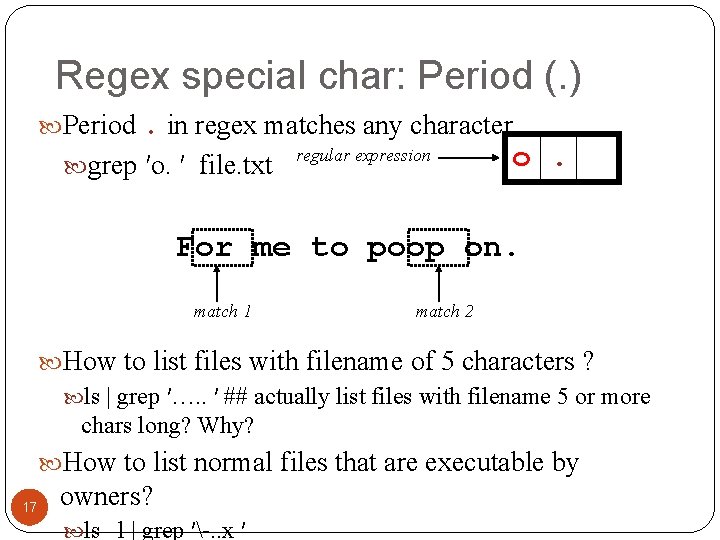
Regex special char: Period (. ) Period. in regex matches any character. grep ′o. ′ file. txt regular expression o. For me to poop on. match 1 match 2 How to list files with filename of 5 characters ? ls | grep ′…. . ′ ## actually list files with filename 5 or more chars long? Why? How to list normal files that are executable by 17 owners? ls –l | grep ′-. . x ′
![Character Classes Character classes [] can be used to match any char from the](http://slidetodoc.com/presentation_image/35aba8c09735c9f385e16d53f8890e55/image-18.jpg "Character Classes Character classes [] can be used to match any char from the")
Character Classes Character classes [] can be used to match any char from the specific set of characters. [aeiou] will match any of the characters a, e, i, o, or u [k. K]orn will match korn or Korn Ranges can be specified in character classes [1 -9] is the same as [123456789] [abcde] is equivalent to [a-e] You can also combine multiple ranges [abcde 123456789] is equivalent to [a-e 1 -9] Note - has a special meaning in a character class but only if 18 it is used within a range, [-123] would match the characters -, 1, 2, or 3
![Character Classes (cont’d) Character classes can be negated with the [^ ] syntax [^1](http://slidetodoc.com/presentation_image/35aba8c09735c9f385e16d53f8890e55/image-19.jpg "Character Classes (cont’d) Character classes can be negated with the [^ ] syntax [^1")
Character Classes (cont’d) Character classes can be negated with the [^ ] syntax [^1 -9] ##match any non-digits char [^aeiou] ## match with letters other than a, e, i, o, u Commonly used character classes can be referred to by name (alpha, lower, upper, alnum, digit, punct, cntrl) Syntax [: name: ] [a-z. A-Z] [[: alpha: ]] [a-z. A-Z 0 -9] [[: alnum: ]] [45 a-z] [45[: lower: ]] 19
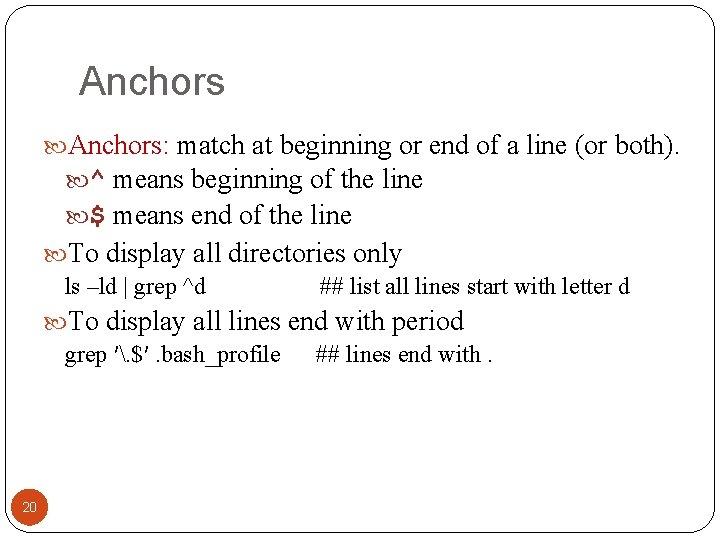
Anchors: match at beginning or end of a line (or both). ^ means beginning of the line $ means end of the line To display all directories only ls –ld | grep ^d ## list all lines start with letter d To display all lines end with period grep ′. $′. bash_profile ## lines end with. 20
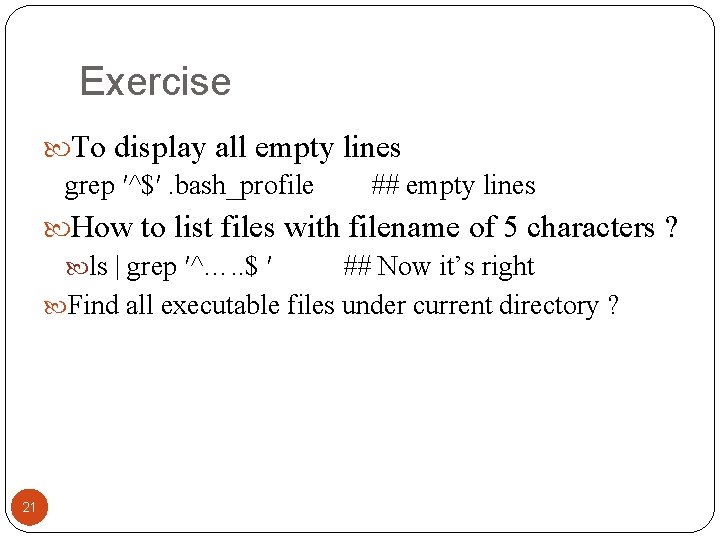
Exercise To display all empty lines grep ′^$′. bash_profile ## empty lines How to list files with filename of 5 characters ? ls | grep ′^…. . $ ′ ## Now it’s right Find all executable files under current directory ? 21
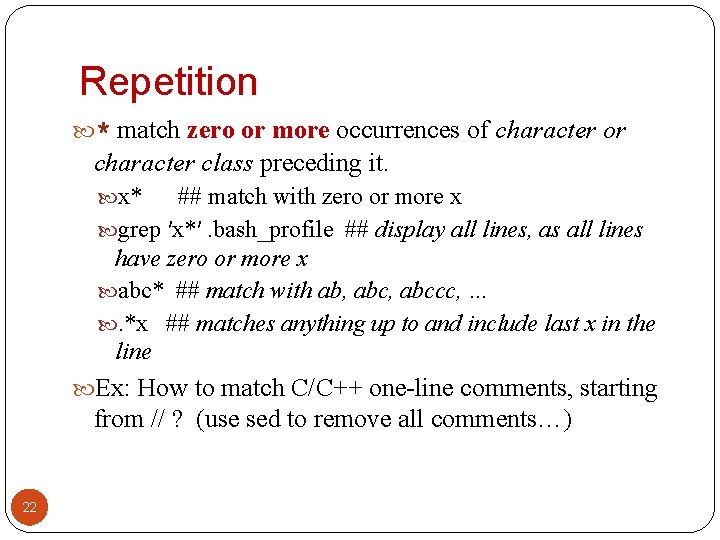
Repetition * match zero or more occurrences of character or character class preceding it. x* ## match with zero or more x grep ′x*′. bash_profile ## display all lines, as all lines have zero or more x abc* ## match with ab, abccc, … . *x ## matches anything up to and include last x in the line Ex: How to match C/C++ one-line comments, starting from // ? (use sed to remove all comments…) 22
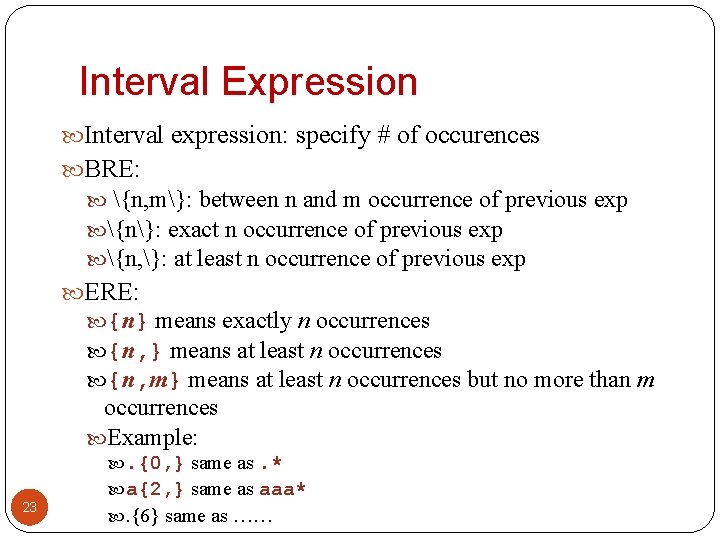
Interval Expression Interval expression: specify # of occurences BRE: {n, m}: between n and m occurrence of previous exp {n}: exact n occurrence of previous exp {n, }: at least n occurrence of previous exp ERE: {n} means exactly n occurrences {n, } means at least n occurrences {n, m} means at least n occurrences but no more than m occurrences Example: 23 . {0, } same as. * a{2, } same as aaa* . {6} same as ……
Outline Shell globbing, or pathname expansion Grep, egrep, fgrep regular expression Basics: BRE and ERE Common features of BRE and ERE BRE backreference ERE extensions sed cut, paste, comp, uniq, sort 24 24
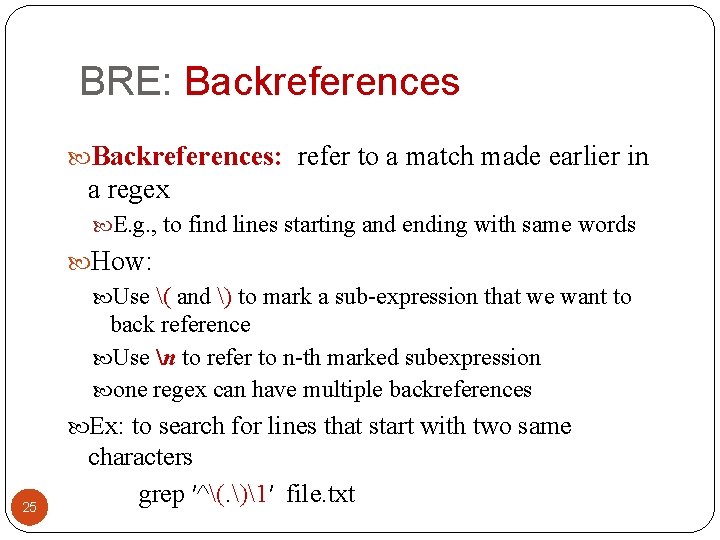
BRE: Backreferences: refer to a match made earlier in a regex E. g. , to find lines starting and ending with same words How: Use ( and ) to mark a sub-expression that we want to back reference Use n to refer to n-th marked subexpression one regex can have multiple backreferences Ex: to search for lines that start with two same 25 characters grep ′^(. )1′ file. txt
![Back-references Recall /etc/passwd stores info. about user account [zhang@storm ~]$ head /etc/passwd root: x:](http://slidetodoc.com/presentation_image/35aba8c09735c9f385e16d53f8890e55/image-26.jpg "Back-references Recall /etc/passwd stores info. about user account [zhang@storm ~]$ head /etc/passwd root: x:")
Back-references Recall /etc/passwd stores info. about user account [zhang@storm ~]$ head /etc/passwd root: x: 0: 0: root: /bin/bash bin: x: 1: 1: bin: /sbin/nologin To find accounts whose uid is same as groupid grep '^[^: ]*: ([0 -9]*): 1' /etc/passwd Find five-letter long palindrome in wordlist grep ′(. ). $2$1′ wordlist 26
Outline Shell globbing, or pathname expansion Grep, egrep, fgrep regular expression Basics: BRE and ERE Common features of BRE and ERE BRE backreference ERE extensions sed cut, paste, comp, uniq, sort 27 27
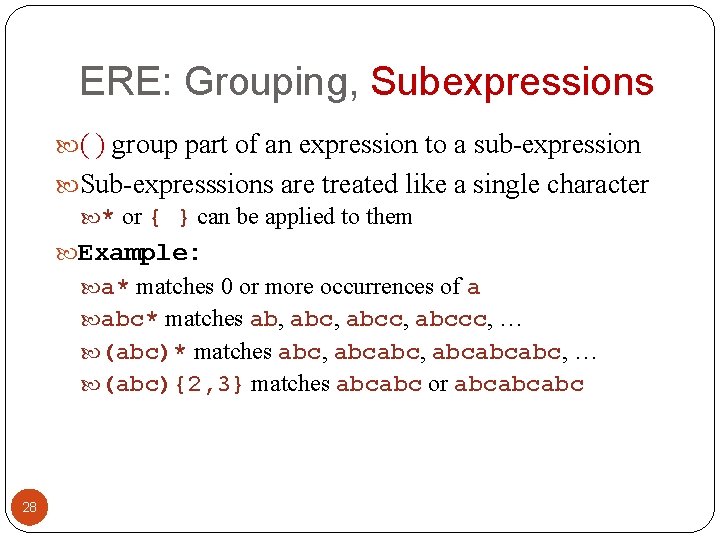
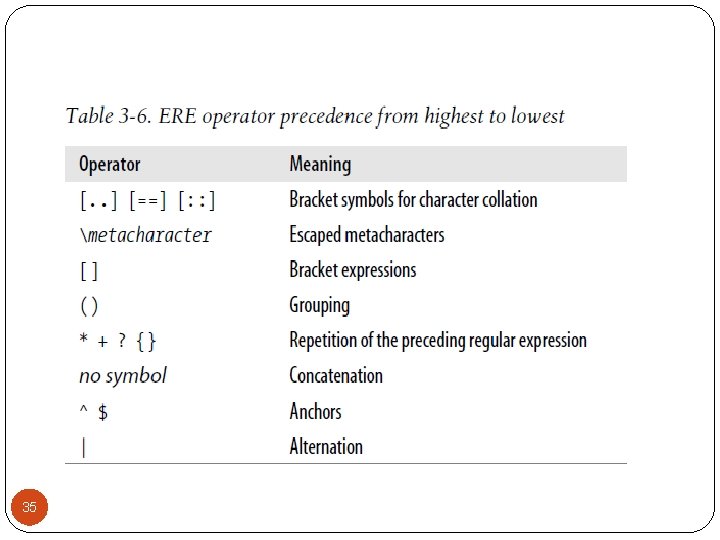
ERE: Grouping, Subexpressions ( ) group part of an expression to a sub-expression Sub-expresssions are treated like a single character * or { } can be applied to them Example: a* matches 0 or more occurrences of a abc* matches ab, abcc, abccc, … (abc)* matches abc, abcabcabc, … (abc){2, 3} matches abcabc or abcabcabc 28
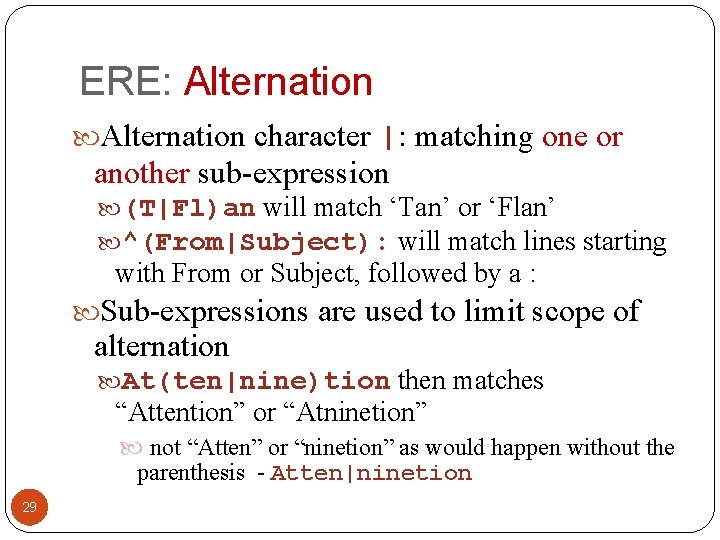
ERE: Alternation character |: matching one or another sub-expression (T|Fl)an will match ‘Tan’ or ‘Flan’ ^(From|Subject): will match lines starting with From or Subject, followed by a : Sub-expressions are used to limit scope of alternation At(ten|nine)tion then matches “Attention” or “Atninetion” not “Atten” or “ninetion” as would happen without the parenthesis - Atten|ninetion 29
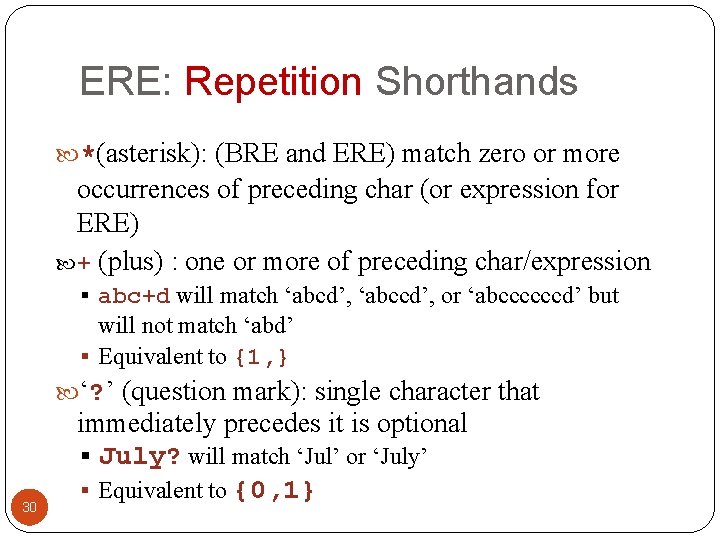
ERE: Repetition Shorthands *(asterisk): (BRE and ERE) match zero or more occurrences of preceding char (or expression for ERE) + (plus) : one or more of preceding char/expression § abc+d will match ‘abcd’, ‘abccd’, or ‘abccccccd’ but will not match ‘abd’ § Equivalent to {1, } ‘? ’ (question mark): single character that 30 immediately precedes it is optional § July? will match ‘Jul’ or ‘July’ § Equivalent to {0, 1}
![egrep Examples • Find all lines with signed numbers $ egrep ’[-+][0 -9]+. ?](http://slidetodoc.com/presentation_image/35aba8c09735c9f385e16d53f8890e55/image-31.jpg "egrep Examples • Find all lines with signed numbers $ egrep ’[-+][0 -9]+. ?")
egrep Examples • Find all lines with signed numbers $ egrep ’[-+][0 -9]+. ? [0 -9]*’ *. c bsearch. c: return -1; compile. c: strchr("+1 -2*3", t-> op)[1] - ’ 0’, dst, convert. c: Print integers in a given base 2 -16 (default 10) convert. c: sscanf( argv[ i+1], "% d", &base); strcmp. c: return -1; strcmp. c: return +1; 31
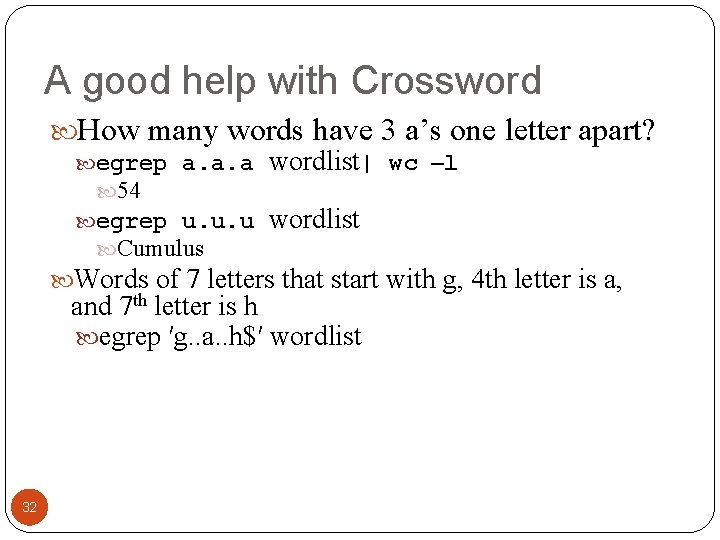
A good help with Crossword How many words have 3 a’s one letter apart? egrep a. a. a wordlist| wc –l 54 egrep u. u. u Cumulus wordlist Words of 7 letters that start with g, 4 th letter is a, and 7 th letter is h egrep ′g. . a. . h$′ wordlist 32
![Practical Regex Examples Variable names in C [a-z. A-Z_][a-z. A-Z_0 -9]* Dollar amount with](http://slidetodoc.com/presentation_image/35aba8c09735c9f385e16d53f8890e55/image-33.jpg "Practical Regex Examples Variable names in C [a-z. A-Z_][a-z. A-Z_0 -9]* Dollar amount with")
Practical Regex Examples Variable names in C [a-z. A-Z_][a-z. A-Z_0 -9]* Dollar amount with optional cents $[0 -9]+(. [0 -9])? Time of day (1[012]|[1 -9]): [0 -5][0 -9] (am|pm) HTML headers <h 1> <H 1> <h 2> … <[h. H][1 -4]> 33
34
35
This is one line of text o. *o input line regular expression fgrep, egrep egrep 36 Quick Reference
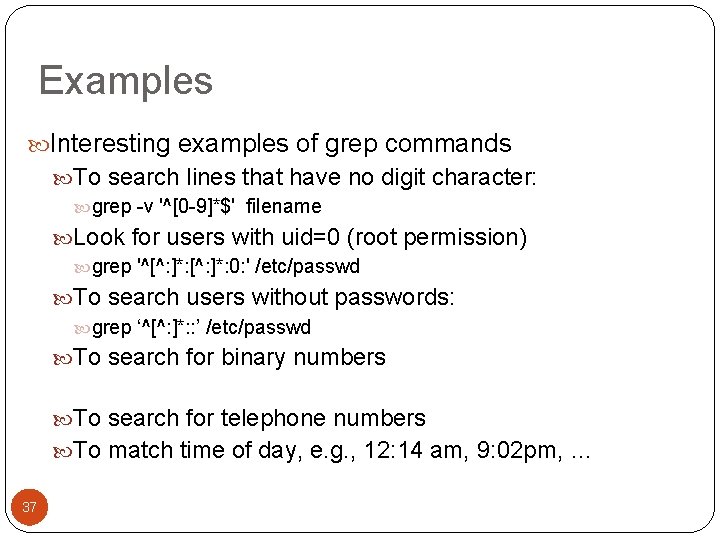
Examples Interesting examples of grep commands To search lines that have no digit character: grep -v '^[0 -9]*$' filename Look for users with uid=0 (root permission) grep '^[^: ]*: 0: ' /etc/passwd To search users without passwords: grep ‘^[^: ]*: : ’ /etc/passwd To search for binary numbers To search for telephone numbers To match time of day, e. g. , 12: 14 am, 9: 02 pm, … 37
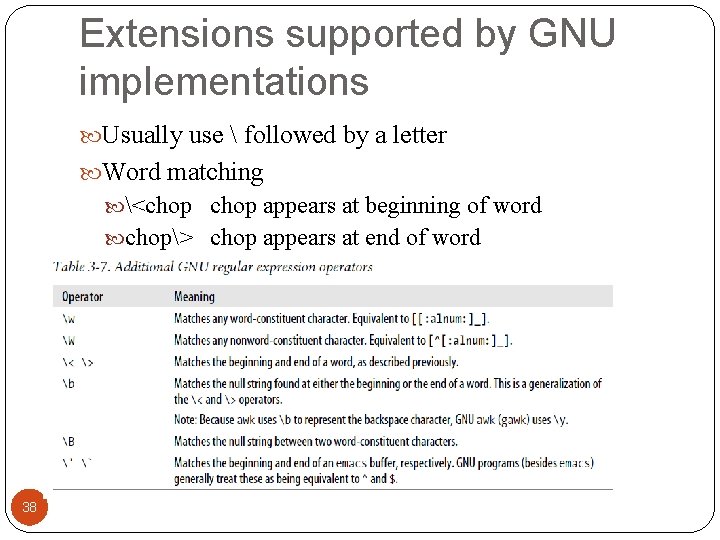
Extensions supported by GNU implementations Usually use followed by a letter Word matching <chop appears at beginning of word chop> chop appears at end of word 38
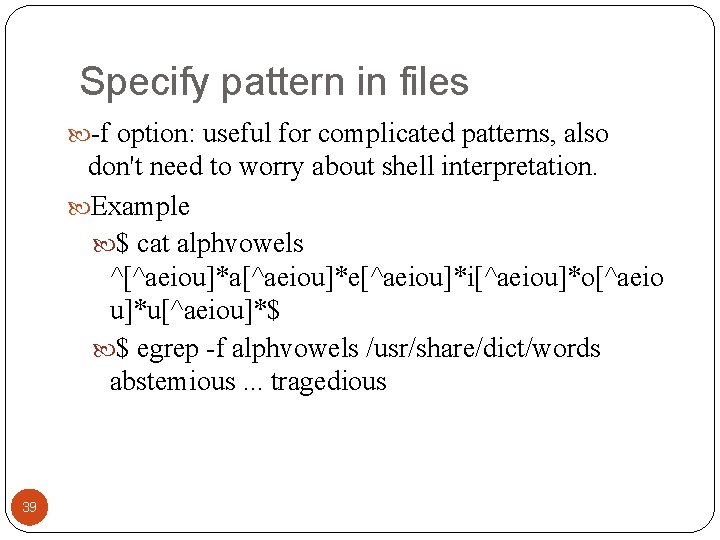
Specify pattern in files -f option: useful for complicated patterns, also don't need to worry about shell interpretation. Example $ cat alphvowels ^[^aeiou]*a[^aeiou]*e[^aeiou]*i[^aeiou]*o[^aeio u]*u[^aeiou]*$ $ egrep -f alphvowels /usr/share/dict/words abstemious. . . tragedious 39
Outline Shell globbing, or pathname expansion grep, egrep, fgrep regular expression Basics: BRE and ERE Common features of BRE and ERE BRE backreference ERE extensions sed: stream editor cut, paste, comp, uniq, sort 40 40
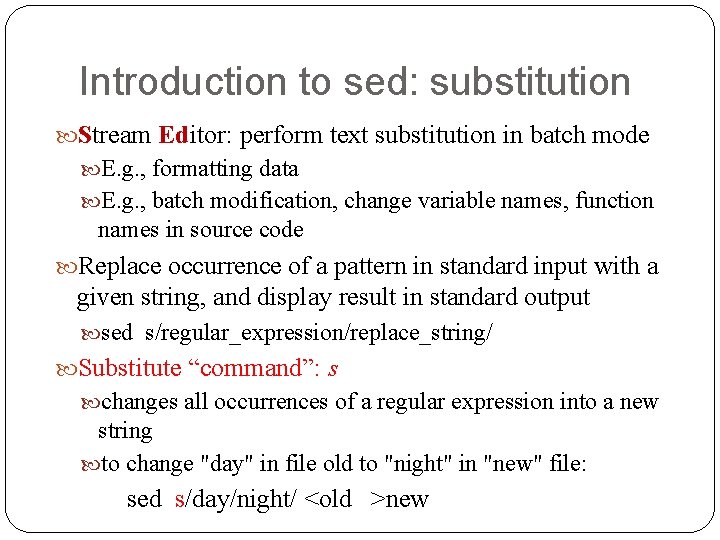
Introduction to sed: substitution Stream Editor: perform text substitution in batch mode E. g. , formatting data E. g. , batch modification, change variable names, function names in source code Replace occurrence of a pattern in standard input with a given string, and display result in standard output sed s/regular_expression/replace_string/ Substitute “command”: s changes all occurrences of a regular expression into a new string to change "day" in file old to "night" in "new" file: sed s/day/night/ <old >new
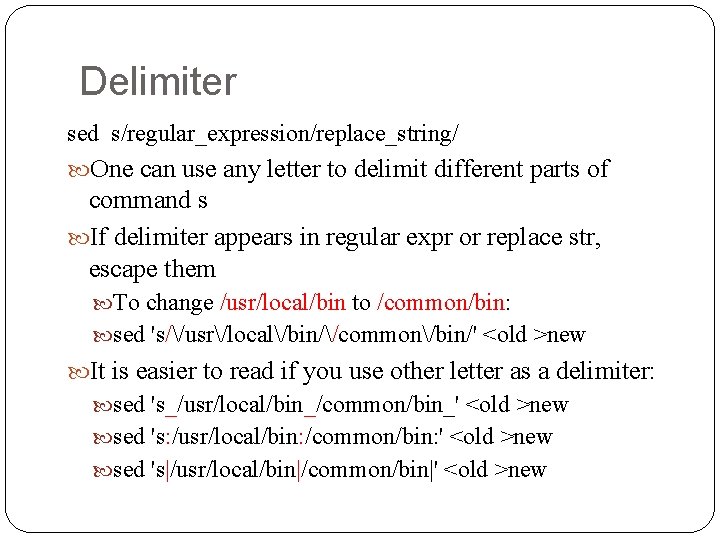
Delimiter sed s/regular_expression/replace_string/ One can use any letter to delimit different parts of command s If delimiter appears in regular expr or replace str, escape them To change /usr/local/bin to /common/bin: sed 's//usr/local/bin//common/bin/' <old >new It is easier to read if you use other letter as a delimiter: sed 's_/usr/local/bin_/common/bin_' <old >new sed 's: /usr/local/bin: /common/bin: ' <old >new sed 's|/usr/local/bin|/common/bin|' <old >new
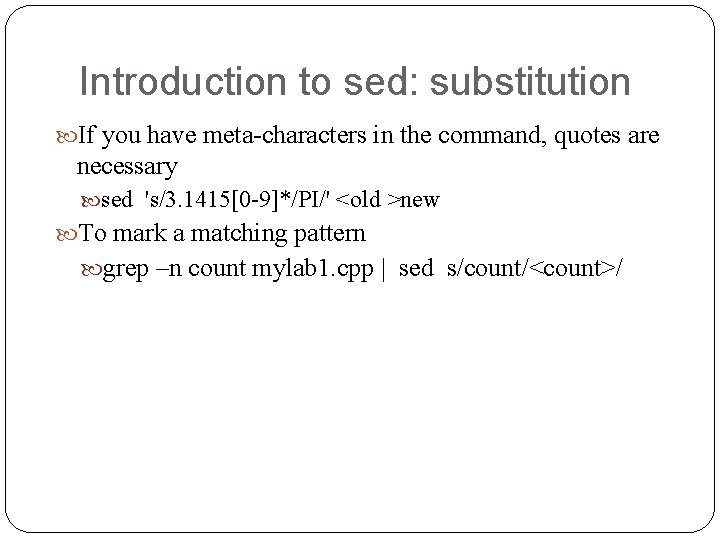
Introduction to sed: substitution If you have meta-characters in the command, quotes are necessary sed 's/3. 1415[0 -9]*/PI/' <old >new To mark a matching pattern grep –n count mylab 1. cpp | sed s/count/<count>/
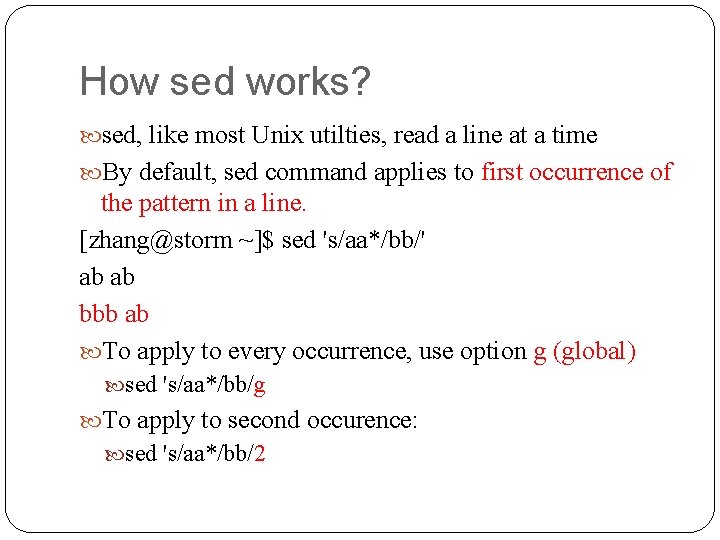
How sed works? sed, like most Unix utilties, read a line at a time By default, sed command applies to first occurrence of the pattern in a line. [zhang@storm ~]$ sed 's/aa*/bb/' ab ab bbb ab To apply to every occurrence, use option g (global) sed 's/aa*/bb/g To apply to second occurence: sed 's/aa*/bb/2
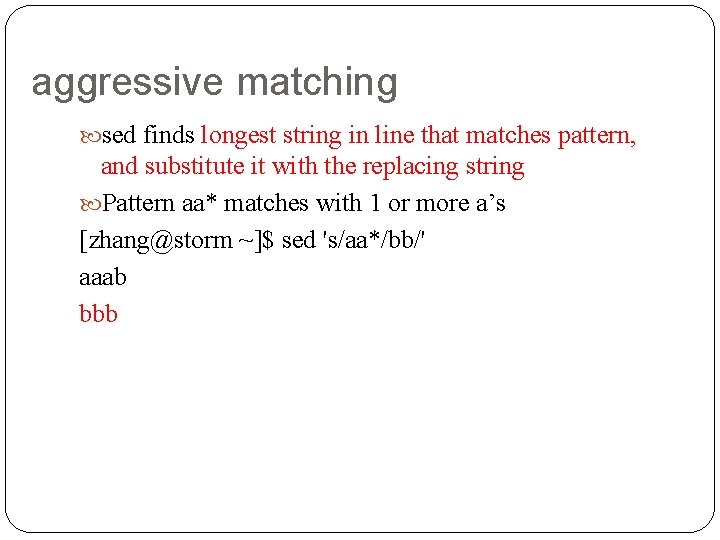
aggressive matching sed finds longest string in line that matches pattern, and substitute it with the replacing string Pattern aa* matches with 1 or more a’s [zhang@storm ~]$ sed 's/aa*/bb/' aaab bbb
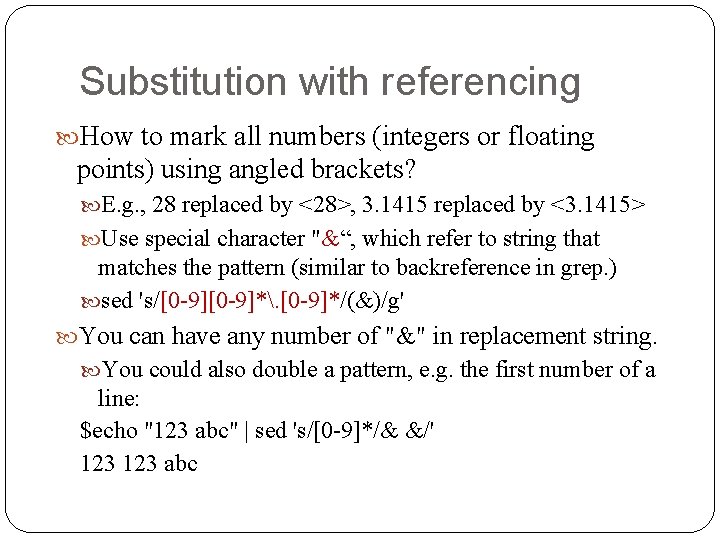
Substitution with referencing How to mark all numbers (integers or floating points) using angled brackets? E. g. , 28 replaced by <28>, 3. 1415 replaced by <3. 1415> Use special character "&“, which refer to string that matches the pattern (similar to backreference in grep. ) sed 's/[0 -9]*. [0 -9]*/(&)/g' You can have any number of "&" in replacement string. You could also double a pattern, e. g. the first number of a line: $echo "123 abc" | sed 's/[0 -9]*/& &/' 123 abc
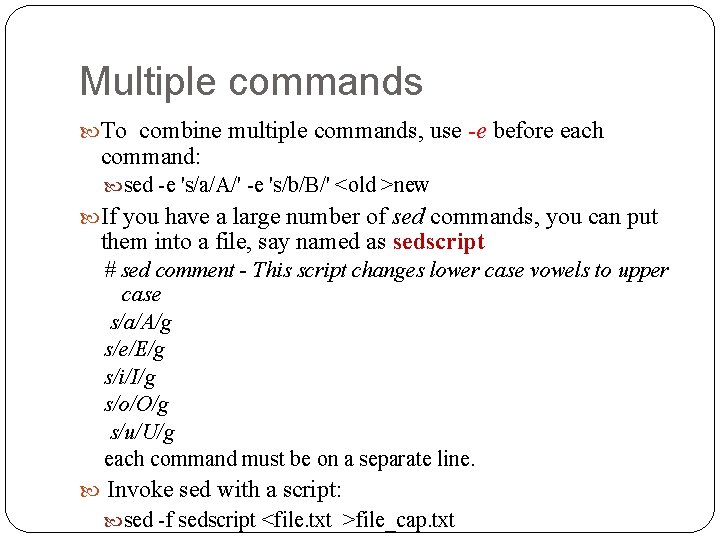
Multiple commands To combine multiple commands, use -e before each command: sed -e 's/a/A/' -e 's/b/B/' <old >new If you have a large number of sed commands, you can put them into a file, say named as sedscript # sed comment - This script changes lower case vowels to upper case s/a/A/g s/e/E/g s/i/I/g s/o/O/g s/u/U/g each command must be on a separate line. Invoke sed with a script: sed -f sedscript <file. txt >file_cap. txt
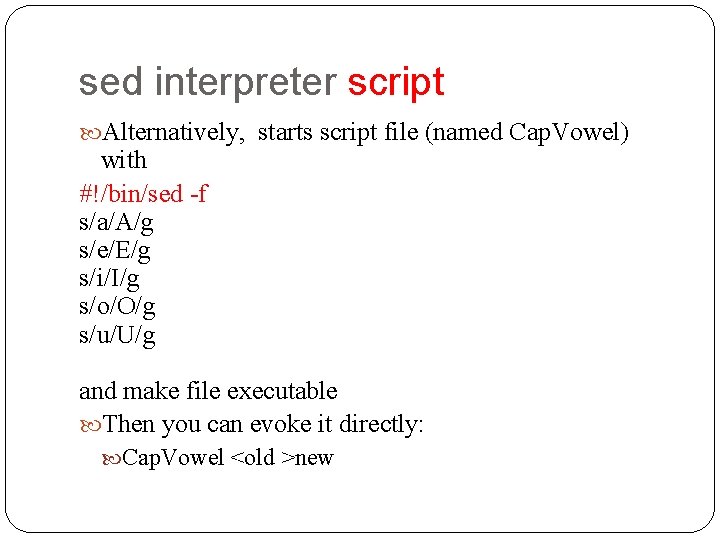
sed interpreter script Alternatively, starts script file (named Cap. Vowel) with #!/bin/sed -f s/a/A/g s/e/E/g s/i/I/g s/o/O/g s/u/U/g and make file executable Then you can evoke it directly: Cap. Vowel <old >new
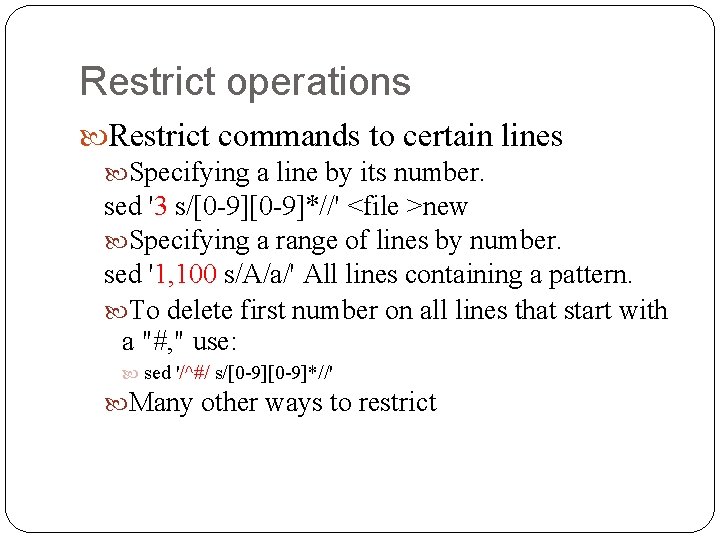
Restrict operations Restrict commands to certain lines Specifying a line by its number. sed '3 s/[0 -9]*//' <file >new Specifying a range of lines by number. sed '1, 100 s/A/a/' All lines containing a pattern. To delete first number on all lines that start with a "#, " use: sed '/^#/ s/[0 -9]*//' Many other ways to restrict
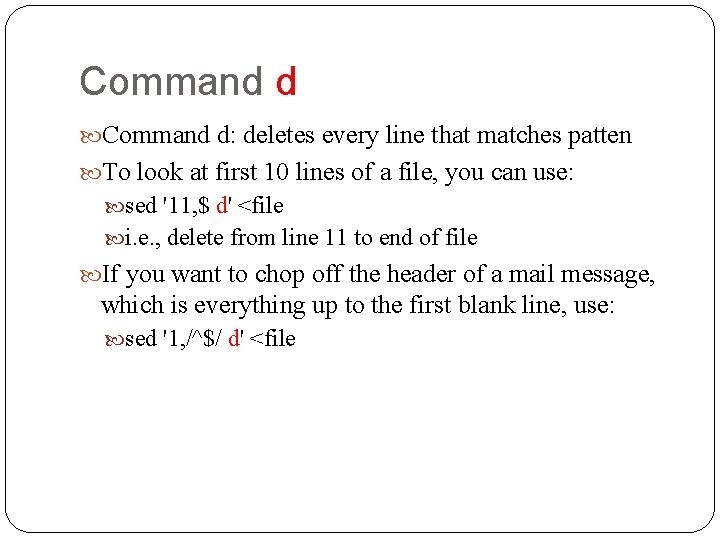
Command d: deletes every line that matches patten To look at first 10 lines of a file, you can use: sed '11, $ d' <file i. e. , delete from line 11 to end of file If you want to chop off the header of a mail message, which is everything up to the first blank line, use: sed '1, /^$/ d' <file
Command q abort editing after some condition is reached. Ex: another way to duplicate the head command is: sed '11 q' which quits when eleventh line is reached.
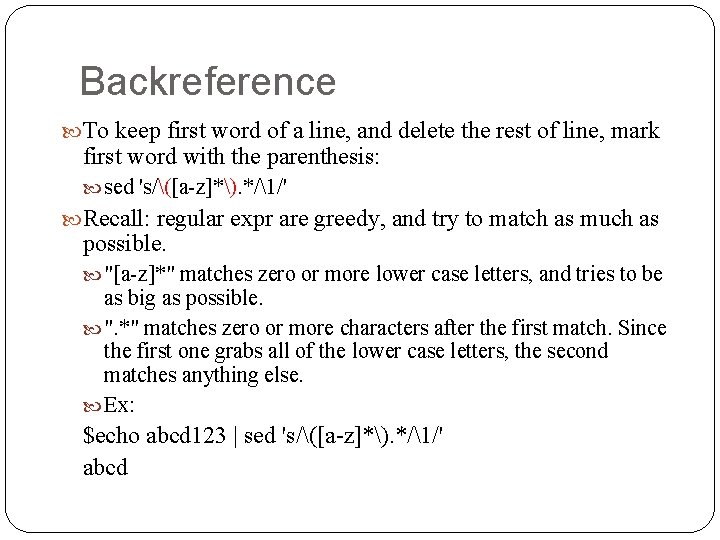
Backreference To keep first word of a line, and delete the rest of line, mark first word with the parenthesis: sed 's/([a-z]*). */1/' Recall: regular expr are greedy, and try to match as much as possible. "[a-z]*" matches zero or more lower case letters, and tries to be as big as possible. ". *" matches zero or more characters after the first match. Since the first one grabs all of the lower case letters, the second matches anything else. Ex: $echo abcd 123 | sed 's/([a-z]*). */1/' abcd
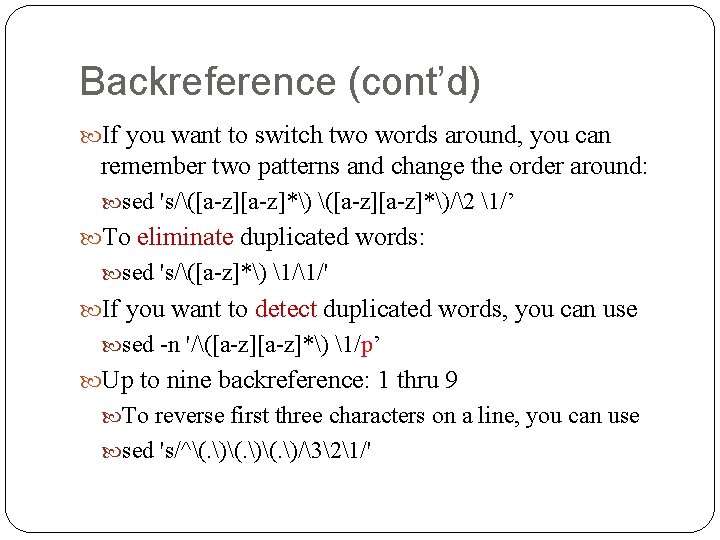
Backreference (cont’d) If you want to switch two words around, you can remember two patterns and change the order around: sed 's/([a-z]*)/2 1/’ To eliminate duplicated words: sed 's/([a-z]*) 1/1/' If you want to detect duplicated words, you can use sed -n '/([a-z]*) 1/p’ Up to nine backreference: 1 thru 9 To reverse first three characters on a line, you can use sed 's/^(. )(. )/321/'
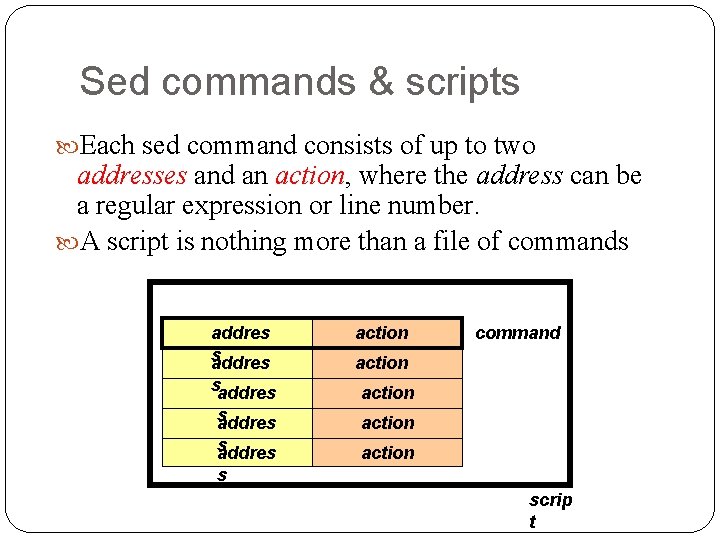
Sed commands & scripts Each sed command consists of up to two addresses and an action, where the address can be a regular expression or line number. A script is nothing more than a file of commands addres action command action saddres s addres action s addres s action scrip t
sed: a conceptual overview · All editing commands in a sed script are applied in order to each input line. If a command changes input, subsequent command address will be applied to current (modified) line in the pattern space, not original input line. Original input file is unchanged (sed is a filter), and the results are sent to standard output (but can be redirected to a file).
Outline Shell globbing, or pathname expansion Grep, egrep, fgrep regular expression Basics: BRE and ERE Common features of BRE and ERE BRE backreference ERE extensions sed cut, paste, comp, uniq, sort 56 56
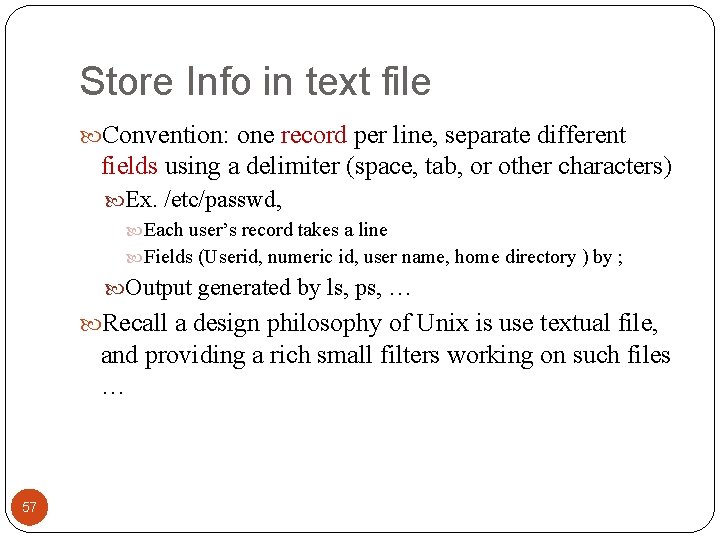
Store Info in text file Convention: one record per line, separate different fields using a delimiter (space, tab, or other characters) Ex. /etc/passwd, Each user’s record takes a line Fields (Userid, numeric id, user name, home directory ) by ; Output generated by ls, ps, … Recall a design philosophy of Unix is use textual file, and providing a rich small filters working on such files … 57
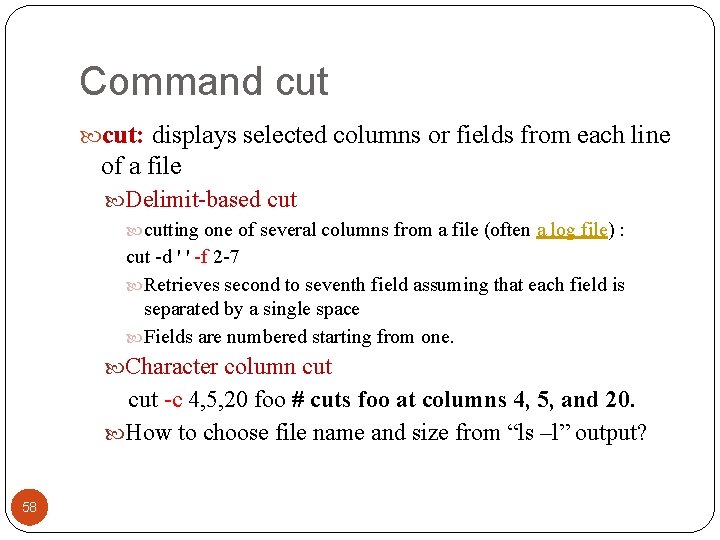
Command cut: displays selected columns or fields from each line of a file Delimit-based cutting one of several columns from a file (often a log file) : cut -d ' ' -f 2 -7 Retrieves second to seventh field assuming that each field is separated by a single space Fields are numbered starting from one. Character column cut -c 4, 5, 20 foo # cuts foo at columns 4, 5, and 20. How to choose file name and size from “ls –l” output? 58
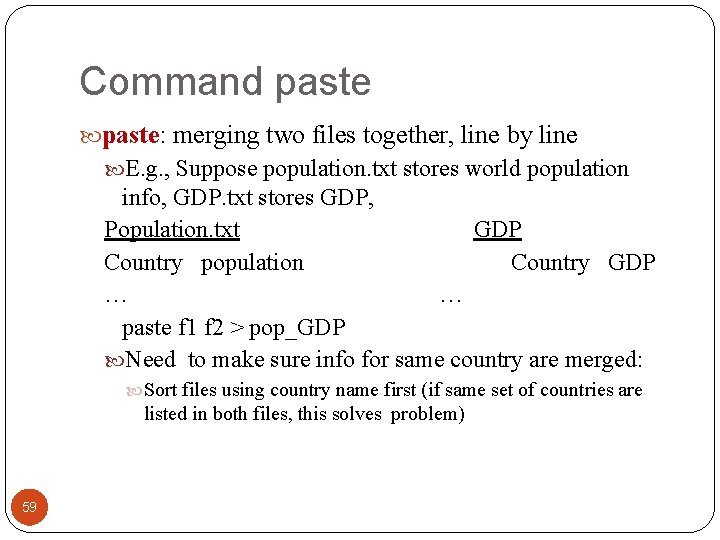
Command paste: merging two files together, line by line E. g. , Suppose population. txt stores world population info, GDP. txt stores GDP, Population. txt GDP Country population Country GDP … … paste f 1 f 2 > pop_GDP Need to make sure info for same country are merged: Sort files using country name first (if same set of countries are listed in both files, this solves problem) 59
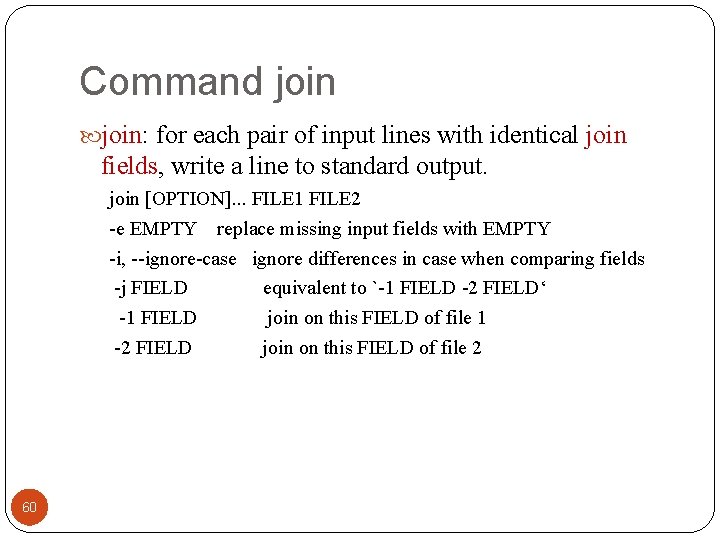
Command join: for each pair of input lines with identical join fields, write a line to standard output. join [OPTION]. . . FILE 1 FILE 2 -e EMPTY replace missing input fields with EMPTY -i, --ignore-case ignore differences in case when comparing fields -j FIELD equivalent to `-1 FIELD -2 FIELD‘ -1 FIELD join on this FIELD of file 1 -2 FIELD join on this FIELD of file 2 60
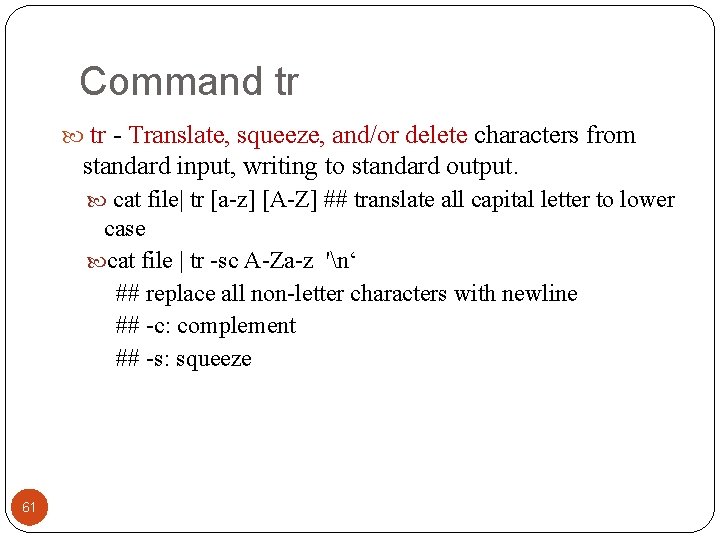
Command tr - Translate, squeeze, and/or delete characters from standard input, writing to standard output. cat file| tr [a-z] [A-Z] ## translate all capital letter to lower case cat file | tr -sc A-Za-z 'n‘ ## replace all non-letter characters with newline ## -c: complement ## -s: squeeze 61

Command tr and uniq: report or omit repeated lines -c: precede each unique line with the number of occurrences 62
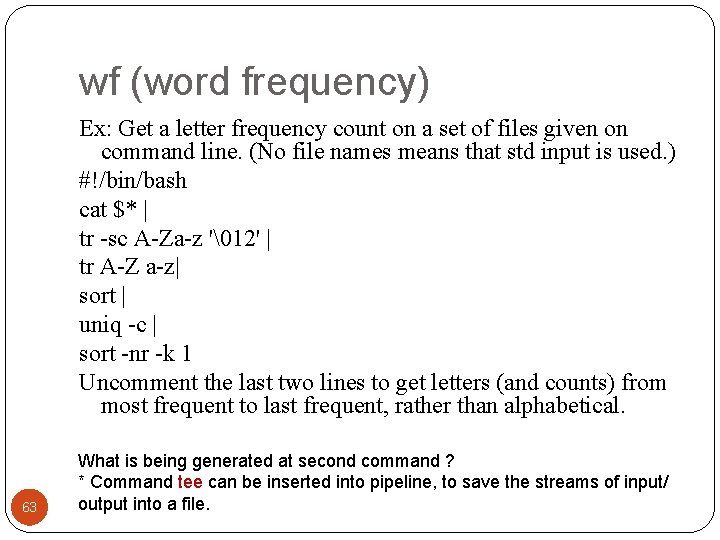
wf (word frequency) Ex: Get a letter frequency count on a set of files given on command line. (No file names means that std input is used. ) #!/bin/bash cat $* | tr -sc A-Za-z '12' | tr A-Z a-z| sort | uniq -c | sort -nr -k 1 Uncomment the last two lines to get letters (and counts) from most frequent to last frequent, rather than alphabetical. 63 What is being generated at second command ? * Command tee can be inserted into pipeline, to save the streams of input/ output into a file.
![Command tee – copy standard input to standard output and file tee [OPTION]. .](http://slidetodoc.com/presentation_image/35aba8c09735c9f385e16d53f8890e55/image-64.jpg "Command tee – copy standard input to standard output and file tee [OPTION]. .")
Command tee – copy standard input to standard output and file tee [OPTION]. . . [FILE]. . . Option: -a, --append append to given FILEs, do not overwrite Useful for insert into pipes for testing, and for storing intermediate results ls –l | wc –l To save output of ls –l | tee lsoutput. txt | wc –l 64
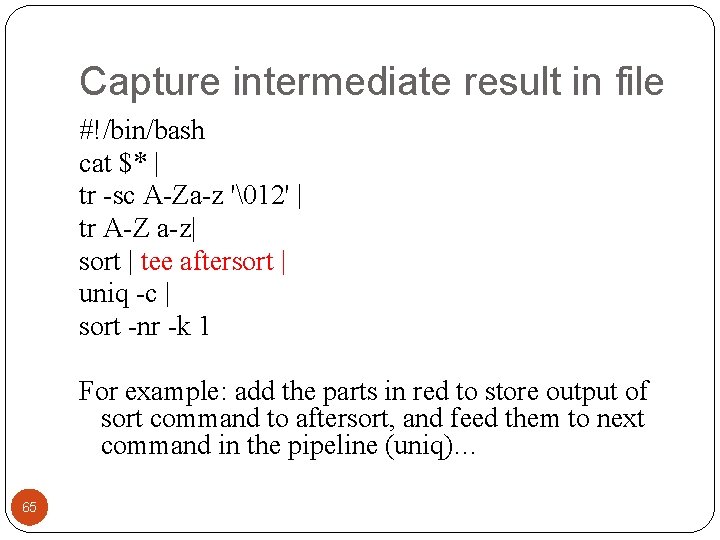
Capture intermediate result in file #!/bin/bash cat $* | tr -sc A-Za-z '12' | tr A-Z a-z| sort | tee aftersort | uniq -c | sort -nr -k 1 For example: add the parts in red to store output of sort command to aftersort, and feed them to next command in the pipeline (uniq)… 65
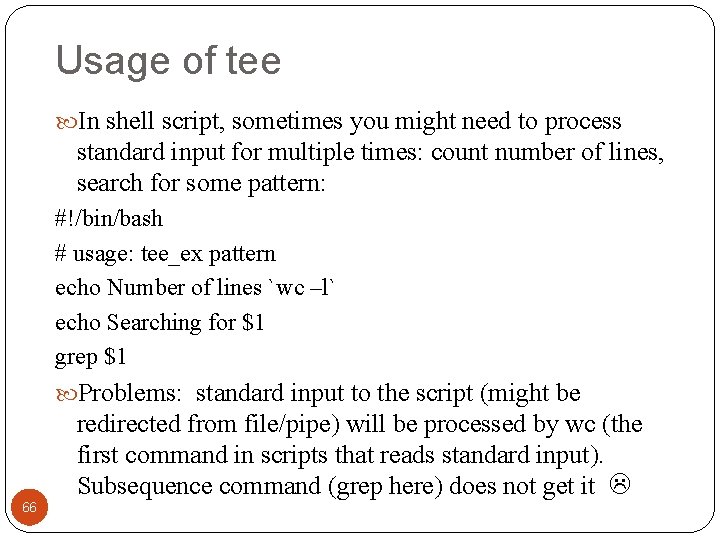
Usage of tee In shell script, sometimes you might need to process standard input for multiple times: count number of lines, search for some pattern: #!/bin/bash # usage: tee_ex pattern echo Number of lines `wc –l` echo Searching for $1 grep $1 Problems: standard input to the script (might be 66 redirected from file/pipe) will be processed by wc (the first command in scripts that reads standard input). Subsequence command (grep here) does not get it
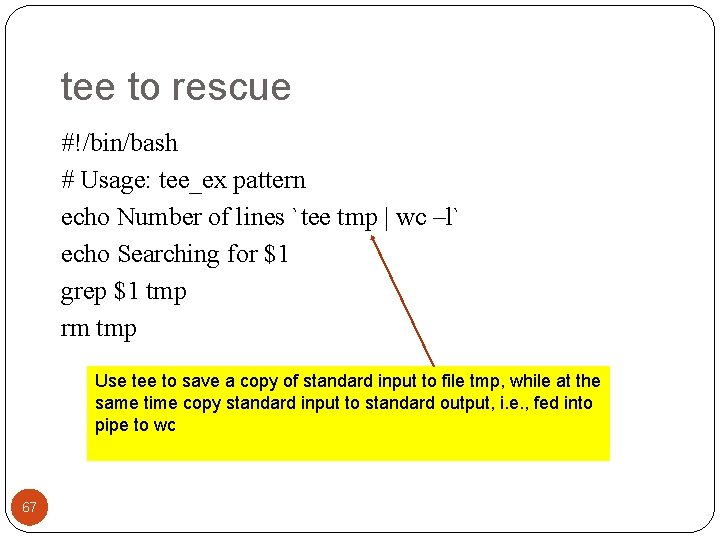
tee to rescue #!/bin/bash # Usage: tee_ex pattern echo Number of lines `tee tmp | wc –l` echo Searching for $1 grep $1 tmp rm tmp Use tee to save a copy of standard input to file tmp, while at the same time copy standard input to standard output, i. e. , fed into pipe to wc 67
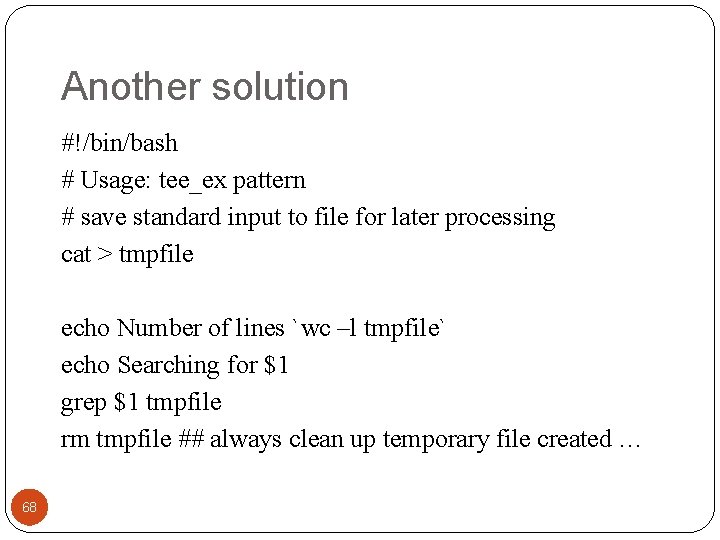
Another solution #!/bin/bash # Usage: tee_ex pattern # save standard input to file for later processing cat > tmpfile echo Number of lines `wc –l tmpfile` echo Searching for $1 grep $1 tmpfile rm tmpfile ## always clean up temporary file created … 68
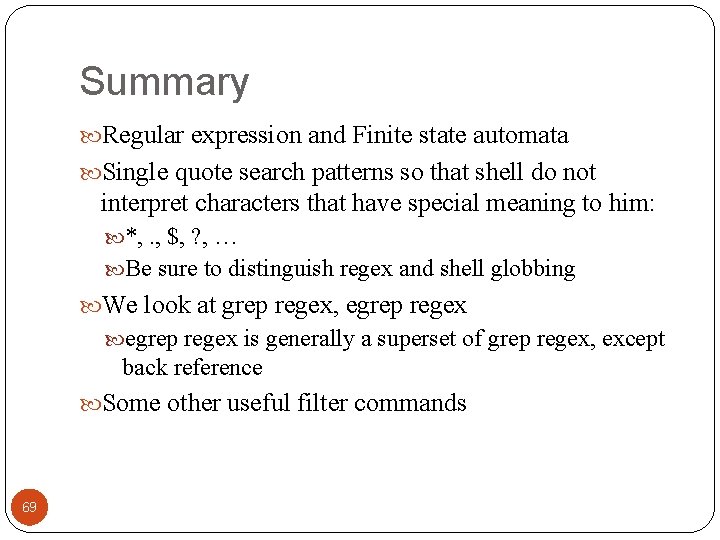
Summary Regular expression and Finite state automata Single quote search patterns so that shell do not interpret characters that have special meaning to him: *, . , $, ? , … Be sure to distinguish regex and shell globbing We look at grep regex, egrep regex is generally a superset of grep regex, except back reference Some other useful filter commands 69
- Slides: 69