
Chapter 3 Part 2 More about Strings and
Chapter 3 Part 2 More about Strings and Conditional Statements Loops (for and while) © 2006 Pearson Education
Repetition Statements Ø Repetition statements allow us to execute a statement multiple times Ø Often they are referred to as loops Ø Like conditional statements, they are controlled by boolean expressions Ø The text covers two kinds of repetition statements: • the while loop • the for loop Ø The programmer should choose the right kind of loop for the situation 2
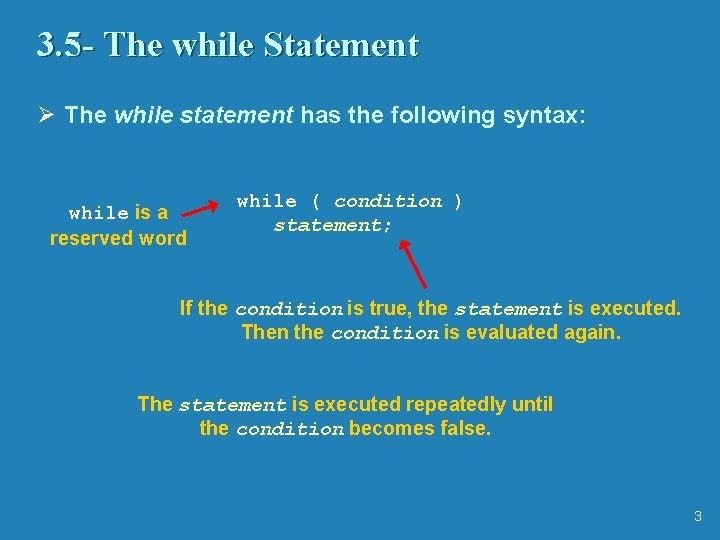
3. 5 - The while Statement Ø The while statement has the following syntax: while is a reserved word while ( condition ) statement; If the condition is true, the statement is executed. Then the condition is evaluated again. The statement is executed repeatedly until the condition becomes false. 3
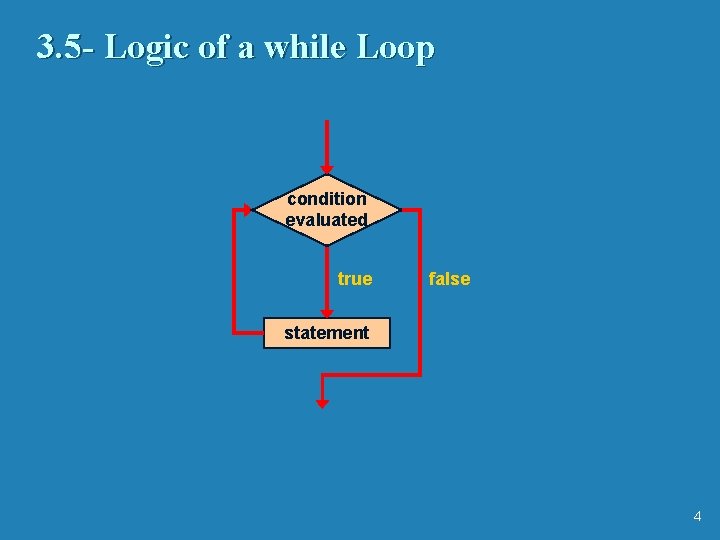
3. 5 - Logic of a while Loop condition evaluated true false statement 4
3. 5 - The while Statement Ø Note that if the condition of a while statement is false initially, the statement is never executed Ø Therefore, the body of a while loop will execute zero or more times Ø See Counter. java (page 147) Ø See Average. java (page 148) • A sentinel value indicates the end of the input (value != 0) • The variable sum maintains a running sum Ø See Win. Percentage. java (page 151) • A loop is used to validate the input, making the program more robust (won < 0 || won > NUM_GAMES) 5
3. 5 - Infinite Loops Ø The body of a while loop eventually must make the condition false Ø If not, it is an infinite loop, which will execute until the user interrupts the program Ø This is a common logical error Ø You should always double check to ensure that your loops will terminate normally Ø See Forever. java (page 152) 6
3. 5 - Nested Loops Ø Similar to nested if statements, loops can be nested as well Ø That is, the body of a loop can contain another loop Ø Each time through the outer loop, the inner loop goes through its full set of iterations Ø See Palindrome. Tester. java (page 155) 7
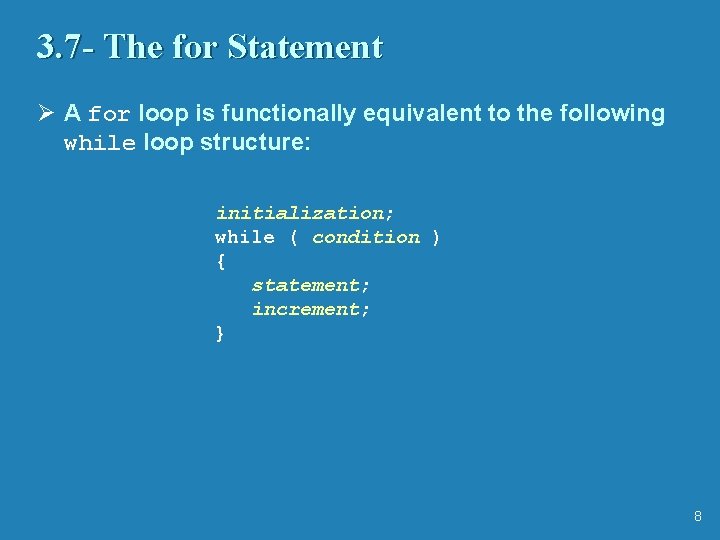
3. 7 - The for Statement Ø A for loop is functionally equivalent to the following while loop structure: initialization; while ( condition ) { statement; increment; } 8

3. 7 - Logic of a for loop initialization condition evaluated true false statement increment 9
3. 7 - The for Statement Ø Like a while loop, the condition of a for statement is tested prior to executing the loop body Ø Therefore, the body of a for loop will execute zero or more times Ø It is well suited for executing a loop a specific number of times that can be determined in advance Ø See Counter 2. java (page 161) Ø See Multiples. java (page 163) Ø See Stars. java (page 165) 10
3. 7 - The for Statement Ø Each expression in the header of a for loop is optional • If the initialization is left out, no initialization is performed • If the condition is left out, it is always considered to be true, and therefore creates an infinite loop • If the increment is left out, no increment operation is performed Ø Two semi-colons are always required in the for loop header 11
3. 7 - Choosing a Loop Structure Ø When you can’t determine how many times you want to execute the loop body, use a while statement Ø If you can determine how many times you want to execute the loop body, use a for statement 12
3. 8 - Program Development Ø We now have several additional statements and operators at our disposal Ø Following proper development steps is important Ø Suppose you were given some initial requirements: • accept a series of test scores • compute the average test score • determine the highest and lowest test scores • display the average, highest, and lowest test scores 13
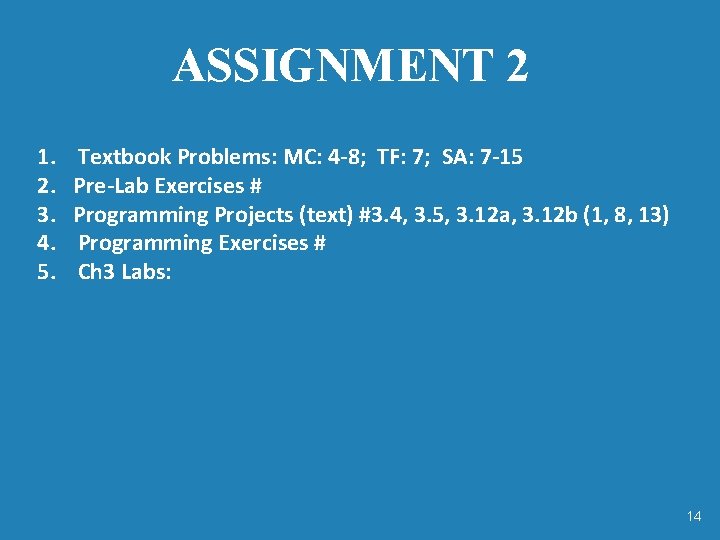
ASSIGNMENT 2 1. 2. 3. 4. 5. Textbook Problems: MC: 4 -8; TF: 7; SA: 7 -15 Pre-Lab Exercises # Programming Projects (text) #3. 4, 3. 5, 3. 12 a, 3. 12 b (1, 8, 13) Programming Exercises # Ch 3 Labs: 14
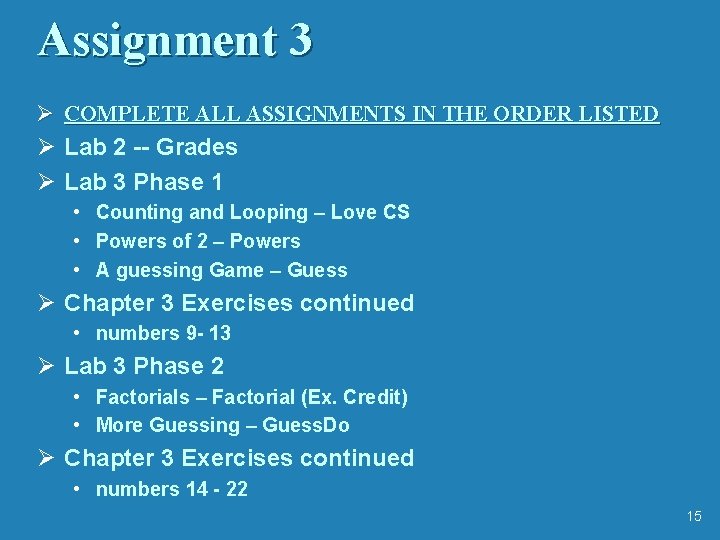
Assignment 3 Ø COMPLETE ALL ASSIGNMENTS IN THE ORDER LISTED Ø Lab 2 -- Grades Ø Lab 3 Phase 1 • Counting and Looping – Love CS • Powers of 2 – Powers • A guessing Game – Guess Ø Chapter 3 Exercises continued • numbers 9 - 13 Ø Lab 3 Phase 2 • Factorials – Factorial (Ex. Credit) • More Guessing – Guess. Do Ø Chapter 3 Exercises continued • numbers 14 - 22 15
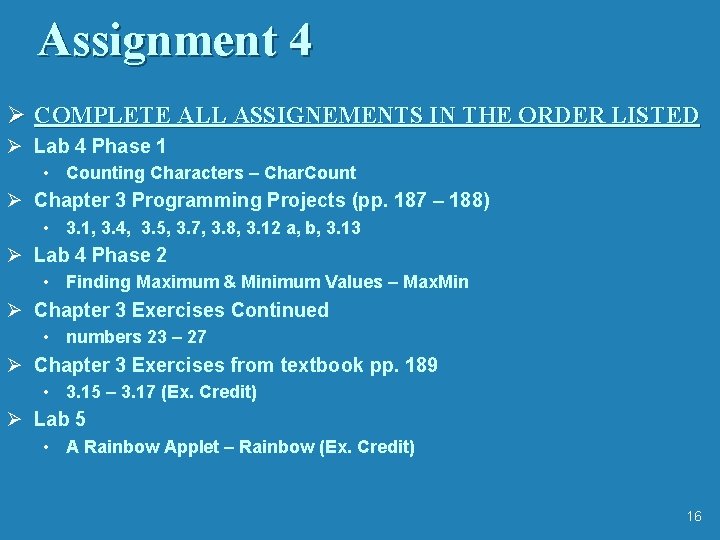
Assignment 4 Ø COMPLETE ALL ASSIGNEMENTS IN THE ORDER LISTED Ø Lab 4 Phase 1 • Counting Characters – Char. Count Ø Chapter 3 Programming Projects (pp. 187 – 188) • 3. 1, 3. 4, 3. 5, 3. 7, 3. 8, 3. 12 a, b, 3. 13 Ø Lab 4 Phase 2 • Finding Maximum & Minimum Values – Max. Min Ø Chapter 3 Exercises Continued • numbers 23 – 27 Ø Chapter 3 Exercises from textbook pp. 189 • 3. 15 – 3. 17 (Ex. Credit) Ø Lab 5 • A Rainbow Applet – Rainbow (Ex. Credit) 16
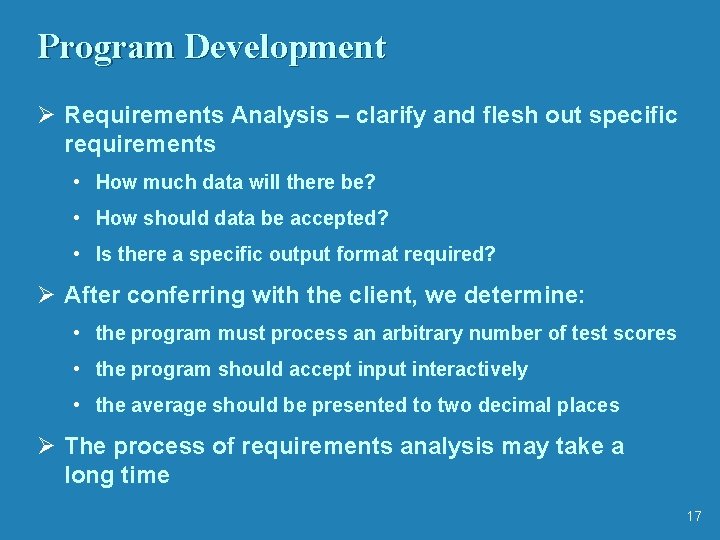
Program Development Ø Requirements Analysis – clarify and flesh out specific requirements • How much data will there be? • How should data be accepted? • Is there a specific output format required? Ø After conferring with the client, we determine: • the program must process an arbitrary number of test scores • the program should accept input interactively • the average should be presented to two decimal places Ø The process of requirements analysis may take a long time 17
Program Development Ø Design – determine a possible general solution • Input strategy? (Sentinel value? ) • Calculations needed? Ø An initial algorithm might be expressed in pseudocode Ø Multiple versions of the solution might be needed to refine it Ø Alternatives to the solution should be carefully considered 18
Program Development Ø Implementation – translate the design into source code Ø Make sure to follow coding and style guidelines Ø Implementation should be integrated with compiling and testing your solution Ø This process mirrors a more complex development model we'll eventually need to develop more complex software Ø The result is a final implementation Ø See Exam. Grades. java (page 170) 19
Program Development Ø Testing – attempt to find errors that may exist in your programmed solution Ø Compare your code to the design and resolve any discrepancies Ø Determine test cases that will stress the limits and boundaries of your solution Ø Carefully retest after finding and fixing an error 20
More Drawing Techniques Ø Conditionals and loops can greatly enhance our ability to control graphics Ø See Bullseye. java (page 173) Ø See Boxes. java (page 175) Ø See Bar. Heights. java (page 177) 21
Summary Ø Chapter 3 has focused on: • • • program development stages the flow of control through a method decision-making statements expressions for making complex decisions repetition statements drawing with conditionals and loops 22
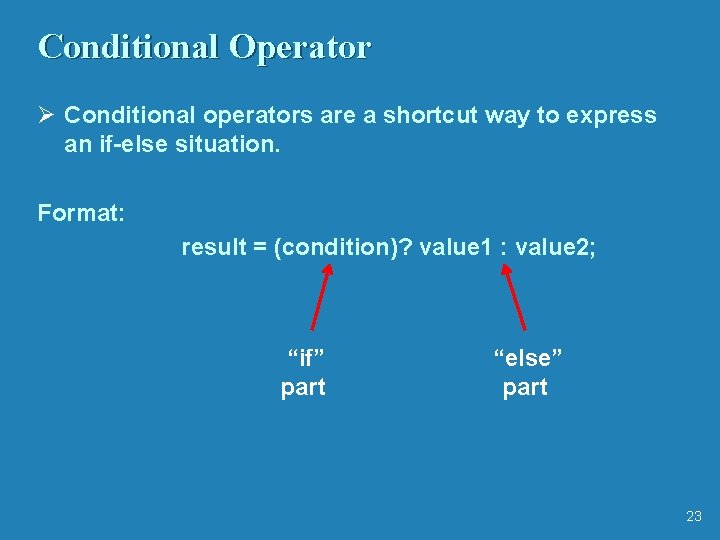
Conditional Operator Ø Conditional operators are a shortcut way to express an if-else situation. Format: result = (condition)? value 1 : value 2; “if” part “else” part 23
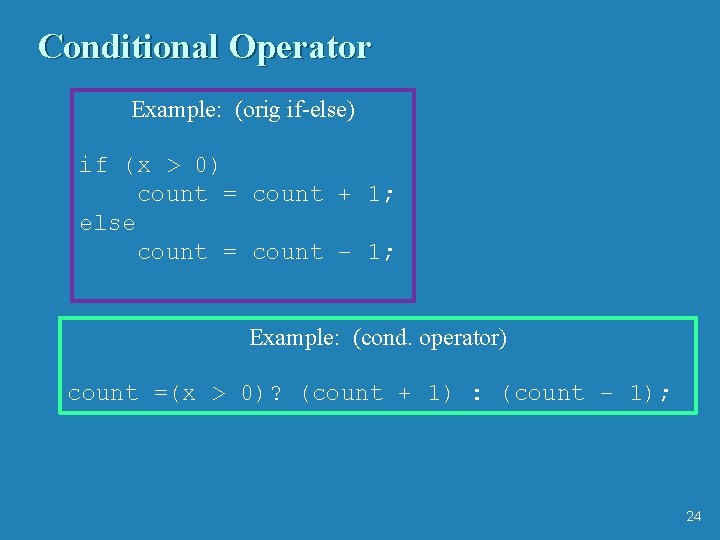
Conditional Operator Example: (orig if-else) if (x > 0) count = count + 1; else count = count – 1; Example: (cond. operator) count =(x > 0)? (count + 1) : (count – 1); 24
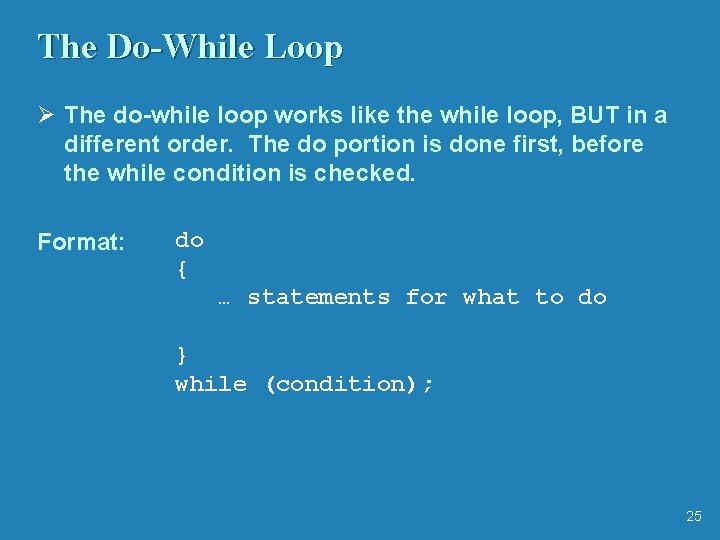
The Do-While Loop Ø The do-while loop works like the while loop, BUT in a different order. The do portion is done first, before the while condition is checked. Format: do { … statements for what to do } while (condition); 25
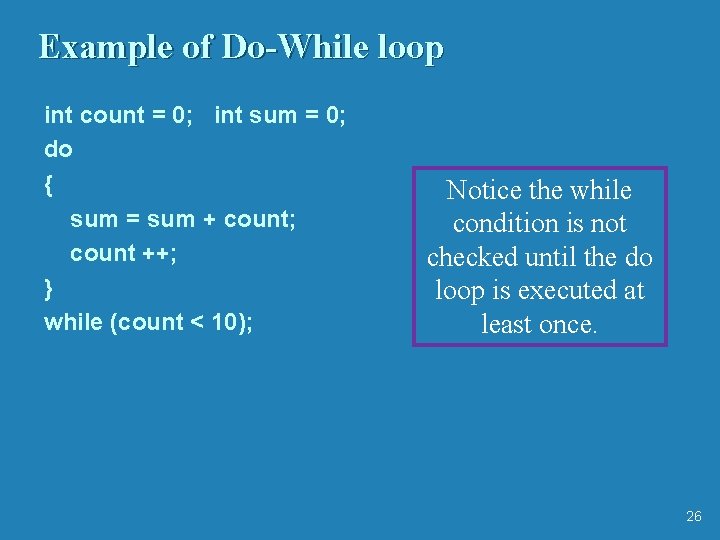
Example of Do-While loop int count = 0; int sum = 0; do { sum = sum + count; count ++; } while (count < 10); Notice the while condition is not checked until the do loop is executed at least once. 26
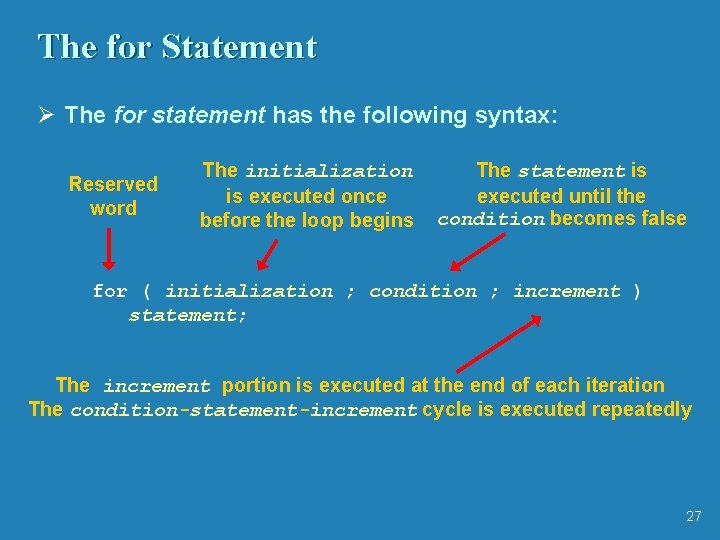
The for Statement Ø The for statement has the following syntax: Reserved word The initialization is executed once before the loop begins The statement is executed until the condition becomes false for ( initialization ; condition ; increment ) statement; The increment portion is executed at the end of each iteration The condition-statement-increment cycle is executed repeatedly 27
- Slides: 27