
Chapter 3 Hardware Input Processing Output Devices Chapter
- Slides: 27
Chapter 3 Hardware: Input, Processing, & Output Devices Chapter 3 IS for Management
Hardware 4 Hardware Any machinery (most of which uses digital circuits) that assists in the input, processing, storage, & output activities of an information system Chapter 3 2 IS for Management
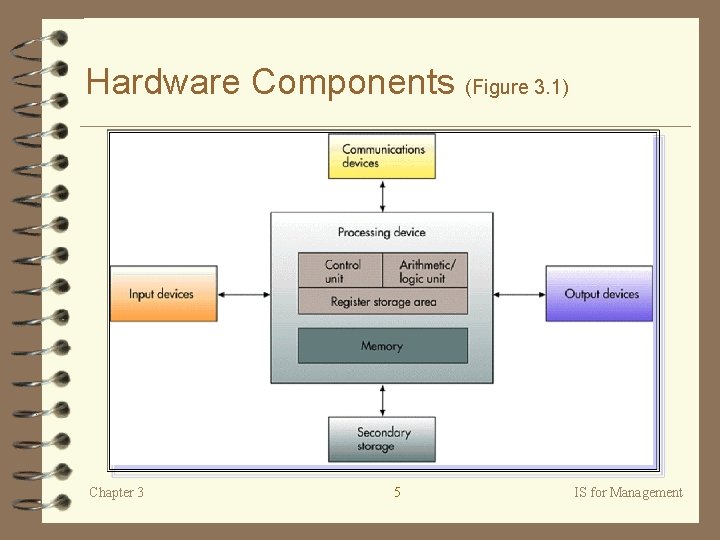
Hardware Components (1) 4 Central Processing Unit (CPU) A hardware component that performs computing functions utilizing the ALU, control unit, & registers 4 Arithmetic/Logic Unit (ALU) Performs mathematical calculations & makes logical comparisons 4 Control Unit Sequentially accesses program instructions, decodes them, coordinates flow of data in/out of ALU, registers, primary & secondary storage, & various output devices Chapter 3 3 IS for Management
Hardware Components (2) 4 Registers – High-speed storage areas used to temporarily hold small units of program instructions & data immediately before, during, & after execution by the CPU – Primary Storage – Holds program instructions & data (a. k. a. main memory) Chapter 3 4 IS for Management
Hardware Components (Figure 3. 1) Chapter 3 5 IS for Management
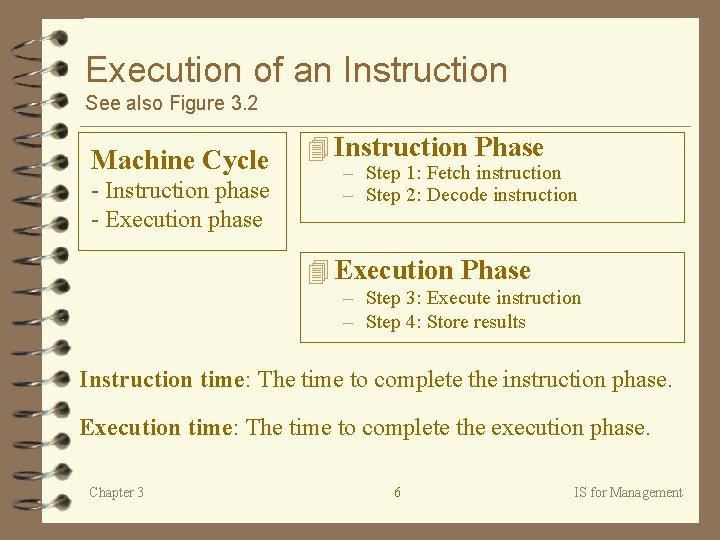
Execution of an Instruction See also Figure 3. 2 Machine Cycle - Instruction phase - Execution phase 4 Instruction Phase – Step 1: Fetch instruction – Step 2: Decode instruction 4 Execution Phase – Step 3: Execute instruction – Step 4: Store results Instruction time: The time to complete the instruction phase. Execution time: The time to complete the execution phase. Chapter 3 6 IS for Management
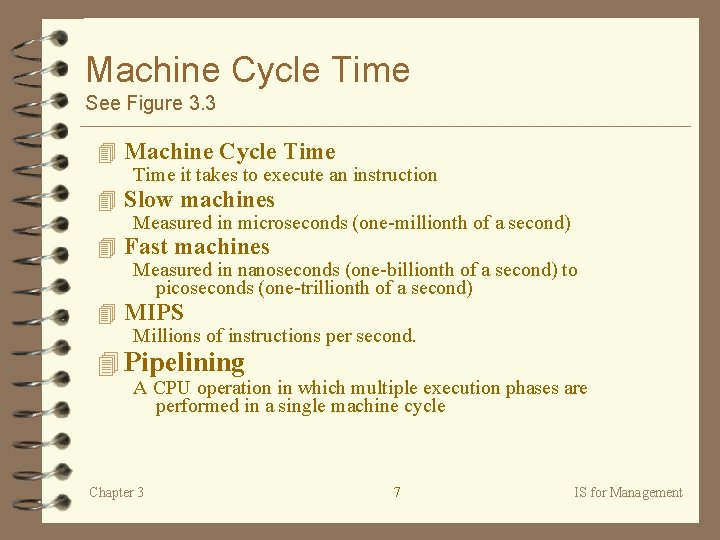
Machine Cycle Time See Figure 3. 3 4 Machine Cycle Time it takes to execute an instruction 4 Slow machines Measured in microseconds (one-millionth of a second) 4 Fast machines Measured in nanoseconds (one-billionth of a second) to picoseconds (one-trillionth of a second) 4 MIPS Millions of instructions per second. 4 Pipelining A CPU operation in which multiple execution phases are performed in a single machine cycle Chapter 3 7 IS for Management
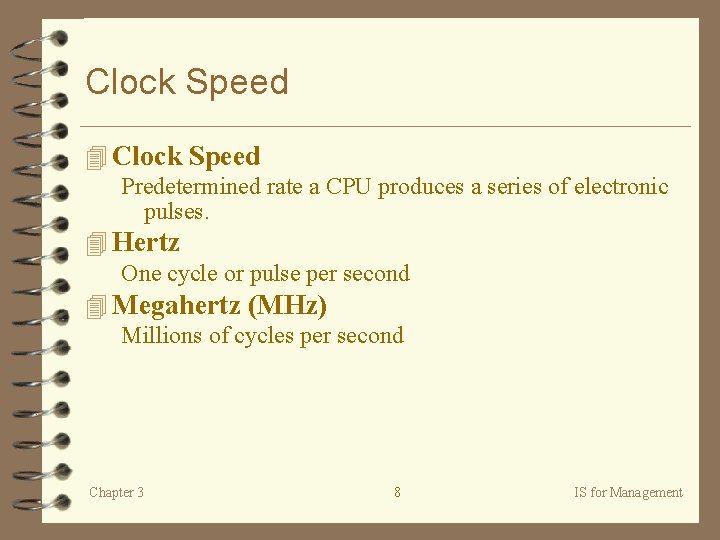
Clock Speed 4 Clock Speed Predetermined rate a CPU produces a series of electronic pulses. 4 Hertz One cycle or pulse per second 4 Megahertz (MHz) Millions of cycles per second Chapter 3 8 IS for Management
Wordlength 4 Wordlength Number of bits the CPU can process at any one time 4 BIT Binary Digit - 0 s & 1 s that combine to form a “word” 4 Computer word What the computer processes 4 Microcode Predefined, elementary circuits & logical operations that the processor performs when it executes an instruction. Chapter 3 9 IS for Management
Bus Line 4 Bus Line Physical wiring connecting computer components 4 Bus Line Width Number of bits a bus line can transfer at one time. Chapter 3 10 IS for Management
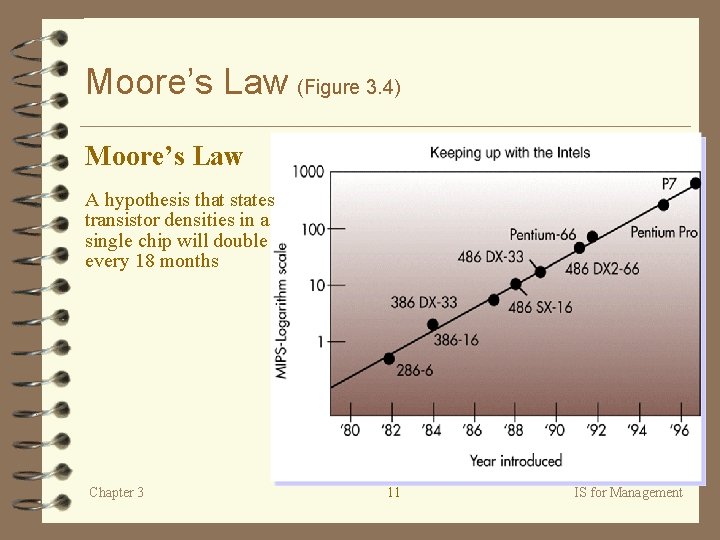
Moore’s Law (Figure 3. 4) Moore’s Law A hypothesis that states transistor densities in a single chip will double every 18 months Chapter 3 11 IS for Management
Instruction Sets 4 Complex instruction set computing (CISC) A computer chip design that places as many microcode instructions into the central processor as possible 4 Reduced instruction set computing (RISC) A computer chip design based on reducing the number of microcode instructions built into a chip to an essential set of common microcode instructions Chapter 3 12 IS for Management
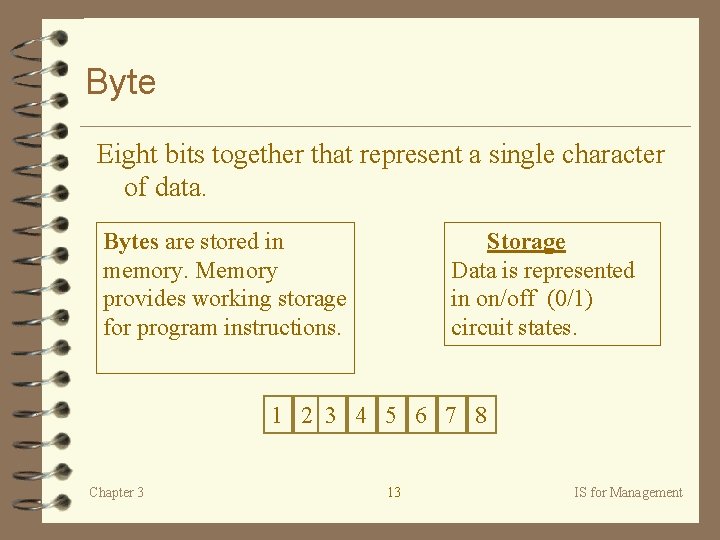
Byte Eight bits together that represent a single character of data. Bytes are stored in memory. Memory provides working storage for program instructions. Storage Data is represented in on/off (0/1) circuit states. 1 2 3 4 5 6 7 8 Chapter 3 13 IS for Management
Memory Characteristics & Functions (Figure 3. 5) 4 Temporary & volatile: RAM - Random Access Memory • SRAM • DRAM 4 Permanent & non-volatile: ROM - Read Only Memory • PROM • EPROM 4 Cache memory (See Figure 3. 6) High speed memory that a processor can access more rapidly than main memory. Chapter 3 14 IS for Management
Multiprocessing 4 Multiprocessing The simultaneous execution of two or more instructions at the same time. 4 Coprocessor Speeds processing by executing specific types of instructions while the CPU works on another processing activity. Chapter 3 15 IS for Management
Parallel Processing (Figure 3. 7) 4 Parallel processing – A form of multiprocessing that speeds the processing by linking several processors to operate at the same time or in parallel – Splits task to be processed by multiple processors, then solutions are compiled/ combined to provide a result – e. g. , www. google. com uses both cached information & parallel processing via hundreds of desktop computers. Chapter 3 16 IS for Management
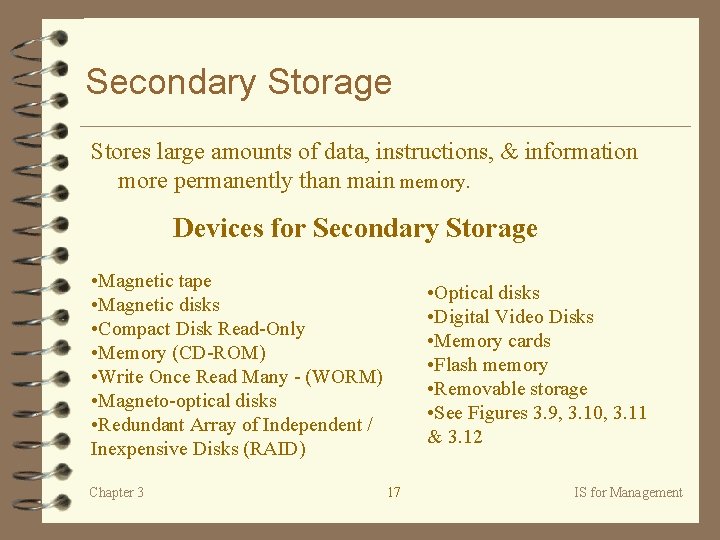
Secondary Storage Stores large amounts of data, instructions, & information more permanently than main memory. Devices for Secondary Storage • Magnetic tape • Magnetic disks • Compact Disk Read-Only • Memory (CD-ROM) • Write Once Read Many - (WORM) • Magneto-optical disks • Redundant Array of Independent / Inexpensive Disks (RAID) Chapter 3 • Optical disks • Digital Video Disks • Memory cards • Flash memory • Removable storage • See Figures 3. 9, 3. 10, 3. 11 & 3. 12 17 IS for Management
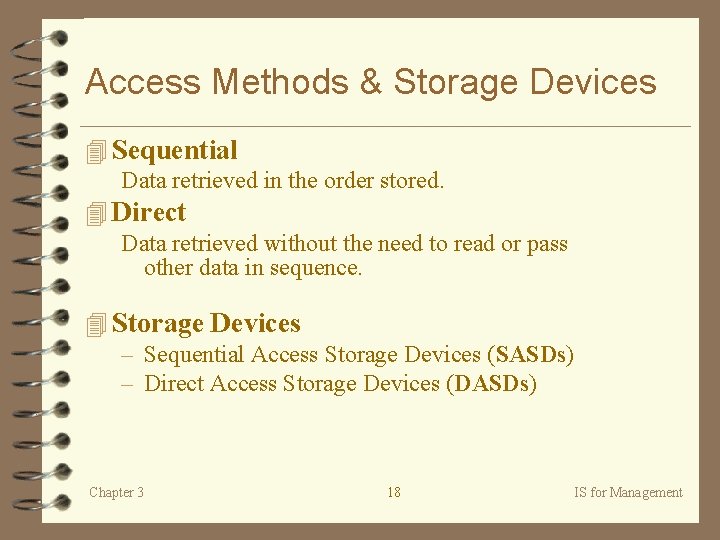
Access Methods & Storage Devices 4 Sequential Data retrieved in the order stored. 4 Direct Data retrieved without the need to read or pass other data in sequence. 4 Storage Devices – Sequential Access Storage Devices (SASDs) – Direct Access Storage Devices (DASDs) Chapter 3 18 IS for Management
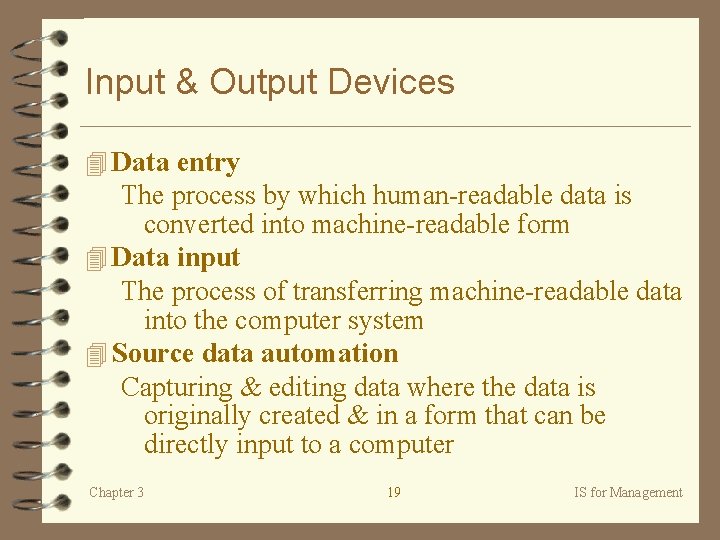
Input & Output Devices 4 Data entry The process by which human-readable data is converted into machine-readable form 4 Data input The process of transferring machine-readable data into the computer system 4 Source data automation Capturing & editing data where the data is originally created & in a form that can be directly input to a computer Chapter 3 19 IS for Management
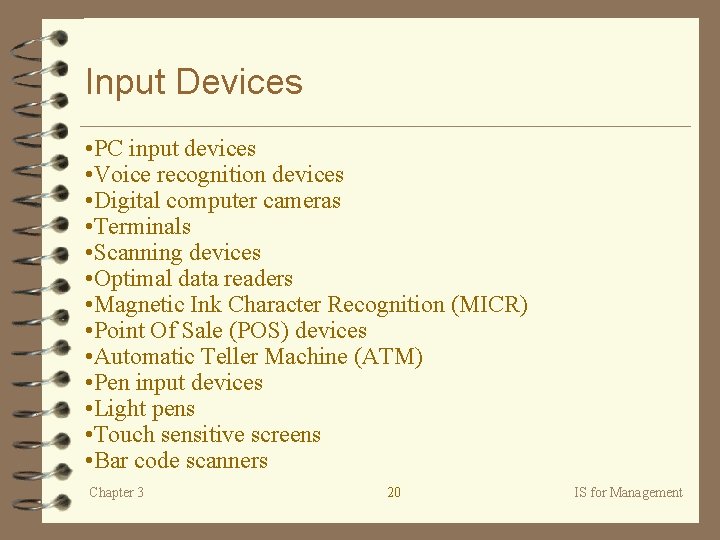
Input Devices • PC input devices • Voice recognition devices • Digital computer cameras • Terminals • Scanning devices • Optimal data readers • Magnetic Ink Character Recognition (MICR) • Point Of Sale (POS) devices • Automatic Teller Machine (ATM) • Pen input devices • Light pens • Touch sensitive screens • Bar code scanners Chapter 3 20 IS for Management
Output Devices • Display monitors • Liquid crystal displays (LCDs) • Printers & plotters • Computer output microfilm (COM) • Disks & diskettes Chapter 3 21 IS for Management
Types of Computer Systems (1) 4 Personal Computers (PCs) or Microcomputers – Small, relatively inexpensive – Desktop , laptop, or notebook – Different degrees of power & cost • Network Computers for accessing networks, especially the Internet (also known as network appliances) • Workstations are high-end microcomputers 4 Minicomputers – Size of a three drawer file cabinet plus peripherals – accommodates several users at one time – Useful for departments of large orgs. or entire mid-size orgs. Chapter 3 22 IS for Management
Types of Computer Systems (2) 4 Mainframe Computers – Large & powerful – Shared by hundreds/thousands concurrently – Useful for large orgs. , massive transaction processing (e. g. , Internet gateway, credit card authorisation) 4 Supercomputers – Most powerful – with fastest processing speeds – Useful for massive number crunching (e. g. , simulating wind tunnel) Chapter 3 23 IS for Management
Types of Computer Systems (3) 4 Computer System Architecture The structure, or configuration, of the hardware components of a computer system 4 Multimedia Computer System (See Figure 3. 17) – Marriage of sound, animation, & digitized video – What is the multimedia part of the Internet commonly known as? Chapter 3 24 IS for Management
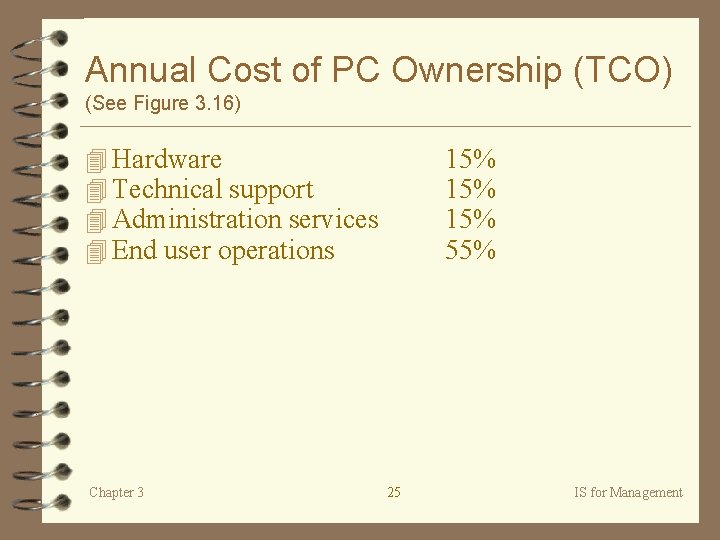
Annual Cost of PC Ownership (TCO) (See Figure 3. 16) 4 Hardware 4 Technical support 4 Administration services 4 End user operations Chapter 3 15% 15% 55% 25 IS for Management
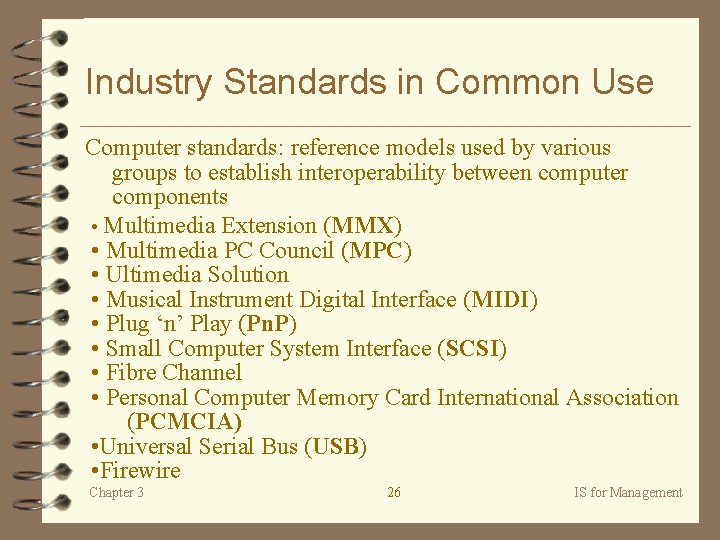
Industry Standards in Common Use Computer standards: reference models used by various groups to establish interoperability between computer components • Multimedia Extension (MMX) • Multimedia PC Council (MPC) • Ultimedia Solution • Musical Instrument Digital Interface (MIDI) • Plug ‘n’ Play (Pn. P) • Small Computer System Interface (SCSI) • Fibre Channel • Personal Computer Memory Card International Association (PCMCIA) • Universal Serial Bus (USB) • Firewire Chapter 3 26 IS for Management
Case 4 Unisys - customer service, pages 132 -133 Next Class Chapter Four: Software Case: Gap uses object-oriented programming pp. 184 -185 Chapter 3 27 IS for Management