
Chapter 3 Expressions and Interactivity Department of Computer
- Slides: 23
Chapter 3 Expressions and Interactivity Department of Computer Science Missouri State Univeristy
Outline Ø The cin object Ø Expressions Ø Type casting Ø Named Constant Ø More on I/O
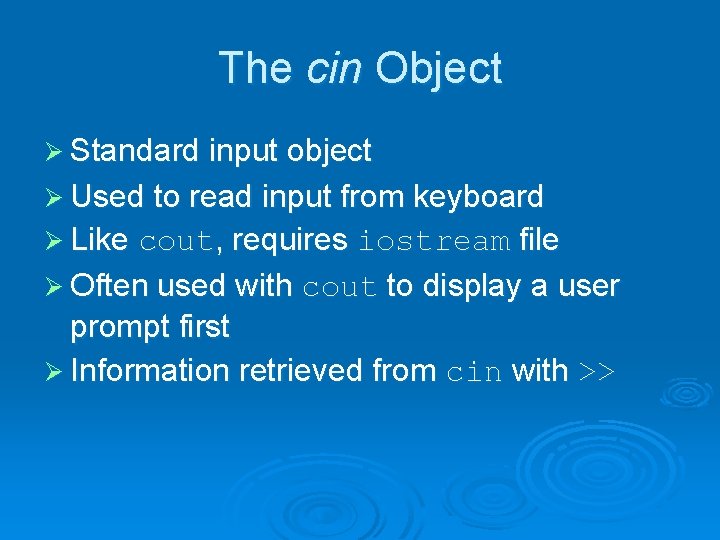
The cin Object Ø Standard input object Ø Used to read input from keyboard Ø Like cout, requires iostream file Ø Often used with cout to display a user prompt first Ø Information retrieved from cin with >>
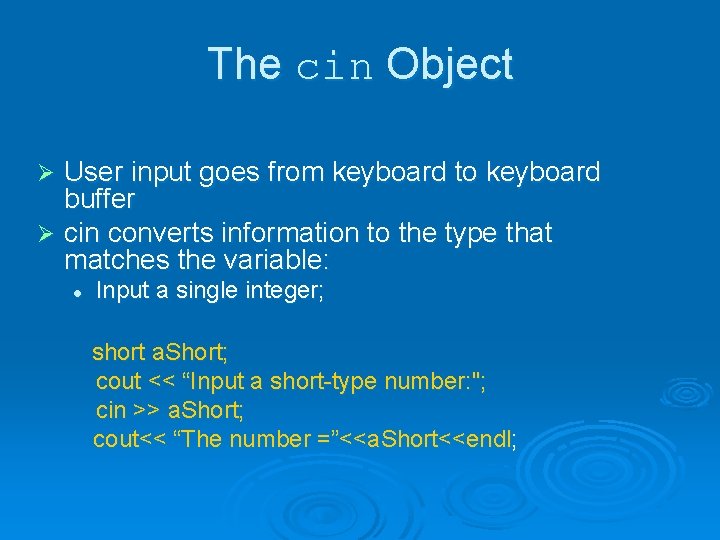
The cin Object User input goes from keyboard to keyboard buffer Ø cin converts information to the type that matches the variable: Ø l Input a single integer; short a. Short; cout << “Input a short-type number: "; cin >> a. Short; cout<< “The number =”<<a. Short<<endl;
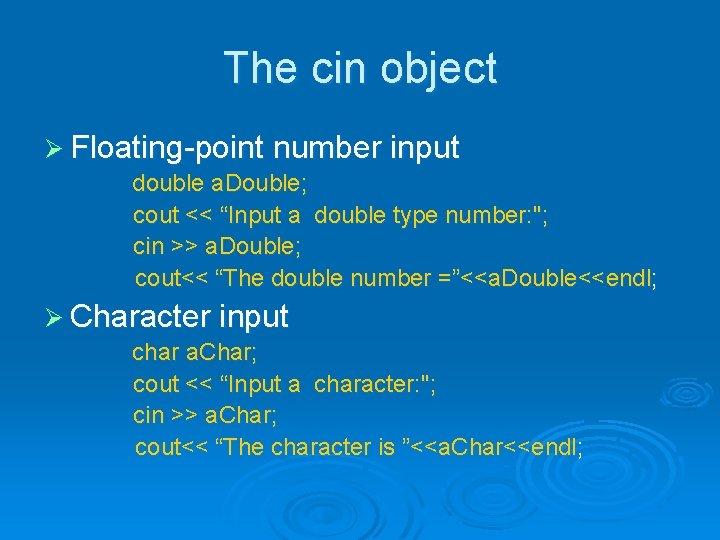
The cin object Ø Floating-point number input double a. Double; cout << “Input a double type number: "; cin >> a. Double; cout<< “The double number =”<<a. Double<<endl; Ø Character input char a. Char; cout << “Input a character: "; cin >> a. Char; cout<< “The character is ”<<a. Char<<endl;
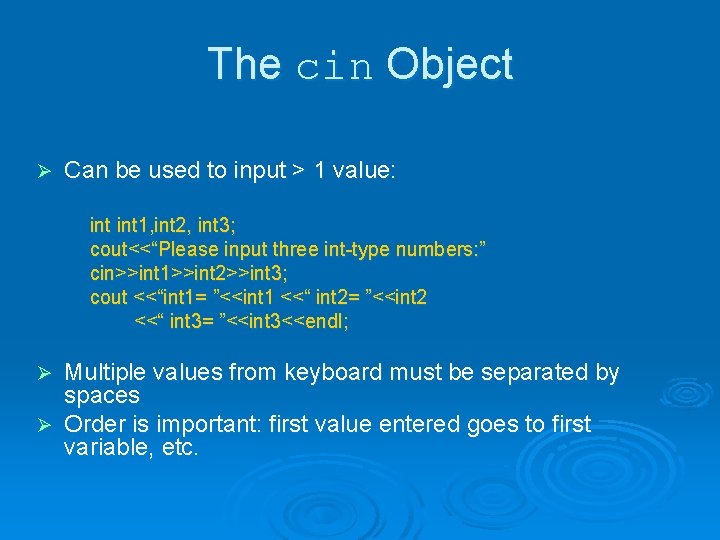
The cin Object Ø Can be used to input > 1 value: int 1, int 2, int 3; cout<<“Please input three int-type numbers: ” cin>>int 1>>int 2>>int 3; cout <<“int 1= ”<<int 1 <<“ int 2= ”<<int 2 <<“ int 3= ”<<int 3<<endl; Multiple values from keyboard must be separated by spaces Ø Order is important: first value entered goes to first variable, etc. Ø
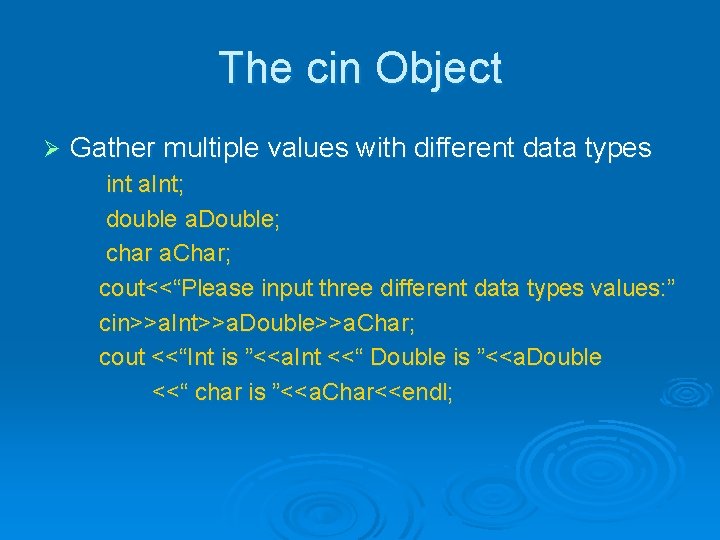
The cin Object Ø Gather multiple values with different data types int a. Int; double a. Double; char a. Char; cout<<“Please input three different data types values: ” cin>>a. Int>>a. Double>>a. Char; cout <<“Int is ”<<a. Int <<“ Double is ”<<a. Double <<“ char is ”<<a. Char<<endl;
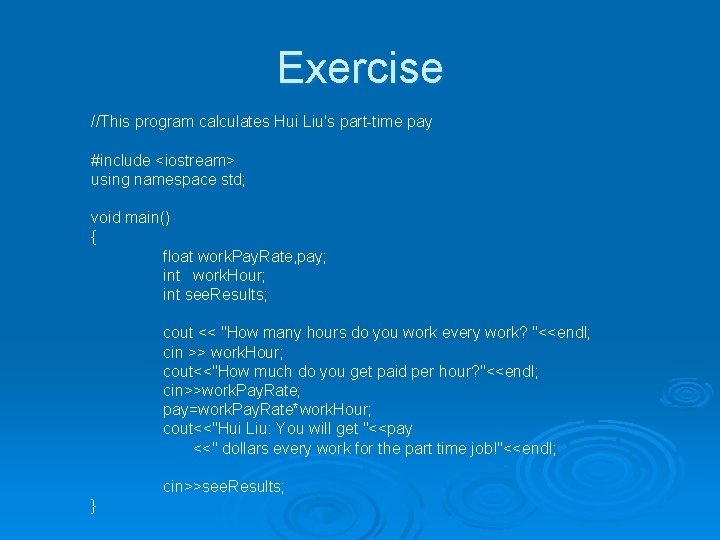
Exercise //This program calculates Hui Liu's part-time pay #include <iostream> using namespace std; void main() { float work. Pay. Rate, pay; int work. Hour; int see. Results; cout << "How many hours do you work every work? "<<endl; cin >> work. Hour; cout<<"How much do you get paid per hour? "<<endl; cin>>work. Pay. Rate; pay=work. Pay. Rate*work. Hour; cout<<"Hui Liu: You will get "<<pay <<" dollars every work for the part time job!"<<endl; cin>>see. Results; }
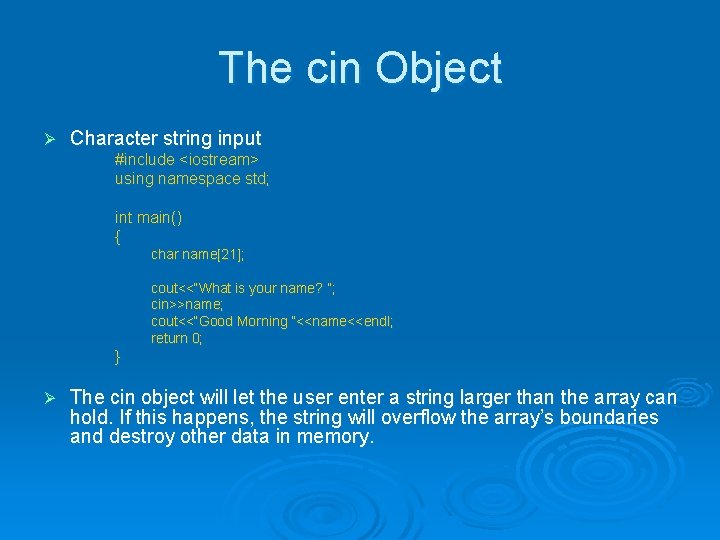
The cin Object Ø Character string input #include <iostream> using namespace std; int main() { char name[21]; cout<<“What is your name? ”; cin>>name; cout<<“Good Morning ”<<name<<endl; return 0; } Ø The cin object will let the user enter a string larger than the array can hold. If this happens, the string will overflow the array’s boundaries and destroy other data in memory.
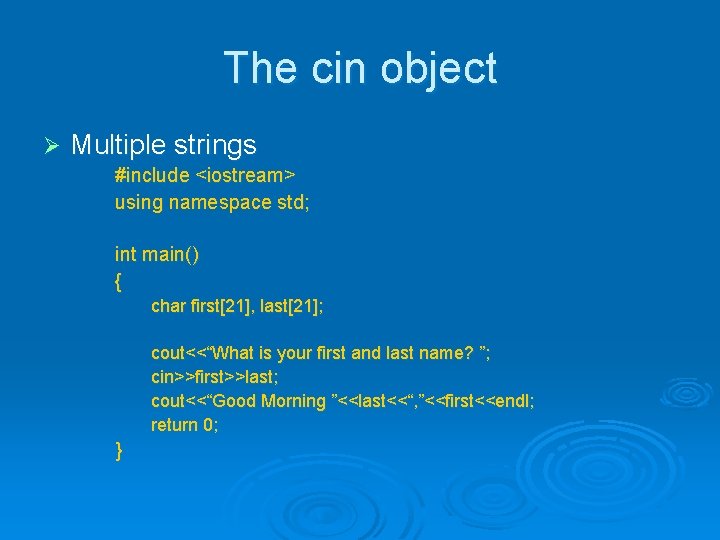
The cin object Ø Multiple strings #include <iostream> using namespace std; int main() { char first[21], last[21]; cout<<“What is your first and last name? ”; cin>>first>>last; cout<<“Good Morning ”<<last<<“, ”<<first<<endl; return 0; }
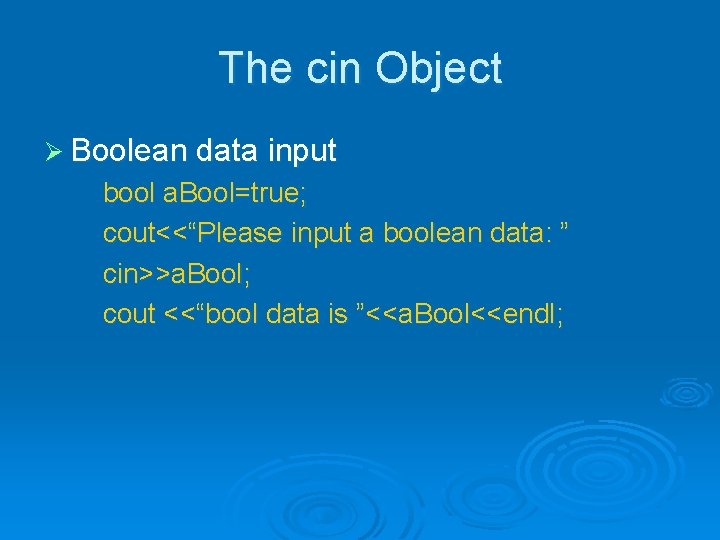
The cin Object Ø Boolean data input bool a. Bool=true; cout<<“Please input a boolean data: ” cin>>a. Bool; cout <<“bool data is ”<<a. Bool<<endl;
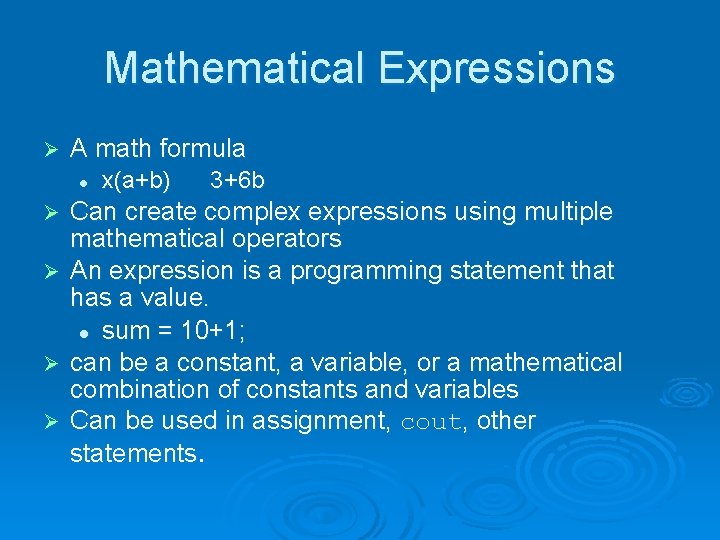
Mathematical Expressions Ø A math formula l Ø Ø x(a+b) 3+6 b Can create complex expressions using multiple mathematical operators An expression is a programming statement that has a value. l sum = 10+1; can be a constant, a variable, or a mathematical combination of constants and variables Can be used in assignment, cout, other statements.
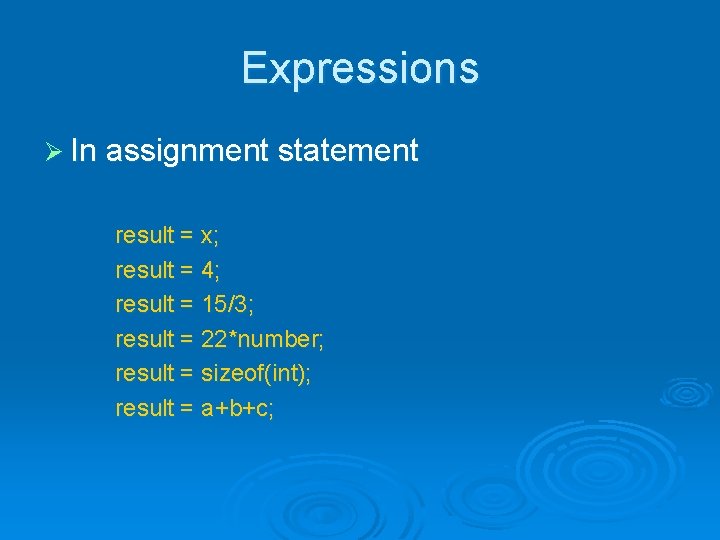
Expressions Ø In assignment statement result = x; result = 4; result = 15/3; result = 22*number; result = sizeof(int); result = a+b+c;
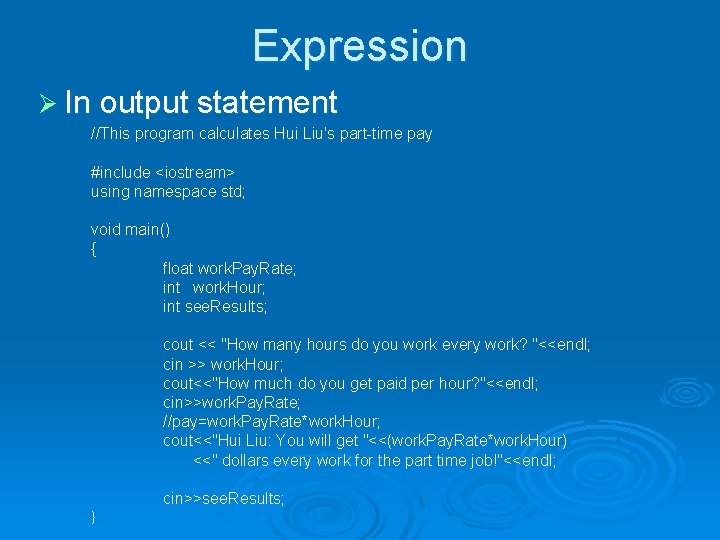
Expression Ø In output statement //This program calculates Hui Liu's part-time pay #include <iostream> using namespace std; void main() { float work. Pay. Rate; int work. Hour; int see. Results; cout << "How many hours do you work every work? "<<endl; cin >> work. Hour; cout<<"How much do you get paid per hour? "<<endl; cin>>work. Pay. Rate; //pay=work. Pay. Rate*work. Hour; cout<<"Hui Liu: You will get "<<(work. Pay. Rate*work. Hour) <<" dollars every work for the part time job!"<<endl; cin>>see. Results; }
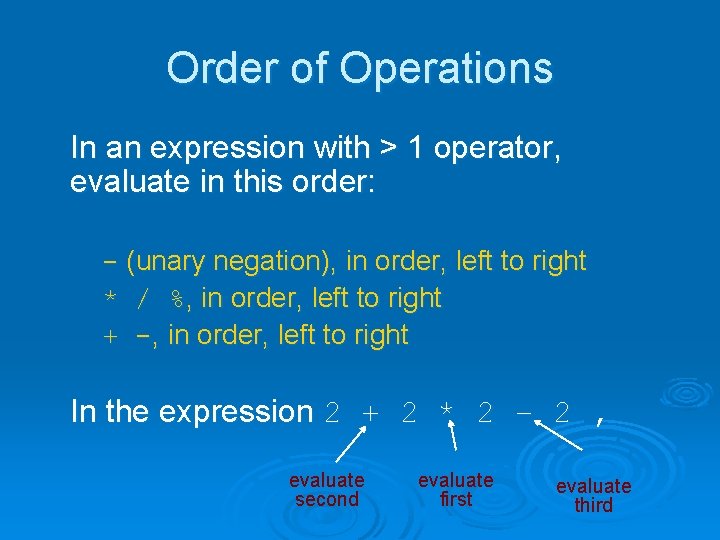
Order of Operations In an expression with > 1 operator, evaluate in this order: - (unary negation), in order, left to right * / %, in order, left to right + -, in order, left to right In the expression 2 + 2 * 2 – 2 , evaluate second evaluate first evaluate third
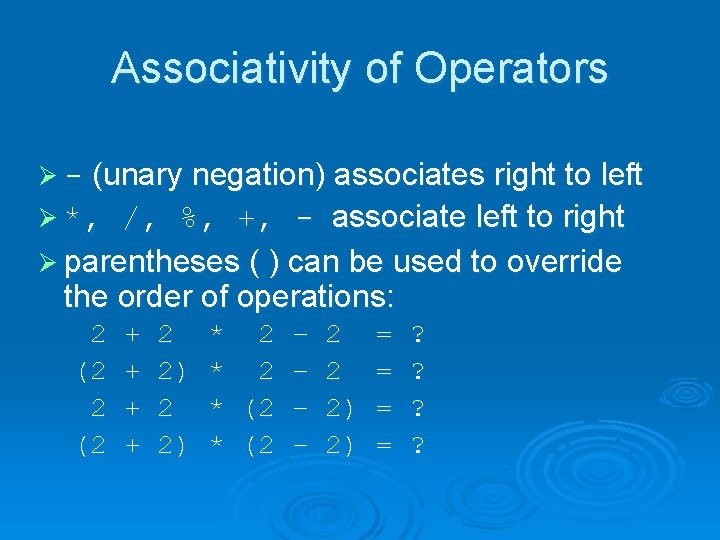
Associativity of Operators Ø - (unary negation) associates right to left /, %, +, - associate left to right Ø parentheses ( ) can be used to override the order of operations: Ø *, 2 (2 + + 2 2) * 2 – * (2 – 2 2 2) 2) = = ? ?
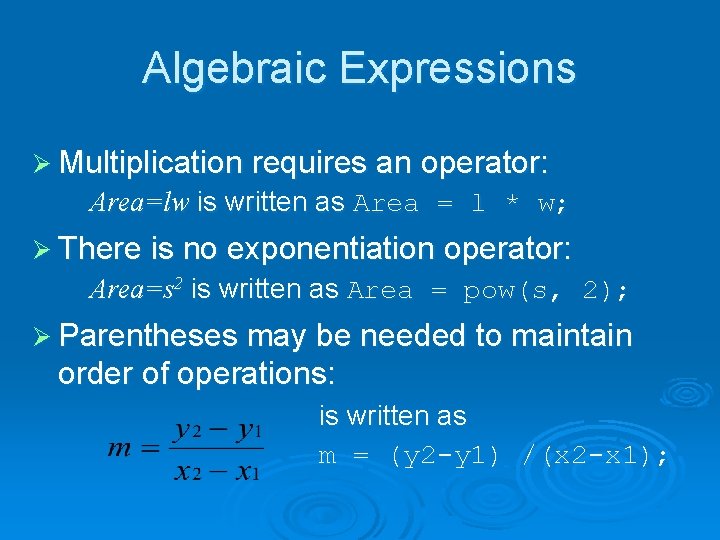
Algebraic Expressions Ø Multiplication requires an operator: Area=lw is written as Area = l * w; Ø There is no exponentiation operator: Area=s 2 is written as Area = pow(s, 2); Ø Parentheses may be needed to maintain order of operations: is written as m = (y 2 -y 1) /(x 2 -x 1);
Library Functions Ø A collection of specialized functions. Ø A “library function” as a “routine” that performs a specific operation. Ø area = pow(4, 2) Ø Some Examples:
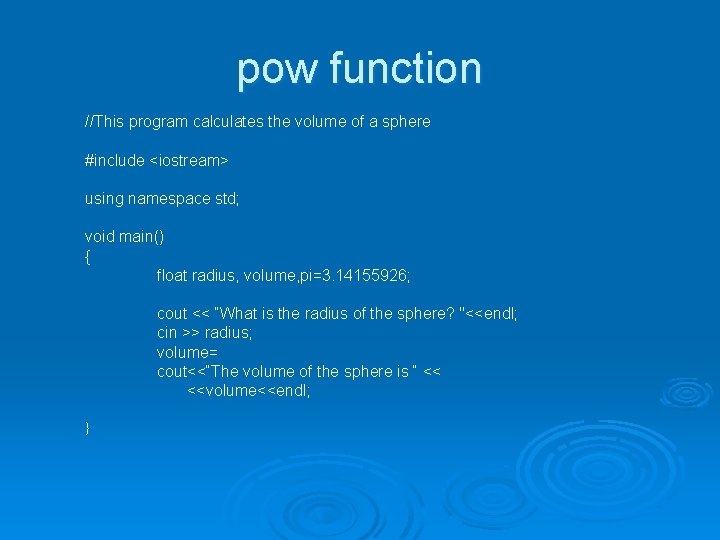
pow function //This program calculates the volume of a sphere #include <iostream> using namespace std; void main() { float radius, volume, pi=3. 14155926; cout << “What is the radius of the sphere? "<<endl; cin >> radius; volume= cout<<“The volume of the sphere is “ << <<volume<<endl; }
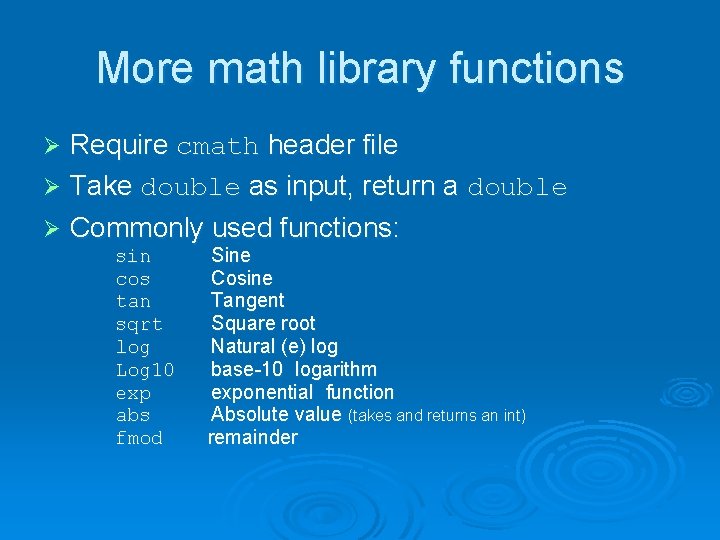
More math library functions Require cmath header file Ø Take double as input, return a double Ø Commonly used functions: Ø sin cos tan sqrt log Log 10 exp abs fmod Sine Cosine Tangent Square root Natural (e) log base-10 logarithm exponential function Absolute value (takes and returns an int) remainder
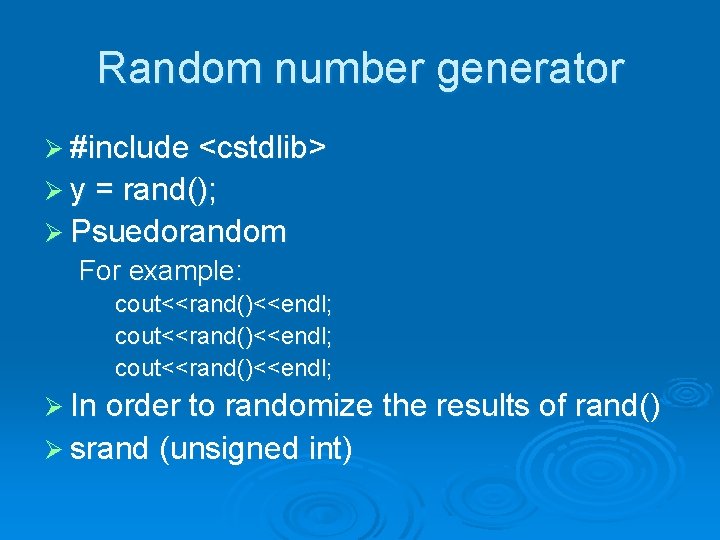
Random number generator Ø #include <cstdlib> Ø y = rand(); Ø Psuedorandom For example: cout<<rand()<<endl; Ø In order to randomize the results of rand() Ø srand (unsigned int)
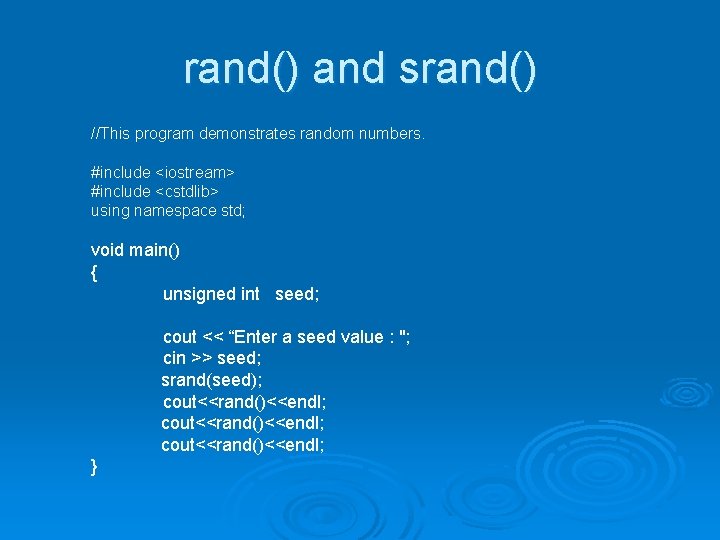
rand() and srand() //This program demonstrates random numbers. #include <iostream> #include <cstdlib> using namespace std; void main() { unsigned int seed; cout << “Enter a seed value : "; cin >> seed; srand(seed); cout<<rand()<<endl; }
Simplified twenty one points game