
Chapter 3 Control Statements Liang Introduction to Java
- Slides: 20
Chapter 3 Control Statements Liang, Introduction to Java Programming, Sixth Edition, (c) 2005 Pearson Education, Inc. All rights reserved. 0 -13 -148952 -6 1
Objectives F To declare boolean type and write Boolean expressions (§ 3. 2). F To distinguish between conditional and unconditional && and || operators (§ 3. 2. 1). F To use Boolean expressions to control selection statements (§ 3. 33. 5). F To implement selection control using if and nested if statements (§ 3. 3). F To implement selection control using switch statements (§ 3. 4). F To write expressions using the conditional operator (§ 3. 5). F To display formatted output using the System. out. printf method and to format strings using the String. format method (§ 3. 6). F To know the rules governing operand evaluation order, operator precedence, and operator associativity (§§ 3. 7 -3. 8). Liang, Introduction to Java Programming, Sixth Edition, (c) 2005 Pearson Education, Inc. All rights reserved. 0 -13 -148952 -6 2
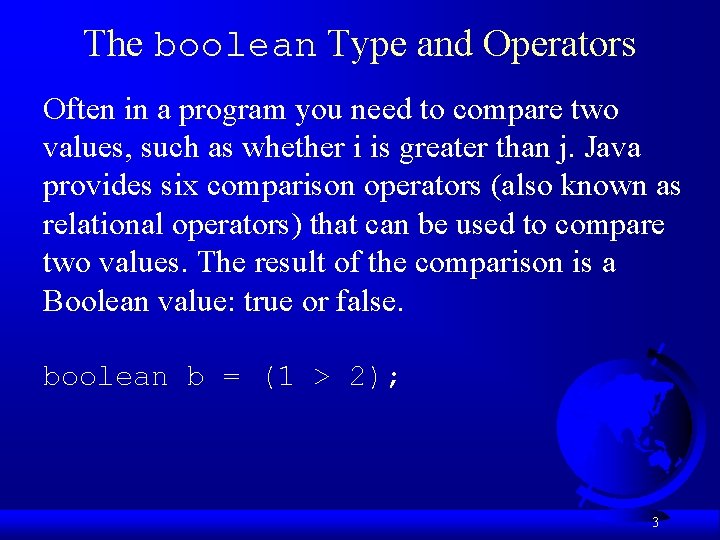
The boolean Type and Operators Often in a program you need to compare two values, such as whether i is greater than j. Java provides six comparison operators (also known as relational operators) that can be used to compare two values. The result of the comparison is a Boolean value: true or false. boolean b = (1 > 2); 3
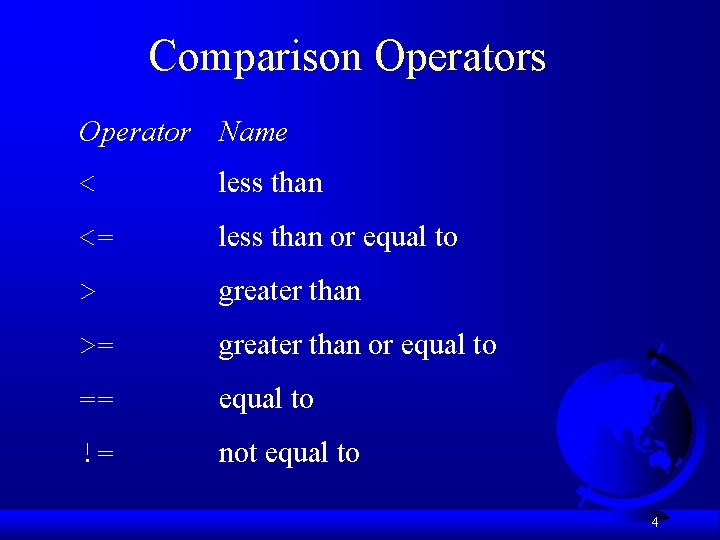
Comparison Operators Operator Name < less than <= less than or equal to > greater than >= greater than or equal to == equal to != not equal to 4
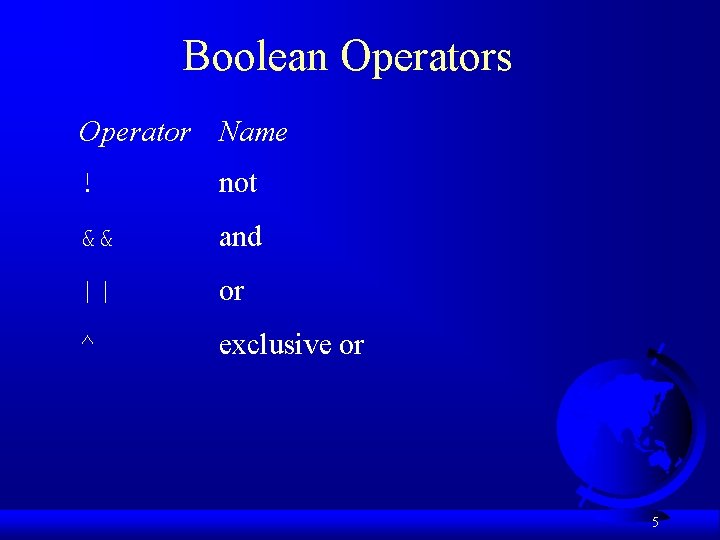
Boolean Operators Operator Name ! not && and || or ^ exclusive or 5
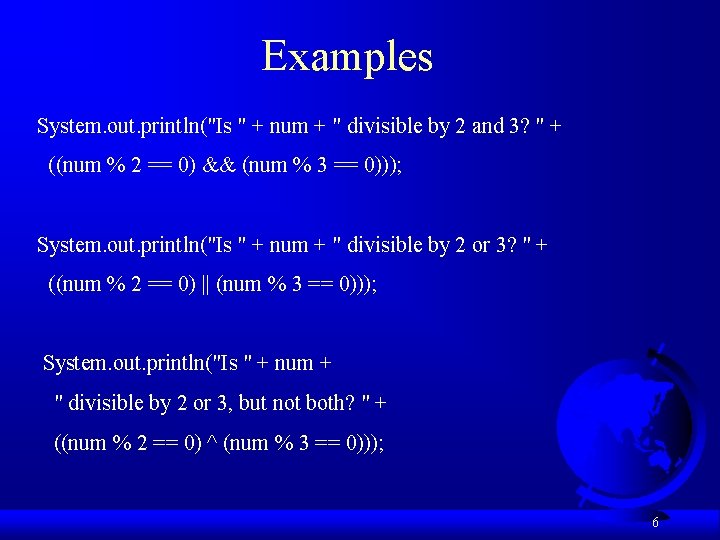
Examples System. out. println("Is " + num + " divisible by 2 and 3? " + ((num % 2 == 0) && (num % 3 == 0))); System. out. println("Is " + num + " divisible by 2 or 3? " + ((num % 2 == 0) || (num % 3 == 0))); System. out. println("Is " + num + " divisible by 2 or 3, but not both? " + ((num % 2 == 0) ^ (num % 3 == 0))); 6
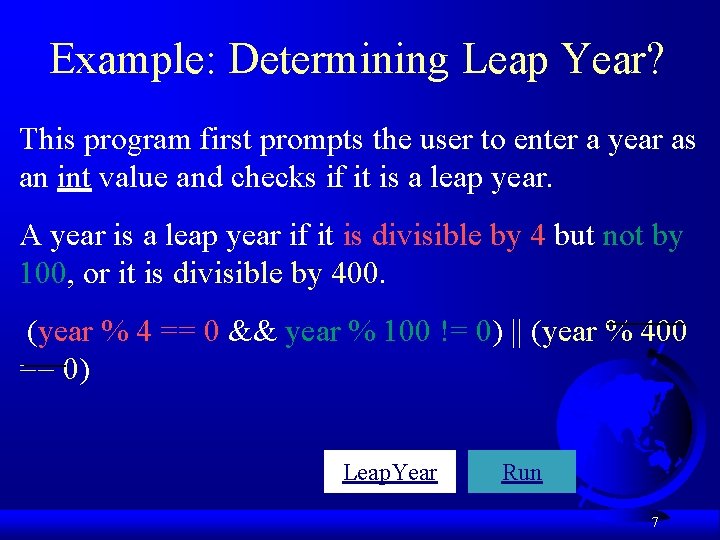
Example: Determining Leap Year? This program first prompts the user to enter a year as an int value and checks if it is a leap year. A year is a leap year if it is divisible by 4 but not by 100, or it is divisible by 400. (year % 4 == 0 && year % 100 != 0) || (year % 400 == 0) Leap. Year Run 7
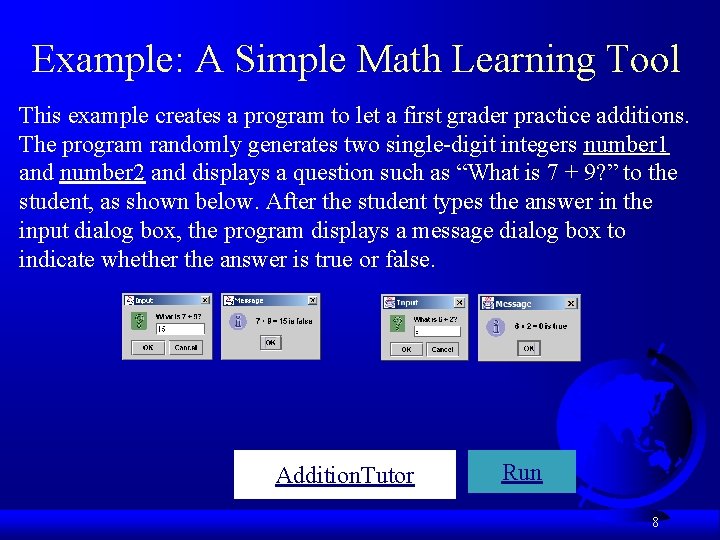
Example: A Simple Math Learning Tool This example creates a program to let a first grader practice additions. The program randomly generates two single-digit integers number 1 and number 2 and displays a question such as “What is 7 + 9? ” to the student, as shown below. After the student types the answer in the input dialog box, the program displays a message dialog box to indicate whether the answer is true or false. Addition. Tutor Run 8
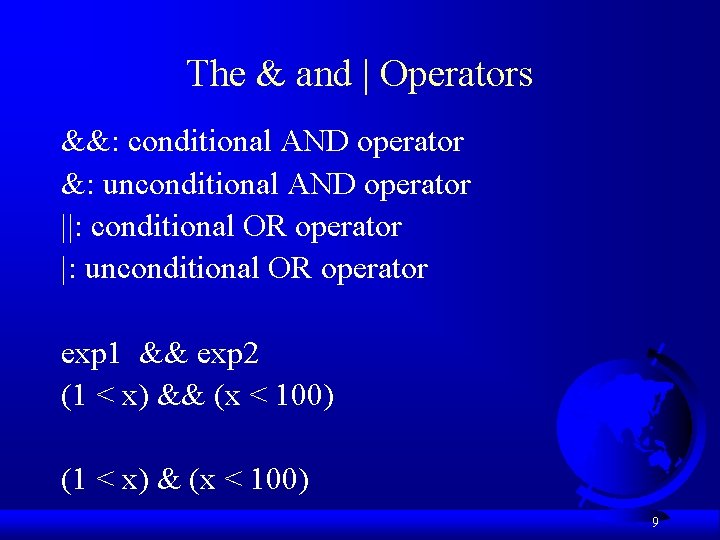
The & and | Operators &&: conditional AND operator &: unconditional AND operator ||: conditional OR operator |: unconditional OR operator exp 1 && exp 2 (1 < x) && (x < 100) (1 < x) & (x < 100) 9
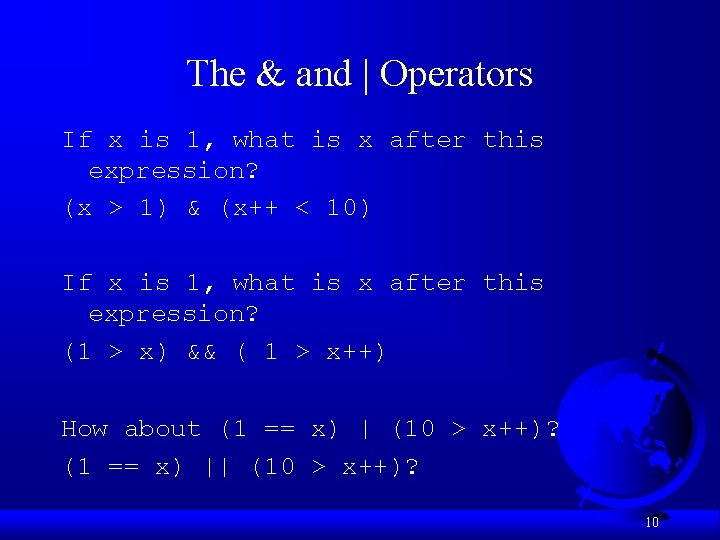
The & and | Operators If x is 1, what is x after this expression? (x > 1) & (x++ < 10) If x is 1, what is x after this expression? (1 > x) && ( 1 > x++) How about (1 == x) | (10 > x++)? (1 == x) || (10 > x++)? 10
Selection Statements F if Statements F switch Statements F Conditional Operators 11
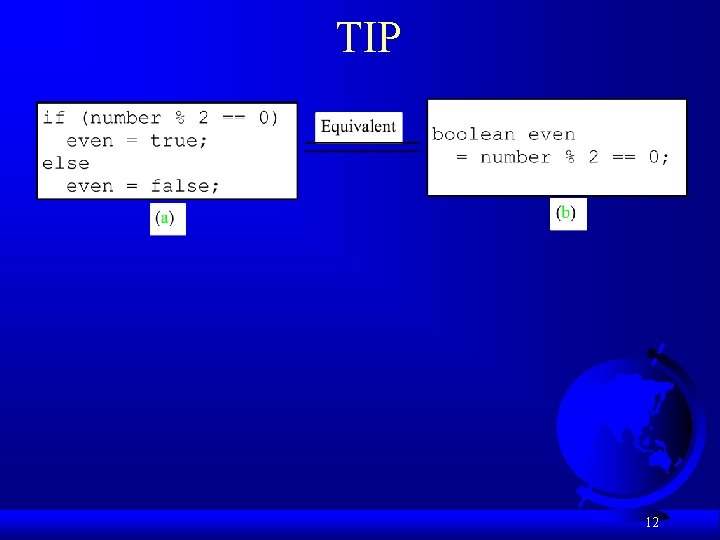
TIP 12
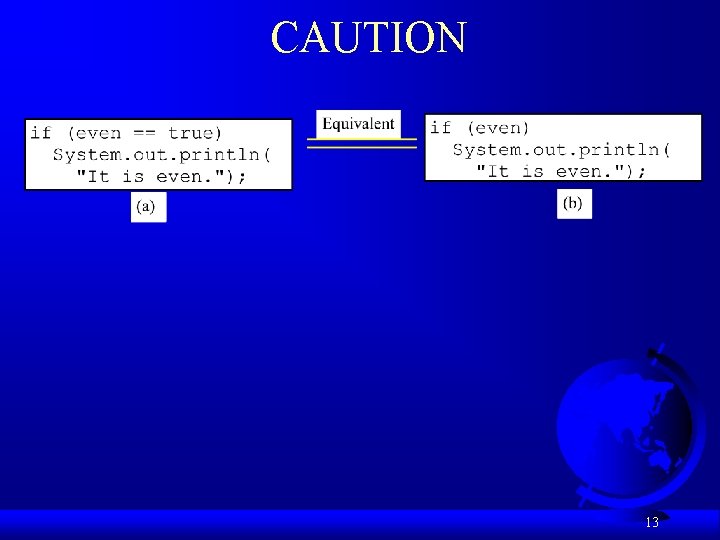
CAUTION 13
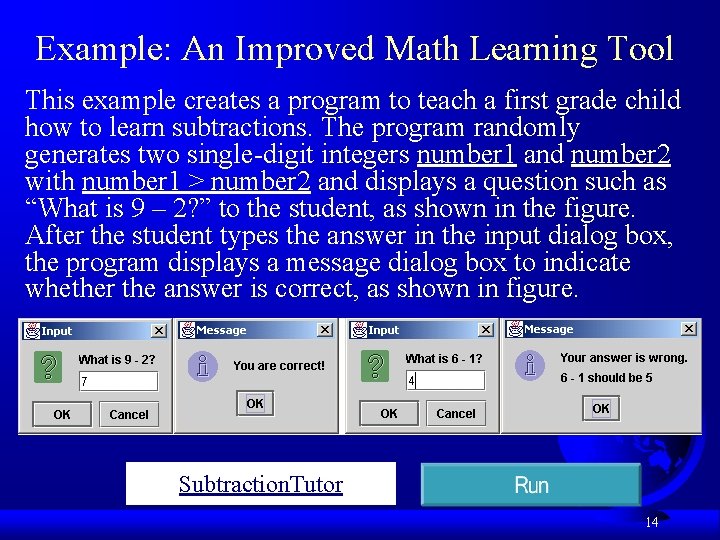
Example: An Improved Math Learning Tool This example creates a program to teach a first grade child how to learn subtractions. The program randomly generates two single-digit integers number 1 and number 2 with number 1 > number 2 and displays a question such as “What is 9 – 2? ” to the student, as shown in the figure. After the student types the answer in the input dialog box, the program displays a message dialog box to indicate whether the answer is correct, as shown in figure. Subtraction. Tutor 14
Example: Guessing Birth Date The program can guess your birth date. Run to see how it works. Guess. Birth. Date 15
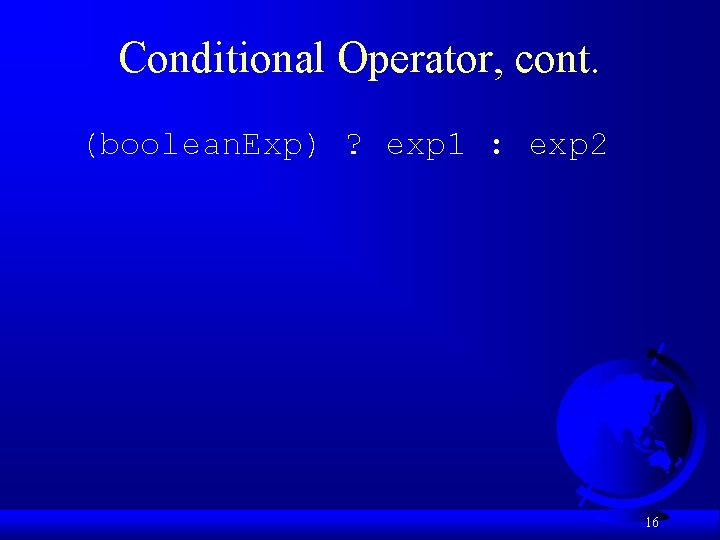
Conditional Operator, cont. (boolean. Exp) ? exp 1 : exp 2 16
JDK 1. 5 Feature Formatting Output Use the new JDK 1. 5 printf statement. System. out. printf(format, items); Where format is a string that may consist of substrings and format specifiers. A format specifier specifies how an item should be displayed. An item may be a numeric value, character, boolean value, or a string. Each specifier begins with a percent sign. 17
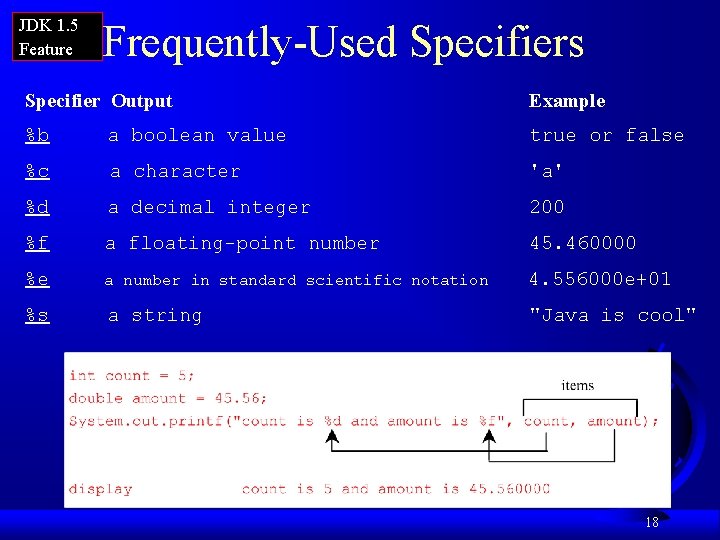
JDK 1. 5 Feature Frequently-Used Specifiers Specifier Output Example %b a boolean value true or false %c a character 'a' %d a decimal integer 200 %f a floating-point number 45. 460000 %e a number in standard scientific notation 4. 556000 e+01 %s a string "Java is cool" 18
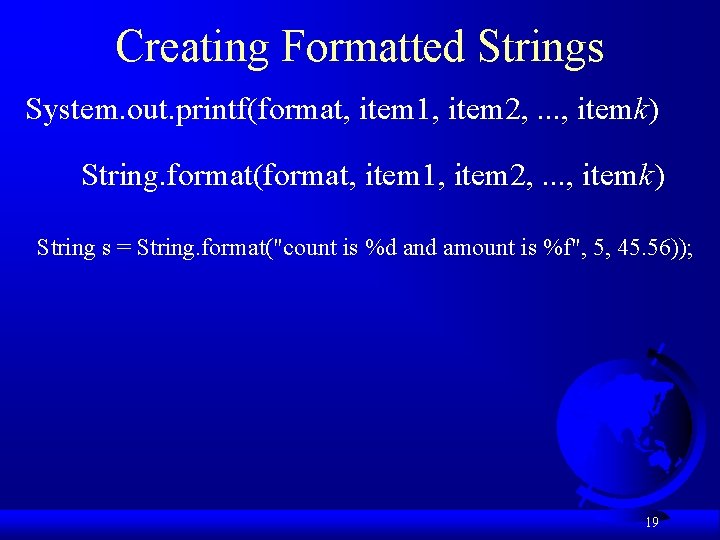
Creating Formatted Strings System. out. printf(format, item 1, item 2, . . . , itemk) String. format(format, item 1, item 2, . . . , itemk) String s = String. format("count is %d and amount is %f", 5, 45. 56)); 19
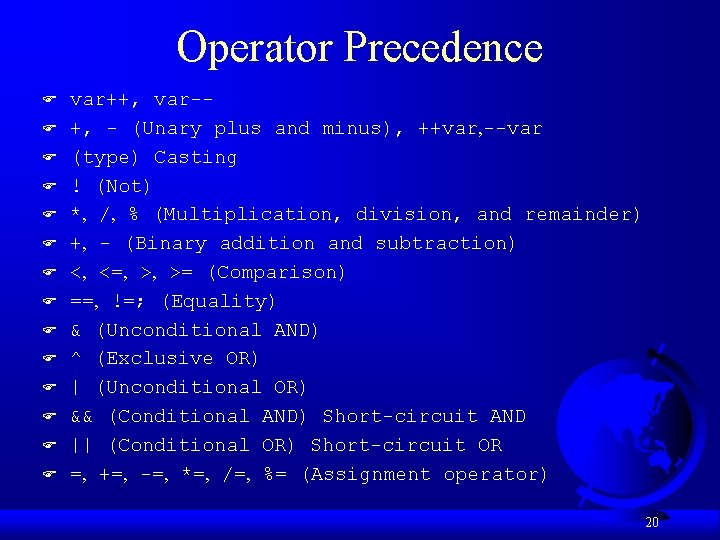
Operator Precedence F F F F var++, var-+, - (Unary plus and minus), ++var, --var (type) Casting ! (Not) *, /, % (Multiplication, division, and remainder) +, - (Binary addition and subtraction) <, <=, >, >= (Comparison) ==, !=; (Equality) & (Unconditional AND) ^ (Exclusive OR) | (Unconditional OR) && (Conditional AND) Short-circuit AND || (Conditional OR) Short-circuit OR =, +=, -=, *=, /=, %= (Assignment operator) 20