
Chapter 3 Application Software Copyright 2015 Mc GrawHill
- Slides: 31
Chapter 3 Application Software Copyright © 2015 Mc. Graw-Hill Education. All rights reserved. No reproduction or distribution without the prior written consent of Mc. Graw-Hill Education.
Learning Outcomes • Identify general-purpose applications • Describe word processors, spreadsheets, presentation programs, and database Computing Essentials 2015 • • • management systems. Identify specialized applications. Describe graphics programs, web authoring programs, and other specialized professional applications. Describe mobile apps and app stores. Identify software suites. Describe office suites, cloud suites, specialized suites, and utility suites. 3 -2
Introduction Computing Essentials 2015 • Not long ago, trained specialists were required to perform many of the operations you can now do with a personal computer. • Competent end users need to understand the capabilities of basic application software including: • Word processors • Spreadsheets • Presentation programs • Database management systems 3 -3
Application Software Categories • Application software is end user software that is Computing Essentials 2015 used to accomplish a variety of tasks • Three categories 1. General Purpose Applications 2. Specialized Applications 3. Mobile Apps 3 -4
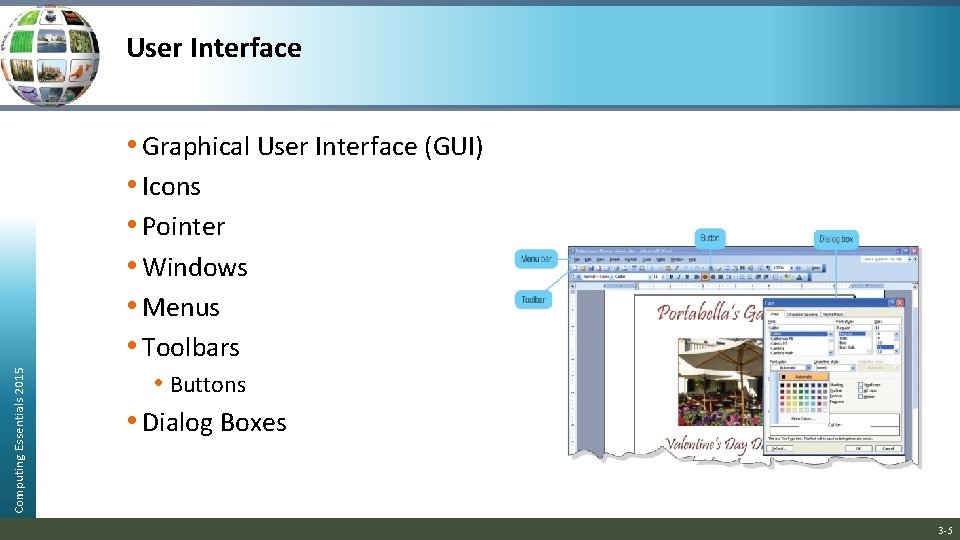
User Interface Computing Essentials 2015 • Graphical User Interface (GUI) • Icons • Pointer • Windows • Menus • Toolbars • Buttons • Dialog Boxes 3 -5
Common Features in Microsoft • Ribbon GUI • Ribbons • Tabs • Groups • Contextual tabs Computing Essentials 2015 • Galleries • Spell checkers • Alignment • Font and Font Sizes • Tables • Reports 3 -6
General Purpose Applications • General purpose applications include: Computing Essentials 2015 • Word processors • Spreadsheets • Presentation graphics • Database management systems 3 -7
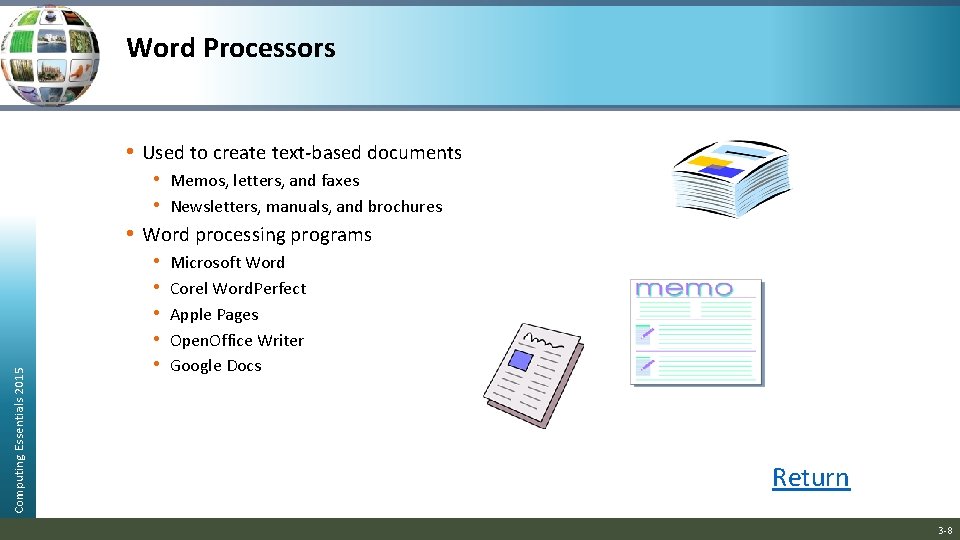
Word Processors Computing Essentials 2015 • Used to create text-based documents • Memos, letters, and faxes • Newsletters, manuals, and brochures • Word processing programs • Microsoft Word • Corel Word. Perfect • Apple Pages • Open. Office Writer • Google Docs Return 3 -8
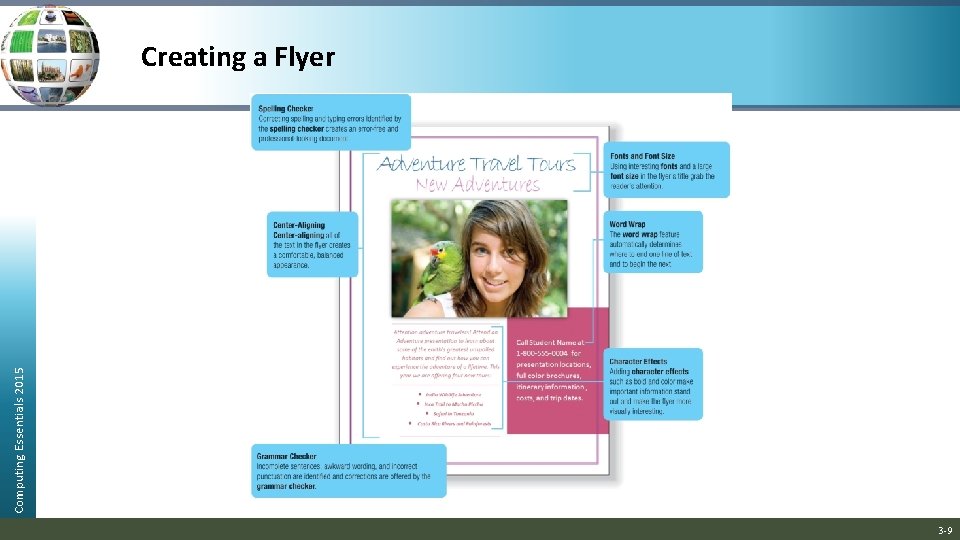
Computing Essentials 2015 Creating a Flyer 3 -9
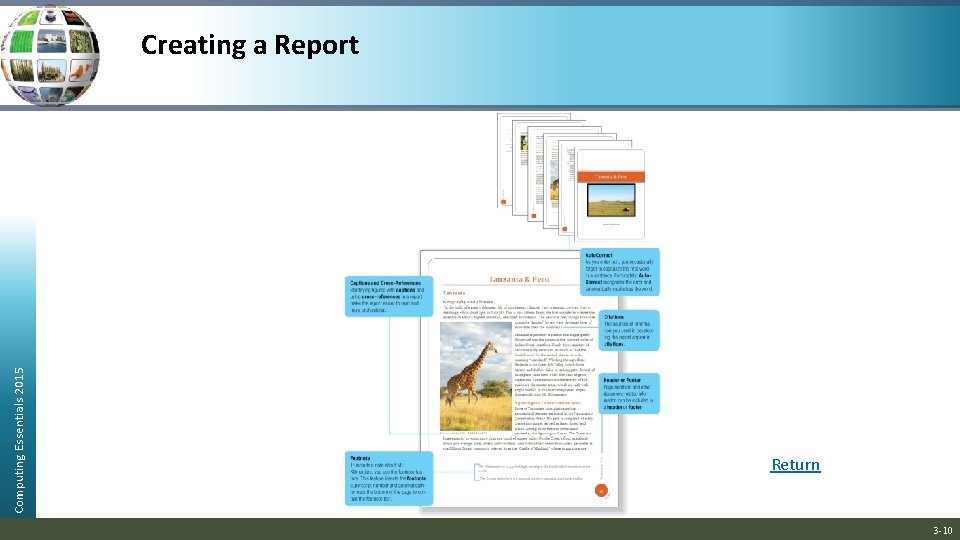
Computing Essentials 2015 Creating a Report Return 3 -10
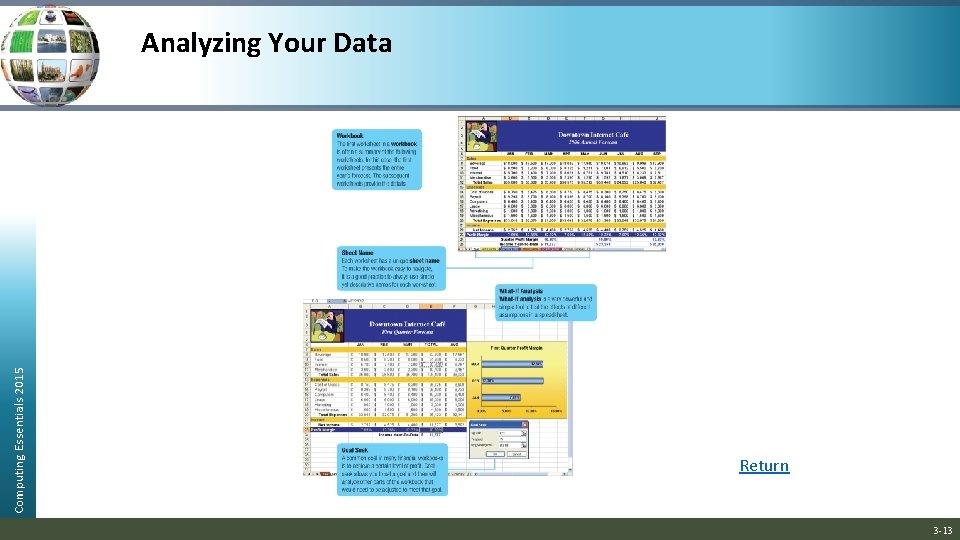
Spreadsheets • Programs that organize, analyze, and graph numeric data • Spreadsheet programs Computing Essentials 2015 • Microsoft Excel • Apple Numbers • Open. Office Calc 3 -11
Computing Essentials 2015 Creating a Sales Forecast 3 -12
Computing Essentials 2015 Analyzing Your Data Return 3 -13
Presentation Graphics • Programs that combine a variety of visual objects to Computing Essentials 2015 create visually interesting presentations • Presentation programs • Microsoft Power. Point • Open. Office Impress • Apple Keynote 3 -14
Computing Essentials 2015 Creating a Presentation Return 3 -15
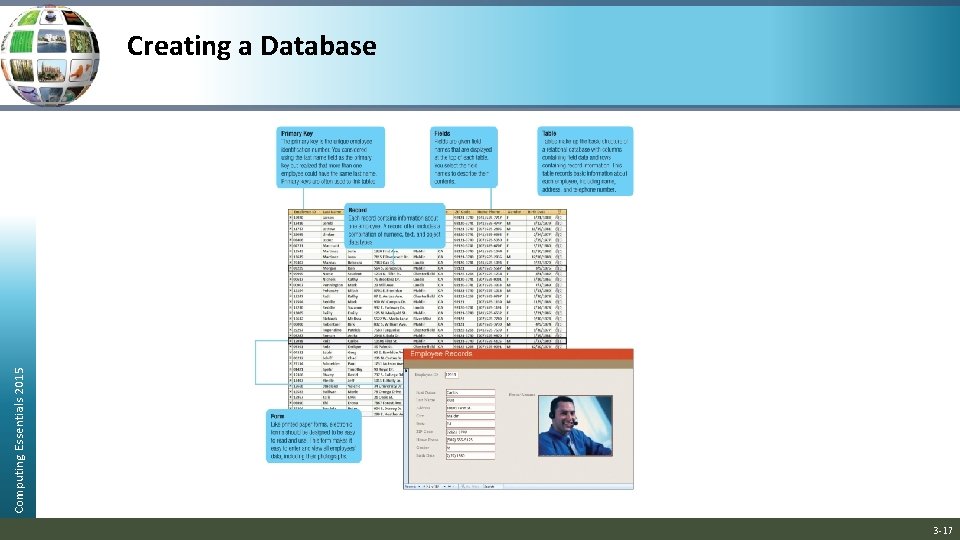
Database Management Systems (DBMS) • A collection of related data • Electronic equivalent of a file cabinet • Two most widely used systems Computing Essentials 2015 • Microsoft Access • Open. Office Base 3 -16
Computing Essentials 2015 Creating a Database 3 -17
Specialized Applications • Programs that more narrowly focused on Computing Essentials 2015 specific disciplines and occupations • Includes: • Graphics Programs • Web Authoring Programs 3 -18
Graphics • Widely used in graphic arts • Use: Computing Essentials 2015 • Desktop Publishing Programs • Image Editing Programs • Illustration Programs • Image Galleries 3 -19
Desktop Publishing Programs Computing Essentials 2015 • Also known as Page Layout Programs • Mix text and graphics to create brochures, newsletters, newspapers and textbooks • Popular programs: • Adobe In. Design • Microsoft Publisher • Quark. XPress Return 3 -20
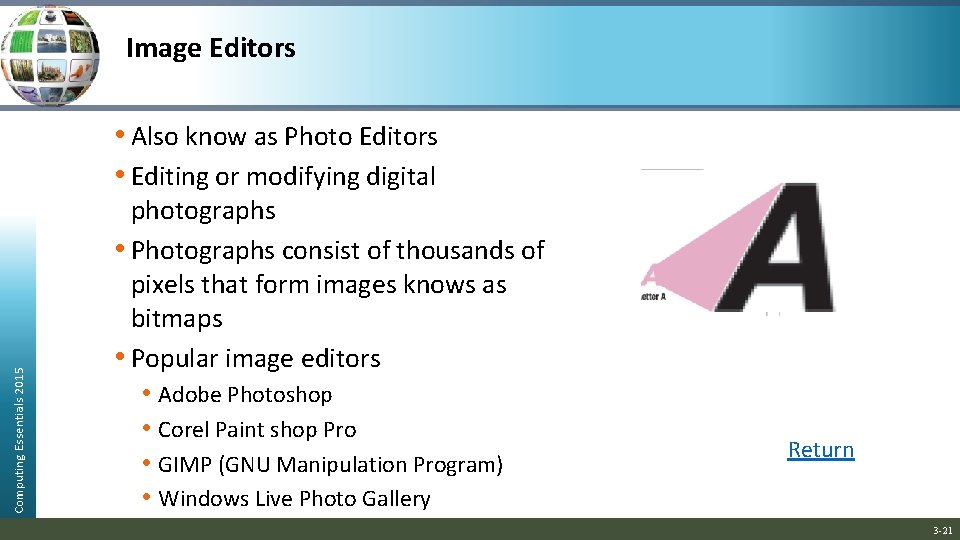
Image Editors Computing Essentials 2015 • Also know as Photo Editors • Editing or modifying digital photographs • Photographs consist of thousands of pixels that form images knows as bitmaps • Popular image editors • Adobe Photoshop • Corel Paint shop Pro • GIMP (GNU Manipulation Program) • Windows Live Photo Gallery Return 3 -21
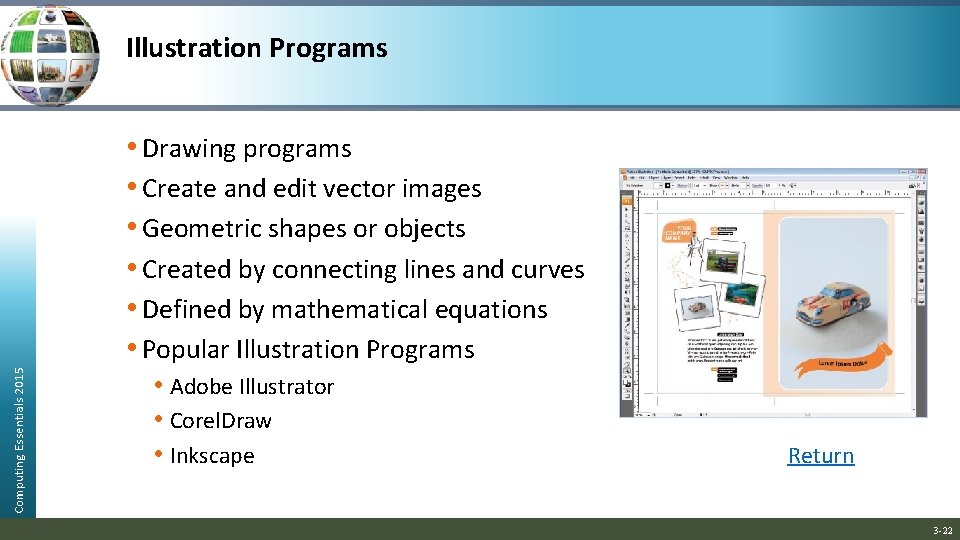
Illustration Programs Computing Essentials 2015 • Drawing programs • Create and edit vector images • Geometric shapes or objects • Created by connecting lines and curves • Defined by mathematical equations • Popular Illustration Programs • Adobe Illustrator • Corel. Draw • Inkscape Return 3 -22
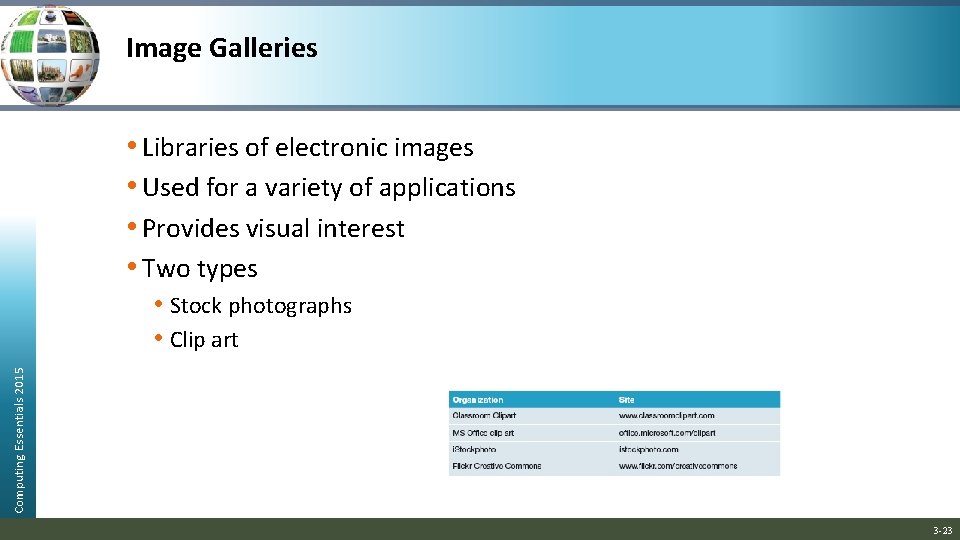
Image Galleries • Libraries of electronic images • Used for a variety of applications • Provides visual interest • Two types Computing Essentials 2015 • Stock photographs • Clip art 3 -23
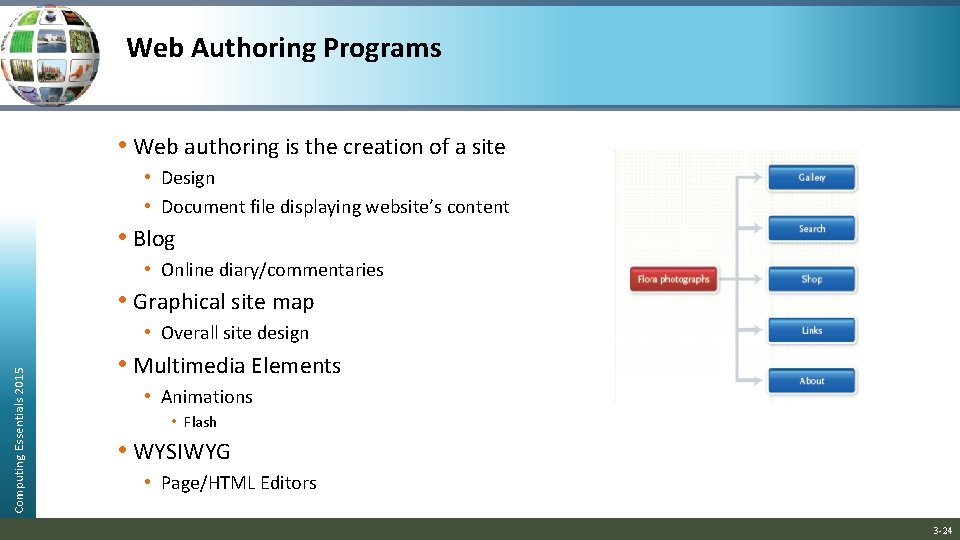
Web Authoring Programs • Web authoring is the creation of a site • Design • Document file displaying website’s content • Blog • Online diary/commentaries • Graphical site map Computing Essentials 2015 • Overall site design • Multimedia Elements • Animations • Flash • WYSIWYG • Page/HTML Editors 3 -24
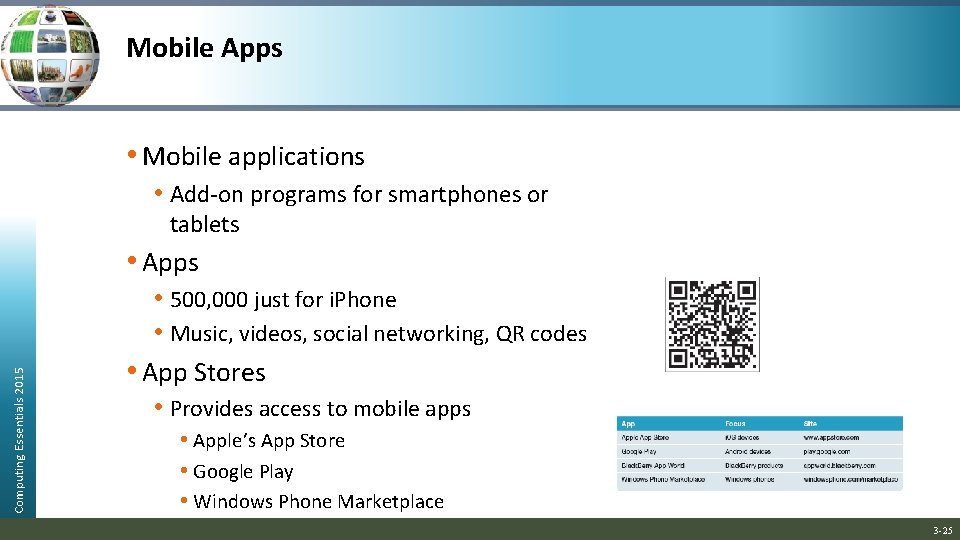
Mobile Apps • Mobile applications • Add-on programs for smartphones or tablets Computing Essentials 2015 • Apps • 500, 000 just for i. Phone • Music, videos, social networking, QR codes • App Stores • Provides access to mobile apps • Apple’s App Store • Google Play • Windows Phone Marketplace 3 -25
Software Suites • Collection of separate application programs • Computing Essentials 2015 • • Bundled together/Sold as group Office suites or office software suite / productivity suites • Microsoft Office • Apple i. Work, Open. Office Cloud suites or online office suites • Google Docs (Making IT Work for You), Zoho, Microsoft Web Apps Specialized suites • Corel Draw Graphics Suite X 6 • Moneyfree Software TOTAL Planning Suite Utility suites • Norton Systems Works • Norton Internet Security suite 3 -26
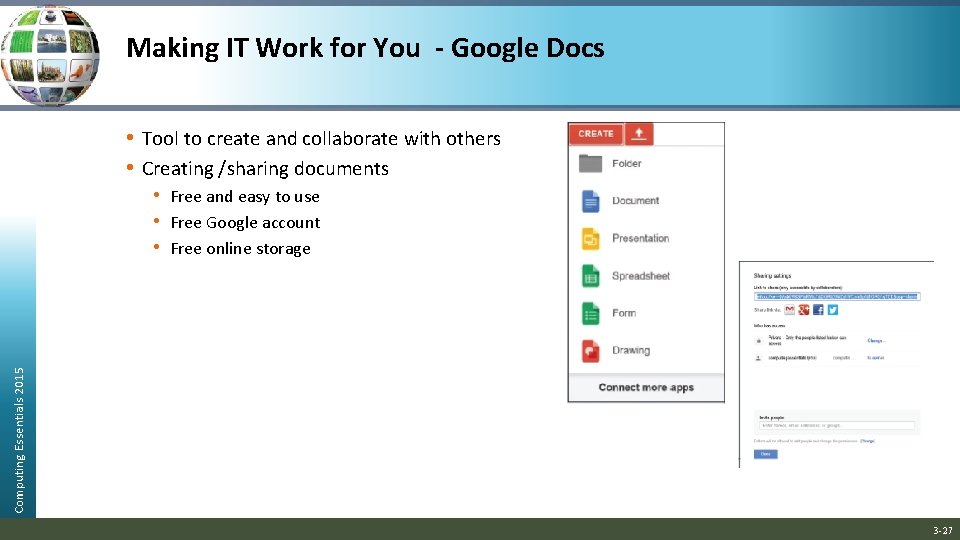
Making IT Work for You - Google Docs • Tool to create and collaborate with others • Creating /sharing documents Computing Essentials 2015 • Free and easy to use • Free Google account • Free online storage 3 -27
Careers In IT Computing Essentials 2015 • Software Engineers • Analyze users’ needs and create application software • Attributes • Good communication skills • Programming experience • Detail oriented • Web application experience • Analytical skills • Earning potential of $53, 000 to $97, 000 annually 3 -28
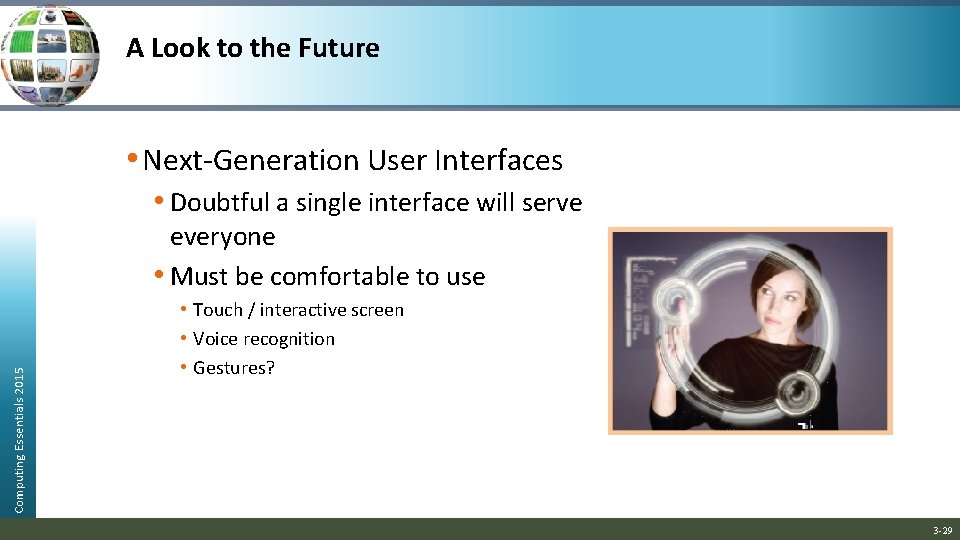
A Look to the Future • Next-Generation User Interfaces • Doubtful a single interface will serve Computing Essentials 2015 everyone • Must be comfortable to use • Touch / interactive screen • Voice recognition • Gestures? 3 -29
Open-Ended Questions (Page 1 of 2) 1. Explain the difference between general-purpose and specialized applications. Also discuss the common features of application programs, including those with traditional and ribbon graphical user interfaces. 2. Discuss general-purpose applications including word processors, Computing Essentials 2015 spreadsheets, database management systems, and presentation graphics. 3. Discuss specialized applications, including graphics programs, web authoring programs, and other professional specialized applications 3 -30
Open-Ended Questions (Page 2 of 2) 4. Describe mobile apps, including popular apps and app stores. 5. Describe software suites, including office suites, cloud suites, Computing Essentials 2015 specialized suites, and utility suites. 3 -31