
Chapter 22 Multithreading Chapter Goals To understand how
![29 30 31 32 33 34 pauses */ public Selection. Sorter(int[] an. Array, JComponent](https://slidetodoc.com/presentation_image_h/276fa0f71116e4f7f08b616cd0512012/image-78.jpg "29 30 31 32 33 34 pauses */ public Selection. Sorter(int[] an. Array, JComponent")
- Slides: 80
Chapter 22 – Multithreading
Chapter Goals To understand how multiple threads can execute in parallel To learn to implement threads To understand race conditions and deadlocks To avoid corruption of shared objects by using locks and conditions To use threads for programming animations
Running Threads Thread: a program unit that is executed independently of other parts of the program. The Java Virtual Machine executes each thread in the program for a short amount of time. This gives the impression of parallel execution. If the computer has multiple CPUs, some of the threads can run in parallel, one on each processor.
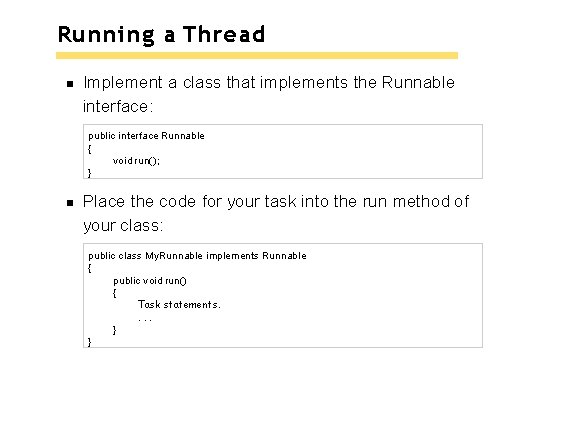
Running a Thread Implement a class that implements the Runnable interface: public interface Runnable { void run(); } Place the code for your task into the run method of your class: public class My. Runnable implements Runnable { public void run() { Task statements. . } }
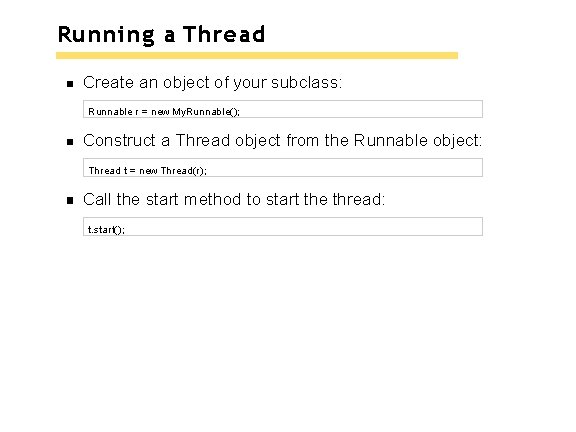
Running a Thread Create an object of your subclass: Runnable r = new My. Runnable(); Construct a Thread object from the Runnable object: Thread t = new Thread(r); Call the start method to start the thread: t. start();
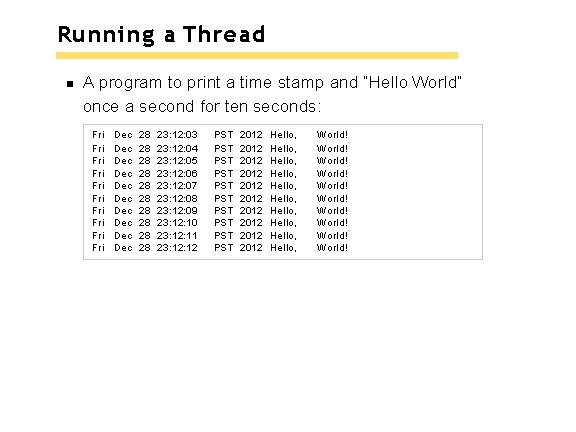
Running a Thread A program to print a time stamp and “Hello World” once a second for ten seconds: Fri Fri Fri Dec Dec Dec 28 28 28 23: 12: 03 23: 12: 04 23: 12: 05 23: 12: 06 23: 12: 07 23: 12: 08 23: 12: 09 23: 12: 10 23: 12: 11 23: 12 PST PST PST 2012 2012 2012 Hello, Hello, Hello, World! World! World!
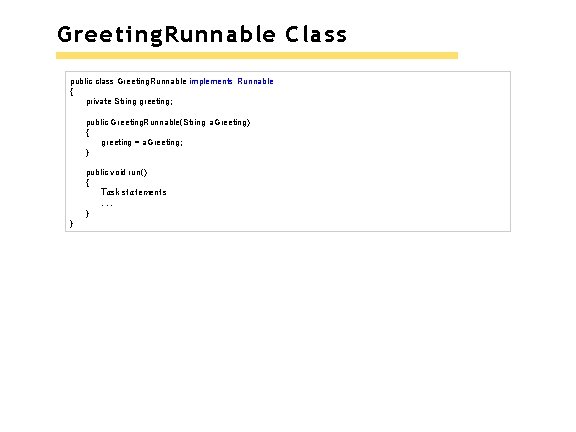
Greeting. Runnable Class public class Greeting. Runnable implements Runnable { private String greeting; public Greeting. Runnable(String a. Greeting) { greeting = a. Greeting; } public void run() { Task statements. . . } }
run Method Loop 10 times through task actions: Print a time stamp. Print the greeting. Wait a second.
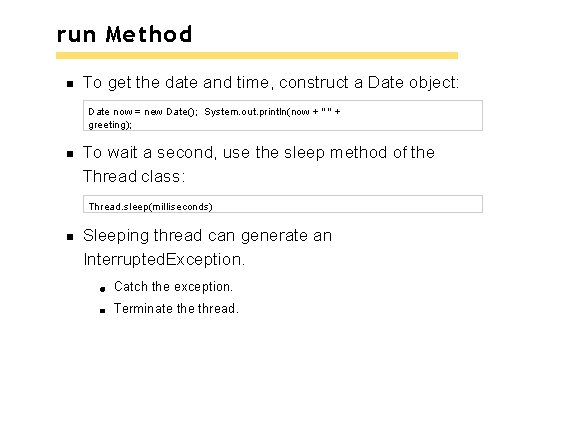
run Method To get the date and time, construct a Date object: Date now = new Date(); System. out. println(now + " " + greeting); To wait a second, use the sleep method of the Thread class: Thread. sleep(milliseconds) Sleeping thread can generate an Interrupted. Exception. Catch the exception. Terminate thread.
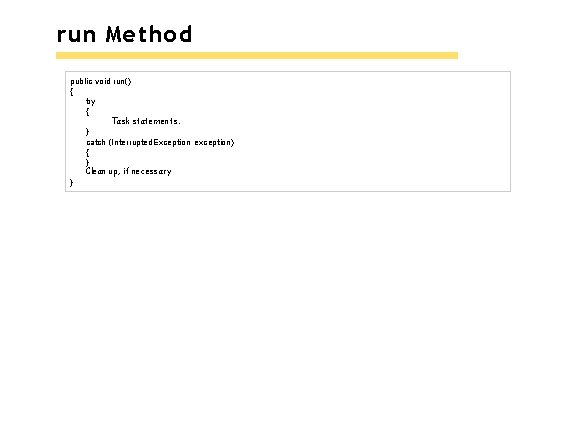
run Method public void run() { try { Task statements. } catch (Interrupted. Exception exception) { } Clean up, if necessary }
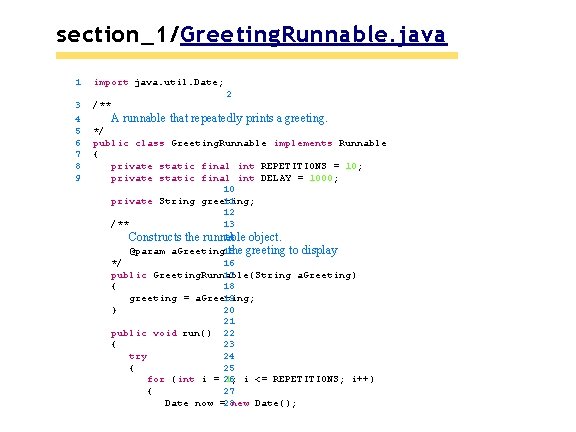
section_1/Greeting. Runnable. java 1 import java. util. Date; 3 4 5 6 7 /** 2 8 9 A runnable that repeatedly prints a greeting. */ public class Greeting. Runnable implements Runnable { private static final int REPETITIONS = 10; private static final int DELAY = 1000; 10 11 private String greeting; 12 /** 13 14 object. Constructs the runnable @param a. Greeting 15 the greeting to display */ 16 public Greeting. Runnable(String a. Greeting) 17 { 18 greeting = a. Greeting; 19 20 } 21 public void run() 22 { 23 try 24 { 25 for (int i = 26 1; i <= REPETITIONS; i++) { 27 Date now =28 new Date();
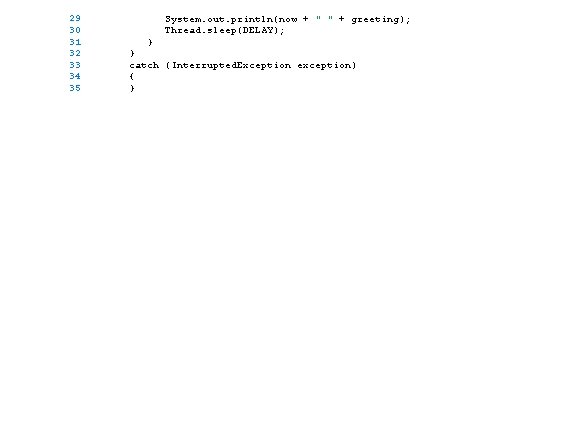
29 30 31 32 33 34 35 System. out. println(now + " " + greeting); Thread. sleep(DELAY); } } catch (Interrupted. Exception exception) { }
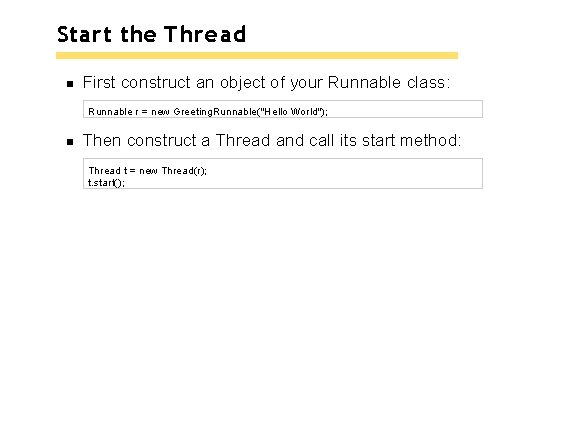
Start the Thread First construct an object of your Runnable class: Runnable r = new Greeting. Runnable("Hello World"); Then construct a Thread and call its start method: Thread t = new Thread(r); t. start();
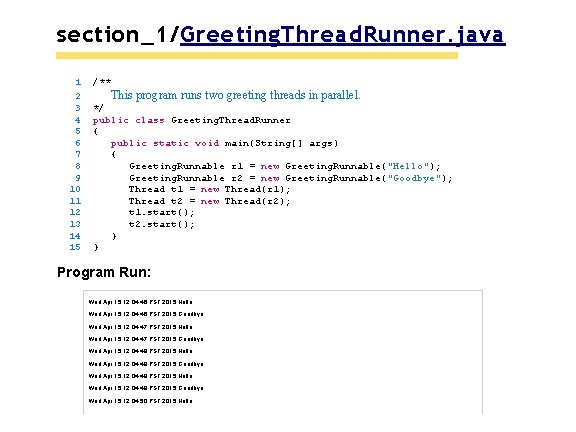
section_1/Greeting. Thread. Runner. java 1 2 3 4 5 6 7 8 9 10 11 12 13 14 15 /** This program runs two greeting threads in parallel. */ public class Greeting. Thread. Runner { public static void main(String[] args) { Greeting. Runnable r 1 = new Greeting. Runnable("Hello"); Greeting. Runnable r 2 = new Greeting. Runnable("Goodbye"); Thread t 1 = new Thread(r 1); Thread t 2 = new Thread(r 2); t 1. start(); t 2. start(); } } Program Run: Wed Apr 15 12: 04: 46 PST 2015 Hello Wed Apr 15 12: 04: 46 PST 2015 Goodbye Wed Apr 15 12: 04: 47 PST 2015 Hello Wed Apr 15 12: 04: 47 PST 2015 Goodbye Wed Apr 15 12: 04: 48 PST 2015 Hello Wed Apr 15 12: 04: 48 PST 2015 Goodbye Wed Apr 15 12: 04: 49 PST 2015 Hello Wed Apr 15 12: 04: 49 PST 2015 Goodbye Wed Apr 15 12: 04: 50 PST 2015 Hello
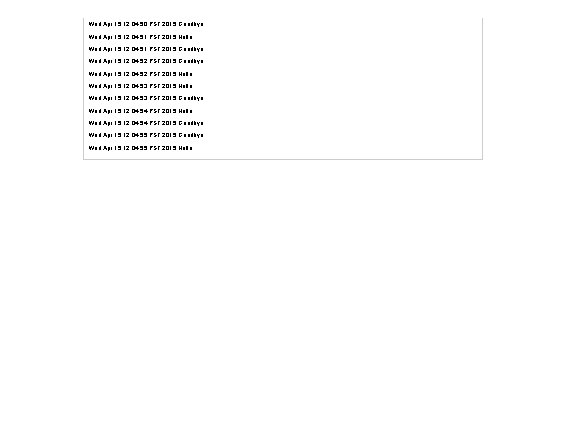
Wed Apr 15 12: 04: 50 PST 2015 Goodbye Wed Apr 15 12: 04: 51 PST 2015 Hello Wed Apr 15 12: 04: 51 PST 2015 Goodbye Wed Apr 15 12: 04: 52 PST 2015 Hello Wed Apr 15 12: 04: 53 PST 2015 Goodbye Wed Apr 15 12: 04: 54 PST 2015 Hello Wed Apr 15 12: 04: 54 PST 2015 Goodbye Wed Apr 15 12: 04: 55 PST 2015 Hello
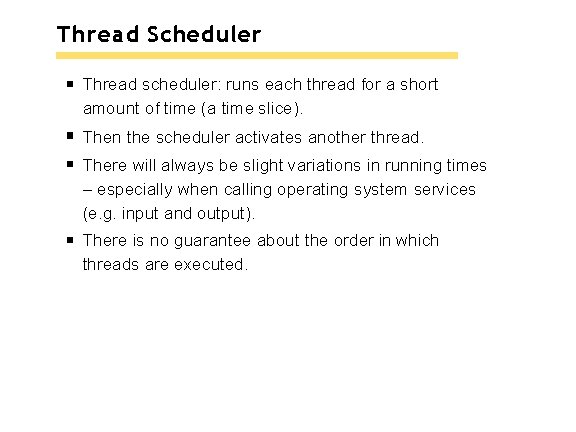
Thread Scheduler Thread scheduler: runs each thread for a short amount of time (a time slice). Then the scheduler activates another thread. There will always be slight variations in running times – especially when calling operating system services (e. g. input and output). There is no guarantee about the order in which threads are executed.
Self Check 22. 1 What happens if you change the call to the sleepmethod in the run method to Thread. sleep(1)? Answer: The messages are printed about one millisecond apart.
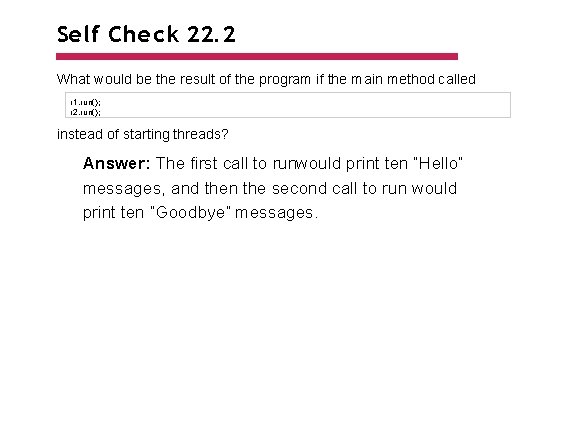
Self Check 22. 2 What would be the result of the program if the main method called r 1. run(); r 2. run(); instead of starting threads? Answer: The first call to runwould print ten “Hello” messages, and then the second call to run would print ten “Goodbye” messages.
Terminating Threads A thread terminates when its runmethod terminates. Do not terminate a thread using the deprecated stop method. Instead, notify a thread that it should terminate: t. interrupt(); interruptdoes not cause thread to terminate – it sets a boolean variable in the thread data structure.
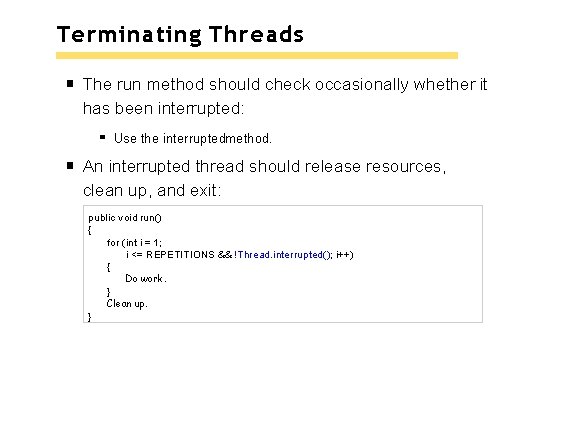
Terminating Threads The run method should check occasionally whether it has been interrupted: Use the interruptedmethod. An interrupted thread should release resources, clean up, and exit: public void run() { for (int i = 1; i <= REPETITIONS && !Thread. interrupted(); i++) { Do work. } Clean up. }
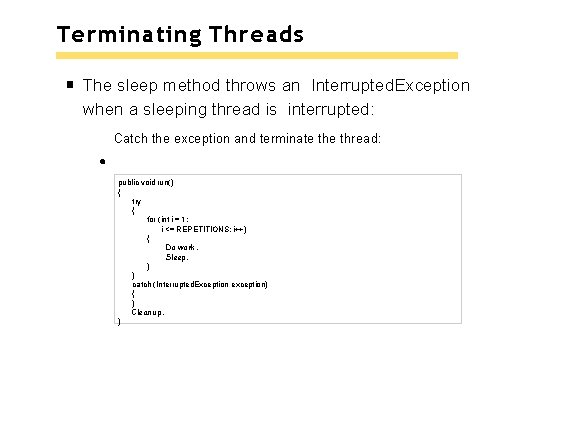
Terminating Threads The sleep method throws an Interrupted. Exception when a sleeping thread is interrupted: Catch the exception and terminate thread: public void run() { try { for (int i = 1; i <= REPETITIONS; i++) { Do work. Sleep. } } catch (Interrupted. Exception exception) { } Clean up. }
Terminating Threads Java does not force a thread to terminate when it is interrupted. It is entirely up to the thread what it does when it is interrupted. Interrupting is a general mechanism for getting the thread’s attention.
Self Check 22. 3 Suppose a web browser uses multiple threads to load the images on a web page. Why should these threads be terminated when the user hits the “Back” button? Answer: If the user hits the “Back” button, the current web page is no longer displayed, and it makes no sense to expend network resources to fetch additional image data.
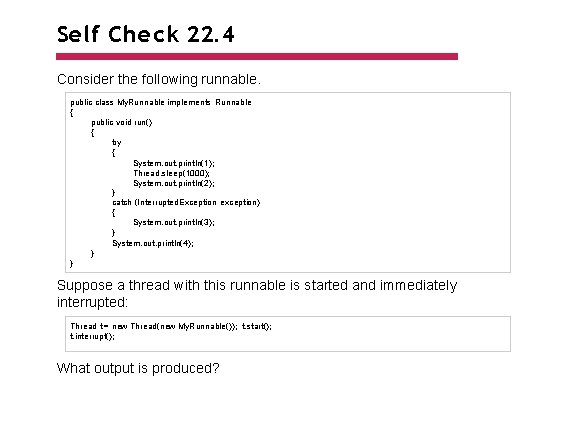
Self Check 22. 4 Consider the following runnable. public class My. Runnable implements Runnable { public void run() { try { System. out. println(1); Thread. sleep(1000); System. out. println(2); } catch (Interrupted. Exception exception) { System. out. println(3); } System. out. println(4); } } Suppose a thread with this runnable is started and immediately interrupted: Thread t = new Thread(new My. Runnable()); t. start(); t. interrupt(); What output is produced?
Answer: The runmethod prints the values 1, 3, and 4. The call to interrupt merely sets the interruption flag, but the sleepmethod immediately throws an Interrupted. Exception.
Race Conditions When threads share a common object, they can conflict with each other. Sample program: multiple threads manipulate a bank account. Create two sets of threads: Each thread in the first set repeatedly deposits $100. Each thread in the second set repeatedly withdraws $100.
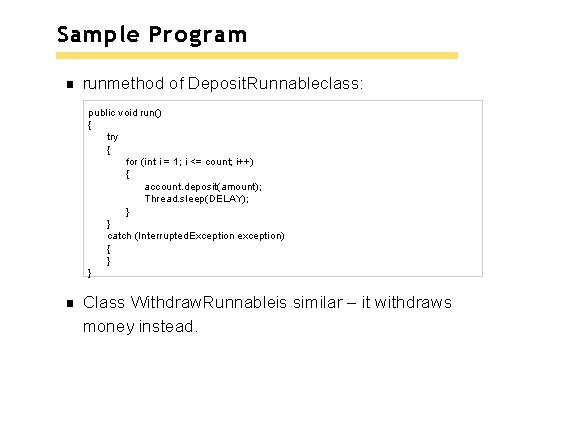
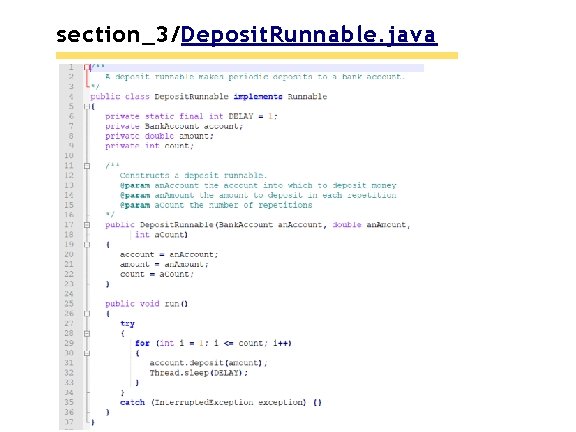
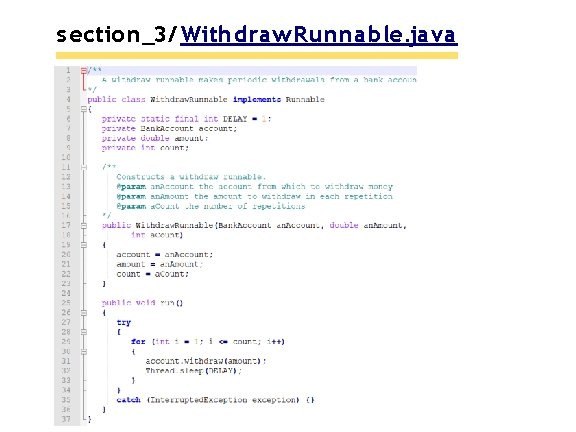
Sample Program runmethod of Deposit. Runnableclass: public void run() { try { for (int i = 1; i <= count; i++) { account. deposit(amount); Thread. sleep(DELAY); } } catch (Interrupted. Exception exception) { } } Class Withdraw. Runnableis similar – it withdraws money instead.
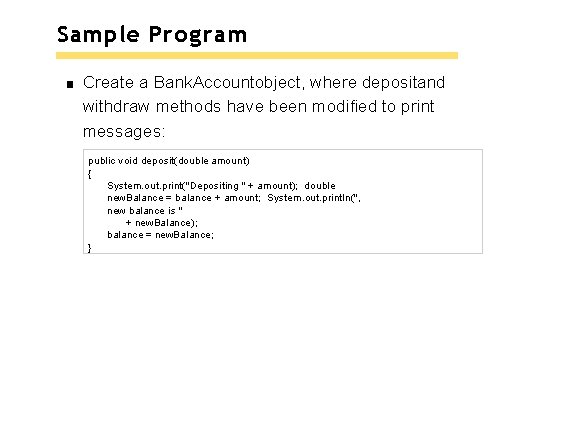
Sample Program Create a Bank. Accountobject, where depositand withdraw methods have been modified to print messages: public void deposit(double amount) { System. out. print("Depositing " + amount); double new. Balance = balance + amount; System. out. println(", new balance is " + new. Balance); balance = new. Balance; }
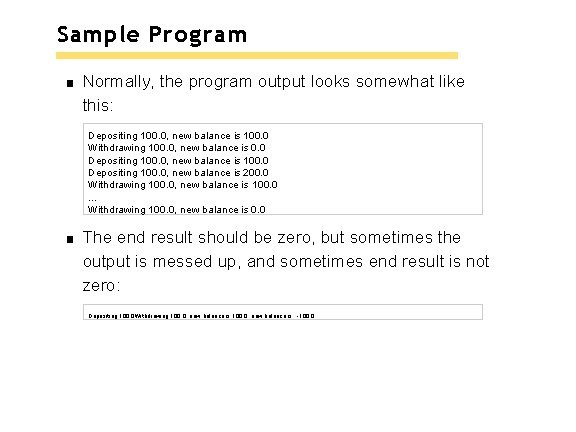
Sample Program Normally, the program output looks somewhat like this: Depositing 100. 0, new balance is 100. 0 Withdrawing 100. 0, new balance is 0. 0 Depositing 100. 0, new balance is 100. 0 Depositing 100. 0, new balance is 200. 0 Withdrawing 100. 0, new balance is 100. 0. . . Withdrawing 100. 0, new balance is 0. 0 The end result should be zero, but sometimes the output is messed up, and sometimes end result is not zero: Depositing 100. 0 Withdrawing 100. 0, new balance is -100. 0
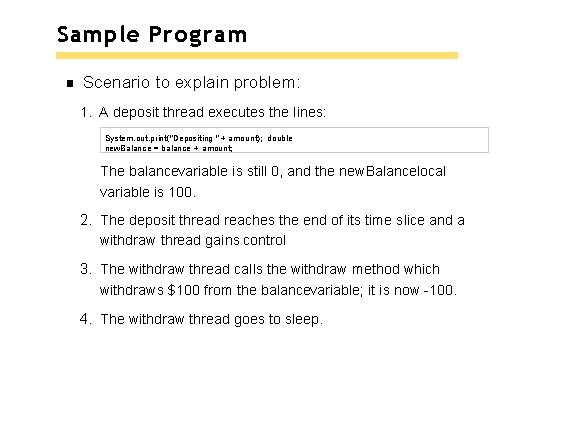
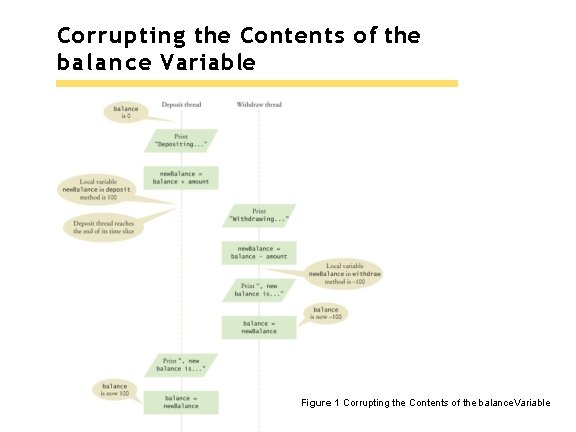
Sample Program Scenario to explain problem: 1. A deposit thread executes the lines: System. out. print("Depositing " + amount); double new. Balance = balance + amount; The balancevariable is still 0, and the new. Balancelocal variable is 100. 2. The deposit thread reaches the end of its time slice and a withdraw thread gains control 3. The withdraw thread calls the withdraw method which withdraws $100 from the balancevariable; it is now -100. 4. The withdraw thread goes to sleep.
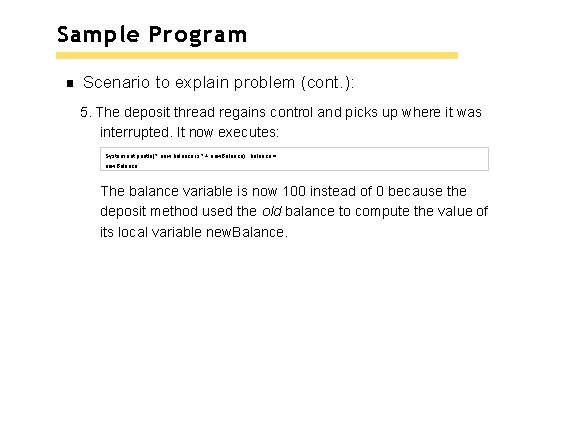
Sample Program Scenario to explain problem (cont. ): 5. The deposit thread regains control and picks up where it was interrupted. It now executes: System. out. println(", new balance is " + new. Balance); balance = new. Balance; The balance variable is now 100 instead of 0 because the deposit method used the old balance to compute the value of its local variable new. Balance.
Corrupting the Contents of the balance Variable Figure 1 Corrupting the Contents of the balance. Variable
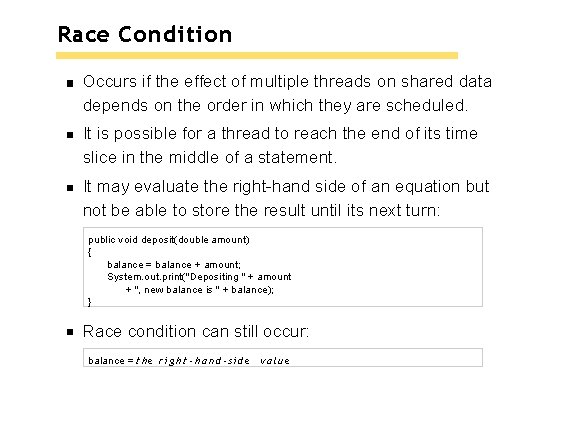
Race Condition Occurs if the effect of multiple threads on shared data depends on the order in which they are scheduled. It is possible for a thread to reach the end of its time slice in the middle of a statement. It may evaluate the right-hand side of an equation but not be able to store the result until its next turn: public void deposit(double amount) { balance = balance + amount; System. out. print("Depositing " + amount + ", new balance is " + balance); } Race condition can still occur: balance = t h e r i g h t - h a n d - s i d e value
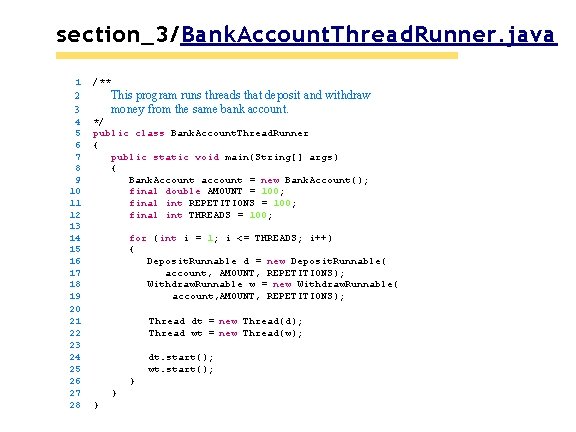
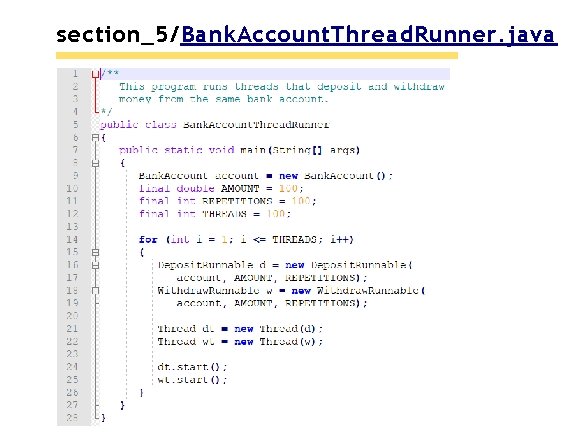
section_3/Bank. Account. Thread. Runner. java 1 2 3 4 5 6 7 8 9 10 11 12 13 14 15 16 17 18 19 20 21 22 23 24 25 26 27 28 /** This program runs threads that deposit and withdraw money from the same bank account. */ public class Bank. Account. Thread. Runner { public static void main(String[] args) { Bank. Account account = new Bank. Account(); final double AMOUNT = 100; final int REPETITIONS = 100; final int THREADS = 100; for (int i = 1; i <= THREADS; i++) { Deposit. Runnable d = new Deposit. Runnable( account, AMOUNT, REPETITIONS); Withdraw. Runnable w = new Withdraw. Runnable( account, AMOUNT, REPETITIONS); Thread dt = new Thread(d); Thread wt = new Thread(w); dt. start(); wt. start(); } } }
section_3/Deposit. Runnable. java
s ection_3/ Withdraw. Runnable. java
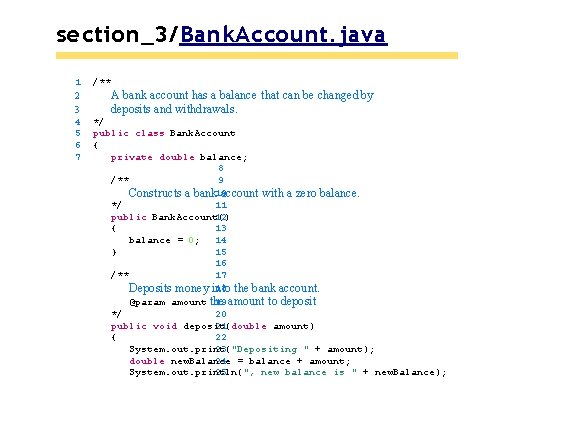
section_3/Bank. Account. java 1 2 3 4 5 6 7 /** A bank account has a balance that can be changed by deposits and withdrawals. */ public class Bank. Account { private double balance; 8 /** 9 Constructs a bank 10 account with a zero balance. */ 11 public Bank. Account() 12 { 13 balance = 0; 14 15 } 16 /** 17 18 the bank account. Deposits money into 19 amount to deposit @param amount the */ 20 public void deposit(double amount) 21 { 22 23 System. out. print("Depositing " + amount); 24 = balance + amount; double new. Balance 25 System. out. println(", new balance is " + new. Balance);
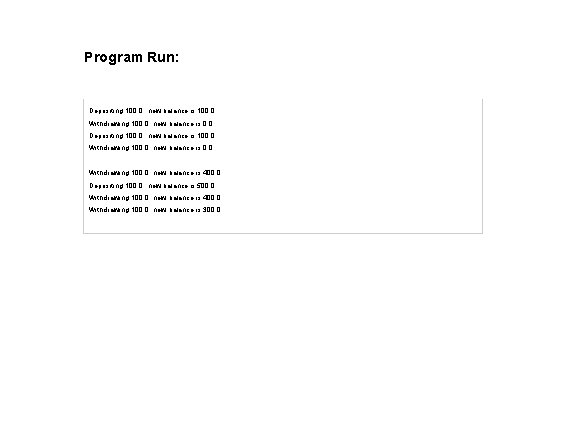
Program Run: Depositing 100. 0, new balance is 100. 0 Withdrawing 100. 0, new balance is 0. 0. . . Withdrawing 100. 0, new balance is 400. 0 Depositing 100. 0, new balance is 500. 0 Withdrawing 100. 0, new balance is 400. 0 Withdrawing 100. 0, new balance is 300. 0
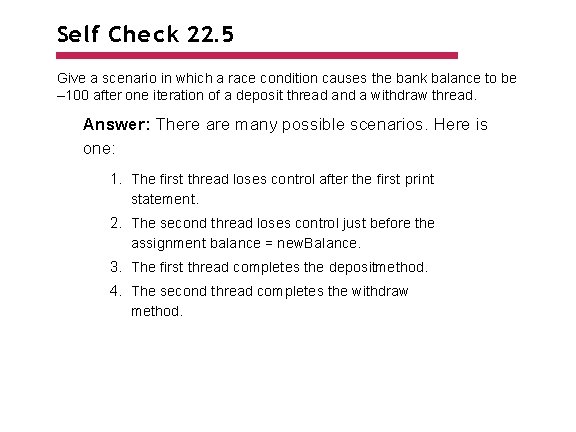
Self Check 22. 5 Give a scenario in which a race condition causes the bank balance to be – 100 after one iteration of a deposit thread and a withdraw thread. Answer: There are many possible scenarios. Here is one: 1. The first thread loses control after the first print statement. 2. The second thread loses control just before the assignment balance = new. Balance. 3. The first thread completes the depositmethod. 4. The second thread completes the withdraw method.
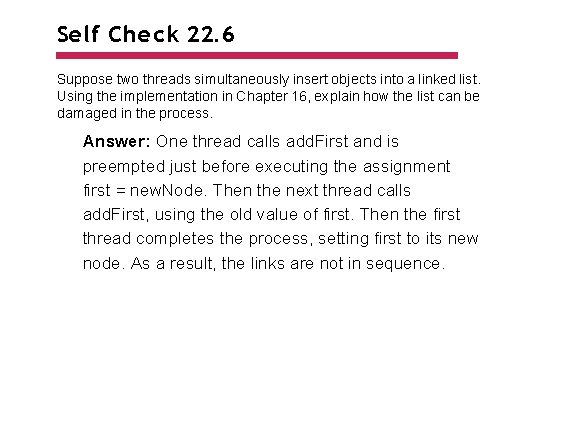
Self Check 22. 6 Suppose two threads simultaneously insert objects into a linked list. Using the implementation in Chapter 16, explain how the list can be damaged in the process. Answer: One thread calls add. First and is preempted just before executing the assignment first = new. Node. Then the next thread calls add. First, using the old value of first. Then the first thread completes the process, setting first to its new node. As a result, the links are not in sequence.
Synchronizing Object Access To solve problems such as the one just seen, use a lock object. Lock object: used to control threads that manipulate shared resources. In Java library: Lock interface and several classes that implement it. Reentrant. Lock: most commonly used lock class. Locks are a feature of Java version 5. 0. Earlier versions of Java have a lower-level facility for thread synchronization.
Synchronizing Object Access Typically, a Lockobject is added to a class whose methods access shared resources, like this: public class Bank. Account { private Lock balance. Change. Lock; . . . public Bank. Account() { balance. Change. Lock = new Reentrant. Lock(); . . . }
Synchronizing Object Access Code that manipulates shared resource is surrounded by calls to lockand unlock: balance. Change. Lock. lock(); Manipulate the shared resource. balance. Change. Lock. unlock(); If code between calls to lockand unlockthrows an exception, call to unlocknever happens.
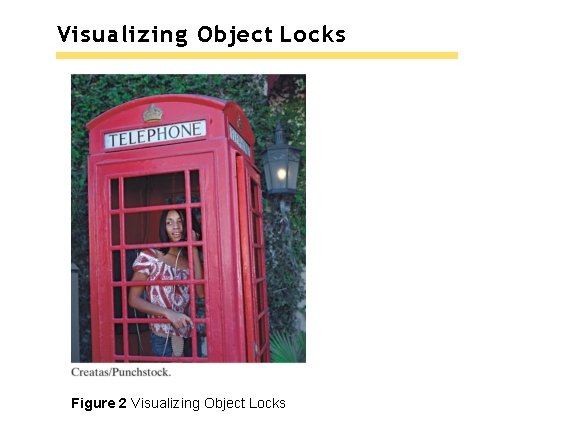
Visualizing Object Locks Figure 2 Visualizing Object Locks
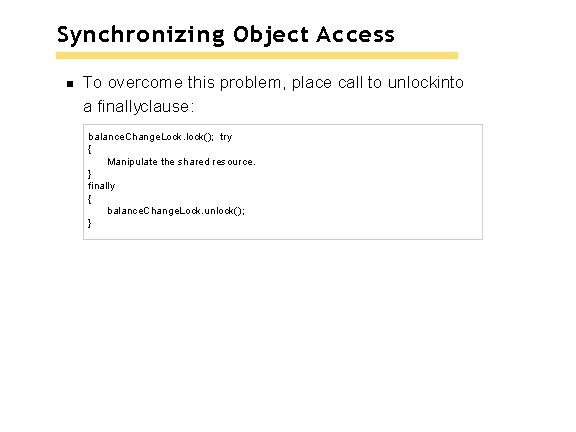
Synchronizing Object Access To overcome this problem, place call to unlockinto a finallyclause: balance. Change. Lock. lock(); try { Manipulate the shared resource. } finally { balance. Change. Lock. unlock(); }
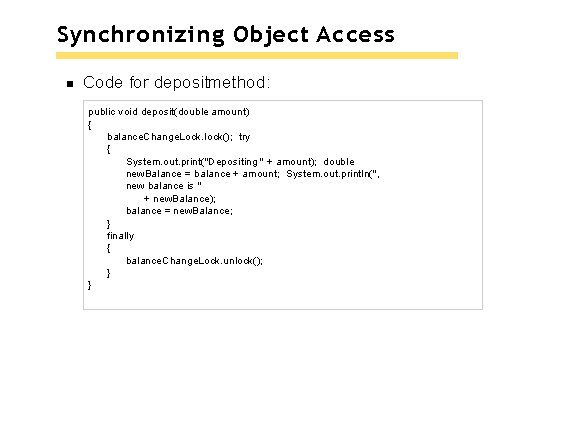
Synchronizing Object Access Code for depositmethod: public void deposit(double amount) { balance. Change. Lock. lock(); try { System. out. print("Depositing " + amount); double new. Balance = balance + amount; System. out. println(", new balance is " + new. Balance); balance = new. Balance; } finally { balance. Change. Lock. unlock(); } }
Synchronizing Object Access When a thread calls lock, it owns the lock until it calls unlock. A thread that calls lockwhile another thread owns the lock is temporarily deactivated. Thread scheduler periodically reactivates thread so it can try to acquire the lock. Eventually, waiting thread can acquire the lock.
Self Check 22. 7 If you construct two Bank. Accountobjects, how many lock objects are created? Answer: Two, one for each bank account object. Each lock protects a separate balancevariable.
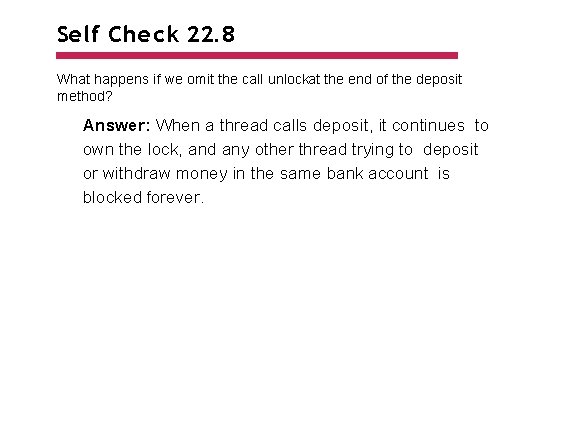
Self Check 22. 8 What happens if we omit the call unlockat the end of the deposit method? Answer: When a thread calls deposit, it continues to own the lock, and any other thread trying to deposit or withdraw money in the same bank account is blocked forever.
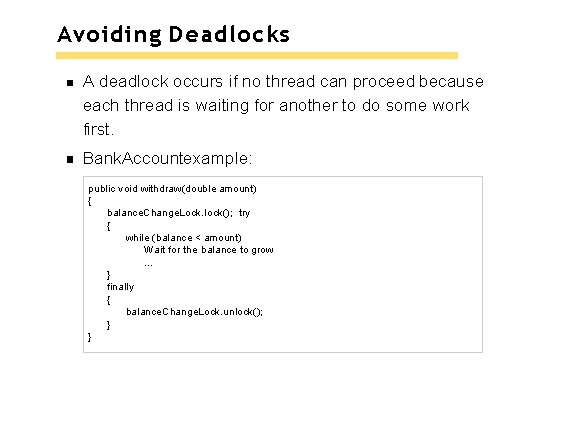
Avoiding Deadlocks A deadlock occurs if no thread can proceed because each thread is waiting for another to do some work first. Bank. Accountexample: public void withdraw(double amount) { balance. Change. Lock. lock(); try { while (balance < amount) Wait for the balance to grow. . . } finally { balance. Change. Lock. unlock(); } }
Avoiding Deadlocks How can we wait for the balance to grow? We can’t simply call sleep inside withdrawmethod; thread will block all other threads that want to use balance. Change. Lock. In particular, no other thread can successfully execute deposit. Other threads will call deposit, but will be blocked until withdrawexits. But withdrawdoesn’t exit until it has funds available. DEADLOCK.
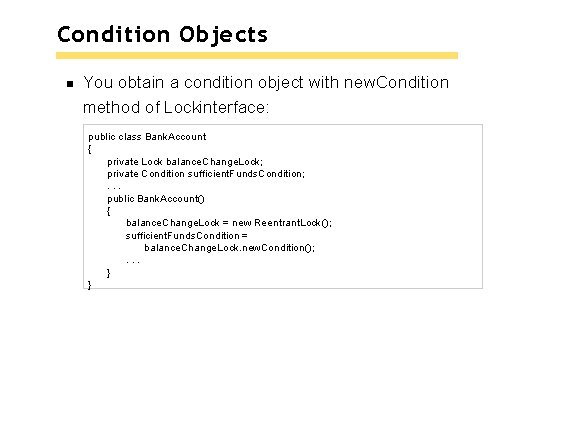
Condition Objects To overcome problem, use a condition object. Condition objects allow a thread to temporarily release a lock, and to regain the lock at a later time. Each condition object belongs to a specific lock object.
Condition Objects You obtain a condition object with new. Condition method of Lockinterface: public class Bank. Account { private Lock balance. Change. Lock; private Condition sufficient. Funds. Condition; . . . public Bank. Account() { balance. Change. Lock = new Reentrant. Lock(); sufficient. Funds. Condition = balance. Change. Lock. new. Condition(); . . . } }
Condition Objects It is customary to give the condition object a name that describes condition to test; e. g. “sufficient funds”. You need to implement an appropriate test.
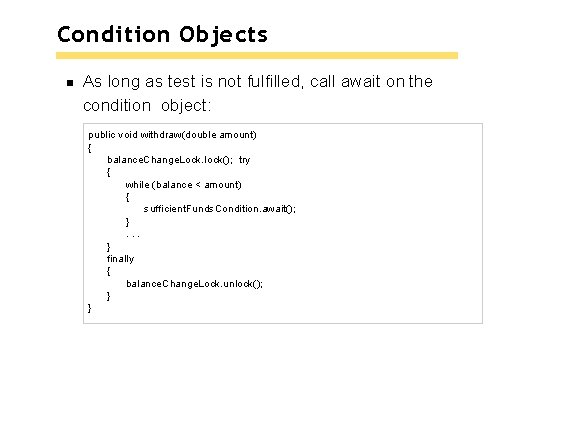
Condition Objects As long as test is not fulfilled, call await on the condition object: public void withdraw(double amount) { balance. Change. Lock. lock(); try { while (balance < amount) { sufficient. Funds. Condition. await(); }. . . } finally { balance. Change. Lock. unlock(); } }
Condition Objects Calling await: Makes current thread wait. Allows another thread to acquire the lock object. To unblock, another thread must execute signal. Allon the same condition object: sufficient. Funds. Condition. signal. All(); signal. Allunblocks all threads waiting on the condition. signalrandomly picks just one thread waiting on the object and unblocks it. signalcan be more efficient, but you need to know that every waiting thread can proceed. § Recommendation: always call signal. All.
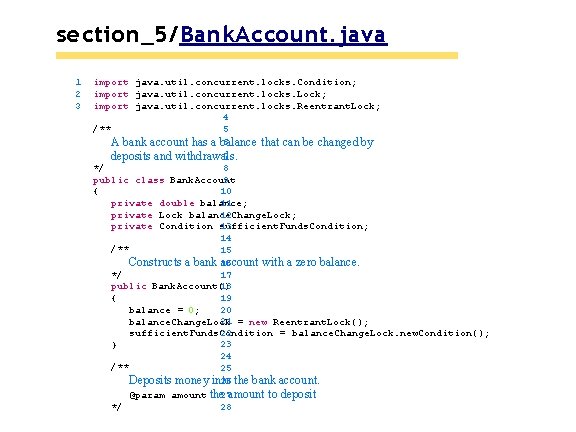
section_5/Bank. Account. java 1 2 3 import java. util. concurrent. locks. Condition; import java. util. concurrent. locks. Lock; import java. util. concurrent. locks. Reentrant. Lock; 4 /** 5 6 A bank account has a balance that can be changed by 7 deposits and withdrawals. 8 */ public class Bank. Account 9 { 10 private double balance; 11 private Lock balance. Change. Lock; 12 13 private Condition sufficient. Funds. Condition; 14 /** 15 Constructs a bank 16 account with a zero balance. */ 17 public Bank. Account() 18 { 19 balance = 0; 20 21 = new Reentrant. Lock(); balance. Change. Lock 22 sufficient. Funds. Condition = balance. Change. Lock. new. Condition(); 23 } 24 /** 25 26 the bank account. Deposits money into 27 amount to deposit @param amount the */ 28
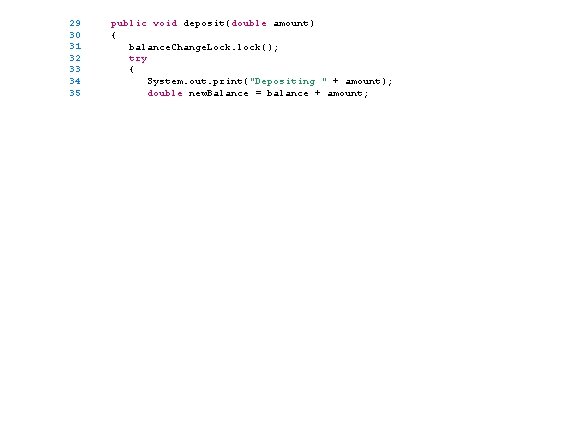
29 30 31 32 33 34 35 public void deposit(double amount) { balance. Change. Lock. lock(); try { System. out. print("Depositing " + amount); double new. Balance = balance + amount;
section_5/Bank. Account. Thread. Runner. java
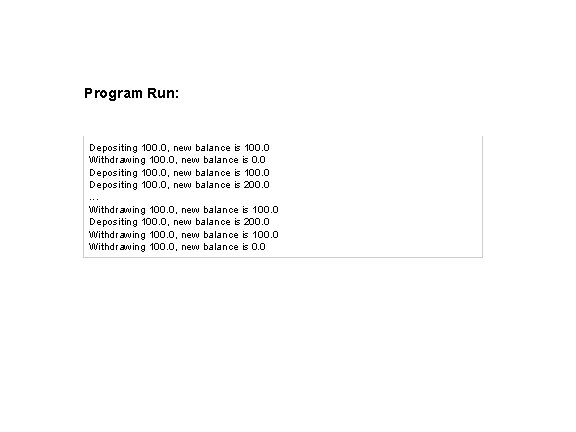
Program Run: Depositing 100. 0, new balance is 100. 0 Withdrawing 100. 0, new balance is 0. 0 Depositing 100. 0, new balance is 100. 0 Depositing 100. 0, new balance is 200. 0. . . Withdrawing 100. 0, new balance is 100. 0 Depositing 100. 0, new balance is 200. 0 Withdrawing 100. 0, new balance is 100. 0 Withdrawing 100. 0, new balance is 0. 0
Self Check 22. 9 What is the essential difference between calling sleepand await? Answer: A sleeping thread is reactivated when the sleep delay has passed. A waiting thread is only reactivated if another thread has called signal. All or signal.
Self Check 22. 10 Why is the sufficient. Funds. Conditionobject an instance variable of the Bank. Account class and not a local variable of the withdraw and depositmethods? Answer: The calls to await and signal/signal. All must be made to the same object.
Application: Algorithm Animation shows different objects moving or changing as time progresses. Often achieved by launching one or more threads that compute how parts of the animation change. Can use Swing Timerclass for simple animations. More advanced animations are best implemented with threads. Algorithm animation helps visualize the steps in the algorithm.
Algorithm Animation Runs in a separate thread that periodically updates an image of the current state of the algorithm. Then pauses so the user can view the image. After a short time the algorithm thread wakes up and runs to the next point of interest. Updates the image again and pauses again. Repeats sequence until algorithm has finished.
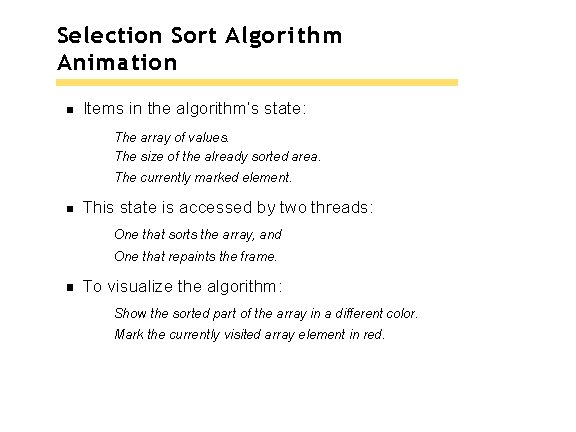
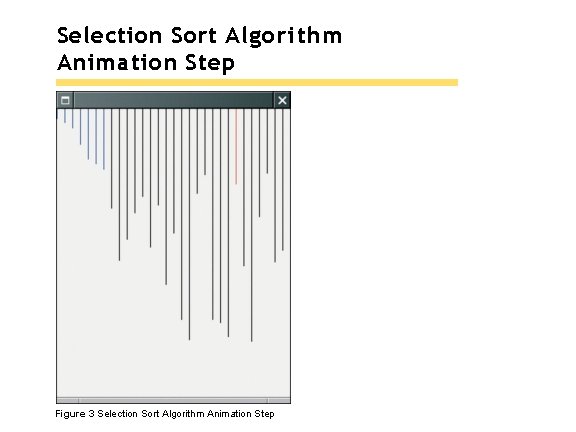
Selection Sort Algorithm Animation Items in the algorithm’s state: The array of values. The size of the already sorted area. The currently marked element. This state is accessed by two threads: One that sorts the array, and One that repaints the frame. To visualize the algorithm: Show the sorted part of the array in a different color. Mark the currently visited array element in red.
Selection Sort Algorithm Animation Step Figure 3 Selection Sort Algorithm Animation Step
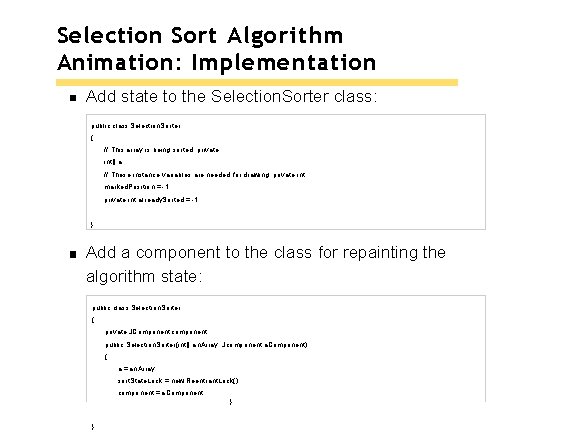
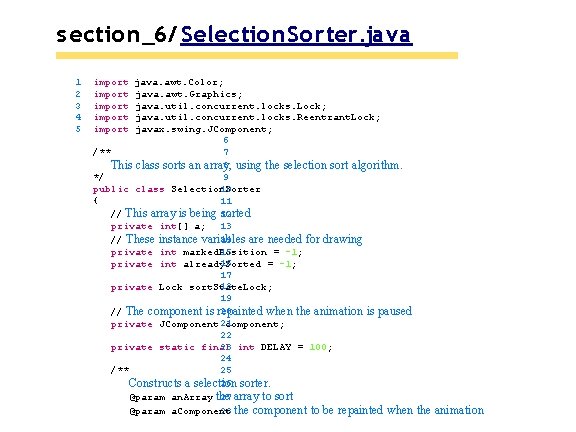
Selection Sort Algorithm Animation: Implementation Add state to the Selection. Sorter class: public class Selection. Sorter { // This array is being sorted private int[] a; // These instance variables are needed for drawing private int marked. Position = -1; private int already. Sorted = -1; . . . } Add a component to the class for repainting the algorithm state: public class Selection. Sorter { private JComponent component; public Selection. Sorter(int[] an. Array, Jcomponent a. Component) { a = an. Array; sort. State. Lock = new Reentrant. Lock(); component = a. Component; }. . . }
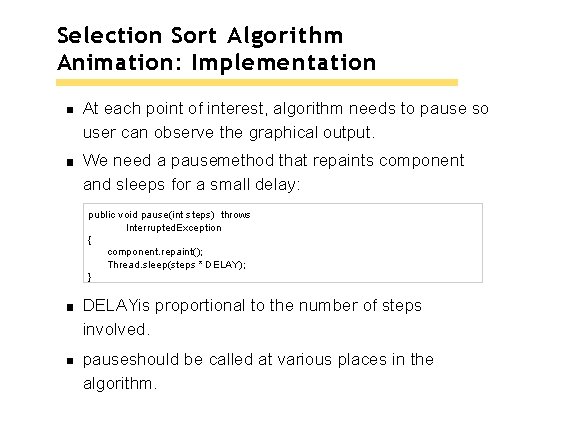
Selection Sort Algorithm Animation: Implementation At each point of interest, algorithm needs to pause so user can observe the graphical output. We need a pausemethod that repaints component and sleeps for a small delay: public void pause(int steps) throws Interrupted. Exception { component. repaint(); Thread. sleep(steps * DELAY); } DELAYis proportional to the number of steps involved. pauseshould be called at various places in the algorithm.
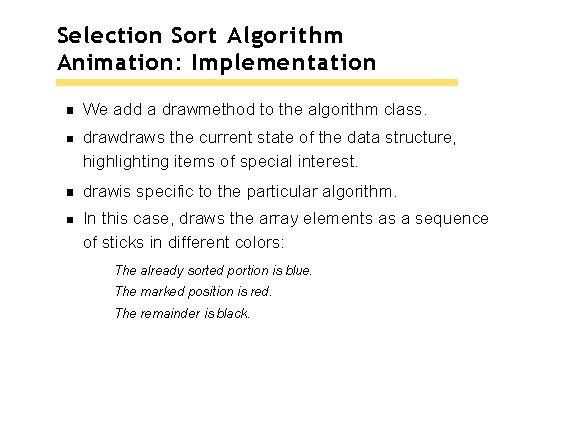
Selection Sort Algorithm Animation: Implementation We add a drawmethod to the algorithm class. draws the current state of the data structure, highlighting items of special interest. drawis specific to the particular algorithm. In this case, draws the array elements as a sequence of sticks in different colors: The already sorted portion is blue. The marked position is red. The remainder is black.
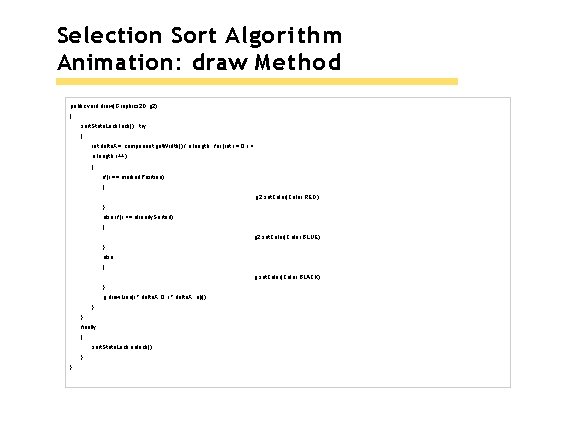
Selection Sort Algorithm Animation: draw Method public void draw(Graphics 2 D g 2) { sort. State. Lock. lock(); try { int delta. X = component. get. Width() / a. length; for (int i = 0; i < a. length; i++) { if (i == marked. Position) { g 2. set. Color(Color. RED); } else if (i <= already. Sorted) { g 2. set. Color(Color. BLUE); } else { g. set. Color(Color. BLACK); } g. draw. Line(i * delta. X, 0, i * delta. X, a[i]); } } finally { sort. State. Lock. unlock(); } }
Selection Sort Algorithm Animation: Pausing Update the special positions as the algorithm progresses. Pause the animation whenever something interesting happens. Pause should be proportional to the number of steps that are being executed. In this case, pause one unit for each visited array element. Augment minimum. Positionand sortaccordingly.
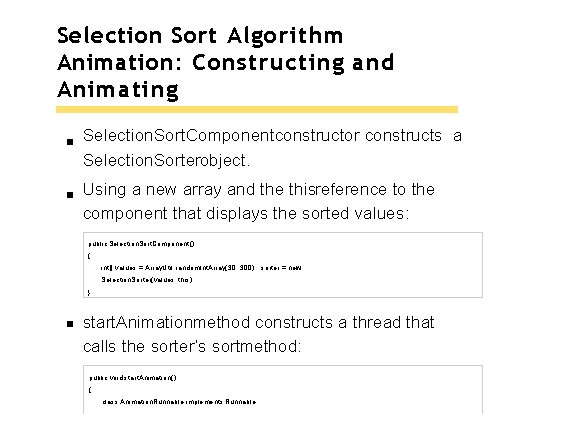
Selection Sort Algorithm Animation: Constructing and Animating Selection. Sort. Componentconstructor constructs a Selection. Sorterobject. Using a new array and the thisreference to the component that displays the sorted values: public Selection. Sort. Component() { int[] values = Array. Util. random. Int. Array(30, 300); sorter = new Selection. Sorter(values, this); } start. Animationmethod constructs a thread that calls the sorter’s sortmethod: public void start. Animation() { class Animation. Runnable implements Runnable
{ public void run() { try { sorter. sort(); } catch (Interrupted. Exception exception) { } } } Runnable r = new Animation. Runnable(); Thread t = new Thread(r); t. start(); }
section_6/Selection. Sort. Viewer. java 1 2 3 24 import java. awt. Border. Layout; import javax. swing. JButton; import javax. swing. JFrame; 4 public class 5 Selection. Sort. Viewer { 6 public static void main(String[] args) 7 { 8 JFrame 9 frame = new JFrame(); 10 final 11 int FRAME_WIDTH = 300; final 12 int FRAME_HEIGHT = 400; 13 14 frame. set. Size(FRAME_WIDTH, FRAME_HEIGHT); 15 frame. set. Default. Close. Operation(JFrame. EXIT_ON_CLOSE); 16 final 17 Selection. Sort. Component component 18 = new Selection. Sort. Component(); 19 frame. add(component, Border. Layout. CENTER); 20 21 frame. set. Visible(true); 22 component. start. Animation(); } 23 }
s ection_6/ Selection. Sort. C om ponent. java 1 2 4 5 6 7 8 9 import java. awt. Graphics; import javax. swing. JComponent; 3 /** A component that displays the current state of the selection sort algorithm. */ public class Selection. Sort. Component extends JComponent { private Selection. Sorter sorter; 10 /** 11 Constructs the component. 12 */ 13 public Selection. Sort. Component() 14 { 15 16 int[] values = Array. Util. random. Int. Array(30, 300); 17 sorter = new Selection. Sorter(values, this); 18 } 19 public void paint. Component(Graphics g) 20 { 21 sorter. draw(g); 22 23 } 24 /** 25 26 Starts a new animation thread. */ 27 public void start. Animation() 28
29 30 31 32 33 34 35 { class Animation. Runnable implements Runnable { public void run() { try {
s ection_6/ Selection. Sorter. java 1 2 3 4 5 import import java. awt. Color; java. awt. Graphics; java. util. concurrent. locks. Lock; java. util. concurrent. locks. Reentrant. Lock; javax. swing. JComponent; 6 /** 7 8 using the selection sort algorithm. This class sorts an array, */ 9 public class Selection. Sorter 10 { 11 // This array is being 12 sorted private int[] a; 13 14 // These instance variables are needed for drawing 15 private int marked. Position = -1; 16 private int already. Sorted = -1; 17 18 private Lock sort. State. Lock; 19 20 // The component is repainted when the animation is paused private JComponent 21 component; 22 23 int DELAY = 100; private static final 24 /** 25 26 sorter. Constructs a selection 27 array to sort @param an. Array the 28 the component to be repainted when @param a. Component the animation
29 30 31 32 33 34 pauses */ public Selection. Sorter(int[] an. Array, JComponent a. Component) { a = an. Array; sort. State. Lock = new Reentrant. Lock();
Self Check 22. 11 Why is the drawmethod added to the Selection. Sorterclass and not the Selection. Sort. Componentclass? Answer: The drawmethod uses the array values and the values that keep track of the algorithm’s progress. These values are available only in the Selection. Sorterclass.
Self Check 22. 12 Would the animation still work if the start. Animationmethod simply called sorter. sort() instead of spawning a thread that calls that method? Answer: Yes, provided you only show a single frame. If you modify the Selection. Sort. Viewer program to show two frames, you want the sorters to run in parallel.