
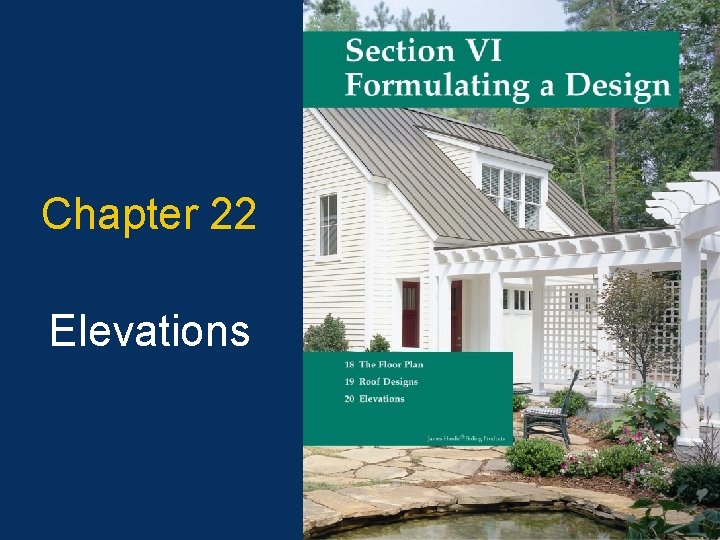
Chapter 22 Elevations 1 Introduction to Elevations An
- Slides: 43
Chapter 22 Elevations 1
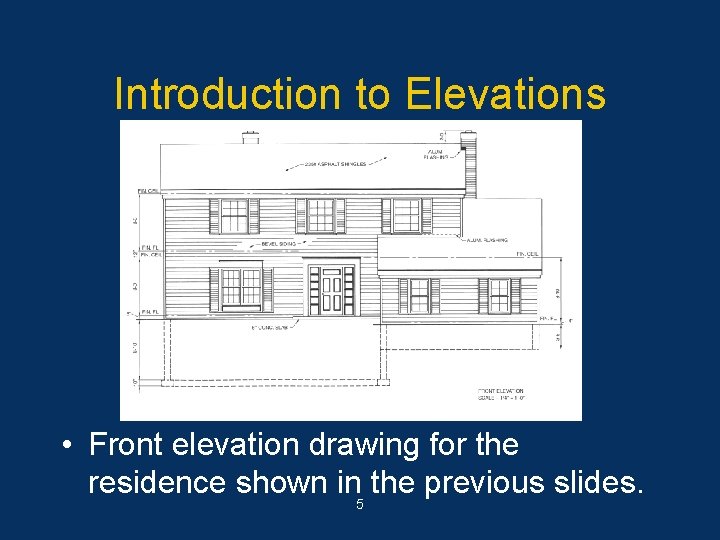
Introduction to Elevations • An elevation is an orthographic projection drawing of one side of a building. • Purpose is to give vertical dimensions and show the finished appearance. • Generally four elevations are drawn. • Exterior materials are shown. 2
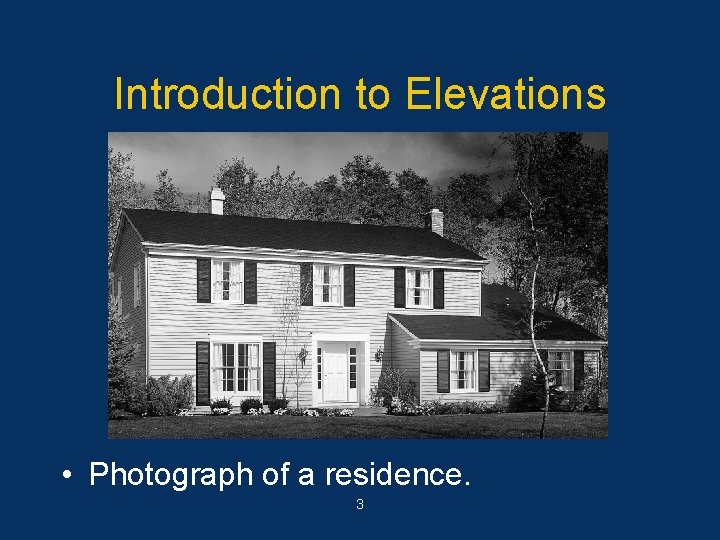
Introduction to Elevations • Photograph of a residence. 3
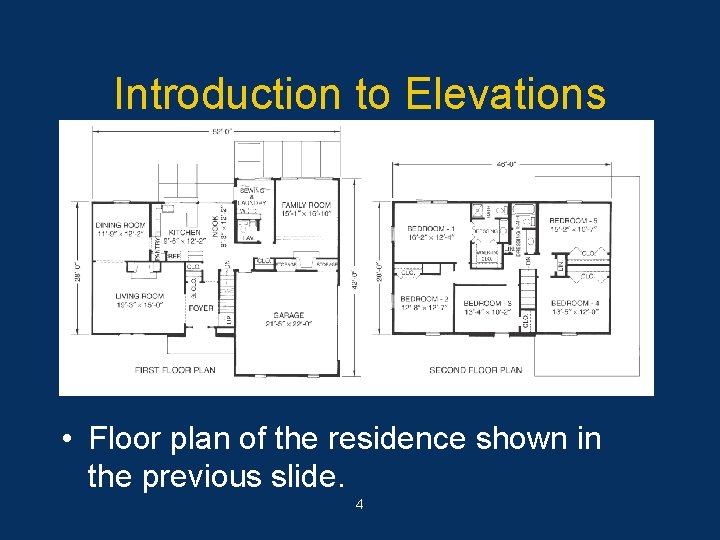
Introduction to Elevations • Floor plan of the residence shown in the previous slide. 4
Introduction to Elevations • Front elevation drawing for the residence shown in the previous slides. 5
Required Information • Features that should be included on the elevations: – Side of house represented. – Grade lines. – Finished floor and ceiling levels. – Exterior wall corners. – Windows and doors. 6
Required Information – Roof features. – Vertical dimensions of important features. – Porches, decks, and patios. – Material symbols. – Dimension notes and symbols. – Title block and scale. 7
Elevation Identification • Each elevation must identify the wall represented. • Two methods are commonly used: – Front, rear, right side, and left side. – North, south, east, west. • Identify each elevation immediately below the drawing. 8
Grade Line, Floors, and Ceilings • The grade line is the reference point for most elevations. – Plot plan shows the existing grade. – Draw features below grade as hidden lines. • Show floor-to-ceiling heights. • Top of foundation wall should be at least 8" above the grade. 9
Walls, Windows, and Doors • Show all visible wall corners as object lines. • Draw a wall section to identify vertical heights needed for the drawing. • Include windows and doors that are visible on the exterior wall. • Tops of windows and doors are usually 6'-10" from the top of the subfloor. 10
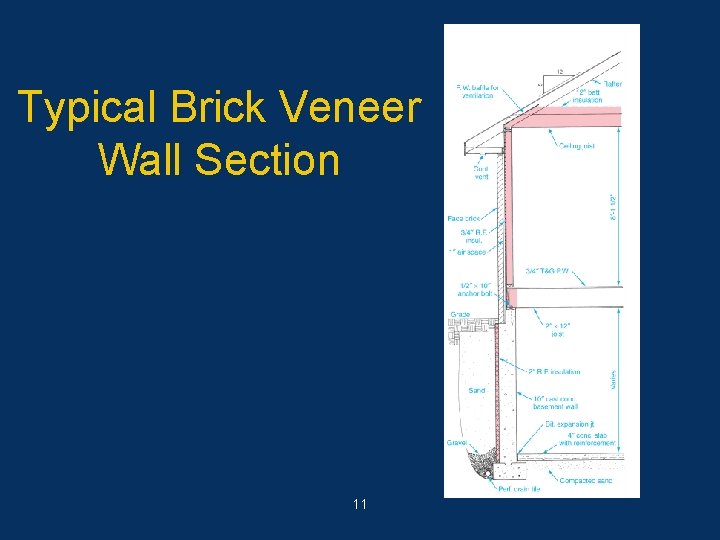
Typical Brick Veneer Wall Section 11
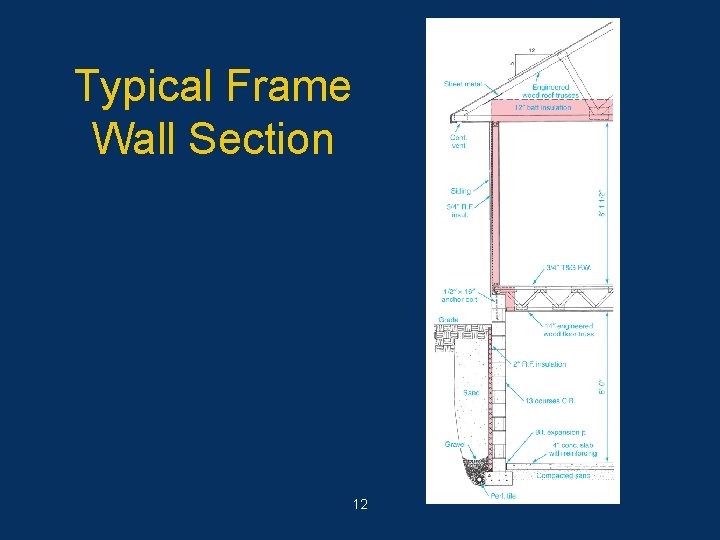
Typical Frame Wall Section 12
Roof Features • Roof features should be shown on an elevation drawing. • Show the roof style and pitch. • Show chimney height and size. • Draw gable ends first to determine roof height; the highest section first. • Show chimney flashing, roof covering material, and gable ventilators. 13
Dimensions, Notes, Symbols • Dimensions on an elevation drawing are mainly height dimensions. – All features must be dimensioned. • Notes provide additional information. • Several standard symbols are commonly used on elevations such roof pitch symbol, exterior materials, window swing symbols, and cutting-plane lines. 14
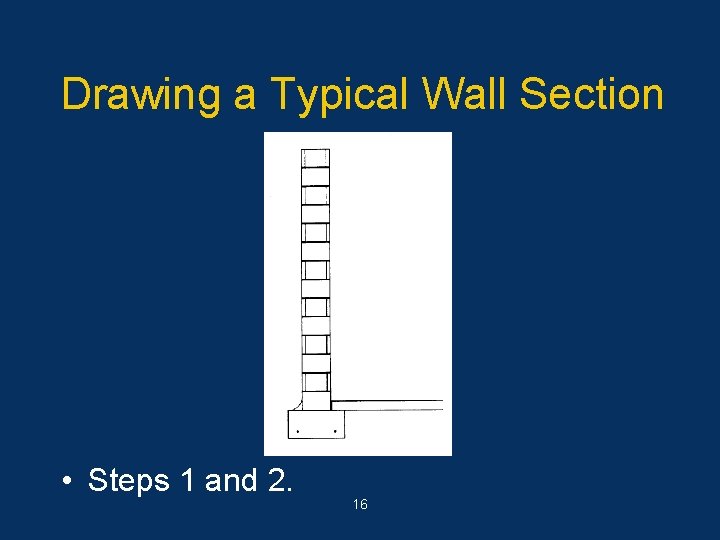
Drawing a Typical Wall Section • An accurate typical wall section is needed to construct accurate elevations. • Sequential Steps 1. Gather the necessary information and choose a scale. 2. Lay out the footing, foundation wall, and floor slab. 15
Drawing a Typical Wall Section • Steps 1 and 2. 16
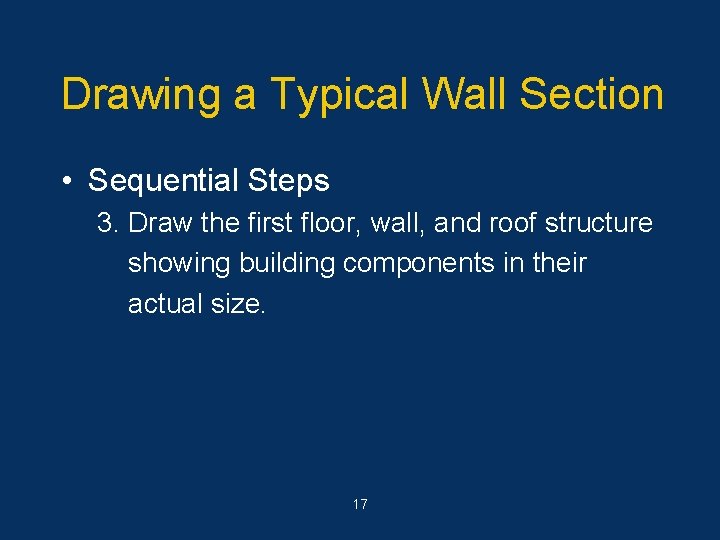
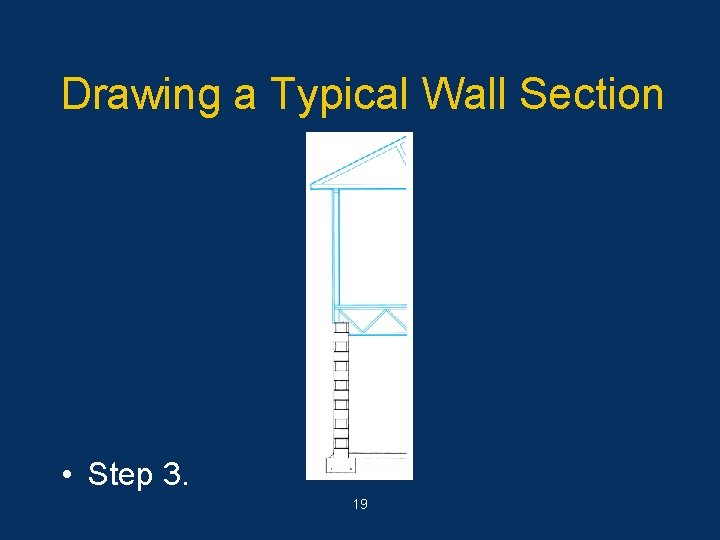
Drawing a Typical Wall Section • Sequential Steps 3. Draw the first floor, wall, and roof structure showing building components in their actual size. 17
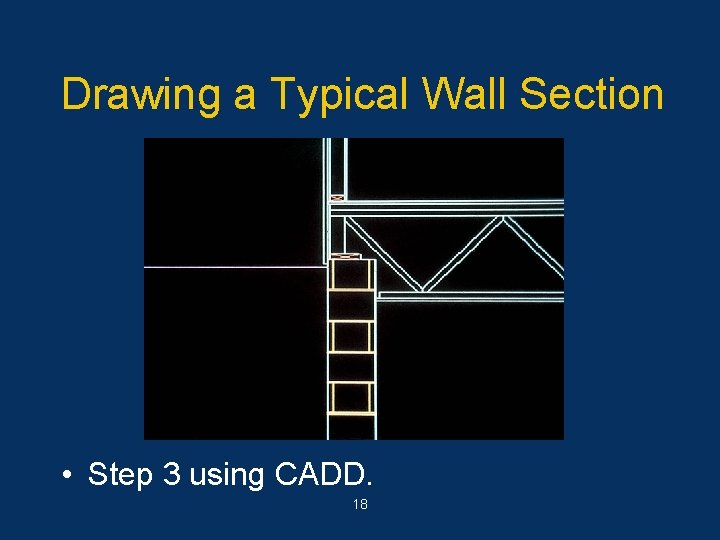
Drawing a Typical Wall Section • Step 3 using CADD. 18
Drawing a Typical Wall Section • Step 3. 19
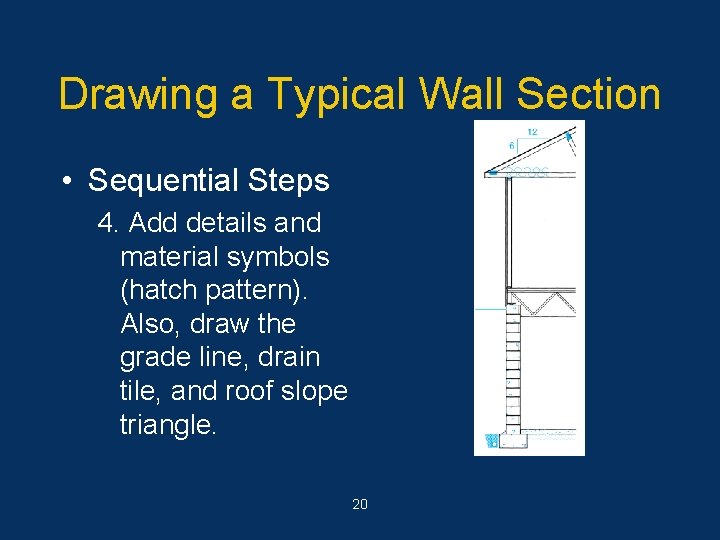
Drawing a Typical Wall Section • Sequential Steps 4. Add details and material symbols (hatch pattern). Also, draw the grade line, drain tile, and roof slope triangle. 20
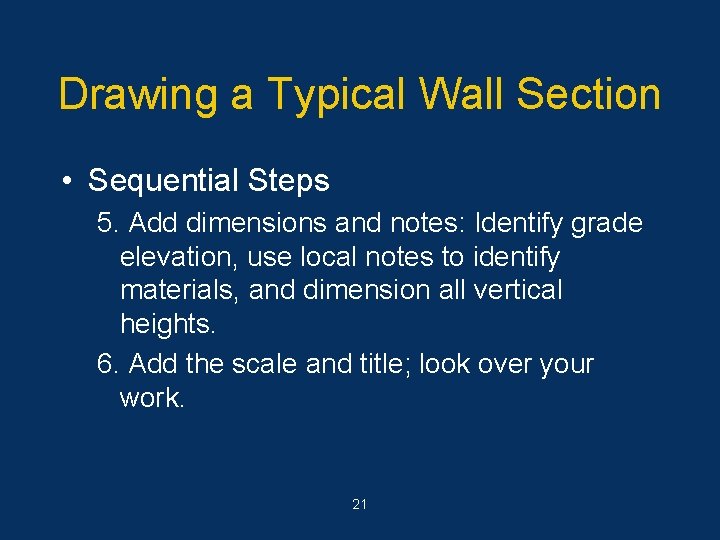
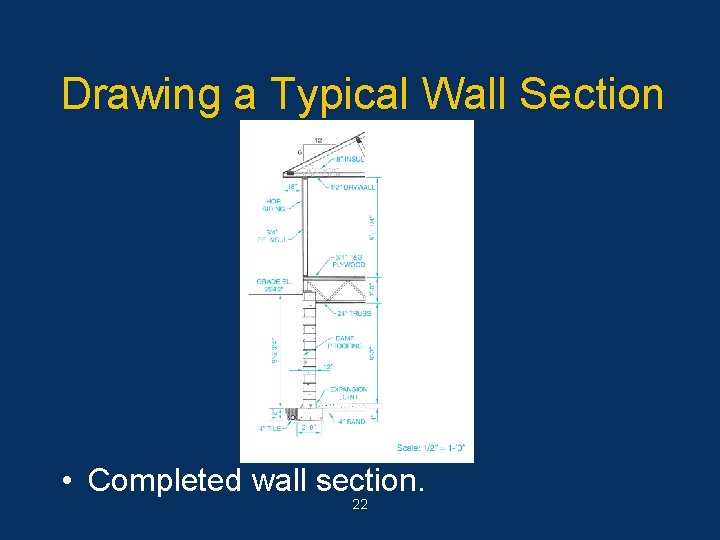
Drawing a Typical Wall Section • Sequential Steps 5. Add dimensions and notes: Identify grade elevation, use local notes to identify materials, and dimension all vertical heights. 6. Add the scale and title; look over your work. 21
Drawing a Typical Wall Section • Completed wall section. 22
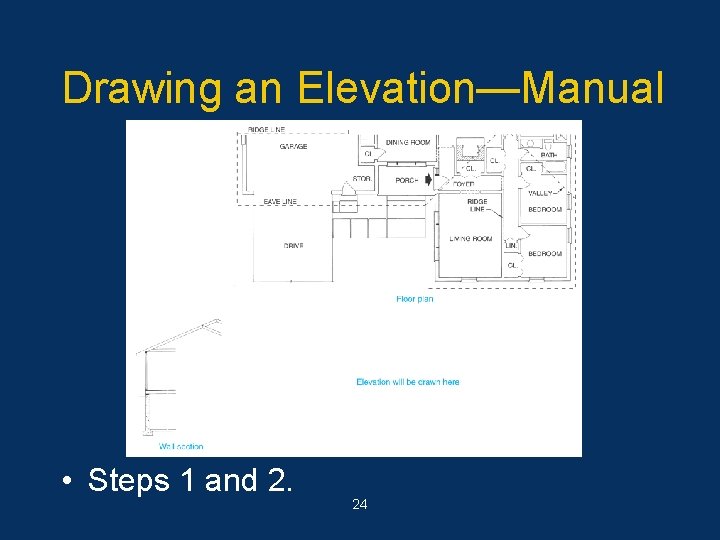
Drawing an Elevation—Manual • The following procedure will yield fast and accurate results if followed carefully. • Sequential Steps 1. Draw a section through the wall to be represented by the elevation. Section should be 1/4" = 1'-0" scale. Draw a section for each different type of wall. 2. Place the floor plan above the space where the elevations are to be drawn. 23
Drawing an Elevation—Manual • Steps 1 and 2. 24
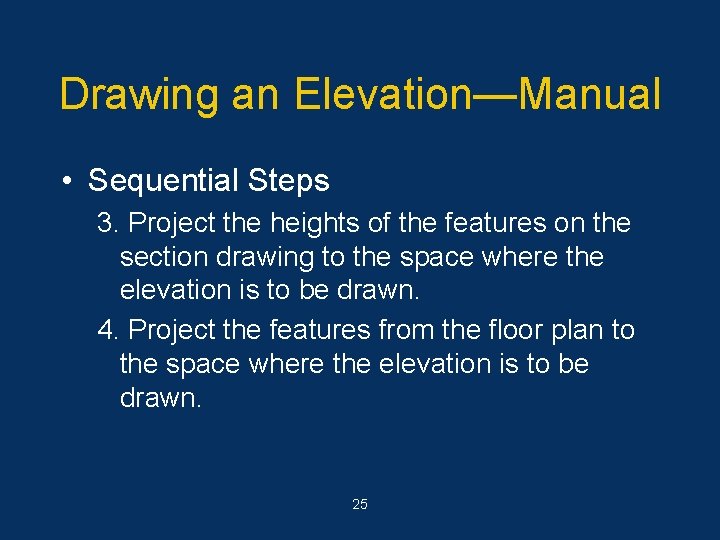
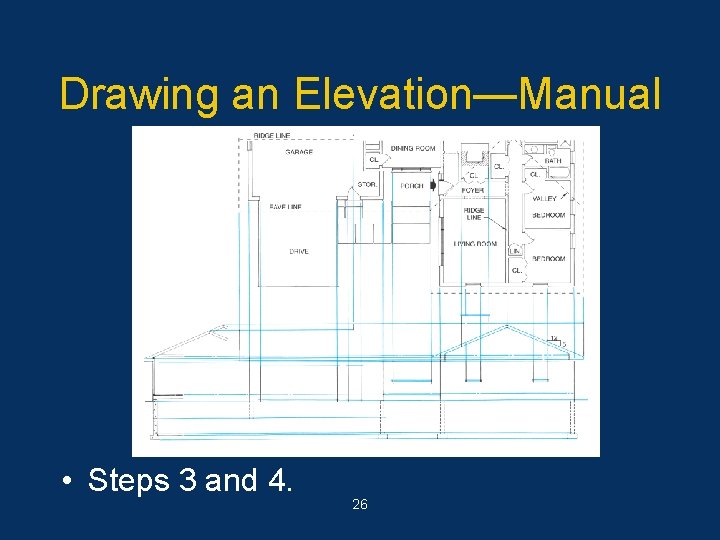
Drawing an Elevation—Manual • Sequential Steps 3. Project the heights of the features on the section drawing to the space where the elevation is to be drawn. 4. Project the features from the floor plan to the space where the elevation is to be drawn. 25
Drawing an Elevation—Manual • Steps 3 and 4. 26
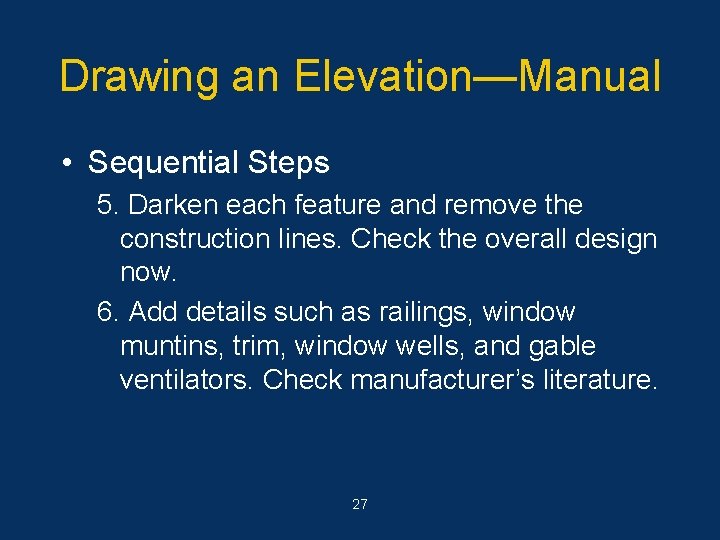
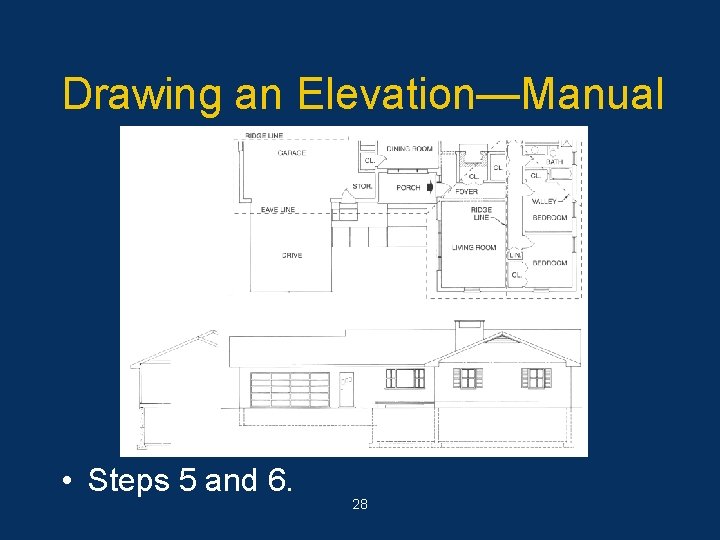
Drawing an Elevation—Manual • Sequential Steps 5. Darken each feature and remove the construction lines. Check the overall design now. 6. Add details such as railings, window muntins, trim, window wells, and gable ventilators. Check manufacturer’s literature. 27
Drawing an Elevation—Manual • Steps 5 and 6. 28
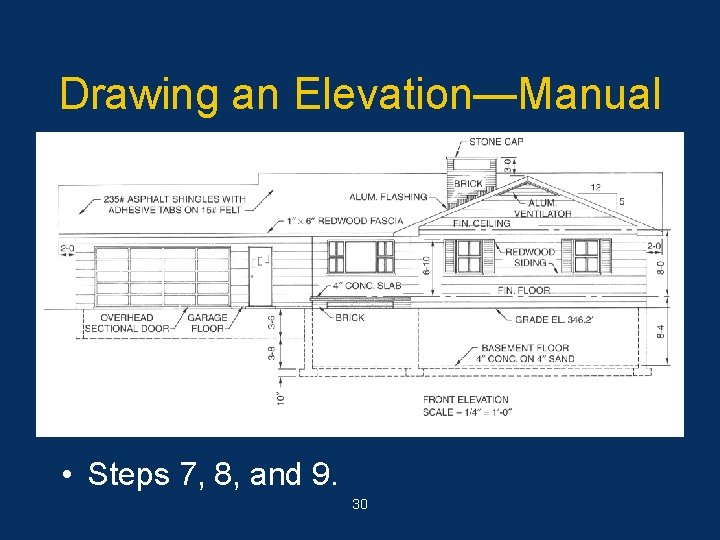
Drawing an Elevation—Manual • Sequential Steps 7. Add dimensions, notes, and symbols. Draw material symbols last. 8. Check the drawing to be sure it is complete. 9. Add title block and scale. 29
Drawing an Elevation—Manual • Steps 7, 8, and 9. 30
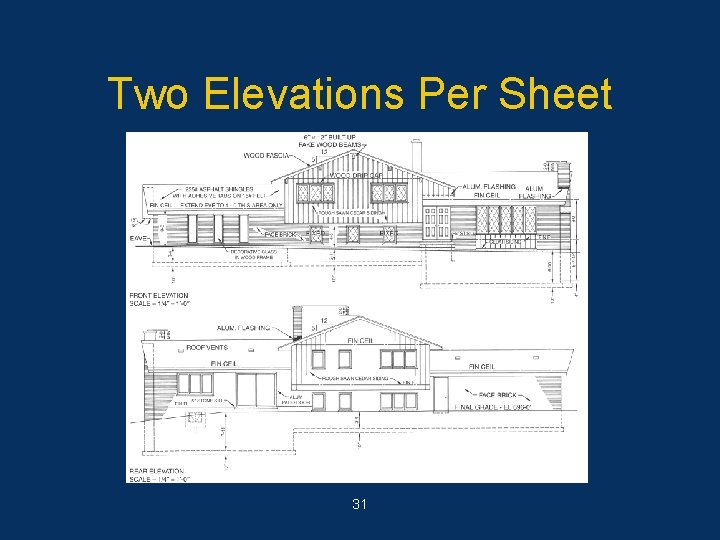
Two Elevations Per Sheet 31
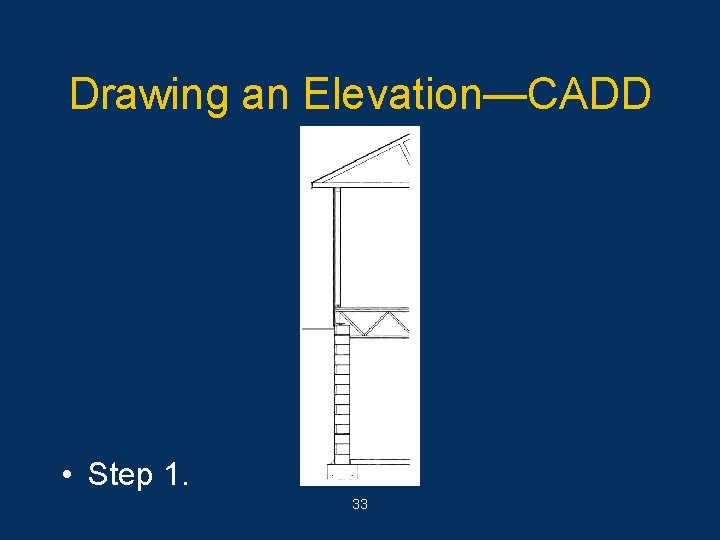
Drawing an Elevation—CADD • The following steps can be used to draw an elevation using CADD. • Sequential Steps 1. Draw a typical wall section to provide height measurements. Scale should be 1/4" = 1'-0". 32
Drawing an Elevation—CADD • Step 1. 33
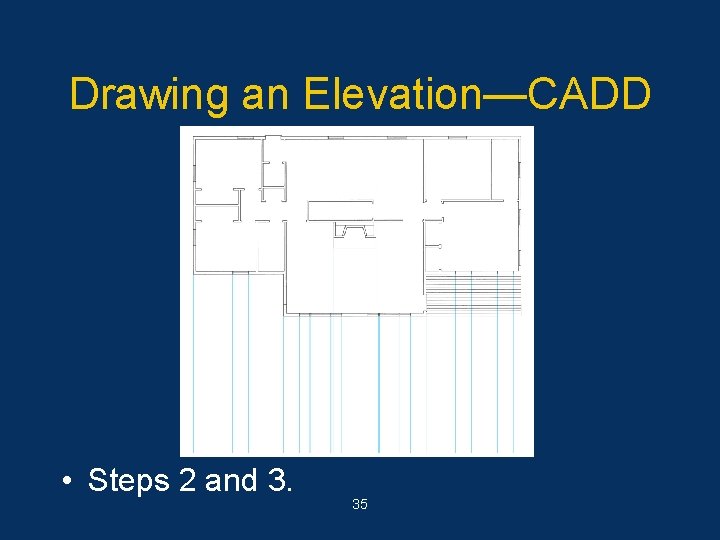
Drawing an Elevation—CADD • Sequential Steps 2. Place a copy of the floor plan above the space where elevation will be drawn. Turn off layers that contain unwanted material. 3. Project features to be drawn on the elevation from the floor plan. Project one or more elements at a time. 34
Drawing an Elevation—CADD • Steps 2 and 3. 35
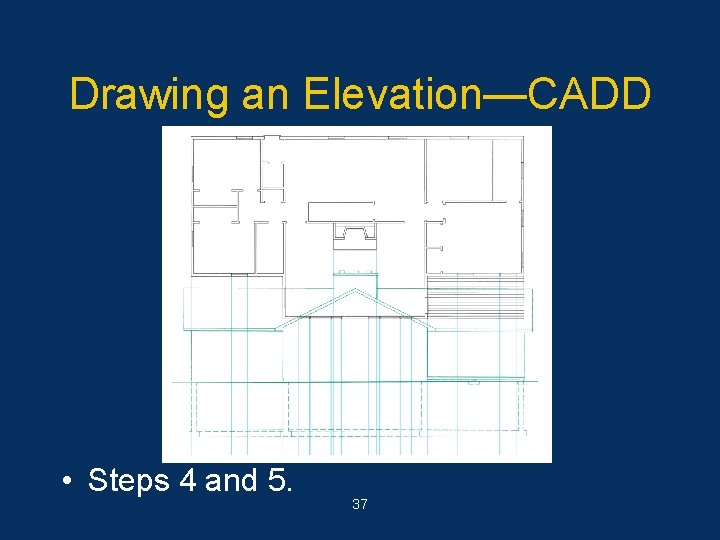
Drawing an Elevation—CADD • Sequential Steps 4. Locate the foundation wall, footings, and grade line heights on the elevation. These will be hidden lines except the grade line. Use separate layers. 5. Locate the wall height and roof lines on the elevation. Use a centerline for floor and ceiling levels. 36
Drawing an Elevation—CADD • Steps 4 and 5. 37
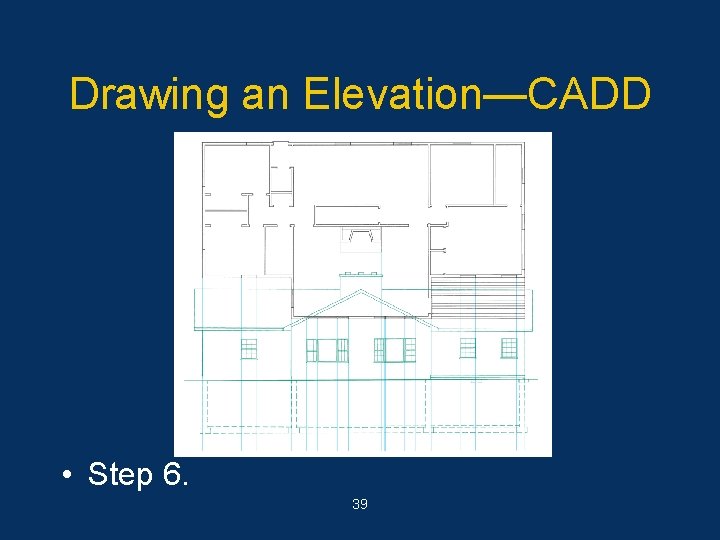
Drawing an Elevation—CADD • Sequential Steps – Look at the overall proportions of the house to see if it needs modification. 6. Locate the height of windows, doors, and any other features. Use the symbols library for complex symbols such as windows. Add all exterior features at this time. 38
Drawing an Elevation—CADD • Step 6. 39
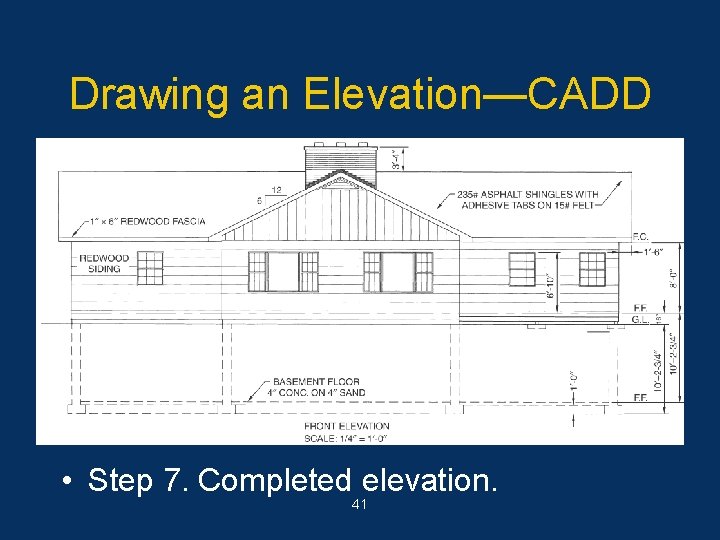
Drawing an Elevation—CADD • Sequential Steps 7. Add dimensions, material symbols, notes, scale, and title. Add notes and dimensions first. Add material symbols next. Add scale and title last. Use separate layers to aid in plotting. 40
Drawing an Elevation—CADD • Step 7. Completed elevation. 41
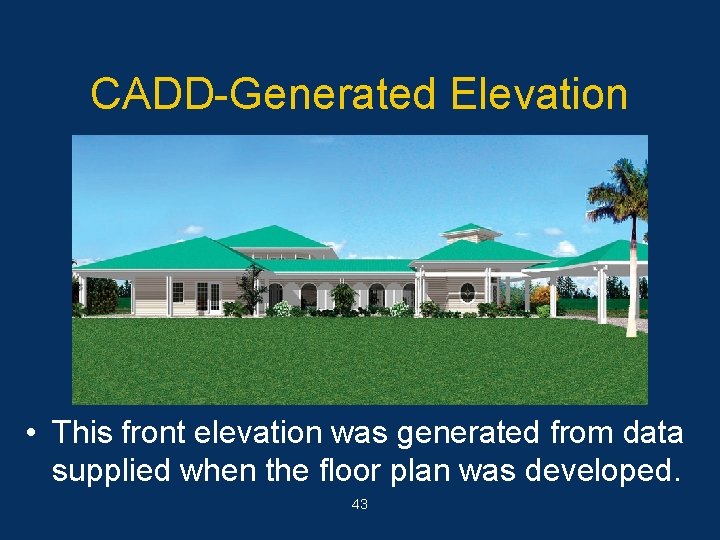
Advanced CADD • Some advanced CADD software can automatically construct elevations using data identified from the floor plan. • 3 D drawings require X, Y, and Z coordinates for each object to generate any view desired. 42
CADD-Generated Elevation • This front elevation was generated from data supplied when the floor plan was developed. 43