
Chapter 20 Internet Explorer Index Acquiring and Installing
- Slides: 19
Chapter 20 Internet Explorer 인공지능 연구실
Index • • Acquiring and Installing Internet Explorer 기본적인 환경 설정 Internet Explorer의 화면 구성 Viewing Pages in Internet Explorer Keeping Track of Your Favorite Web Sites Customizing Internet Explorer Security in Internet Explorer Getting Help
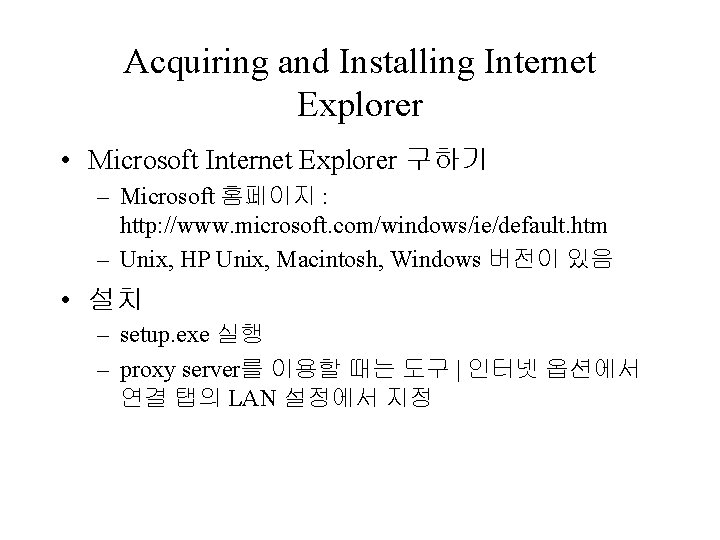
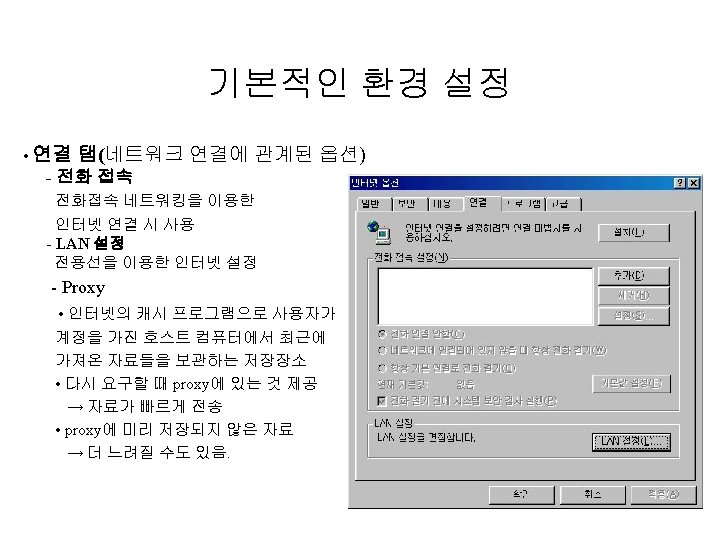
Acquiring and Installing Internet Explorer • Microsoft Internet Explorer 구하기 – Microsoft 홈페이지 : http: //www. microsoft. com/windows/ie/default. htm – Unix, HP Unix, Macintosh, Windows 버전이 있음 • 설치 – setup. exe 실행 – proxy server를 이용할 때는 도구 | 인터넷 옵션에서 연결 탭의 LAN 설정에서 지정
Internet Explorer의 화면 구성
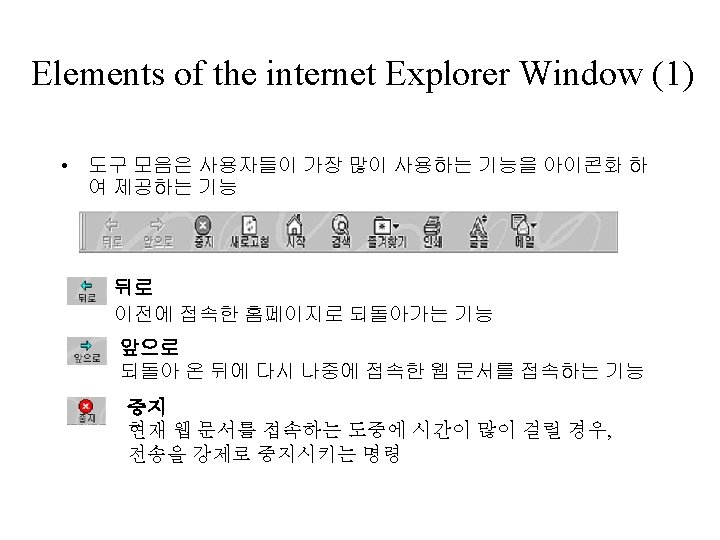
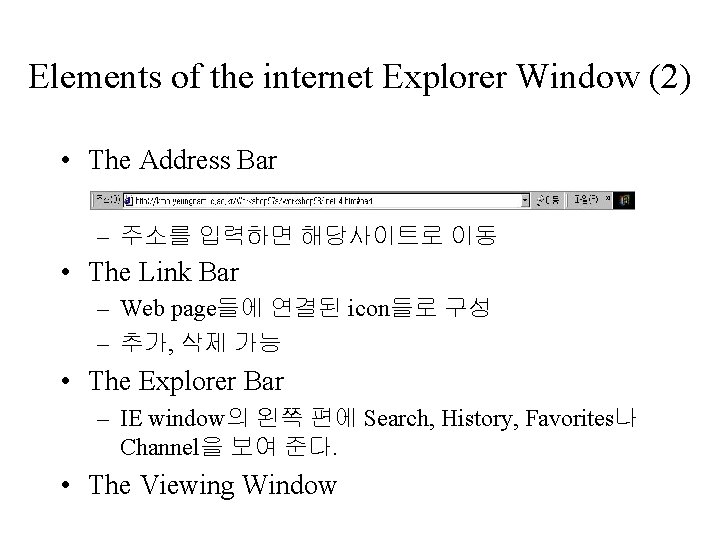
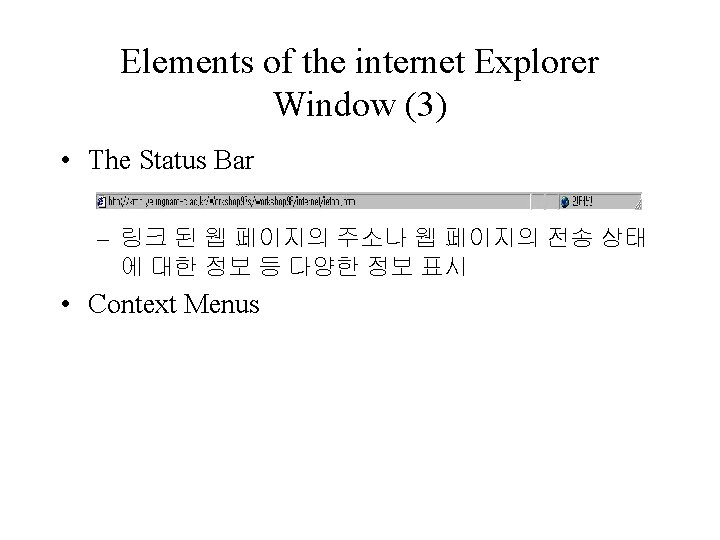
Elements of the internet Explorer Window (2) • The Address Bar – 주소를 입력하면 해당사이트로 이동 • The Link Bar – Web page들에 연결된 icon들로 구성 – 추가, 삭제 가능 • The Explorer Bar – IE window의 왼쪽 편에 Search, History, Favorites나 Channel을 보여 준다. • The Viewing Window
Viewing Pages in Internet Explorer • Opening a Page – 파일 | 열기, address bar, 다른 페이지의 link 선택, history folder, 즐겨찾기 등 이용 • Editing a Page : default HTML-editing application • Viewing HTML Source Code : 보기 | 소스 • Printing and Saving Pages – Printing : 파일 | 인쇄, PRINT button • 프레임이 있는 페이지에서는 옵션 선택 – Saving : 파일 | 다른 이름으로 저장 • 모든 웹 페이지, 웹 페이지 중 HTML 만, 텍스트 파일
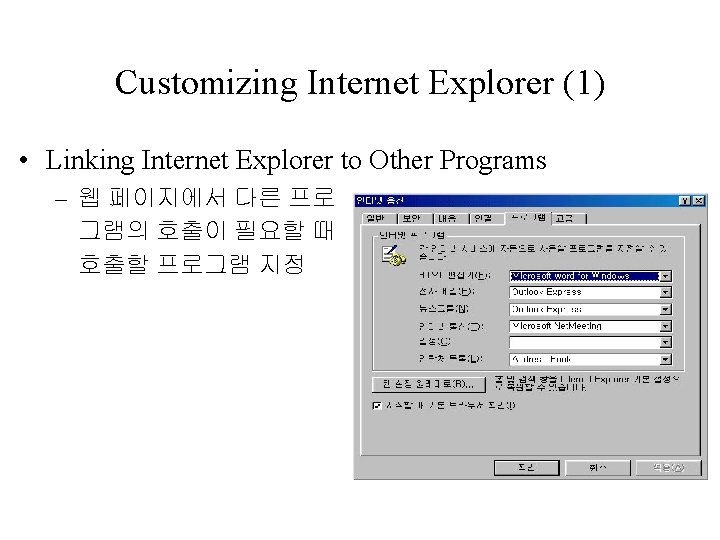
Customizing Internet Explorer (1) • Linking Internet Explorer to Other Programs – 웹 페이지에서 다른 프로 그램의 호출이 필요할 때 호출할 프로그램 지정