
Chapter 2 Understanding class definitions Ticket Machine Example
- Slides: 34
Chapter 2 Understanding class definitions
Ticket. Machine Example l Let’s begin by looking at an example ¡ The l We Ticket Machine will be using this example for this chapter to explore some of the concepts we are working on. l The projects can be found on the CD that came with our book.
Fields, Constructors and Methods l Classes have a wrapper around them. An example for the Ticket. Machine Class public class Ticket. Machine { Inner part of the class omitted } l The outer wrappings of different classes look pretty much the same, with only the name changing to match the class
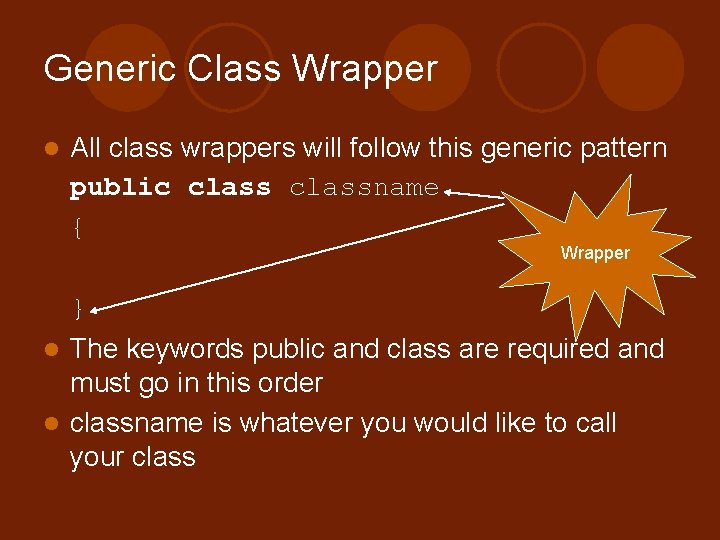
Generic Class Wrapper l All class wrappers will follow this generic pattern public classname { Wrapper } The keywords public and class are required and must go in this order l classname is whatever you would like to call your class l
Basic Elements l Here are three basic elements of class definitions: ¡ Fields ¡ Constructors ¡ Methods l Methods contain statements
Stuff other than fields, methods and constructors l. A lot of times, it’s a good idea to leave little messages behind in the code, so you know what you were thinking when you coded it l These are called comments. l Java has several ways to do this
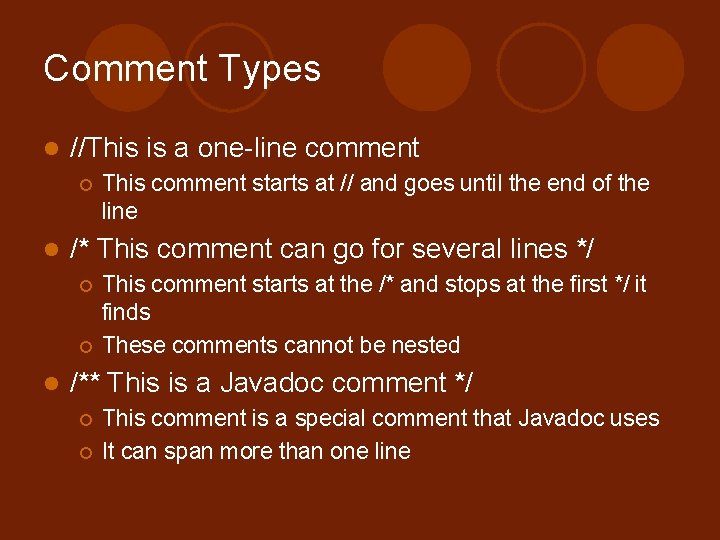
Comment Types l //This is a one-line comment ¡ l /* This comment can go for several lines */ ¡ ¡ l This comment starts at // and goes until the end of the line This comment starts at the /* and stops at the first */ it finds These comments cannot be nested /** This is a Javadoc comment */ ¡ ¡ This comment is a special comment that Javadoc uses It can span more than one line
Javadoc l Javadoc is a tool that Java provides that will go through your code looking for comments that have that special pattern, /** */, and turn them into html l You can also put special tags into them that Javadoc uses when creating the documentation l We will go into more detail later
The inner workings l The inner part of the class is where the fields, constructors and methods for the class l It is these fields, constructors and methods that give a class its uniqueness
Fields, Constructors and Methods l Fields store data for each object to use l The constructor allows each object to be set up properly when it is first created l The methods implement the behavior of the object l The are almost no rules about the order for these elements inside the class
Fields l Fields are small amounts of space inside an object that can be used to store values. l Every created object will have some space for every field declared in its class. l Fields are also called instance variables. l Because fields can change over time, they are also know as variables
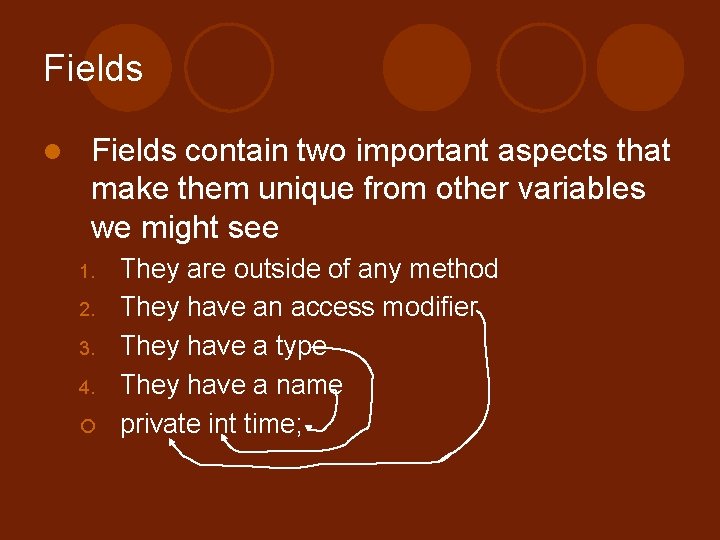
Fields l Fields contain two important aspects that make them unique from other variables we might see 1. 2. 3. 4. ¡ They are outside of any method They have an access modifier They have a type They have a name private int time;
Constructors l It is their responsibility to put each object of their class into a fit state once it has been created. l This is also called initialization. l In the Ticket. Machine class the constructor requires a parameter to initialize the value for price
Passing Data via Parameters l Parameters are how constructors and methods receive their values l We distinguish the names of the parameters inside a method and its value outside l The name of the parameter is called a formal parameter l The value for the parameter is called the actual parameter
Scope l The scope of a variable means where the variable can be accessed l The scope of a parameter is only in the method that it has been passed to l The scope of an instance variable is the entire class
Lifetime l The lifetime of a variable means how long a variable can be accessed l The lifetime for a parameter to a method is only the duration of the method. l The lifetime for an instance variable is the same as for the object
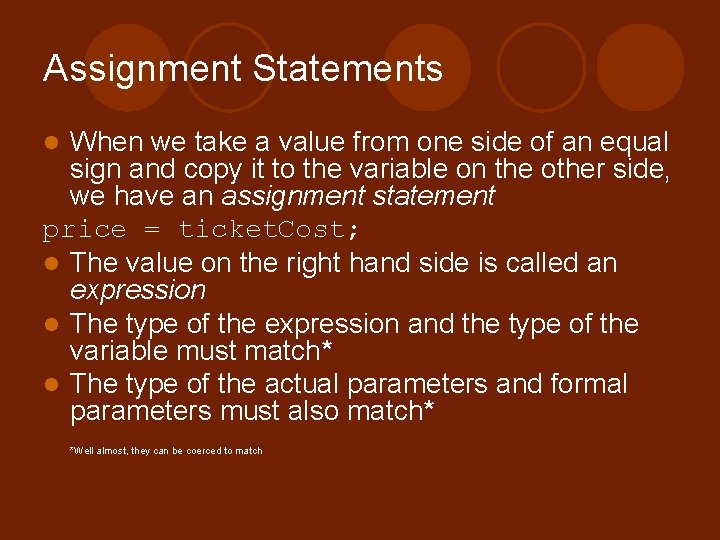
Assignment Statements When we take a value from one side of an equal sign and copy it to the variable on the other side, we have an assignment statement price = ticket. Cost; l The value on the right hand side is called an expression l The type of the expression and the type of the variable must match* l The type of the actual parameters and formal parameters must also match* l *Well almost, they can be coerced to match
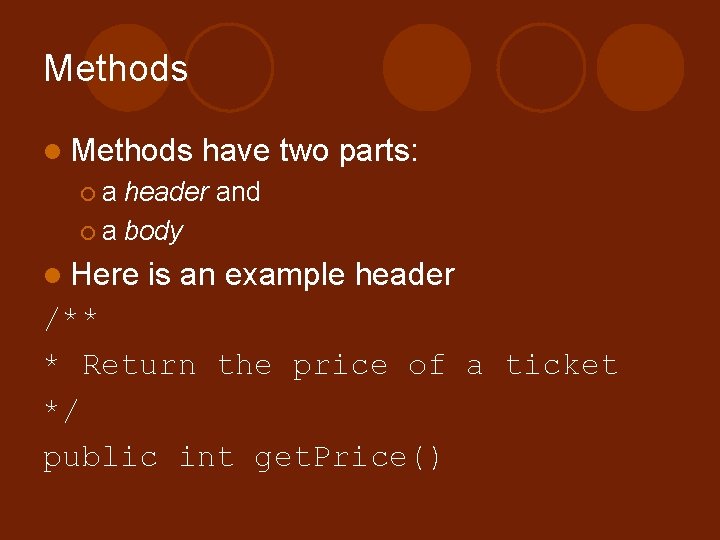
Methods l Methods have two parts: ¡a header and ¡ a body l Here is an example header /** * Return the price of a ticket */ public int get. Price()
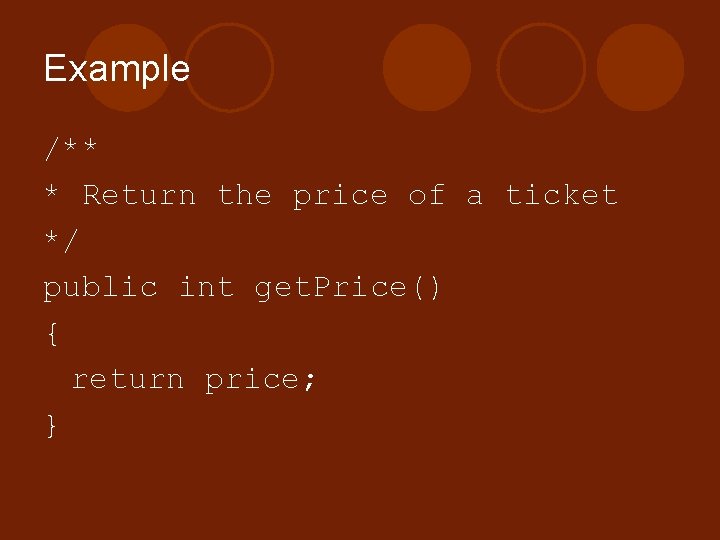
Methods l The body of the method is contained between the two braces. l Some methods are very simple l Some are more complex l The complexity is dictated by the complexity of the request l Here’s an example method
Example /** * Return the price of a ticket */ public int get. Price() { return price; }
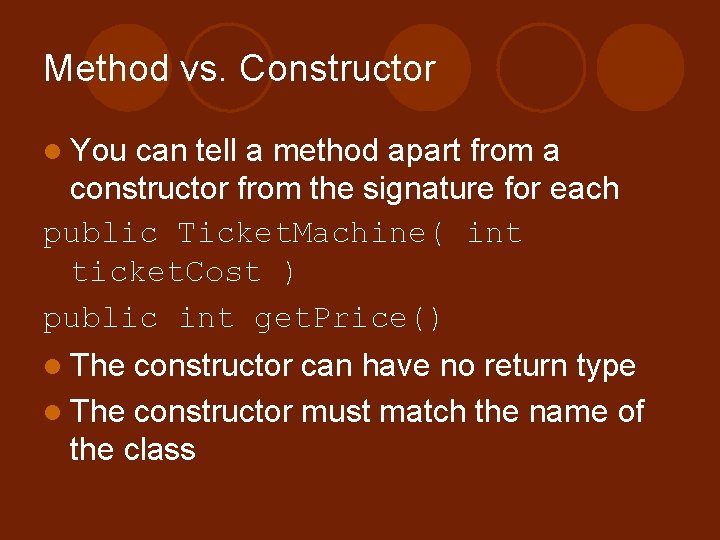
Method vs. Constructor l You can tell a method apart from a constructor from the signature for each public Ticket. Machine( int ticket. Cost ) public int get. Price() l The constructor can have no return type l The constructor must match the name of the class
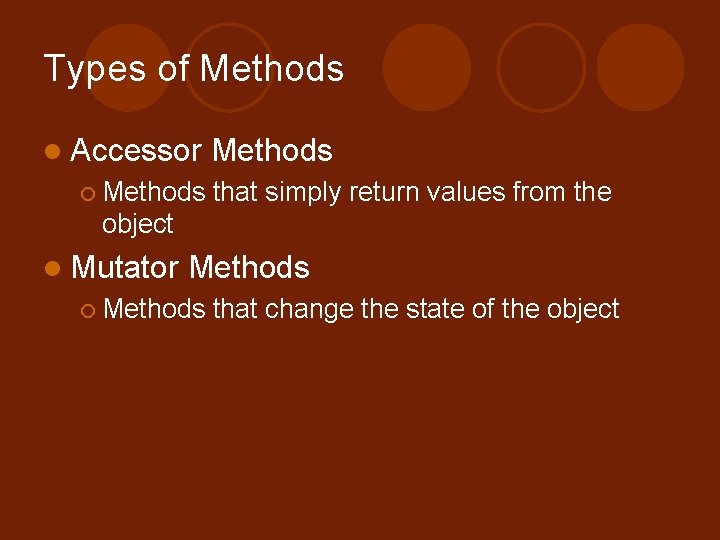
Types of Methods l Accessor ¡ Methods that simply return values from the object l Mutator Methods ¡ Methods that change the state of the object
Why do we care? l The main reason we discuss the different types of methods is because in general, we want to isolate the actions a particular method performs. l Meaning, if we have method that does too much it might be too complicated and may need to be broken up
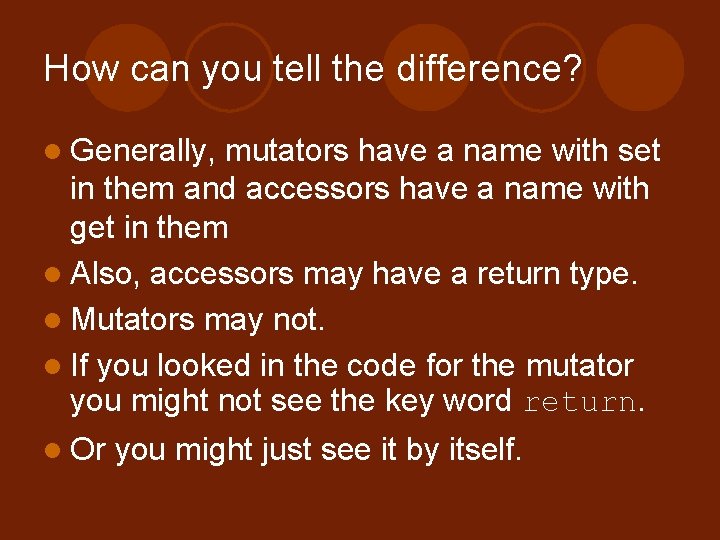
How can you tell the difference? l Generally, mutators have a name with set in them and accessors have a name with get in them l Also, accessors may have a return type. l Mutators may not. l If you looked in the code for the mutator you might not see the key word return. l Or you might just see it by itself.
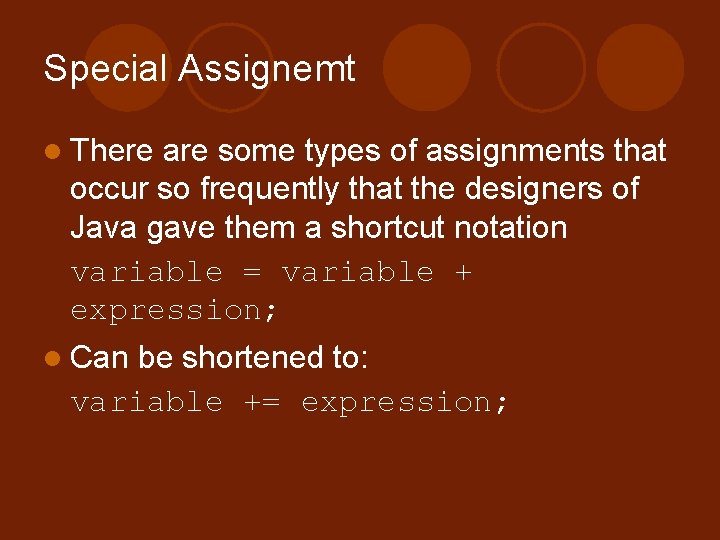
Special Assignemt l There are some types of assignments that occur so frequently that the designers of Java gave them a shortcut notation variable = variable + expression; l Can be shortened to: variable += expression;
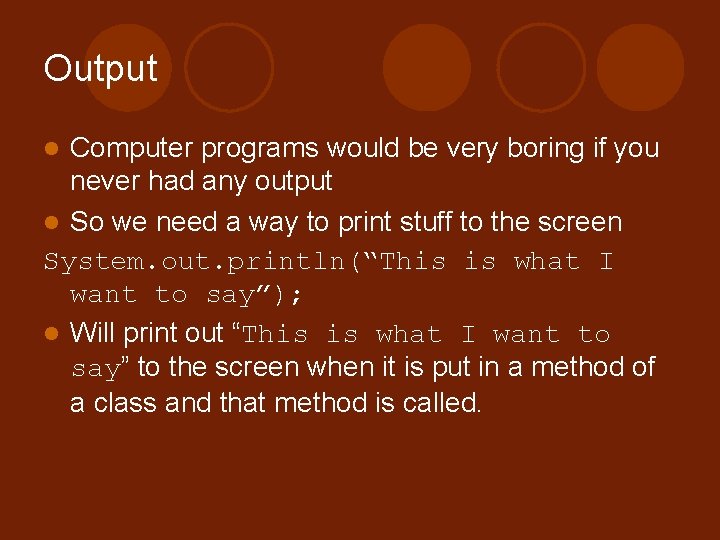
Output Computer programs would be very boring if you never had any output l So we need a way to print stuff to the screen System. out. println(“This is what I want to say”); l Will print out “This is what I want to say” to the screen when it is put in a method of a class and that method is called. l
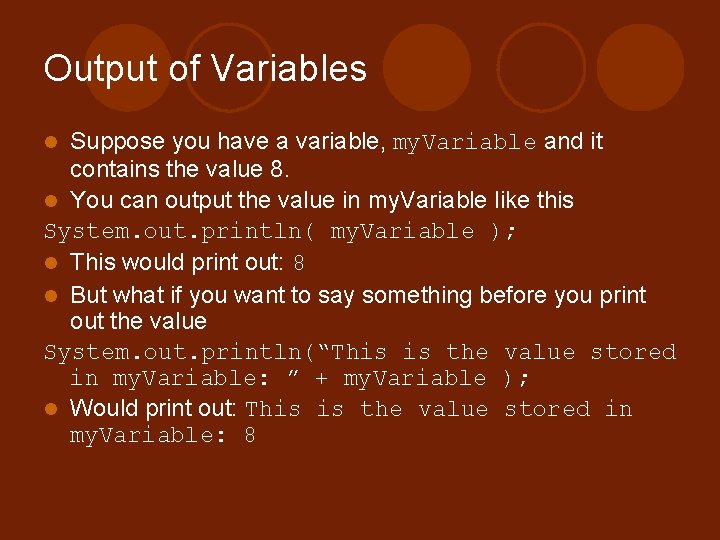
Output of Variables Suppose you have a variable, my. Variable and it contains the value 8. l You can output the value in my. Variable like this System. out. println( my. Variable ); l This would print out: 8 l But what if you want to say something before you print out the value System. out. println(“This is the value stored in my. Variable: ” + my. Variable ); l Would print out: This is the value stored in my. Variable: 8 l
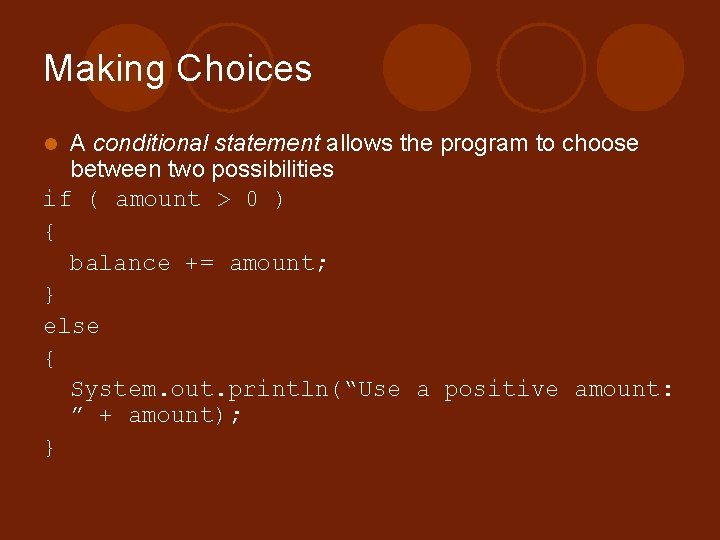
Making Choices A conditional statement allows the program to choose between two possibilities if ( amount > 0 ) { balance += amount; } else { System. out. println(“Use a positive amount: ” + amount); } l
Boolean Expression l The tests used in the conditional statement are Boolean expressions l Boolean expressions result in one of two values: true or false l The conditional statement uses the result of the Boolean expression to determine which action to take
Local Variables l l l Local variables are declared inside of a method block They have scope and lifetime that is limited to that block They differ from class fields in that they are defined only in the method block You do not use private or any other modifier to declare a local variable Local variables are used as temporary storage locations to help methods do their job
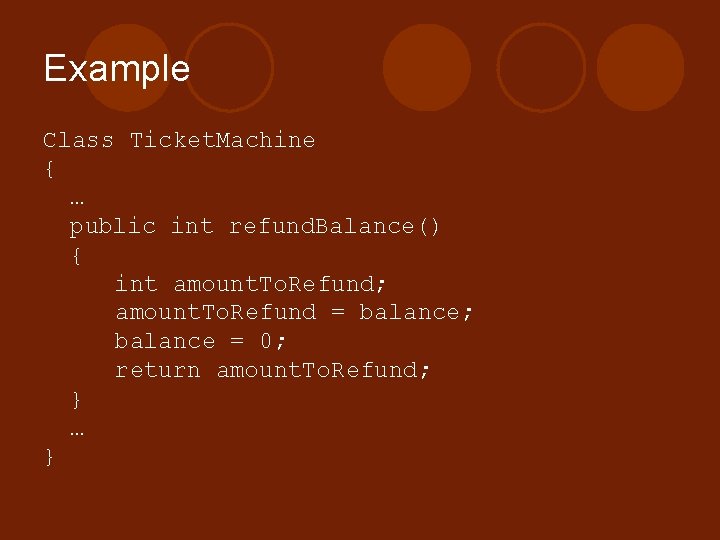
Example Class Ticket. Machine { … public int refund. Balance() { int amount. To. Refund; amount. To. Refund = balance; balance = 0; return amount. To. Refund; } … }
Fields, Parameters and Local Variables l l l All three kinds of variables are able to store a value that is appropriate to their defined type Fields are defined outside constructors and methods Fields are used to store data that persists throughout the life of an object. Fields have class scope Fields cannot be accessed from outside their class
Fields, Parameters and Local Variables l l l Parameters and local variables persist for only the time period in which the method or constructor they are in is executing Formal parameters are defined in the header and receive their values from outside the method Formal parameters have scope that is limited to their method call. Local variables are defined within a method Local variables have scope that is limited to the block they are defined in.
Quiz l How can you tell a method apart from a constructor from the signatures alone? ¡ The constructor can have no return type ¡ The constructor must match the name of the class