
Chapter 2 The Internet The Web and Electronic
Chapter 2 The Internet, The Web, and Electronic Commerce Mc. Graw-Hill/Irwin Copyright © 2008 by The Mc. Graw-Hill Companies, Inc. All rights reserved.
Competencies (1 of 2) • Discuss the origins of the Internet and the Web • Describe how to access the Web using providers and browsers • Discuss Internet communications, including e-mail, instant messaging, and social networking 2 Page 28
Competencies (2 of 2) • Describe search tools, including search engines and metasearch engines • Discuss electronic commerce, including B 2 C, C 2 C, B 2 B, and security • Describe Web utilities: Web-based applications, FTP, plug-ins, and filters 3 Page 28
Introduction • The Internet is often referred to as the Information Superhighway because it connects millions of people across the globe. • Unlike a typical highway, the Internet moves idea and information. • The Web provides an easy-to-use, intuitive interface to connect to the Internet and is used by millions of people every day. 4 Page 29
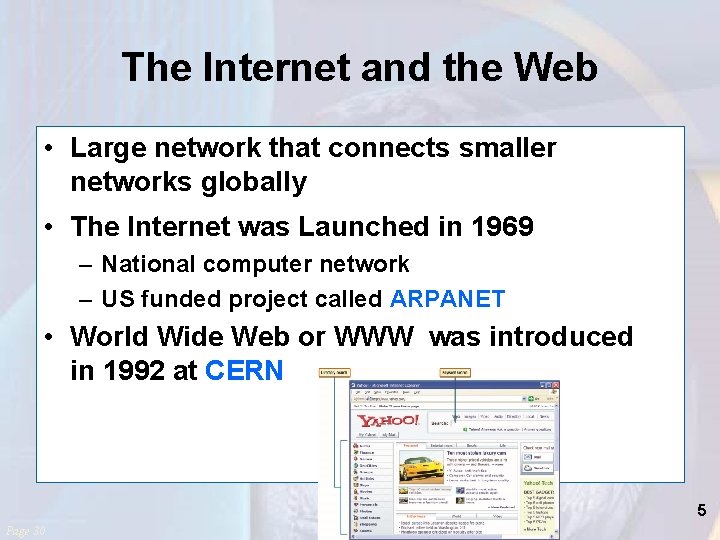
The Internet and the Web • Large network that connects smaller networks globally • The Internet was Launched in 1969 – National computer network – US funded project called ARPANET • World Wide Web or WWW was introduced in 1992 at CERN 5 Page 30
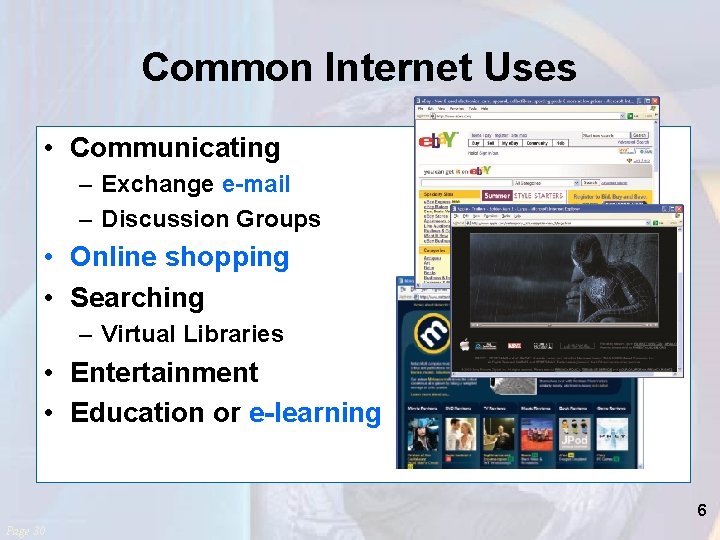
Common Internet Uses • Communicating – Exchange e-mail – Discussion Groups • Online shopping • Searching – Virtual Libraries • Entertainment • Education or e-learning 6 Page 30
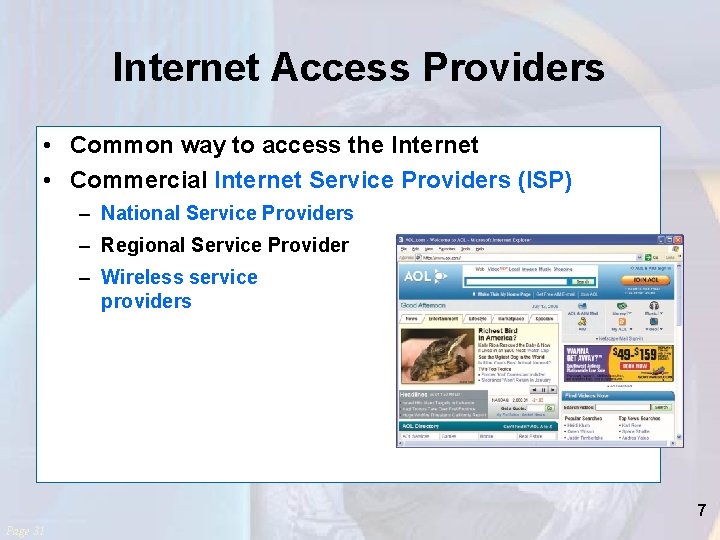
Internet Access Providers • Common way to access the Internet • Commercial Internet Service Providers (ISP) – National Service Providers – Regional Service Provider – Wireless service providers 7 Page 31
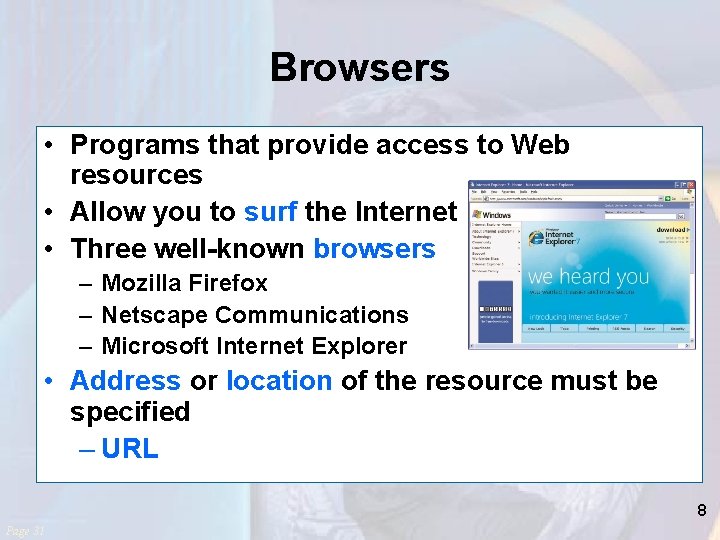
Browsers • Programs that provide access to Web resources • Allow you to surf the Internet • Three well-known browsers – Mozilla Firefox – Netscape Communications – Microsoft Internet Explorer • Address or location of the resource must be specified – URL 8 Page 31
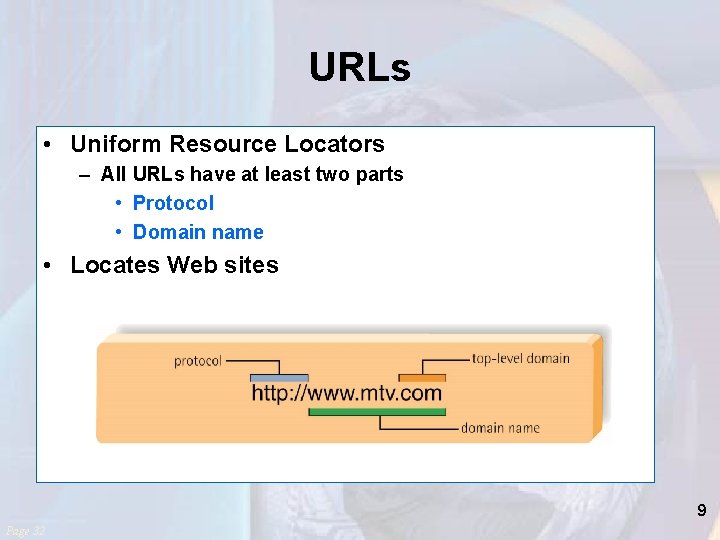
URLs • Uniform Resource Locators – All URLs have at least two parts • Protocol • Domain name • Locates Web sites 9 Page 32
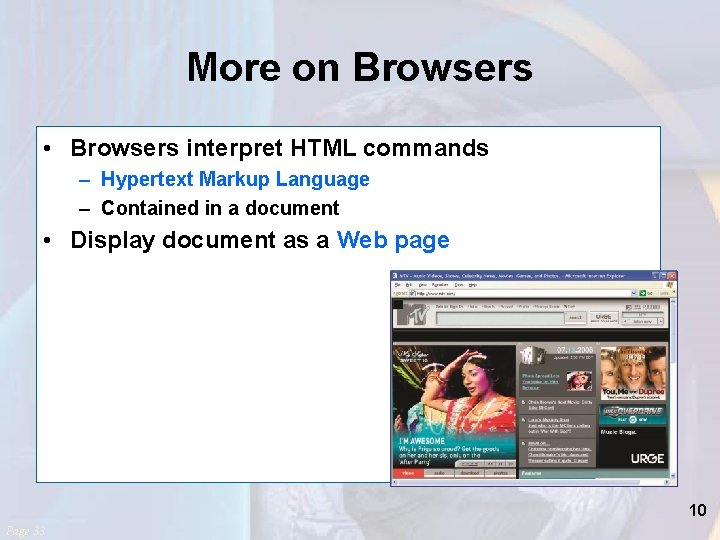
More on Browsers • Browsers interpret HTML commands – Hypertext Markup Language – Contained in a document • Display document as a Web page 10 Page 33
Communication • Most popular Internet activity • Types of communication – Electronic Mail (E-Mail) • E-Mail Address • Spam – Instant Messaging – Social Networking 11 Page 33
Spam • Junk and/or unwanted Email • Computer viruses or destructive programs are often attached to unsolicited email – CAN-SPAM Act • Spam blockers incorporate a myriad of approached to identify and control spam • Spam blockers are also referred to as: – Junk mail filters – Anti-spam programs Return Page 35 14
Search Tools • • Search engines Metasearch engines Specialized search engines Tips – – – Start with the right approach Be as precise as possible Use multiple words Use Boolean operators Check your spelling Keep moving 17 Page 37
Electronic Commerce • Also known as e-commerce • Buying and selling of goods over the Internet – Business-to-consumer (B 2 C) – Consumer-to-consumer (C 2 C) • Web auctions – Business-to-business (B 2 B) 22 Page 42
Business to Business • Involves the sale of a product or service from one business to another (B 2 B) • Primarily a manufacturer supplier relationship 23 Page 43
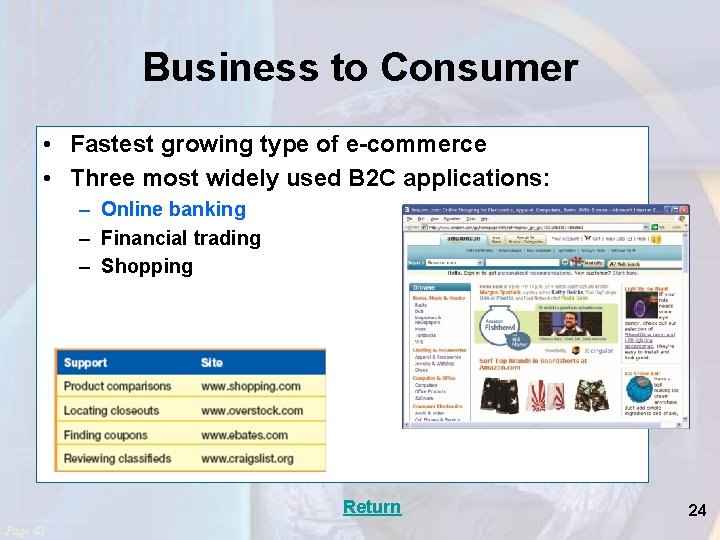
Business to Consumer • Fastest growing type of e-commerce • Three most widely used B 2 C applications: – Online banking – Financial trading – Shopping Return Page 43 24

Consumer to Consumer Web Auctions • Consumer-to-consumer e-commerce (C 2 C) • Similar to traditional auctions • Types – Auction house sites – Person-to-person auction sites 25 Page 44
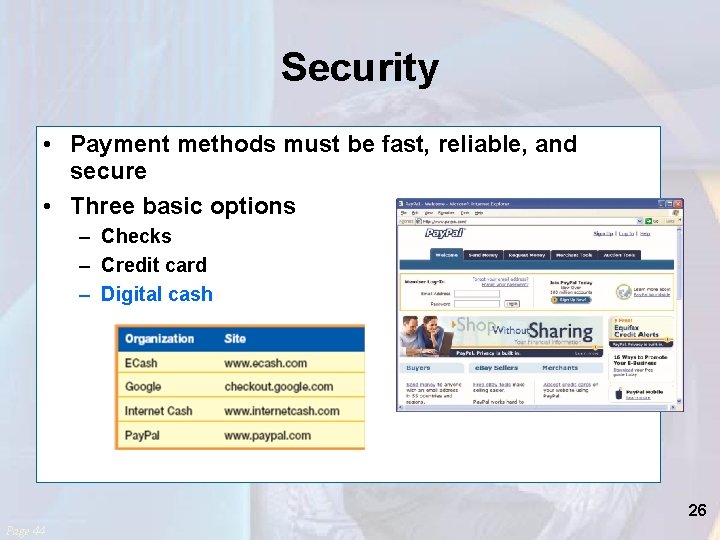
Security • Payment methods must be fast, reliable, and secure • Three basic options – Checks – Credit card – Digital cash 26 Page 44
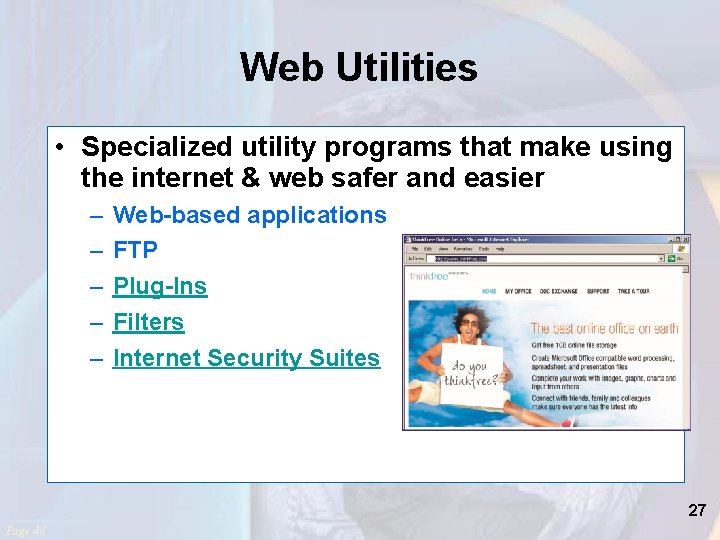
Web Utilities • Specialized utility programs that make using the internet & web safer and easier – – – Web-based applications FTP Plug-Ins Filters Internet Security Suites 27 Page 46
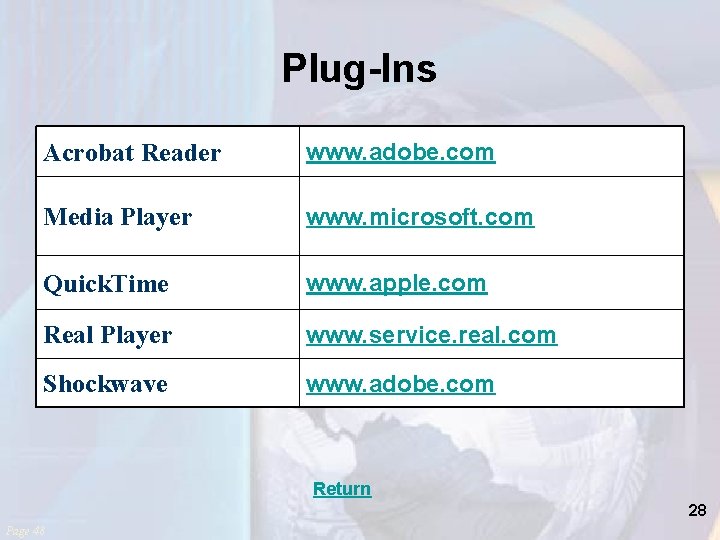
Plug-Ins Acrobat Reader www. adobe. com Media Player www. microsoft. com Quick. Time www. apple. com Real Player www. service. real. com Shockwave www. adobe. com Return 28 Page 48

Filters Cyber. Patrol www. cyberpartrol. com Cybersitter www. cybersitter. com IProtect. You Pro Web Filter www. softforyou. com Net Nanny www. netnanny. com Safe Eyes Platinum www. safeeyes. com Return Page 47 29
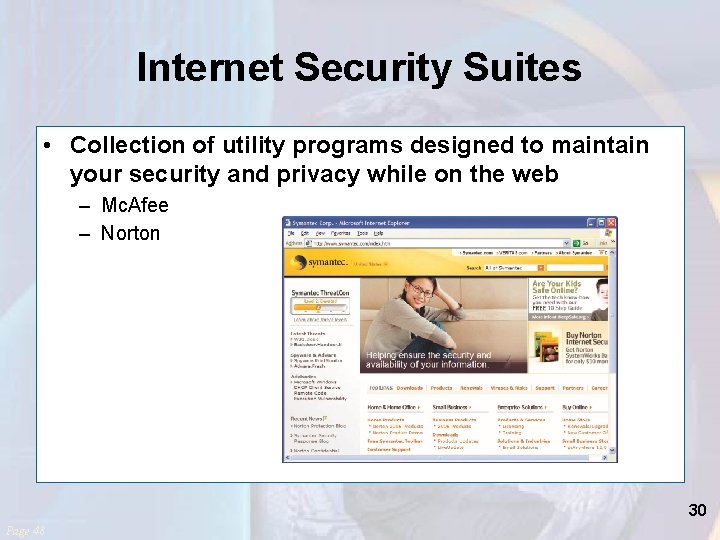
Internet Security Suites • Collection of utility programs designed to maintain your security and privacy while on the web – Mc. Afee – Norton 30 Page 48
Careers In IT - Webmasters • Develop & maintain websites • Back-up of the company website, updating resources, and development of new resources • Work with the marketing department to increase the site traffic flow 31 Page 49
A Look to the Future Homes of Tomorrow • “Smart” appliances in homes will have their own Web page • Refrigerators will be able to manage their inventory and automatically order to resupply • Internet cameras, wireless technologies, & high-speed internet will allow you to virtually monitor your home while on travel • Downsides? 32 Page 50
Discussion Questions (Page 1 of 2) • Discuss the uses of the Internet. Which activities have you participated in? Which one do you think is the most popular? • Explain the differences between the three types of providers. • What are the basic elements of an e-mail message? 33 Page 57
Discussion Questions (Page 2 of 2) • What is social networking? Describe three types of social networking sites. • Describe the different types of search engines. Give an example of the type of search each engine is best for. 34 Page 57
- Slides: 26