
Chapter 2 The development of computers l Learning


- Slides: 30
Chapter 2 The development of computers l Learning outcomes • Outline the history of computers • Explain Von-Neumann Architecture • Explain the advantage of using the binary system in computing and not the decimal one. 10/31/2021 cis 110 1
Additional reading l l Essential • Stallings (2003): Chapter 2. 1 Further reading • • Brookshear (2003): Chapter 0. 2 Schneider and Gersting (2004): Chapter 1. 4 10/31/2021 cis 110 2
Lesson plan l l l Introduction Definition of a computer History of computer machines. Hardware and software Compilers 10/31/2021 cis 110 3
Introduction l l Modern computers are: • • • Small, Fast, Can do different things To understand how modern computers work • • It is useful to know their development history How is information represented ? How is information stored? How is information processed? 10/31/2021 cis 110 4
What is a computer? 10/31/2021 cis 110 5
What is a computer? 1. 2. 3. 4. 5. Human who performs calculations Calculating machine General problem solver Machine that performs repeated operations Machine that can be programmed to perform different operations 10/31/2021 cis 110 6
Navigation problem l Originally, a word computer was assigned to humans who were employed to solve difficult equations such as computing tabulated values that could be used by navigators. l Humans implies mistakes. l Large fortune can lost. 10/31/2021 cis 110 7
A computer is something that does arithmetic sums l l Charles Babbage (mathematician) realised that a fortune can be saved if the production of these tables can mechanised. There were a limited mechanic machines at that time • l such as abacus (limited in its precision) A Computer becomes: • Something that does arithmetic sums. 10/31/2021 cis 110 8
A computer is something that can perform repeated operations. l In 1822 C. Babbage proposed: • A mechanical calculating device designed to repeatedly add large number. l A computer becomes: • something that can perform repeated operations without error. 10/31/2021 cis 110 9
A computer is machine that can perform different tasks l 1833 • C. Babbage designed a machine that could perform different operations. Order of operation can be changed after. l A computer becomes: • A machine that can be programmed to perform different tasks. 10/31/2021 cis 110 10
First programmer? l Lady Ada Lovelace • • She met C. Babbage in 1833 She then wrote a program for his machine. l She was the world’s first programmer ? l More about Ada Lovelace go to http: //www. exeter. ac. uk/BABBAGE/ada. html 10/31/2021 cis 110 11
Origin the word Algorithm? l The idea of a program or algorithm • • was already known at that time. The idea of Algorithm was introduced by: • Muhammad ibn Mūsā al-Khwārizm (Mathematician) (9 th Century) • • • 10/31/2021 He worked in Baghdad at the time when it was the centre of scientific studies and trade His work introduced Indian numerals and algebraic concepts • Father of Algebra The word algorithm comes from the name al-Khwārizm cis 110 12
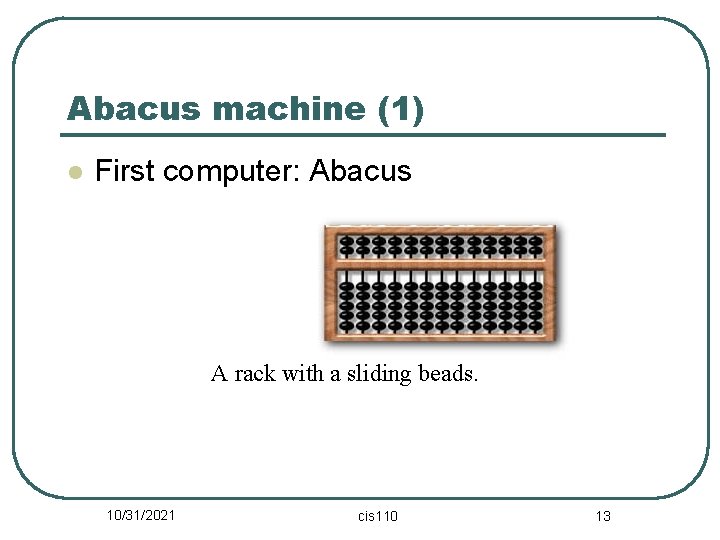
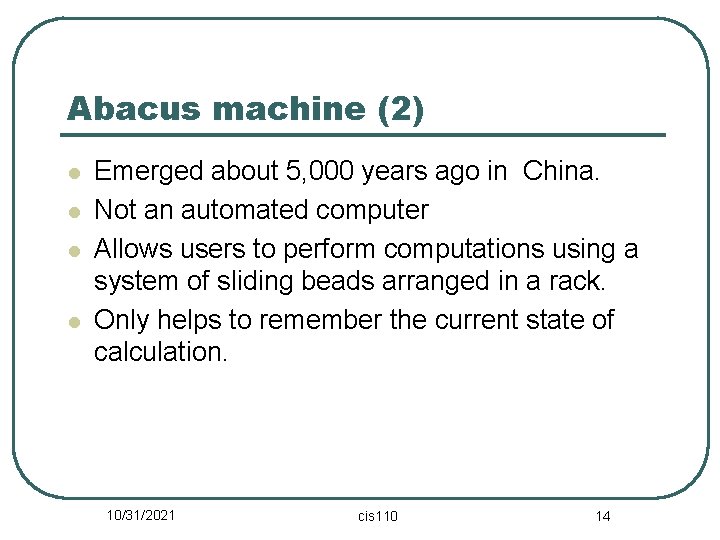
Abacus machine (1) l First computer: Abacus A rack with a sliding beads. 10/31/2021 cis 110 13
Abacus machine (2) l l Emerged about 5, 000 years ago in China. Not an automated computer Allows users to perform computations using a system of sliding beads arranged in a rack. Only helps to remember the current state of calculation. 10/31/2021 cis 110 14
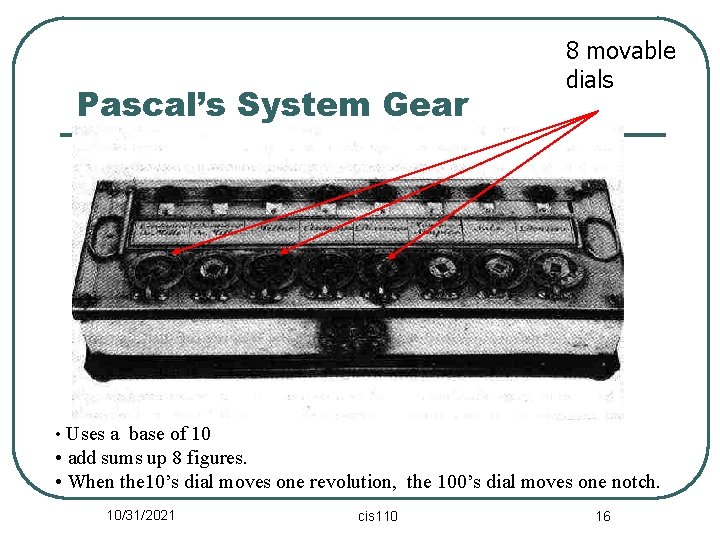
Pascal’s System Gear Blaise Pascal(1623 -1662) l It was developed by Blaise Pascal in 1642. • If is also known as • It is an 8 figure calculating machine • Limitations: addition and subtraction only. • Pascal mechanical calculator • Pascaline • Pascal’s adder. • adding, • subtracting, and • carrying 10's, 100's, and 1000's 10/31/2021 cis 110 15
Pascal’s System Gear 8 movable dials • Uses a base of 10 • add sums up 8 figures. • When the 10’s dial moves one revolution, the 100’s dial moves one notch. 10/31/2021 cis 110 16
Gottfried Von Leibniz l l l Leibniz developed Pascal’s ideas. In 1671, he introduced a new device called Step Reckoner. The device can performs the followings: • Addition and subtraction • multiplication and division. • Evaluation of square roots by series of stepped additions. 10/31/2021 cis 110 17
Babbage’s Difference Engine Charles Babbage(1791 -1871) l It could compute tables of numbers for naval navigation, e. g. x 2 for any value of x. This machine punched the result into a copper plate. l For more information about Babbage’s work go to: http: //www. maxmon. com/1830 ad. htm http: //en. wikipedia. org/wiki/Charles_Babbage 10/31/2021 cis 110 18
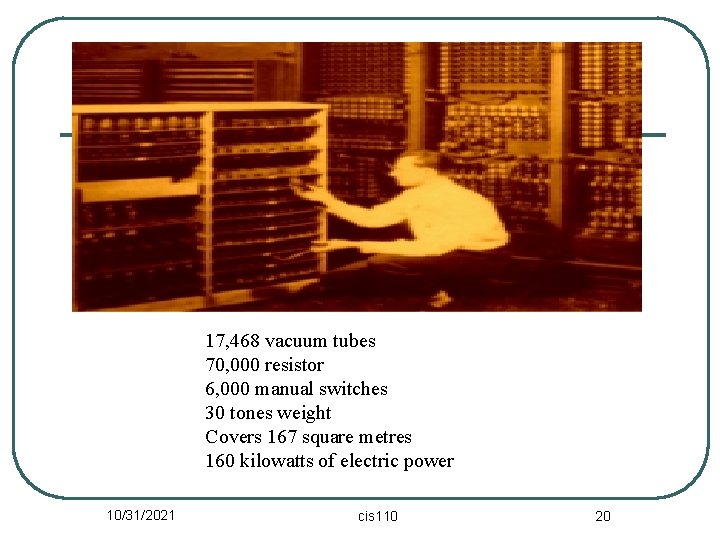
Electronic Numerical Integrator and Computer (ENIAC) l l (1943 -1946) by John Mauchly ENIAC used vacuum tubes for number computation. • The switches between the vacuum tubes were able to represent 2 states: ON and OFF. l However, programming was done manually. 10/31/2021 cis 110 19
17, 468 vacuum tubes 70, 000 resistor 6, 000 manual switches 30 tones weight Covers 167 square metres 160 kilowatts of electric power 10/31/2021 cis 110 20
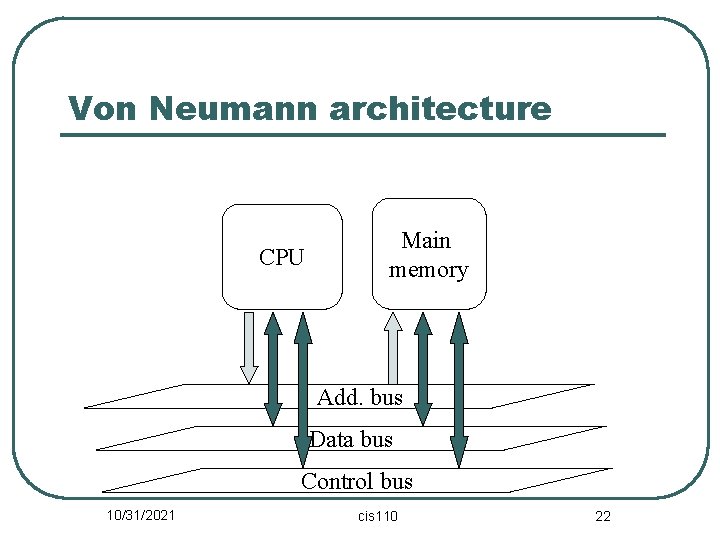
Von Neumann Machine l l Invented in 1943 by John Von Neumann First machine that could perform all operations electronically. No manual switching between states is needed It consists of : • • • A central processing unit Memory as well as Input/Output devices These were connected through a system bus (set of wires) 10/31/2021 cis 110 21
Von Neumann architecture CPU Main memory Add. bus Data bus Control bus 10/31/2021 cis 110 22
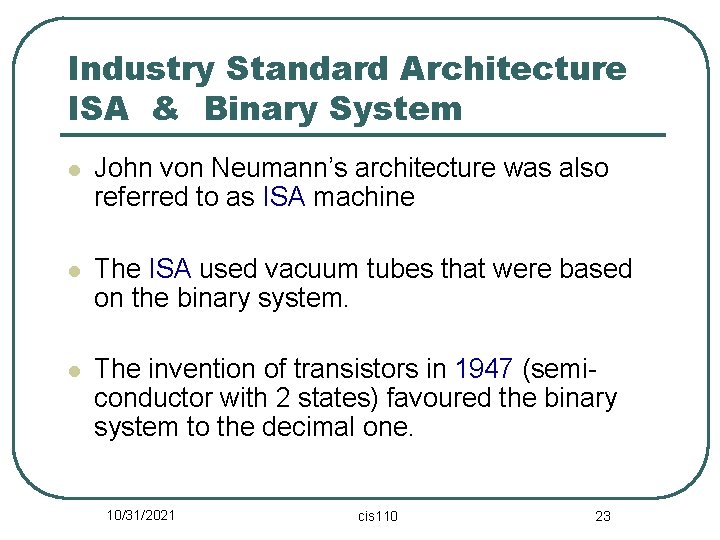
Industry Standard Architecture ISA & Binary System l John von Neumann’s architecture was also referred to as ISA machine l The ISA used vacuum tubes that were based on the binary system. l The invention of transistors in 1947 (semiconductor with 2 states) favoured the binary system to the decimal one. 10/31/2021 cis 110 23
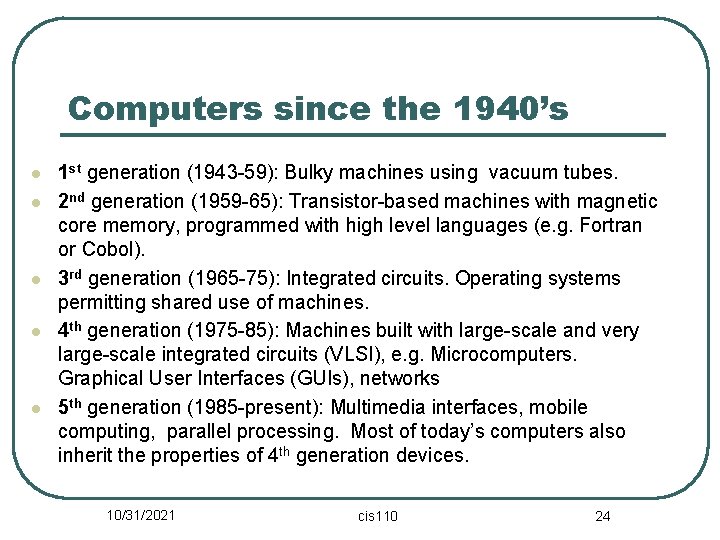
Computers since the 1940’s l l l 1 st generation (1943 -59): Bulky machines using vacuum tubes. 2 nd generation (1959 -65): Transistor-based machines with magnetic core memory, programmed with high level languages (e. g. Fortran or Cobol). 3 rd generation (1965 -75): Integrated circuits. Operating systems permitting shared use of machines. 4 th generation (1975 -85): Machines built with large-scale and very large-scale integrated circuits (VLSI), e. g. Microcomputers. Graphical User Interfaces (GUIs), networks 5 th generation (1985 -present): Multimedia interfaces, mobile computing, parallel processing. Most of today’s computers also inherit the properties of 4 th generation devices. 10/31/2021 cis 110 24
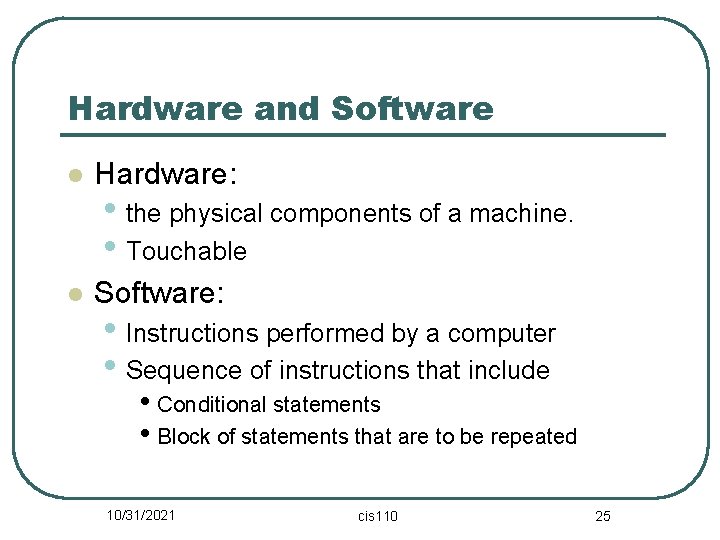
Hardware and Software l Hardware: l Software: • the physical components of a machine. • Touchable • Instructions performed by a computer • Sequence of instructions that include • Conditional statements • Block of statements that are to be repeated 10/31/2021 cis 110 25
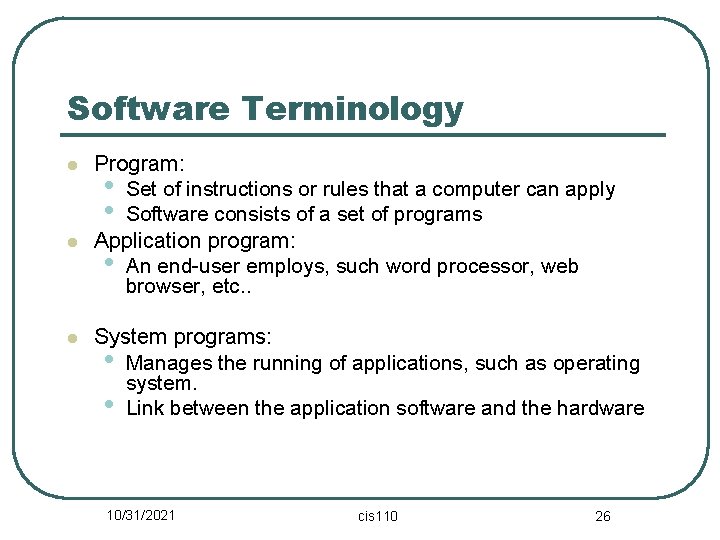
Software Terminology l l l Program: • Set of instructions or rules that a computer can apply • Software consists of a set of programs Application program: • An end-user employs, such word processor, web browser, etc. . System programs: • Manages the running of applications, such as operating system. • Link between the application software and the hardware 10/31/2021 cis 110 26
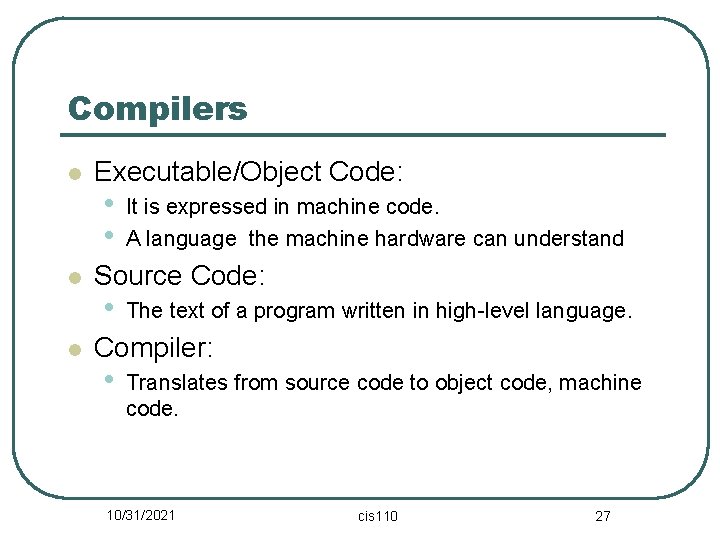
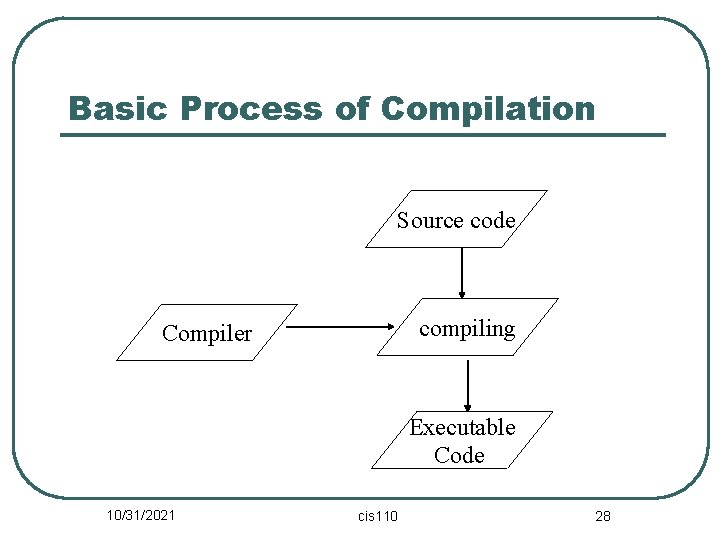
Compilers l l l Executable/Object Code: • • It is expressed in machine code. A language the machine hardware can understand Source Code: • The text of a program written in high-level language. Compiler: • Translates from source code to object code, machine code. 10/31/2021 cis 110 27
Basic Process of Compilation Source code compiling Compiler Executable Code 10/31/2021 cis 110 28
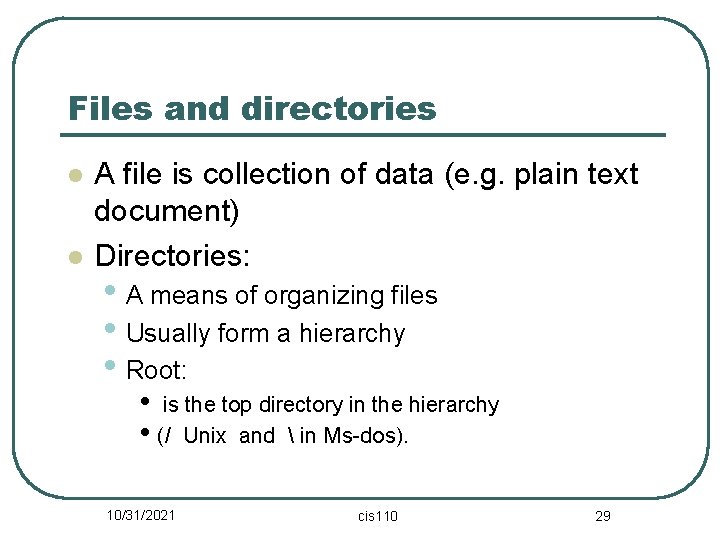
Files and directories l l A file is collection of data (e. g. plain text document) Directories: • A means of organizing files • Usually form a hierarchy • Root: • is the top directory in the hierarchy • (/ Unix and in Ms-dos). 10/31/2021 cis 110 29
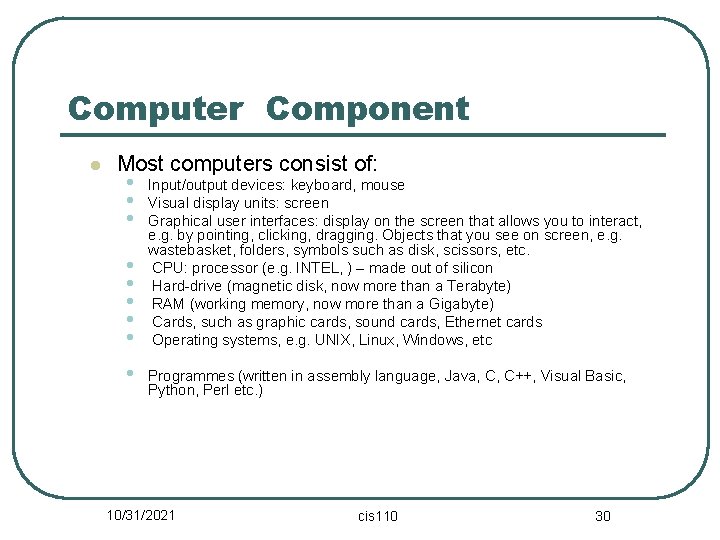
Computer Component l Most computers consist of: • Input/output devices: keyboard, mouse • Visual display units: screen • Graphical user interfaces: display on the screen that allows you to interact, • • • e. g. by pointing, clicking, dragging. Objects that you see on screen, e. g. wastebasket, folders, symbols such as disk, scissors, etc. CPU: processor (e. g. INTEL, ) – made out of silicon Hard-drive (magnetic disk, now more than a Terabyte) RAM (working memory, now more than a Gigabyte) Cards, such as graphic cards, sound cards, Ethernet cards Operating systems, e. g. UNIX, Linux, Windows, etc Programmes (written in assembly language, Java, C, C++, Visual Basic, Python, Perl etc. ) 10/31/2021 cis 110 30