
Chapter 2 Software Processes Part 2 Chapter 2
- Slides: 27
Chapter 2 – Software Processes – Part 2 Chapter 2 Software Processes 35
Outline • Notion of Change • Software Prototyping • The Rise of the ‘increment’ and "Incremental" Development
Change
Coping with Change • • • Change is inevitable in all large software projects. Change occurs during development - count on it! Change occurs once application is deployed as well as during development! • Business changes lead to new and changed system requirements • New technologies open up new possibilities for improving implementations • Changing platforms require application changes • Change leads to rework so the costs of change include both rework (e. g. re-analyzing requirements) as well as the costs of implementing new functionality Chapter 2 Software Processes 36
Reducing the Costs of Rework • Change Avoidance: where the software process itself includes activities that can anticipate possible changes before significant rework is required. • For example, a prototype system may be developed to show some key features of the system to customers. • Change Tolerance: where the process itself is designed so that changes can be accommodated at relatively low cost. • This normally involves some form of incremental development. Proposed changes may be implemented in increments that have not yet been developed. If this is possible, then only a single increment (a small part of the system) may have be altered to incorporate the change. Chapter 2 Software Processes 37
Software Prototyping
Software Prototyping • A prototype is an initial version of a system (or initial part of proposed changes) used to demonstrate concepts and try out design options. A prototype can be used in: • • In requirements engineering process to help with requirements elicitation and validation; • Note: prototyping is not a method for getting requirements; rather, it is used to clarify understanding with clients. In design processes - to explore options and develop a UI design; In testing process - to run back-to-back tests. Chapter 2 Software Processes 38
Benefits of Prototyping • • • Improved system usability. A closer match to users’ real needs. Improved design quality. Improved maintainability. Reduced development effort. Chapter 2 Software Processes 39
Prototype Development • May be based on rapid prototyping languages or tools • May involve leaving out functionality • Prototype should focus on areas of the product that are not wellunderstood; • Error checking and recovery may not be included in the prototype; • Focus on functional rather than non-functional requirements such as reliability and security Chapter 2 Software Processes 41
Throw-Away Prototypes • Prototypes should be discarded after development as they are not a good basis for a production system: • It may be impossible to tune the system to meet non-functional requirements; • Prototypes are normally undocumented; • The prototype structure is usually degraded through rapid change trying to lock in a view or requirement; • The prototype probably will not meet normal organizational quality standards. Chapter 2 Software Processes 42
Rise of the ‘Increment’ and Incremental Development
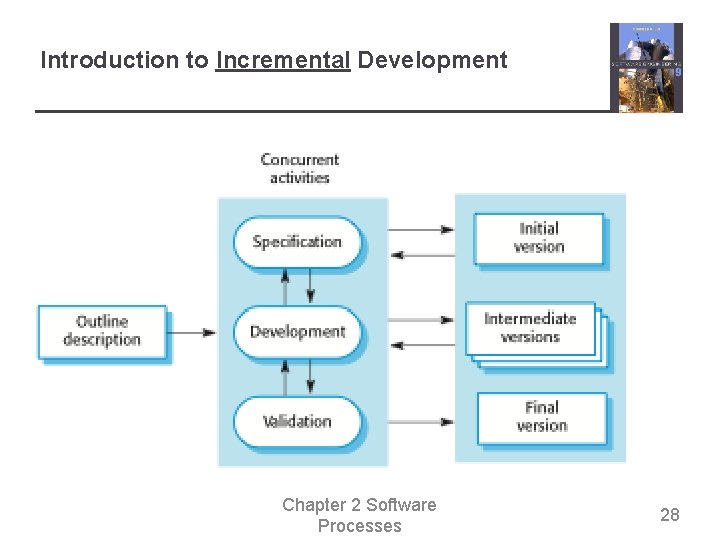
Introduction to Incremental Development Chapter 2 Software Processes 28
Incremental Development Benefits • The cost of accommodating changing customer requirements is reduced. • • The amount of analysis and documentation that has to be redone is much less than is required with the waterfall model. It is easier to get customer feedback on the development work that has been done. • • • Customers can comment on demonstrations of the software and see how much has been implemented. Always have ‘working software’ - Discussion More rapid delivery and deployment of useful software to the customer is possible. • Customers are able to use and gain value from the software earlier than is possible with a waterfall process. • Deliver increments of real, business value! Chapter 2 Software Processes 29
Incremental Development Problems • Some claim that the process is not visible. • • Managers need regular deliverables to measure progress. If systems are developed quickly, it is not cost-effective to produce documents that reflect every version of the system. Lots of overhead in producing frequent increments for deployment. • It is not just the software, but the interface, help, documentation… System structure tends to degrade as new increments are added. • Unless time and money is spent on refactoring to improve the software, regular change tends to corrupt its structure. Incorporating further software changes becomes increasingly difficult and costly. Chapter 2 Software Processes 30
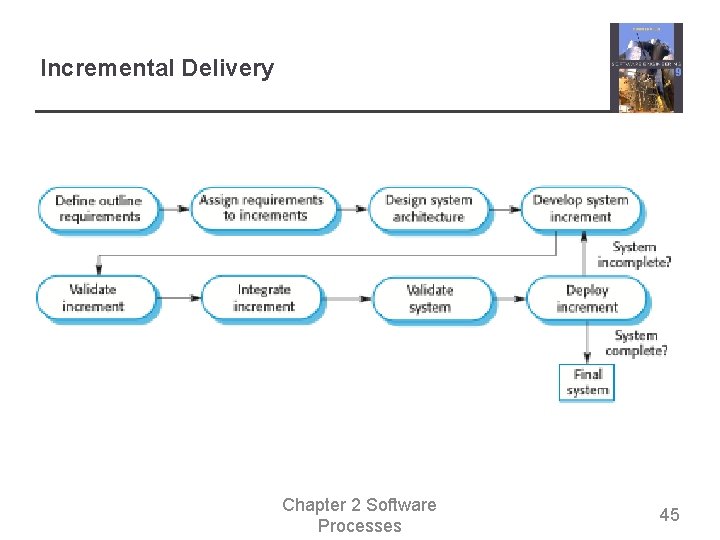
Incremental Delivery – more philosophy • Rather than deliver the system as a single delivery as was in evidence in the Waterfall Model, the development and delivery is broken down into increments with each increment delivering part of (evolving) required functionality. • User requirements are prioritized and the highest priority requirements are included in early increments. • These should be customer-specified • Also, activities of ‘high risk’ and ‘core values’ are first! • Once the development of an increment is started, the requirements are frozen though requirements for later increments can continue to evolve. Chapter 2 Software Processes 43
Incremental Development and Delivery • Incremental development • • Develop the system in increments and evaluate each increment before proceeding to the development of the next increment; Normal approach used in agile methods; Evaluation done by user/customer proxy. Incremental delivery • • • Deploy an increment for use by end-users; More realistic evaluation about practical use of software; Difficult to implement for replacement systems as increments have less functionality than the system being replaced. Chapter 2 Software Processes 44
Incremental Delivery Chapter 2 Software Processes 45
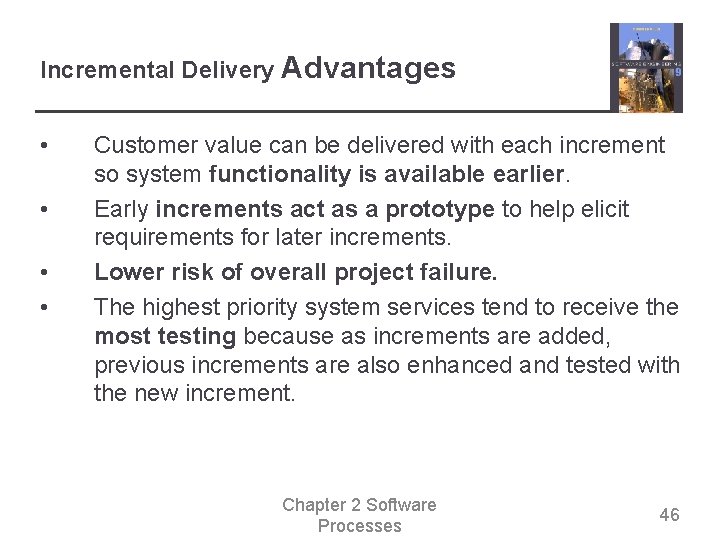
Incremental Delivery Advantages • • Customer value can be delivered with each increment so system functionality is available earlier. Early increments act as a prototype to help elicit requirements for later increments. Lower risk of overall project failure. The highest priority system services tend to receive the most testing because as increments are added, previous increments are also enhanced and tested with the new increment. Chapter 2 Software Processes 46
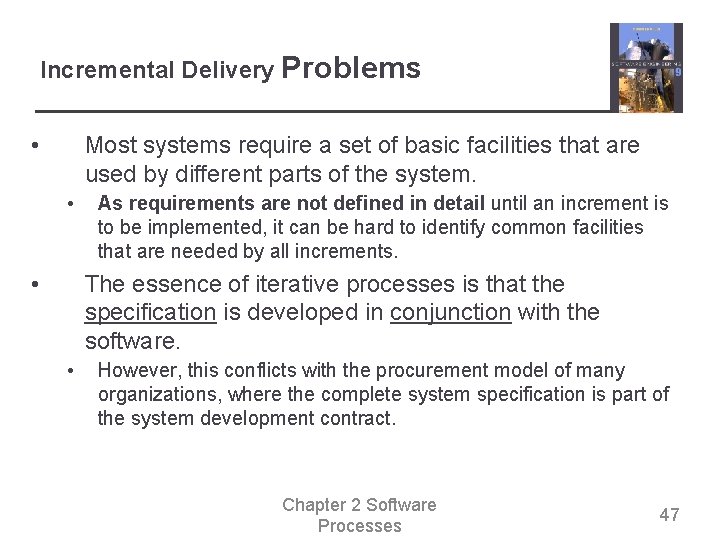
Incremental Delivery Problems • Most systems require a set of basic facilities that are used by different parts of the system. • • As requirements are not defined in detail until an increment is to be implemented, it can be hard to identify common facilities that are needed by all increments. The essence of iterative processes is that the specification is developed in conjunction with the software. • However, this conflicts with the procurement model of many organizations, where the complete system specification is part of the system development contract. Chapter 2 Software Processes 47
The Rational Unified Process
The Rational Unified Process • • A modern generic process derived from the work on the UML and associated process. • The Unified Process is a use-case driven, architecture centric, iterative development process! Know this. Much more ahead. Normally described from three perspectives • • • A dynamic perspective that shows phases over time; A static perspective that shows process activities; A proactive perspective that suggests good practice. Chapter 2 Software Processes 48
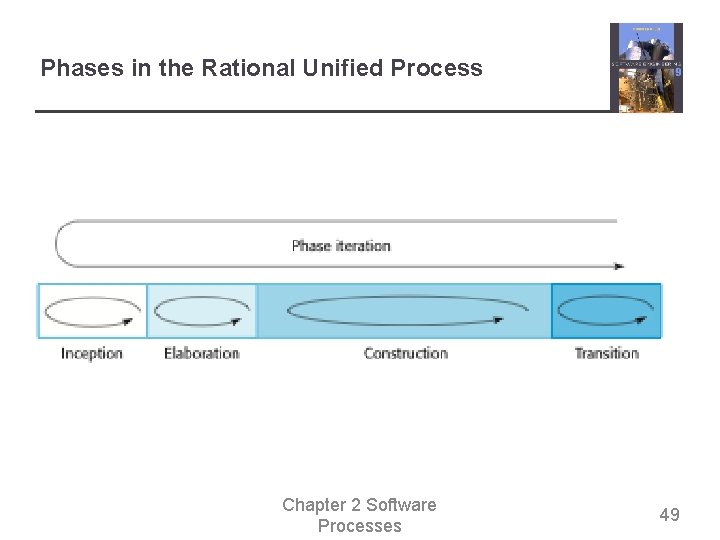
Phases in the Rational Unified Process Chapter 2 Software Processes 49
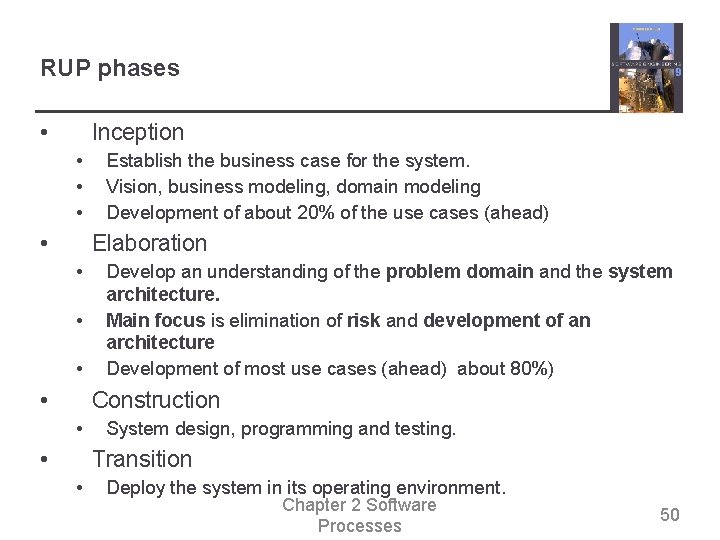
RUP phases • Inception • • Establish the business case for the system. Vision, business modeling, domain modeling Development of about 20% of the use cases (ahead) Elaboration • • Develop an understanding of the problem domain and the system architecture. Main focus is elimination of risk and development of an architecture Development of most use cases (ahead) about 80%) Construction • • System design, programming and testing. Transition • Deploy the system in its operating environment. Chapter 2 Software Processes 50
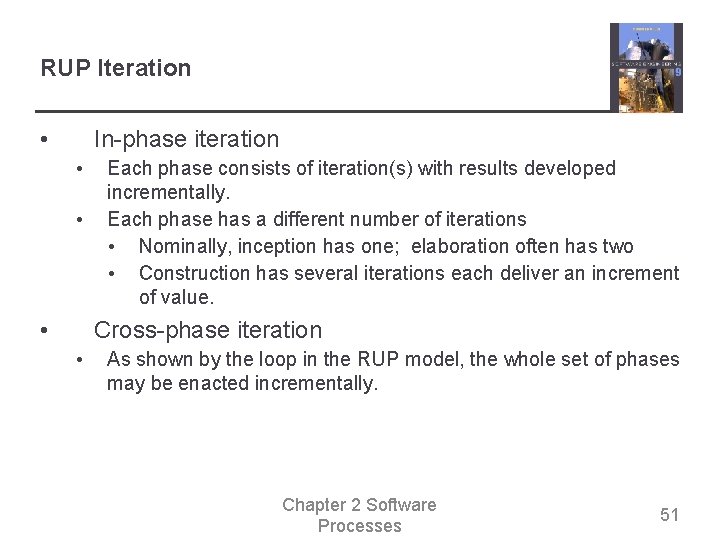
RUP Iteration • In-phase iteration • • • Each phase consists of iteration(s) with results developed incrementally. Each phase has a different number of iterations • Nominally, inception has one; elaboration often has two • Construction has several iterations each deliver an increment of value. Cross-phase iteration • As shown by the loop in the RUP model, the whole set of phases may be enacted incrementally. Chapter 2 Software Processes 51
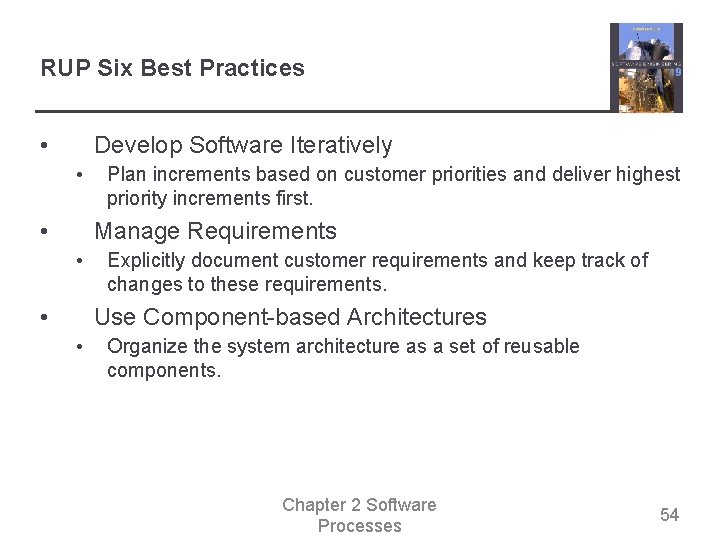
RUP Six Best Practices • Develop Software Iteratively • • Plan increments based on customer priorities and deliver highest priority increments first. Manage Requirements • • Explicitly document customer requirements and keep track of changes to these requirements. Use Component-based Architectures • Organize the system architecture as a set of reusable components. Chapter 2 Software Processes 54
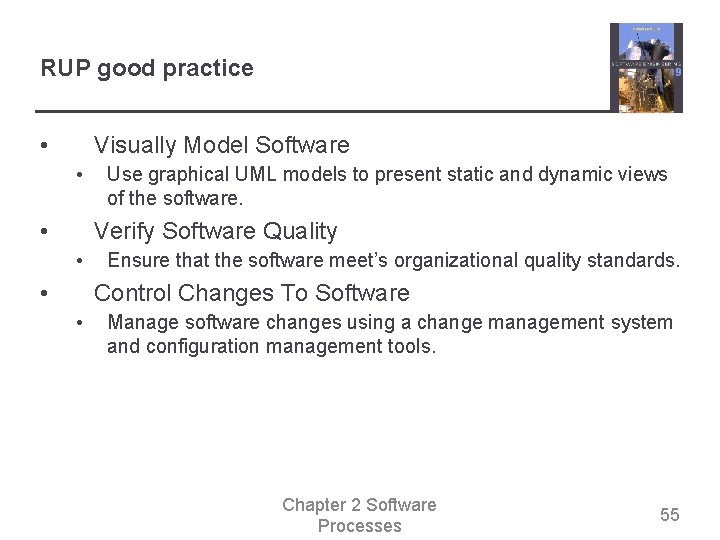
RUP good practice • Visually Model Software • • Use graphical UML models to present static and dynamic views of the software. Verify Software Quality • • Ensure that the software meet’s organizational quality standards. Control Changes To Software • Manage software changes using a change management system and configuration management tools. Chapter 2 Software Processes 55
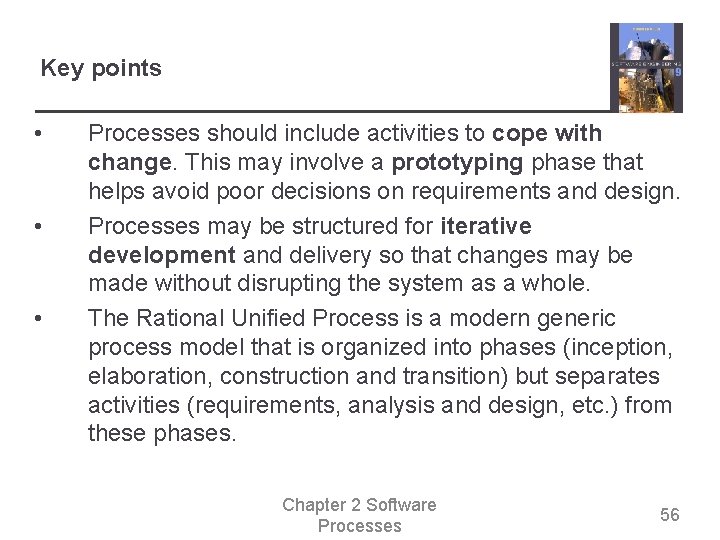
Key points • • • Processes should include activities to cope with change. This may involve a prototyping phase that helps avoid poor decisions on requirements and design. Processes may be structured for iterative development and delivery so that changes may be made without disrupting the system as a whole. The Rational Unified Process is a modern generic process model that is organized into phases (inception, elaboration, construction and transition) but separates activities (requirements, analysis and design, etc. ) from these phases. Chapter 2 Software Processes 56