
Chapter 2 OperatingSystem Structures Part 2 2 4




- Slides: 25
Chapter 2: Operating-System Structures Part 2
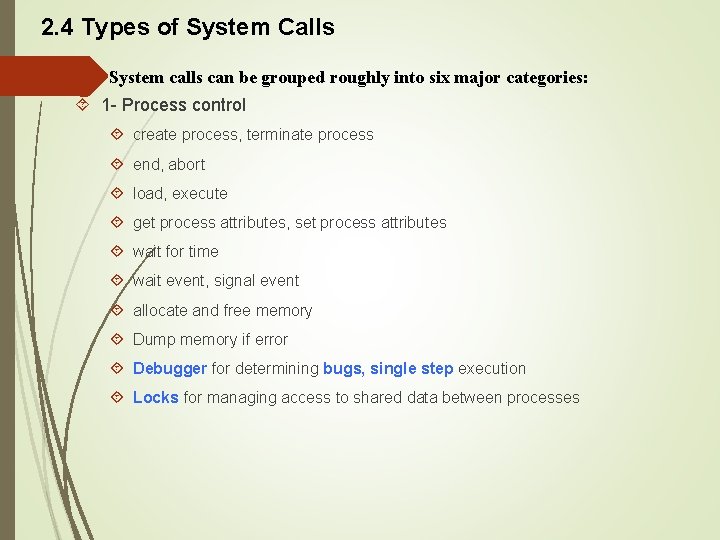
2. 4 Types of System Calls System calls can be grouped roughly into six major categories: 1 - Process control create process, terminate process end, abort load, execute get process attributes, set process attributes wait for time wait event, signal event allocate and free memory Dump memory if error Debugger for determining bugs, single step execution Locks for managing access to shared data between processes
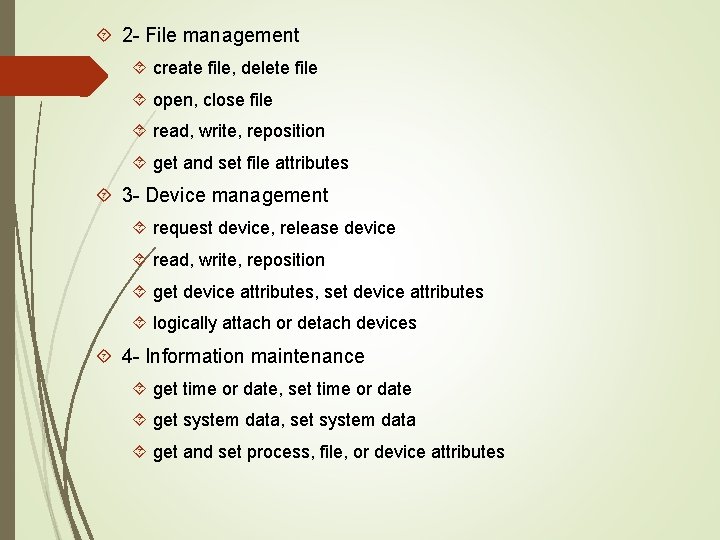
2 - File management create file, delete file open, close file read, write, reposition get and set file attributes 3 - Device management request device, release device read, write, reposition get device attributes, set device attributes logically attach or detach devices 4 - Information maintenance get time or date, set time or date get system data, set system data get and set process, file, or device attributes
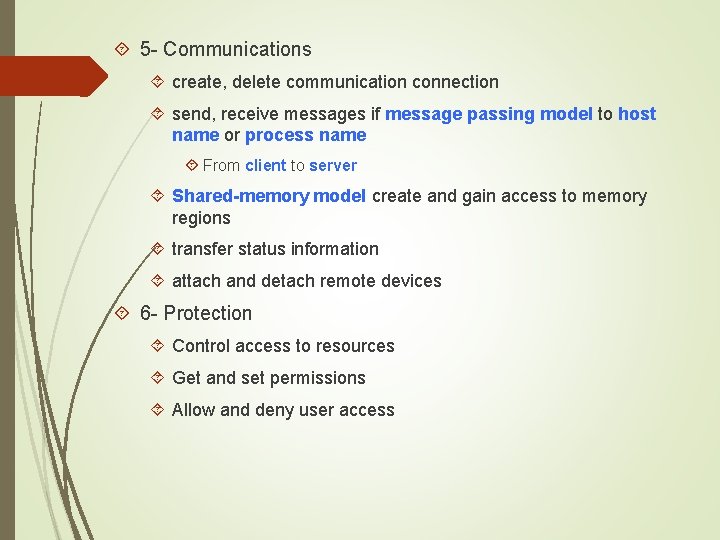
5 - Communications create, delete communication connection send, receive messages if message passing model to host name or process name From client to server Shared-memory model create and gain access to memory regions transfer status information attach and detach remote devices 6 - Protection Control access to resources Get and set permissions Allow and deny user access
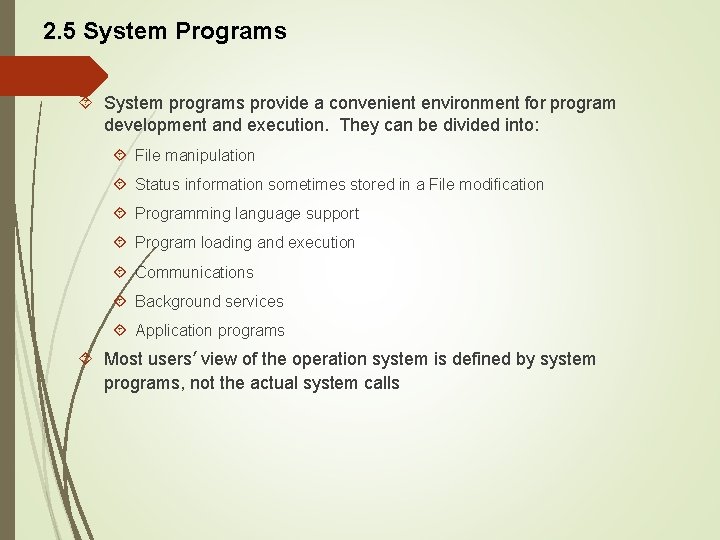
2. 5 System Programs System programs provide a convenient environment for program development and execution. They can be divided into: File manipulation Status information sometimes stored in a File modification Programming language support Program loading and execution Communications Background services Application programs Most users’ view of the operation system is defined by system programs, not the actual system calls
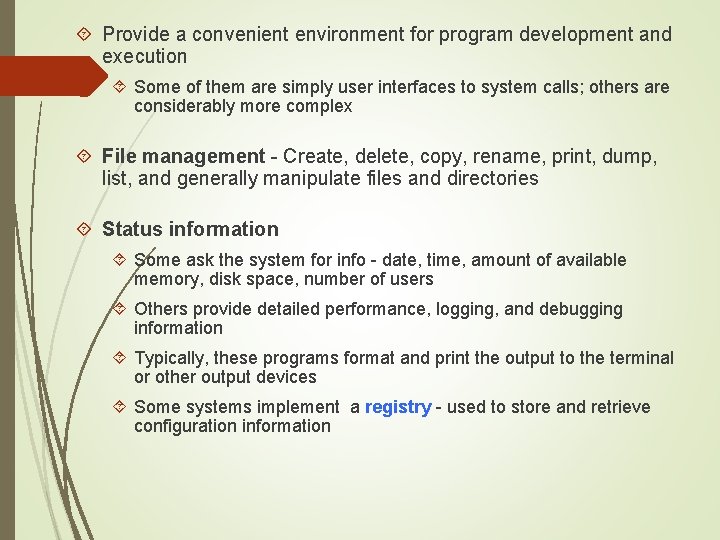
Provide a convenient environment for program development and execution Some of them are simply user interfaces to system calls; others are considerably more complex File management - Create, delete, copy, rename, print, dump, list, and generally manipulate files and directories Status information Some ask the system for info - date, time, amount of available memory, disk space, number of users Others provide detailed performance, logging, and debugging information Typically, these programs format and print the output to the terminal or other output devices Some systems implement a registry - used to store and retrieve configuration information
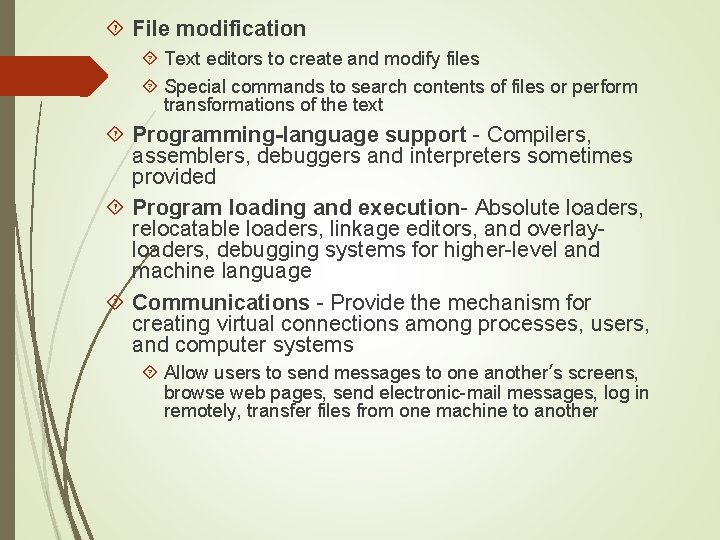
File modification Text editors to create and modify files Special commands to search contents of files or perform transformations of the text Programming-language support - Compilers, assemblers, debuggers and interpreters sometimes provided Program loading and execution- Absolute loaders, relocatable loaders, linkage editors, and overlayloaders, debugging systems for higher-level and machine language Communications - Provide the mechanism for creating virtual connections among processes, users, and computer systems Allow users to send messages to one another’s screens, browse web pages, send electronic-mail messages, log in remotely, transfer files from one machine to another
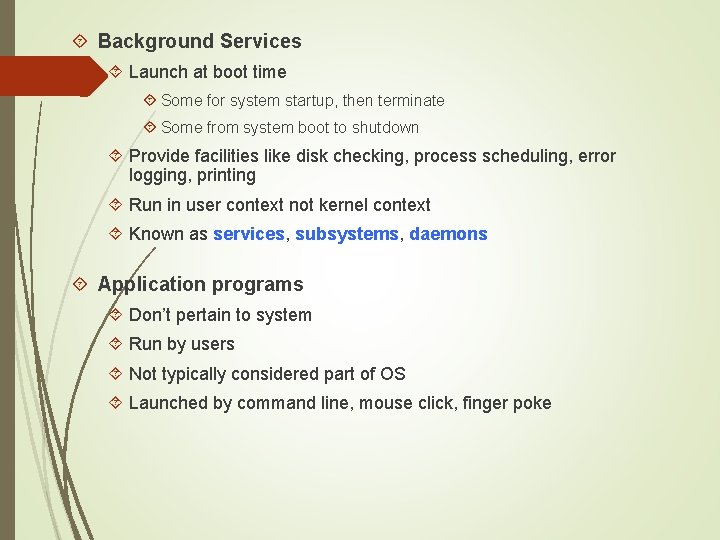
Background Services Launch at boot time Some for system startup, then terminate Some from system boot to shutdown Provide facilities like disk checking, process scheduling, error logging, printing Run in user context not kernel context Known as services, subsystems, daemons Application programs Don’t pertain to system Run by users Not typically considered part of OS Launched by command line, mouse click, finger poke
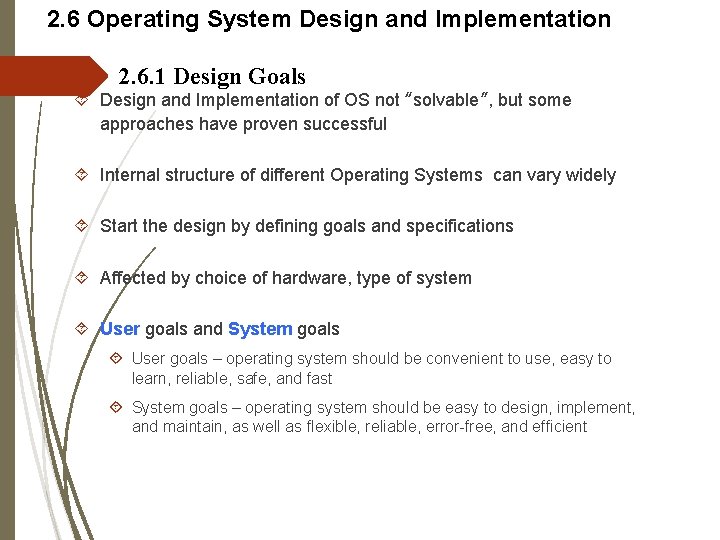
2. 6 Operating System Design and Implementation 2. 6. 1 Design Goals Design and Implementation of OS not “solvable”, but some approaches have proven successful Internal structure of different Operating Systems can vary widely Start the design by defining goals and specifications Affected by choice of hardware, type of system User goals and System goals User goals – operating system should be convenient to use, easy to learn, reliable, safe, and fast System goals – operating system should be easy to design, implement, and maintain, as well as flexible, reliable, error-free, and efficient
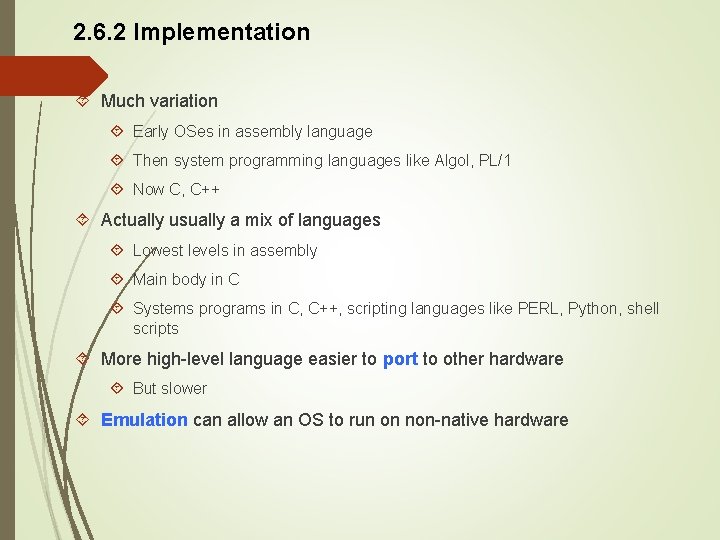
2. 6. 2 Implementation Much variation Early OSes in assembly language Then system programming languages like Algol, PL/1 Now C, C++ Actually usually a mix of languages Lowest levels in assembly Main body in C Systems programs in C, C++, scripting languages like PERL, Python, shell scripts More high-level language easier to port to other hardware But slower Emulation can allow an OS to run on non-native hardware
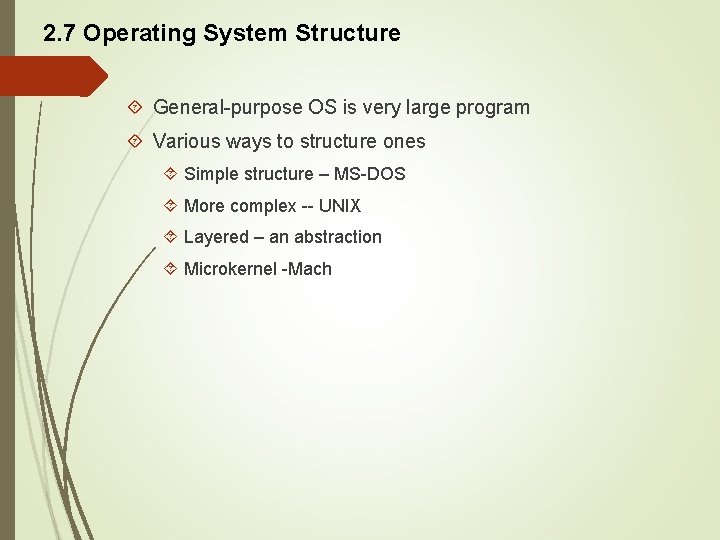
2. 7 Operating System Structure General-purpose OS is very large program Various ways to structure ones Simple structure – MS-DOS More complex -- UNIX Layered – an abstraction Microkernel -Mach
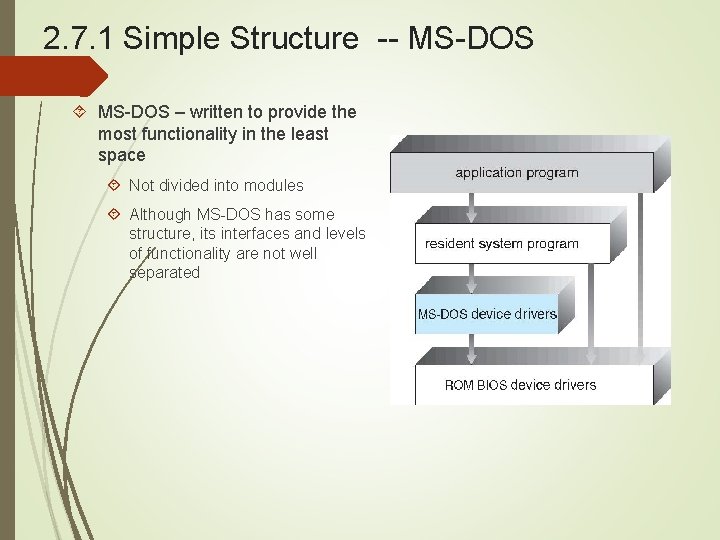
2. 7. 1 Simple Structure -- MS-DOS – written to provide the most functionality in the least space Not divided into modules Although MS-DOS has some structure, its interfaces and levels of functionality are not well separated
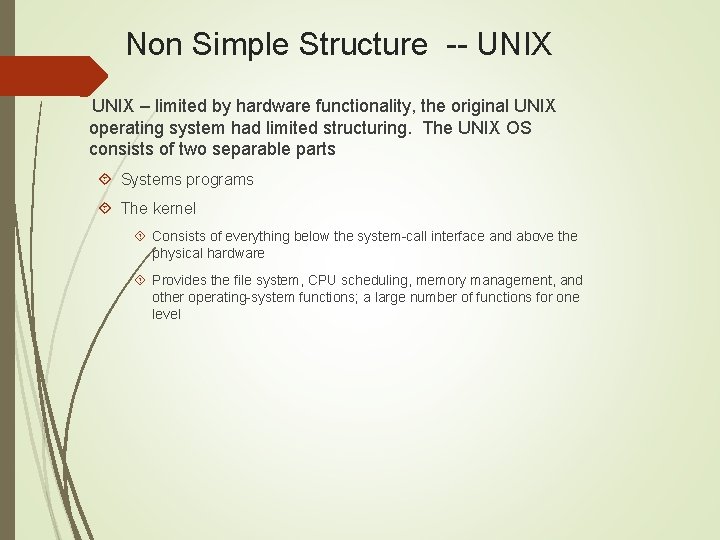
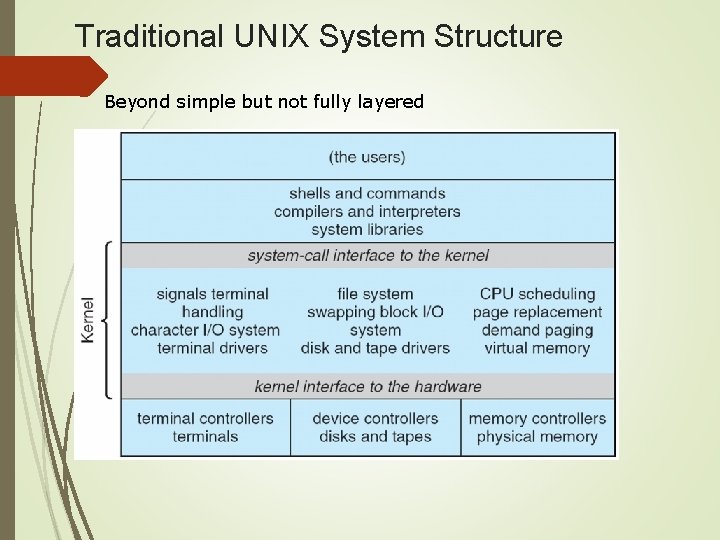
Non Simple Structure -- UNIX – limited by hardware functionality, the original UNIX operating system had limited structuring. The UNIX OS consists of two separable parts Systems programs The kernel Consists of everything below the system-call interface and above the physical hardware Provides the file system, CPU scheduling, memory management, and other operating-system functions; a large number of functions for one level
Traditional UNIX System Structure Beyond simple but not fully layered
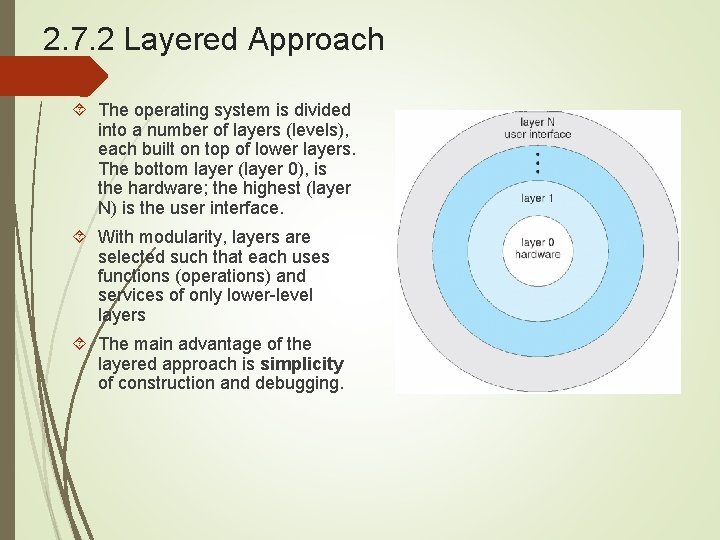
2. 7. 2 Layered Approach The operating system is divided into a number of layers (levels), each built on top of lower layers. The bottom layer (layer 0), is the hardware; the highest (layer N) is the user interface. With modularity, layers are selected such that each uses functions (operations) and services of only lower-level layers The main advantage of the layered approach is simplicity of construction and debugging.
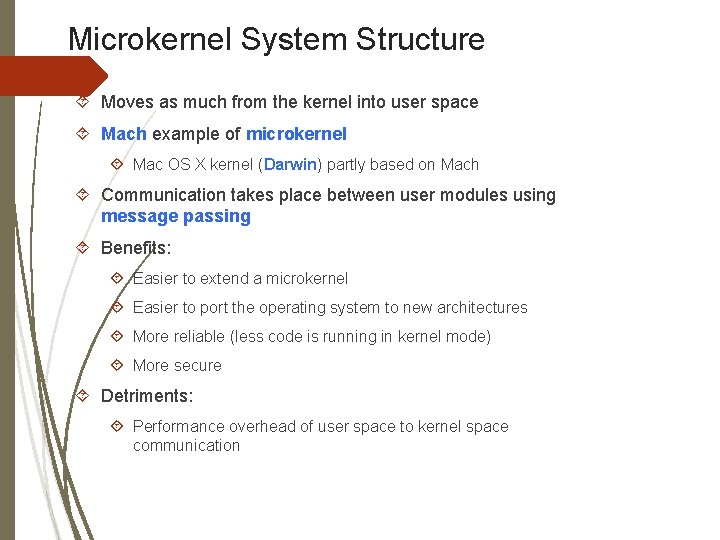
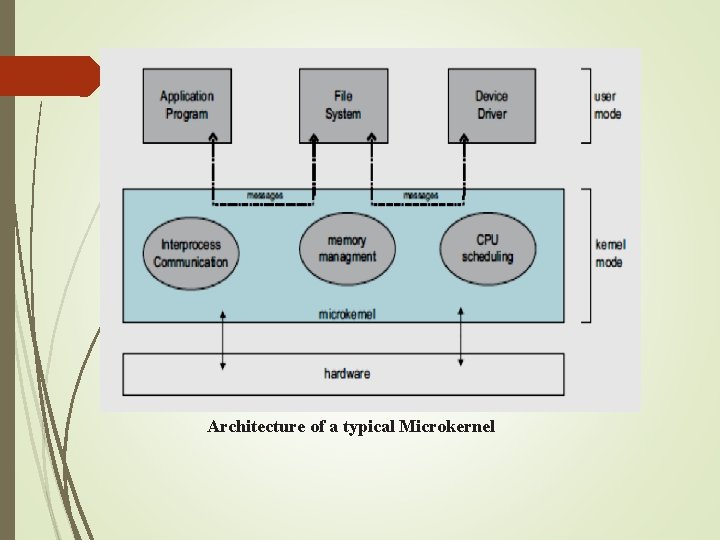
Microkernel System Structure Moves as much from the kernel into user space Mach example of microkernel Mac OS X kernel (Darwin) partly based on Mach Communication takes place between user modules using message passing Benefits: Easier to extend a microkernel Easier to port the operating system to new architectures More reliable (less code is running in kernel mode) More secure Detriments: Performance overhead of user space to kernel space communication
2. 7. 3 Microkernel System Structure This method structures the operating system by removing all nonessential components from the kernel and implementing them as system and user-level programs. The result is a smaller kernel. Microkernels provide minimal process and memory management, in addition to a communication facility. Figure 2. 8 illustrates the architecture of a typical microkernel. The main function of the microkernel is to provide communication between the client program and the various services that are also running in user space. Communication takes place between user modules using message passing. Benefits: - Easier to extend a microkernel. - Easier to put the operating system to new architectures. - More reliable (less code is running in kernel mode) - More secure
Architecture of a typical Microkernel
2. 7. 4 Modules Many modern operating systems implement loadable kernel modules Uses object-oriented approach Each core component is separate Each talks to the others over known interfaces Each is loadable as needed within the kernel Overall, similar to layers but with more flexible Linux, Solaris, etc
Solaris Modular Approach
2. 7. 5 Hybrid Systems Most modern operating systems are actually not one pure model Hybrid combines multiple approaches to address performance, security, usability needs Linux and Solaris kernels in kernel address space, so monolithic, plus modular for dynamic loading of functionality Windows mostly monolithic, plus microkernel for different subsystem personalities Apple Mac OS X hybrid, layered, Aqua UI plus Cocoa programming environment Below is kernel consisting of Mach microkernel and BSD Unix parts, plus I/O kit and dynamically loadable modules (called kernel extensions)
2. 8 Operating-System Debugging is finding and fixing errors, or bugs in a system, both in hardware and in software 2. 8. 1 Failure Analysis OS generate log files containing error information Failure of an application can generate core dump file capturing memory of the process Operating system failure can generate crash dump file containing kernel memory Beyond crashes, performance tuning can optimize system performance Sometimes using trace listings of activities, recorded for analysis Profiling is periodic sampling of instruction pointer to look for statistical trends Kernighan’s Law: “Debugging is twice as hard as writing the code in the first place. Therefore, if you write the code as cleverly as possible, you are, by definition, not smart enough to debug it. ”
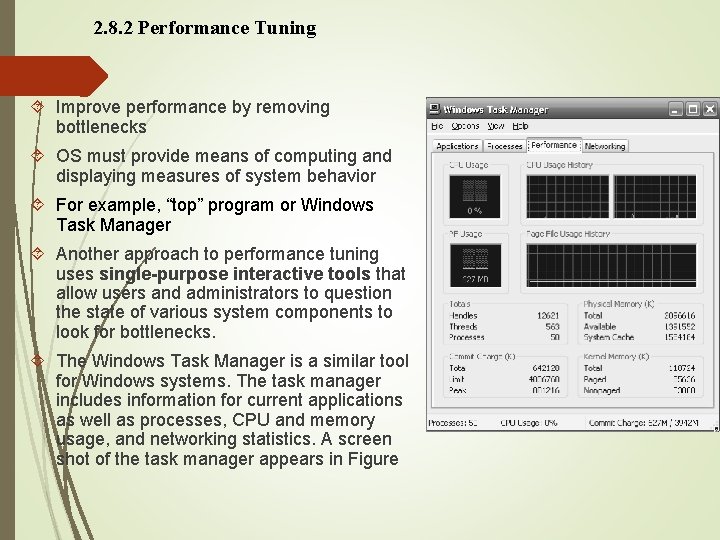
2. 8. 2 Performance Tuning Improve performance by removing bottlenecks OS must provide means of computing and displaying measures of system behavior For example, “top” program or Windows Task Manager Another approach to performance tuning uses single-purpose interactive tools that allow users and administrators to question the state of various system components to look for bottlenecks. The Windows Task Manager is a similar tool for Windows systems. The task manager includes information for current applications as well as processes, CPU and memory usage, and networking statistics. A screen shot of the task manager appears in Figure
2. 9 System Boot When power initialized on system, execution starts at a fixed memory location Firmware ROM used to hold initial boot code Operating system must be made available to hardware so hardware can start it Small piece of code – bootstrap loader, stored in ROM or EEPROM locates the kernel, loads it into memory, and starts it Sometimes two-step process where boot block at fixed location loaded by ROM code, which loads bootstrap loader from disk Common bootstrap loader, GRUB, allows selection of kernel from multiple disks, versions, kernel options Kernel loads and system is then running
End of PART 2