
Chapter 2 Object Design Techniques 1 Outline Software
Chapter 2 Object Design Techniques 1
Outline Software Design life cycle Error Handling -Program Termination -Setting a Flag -C++ Exceptions Object Composition Operator Overloading Operator Functions -With Free Functions -With Friend Functions -Stream I/O Operators -with member functions 2
Software Design Overview n A computer program begins with a problem that the client wants solved. n The process of building the program starts with an analysis of the problem. n It proceeds through a series of stages to produce a product that is reliable and easy to maintain. 3
Software Design Overview l Prior to the standardization of the software development life cycle: – – Programmers added code to software with little attention to its integration into the system. Over time systems deteriorated and became so difficult to update that programmers had to develop new software to replace them. 4
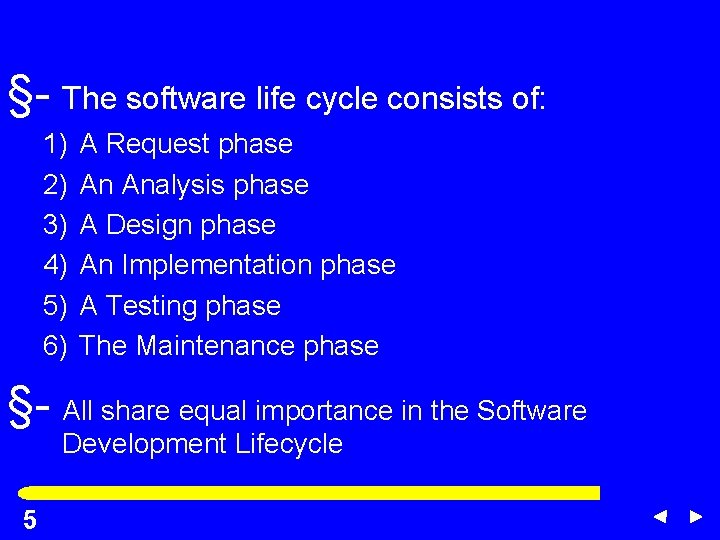
§- The software life cycle consists of: 1) 2) 3) 4) 5) 6) A Request phase An Analysis phase A Design phase An Implementation phase A Testing phase The Maintenance phase §- All share equal importance in the Software Development Lifecycle 5 5
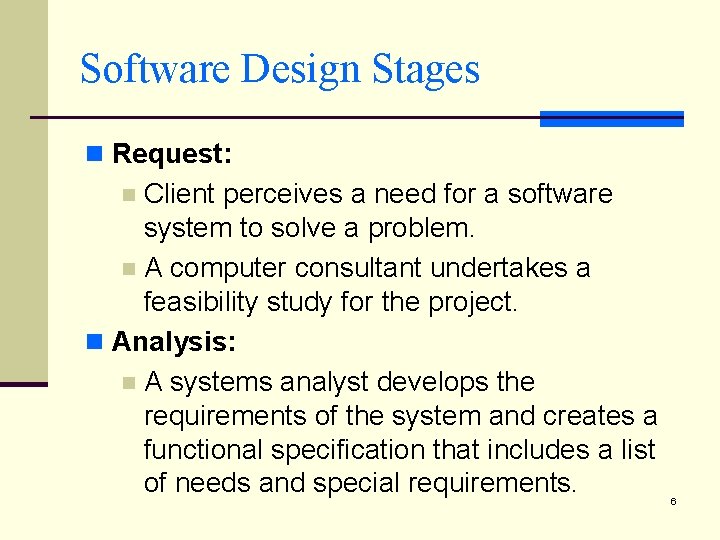
Software Design Stages n Request: Client perceives a need for a software system to solve a problem. n A computer consultant undertakes a feasibility study for the project. n Analysis: n A systems analyst develops the requirements of the system and creates a functional specification that includes a list of needs and special requirements. n 6
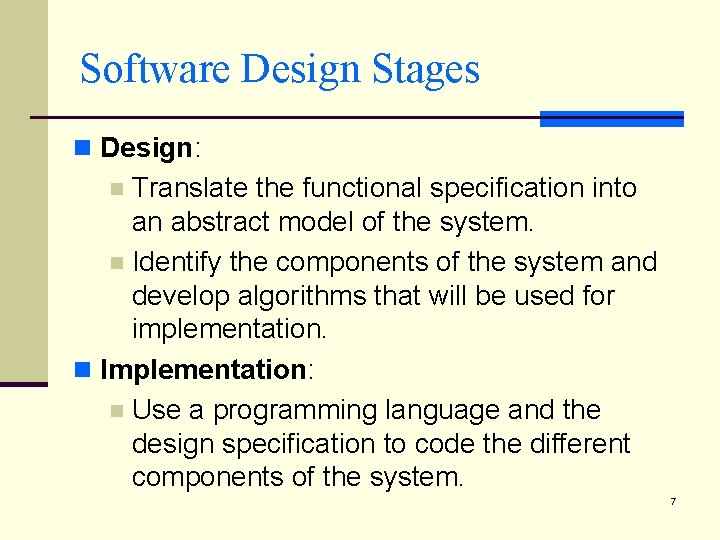
Software Design Stages n Design: Translate the functional specification into an abstract model of the system. n Identify the components of the system and develop algorithms that will be used for implementation. n Implementation: n Use a programming language and the design specification to code the different components of the system. n 7

Software Design Stages n. Testing: n Check the program for logical and runtime errors and verify that the system meets the specifications of the client. n. Maintenance: n Periodically update of the software to stay current and to respond to changing needs of the client. 8
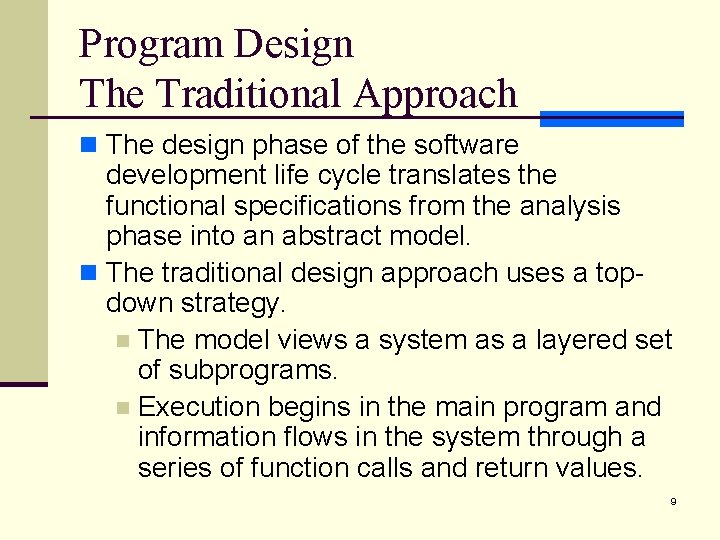
Program Design The Traditional Approach n The design phase of the software development life cycle translates the functional specifications from the analysis phase into an abstract model. n The traditional design approach uses a topdown strategy. n The model views a system as a layered set of subprograms. n Execution begins in the main program and information flows in the system through a series of function calls and return values. 9

Program Design The Traditional Approach n When the problem becomes too large this approach can fail: n The complexity overwhelms the ability of a single person to manage the hierarchy of subprograms. n Design changes in subprograms near the top of the hierarchy can require expensive, time-consuming changes in the subprograms at lower levels in the chart. 10
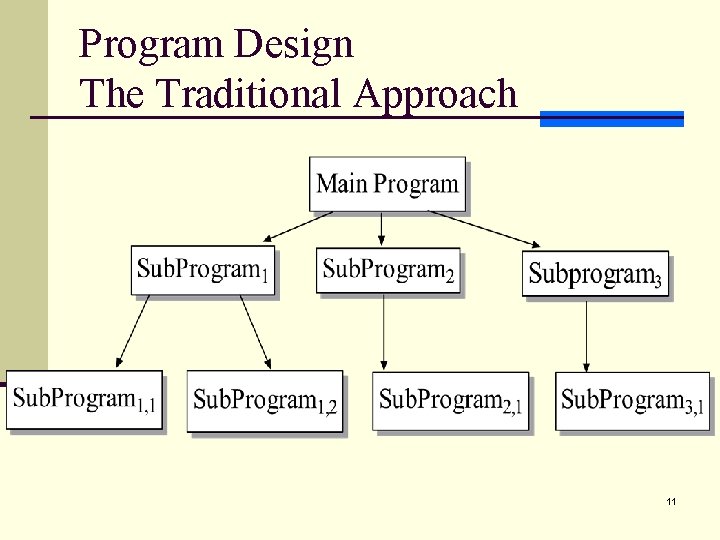
Program Design The Traditional Approach 11
Program Design The Object-oriented programming Approach n OOP approach views the problem as a set of objects that interact to carry out tasks. n The software system represents each object by a class consisting of data and of operations that manage that data n OOP employs a bottom-up approach that first identifies the objects and their operations and then builds scenarios that describe how the objects should interact. 12
Object Composition n Object Composition: n refers to a condition that exists when a class contains one or more data members that are objects of class type. n Class included by composition == supplier class. n Class that includes an object by composition == client class. 13
Example n // File: prg 2_2. cpp n // the program simulates a temporary employees arriving n // at work and leaving when the plant closes at 5: 00 PM. n // it prompts for the hour and minute of arrival at work n // and the social security number. it uses the time. Card n // class to determine the employee pay for the day. the n // program uses a random number to simulate that 3 out of n // every 4 employees punch out. in this situation, n // the program must handle a range. Error exception thrown by n // the time. Card class when an employee does not punch out. n // the catch block simulates the supervisor punching out for n // the employee 14
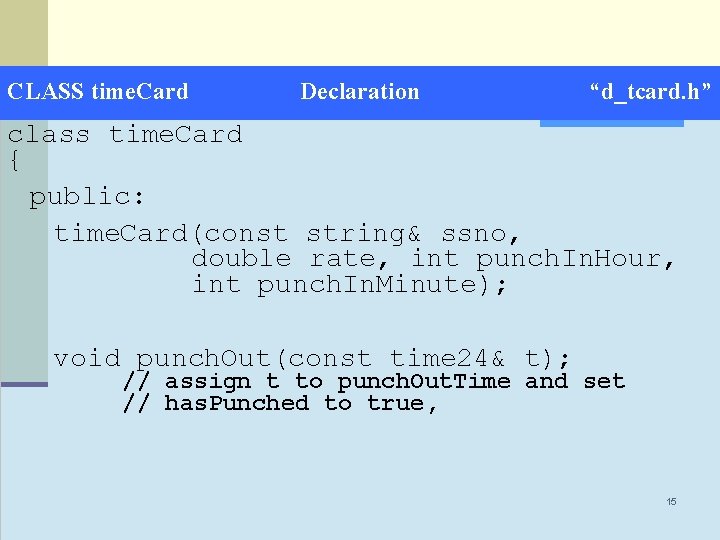
CLASS time. Card Declaration “d_tcard. h” class time. Card { public: time. Card(const string& ssno, double rate, int punch. In. Hour, int punch. In. Minute); void punch. Out(const time 24& t); // assign t to punch. Out. Time and set // has. Punched to true, 15
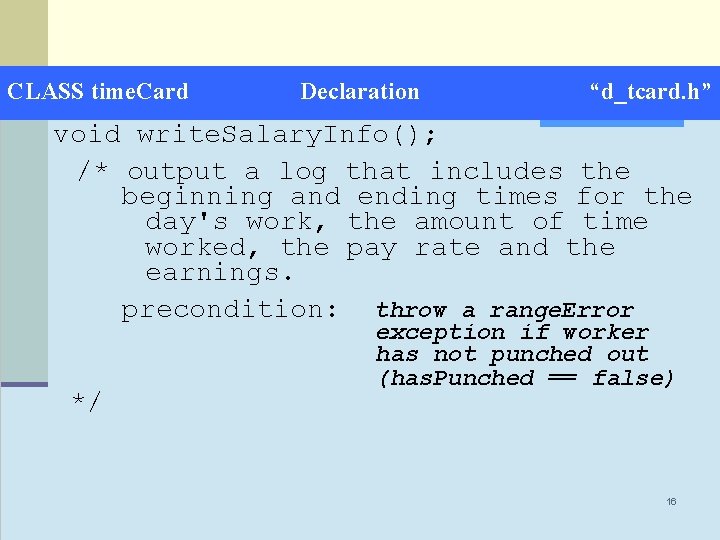
CLASS time. Card Declaration “d_tcard. h” void write. Salary. Info(); /* output a log that includes the beginning and ending times for the day's work, the amount of time worked, the pay rate and the earnings. precondition: throw a range. Error */ exception if worker has not punched out (has. Punched == false) 16
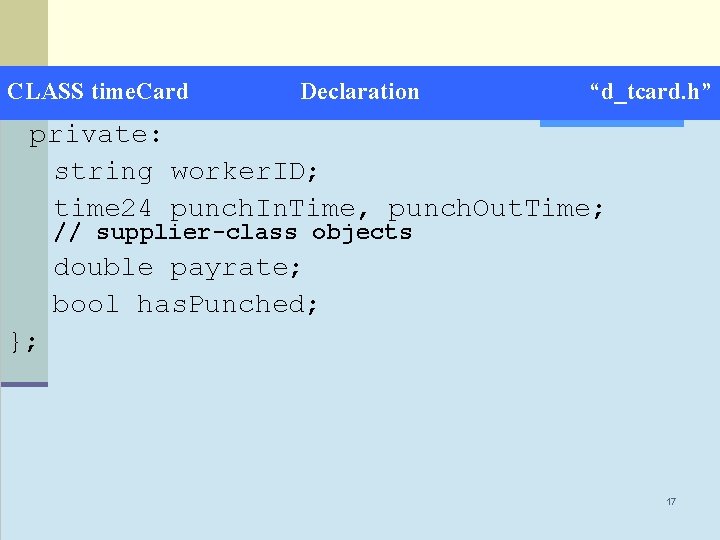
CLASS time. Card Declaration “d_tcard. h” private: string worker. ID; time 24 punch. In. Time, punch. Out. Time; // supplier-class objects double payrate; bool has. Punched; }; 17
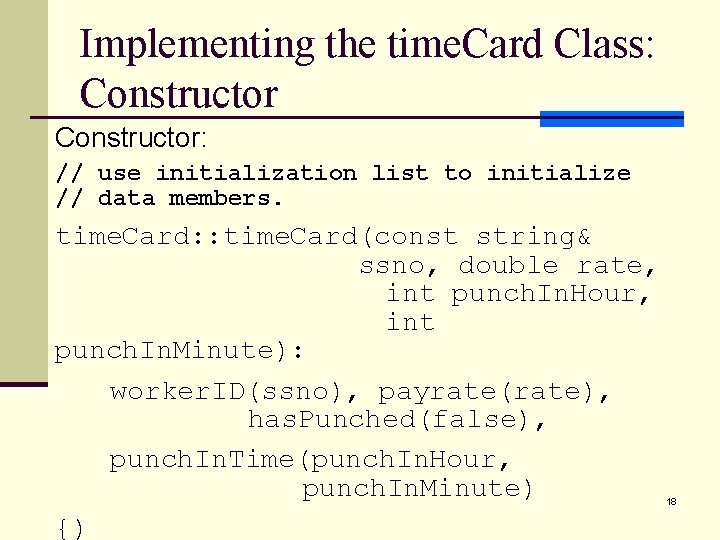
Implementing the time. Card Class: Constructor: // use initialization list to initialize // data members. time. Card: : time. Card(const string& ssno, double rate, int punch. In. Hour, int punch. In. Minute): worker. ID(ssno), payrate(rate), has. Punched(false), punch. In. Time(punch. In. Hour, punch. In. Minute) {) 18
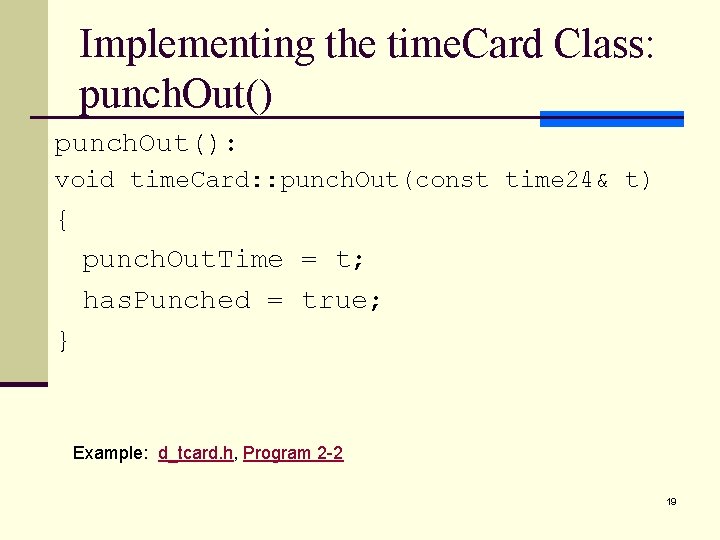
Implementing the time. Card Class: punch. Out(): void time. Card: : punch. Out(const time 24& t) { punch. Out. Time = t; has. Punched = true; } Example: d_tcard. h, Program 2 -2 19
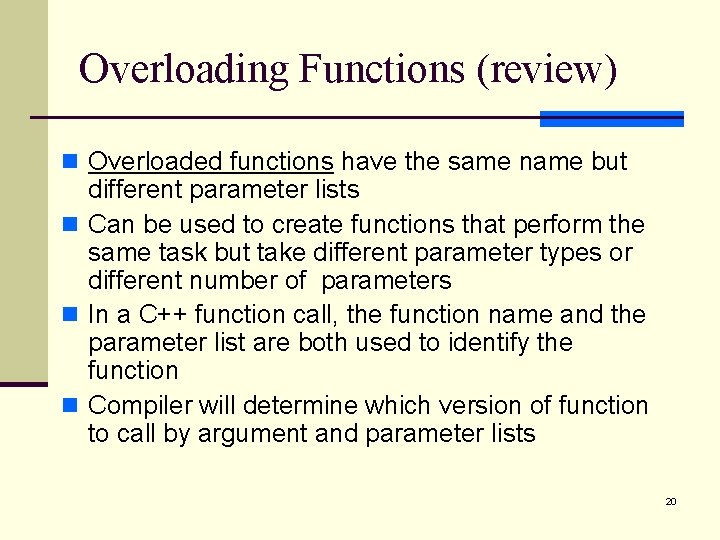
Overloading Functions (review) n Overloaded functions have the same name but different parameter lists n Can be used to create functions that perform the same task but take different parameter types or different number of parameters n In a C++ function call, the function name and the parameter list are both used to identify the function n Compiler will determine which version of function to call by argument and parameter lists 20
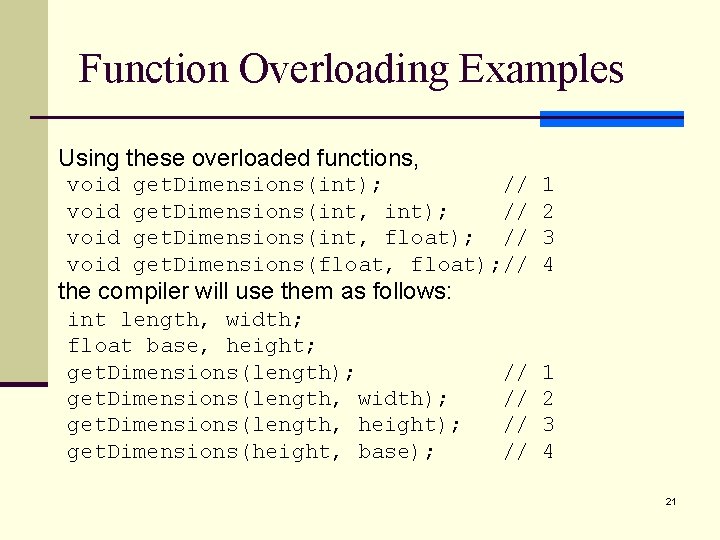
Function Overloading Examples Using these overloaded functions, void get. Dimensions(int); // get. Dimensions(int, float); // get. Dimensions(float, float); // the compiler will use them as follows: int length, width; float base, height; get. Dimensions(length); get. Dimensions(length, width); get. Dimensions(length, height); get. Dimensions(height, base); // // 1 2 3 4 21
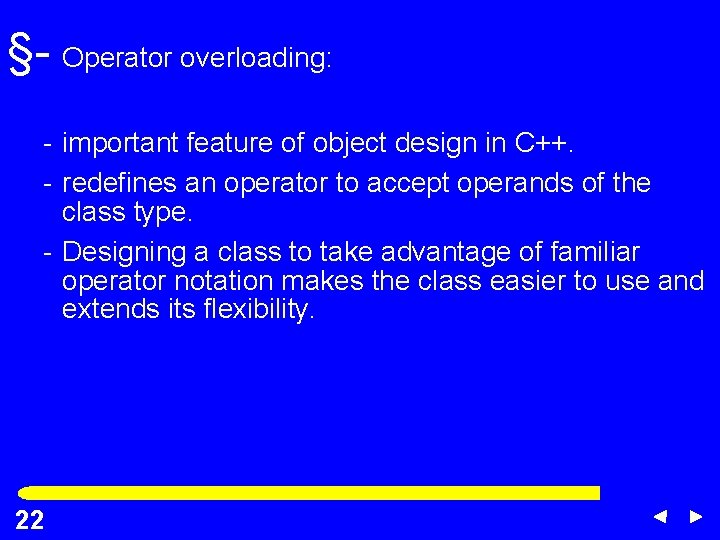
§- Operator overloading: - important feature of object design in C++. - redefines an operator to accept operands of the class type. - Designing a class to take advantage of familiar operator notation makes the class easier to use and extends its flexibility. 22 22
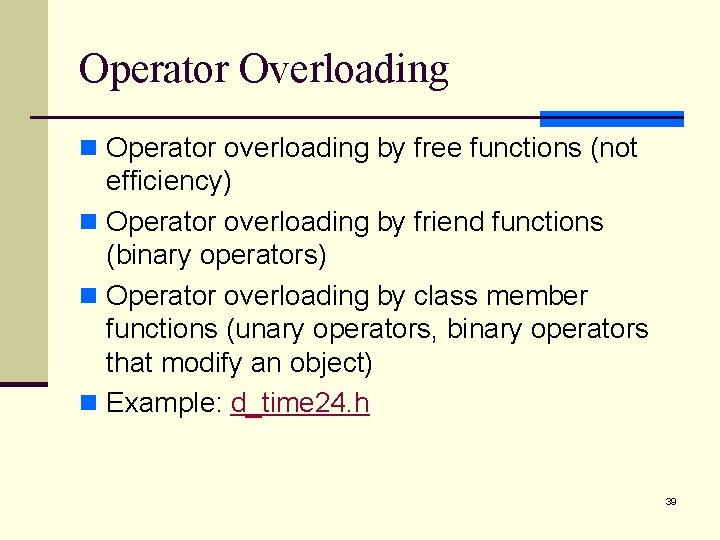
Operator Overloading n Operators may be overloaded as free functions, friend functions or class member functions. n The concepts have important differences; their syntax is dealt with separately. 23
§- 1 st way to overload an operator: - implement a free function using the operator function format. §- requires the use of class member functions that give the function access to the private data of an object. 24 24
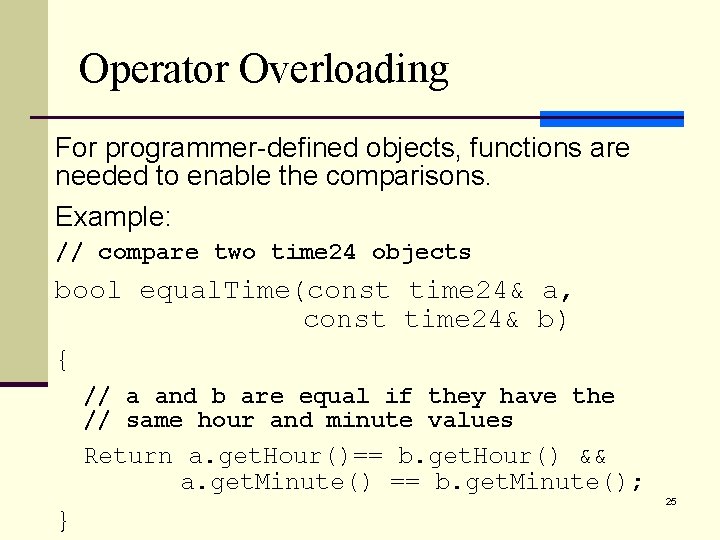
Operator Overloading For programmer-defined objects, functions are needed to enable the comparisons. Example: // compare two time 24 objects bool equal. Time(const time 24& a, const time 24& b) { // a and b are equal if they have the // same hour and minute values Return a. get. Hour()== b. get. Hour() && a. get. Minute() == b. get. Minute(); } 25
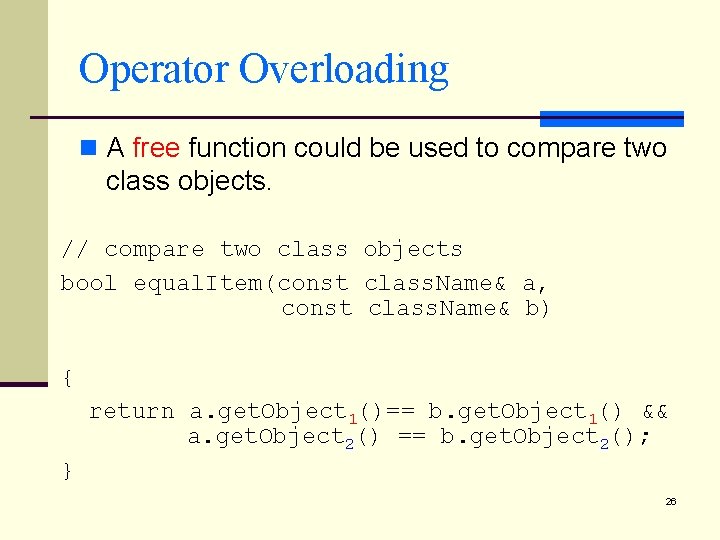
Operator Overloading n A free function could be used to compare two class objects. // compare two class objects bool equal. Item(const class. Name& a, const class. Name& b) { return a. get. Object 1()== b. get. Object 1() && a. get. Object 2() == b. get. Object 2(); } 26
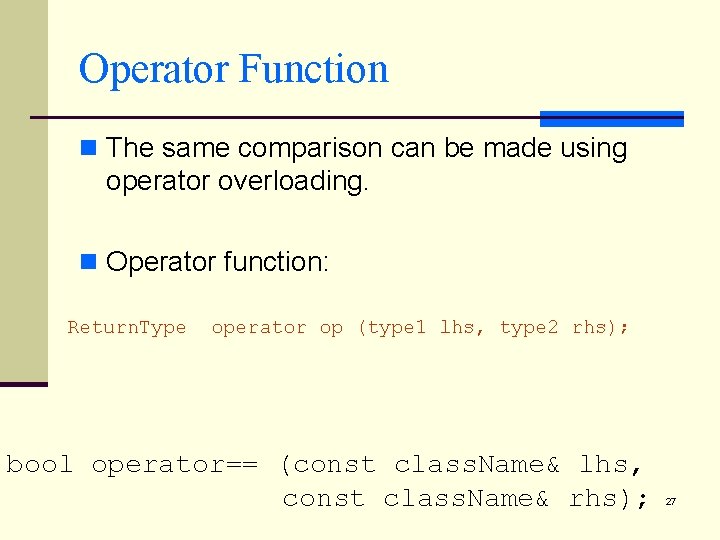
Operator Function n The same comparison can be made using operator overloading. n Operator function: Return. Type operator op (type 1 lhs, type 2 rhs); bool operator== (const class. Name& lhs, const class. Name& rhs); 27
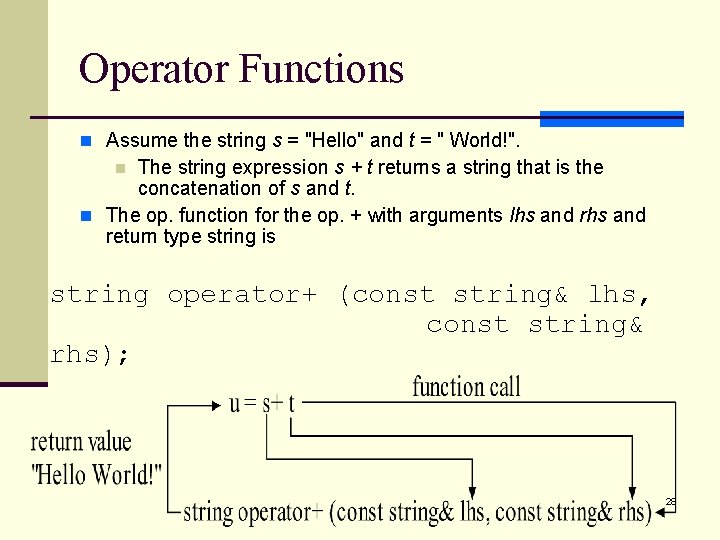
Operator Functions n Assume the string s = "Hello" and t = " World!". The string expression s + t returns a string that is the concatenation of s and t. n The op. function for the op. + with arguments lhs and return type string is n string operator+ (const string& lhs, const string& rhs); 28
Operator Overloading n Overloading an operator as a free function raises efficiency issues: n The function is independent of the class n Its implementation must use member functions to access the appropriate data members. n If a class does not provide the appropriate access functions, n The operator cannot be overloaded as a free function. 29
§- 2 nd way to overload an operator - declare an operator function as a friend of a class. §- The function is not a class member but has access to the private section of the class. - This technique avoids calling class access functions. (efficiency) 30 30
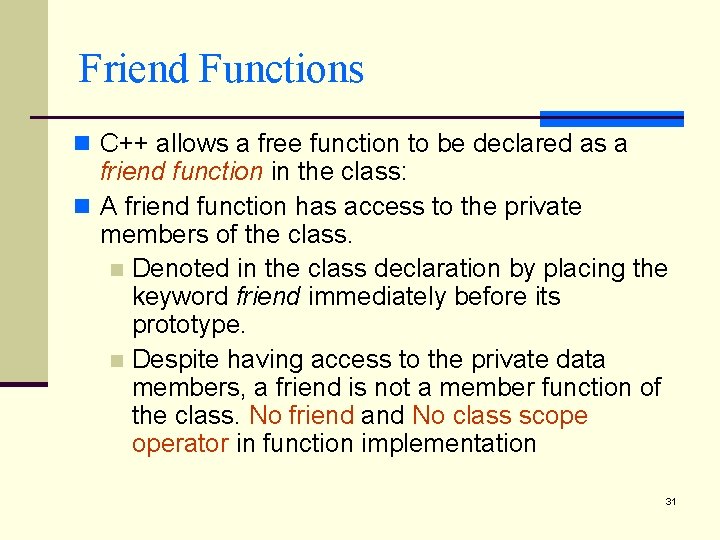
Friend Functions n C++ allows a free function to be declared as a friend function in the class: n A friend function has access to the private members of the class. n Denoted in the class declaration by placing the keyword friend immediately before its prototype. n Despite having access to the private data members, a friend is not a member function of the class. No friend and No class scope operator in function implementation 31
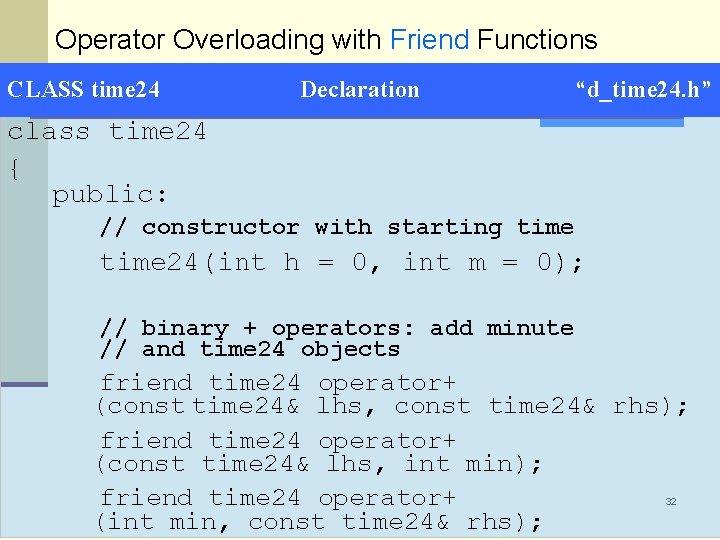
Operator Overloading with Friend Functions CLASS time 24 Declaration “d_time 24. h” class time 24 { public: // constructor with starting time 24(int h = 0, int m = 0); // binary + operators: add minute // and time 24 objects friend time 24 operator+ (const time 24& lhs, const time 24& rhs); friend time 24 operator+ (const time 24& lhs, int min); friend time 24 operator+ (int min, const time 24& rhs); 32
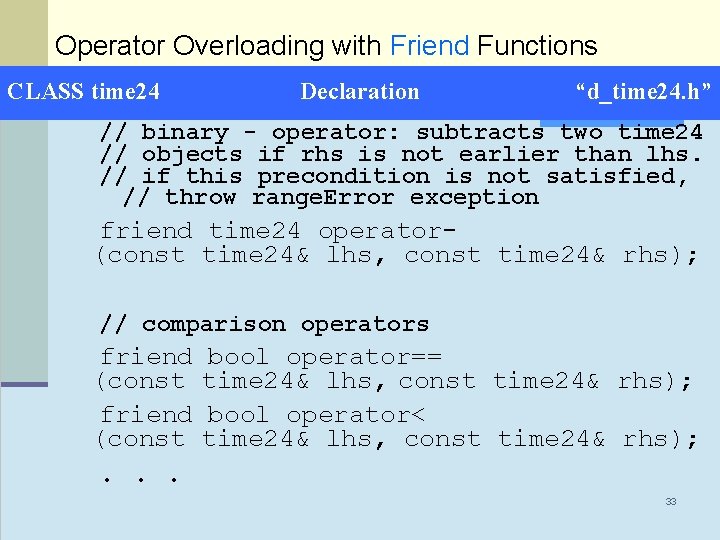
Operator Overloading with Friend Functions CLASS time 24 Declaration “d_time 24. h” // binary - operator: subtracts two time 24 // objects if rhs is not earlier than lhs. // if this precondition is not satisfied, // throw range. Error exception friend time 24 operator(const time 24& lhs, const time 24& rhs); // comparison operators friend (const bool operator== time 24& lhs, const time 24& rhs); bool operator< time 24& lhs, const time 24& rhs); . . . 33
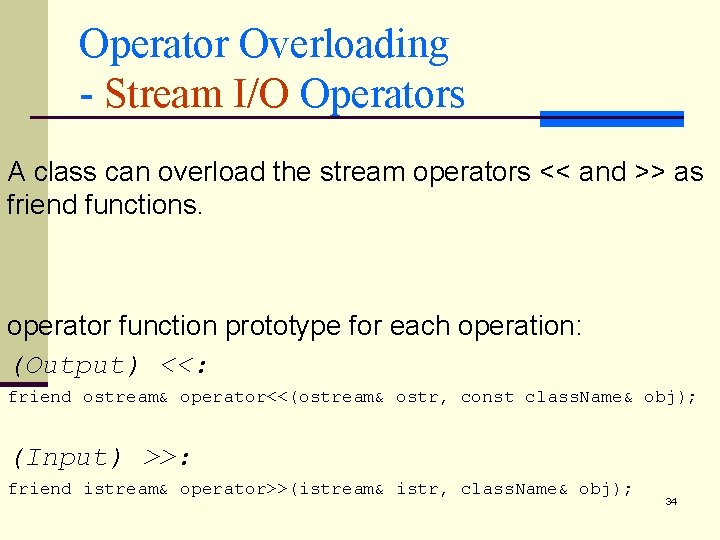
Operator Overloading - Stream I/O Operators A class can overload the stream operators << and >> as friend functions. operator function prototype for each operation: (Output) <<: friend ostream& operator<<(ostream& ostr, const class. Name& obj); (Input) >>: friend istream& operator>>(istream& istr, class. Name& obj); 34
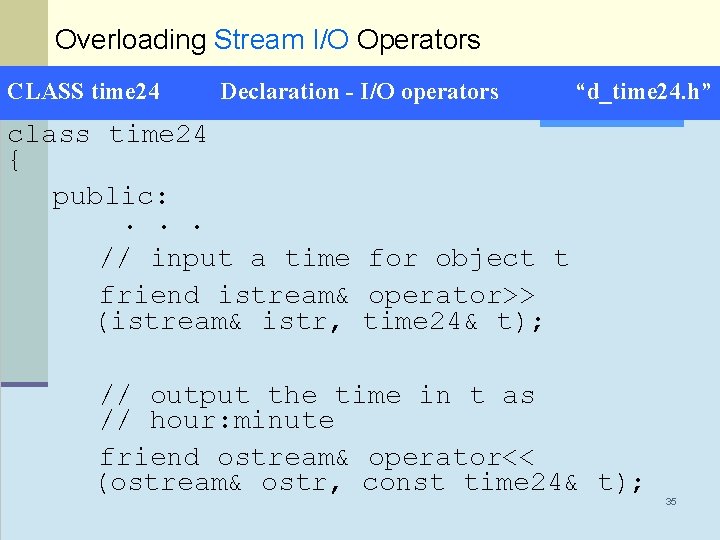
Overloading Stream I/O Operators CLASS time 24 Declaration - I/O operators “d_time 24. h” class time 24 { public: . . . // input a time for object t friend istream& operator>> (istream& istr, time 24& t); // output the time in t as // hour: minute friend ostream& operator<< (ostream& ostr, const time 24& t); 35
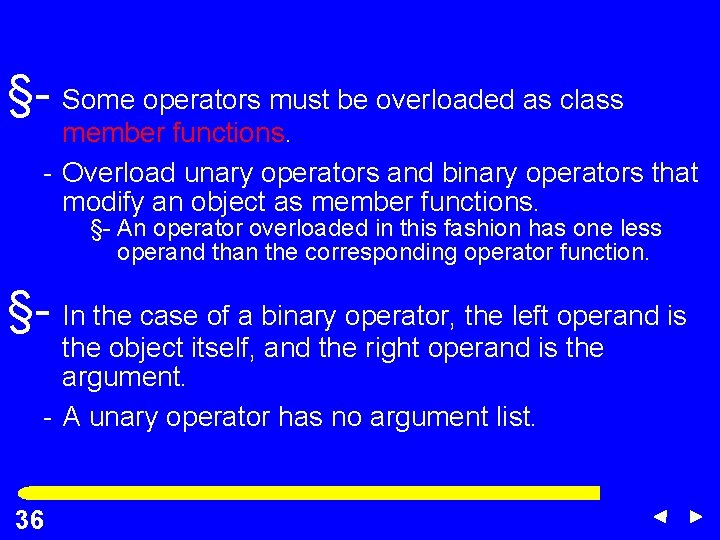
§- Some operators must be overloaded as class member functions. - Overload unary operators and binary operators that modify an object as member functions. §- An operator overloaded in this fashion has one less operand than the corresponding operator function. §- In the case of a binary operator, the left operand is the object itself, and the right operand is the argument. - A unary operator has no argument list. 36 36
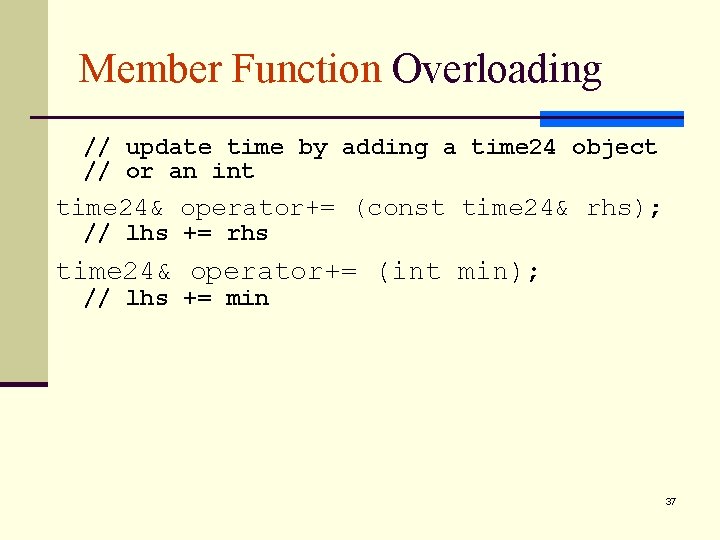
Member Function Overloading // update time by adding a time 24 object // or an int time 24& operator+= (const time 24& rhs); // lhs += rhs time 24& operator+= (int min); // lhs += min 37
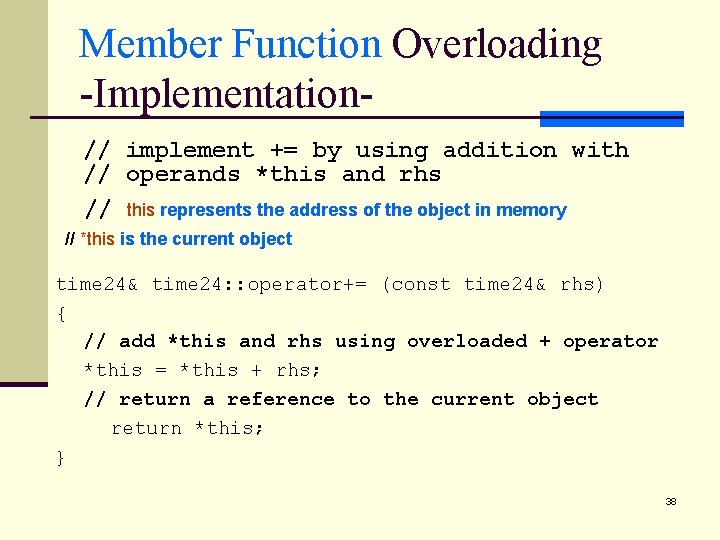
Member Function Overloading -Implementation// implement += by using addition with // operands *this and rhs // this represents the address of the object in memory // *this is the current object time 24& time 24: : operator+= (const time 24& rhs) { // add *this and rhs using overloaded + operator *this = *this + rhs; // return a reference to the current object return *this; } 38
Operator Overloading n Operator overloading by free functions (not efficiency) n Operator overloading by friend functions (binary operators) n Operator overloading by class member functions (unary operators, binary operators that modify an object) n Example: d_time 24. h 39
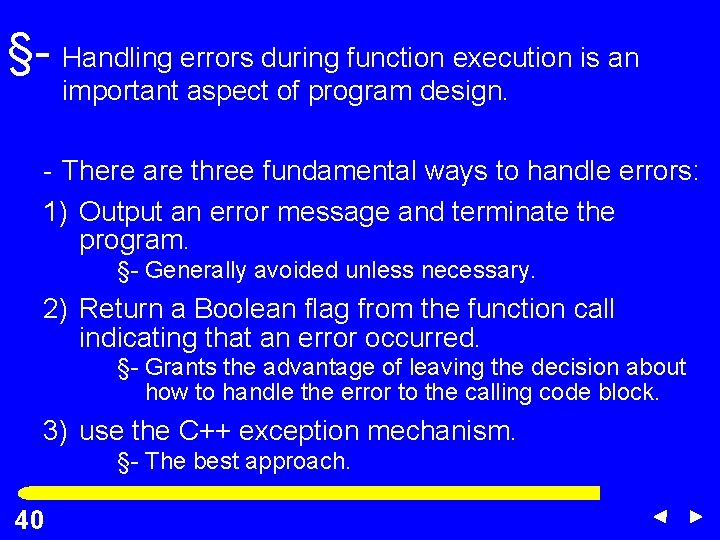
§- Handling errors during function execution is an important aspect of program design. - There are three fundamental ways to handle errors: 1) Output an error message and terminate the program. §- Generally avoided unless necessary. 2) Return a Boolean flag from the function call indicating that an error occurred. §- Grants the advantage of leaving the decision about how to handle the error to the calling code block. 3) use the C++ exception mechanism. §- The best approach. 40 40
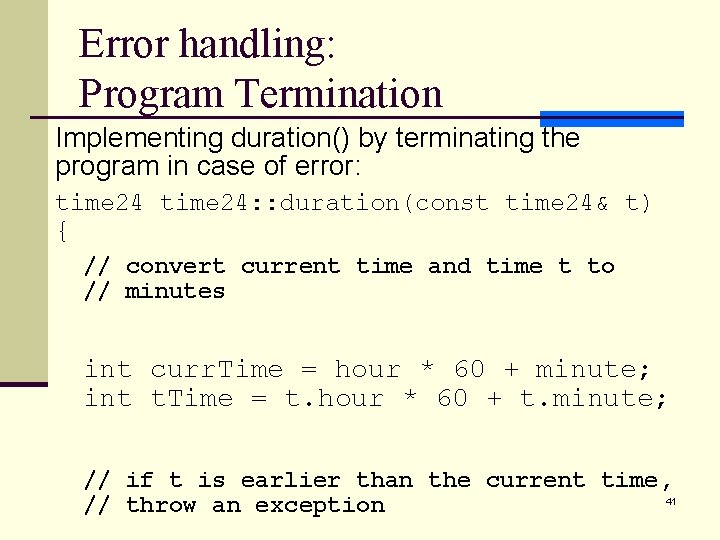
Error handling: Program Termination Implementing duration() by terminating the program in case of error: time 24: : duration(const time 24& t) { // convert current time and time t to // minutes int curr. Time = hour * 60 + minute; int t. Time = t. hour * 60 + t. minute; // if t is earlier than the current time, 41 // throw an exception
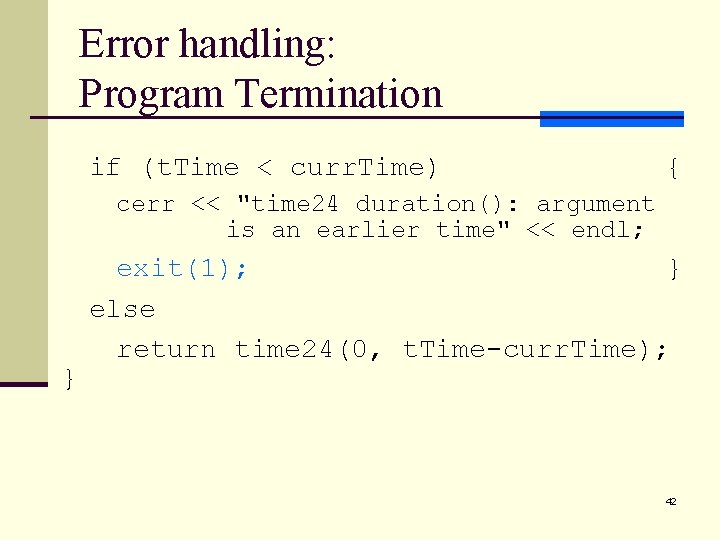
Error handling: Program Termination if (t. Time < curr. Time) { cerr << "time 24 duration(): argument is an earlier time" << endl; } exit(1); } else return time 24(0, t. Time-curr. Time); 42
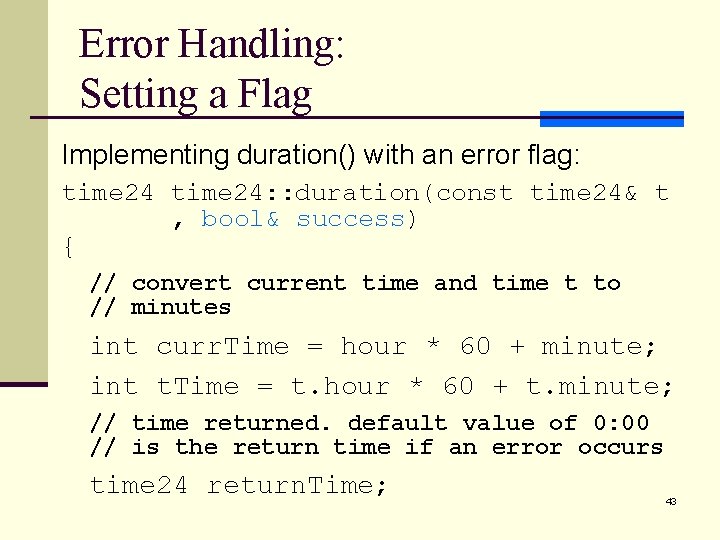
Error Handling: Setting a Flag Implementing duration() with an error flag: time 24: : duration(const time 24& t , bool& success) { // convert current time and time t to // minutes int curr. Time = hour * 60 + minute; int t. Time = t. hour * 60 + t. minute; // time returned. default value of 0: 00 // is the return time if an error occurs time 24 return. Time; 43
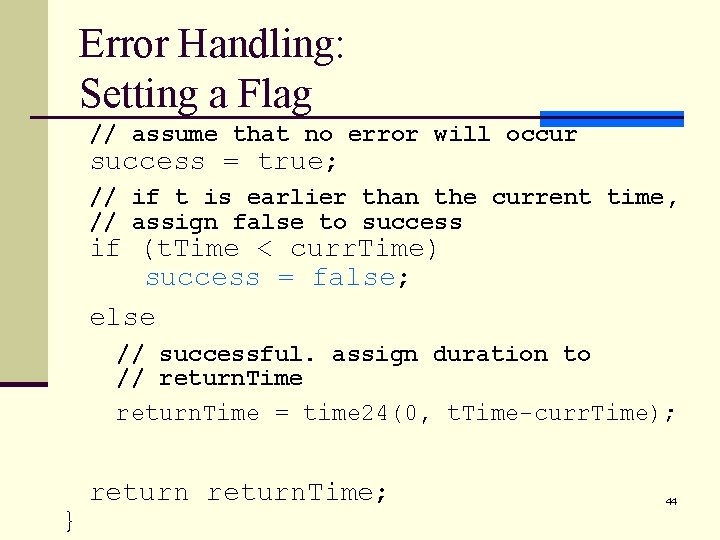
Error Handling: Setting a Flag // assume that no error will occur success = true; // if t is earlier than the current time, // assign false to success if (t. Time < curr. Time) success = false; else // successful. assign duration to // return. Time = time 24(0, t. Time-curr. Time); } return. Time; 44
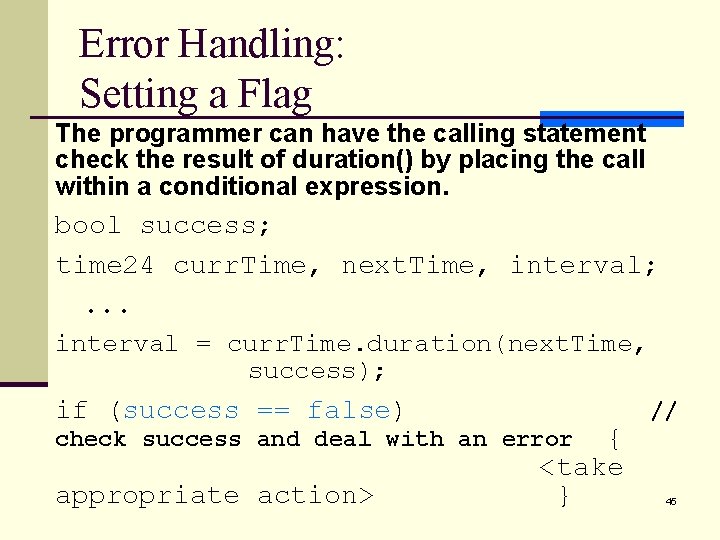
Error Handling: Setting a Flag The programmer can have the calling statement check the result of duration() by placing the call within a conditional expression. bool success; time 24 curr. Time, next. Time, interval; . . . interval = curr. Time. duration(next. Time, success); if (success == false) { <take } // check success and deal with an error appropriate action> 45
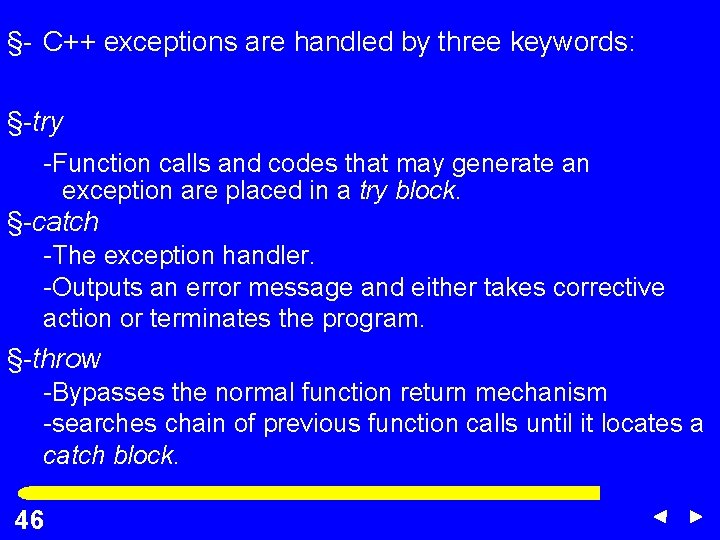
§- C++ exceptions are handled by three keywords: §-try -Function calls and codes that may generate an exception are placed in a try block. §-catch -The exception handler. -Outputs an error message and either takes corrective action or terminates the program. §-throw -Bypasses the normal function return mechanism -searches chain of previous function calls until it locates a catch block. 46 46
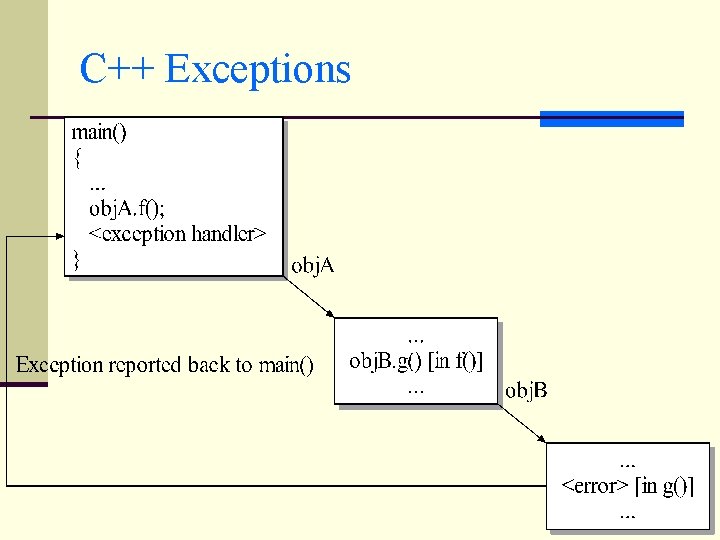
C++ Exceptions 47
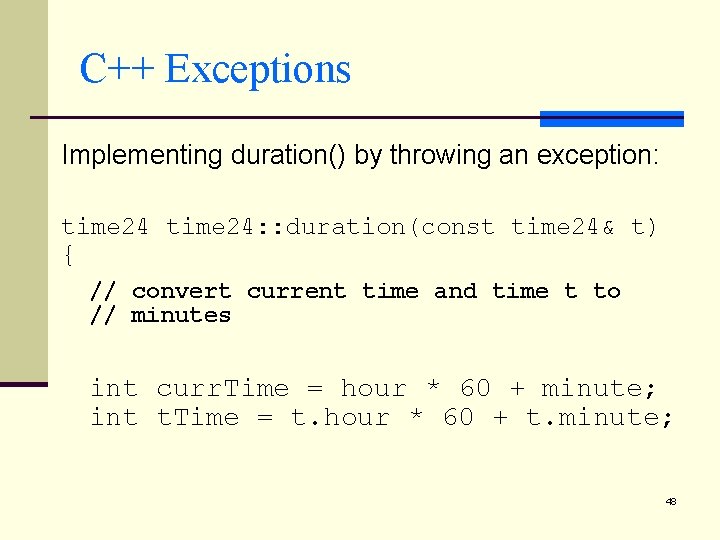
C++ Exceptions Implementing duration() by throwing an exception: time 24: : duration(const time 24& t) { // convert current time and time t to // minutes int curr. Time = hour * 60 + minute; int t. Time = t. hour * 60 + t. minute; 48
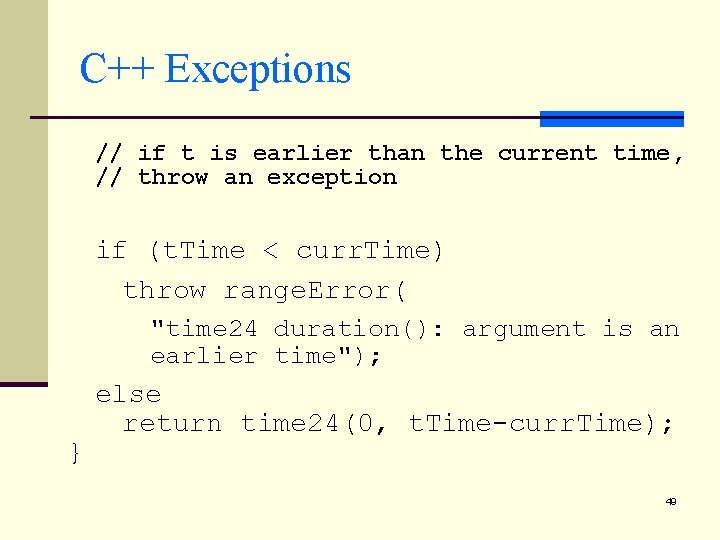
C++ Exceptions // if t is earlier than the current time, // throw an exception if (t. Time < curr. Time) throw range. Error( "time 24 duration(): argument is an earlier time"); } else return time 24(0, t. Time-curr. Time); 49
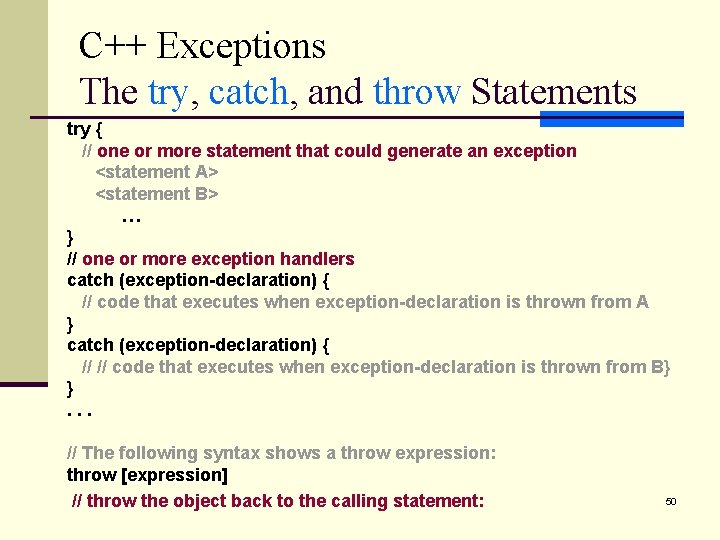
C++ Exceptions The try, catch, and throw Statements try { // one or more statement that could generate an exception <statement A> <statement B> … } // one or more exception handlers catch (exception-declaration) { // code that executes when exception-declaration is thrown from A } catch (exception-declaration) { // // code that executes when exception-declaration is thrown from B} }. . . // The following syntax shows a throw expression: throw [expression] // throw the object back to the calling statement: 50
C++ Exceptions The try, catch, and throw Statements n Example 1 n Example 2: 51
- Slides: 51