
CHAPTER 2 Java Fundamentals Chapter Topics Chapter 2



- Slides: 49
CHAPTER 2 Java Fundamentals
Chapter Topics Chapter 2 discusses the following main topics: – The Parts of a Java Program – The print and println Methods, and the Java API – Variables and Literals – Primitive Data Types – Arithmetic Operators – Combined Assignment Operators 2 -2
Chapter Topics (Continued) – Creating named constants with final – The String class – Scope – Comments – Programming style – Using the Scanner class for input – Dialog boxes 2 -3
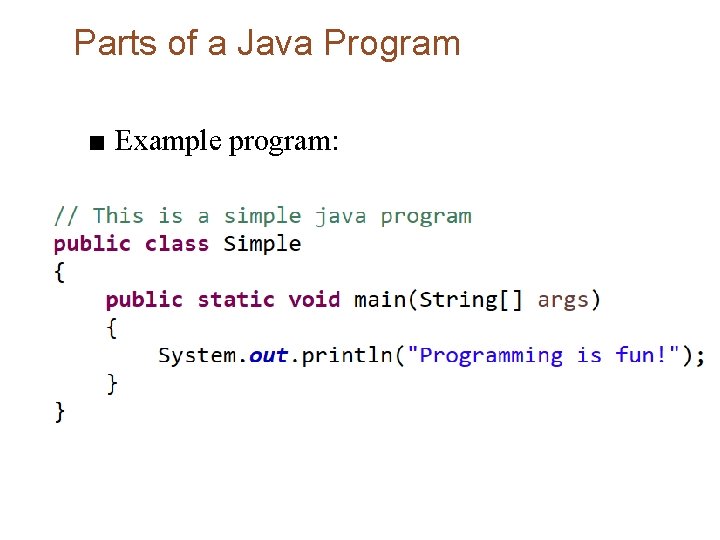
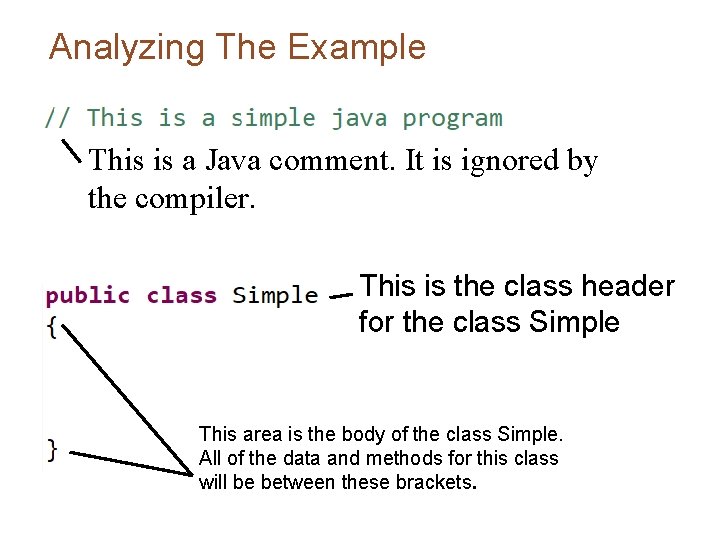
Parts of a Java Program ■ Example program:
Analyzing The Example This is a Java comment. It is ignored by the compiler. This is the class header for the class Simple This area is the body of the class Simple. All of the data and methods for this class will be between these brackets.
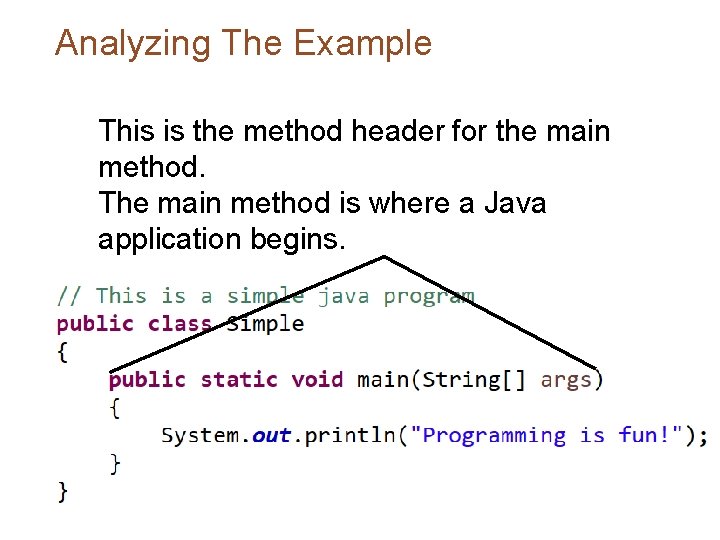
Analyzing The Example This is the method header for the main method. The main method is where a Java application begins.
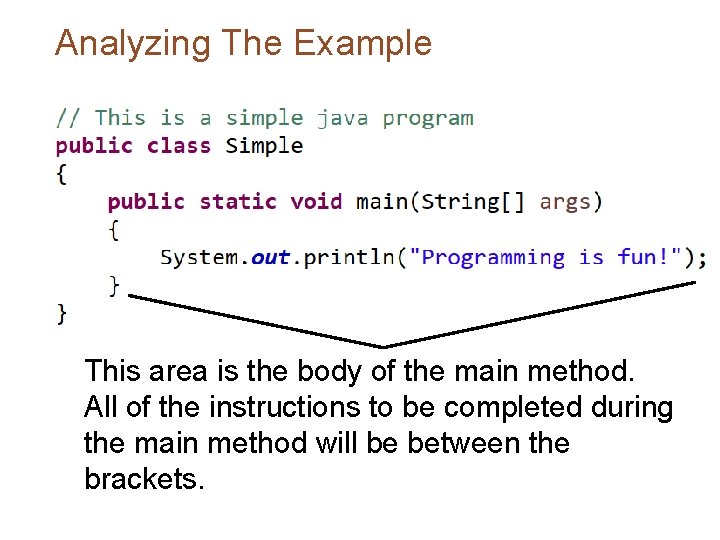
Analyzing The Example This area is the body of the main method. All of the instructions to be completed during the main method will be between the brackets.
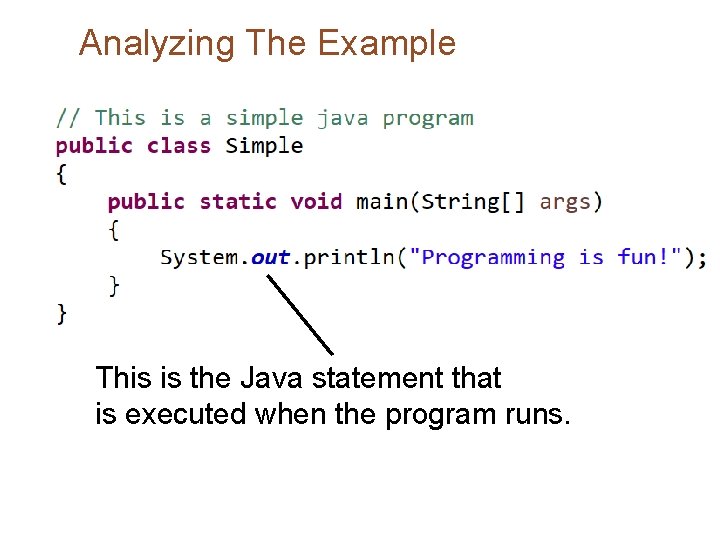
Analyzing The Example This is the Java statement that is executed when the program runs.
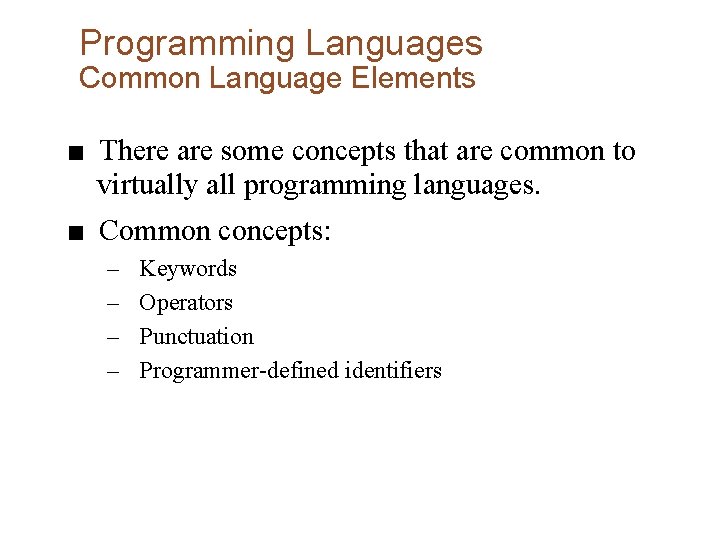
Programming Languages Common Language Elements ■ There are some concepts that are common to virtually all programming languages. ■ Common concepts: – – Keywords Operators Punctuation Programmer-defined identifiers
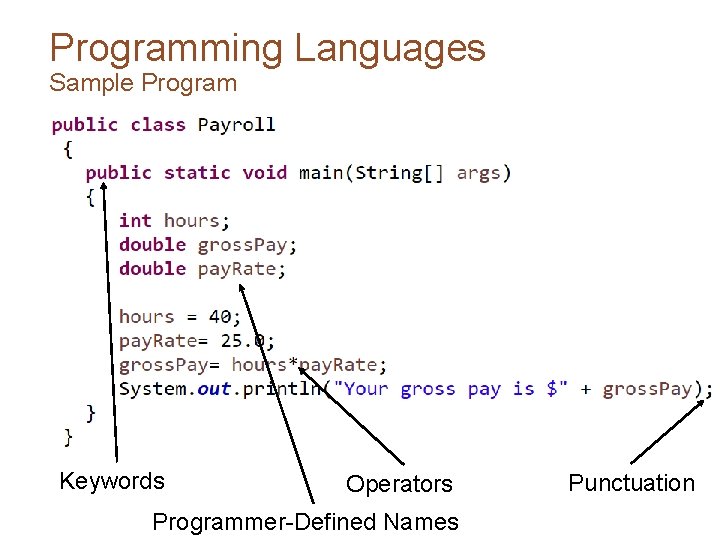
Programming Languages Sample Program Keywords Operators Programmer-Defined Names Punctuation
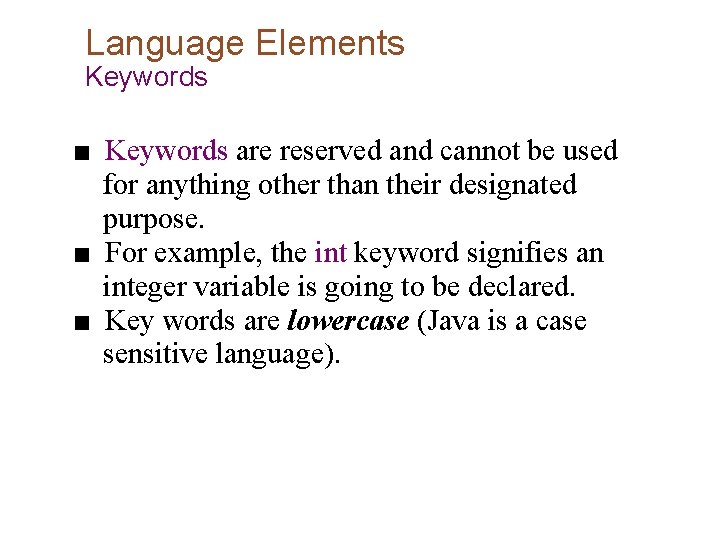
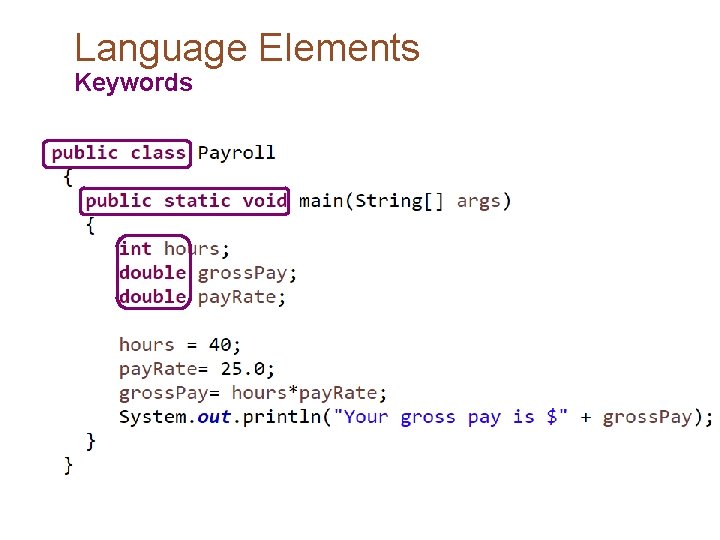
Language Elements Keywords ■ Keywords are reserved and cannot be used for anything other than their designated purpose. ■ For example, the int keyword signifies an integer variable is going to be declared. ■ Key words are lowercase (Java is a case sensitive language).
Language Elements Keywords
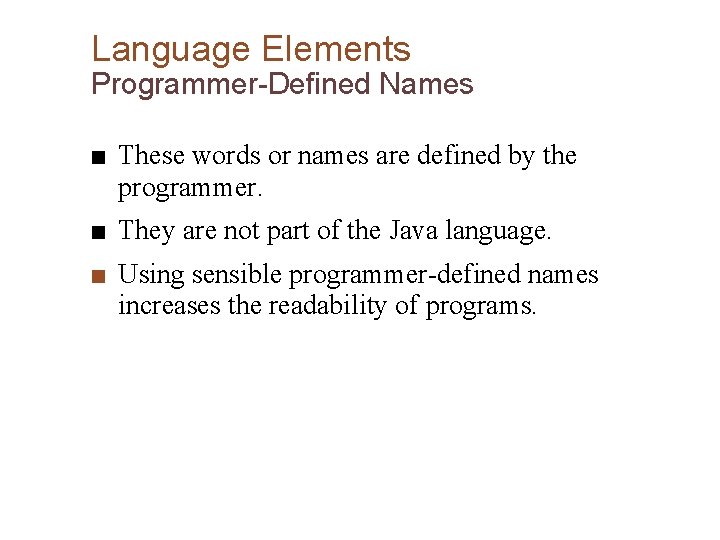
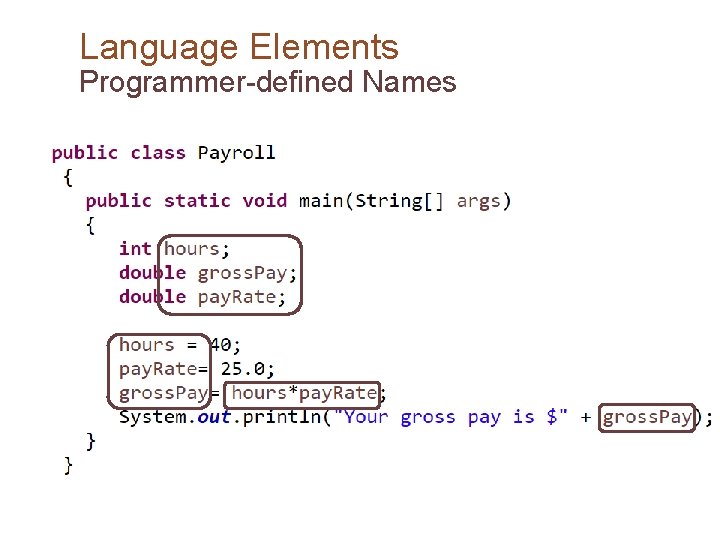
Language Elements Programmer-Defined Names ■ These words or names are defined by the programmer. ■ They are not part of the Java language. ■ Using sensible programmer-defined names increases the readability of programs.
Language Elements Programmer-defined Names
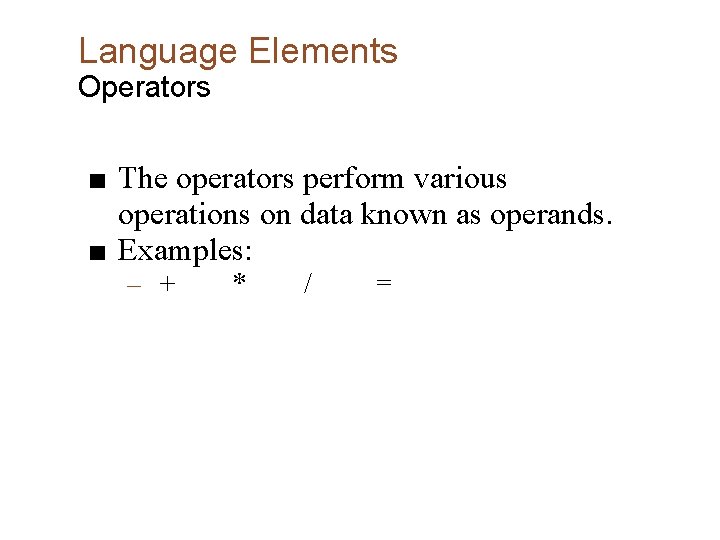
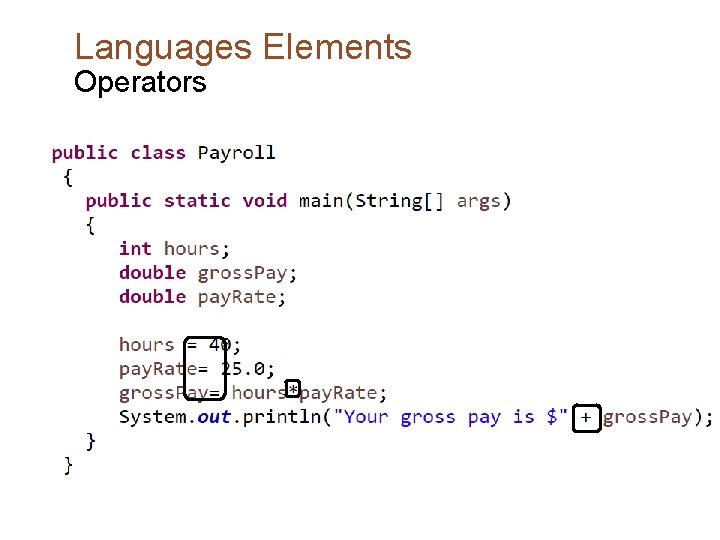
Language Elements Operators ■ The operators perform various operations on data known as operands. ■ Examples: – + * / =
Languages Elements Operators
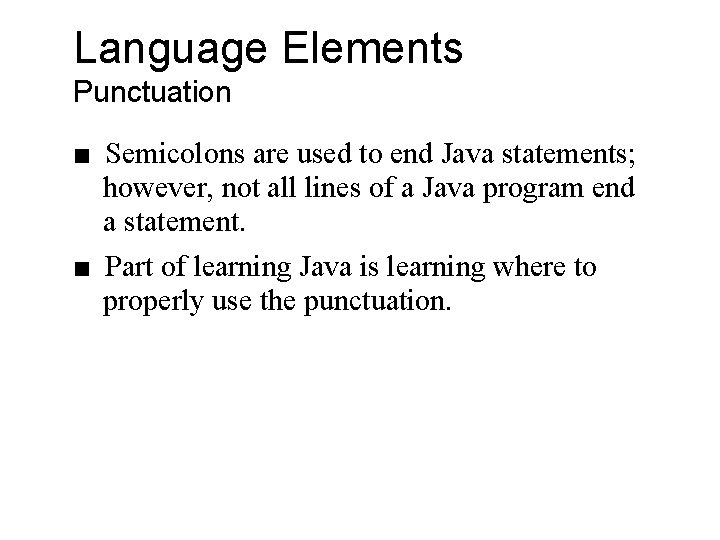
Language Elements Punctuation ■ Semicolons are used to end Java statements; however, not all lines of a Java program end a statement. ■ Part of learning Java is learning where to properly use the punctuation.
Languages Elements Punctuation
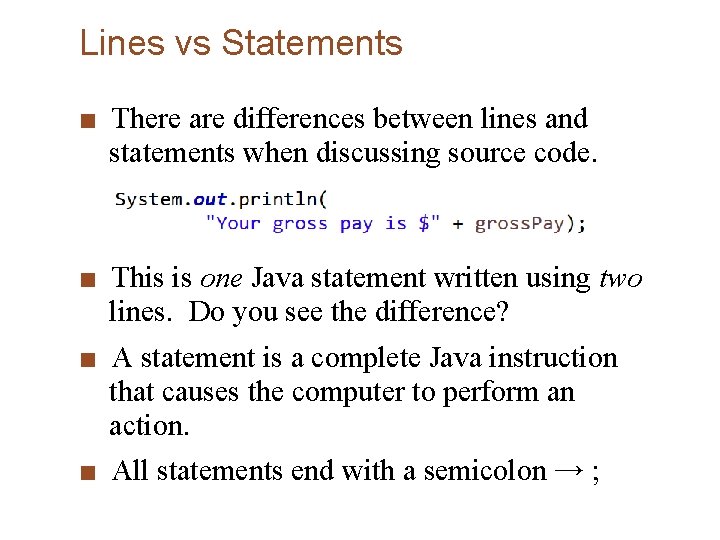
Lines vs Statements ■ There are differences between lines and statements when discussing source code. ■ This is one Java statement written using two lines. Do you see the difference? ■ A statement is a complete Java instruction that causes the computer to perform an action. ■ All statements end with a semicolon → ;
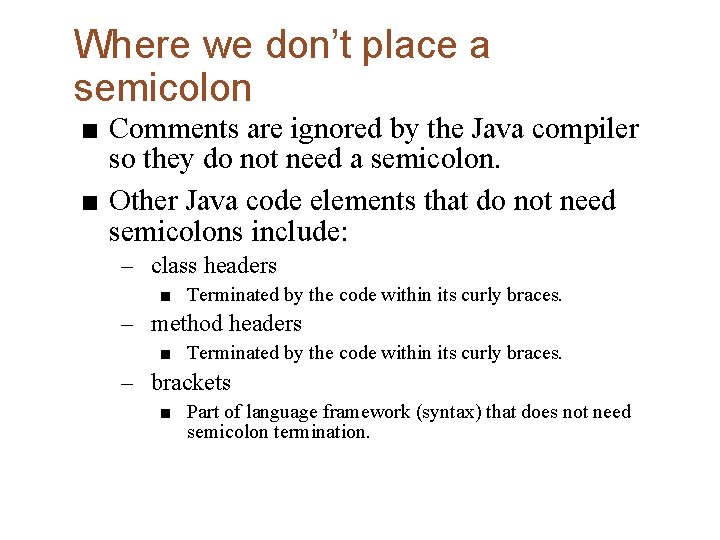
Where we don’t place a semicolon ■ Comments are ignored by the Java compiler so they do not need a semicolon. ■ Other Java code elements that do not need semicolons include: – class headers ■ Terminated by the code within its curly braces. – method headers ■ Terminated by the code within its curly braces. – brackets ■ Part of language framework (syntax) that does not need semicolon termination.
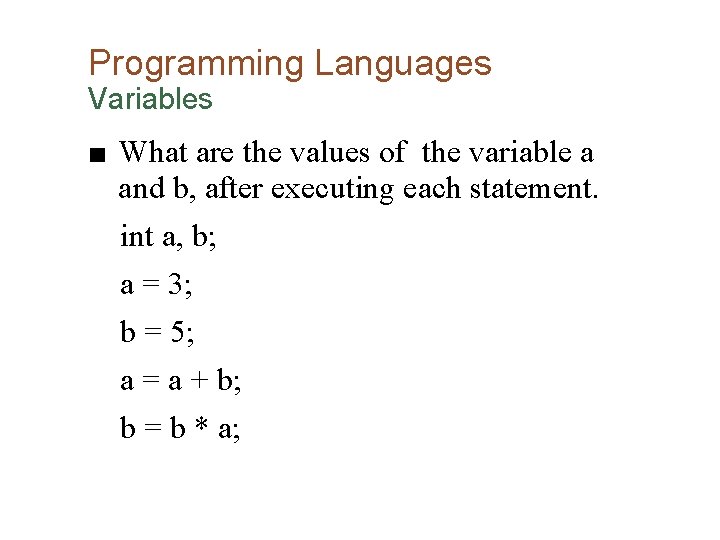
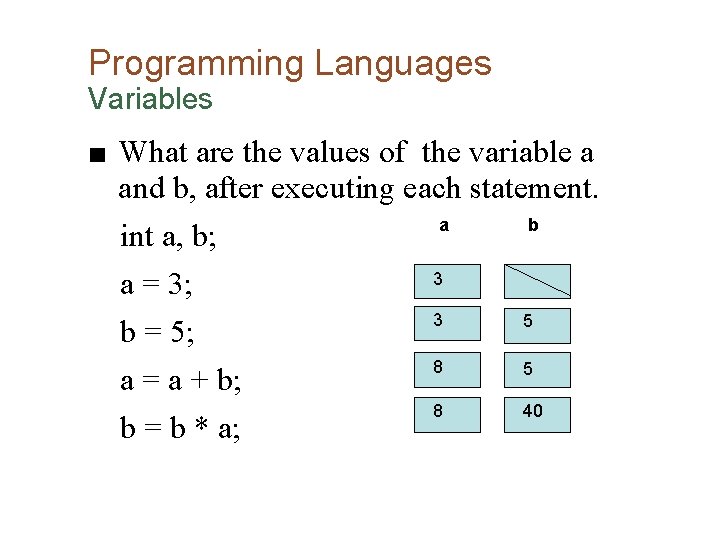
Programming Languages Variables ■ What are the values of the variable a and b, after executing each statement. int a, b; a = 3; b = 5; a = a + b; b = b * a;
Programming Languages Variables ■ What are the values of the variable a and b, after executing each statement. a b int a, b; 3 a = 3; 3 5 b = 5; 8 5 a = a + b; 8 40 b = b * a;
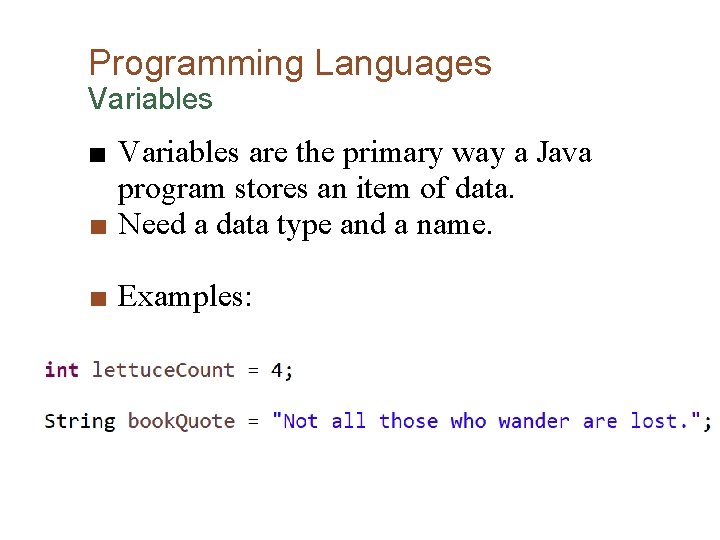
Programming Languages Variables ■ Variables are the primary way a Java program stores an item of data. ■ Need a data type and a name. ■ Examples:
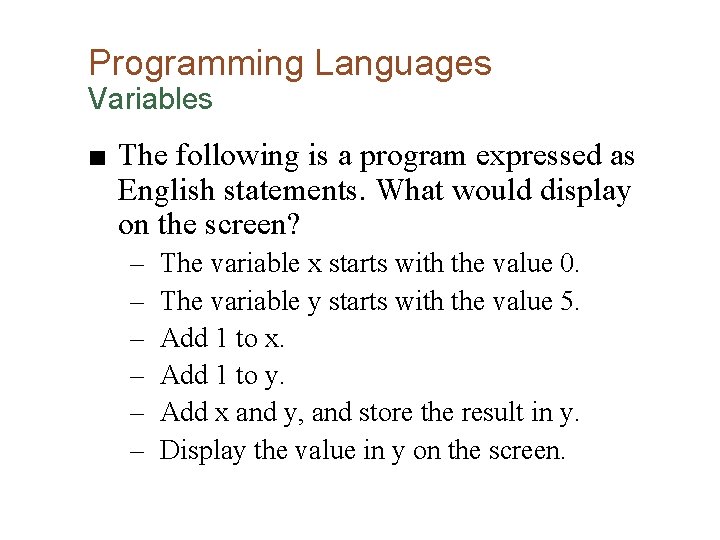
Programming Languages Variables ■ The following is a program expressed as English statements. What would display on the screen? – – – The variable x starts with the value 0. The variable y starts with the value 5. Add 1 to x. Add 1 to y. Add x and y, and store the result in y. Display the value in y on the screen.
Programming Languages Variables – Answer! ■ The following is a program expressed as English statements. What would display on the screen? ■ The answer is 7!
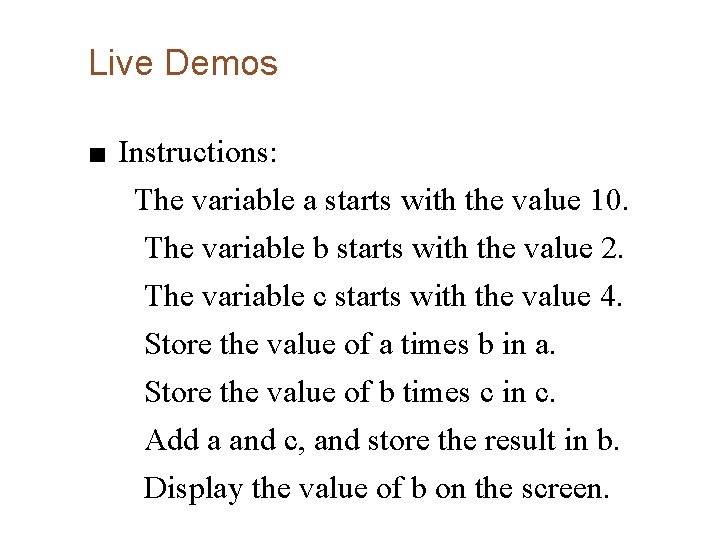
Live Demos ■ Instructions: The variable a starts with the value 10. The variable b starts with the value 2. The variable c starts with the value 4. Store the value of a times b in a. Store the value of b times c in c. Add a and c, and store the result in b. Display the value of b on the screen.
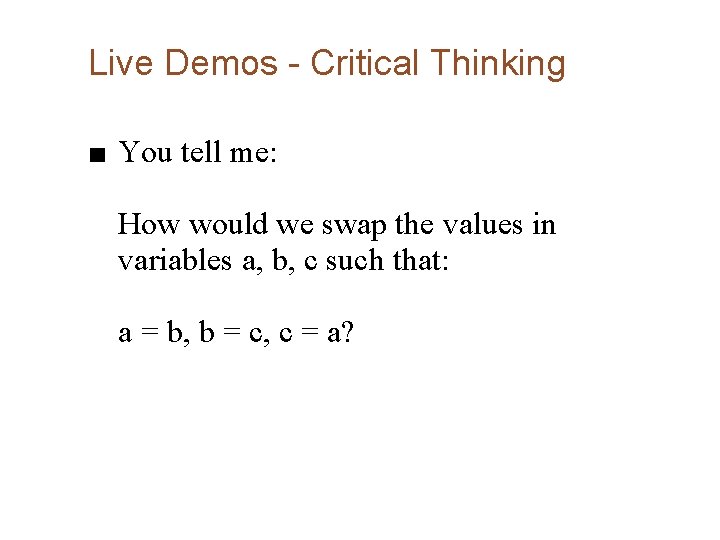
Live Demos - Critical Thinking ■ You tell me: How would we swap the values in variables a, b, c such that: a = b, b = c, c = a?
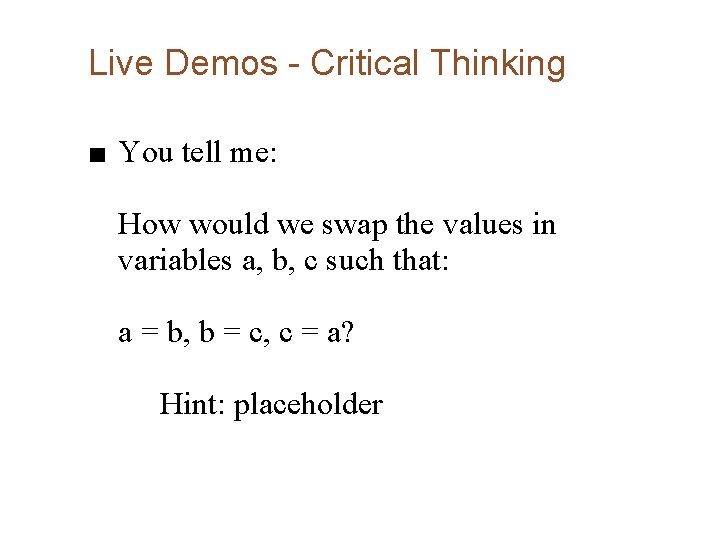
Live Demos - Critical Thinking ■ You tell me: How would we swap the values in variables a, b, c such that: a = b, b = c, c = a? Hint: placeholder
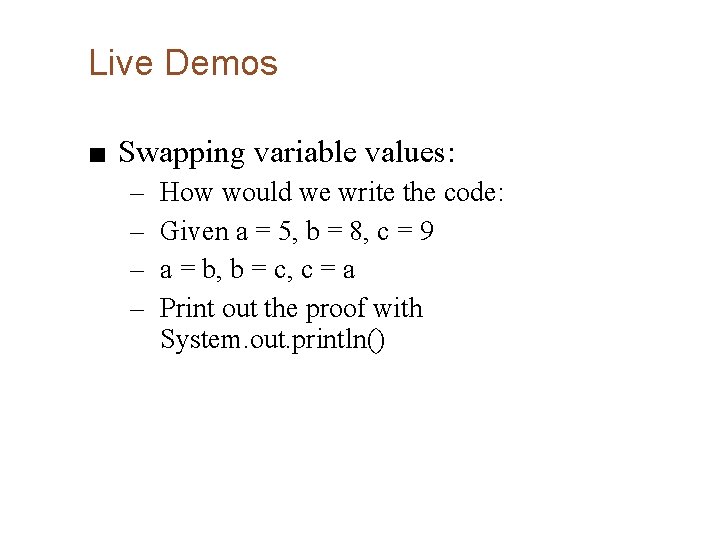
Live Demos ■ Swapping variable values: – – How would we write the code: Given a = 5, b = 8, c = 9 a = b, b = c, c = a Print out the proof with System. out. println()
Live Demos ■ Let’s consider a problem, rather than a list of steps: Fred likes to buy oranges and likes to use Java to write simple programs. Fred is not sure how he would write a program to multiply oranges by their price to plan his orange budget.
Fred’s Oranges ■ Our problem is this: – – Find a way to label the oranges Find a way to label the price Perform the multiplication Inform Fred of his needed orange budget ■ What do we need from Fred? – The oranges he wants to buy – The price of them ■ Let’s try and write the output for a given orange count and price
Fred’s Oranges ■ Break the story down into steps: declare int oranges declare double price declare double budget display the budget to Fred Am I missing anything?
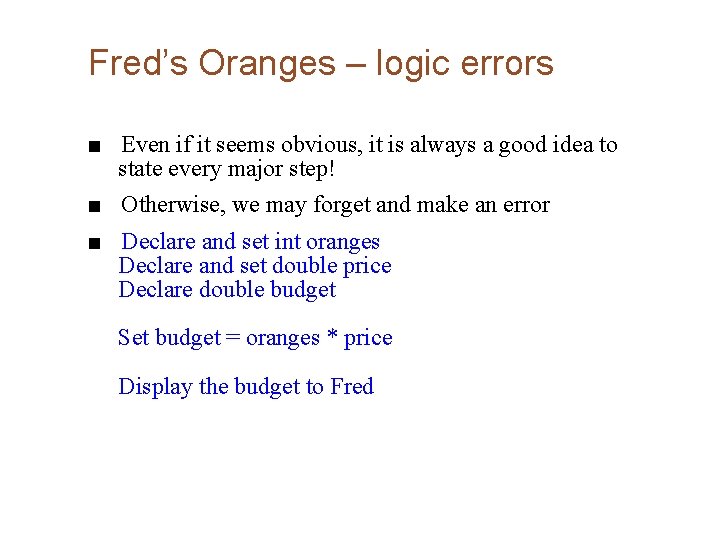
Fred’s Oranges – logic errors ■ Even if it seems obvious, it is always a good idea to state every major step! ■ Otherwise, we may forget and make an error ■ Declare and set int oranges Declare and set double price Declare double budget Set budget = oranges * price Display the budget to Fred
Now let’s write and run the code!
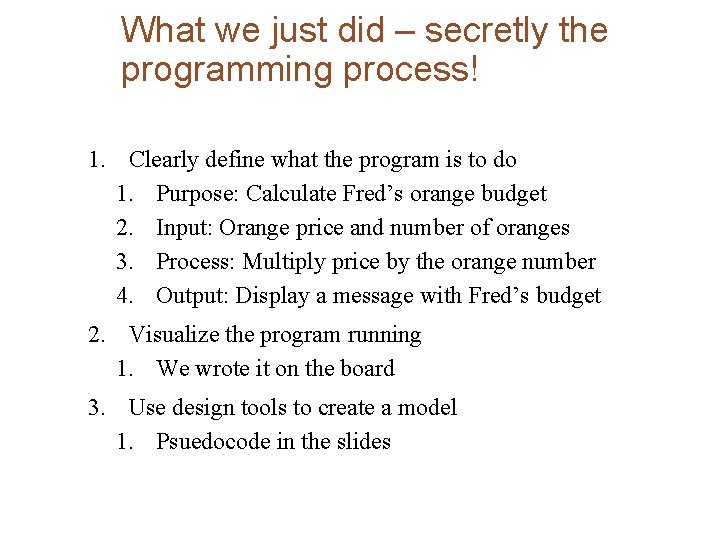
What we just did – secretly the programming process! 1. Clearly define what the program is to do 1. Purpose: Calculate Fred’s orange budget 2. Input: Orange price and number of oranges 3. Process: Multiply price by the orange number 4. Output: Display a message with Fred’s budget 2. Visualize the program running 1. We wrote it on the board 3. Use design tools to create a model 1. Psuedocode in the slides
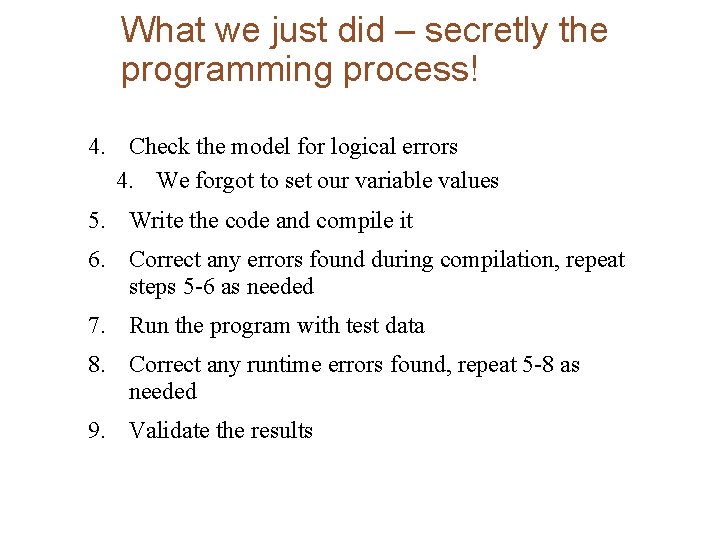
What we just did – secretly the programming process! 4. Check the model for logical errors 4. We forgot to set our variable values 5. Write the code and compile it 6. Correct any errors found during compilation, repeat steps 5 -6 as needed 7. Run the program with test data 8. Correct any runtime errors found, repeat 5 -8 as needed 9. Validate the results
Live Demo – Story ■ Another problem: Jim is not very smart, because he purchased an overpriced PS 4 for $800 from a man of questionable morals. The tax rate for the purchase was 7%. Write pseudocode for a program that displays the total sales price and the sales tax.
Another story, with partners ■ Jim is still not a very smart. After buying one piece of technology from a man with bad morals, he wants to buy more. Using the programming process discussed, let’s plan how Jim can write a program to figure out how much he needs to spend to buy: ■ Object a for $600, two of object b for $700, and object c for $50
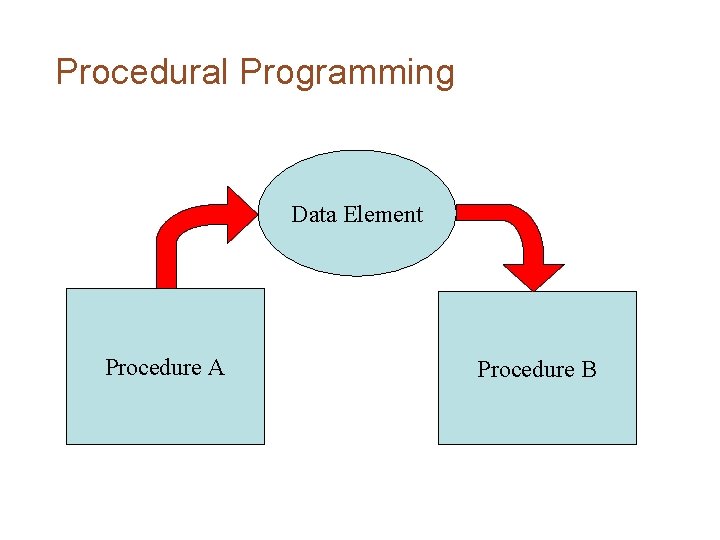
Programming style Procedural Programming • Older programming languages were procedural. • A procedure is a set of programming language statements that, together, perform a specific task. • Procedures typically operate on data items that are separate from the procedures. • In a procedural program, the data items are commonly passed from one procedure to another.
Procedural Programming Data Element Procedure A Procedure B
Procedural Programming • In procedural programming, procedures are developed to operate on the program’s data. • Data in the program tends to be global to the entire program. • Data formats might change and thus, the procedures that operate on that data must change.
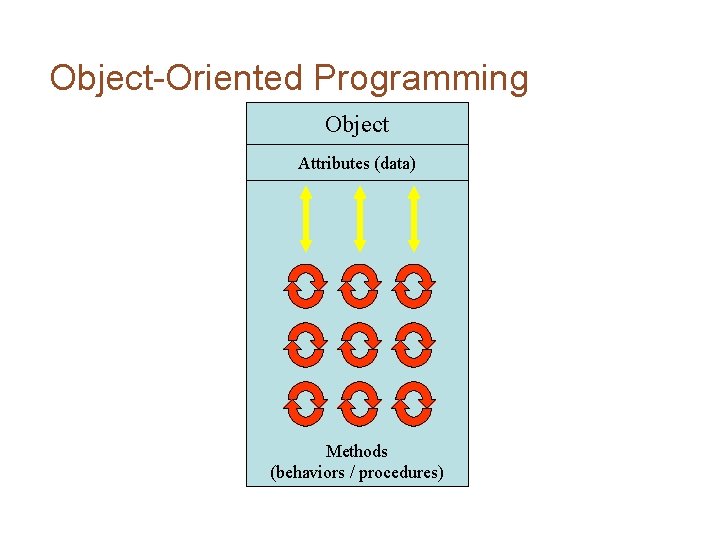
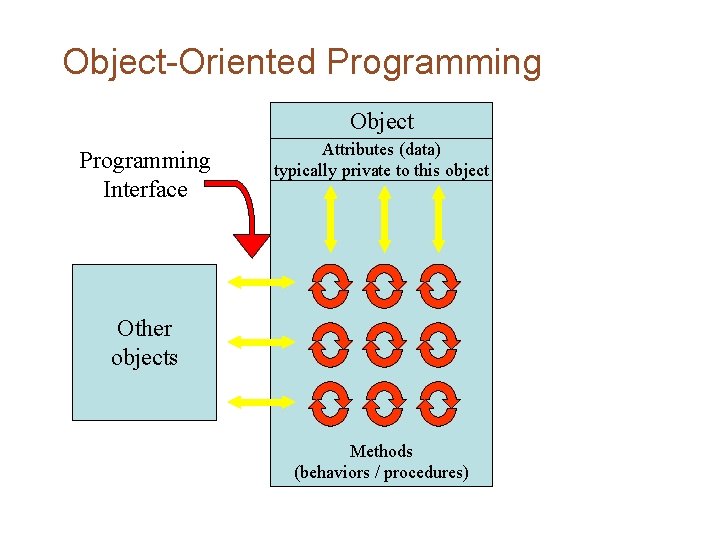
Object-Oriented Programming • Object-oriented programming is centered on creating objects rather than procedures. • Objects are a melding of data and procedures that manipulate that data. • Data in an object are known as attributes. • Procedures in an object are known as methods.
Object-Oriented Programming Object Attributes (data) Methods (behaviors / procedures)
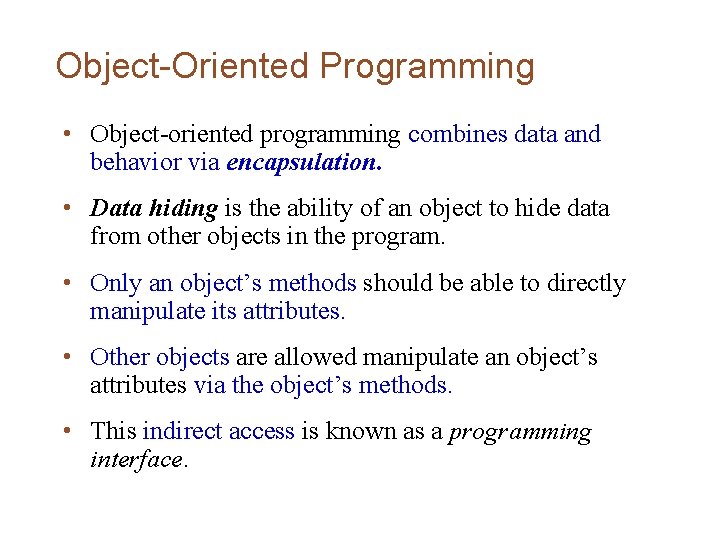
Object-Oriented Programming • Object-oriented programming combines data and behavior via encapsulation. • Data hiding is the ability of an object to hide data from other objects in the program. • Only an object’s methods should be able to directly manipulate its attributes. • Other objects are allowed manipulate an object’s attributes via the object’s methods. • This indirect access is known as a programming interface.
Object-Oriented Programming Object Programming Interface Attributes (data) typically private to this object Other objects Methods (behaviors / procedures)
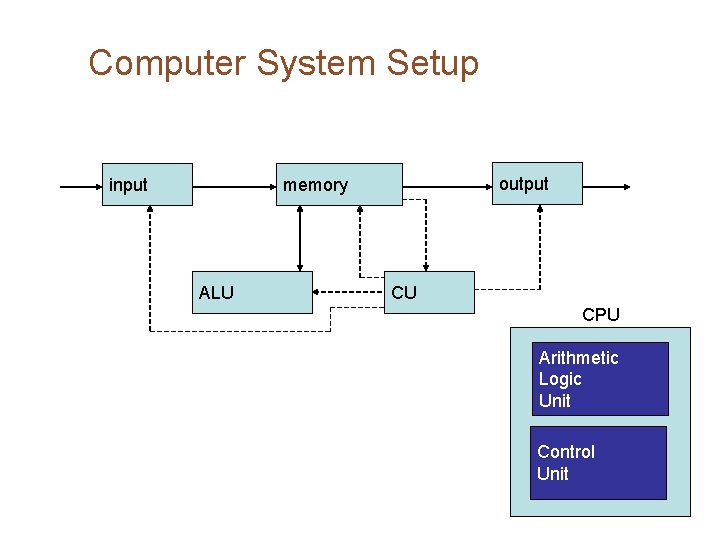
How this all happens – hardware and software ■ Hardware refers to the physical components that make up a system – CPU, Main Memory, Storage, Input & Output ■ Software is made up of the programs – The OS -> manage hardware and devices – Applications -> things that are directly useful to the user
Computer System Setup input output memory ALU CU CPU Arithmetic Logic Unit Control Unit
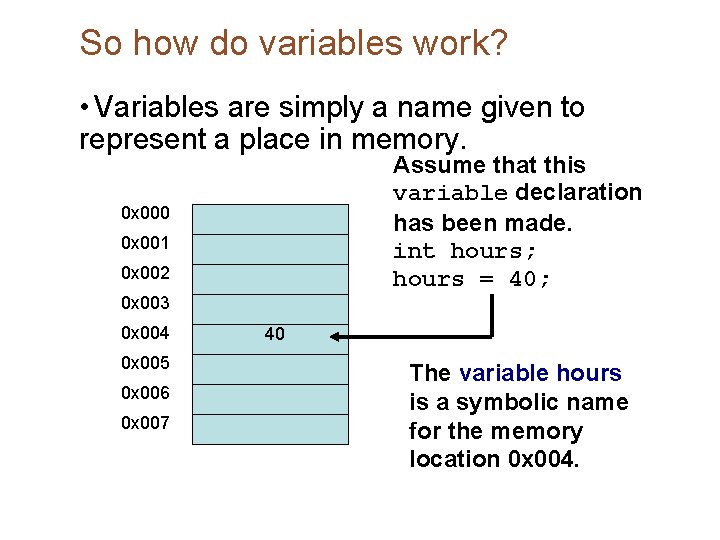
So how do variables work? • Variables are simply a name given to represent a place in memory. Assume that this variable declaration has been made. int hours; hours = 40; 0 x 000 0 x 001 0 x 002 0 x 003 0 x 004 0 x 005 0 x 006 0 x 007 40 The variable hours is a symbolic name for the memory location 0 x 004.
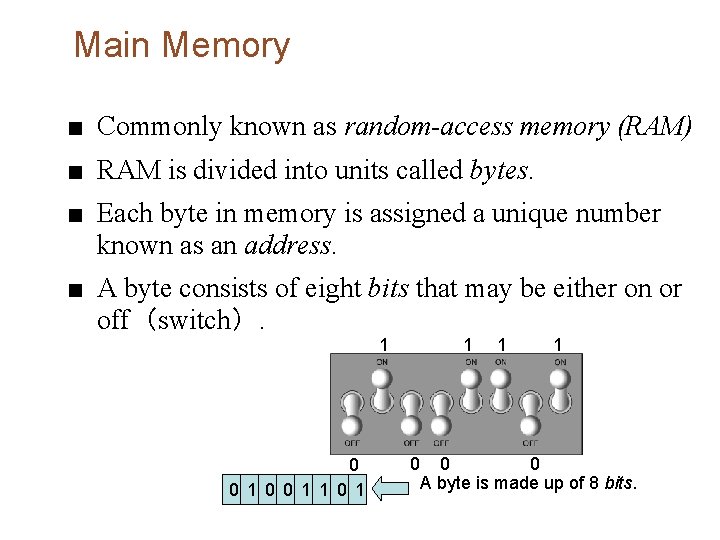
Main Memory ■ Commonly known as random-access memory (RAM) ■ RAM is divided into units called bytes. ■ Each byte in memory is assigned a unique number known as an address. ■ A byte consists of eight bits that may be either on or off(switch). 1 0 0 1 1 0 0 A byte is made up of 8 bits.