
Chapter 2 Introduction to Systems Architecture Chapter 2
- Slides: 58
Chapter 2 Introduction to Systems Architecture
Chapter 2 Introduction to Systems Architecture Automated Computation Computer Capabilities Computer Hardware Computer System Classes The Role of Software Economics of System and Application Development Software Computer Networks
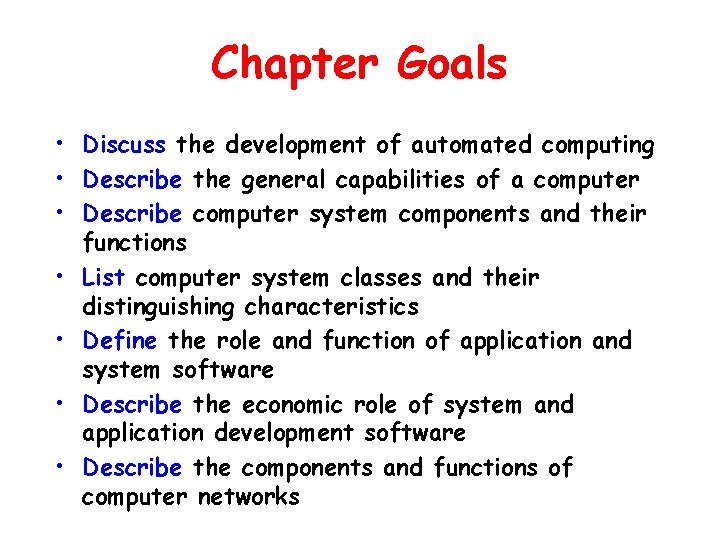
Chapter Goals • Discuss the development of automated computing • Describe the general capabilities of a computer • Describe computer system components and their functions • List computer system classes and their distinguishing characteristics • Define the role and function of application and system software • Describe the economic role of system and application development software • Describe the components and functions of computer networks
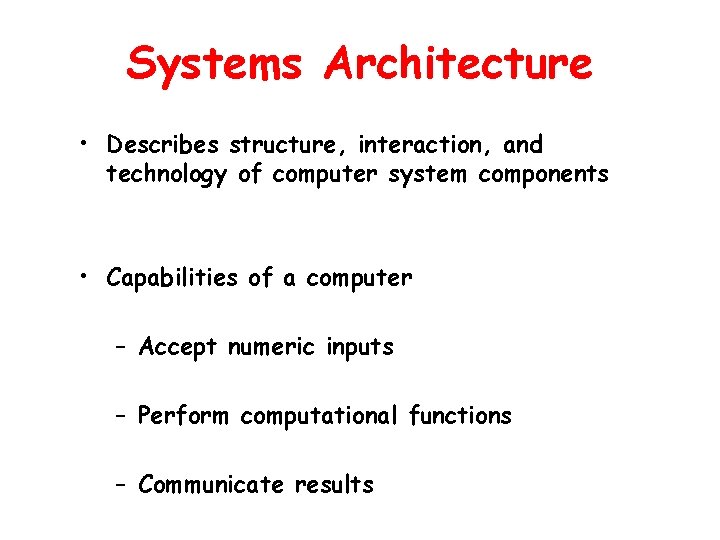
Systems Architecture • Describes structure, interaction, and technology of computer system components • Capabilities of a computer – Accept numeric inputs – Perform computational functions – Communicate results
Automated Computation • Mechanical – Early computers with limited capabilities • Electronic – Fast, accurate, reliable • Optical – Fast, accurate, reliable
Mechanical Implementation • Mechanical representation of a mathematical calculation • Limitations and shortcomings – Complex design and construction – Wear, breakdown, and maintenance of parts – Limits on operating speed
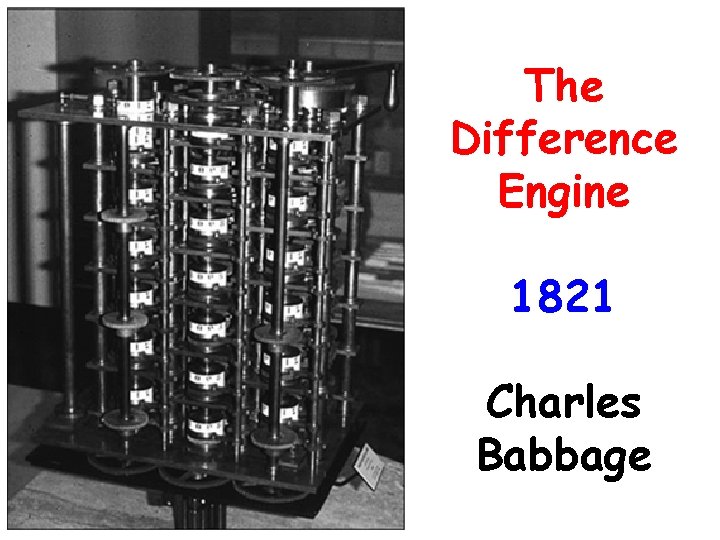
The Difference Engine 1821 Charles Babbage
Electronic Implementation • Stores numerical values as magnetic charges or by positioning electrical switches • Can convert physical movement into electrical signals, or vice versa • World War II – impetus for change • Faster, more reliable, easier to build than mechanical counterparts
Optical Implementation • Harnesses energy of a moving photon • Represents data as pulses of light stored directly or indirectly by materials that reflect or don’t reflect light • Now common in computer networks that cover large distances
Quantum Computing • A new kind of computing based on quantum mechanics • Somewhat controversial • Not yet shown to be usable
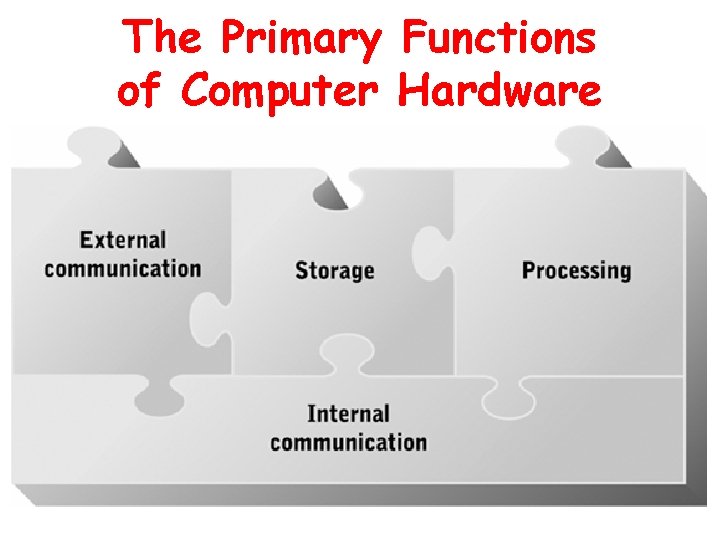
Computer Capabilities • Processing • Storage • Communication
Processor Device that performs data manipulation and transformation functions Computation Comparison Data movement memory mass storage input/output devices
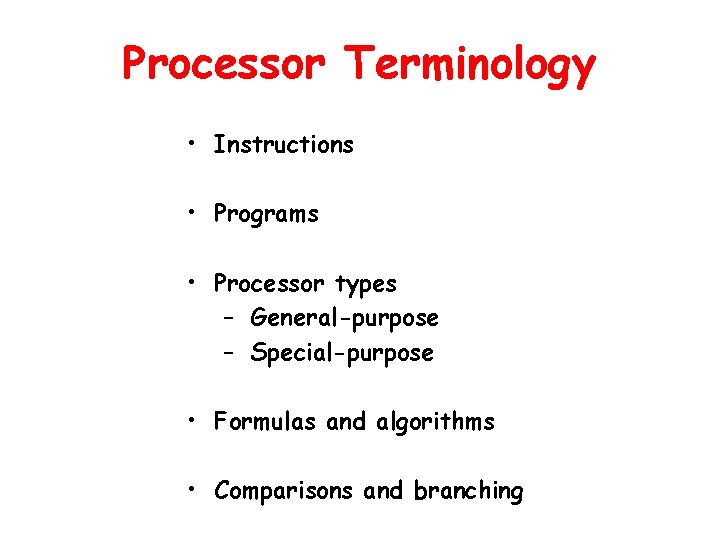
Processor Terminology • Instructions • Programs • Processor types – General-purpose – Special-purpose • Formulas and algorithms • Comparisons and branching
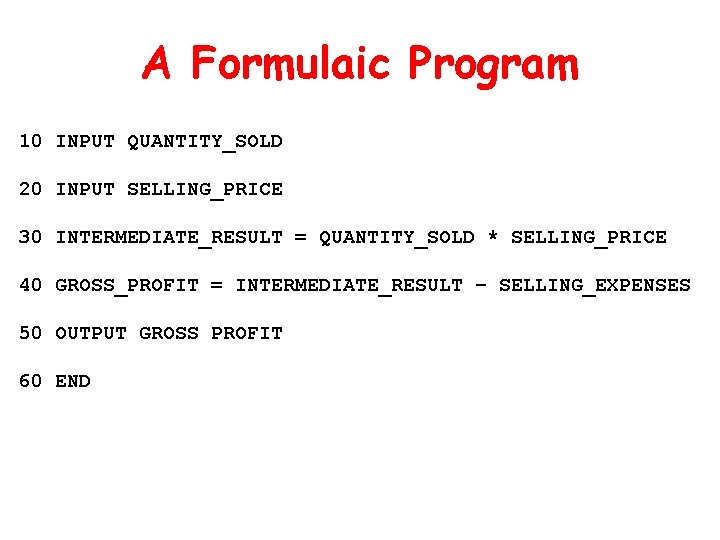
A Formulaic Program 10 INPUT QUANTITY_SOLD 20 INPUT SELLING_PRICE 30 INTERMEDIATE_RESULT = QUANTITY_SOLD * SELLING_PRICE 40 GROSS_PROFIT = INTERMEDIATE_RESULT – SELLING_EXPENSES 50 OUTPUT GROSS PROFIT 60 END
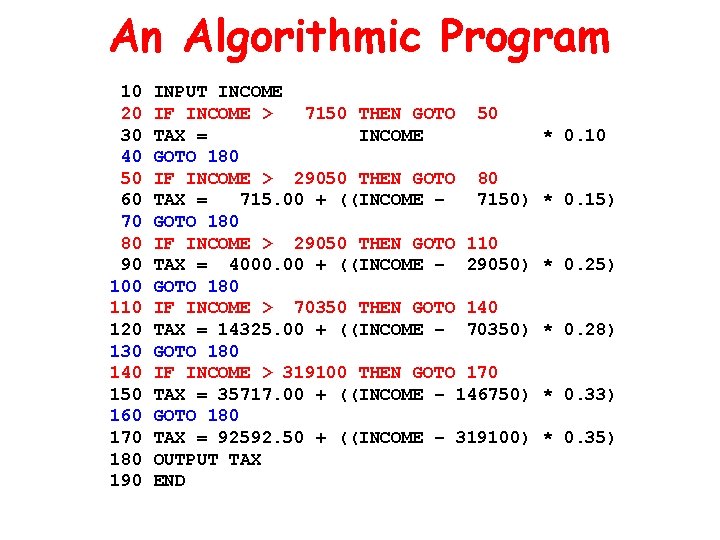
An Algorithmic Program 10 20 30 40 50 60 70 80 90 100 110 120 130 140 150 160 170 180 190 INPUT INCOME IF INCOME > 7150 THEN GOTO 50 TAX = INCOME GOTO 180 IF INCOME > 29050 THEN GOTO 80 TAX = 715. 00 + ((INCOME – 7150) GOTO 180 IF INCOME > 29050 THEN GOTO 110 TAX = 4000. 00 + ((INCOME – 29050) GOTO 180 IF INCOME > 70350 THEN GOTO 140 TAX = 14325. 00 + ((INCOME – 70350) GOTO 180 IF INCOME > 319100 THEN GOTO 170 TAX = 35717. 00 + ((INCOME – 146750) GOTO 180 TAX = 92592. 50 + ((INCOME – 319100) OUTPUT TAX END * 0. 10 * 0. 15) * 0. 28) * 0. 33) * 0. 35)
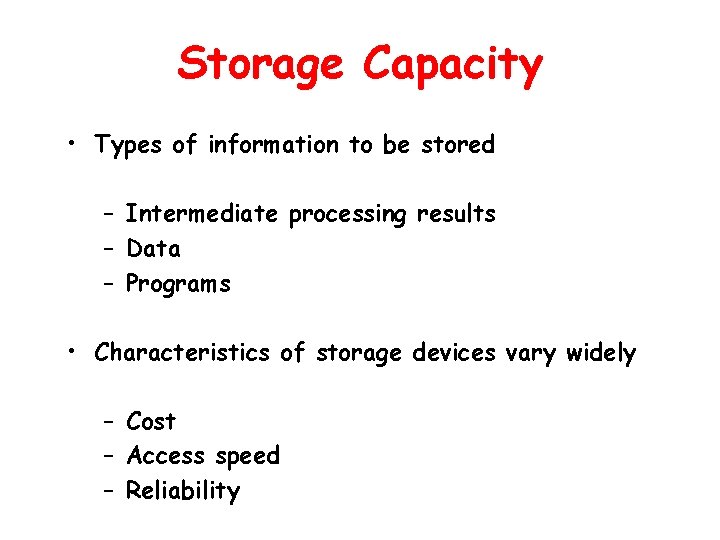
Storage Capacity • Types of information to be stored – Intermediate processing results – Data – Programs • Characteristics of storage devices vary widely – Cost – Access speed – Reliability
Input/Output Capability Must encompass many communication modes For humans: Sound, text, and graphics For other computers: Electronic or optical communication
The Primary Functions of Computer Hardware
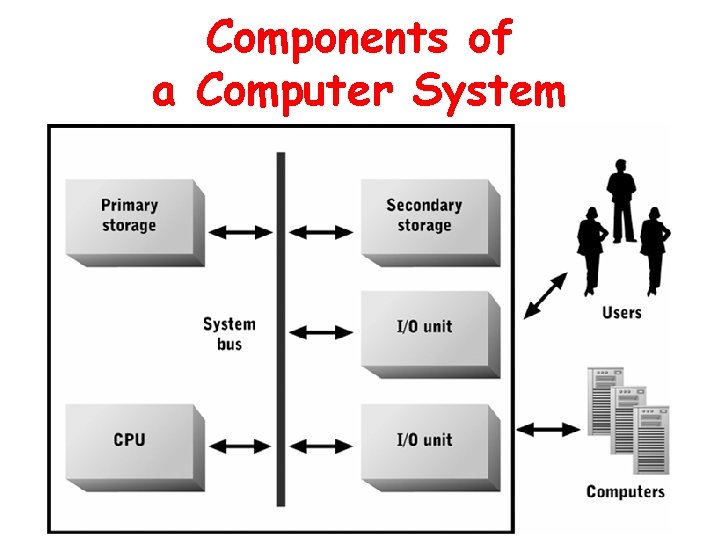
Components of a Computer System
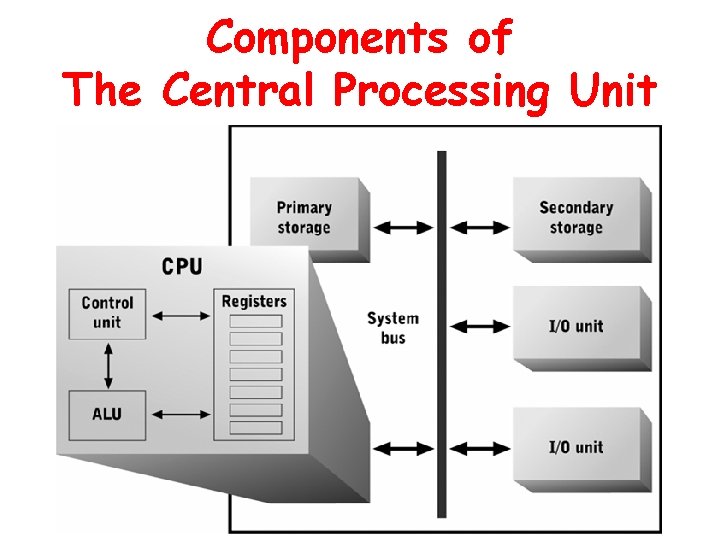
Central Processing Unit • General-purpose processor – – Executes all instructions • computation functions • comparison functions Directs all data movement
Components of The Central Processing Unit
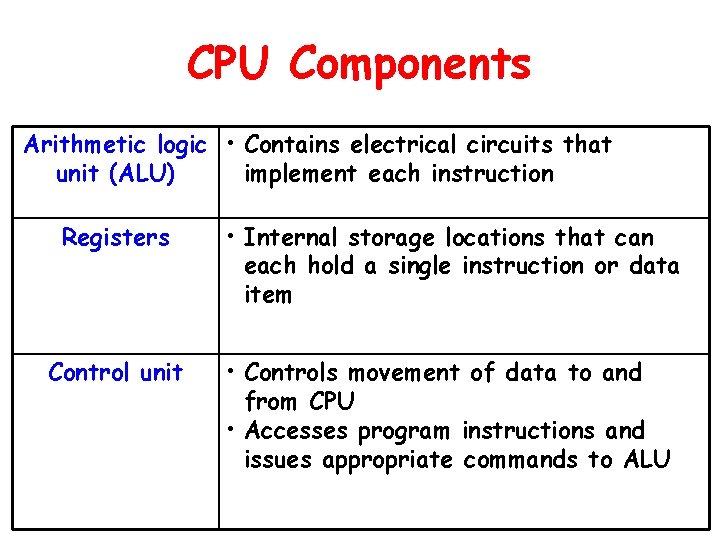
CPU Components Arithmetic logic • Contains electrical circuits that unit (ALU) implement each instruction Registers • Internal storage locations that can each hold a single instruction or data item Control unit • Controls movement of data to and from CPU • Accesses program instructions and issues appropriate commands to ALU
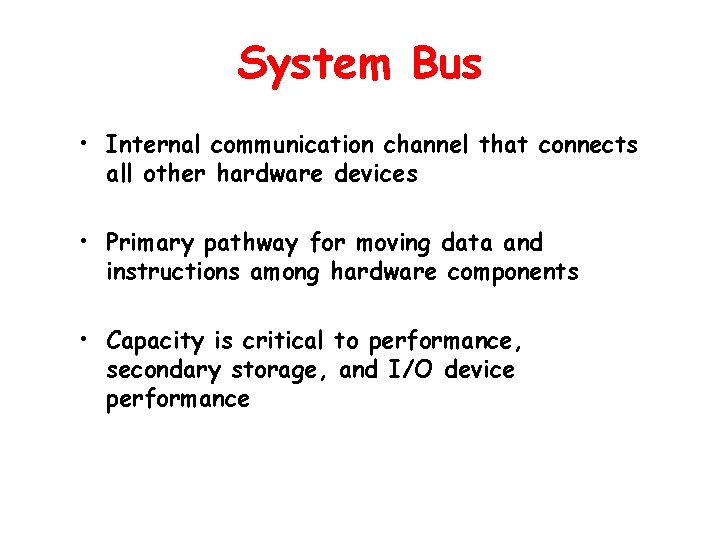
System Bus • Internal communication channel that connects all other hardware devices • Primary pathway for moving data and instructions among hardware components • Capacity is critical to performance, secondary storage, and I/O device performance
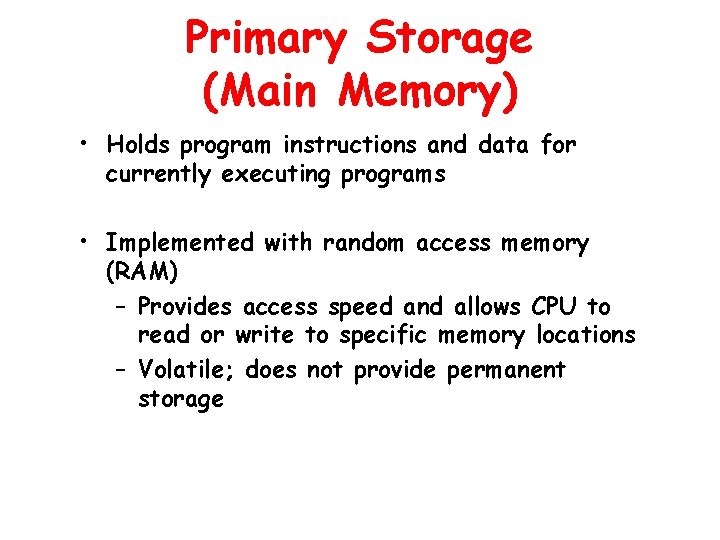
Primary Storage (Main Memory) • Holds program instructions and data for currently executing programs • Implemented with random access memory (RAM) – Provides access speed and allows CPU to read or write to specific memory locations – Volatile; does not provide permanent storage
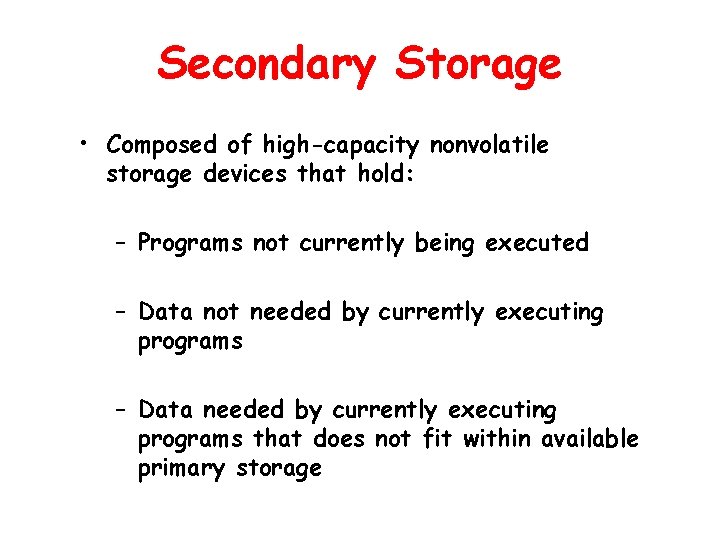
Secondary Storage • Composed of high-capacity nonvolatile storage devices that hold: – Programs not currently being executed – Data not needed by currently executing programs – Data needed by currently executing programs that does not fit within available primary storage
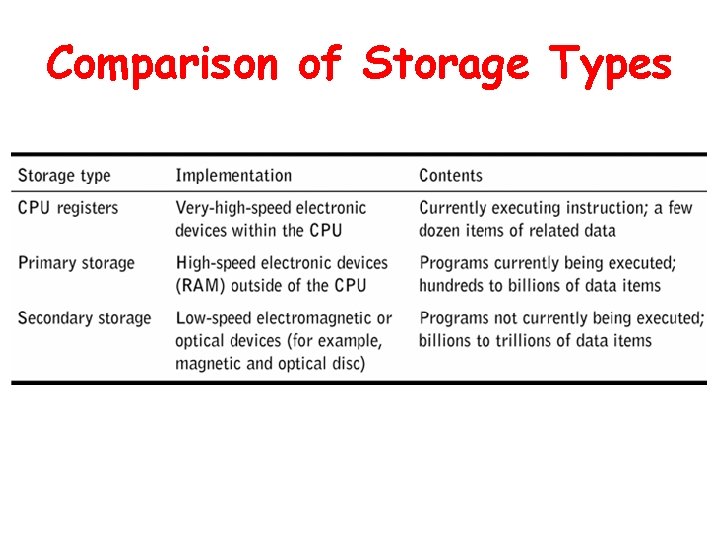
Comparison of Storage Types
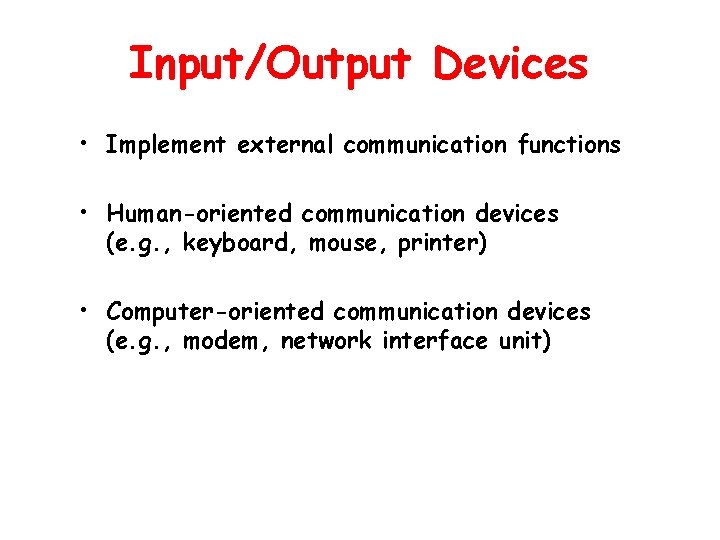
Input/Output Devices • Implement external communication functions • Human-oriented communication devices (e. g. , keyboard, mouse, printer) • Computer-oriented communication devices (e. g. , modem, network interface unit)
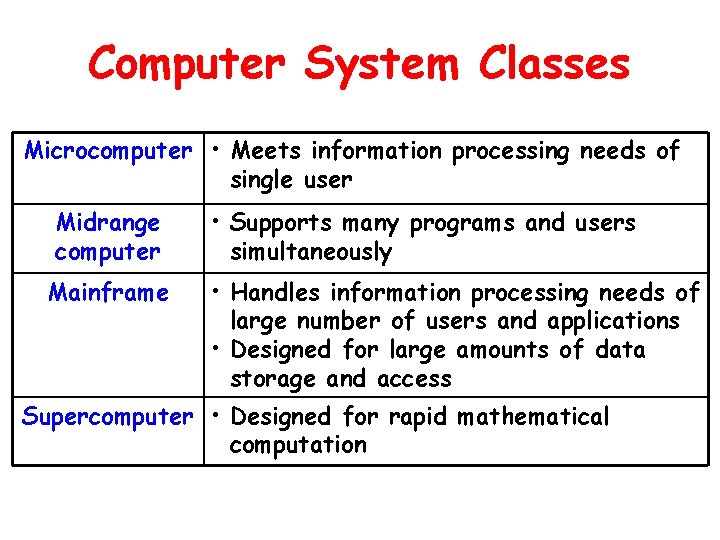
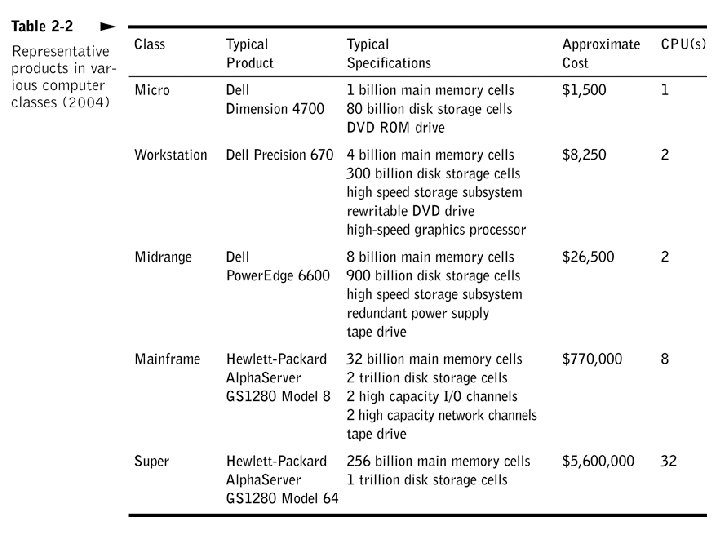
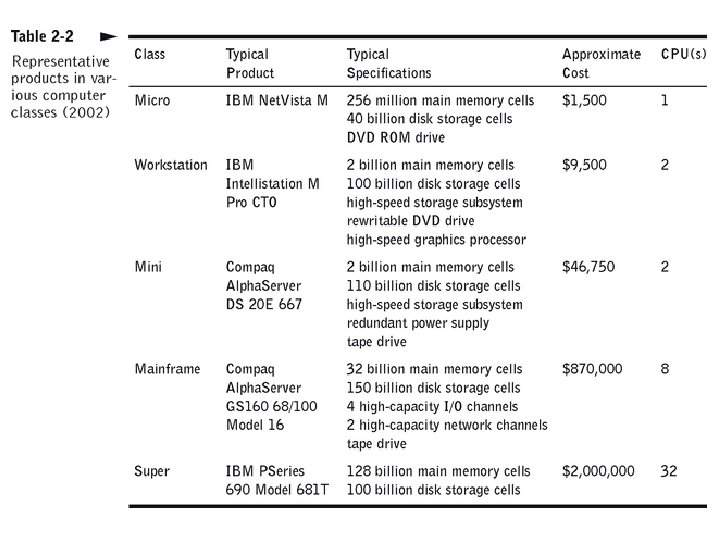
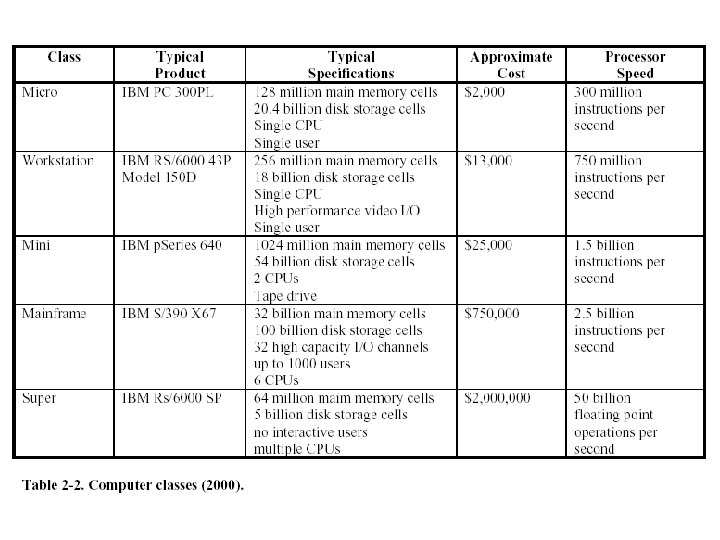
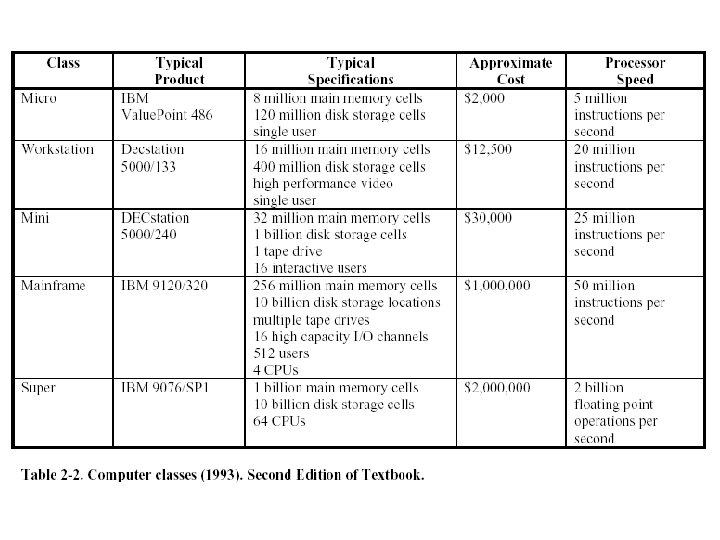
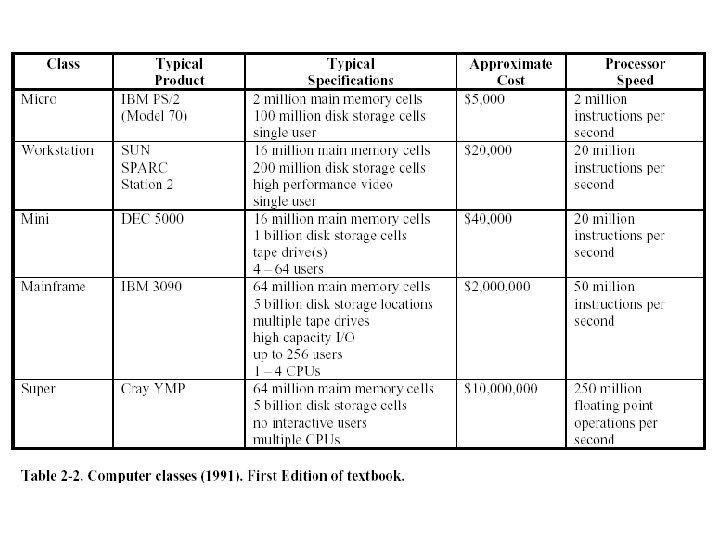
Computer System Classes Microcomputer • Meets information processing needs of single user Midrange computer Mainframe • Supports many programs and users simultaneously • Handles information processing needs of large number of users and applications • Designed for large amounts of data storage and access Supercomputer • Designed for rapid mathematical computation
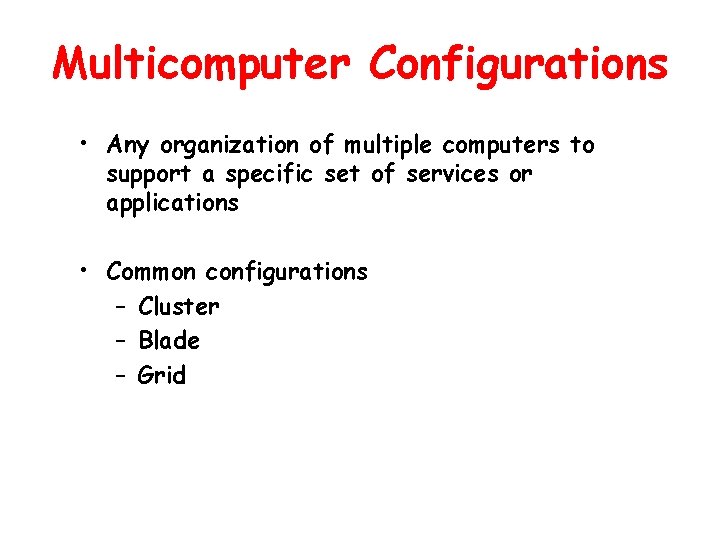
Multicomputer Configurations • Any organization of multiple computers to support a specific set of services or applications • Common configurations – Cluster – Blade – Grid
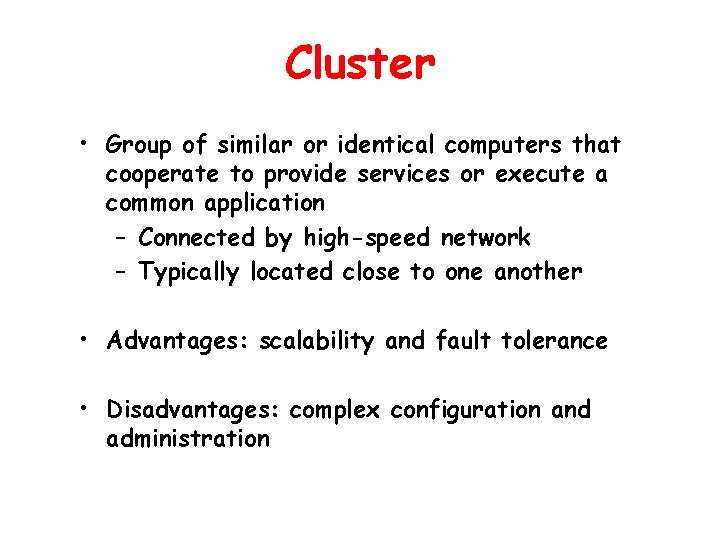
Cluster • Group of similar or identical computers that cooperate to provide services or execute a common application – Connected by high-speed network – Typically located close to one another • Advantages: scalability and fault tolerance • Disadvantages: complex configuration and administration
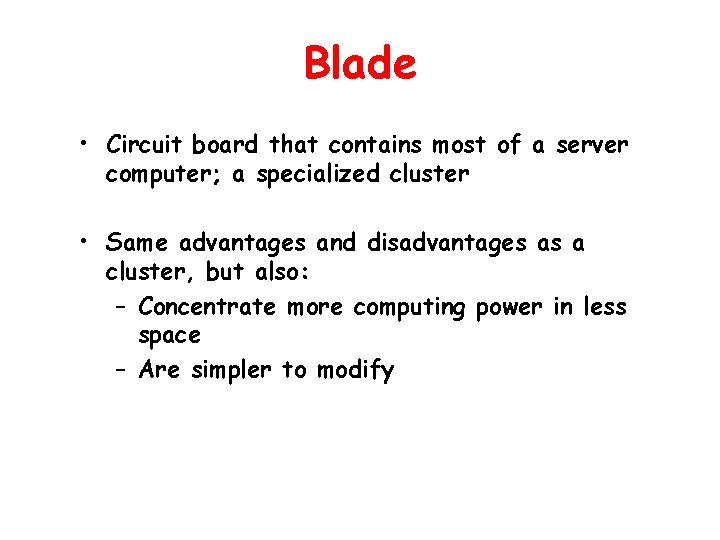
Blade • Circuit board that contains most of a server computer; a specialized cluster • Same advantages and disadvantages as a cluster, but also: – Concentrate more computing power in less space – Are simpler to modify
Grid • Group of dissimilar computer systems, connected by high-speed network, that cooperate to provide services or execute a common application • Computers may be in separate rooms, buildings, or continents • Computers work cooperatively at some times, independently at others
Bigger Isn’t Always Better • Grosch’s Law (1952) has been rewritten due to: – Multiple classes of computers – Expanded abilities to configure computers for specific purposes – Increased software costs relative to hardware costs – Large computer databases – Widespread adoption of graphical user interfaces – Multicomputer configurations
Business Computer Options “Do We Need A Mainframe? ” • A business finds that its old IBM RS/6000 S 70 Midrange computer is overloaded with work. The problem needs to be solved. • Options: – 1: Purchase more RS/6000 systems, used, since they are no longer made – 2: Upgrade to IBM’s latest mainframes, the p. Series 670 or 69 systems – 3: Develop a scalable hardware platform • IBM blade servers
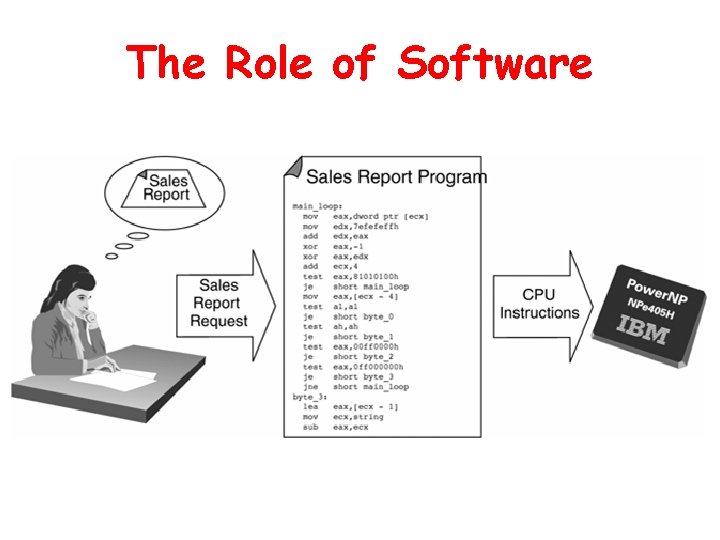
The Role of Software • Translates user requests into machine instructions • Performs complex translation process that bridges two gaps – Human language to machine language (binary) – High-level abstraction to low-level detail
The Role of Software
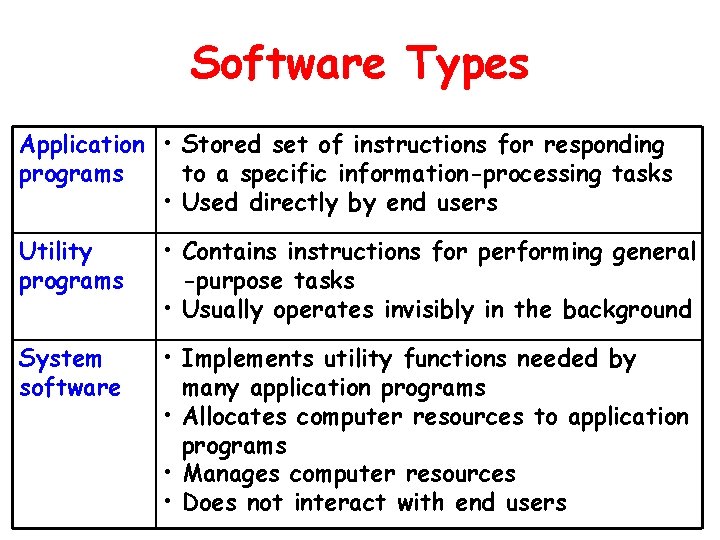
Software Types Application • Stored set of instructions for responding programs to a specific information-processing tasks • Used directly by end users Utility programs • Contains instructions for performing general -purpose tasks • Usually operates invisibly in the background System software • Implements utility functions needed by many application programs • Allocates computer resources to application programs • Manages computer resources • Does not interact with end users
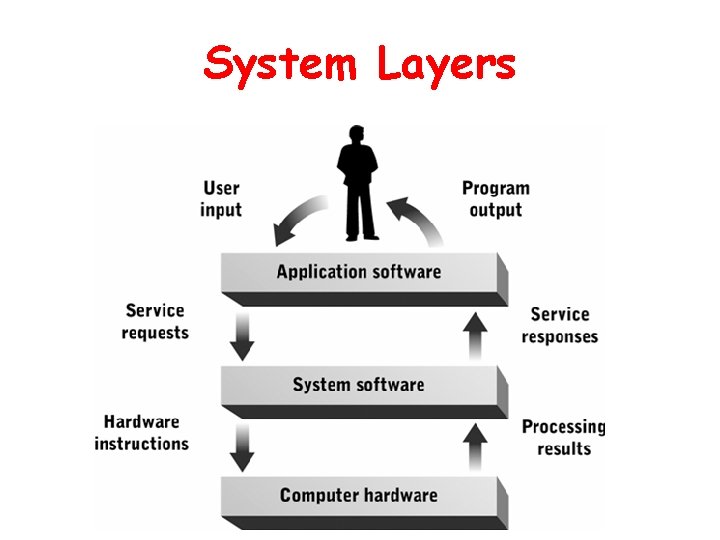
System Layers
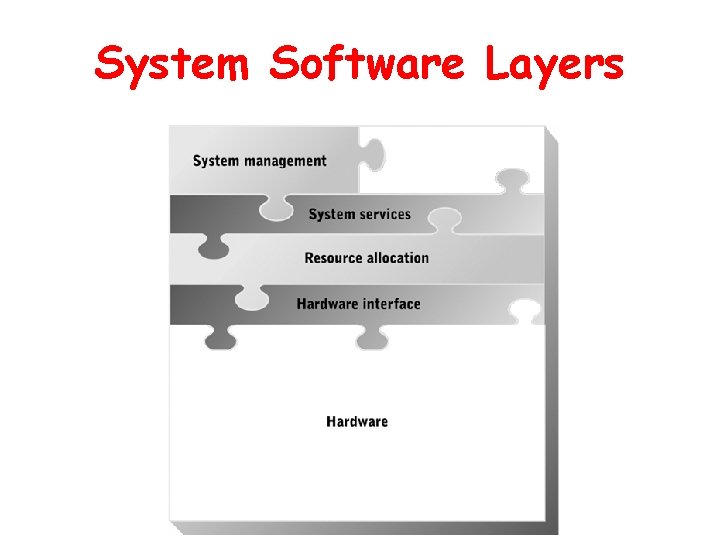
System Software Layers
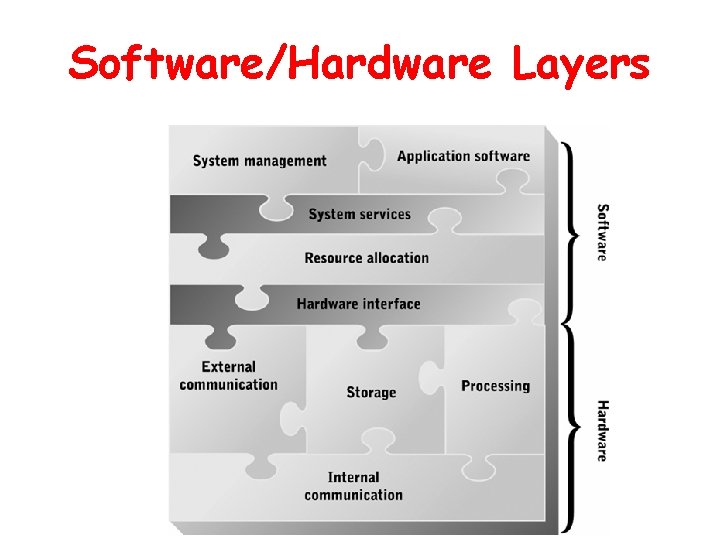
Software/Hardware Layers
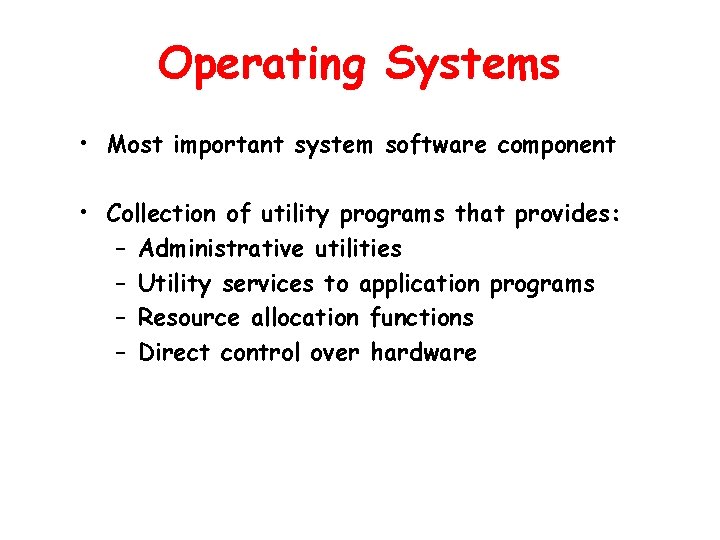
Operating Systems • Most important system software component • Collection of utility programs that provides: – Administrative utilities – Utility services to application programs – Resource allocation functions – Direct control over hardware
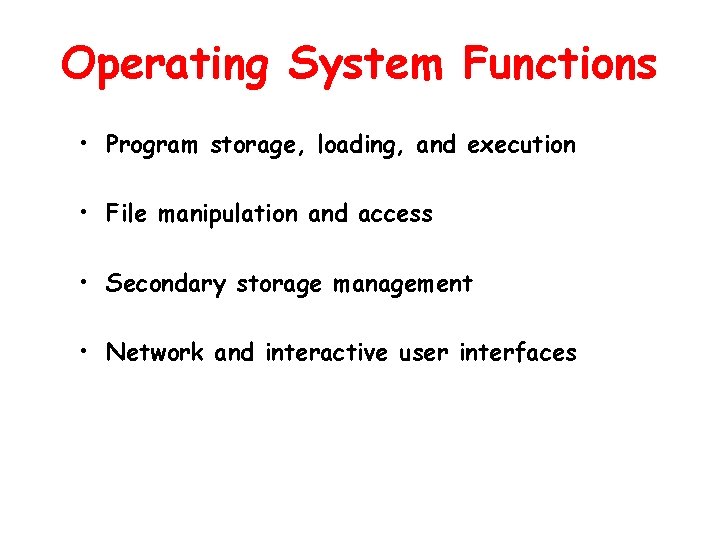
Operating System Functions • Program storage, loading, and execution • File manipulation and access • Secondary storage management • Network and interactive user interfaces
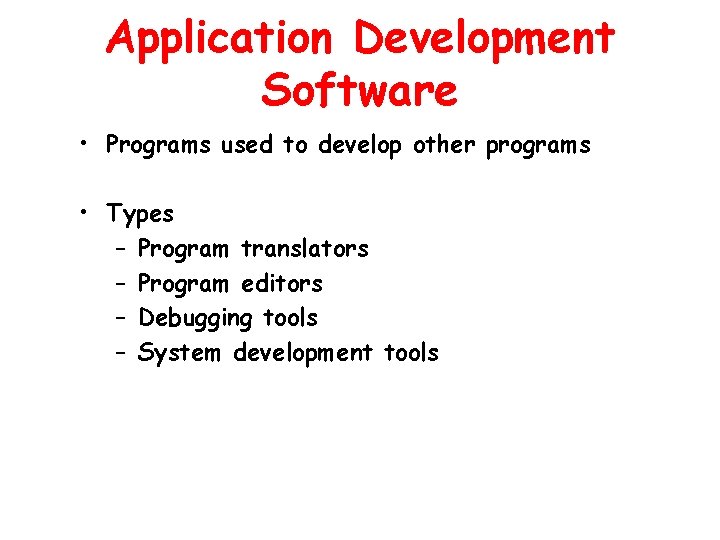
Application Development Software • Programs used to develop other programs • Types – Program translators – Program editors – Debugging tools – System development tools
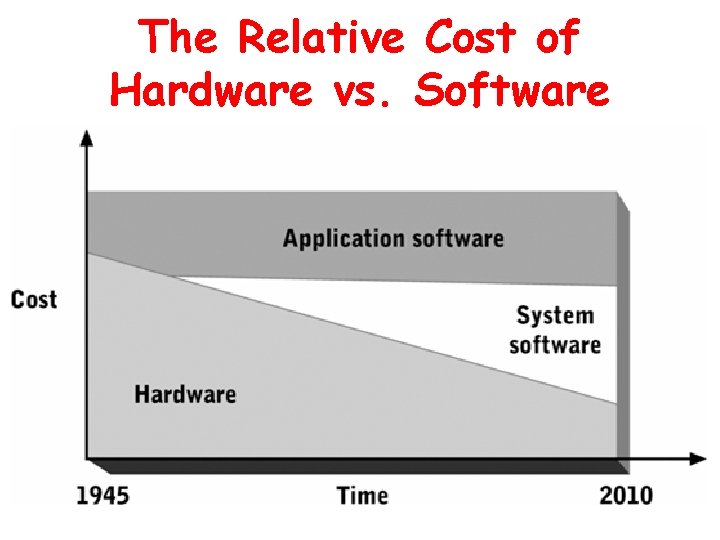
Economics of System and Application Development Software • System software consumes hardware resources • Cost per unit of computing power has rapidly decreased • Software is more cost-effective when reused many times
The Relative Cost of Hardware vs. Software
Intel CPUs and Microsoft Operating Systems Software Depends on Hardware Once hardware has been developed, the capabilities of the software packages can be increased to take advantage of the hardware capabilities. The development of the Intel microprocessors (from the 80386 to the Itanium) parallels the development of Microsoft Windows and the application software that it supports. This comes from cooperation between Intel and Microsoft.
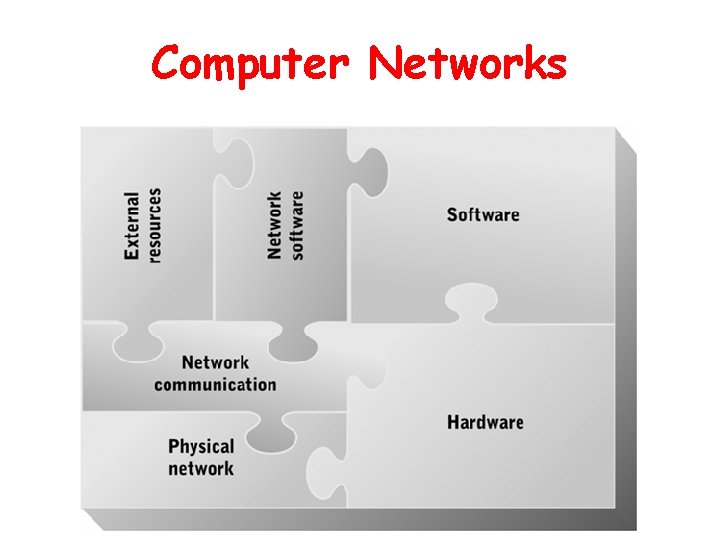
Computer Networks • Set of hardware and software components that enable multiple users and computer systems to share information, software, and hardware resources • Enables many types of personal communication
Computer Networks
External Resources • Ability to share data, programs, and hardware resources among computers • Gives modern organizations flexibility to deploy and redeploy computing and information resources to satisfy rapidly changing needs
Network Software • Finds requested resources on the network • Negotiates resource access with distant resource allocation software • Receives and delivers resources to requesting user or program • May also listen for and validate resource requests, and deliver resources via the network
Network Communication and the Physical Network • Network communication devices – Simpler than I/O devices; do not need to convert data represented electronically into another form – Must support communication at high speeds • Physical network – Complex combination of communication protocols, methods of data transmission, and network hardware devices
Summary • Basic elements of computer system architecture – Hardware – Software – Networks • Importance of knowing how all components of a computer system interrelate as well as their internal workings • Further Readings or Resources: See http: //averia. mgt. unm. edu for an up-to-date list of reference materials.
Chapter Goals • Discuss the development of automated computing • Describe the general capabilities of a computer • Describe computer system components and their functions • List computer system classes and their distinguishing characteristics • Define the role and function of application and system software • Describe the economic role of system and application development software • Describe the components and functions of computer networks