
Chapter 2 Introduction to Lab Procedures and Tool
Chapter 2: Introduction to Lab Procedures and Tool Use IT Essentials v 6. 0 Presentation_ID © 2008 Cisco Systems, Inc. All rights reserved. Cisco Confidential 1
Chapter 2 - Sections & Objectives § 2. 1 Safe Lab procedures § Explain the purpose of safe working conditions and safe lab procedures. § 2. 2 Proper Use of Tools § Explain how to use tools and software with personal computer components. Presentation_ID © 2008 Cisco Systems, Inc. All rights reserved. Cisco Confidential 2
2. 1 Safe Lab Procedures Presentation_ID © 2008 Cisco Systems, Inc. All rights reserved. Cisco Confidential 3
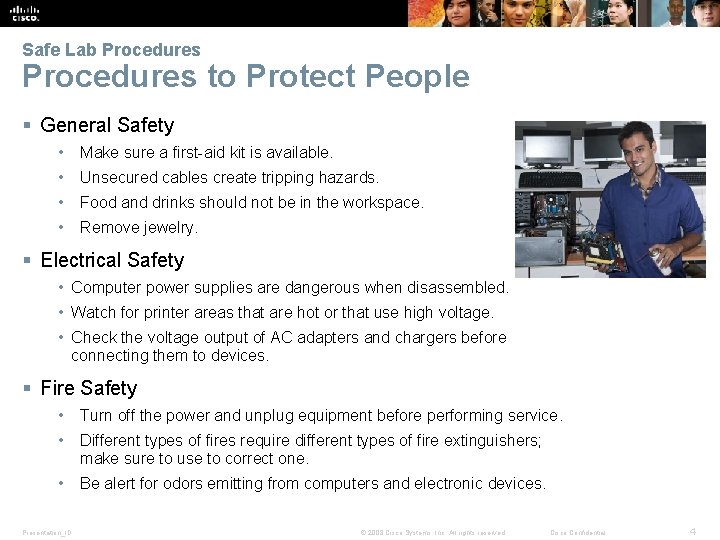
Safe Lab Procedures to Protect People § General Safety • Make sure a first-aid kit is available. • Unsecured cables create tripping hazards. • Food and drinks should not be in the workspace. • Remove jewelry. § Electrical Safety • Computer power supplies are dangerous when disassembled. • Watch for printer areas that are hot or that use high voltage. • Check the voltage output of AC adapters and chargers before connecting them to devices. § Fire Safety • Turn off the power and unplug equipment before performing service. • Different types of fires require different types of fire extinguishers; make sure to use to correct one. • Be alert for odors emitting from computers and electronic devices. Presentation_ID © 2008 Cisco Systems, Inc. All rights reserved. Cisco Confidential 4
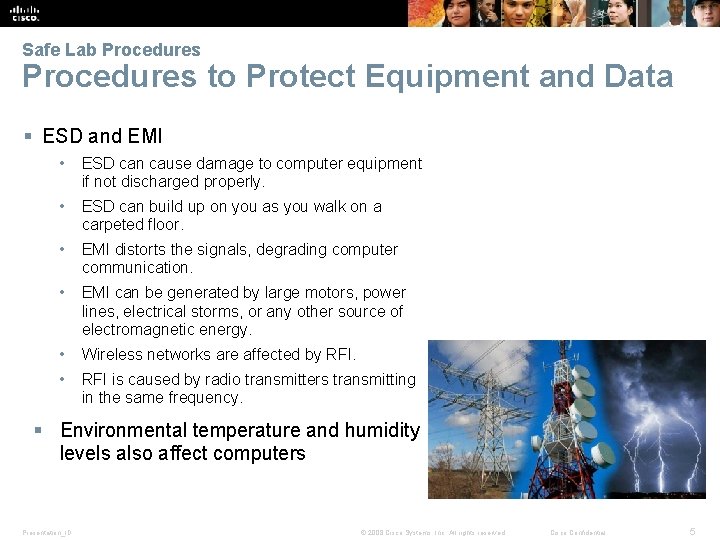
Safe Lab Procedures to Protect Equipment and Data § ESD and EMI • ESD can cause damage to computer equipment if not discharged properly. • ESD can build up on you as you walk on a carpeted floor. • EMI distorts the signals, degrading computer communication. • EMI can be generated by large motors, power lines, electrical storms, or any other source of electromagnetic energy. • Wireless networks are affected by RFI. • RFI is caused by radio transmitters transmitting in the same frequency. § Environmental temperature and humidity levels also affect computers Presentation_ID © 2008 Cisco Systems, Inc. All rights reserved. Cisco Confidential 5
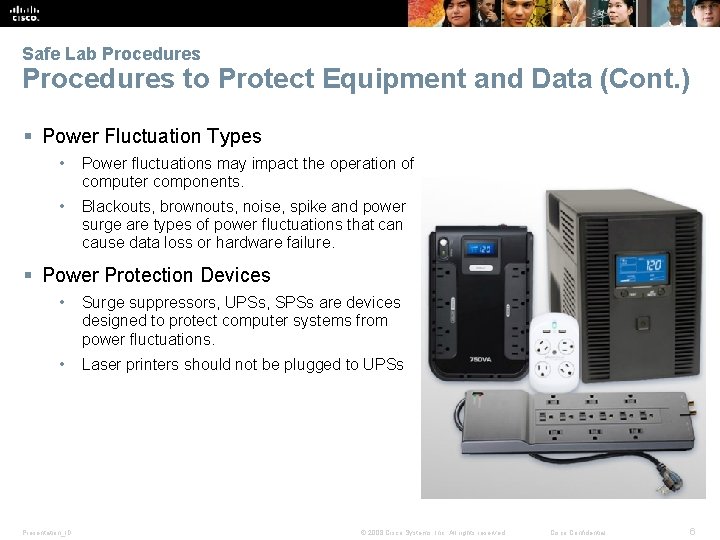
Safe Lab Procedures to Protect Equipment and Data (Cont. ) § Power Fluctuation Types • Power fluctuations may impact the operation of computer components. • Blackouts, brownouts, noise, spike and power surge are types of power fluctuations that can cause data loss or hardware failure. § Power Protection Devices • Surge suppressors, UPSs, SPSs are devices designed to protect computer systems from power fluctuations. • Laser printers should not be plugged to UPSs Presentation_ID © 2008 Cisco Systems, Inc. All rights reserved. Cisco Confidential 6
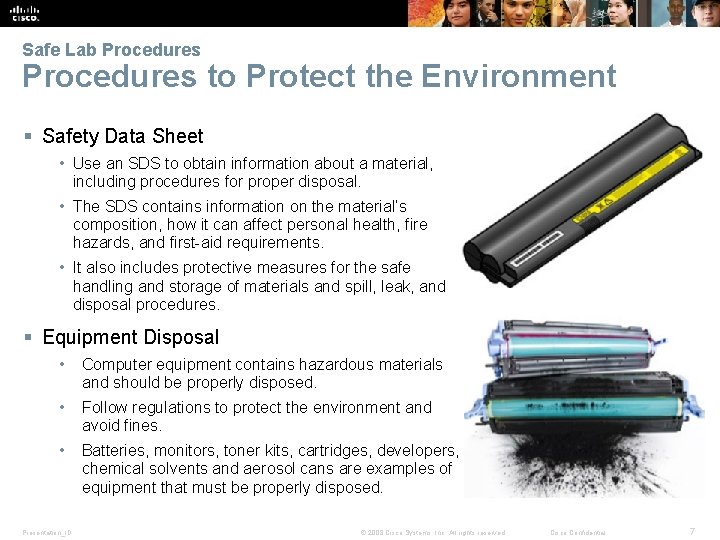
Safe Lab Procedures to Protect the Environment § Safety Data Sheet • Use an SDS to obtain information about a material, including procedures for proper disposal. • The SDS contains information on the material’s composition, how it can affect personal health, fire hazards, and first-aid requirements. • It also includes protective measures for the safe handling and storage of materials and spill, leak, and disposal procedures. § Equipment Disposal • Computer equipment contains hazardous materials and should be properly disposed. • Follow regulations to protect the environment and avoid fines. • Batteries, monitors, toner kits, cartridges, developers, chemical solvents and aerosol cans are examples of equipment that must be properly disposed. Presentation_ID © 2008 Cisco Systems, Inc. All rights reserved. Cisco Confidential 7
2. 2 Proper Use of Tools Presentation_ID © 2008 Cisco Systems, Inc. All rights reserved. Cisco Confidential 8
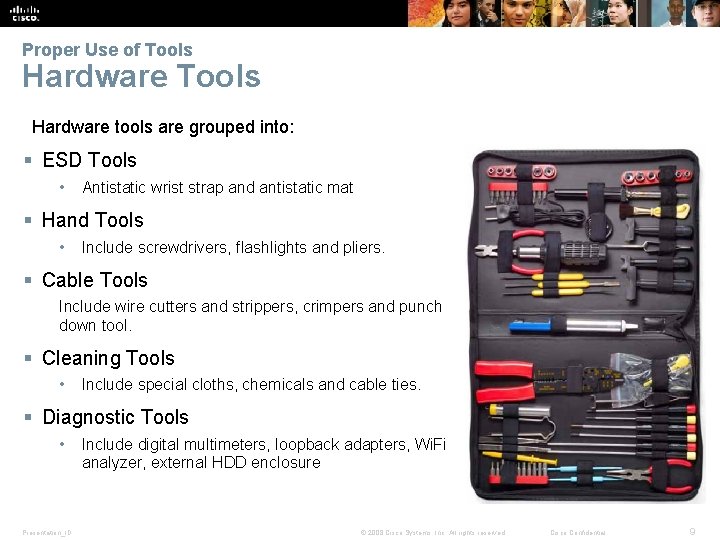
Proper Use of Tools Hardware tools are grouped into: § ESD Tools • Antistatic wrist strap and antistatic mat § Hand Tools • Include screwdrivers, flashlights and pliers. § Cable Tools Include wire cutters and strippers, crimpers and punch down tool. § Cleaning Tools • Include special cloths, chemicals and cable ties. § Diagnostic Tools • Presentation_ID Include digital multimeters, loopback adapters, Wi. Fi analyzer, external HDD enclosure © 2008 Cisco Systems, Inc. All rights reserved. Cisco Confidential 9
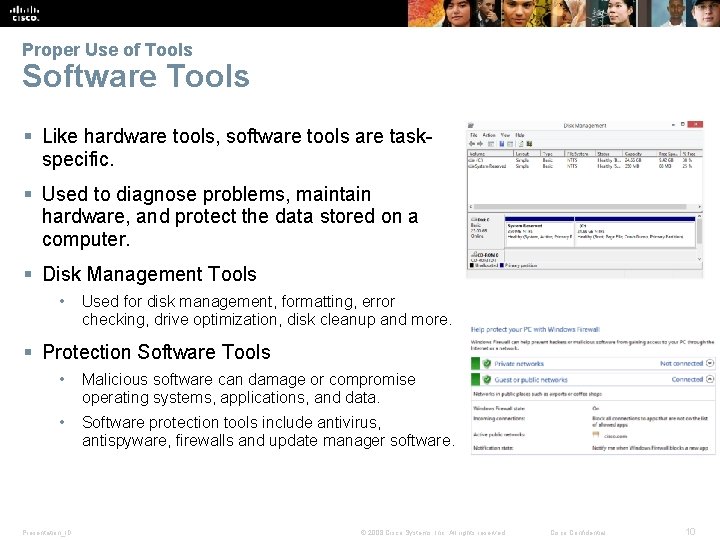
Proper Use of Tools Software Tools § Like hardware tools, software tools are taskspecific. § Used to diagnose problems, maintain hardware, and protect the data stored on a computer. § Disk Management Tools • Used for disk management, formatting, error checking, drive optimization, disk cleanup and more. § Protection Software Tools • Malicious software can damage or compromise operating systems, applications, and data. • Software protection tools include antivirus, antispyware, firewalls and update manager software. Presentation_ID © 2008 Cisco Systems, Inc. All rights reserved. Cisco Confidential 10
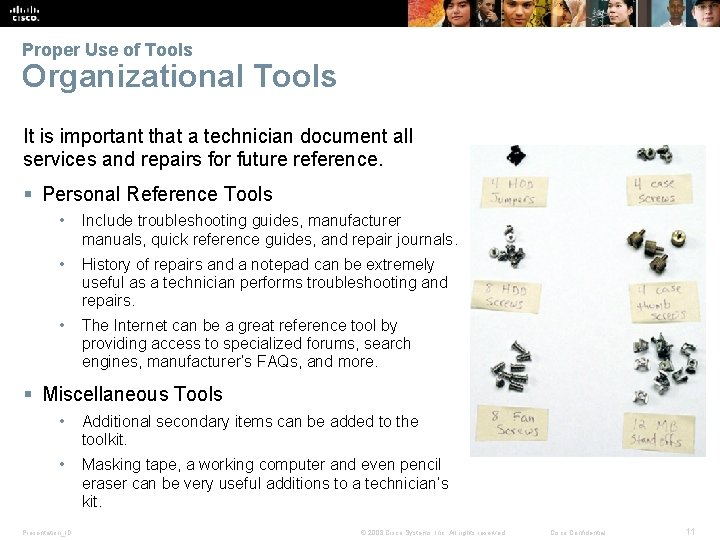
Proper Use of Tools Organizational Tools It is important that a technician document all services and repairs for future reference. § Personal Reference Tools • Include troubleshooting guides, manufacturer manuals, quick reference guides, and repair journals. • History of repairs and a notepad can be extremely useful as a technician performs troubleshooting and repairs. • The Internet can be a great reference tool by providing access to specialized forums, search engines, manufacturer’s FAQs, and more. § Miscellaneous Tools • Additional secondary items can be added to the toolkit. • Masking tape, a working computer and even pencil eraser can be very useful additions to a technician’s kit. Presentation_ID © 2008 Cisco Systems, Inc. All rights reserved. Cisco Confidential 11
2. 3 Chapter Summary Presentation_ID © 2008 Cisco Systems, Inc. All rights reserved. Cisco Confidential 12
Chapter Summary § This chapter discussed safe lab procedures, correct tool usage, and the proper disposal of computer components and supplies. § Work in a safe manner to protect users and equipment. § Follow all safety guidelines to prevent injuries to yourself and others. § Know how to protect equipment from ESD damage. § Know about and be able to prevent power issues that can cause equipment damage or data loss. § Know which products and supplies require special disposal procedures. § Familiarize yourself with the SDS for safety issues and disposal restrictions to help protect the environment. § Be able to use the correct tools for the task. § Know how to clean components safely. § Use organizational tools during computer repairs. Presentation_ID © 2008 Cisco Systems, Inc. All rights reserved. Cisco Confidential 13

Presentation_ID © 2008 Cisco Systems, Inc. All rights reserved. Cisco Confidential 14

Presentation_ID © 2008 Cisco Systems, Inc. All rights reserved. Cisco Confidential 15
- Slides: 15