
Chapter 2 Hardware Types of computer Microcomputer Hardware



- Slides: 45
Chapter 2 Hardware
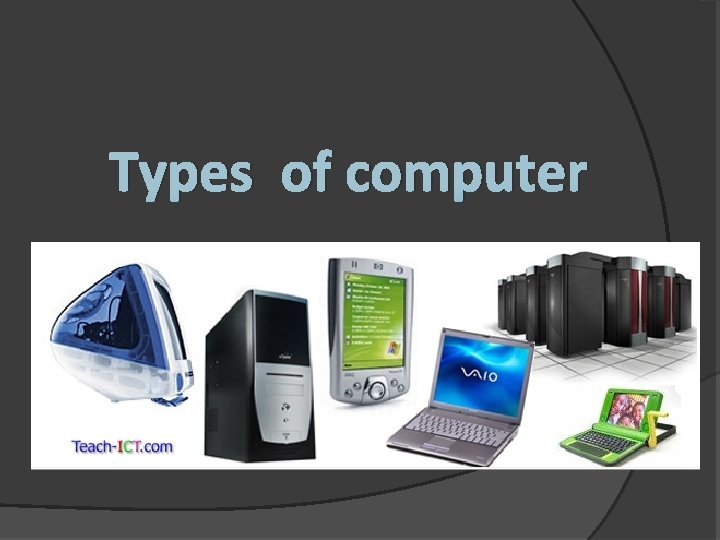
Types of computer
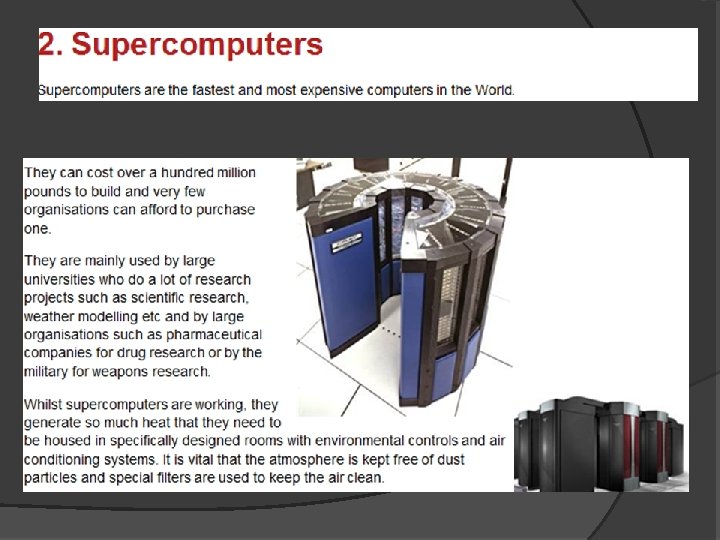
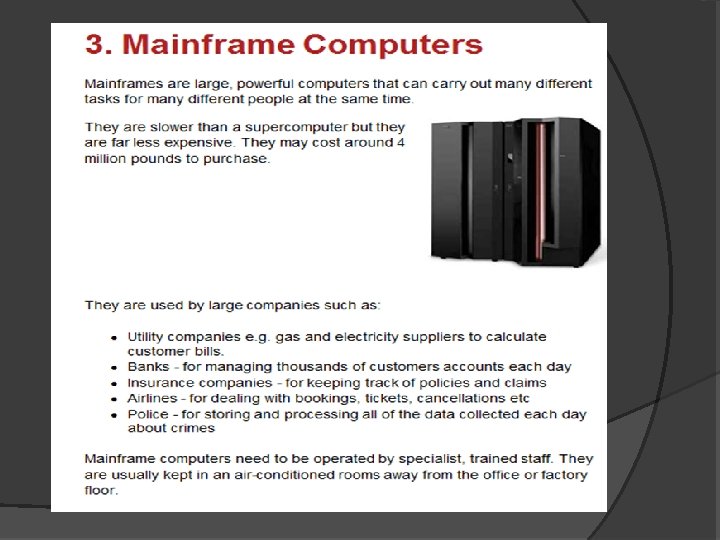
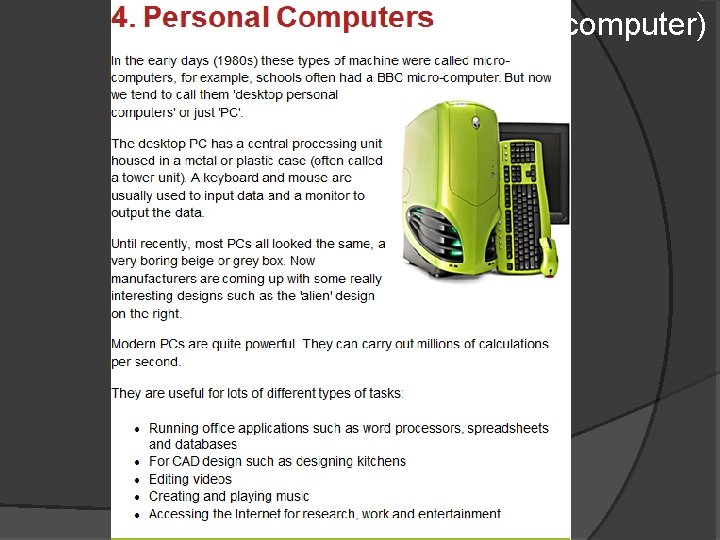
(Micro-computer)
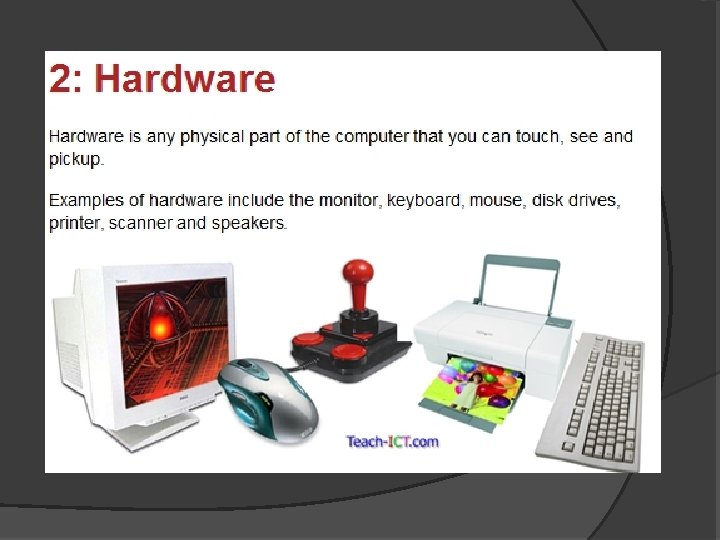
Hardware Input Devices
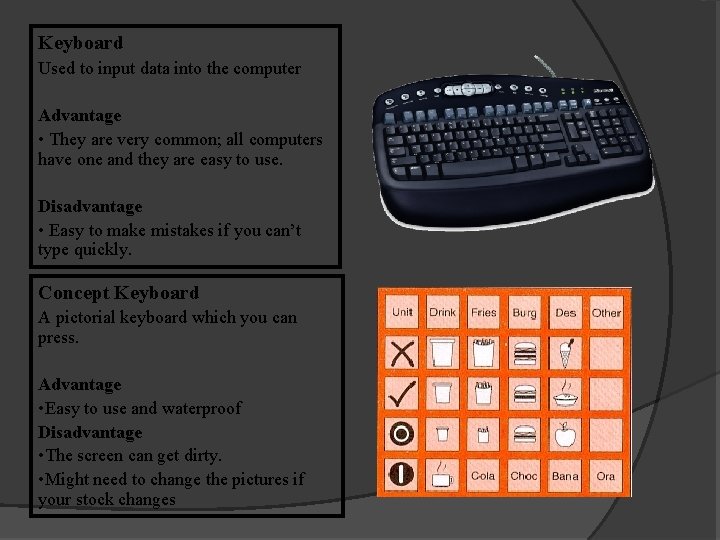
Keyboard Used to input data into the computer Advantage • They are very common; all computers have one and they are easy to use. Disadvantage • Easy to make mistakes if you can’t type quickly. Concept Keyboard A pictorial keyboard which you can press. Advantage • Easy to use and waterproof Disadvantage • The screen can get dirty. • Might need to change the pictures if your stock changes
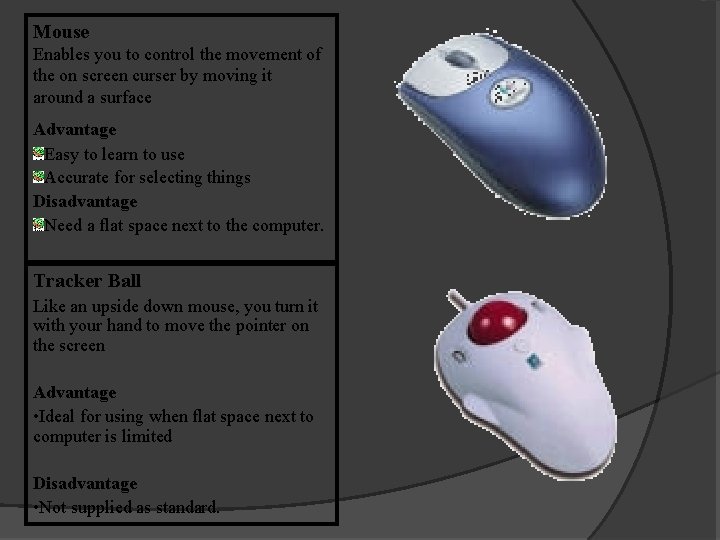
Mouse Enables you to control the movement of the on screen curser by moving it around a surface Advantage Easy to learn to use Accurate for selecting things Disadvantage Need a flat space next to the computer. Tracker Ball Like an upside down mouse, you turn it with your hand to move the pointer on the screen Advantage • Ideal for using when flat space next to computer is limited Disadvantage • Not supplied as standard.
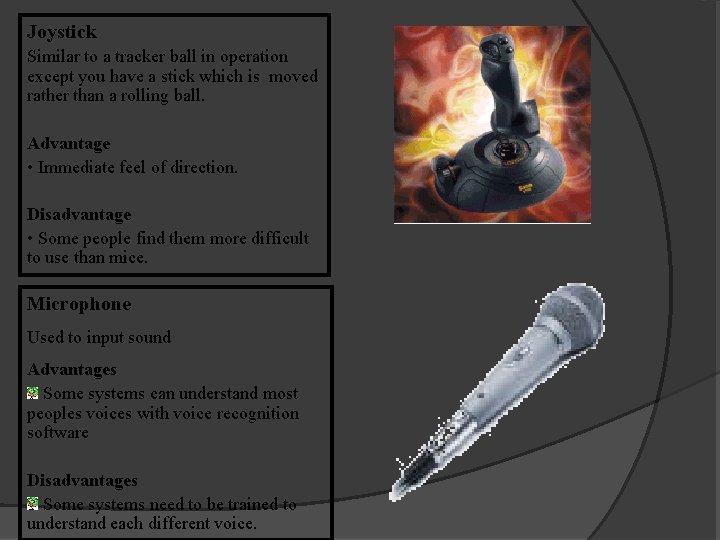
Joystick Similar to a tracker ball in operation except you have a stick which is moved rather than a rolling ball. Advantage • Immediate feel of direction. Disadvantage • Some people find them more difficult to use than mice. Microphone Used to input sound Advantages Some systems can understand most peoples voices with voice recognition software Disadvantages Some systems need to be trained to understand each different voice.
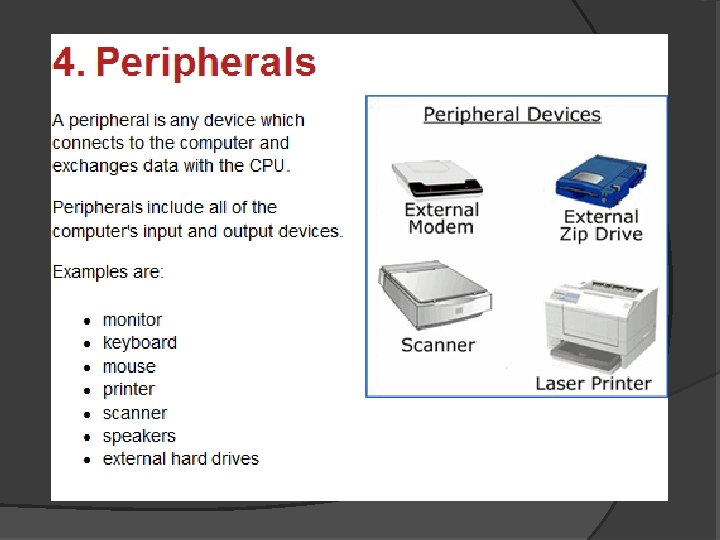
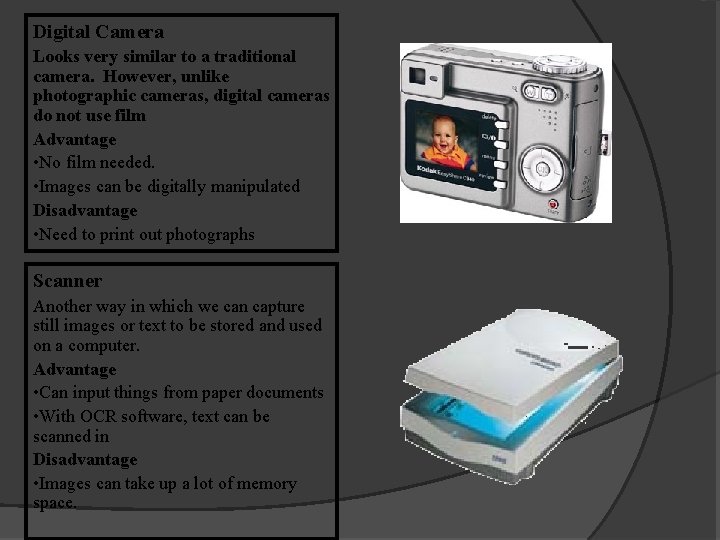
Digital Camera Looks very similar to a traditional camera. However, unlike photographic cameras, digital cameras do not use film Advantage • No film needed. • Images can be digitally manipulated Disadvantage • Need to print out photographs Scanner Another way in which we can capture still images or text to be stored and used on a computer. Advantage • Can input things from paper documents • With OCR software, text can be scanned in Disadvantage • Images can take up a lot of memory space.
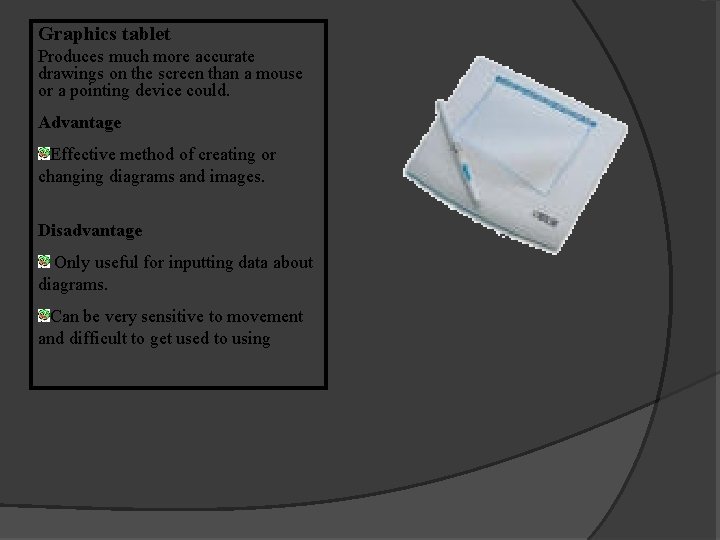
Graphics tablet Produces much more accurate drawings on the screen than a mouse or a pointing device could. Advantage Effective method of creating or changing diagrams and images. Disadvantage Only useful for inputting data about diagrams. Can be very sensitive to movement and difficult to get used to using
OUTPUT DEVICES
Output � Once the computer has processed all the information from the inputs then it must display or output the information in some way.
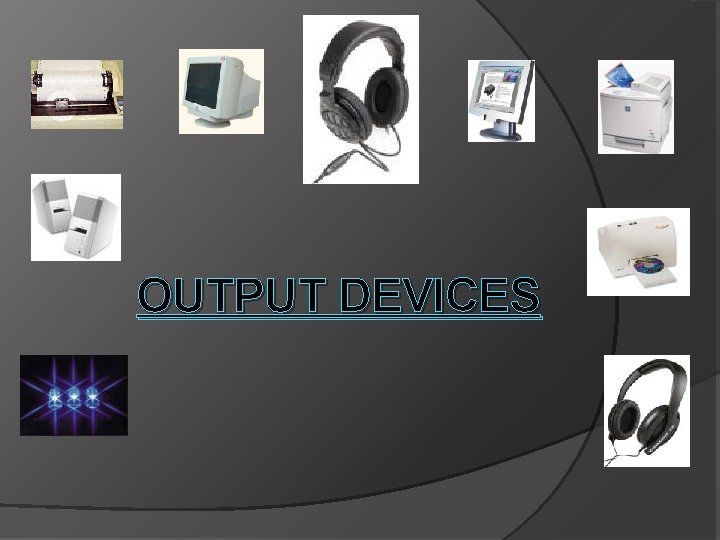
Output Devices 1. 2. 3. 4. 5. There are many different Output devices but the most commonly used are: Monitors Printers Speakers / Headphones Lights Plotters
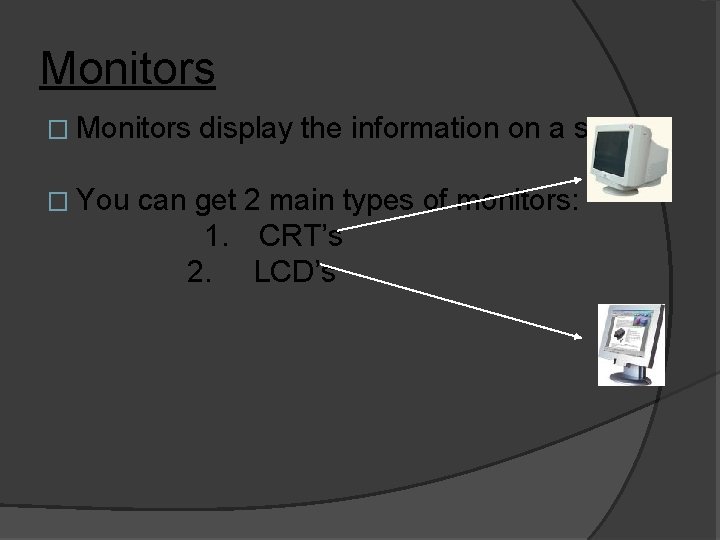
Monitors � You display the information on a screen. can get 2 main types of monitors: 1. CRT’s 2. LCD’s
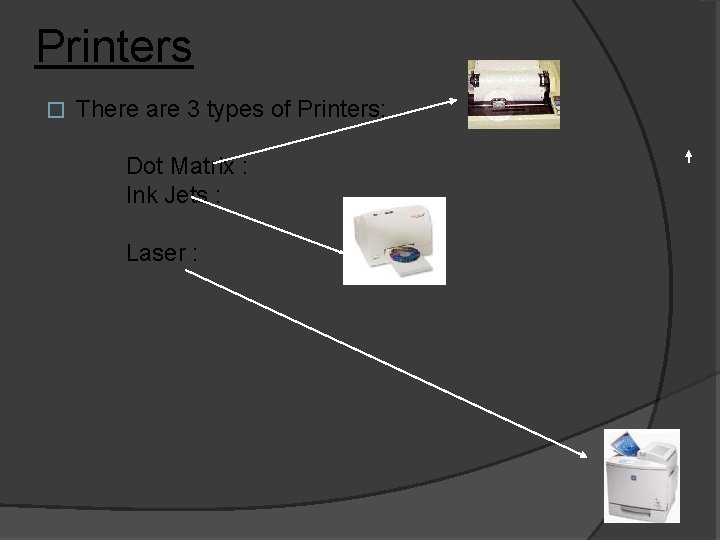
Printers � There are 3 types of Printers: Dot Matrix : Ink Jets : Laser :
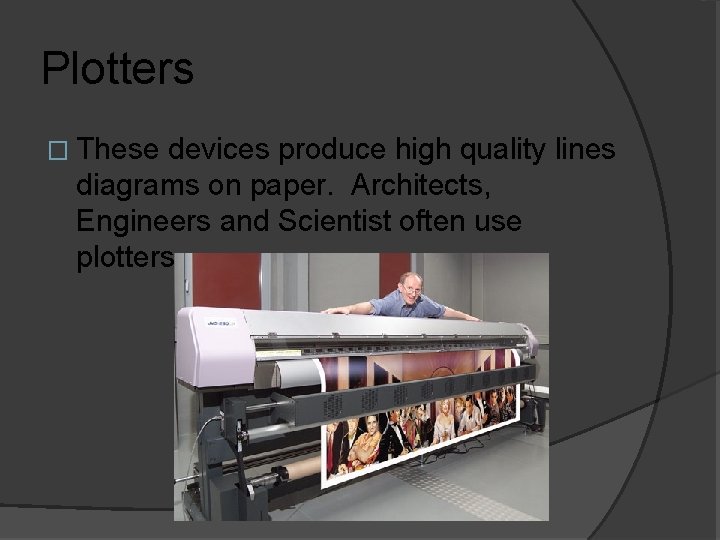
Plotters � These devices produce high quality lines diagrams on paper. Architects, Engineers and Scientist often use plotters.
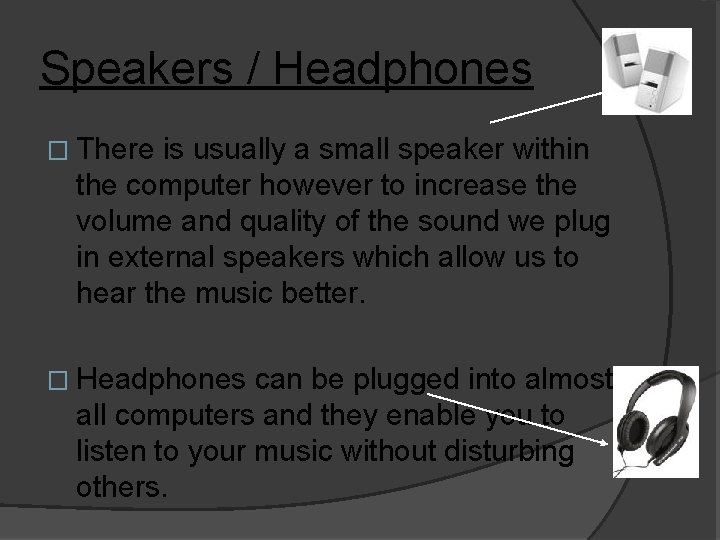
Speakers / Headphones � There is usually a small speaker within the computer however to increase the volume and quality of the sound we plug in external speakers which allow us to hear the music better. � Headphones can be plugged into almost all computers and they enable you to listen to your music without disturbing others.
Processor Technology
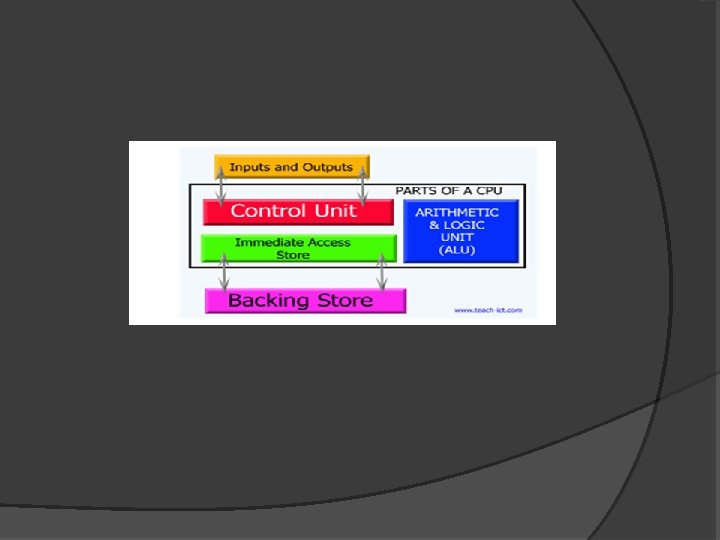
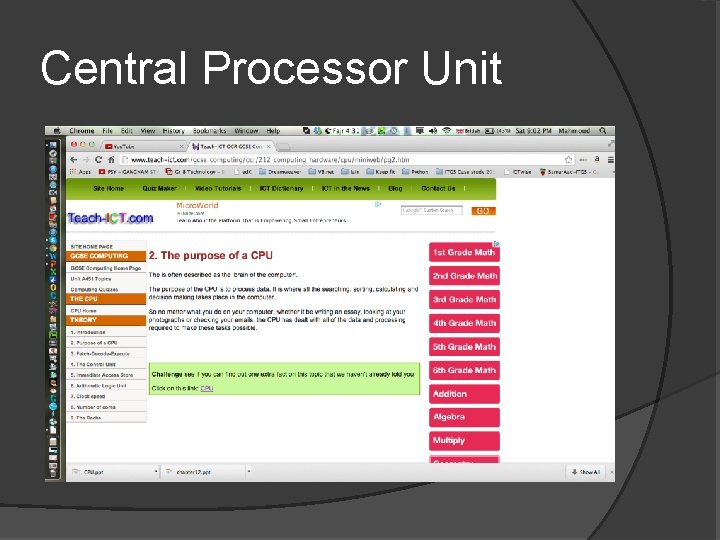
Central Processor Unit
Storage and Memory Devices
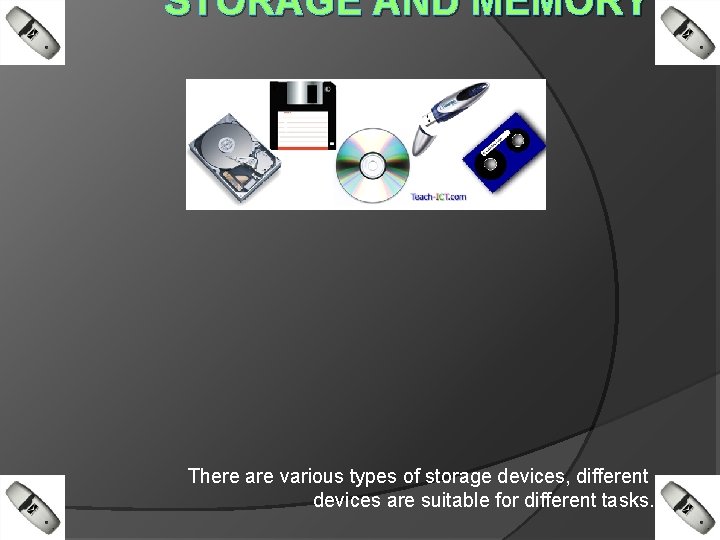
STORAGE AND MEMORY There are various types of storage devices, different devices are suitable for different tasks.
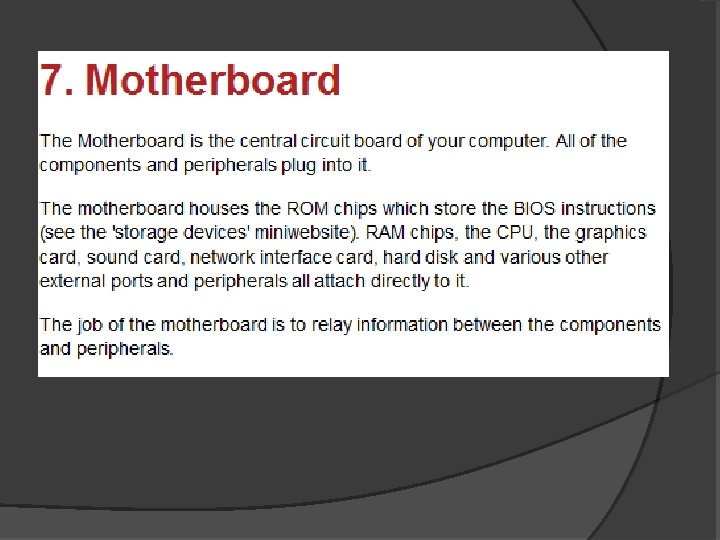
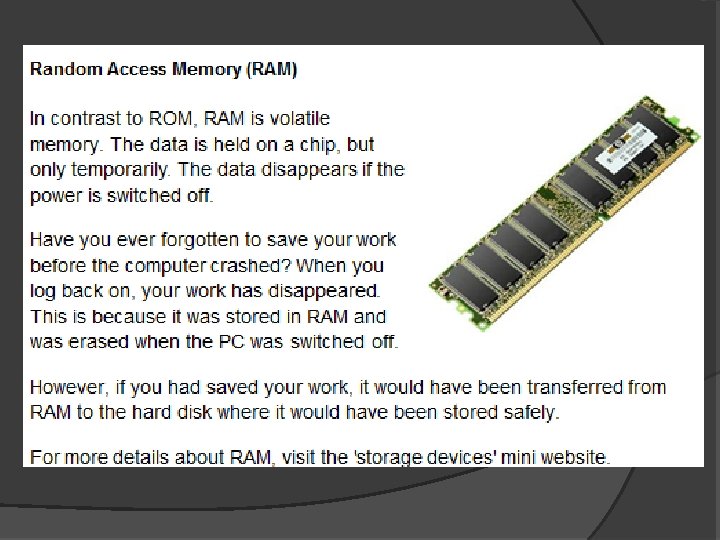
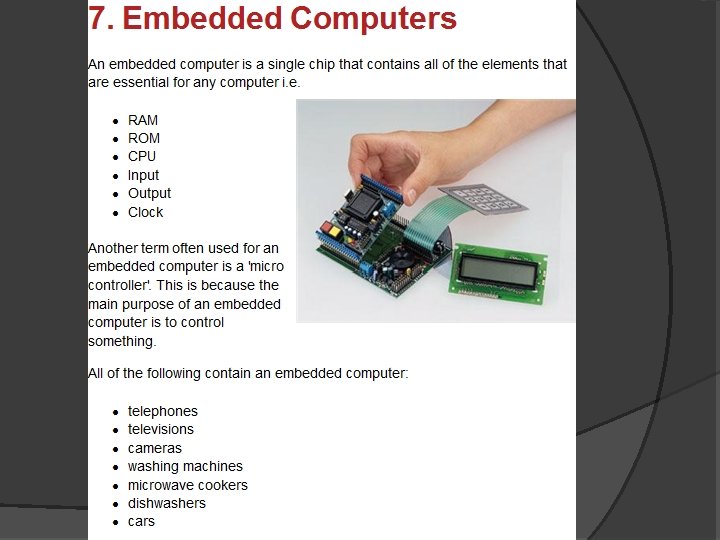
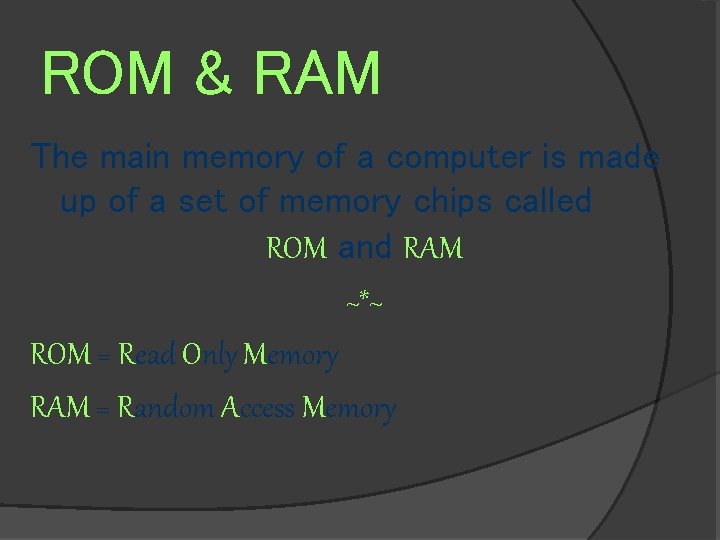
ROM & RAM The main memory of a computer is made up of a set of memory chips called ROM and RAM ~*~ ROM = Read Only Memory RAM = Random Access Memory
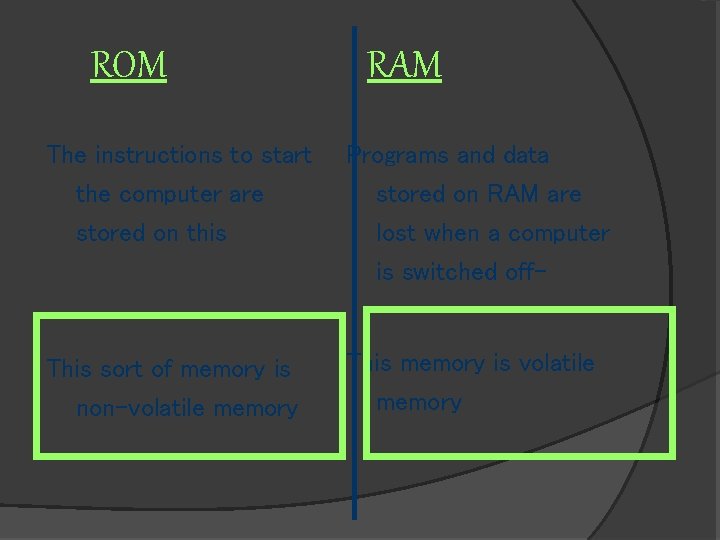
ROM The instructions to start the computer are stored on this This sort of memory is non-volatile memory RAM Programs and data stored on RAM are lost when a computer is switched off. This memory is volatile memory
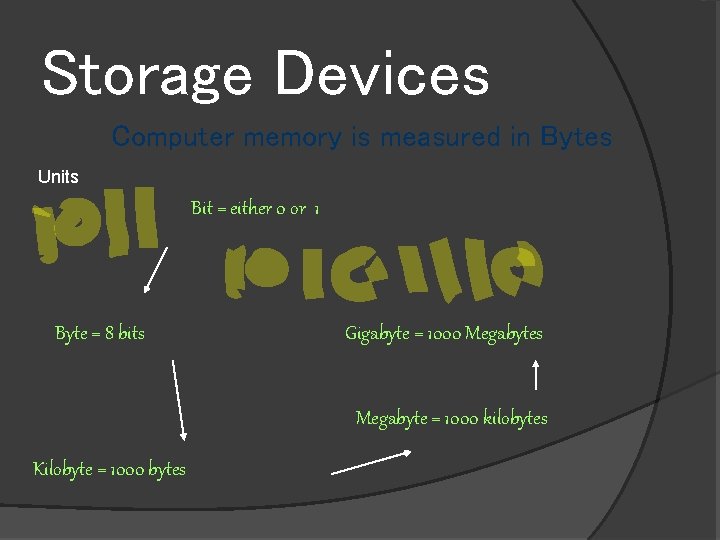
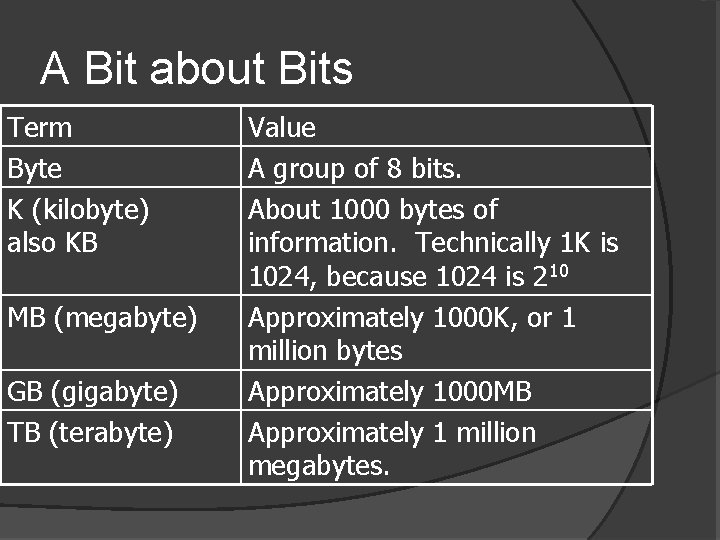
Storage Devices Computer memory is measured in Bytes Units Bit = either 0 or 1 Byte = 8 bits Gigabyte = 1000 Megabytes Megabyte = 1000 kilobytes Kilobyte = 1000 bytes
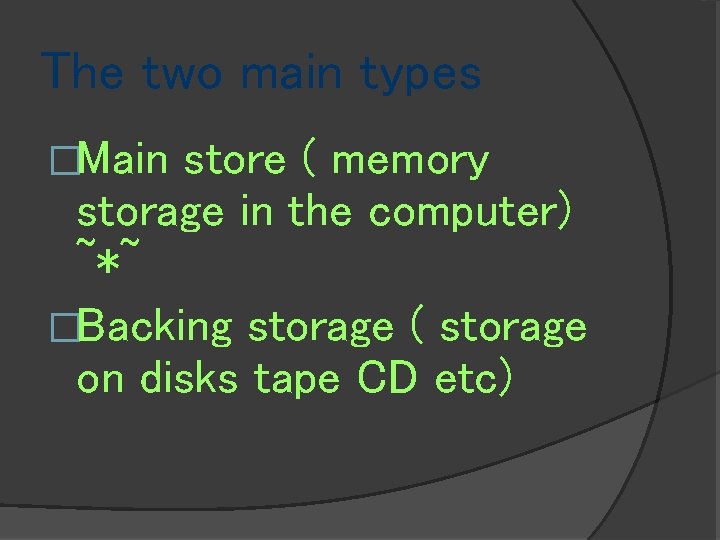
The two main types �Main store ( memory storage in the computer) ~*~ �Backing storage ( storage on disks tape CD etc)
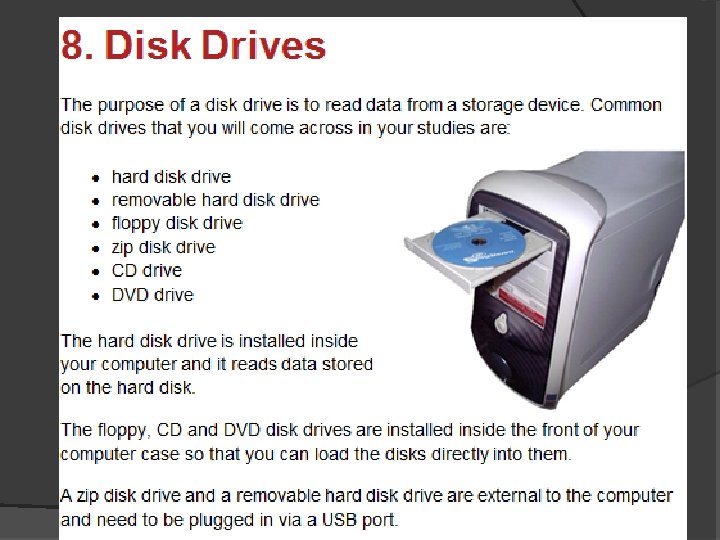
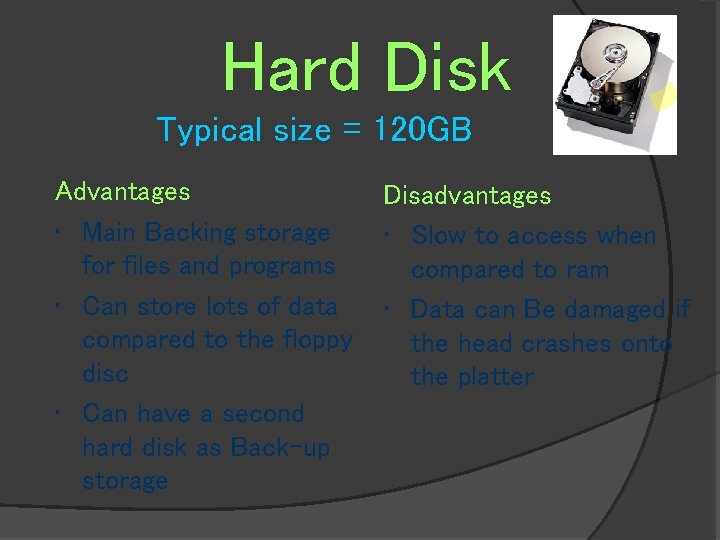
Hard Disk Typical size = 120 GB Advantages • Main Backing storage for files and programs • Can store lots of data compared to the floppy disc • Can have a second hard disk as Back-up storage Disadvantages • Slow to access when compared to ram • Data can Be damaged if the head crashes onto the platter
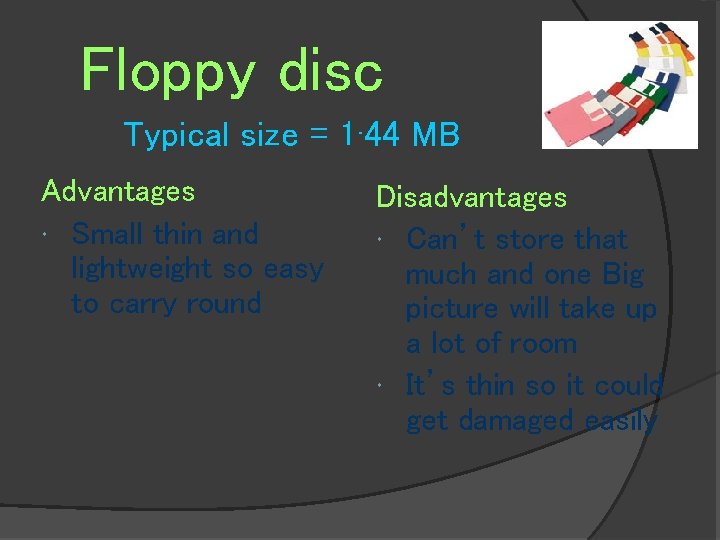
Floppy disc Typical size = 1· 44 MB Advantages Small thin and lightweight so easy to carry round Disadvantages Can’t store that much and one Big picture will take up a lot of room It’s thin so it could get damaged easily
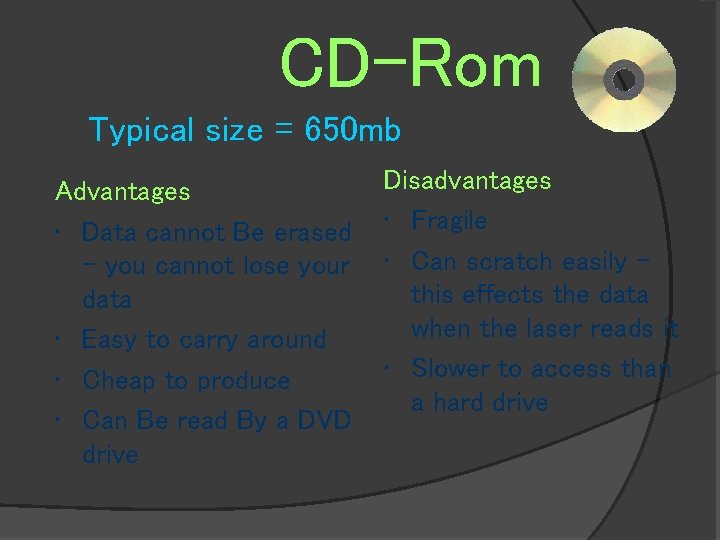
CD-Rom Typical size = 650 mb Advantages • Data cannot Be erased – you cannot lose your data • Easy to carry around • Cheap to produce • Can Be read By a DVD drive Disadvantages • Fragile • Can scratch easily – this effects the data when the laser reads it • Slower to access than a hard drive
DVD Typical size = 5 -17 GB Disadvantages Advantages • large amount of storage • Doesn't work in CD ROM drives • Does not transmit • More expensive than virus’s CD roms • The prices are getting cheaper • Good for storing films
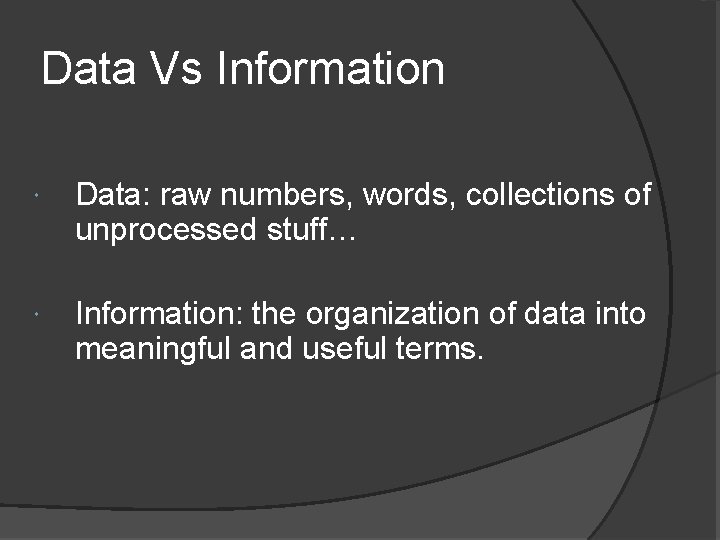
Data Vs Information Data: raw numbers, words, collections of unprocessed stuff… Information: the organization of data into meaningful and useful terms.
A Bit about Bits Term Byte K (kilobyte) also KB MB (megabyte) GB (gigabyte) TB (terabyte) Value A group of 8 bits. About 1000 bytes of information. Technically 1 K is 1024, because 1024 is 210 Approximately 1000 K, or 1 million bytes Approximately 1000 MB Approximately 1 million megabytes.