
CHAPTER 2 Guidelines Principles and Theories Designing the


- Slides: 17
CHAPTER 2: Guidelines, Principles, and Theories Designing the User Interface: Strategies for Effective Human-Computer Interaction Fifth Edition Ben Shneiderman & Catherine Plaisant in collaboration with Addison Wesley is an imprint of Maxine S. Cohen and Steven M. Jacobs © 2010 Pearson Addison-Wesley. All rights reserved.
• Two dimensions to design rules – authority and generality • Standards – specific design rules – high authority and limited in application • Guidelines - low in authority and general 1 -2 © 2010 Pearson Addison-Wesley. All rights reserved.
• Principles – abstract design rules – high generality and low authority – More fundamental, widely applicable, and enduring than guidelines • Theories - Beyond the specifics of guidelines - Principles are used to develop theories 1 -3 © 2010 Pearson Addison-Wesley. All rights reserved.
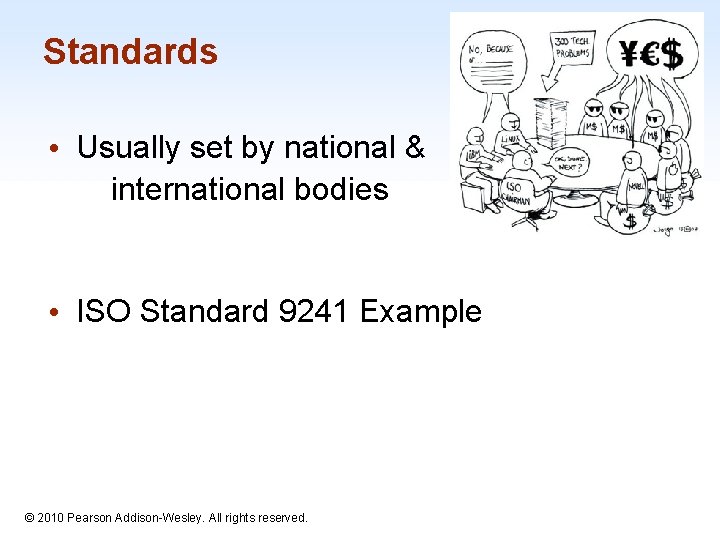
Standards • Usually set by national & international bodies • ISO Standard 9241 Example 1 -4 © 2010 Pearson Addison-Wesley. All rights reserved.
Guidelines • Shared language • Best practices • Critics – Too specific, incomplete, hard to apply, and sometimes wrong • Proponents – Encapsulate experience 1 -5 © 2010 Pearson Addison-Wesley. All rights reserved. 2 -5
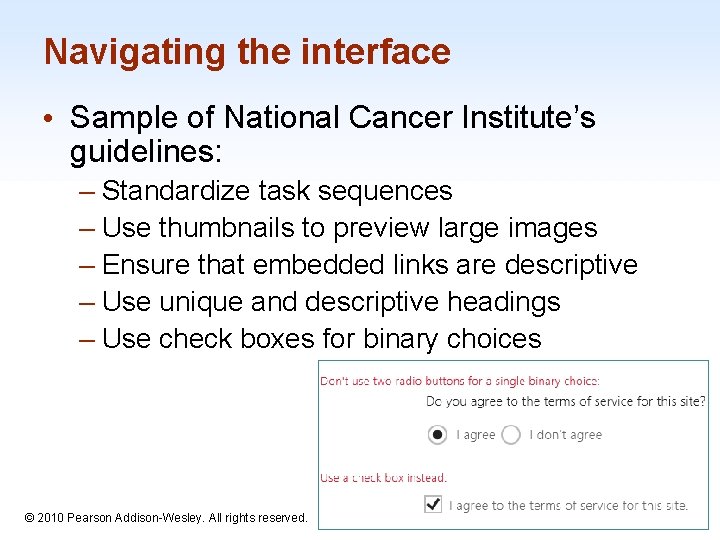
Navigating the interface • Sample of National Cancer Institute’s guidelines: – Standardize task sequences – Use thumbnails to preview large images – Ensure that embedded links are descriptive – Use unique and descriptive headings – Use check boxes for binary choices 1 -6 © 2010 Pearson Addison-Wesley. All rights reserved. 2 -6
Organizing the display • Smith and Mosier (1986) offer five highlevel goals – Consistency of data display – Efficient information assimilation by the user – Minimal memory load on the user – Compatibility of data display with data entry – Flexibility for user control of data display 1 -8 © 2010 Pearson Addison-Wesley. All rights reserved. 2 -8
Principles • More fundamental, widely applicable, and enduring than guidelines • Need more clarification/interpretation • Fundamental principles – Determine user’s skill levels – Identify the tasks • • Five primary interaction styles Eight golden rules of interface design Prevent errors Automation and human control 1 -9 © 2010 Pearson Addison-Wesley. All rights reserved. 2 -9
Determine user’s skill levels • “Know thy user” • Design goals based on skill level • – Novice or first-time users – Knowledgeable intermittent users – Expert frequent users Multi-layer designs 1 -10 © 2010 Pearson Addison-Wesley. All rights reserved. 2 -10
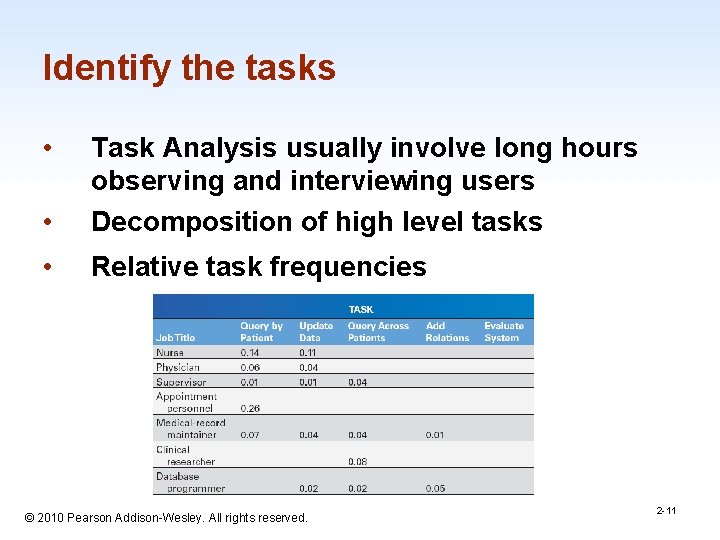
Identify the tasks • • Task Analysis usually involve long hours observing and interviewing users Decomposition of high level tasks • Relative task frequencies 1 -11 © 2010 Pearson Addison-Wesley. All rights reserved. 2 -11
Interaction styles 1. Direct Manipulation 2. Menu selection 3. Form fill-in 4. Command language 5. Natural language 1 -12 © 2010 Pearson Addison-Wesley. All rights reserved. 2 -12
Golden Rules (Heuristics) • Broad-brush design rules, may not be applicable in every case • Shneiderman’s Golden Rules of Interface Design – convenient and succinct – used in design, but can be used in evaluation – relate to abstract principles 1 -13 © 2010 Pearson Addison-Wesley. All rights reserved. 2 -13
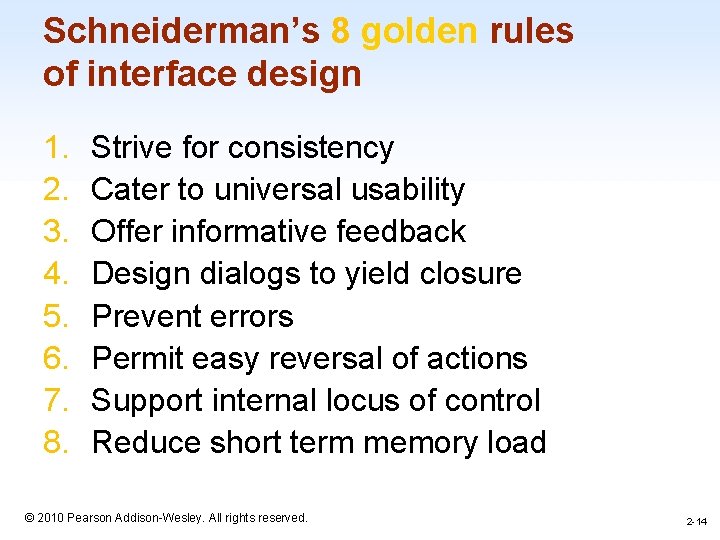
Schneiderman’s 8 golden rules of interface design 1. 2. 3. 4. 5. 6. 7. 8. Strive for consistency Cater to universal usability Offer informative feedback Design dialogs to yield closure Prevent errors Permit easy reversal of actions Support internal locus of control Reduce short term memory load 1 -14 © 2010 Pearson Addison-Wesley. All rights reserved. 2 -14
Theories • Beyond the specifics of guidelines • Principles are used to develop reliable, broadly useful theories • Theories – descriptive, explanatory prescriptive or predictive • Theories concern: motor, perceptual, or cognitive skills 1 -15 © 2010 Pearson Addison-Wesley. All rights reserved. 2 -15
More on theories • Descriptive theories – provide consistent terminology • Explanatory theories: – Observing behavior – Describing sequence of activities – Conceiving of designs – Comparing high-level concepts of designs • Prescriptive theories: – Giving designers clear guidance for choices • Predictive theories: – Enable designers to compare proposed designs for execution time or error rates © 2010 Pearson Addison-Wesley. All rights reserved. 1 -16 2 -16
Perceptual, Cognitive, & Motor Skills • Perceptual or Cognitive subtasks theories – Predicting reading times for free text, lists, or formatted displays • Motor-task performance times theories: – Predicting keystroking or pointing times 1 -17 © 2010 Pearson Addison-Wesley. All rights reserved. 2 -17
Consistency • An important goal for designers is a consistent user interface. • Consistency for objects and actions/commands • Consistent use of color, layout, icons fonts, button sizes etc. • If terminology for objects and actions is orderly and describable by few rules, users will be able to learn and retain them easily. 1 -18 © 2010 Pearson Addison-Wesley. All rights reserved. 2 -18