
Chapter 2 Control Structures Introduction The statements which










- Slides: 58
Chapter 2 Control Structures Introduction The statements which ‘control’ the flow of the execution, are known as control statements. There are 2 types of control statements 1. Decision making / Selection statements 2. Loop / Iterative statements Visit to more Learning Resources
• Decision making / Selection statements The decision making statements are 1. if statement 2. if –else statement 3. Nested if statement 4. if –else ladder 5. switch statements
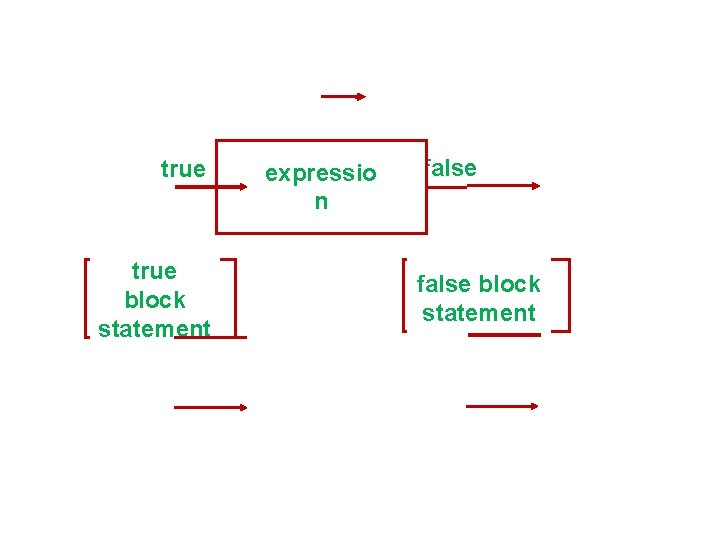
2. The if…. else Statement : The if…else statement is an extension of the if statement. It is generally used whenever you want to execute the condition’s true and false part.
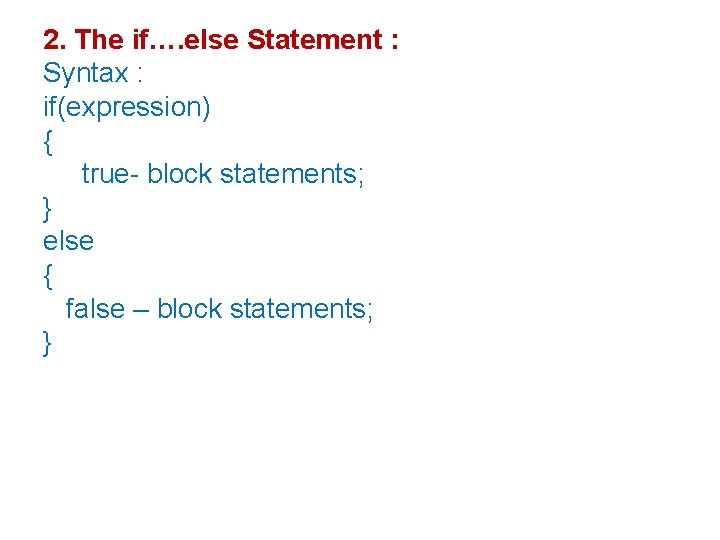
2. The if…. else Statement : Syntax : if(expression) { true- block statements; } else { false – block statements; }
true block statement expressio n false block statement
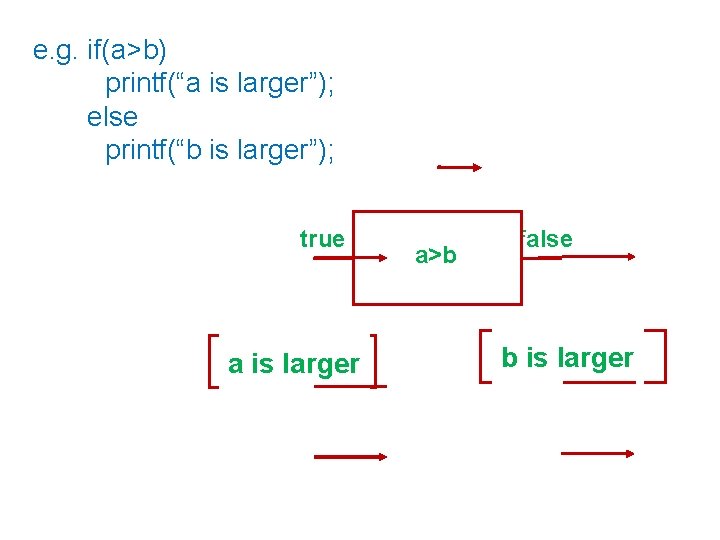
e. g. if(a>b) printf(“a is larger”); else printf(“b is larger”); true a is larger a>b false b is larger
3. Nested if…else statements: The if clause and the else part may contain a compound statement. Either or both may contain another if or if…. else statement. This is called the nesting of if…else statements.
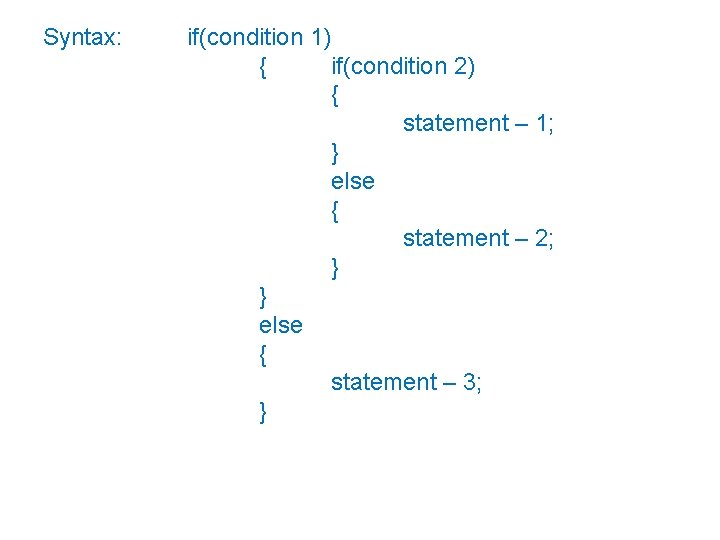
Syntax: if(condition 1) { if(condition 2) { statement – 1; } else { statement – 2; } } else { statement – 3; }
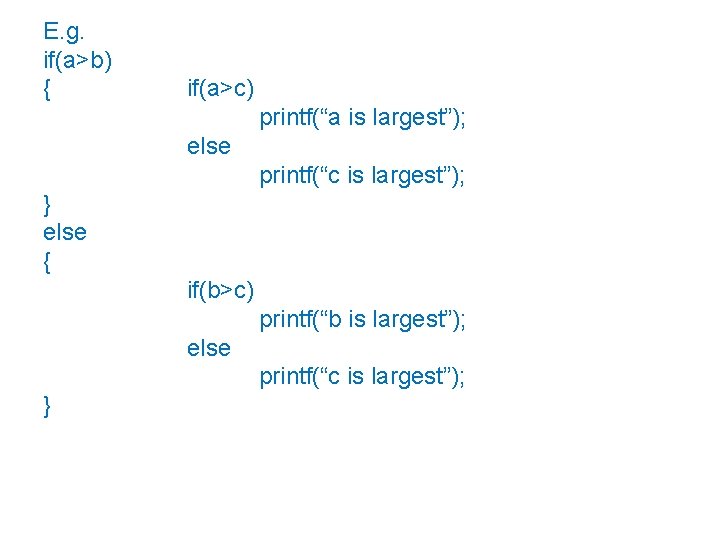
E. g. if(a>b) { if(a>c) printf(“a is largest”); else printf(“c is largest”); } else { if(b>c) printf(“b is largest”); else printf(“c is largest”); }
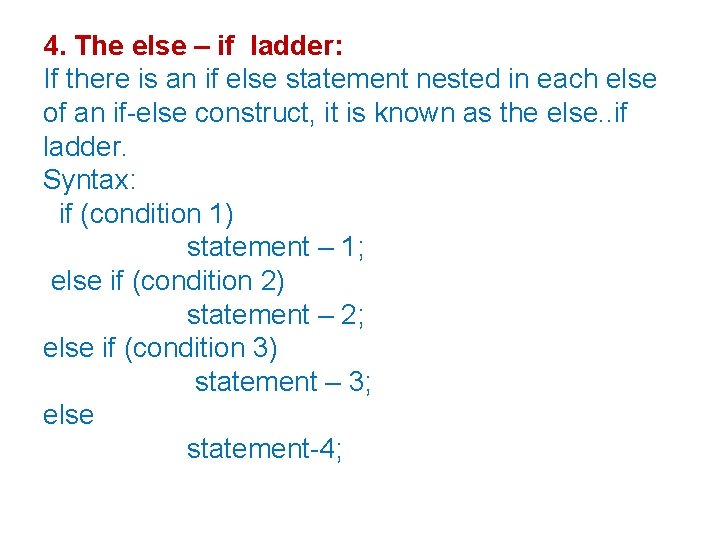
4. The else – if ladder: If there is an if else statement nested in each else of an if-else construct, it is known as the else. . if ladder. Syntax: if (condition 1) statement – 1; else if (condition 2) statement – 2; else if (condition 3) statement – 3; else statement-4;
4. The else – if ladder: The conditions are evaluated from the top to downwards. If none of the conditions are true, the final else will be executed.
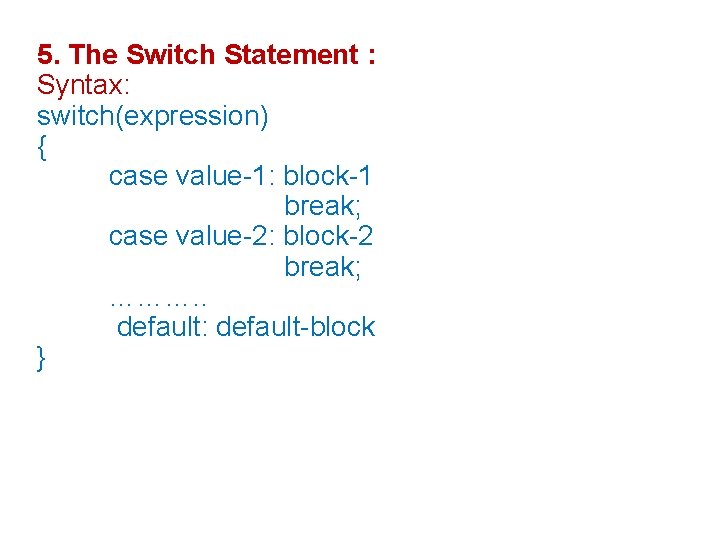
5. The Switch Statement : When one of the many alternative is to be selected, we can use an if statement to control the selection. For this reason ‘C’ has a built in multiway decision statement known as switch. The switch statement tests the value of a given variable against a list of case value and when a match is found, a block of statement associated with that case is executed.
5. The Switch Statement : Syntax: switch(expression) { case value-1: block-1 break; case value-2: block-2 break; ………. . default: default-block }
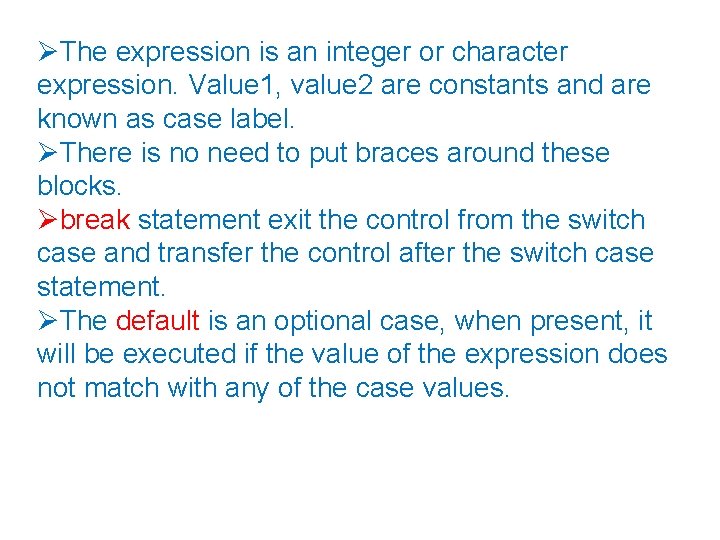
The expression is an integer or character expression. Value 1, value 2 are constants and are known as case label. There is no need to put braces around these blocks. break statement exit the control from the switch case and transfer the control after the switch case statement. The default is an optional case, when present, it will be executed if the value of the expression does not match with any of the case values.
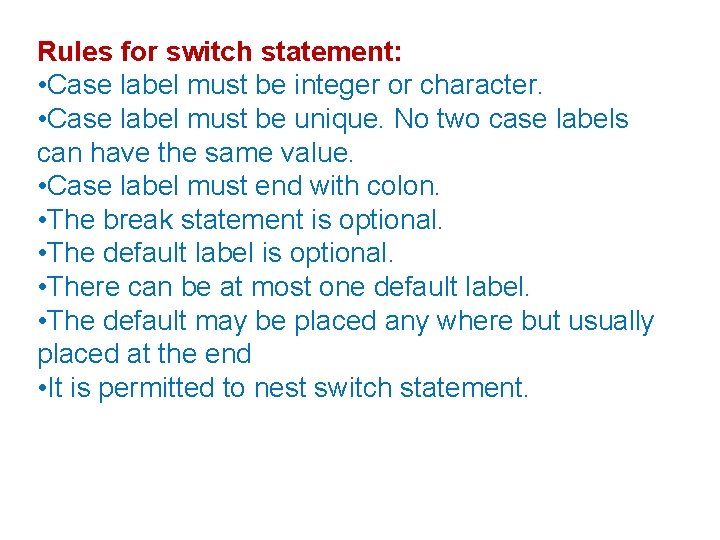
Rules for switch statement: • Case label must be integer or character. • Case label must be unique. No two case labels can have the same value. • Case label must end with colon. • The break statement is optional. • The default label is optional. • There can be at most one default label. • The default may be placed any where but usually placed at the end • It is permitted to nest switch statement.
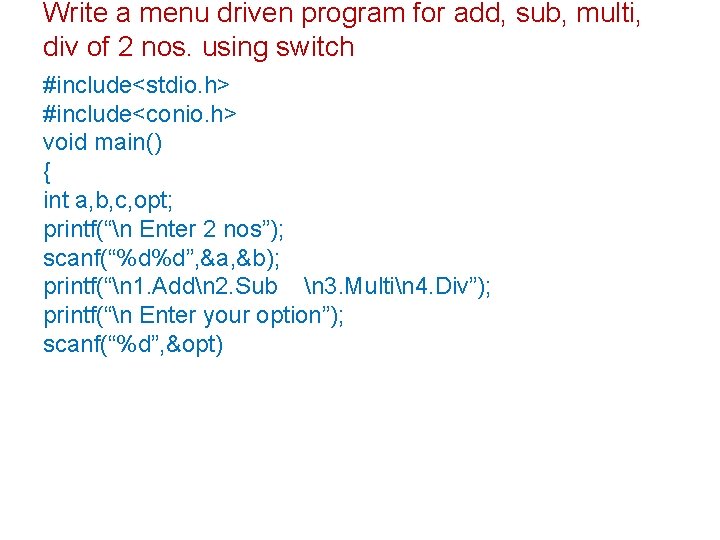
Write a menu driven program for add, sub, multi, div of 2 nos. using switch #include<stdio. h> #include<conio. h> void main() { int a, b, c, opt; printf(“n Enter 2 nos”); scanf(“%d%d”, &a, &b); printf(“n 1. Addn 2. Sub n 3. Multin 4. Div”); printf(“n Enter your option”); scanf(“%d”, &opt)
Loop • If we want to perform the same series of actions in the same way , more than once it will be done by using “Loop”. Loop It is ability to perform a set of instructions repeatedly.
Two types of Loops 1)Top –Tested (Entry controlled loop ) 2)Bottom-Tested (Exit controlled loop) Entry controlled loop : In this looping the condition is evaluated before the loop body is executed. Exit controlled loop: In this looping the condition is evaluated after the loop body is executed. The c language provides three statements for performing loop operation. • The while statement • The do statement • The for statement.
While Loop It is often used when the number of times the loop is to be executed is not known in advance but depends on the test condition. The while is an entry controlled loop statement. Syntax : while(test condition) { body of the loop; }
While Loop • The condition is evaluated and the statement (loop body )is executed as long as the expression is TRUE • Since it is an entry controlled loop, if the expression evaluate to false the first time itself, the loop body will not be executed even once.
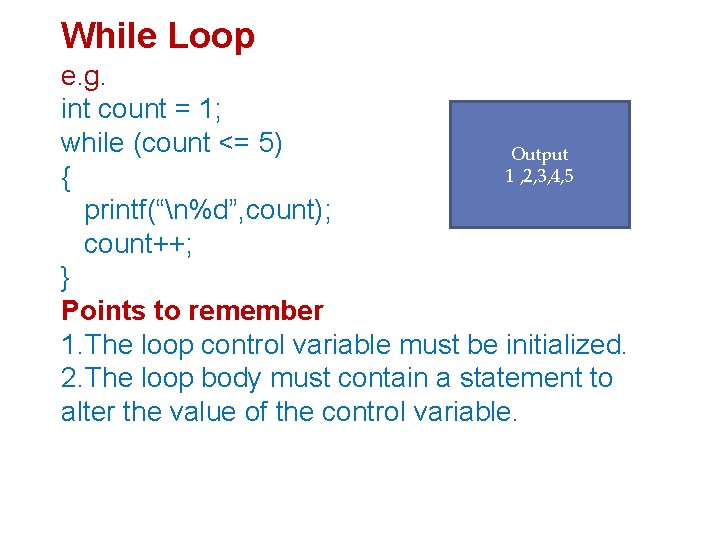
While Loop e. g. int count = 1; while (count <= 5) Output 1 , 2, 3, 4, 5 { printf(“n%d”, count); count++; } Points to remember 1. The loop control variable must be initialized. 2. The loop body must contain a statement to alter the value of the control variable.
Nested While Loop • Similar to nested if statements, loops can be nested as well. • That is, the body of a loop can contain another loop. • For each iteration of the outer loop, the inner loop iterates completely.
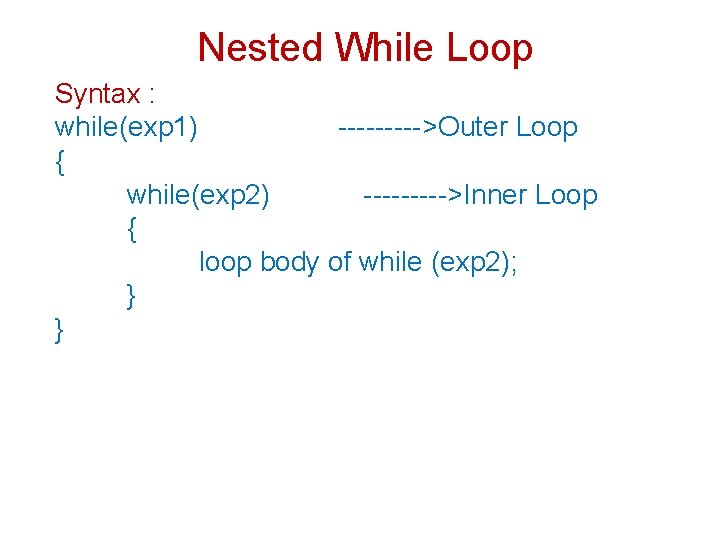
Nested While Loop Syntax : while(exp 1) ----->Outer Loop { while(exp 2) ----->Inner Loop { loop body of while (exp 2); } }
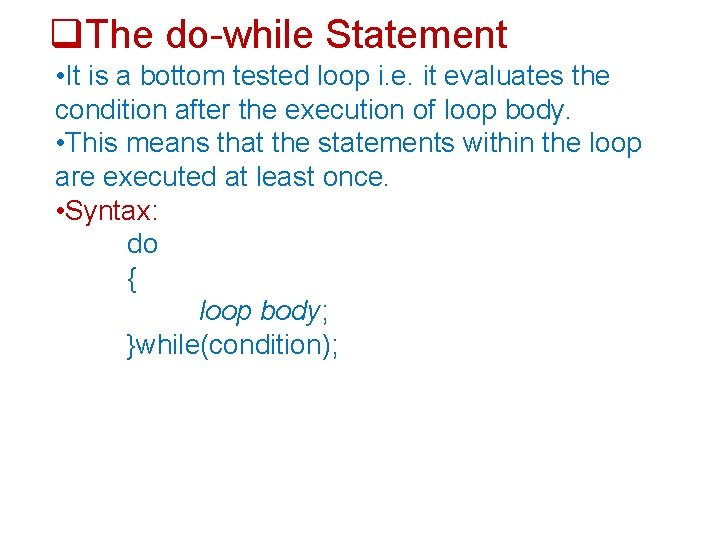
The do-while Statement • It is a bottom tested loop i. e. it evaluates the condition after the execution of loop body. • This means that the statements within the loop are executed at least once. • Syntax: do { loop body; }while(condition);
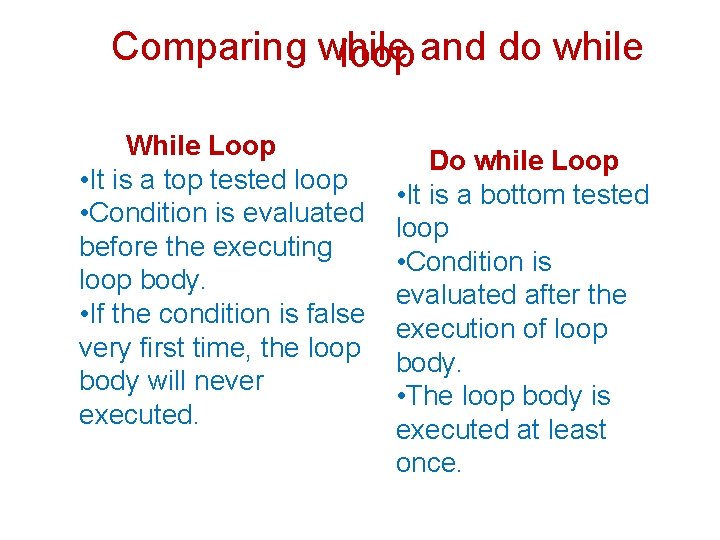
Comparing while and do while loop While Loop • It is a top tested loop • Condition is evaluated before the executing loop body. • If the condition is false very first time, the loop body will never executed. Do while Loop • It is a bottom tested loop • Condition is evaluated after the execution of loop body. • The loop body is executed at least once.
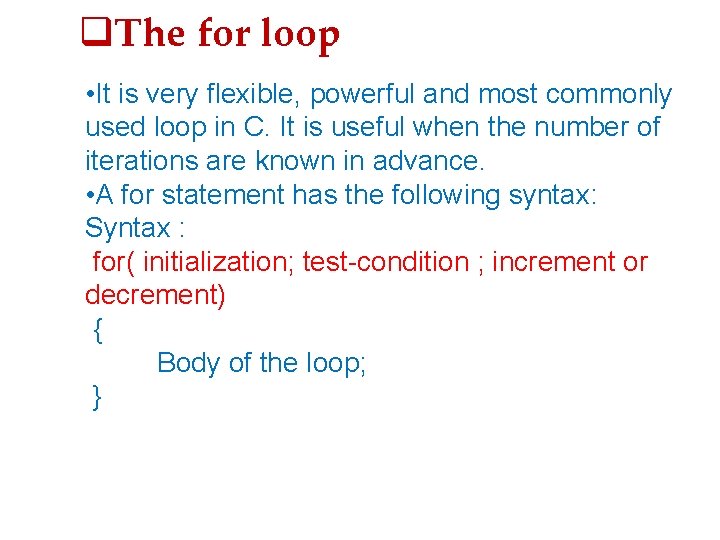
The for loop • It is very flexible, powerful and most commonly used loop in C. It is useful when the number of iterations are known in advance. • A for statement has the following syntax: Syntax : for( initialization; test-condition ; increment or decrement) { Body of the loop; }
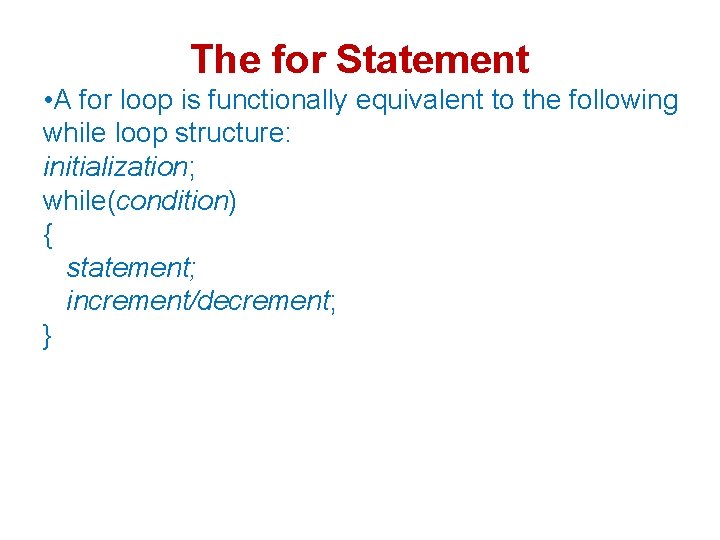
The for Statement • A for loop is functionally equivalent to the following while loop structure: initialization; while(condition) { statement; increment/decrement; }
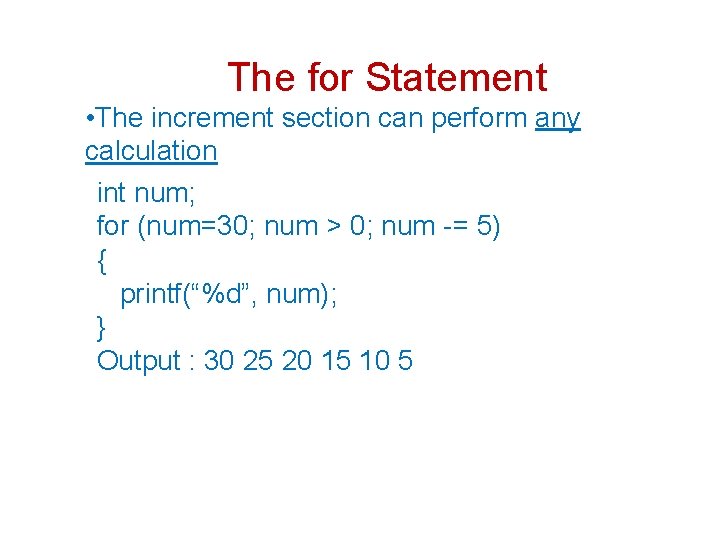
The for Statement • The increment section can perform any calculation int num; for (num=30; num > 0; num -= 5) { printf(“%d”, num); } Output : 30 25 20 15 10 5
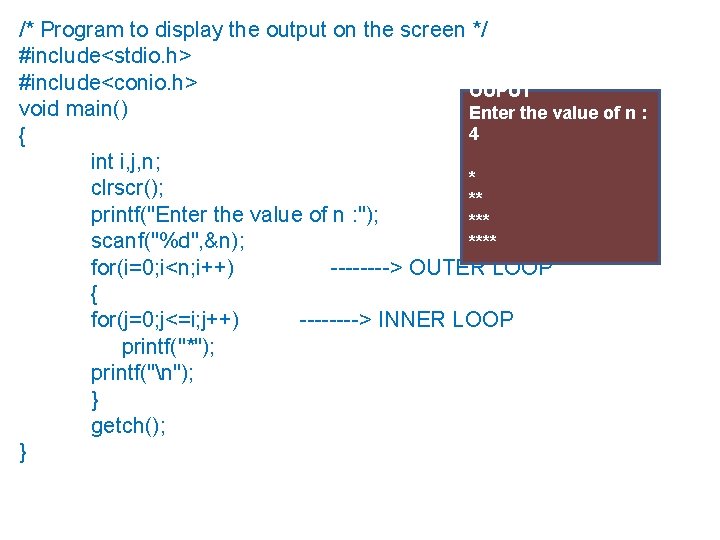
/* Program to display the output on the screen */ OUTPUT #include<stdio. h> #include<conio. h> OUPUT void main() Enter the value of n : 4 { int i, j, n; * clrscr(); ** printf("Enter the value of n : "); *** scanf("%d", &n); **** for(i=0; i<n; i++) ----> OUTER LOOP { for(j=0; j<=i; j++) ----> INNER LOOP printf("*"); printf("n"); } getch(); }
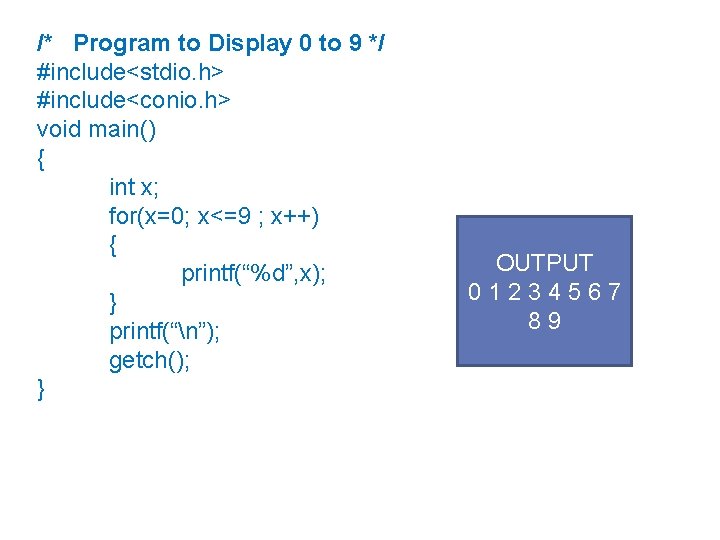
/* Program to Display 0 to 9 */ #include<stdio. h> #include<conio. h> void main() { int x; for(x=0; x<=9 ; x++) { printf(“%d”, x); } printf(“n”); getch(); } OUTPUT 0 1 2 3 4 5 6 7 8 9
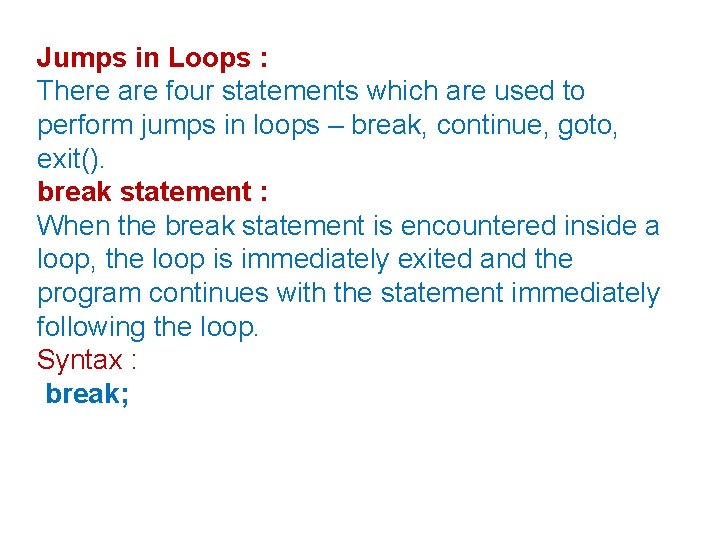
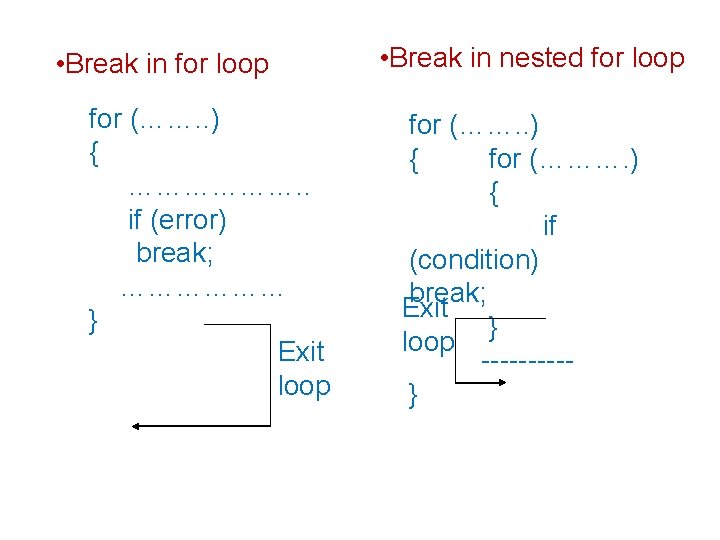
Jumps in Loops : There are four statements which are used to perform jumps in loops – break, continue, goto, exit(). break statement : When the break statement is encountered inside a loop, the loop is immediately exited and the program continues with the statement immediately following the loop. Syntax : break;
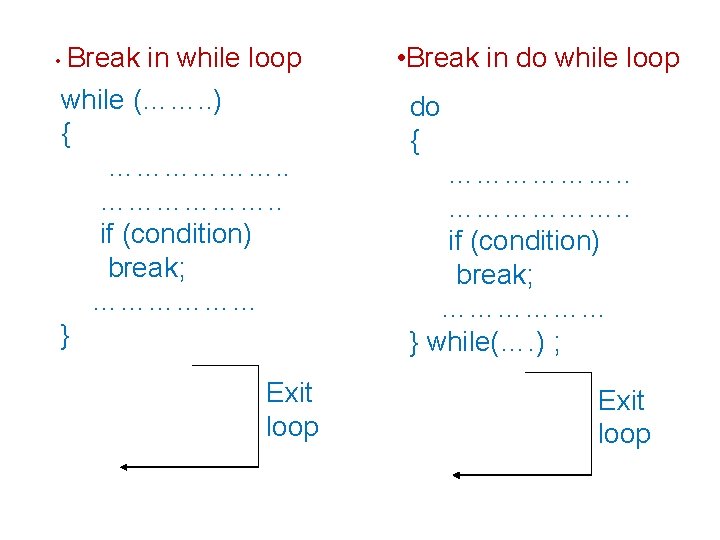
• Break in while loop while (……. . ) { ………………. . if (condition) break; ……………… } Exit loop • Break in do while loop do { ………………. . if (condition) break; ……………… } while(…. ) ; Exit loop
• Break in for loop for (……. . ) { ………………. . if (error) break; ……………… } Exit loop • Break in nested for loop for (……. . ) { for (………. ) { if (condition) break; Exit } loop -----}
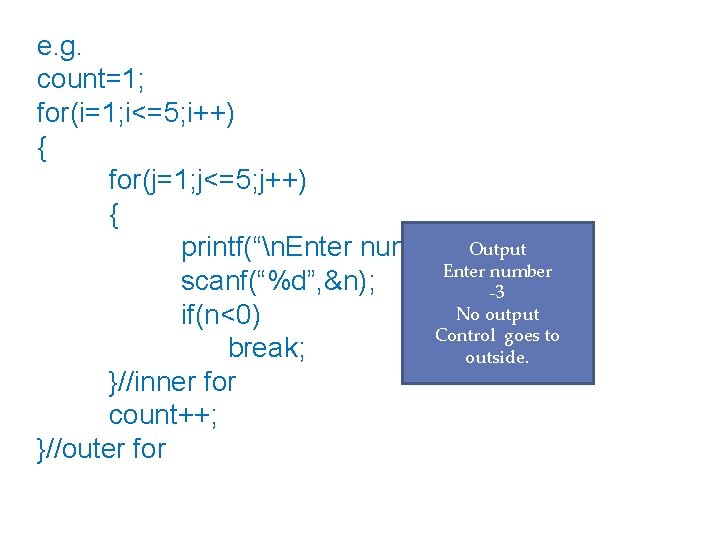
e. g. count=1; for(i=1; i<=5; i++) { for(j=1; j<=5; j++) { printf(“n. Enter number”); Output Enter number scanf(“%d”, &n); -3 No output if(n<0) Control goes to break; outside. }//inner for count++; }//outer for
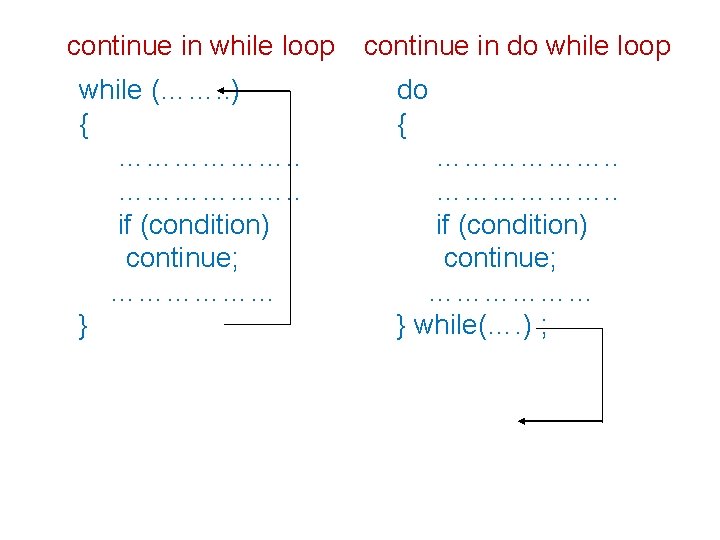
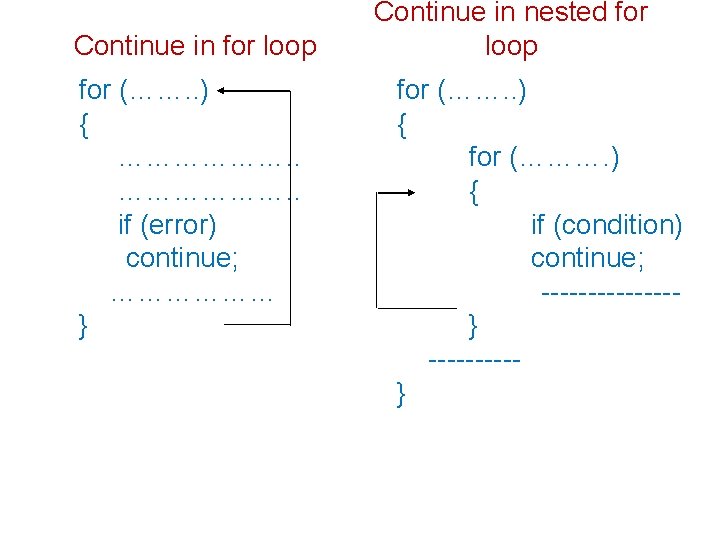
continue statement : The use of the continue statement is to skip the statements which are followed by ‘continue’ and continue with the next iteration of the loop. Syntax : continue;
continue in while loop while (……. . ) { ………………. . if (condition) continue; ……………… } continue in do while loop do { ………………. . if (condition) continue; ……………… } while(…. ) ;
Continue in for loop for (……. . ) { ………………. . if (error) continue; ……………… } Continue in nested for loop for (……. . ) { for (………. ) { if (condition) continue; -------}
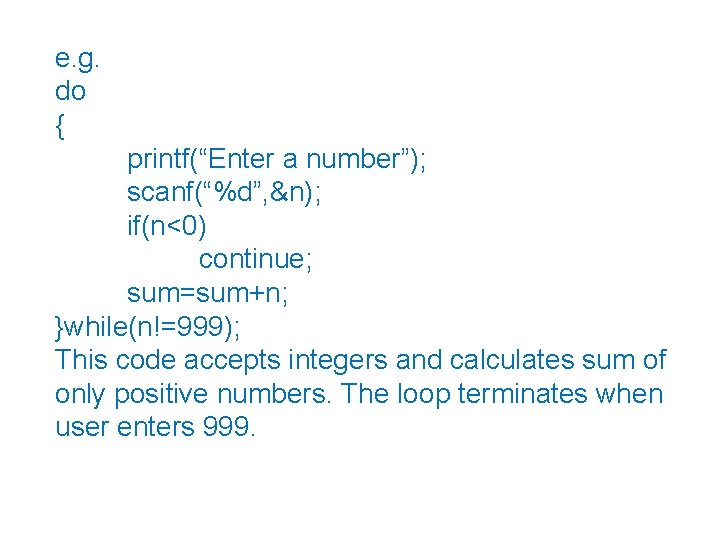
e. g. do { printf(“Enter a number”); scanf(“%d”, &n); if(n<0) continue; sum=sum+n; }while(n!=999); This code accepts integers and calculates sum of only positive numbers. The loop terminates when user enters 999.
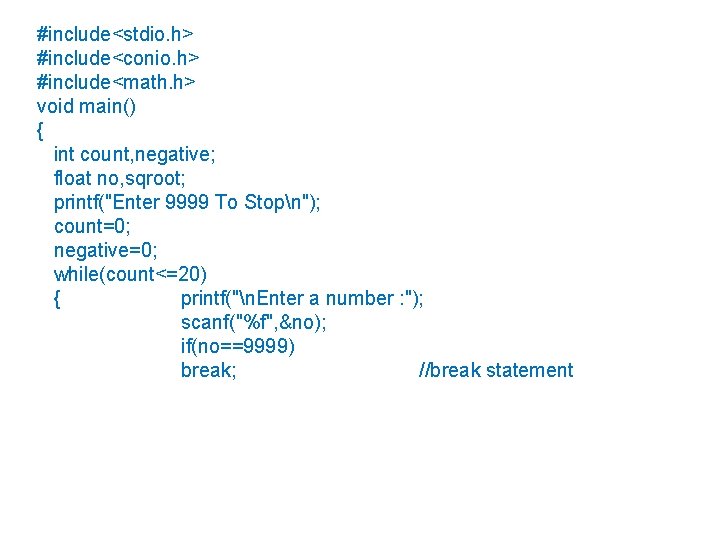
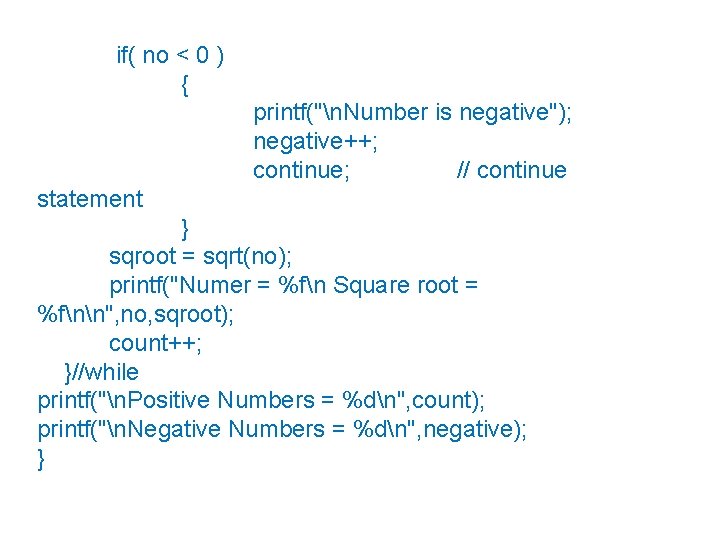
#include<stdio. h> #include<conio. h> #include<math. h> void main() { int count, negative; float no, sqroot; printf("Enter 9999 To Stopn"); count=0; negative=0; while(count<=20) { printf("n. Enter a number : "); scanf("%f", &no); if(no==9999) break; //break statement
if( no < 0 ) { printf("n. Number is negative"); negative++; continue; // continue statement } sqroot = sqrt(no); printf("Numer = %fn Square root = %fnn", no, sqroot); count++; }//while printf("n. Positive Numbers = %dn", count); printf("n. Negative Numbers = %dn", negative); }
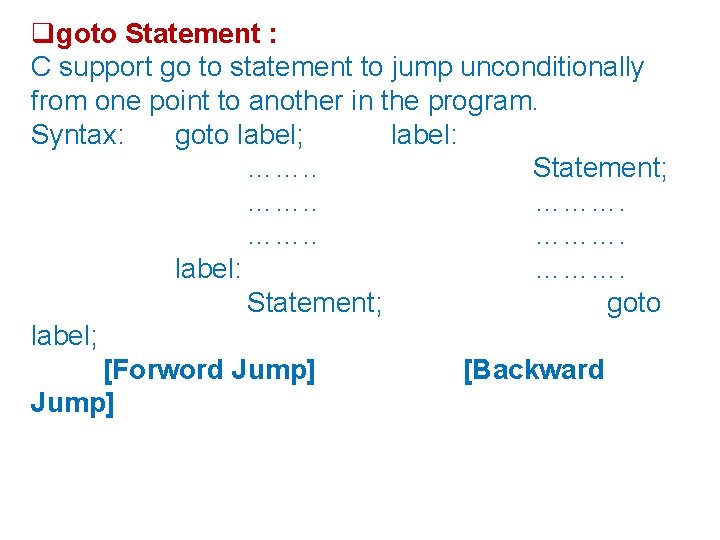
goto Statement : C support go to statement to jump unconditionally from one point to another in the program. Syntax: goto label; label: ……. . Statement; ……. . ………. label: ………. Statement; goto label; [Forword Jump] [Backward Jump]
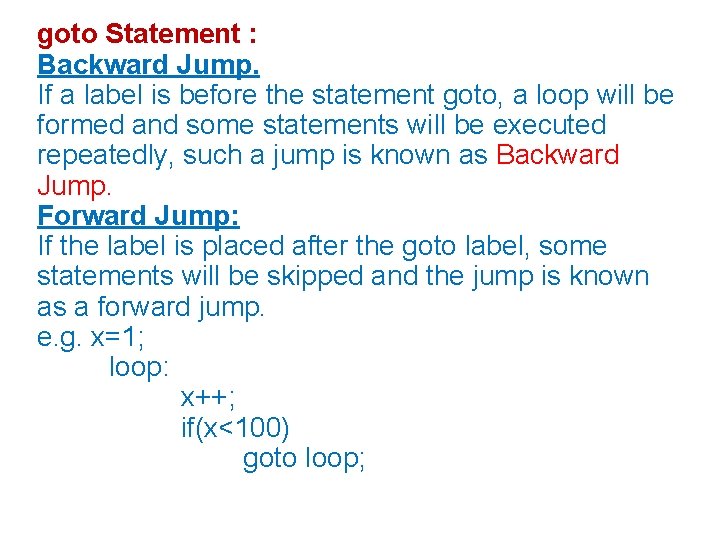
goto Statement : Backward Jump. If a label is before the statement goto, a loop will be formed and some statements will be executed repeatedly, such a jump is known as Backward Jump. Forward Jump: If the label is placed after the goto label, some statements will be skipped and the jump is known as a forward jump. e. g. x=1; loop: x++; if(x<100) goto loop;
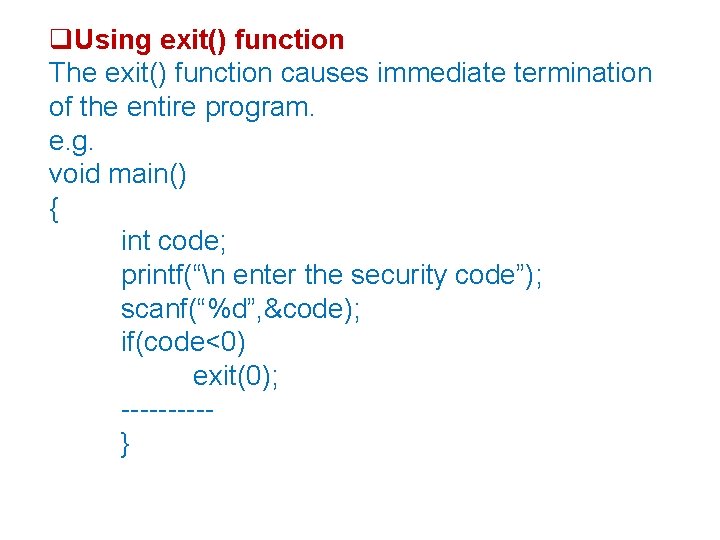
Using exit() function The exit() function causes immediate termination of the entire program. e. g. void main() { int code; printf(“n enter the security code”); scanf(“%d”, &code); if(code<0) exit(0); -----}
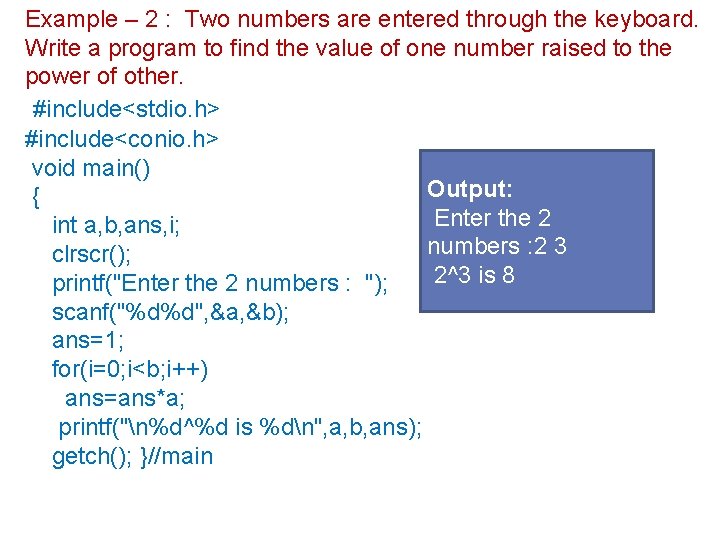
Example – 2 : Two numbers are entered through the keyboard. Write a program to find the value of one number raised to the power of other. #include<stdio. h> #include<conio. h> void main() Output: { Enter the 2 int a, b, ans, i; numbers : 2 3 clrscr(); 2^3 is 8 printf("Enter the 2 numbers : "); scanf("%d%d", &a, &b); ans=1; for(i=0; i<b; i++) ans=ans*a; printf("n%d^%d is %dn", a, b, ans); getch(); }//main
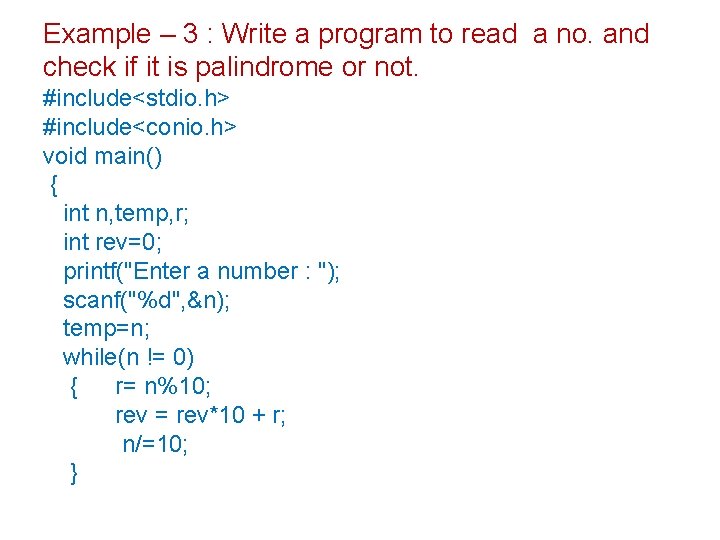
Example – 3 : Write a program to read a no. and check if it is palindrome or not. #include<stdio. h> #include<conio. h> void main() { int n, temp, r; int rev=0; printf("Enter a number : "); scanf("%d", &n); temp=n; while(n != 0) { r= n%10; rev = rev*10 + r; n/=10; }
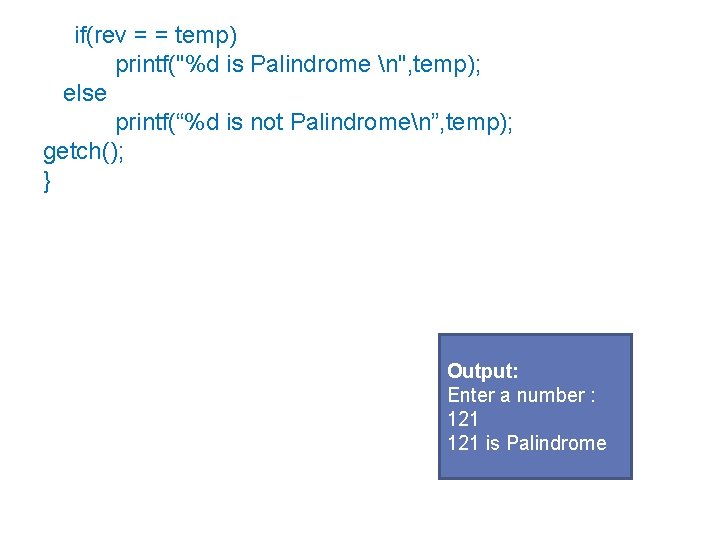
if(rev = = temp) printf("%d is Palindrome n", temp); else printf(“%d is not Palindromen”, temp); getch(); } Output: Enter a number : 121 is Palindrome
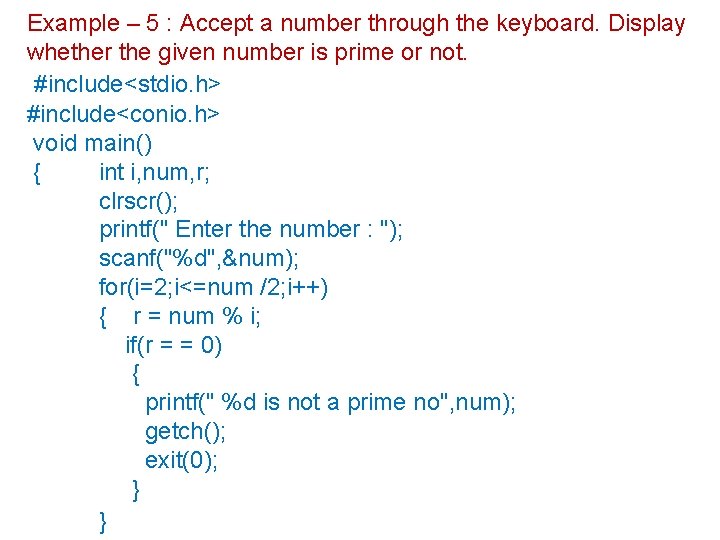
Example – 5 : Accept a number through the keyboard. Display whether the given number is prime or not. #include<stdio. h> #include<conio. h> void main() { int i, num, r; clrscr(); printf(" Enter the number : "); scanf("%d", &num); for(i=2; i<=num /2; i++) { r = num % i; if(r = = 0) { printf(" %d is not a prime no", num); getch(); exit(0); } }
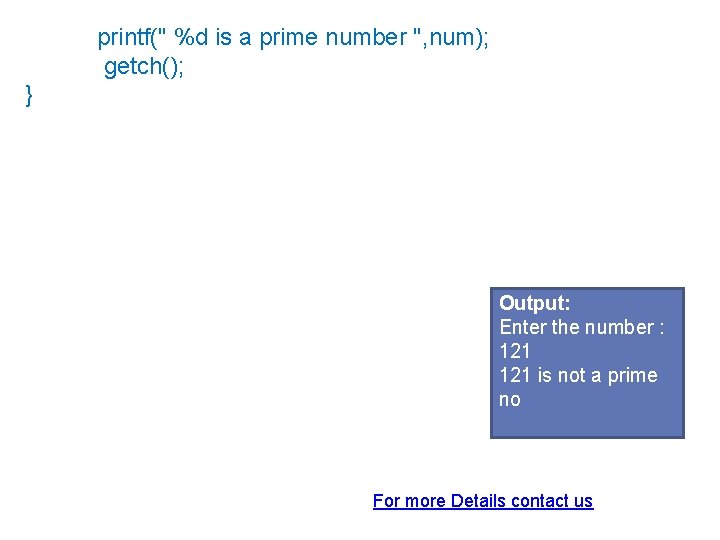
printf(" %d is a prime number ", num); getch(); } Output: Enter the number : 121 is not a prime no For more Details contact us