
CHAPTER 2 COMPUTER SYSTEM STRUCTURES CGS 3763 Operating


- Slides: 19
CHAPTER 2 COMPUTER SYSTEM STRUCTURES CGS 3763 - Operating System Concepts UCF, Spring 2004 1
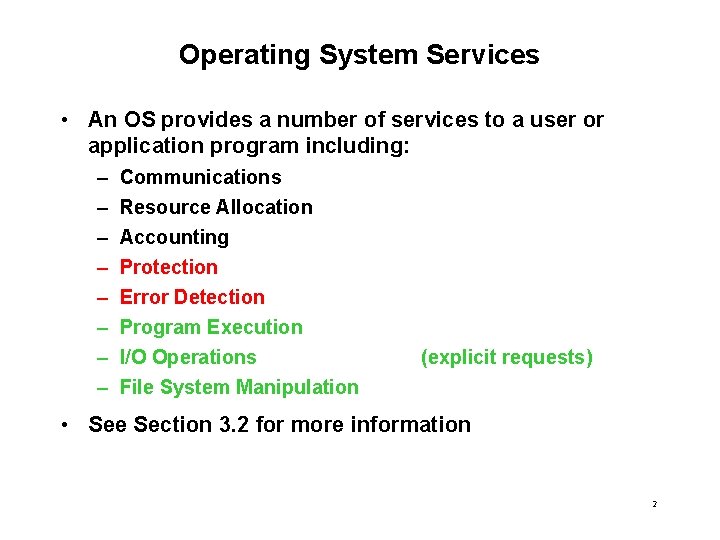
Operating System Services • An OS provides a number of services to a user or application program including: – – – – Communications Resource Allocation Accounting Protection Error Detection Program Execution I/O Operations File System Manipulation (explicit requests) • See Section 3. 2 for more information 2
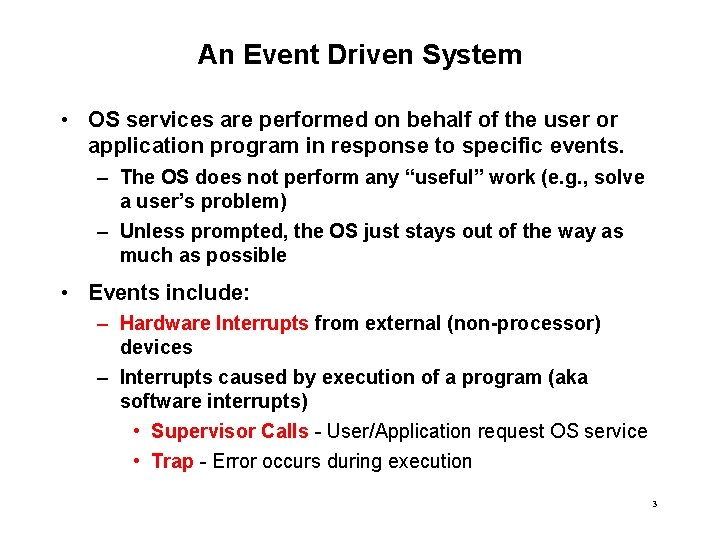
An Event Driven System • OS services are performed on behalf of the user or application program in response to specific events. – The OS does not perform any “useful” work (e. g. , solve a user’s problem) – Unless prompted, the OS just stays out of the way as much as possible • Events include: – Hardware Interrupts from external (non-processor) devices – Interrupts caused by execution of a program (aka software interrupts) • Supervisor Calls - User/Application request OS service • Trap - Error occurs during execution 3
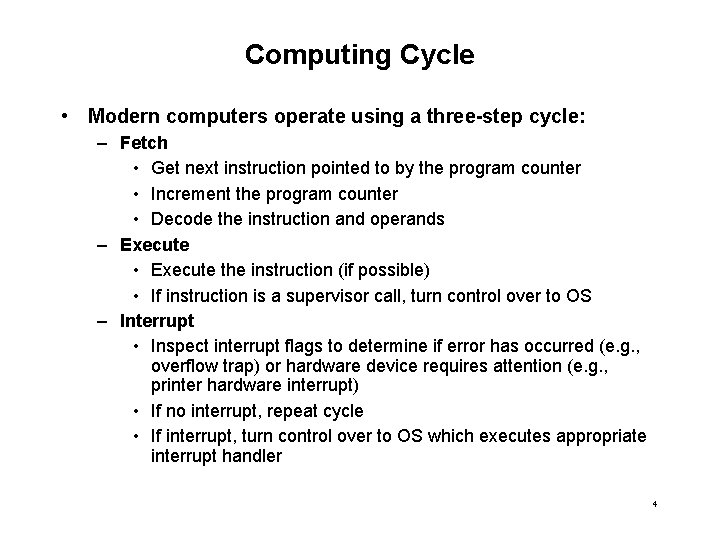
Computing Cycle • Modern computers operate using a three-step cycle: – Fetch • Get next instruction pointed to by the program counter • Increment the program counter • Decode the instruction and operands – Execute • Execute the instruction (if possible) • If instruction is a supervisor call, turn control over to OS – Interrupt • Inspect interrupt flags to determine if error has occurred (e. g. , overflow trap) or hardware device requires attention (e. g. , printer hardware interrupt) • If no interrupt, repeat cycle • If interrupt, turn control over to OS which executes appropriate interrupt handler 4
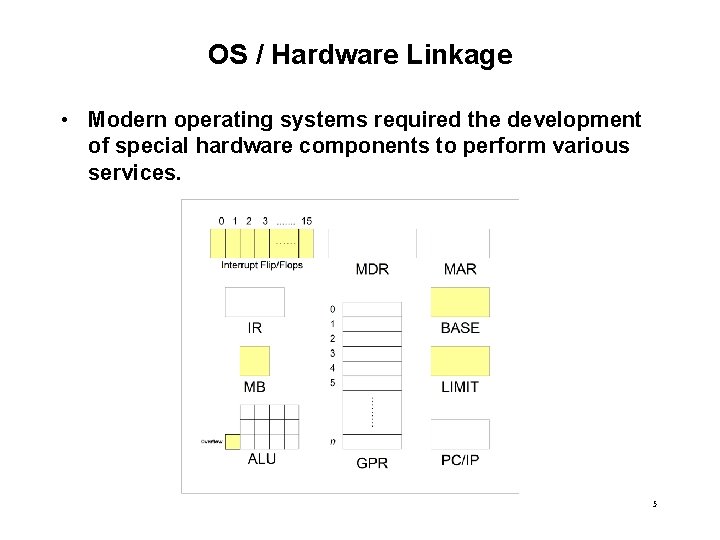
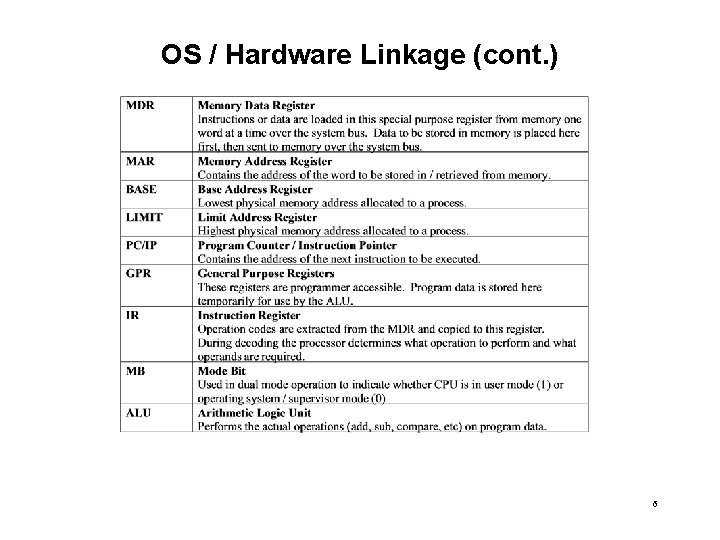
OS / Hardware Linkage • Modern operating systems required the development of special hardware components to perform various services. 5
OS / Hardware Linkage (cont. ) 6
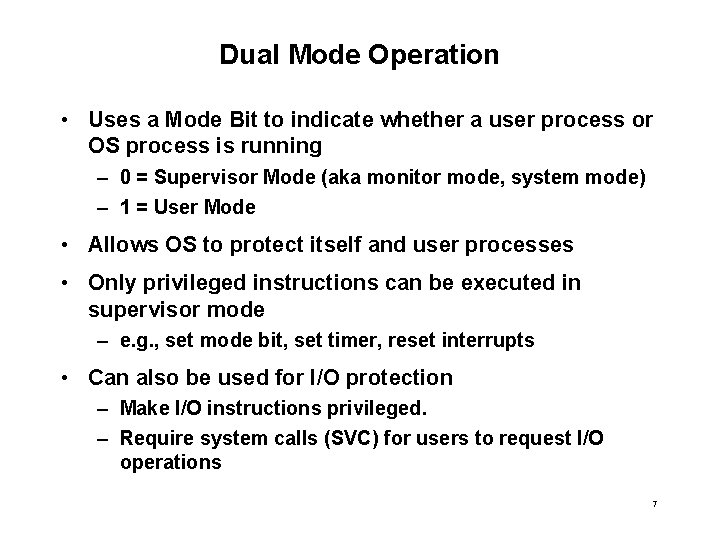
Dual Mode Operation • Uses a Mode Bit to indicate whether a user process or OS process is running – 0 = Supervisor Mode (aka monitor mode, system mode) – 1 = User Mode • Allows OS to protect itself and user processes • Only privileged instructions can be executed in supervisor mode – e. g. , set mode bit, set timer, reset interrupts • Can also be used for I/O protection – Make I/O instructions privileged. – Require system calls (SVC) for users to request I/O operations 7
Dual Mode Operation (cont. ) 8
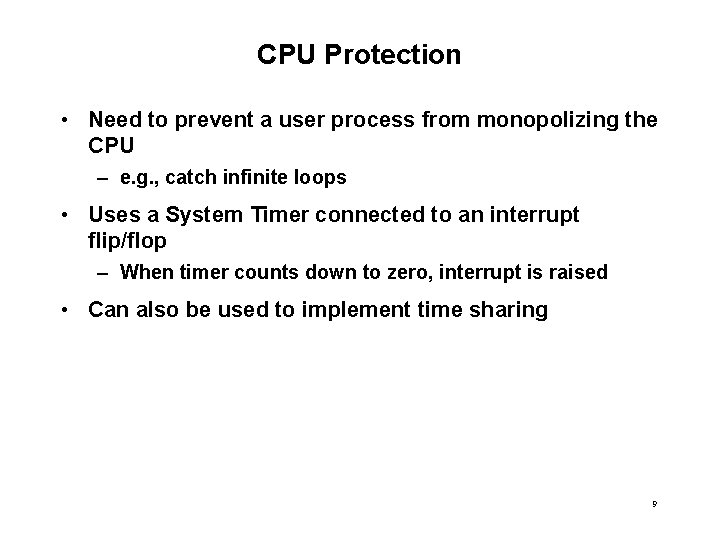
CPU Protection • Need to prevent a user process from monopolizing the CPU – e. g. , catch infinite loops • Uses a System Timer connected to an interrupt flip/flop – When timer counts down to zero, interrupt is raised • Can also be used to implement time sharing 9
CPU Protection (cont. ) 10
Memory Protection • Required to prevent user processes from accessing / writing to memory outside of their allocated portion of RAM. • In single-program environment uses a fence register • For multi-programming, use base and limit – Base - Lowest address in process’ memory allocation – Limit - Highest address in process’ memory allocation • Address of each memory location accessed / written to by user process is compared with base and limit (or fence) – If “out of bounds” traps to OS 11
Memory Protection (cont. ) 12
Error Detection • OS can trap various errors that occur during execution of a user process • Math Overflow: – Occurs when adding two numbers and result too big for accumulator – Overflow bit changes to “ 1” if error occurs • Divide by Zero – Occurs when dividing by zero value – Hardware compares opcode with value of divisor. – If opcode is DIV and divisor = 0 then trap to OS 13
Error Detection Math Overflow 14
Error Detection - Divide by Zero 15
Handling I/O Operations • I/O operations typically initiated by user request – System or Supervisor Calls (SVC) • OS communicates user’s request to appropriate I/O device controller – Synchronous I/O - control returned to user process after I/O completes – Asynchronous I/O - control returned immediately back to user process • OS notified of I/O completion when device controller raises hardware interrupt flag – Device can also use interrupt to signal status (e. g. , out of paper, no media) 16
Handling I/O Operations (cont. ) 17
Processing Interrupts • Interrupt Vector - a series or array of addresses stored in lower memory which point to each interrupt handler. • Interrupt Handlers - portions of OS program specifically written to deal with each interrupt type • Remember. . . – – Process is a program in execution OS is a program Therefore, OS is also a process For very large OS, may spawn multiple processes 18
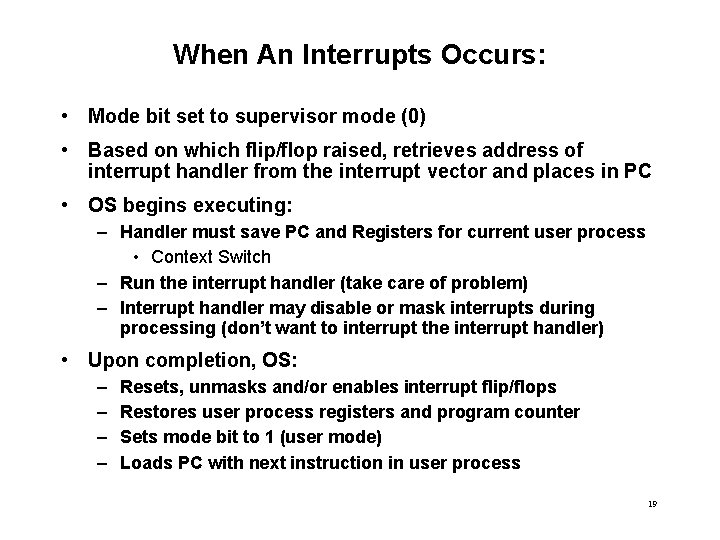
When An Interrupts Occurs: • Mode bit set to supervisor mode (0) • Based on which flip/flop raised, retrieves address of interrupt handler from the interrupt vector and places in PC • OS begins executing: – Handler must save PC and Registers for current user process • Context Switch – Run the interrupt handler (take care of problem) – Interrupt handler may disable or mask interrupts during processing (don’t want to interrupt the interrupt handler) • Upon completion, OS: – – Resets, unmasks and/or enables interrupt flip/flops Restores user process registers and program counter Sets mode bit to 1 (user mode) Loads PC with next instruction in user process 19