
CHAPTER 2 COMPUTER HARDWARE and SOFTWARE 1 Computer
- Slides: 41
CHAPTER 2 COMPUTER HARDWARE and SOFTWARE 1
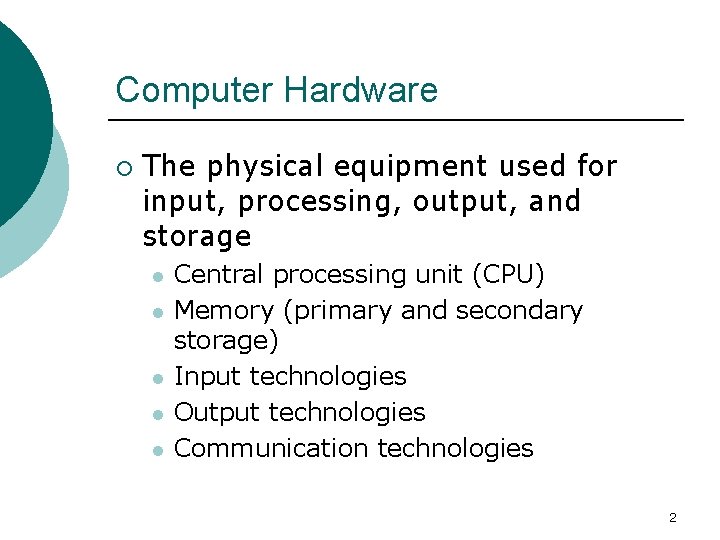
Computer Hardware ¡ The physical equipment used for input, processing, output, and storage l l l Central processing unit (CPU) Memory (primary and secondary storage) Input technologies Output technologies Communication technologies 2
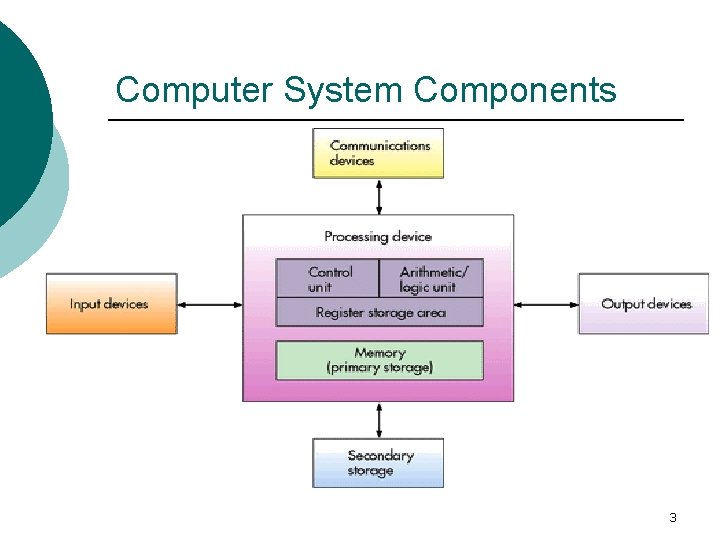
Computer System Components 3
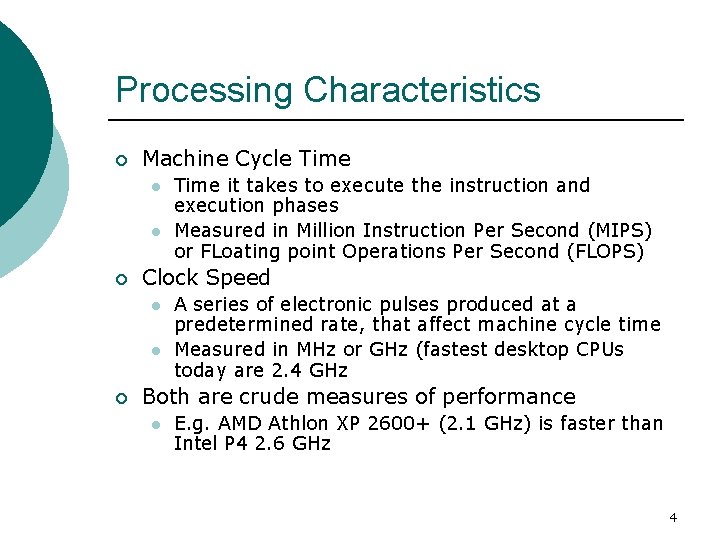
Processing Characteristics ¡ Machine Cycle Time l l ¡ Clock Speed l l ¡ Time it takes to execute the instruction and execution phases Measured in Million Instruction Per Second (MIPS) or FLoating point Operations Per Second (FLOPS) A series of electronic pulses produced at a predetermined rate, that affect machine cycle time Measured in MHz or GHz (fastest desktop CPUs today are 2. 4 GHz Both are crude measures of performance l E. g. AMD Athlon XP 2600+ (2. 1 GHz) is faster than Intel P 4 2. 6 GHz 4
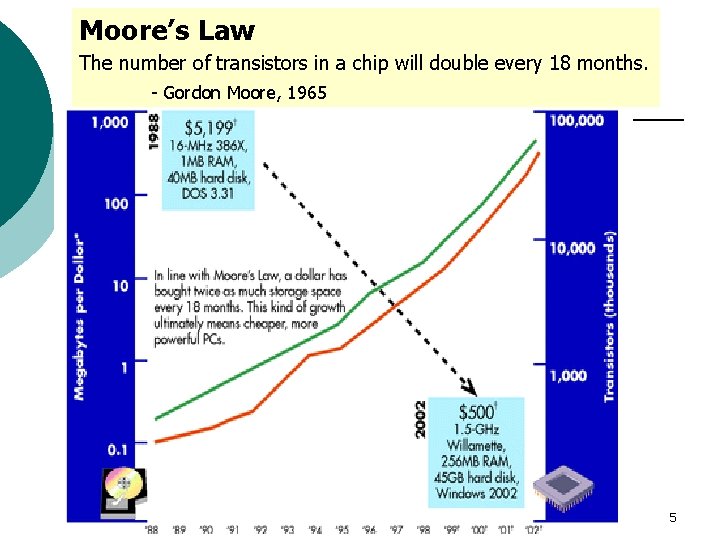
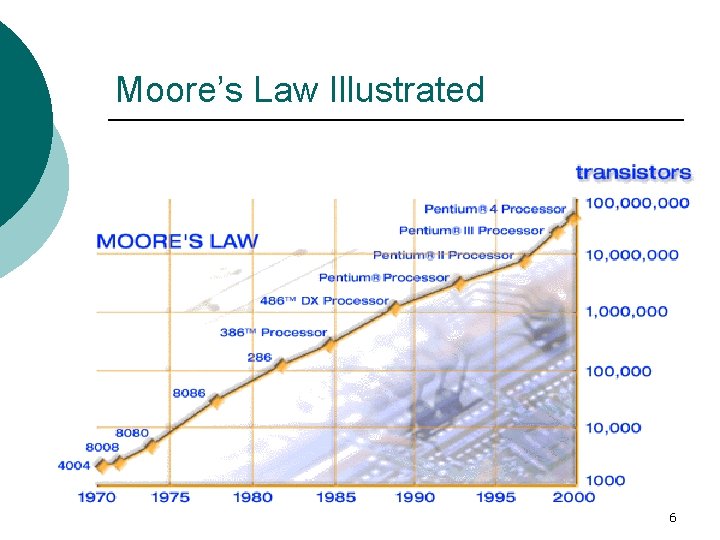
Moore’s Law The number of transistors in a chip will double every 18 months. - Gordon Moore, 1965 5
Moore’s Law Illustrated 6
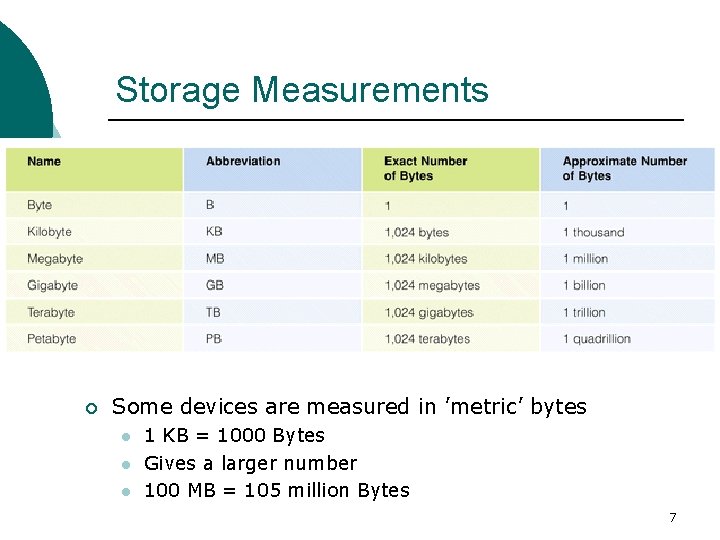
Storage Measurements ¡ Some devices are measured in ’metric’ bytes l l l 1 KB = 1000 Bytes Gives a larger number 100 MB = 105 million Bytes 7
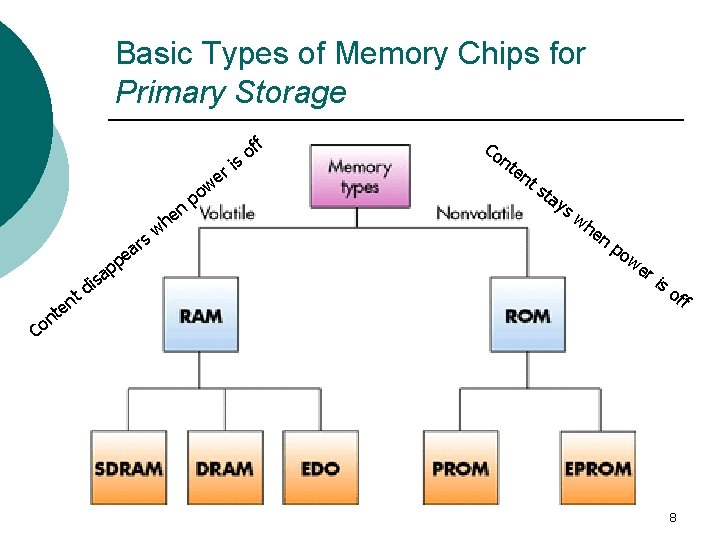
Basic Types of Memory Chips for Primary Storage ff o s s ar t en t n s di pe p a w n e h p i r e ow Co nt en ts ta ys wh en po we ri so ff Co 8
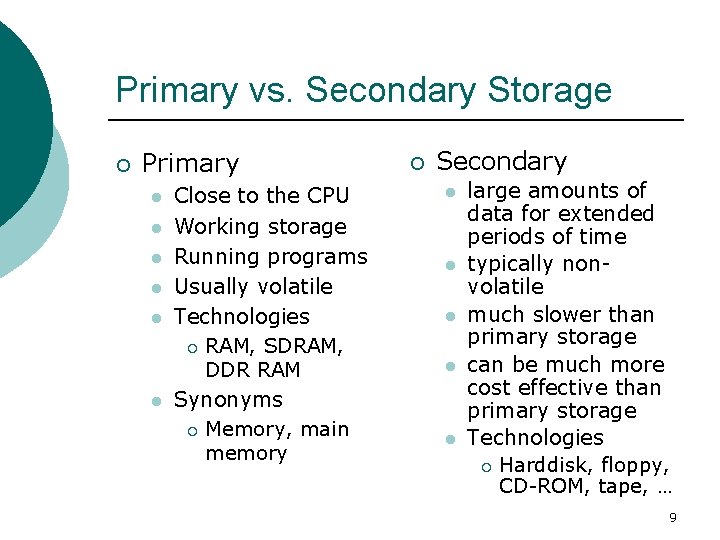
Primary vs. Secondary Storage ¡ Primary l l l Close to the CPU Working storage Running programs Usually volatile Technologies ¡ RAM, SDRAM, DDR RAM Synonyms ¡ Memory, main memory ¡ Secondary l l large amounts of data for extended periods of time typically nonvolatile much slower than primary storage can be much more cost effective than primary storage Technologies ¡ Harddisk, floppy, CD-ROM, tape, … 9
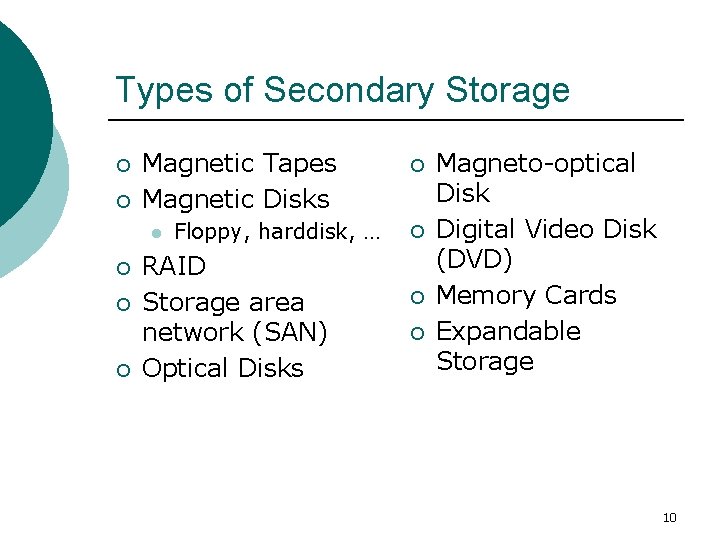
Types of Secondary Storage ¡ ¡ Magnetic Tapes Magnetic Disks l ¡ ¡ ¡ Floppy, harddisk, … RAID Storage area network (SAN) Optical Disks ¡ ¡ Magneto-optical Disk Digital Video Disk (DVD) Memory Cards Expandable Storage 10
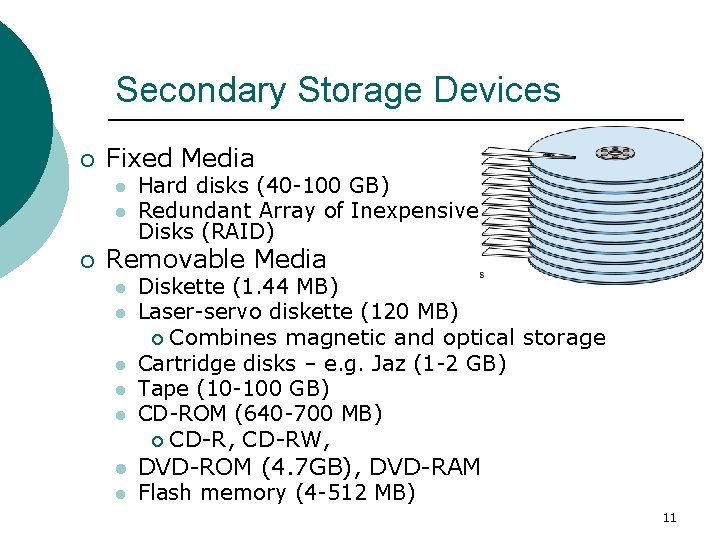
Secondary Storage Devices ¡ Fixed Media l l ¡ Hard disks (40 -100 GB) Redundant Array of Inexpensive Disks (RAID) Removable Media l l l l Diskette (1. 44 MB) Laser-servo diskette (120 MB) ¡ Combines magnetic and optical storage Cartridge disks – e. g. Jaz (1 -2 GB) Tape (10 -100 GB) CD-ROM (640 -700 MB) ¡ CD-R, CD-RW, DVD-ROM (4. 7 GB), DVD-RAM Flash memory (4 -512 MB) 11
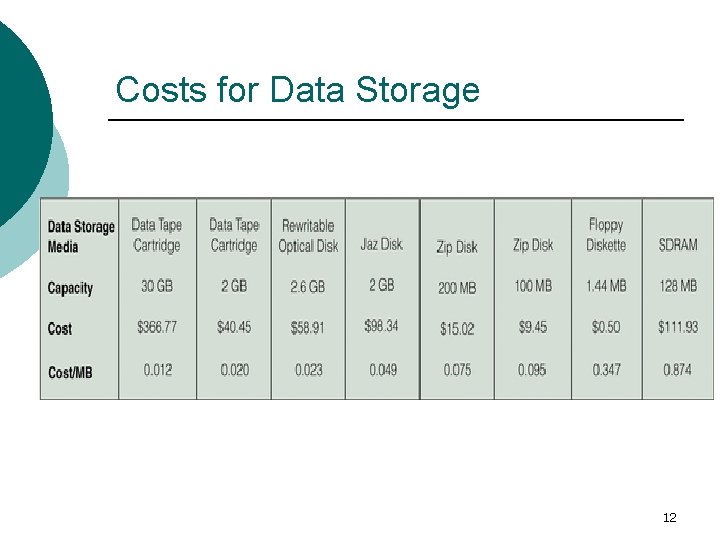
Costs for Data Storage 12
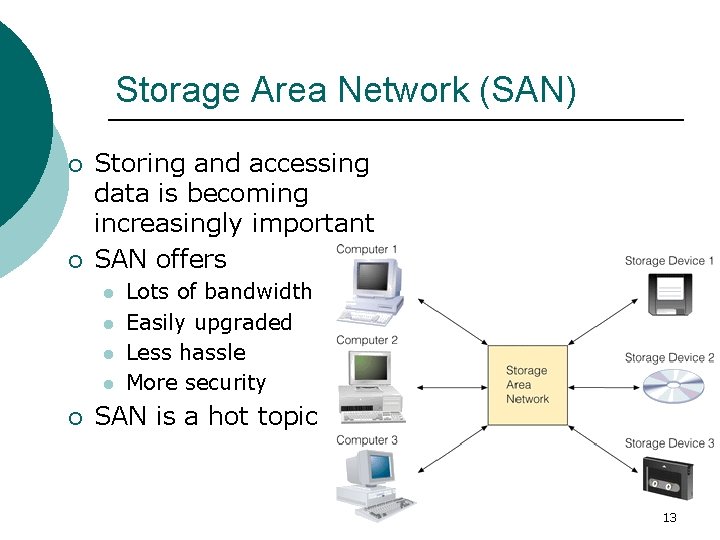
Storage Area Network (SAN) ¡ ¡ Storing and accessing data is becoming increasingly important SAN offers l l ¡ Lots of bandwidth Easily upgraded Less hassle More security SAN is a hot topic 13
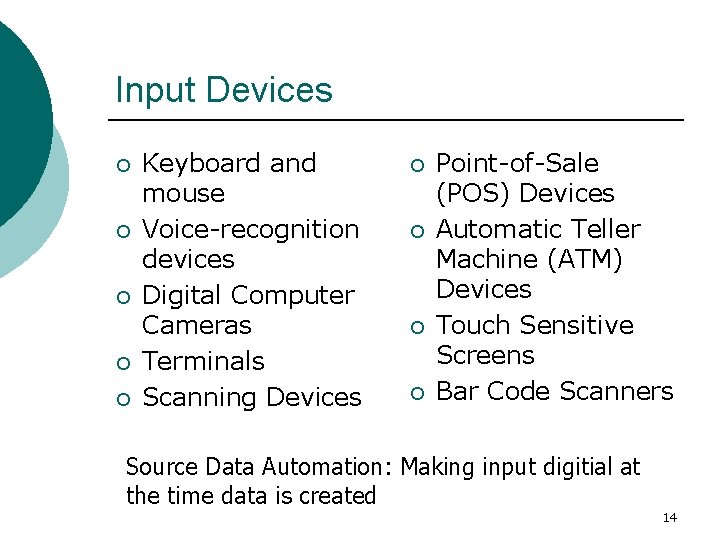
Input Devices ¡ ¡ ¡ Keyboard and mouse Voice-recognition devices Digital Computer Cameras Terminals Scanning Devices ¡ ¡ Point-of-Sale (POS) Devices Automatic Teller Machine (ATM) Devices Touch Sensitive Screens Bar Code Scanners Source Data Automation: Making input digitial at the time data is created 14
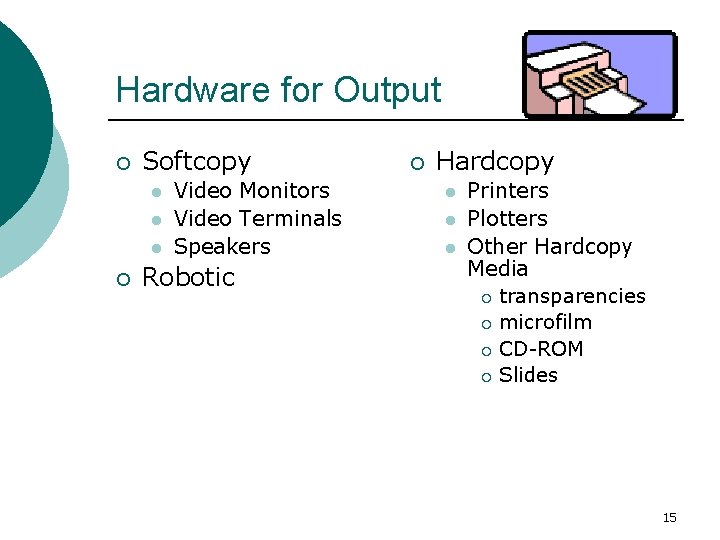
Hardware for Output ¡ Softcopy l l l ¡ Video Monitors Video Terminals Speakers Robotic ¡ Hardcopy l l l Printers Plotters Other Hardcopy Media ¡ transparencies ¡ microfilm ¡ CD-ROM ¡ Slides 15
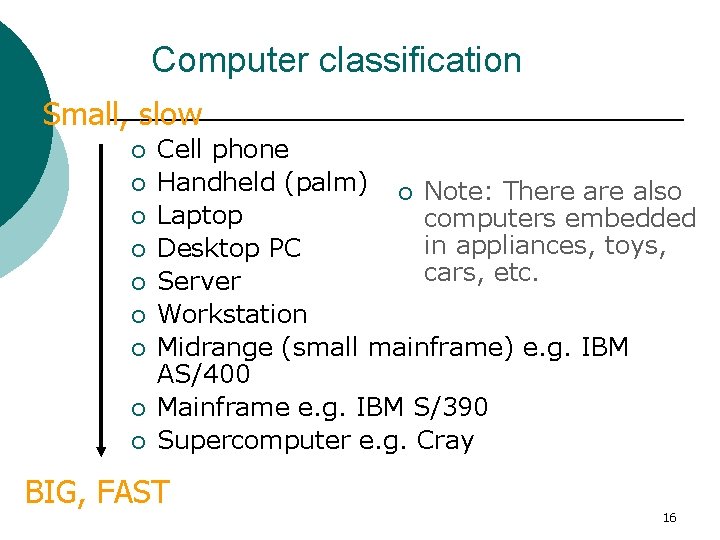
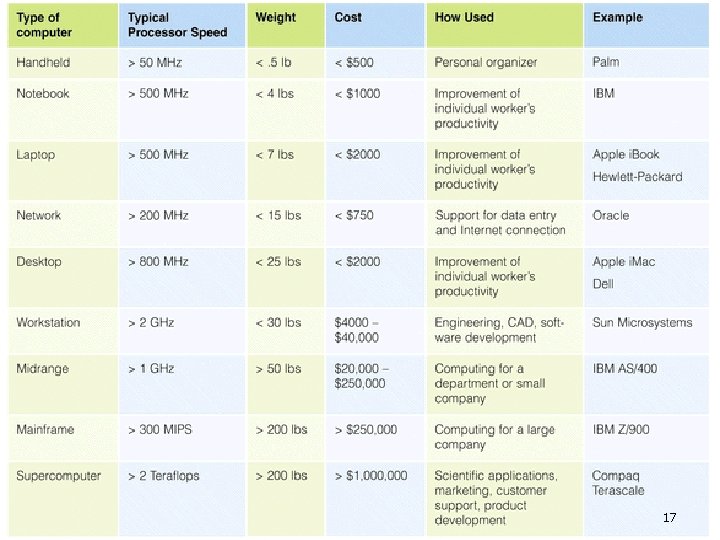
Computer classification Small, slow ¡ ¡ ¡ ¡ ¡ Cell phone Handheld (palm) ¡ Note: There also Laptop computers embedded in appliances, toys, Desktop PC cars, etc. Server Workstation Midrange (small mainframe) e. g. IBM AS/400 Mainframe e. g. IBM S/390 Supercomputer e. g. Cray BIG, FAST 16
17
Computer Software 18
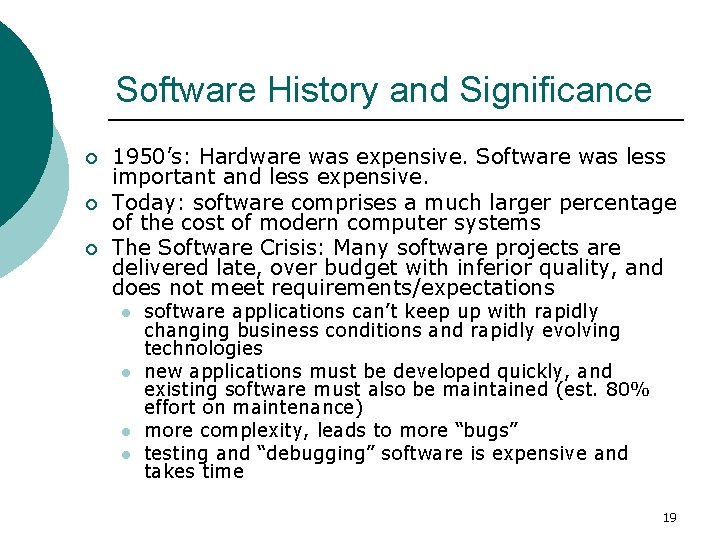
Software History and Significance ¡ ¡ ¡ 1950’s: Hardware was expensive. Software was less important and less expensive. Today: software comprises a much larger percentage of the cost of modern computer systems The Software Crisis: Many software projects are delivered late, over budget with inferior quality, and does not meet requirements/expectations l l software applications can’t keep up with rapidly changing business conditions and rapidly evolving technologies new applications must be developed quickly, and existing software must also be maintained (est. 80% effort on maintenance) more complexity, leads to more “bugs” testing and “debugging” software is expensive and takes time 19
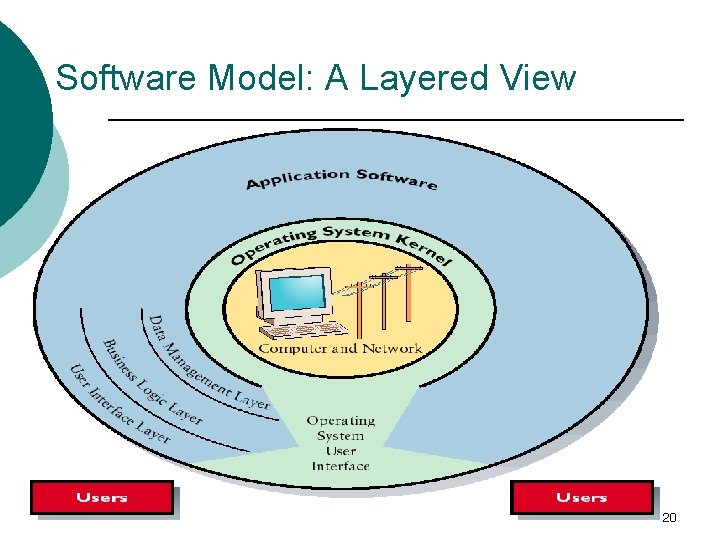
Software Model: A Layered View 20
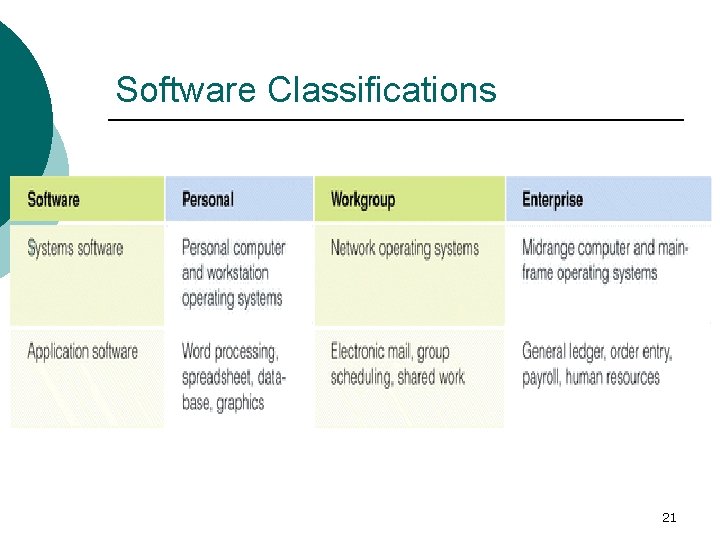
Software Classifications 21
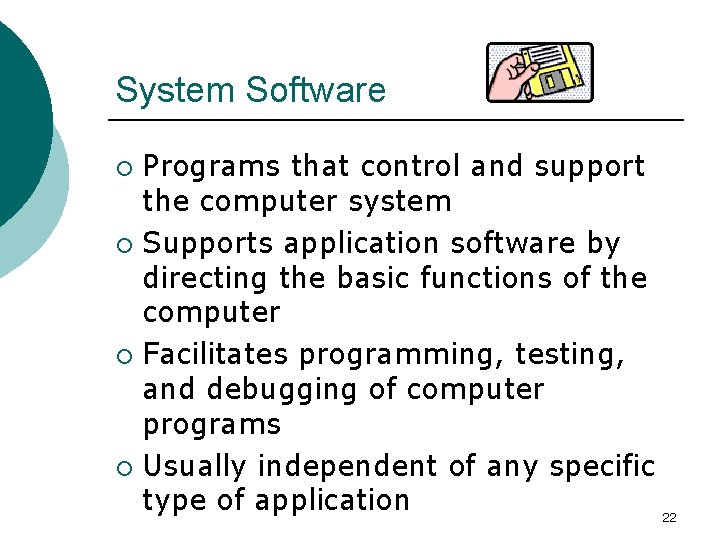
System Software Programs that control and support the computer system ¡ Supports application software by directing the basic functions of the computer ¡ Facilitates programming, testing, and debugging of computer programs ¡ Usually independent of any specific type of application 22 ¡
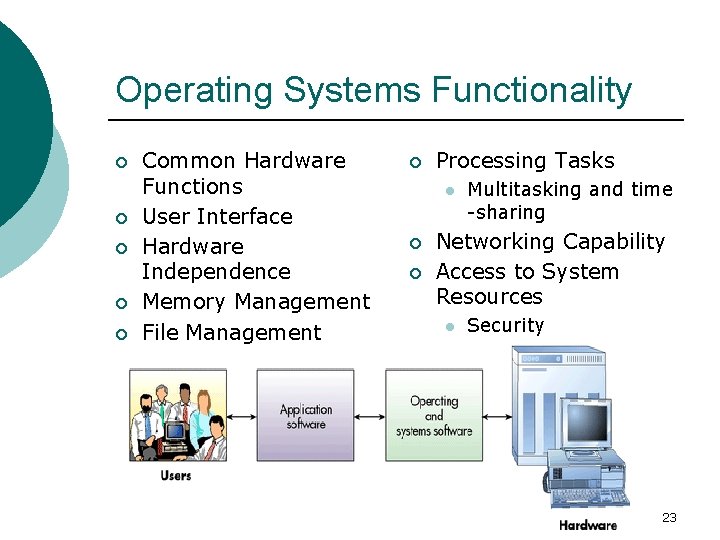
Operating Systems Functionality ¡ ¡ ¡ Common Hardware Functions User Interface Hardware Independence Memory Management File Management ¡ Processing Tasks l ¡ ¡ Multitasking and time -sharing Networking Capability Access to System Resources l Security 23
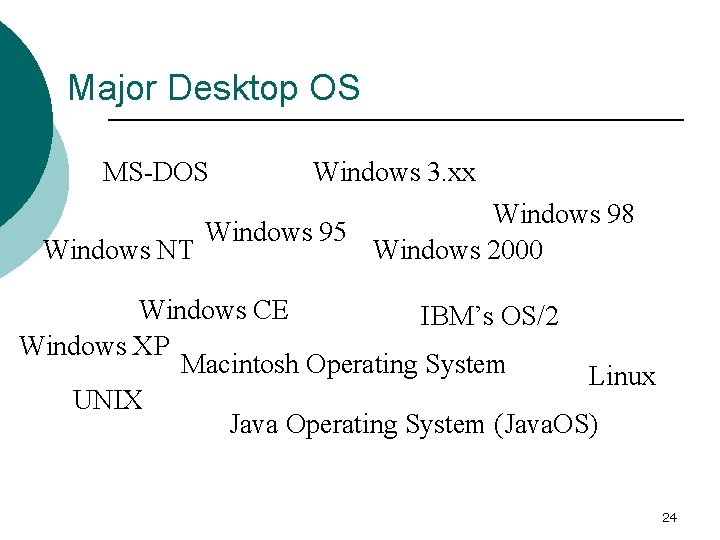
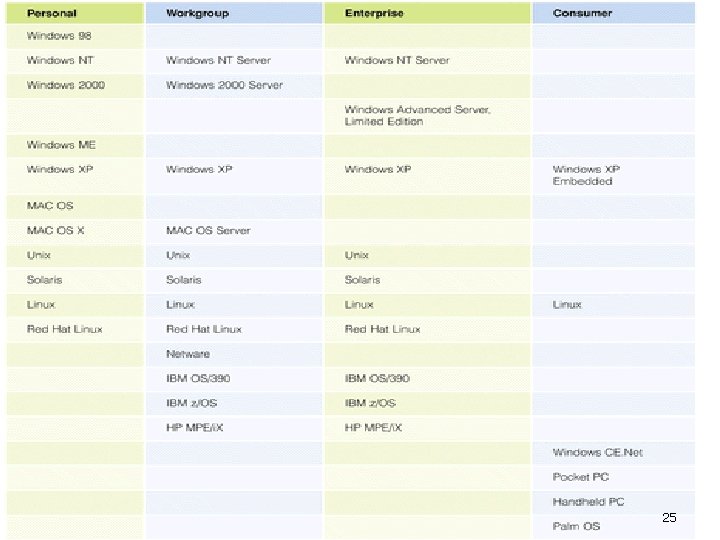
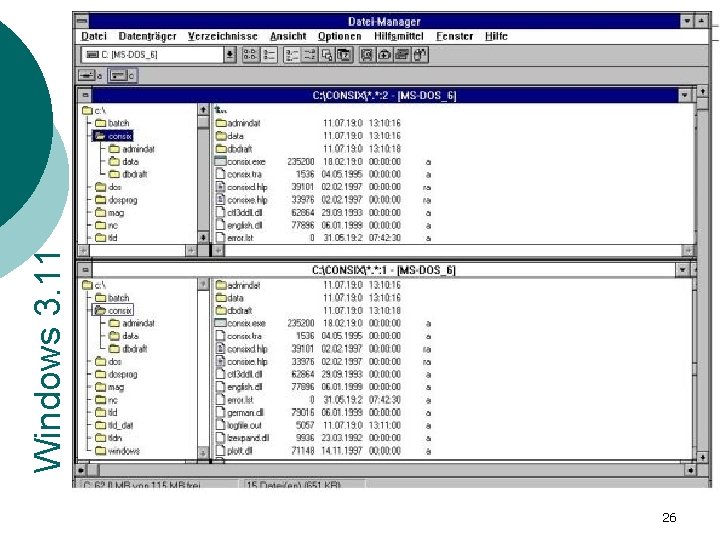
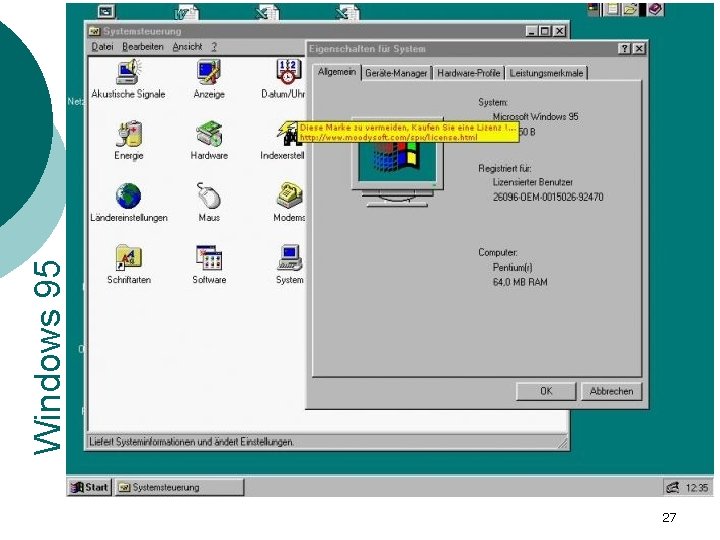
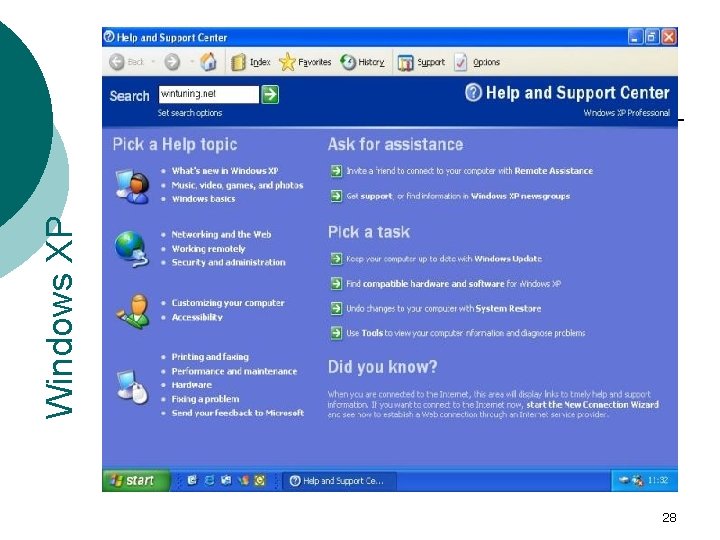
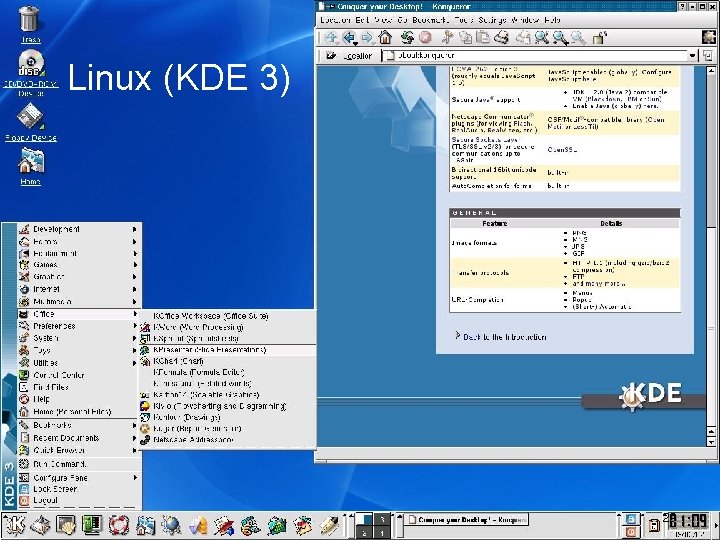
Major Desktop OS MS-DOS Windows 3. xx Windows 98 Windows 95 Windows NT Windows 2000 Windows CE IBM’s OS/2 Windows XP Macintosh Operating System Linux UNIX Java Operating System (Java. OS) 24
25
26 Windows 3. 11
27 Windows 95
28 Windows XP
Linux (KDE 3) 29
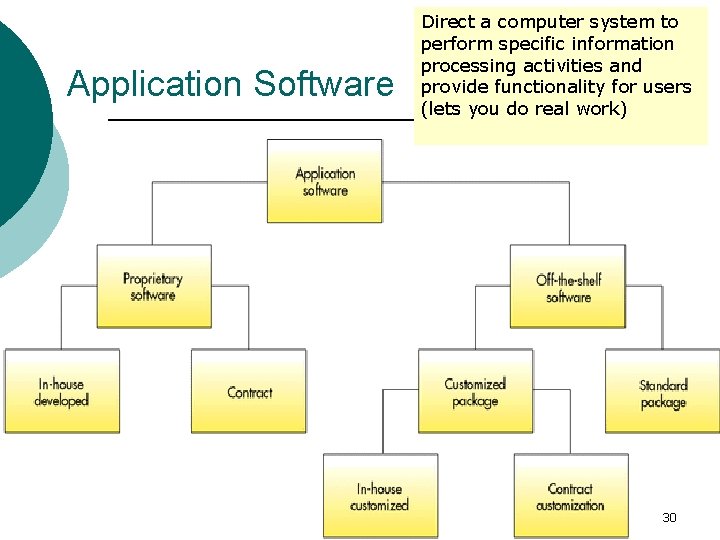
Application Software Direct a computer system to perform specific information processing activities and provide functionality for users (lets you do real work) 30
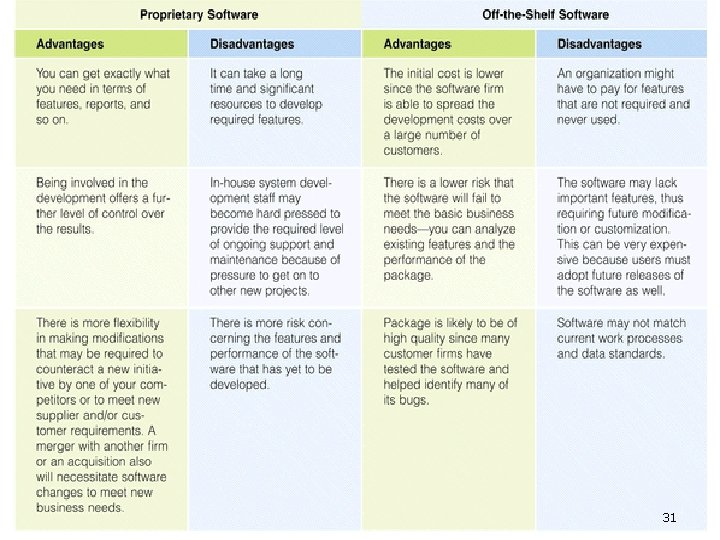
31
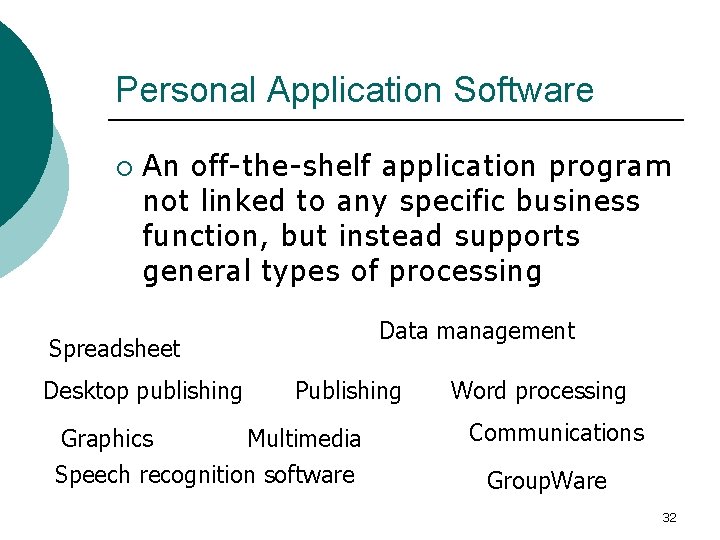
Personal Application Software ¡ An off-the-shelf application program not linked to any specific business function, but instead supports general types of processing Data management Spreadsheet Desktop publishing Graphics Publishing Multimedia Speech recognition software Word processing Communications Group. Ware 32
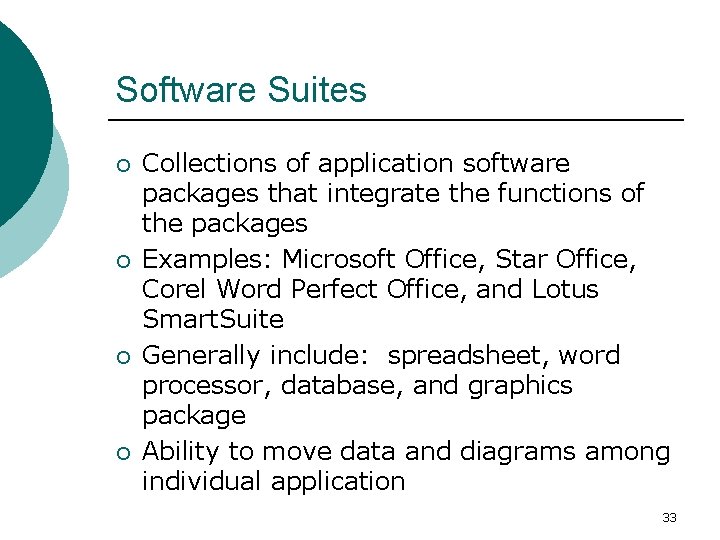
Software Suites ¡ ¡ Collections of application software packages that integrate the functions of the packages Examples: Microsoft Office, Star Office, Corel Word Perfect Office, and Lotus Smart. Suite Generally include: spreadsheet, word processor, database, and graphics package Ability to move data and diagrams among individual application 33
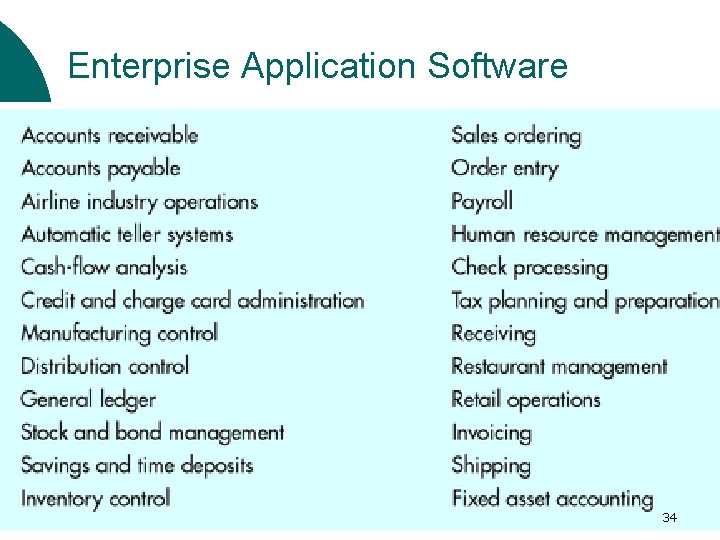
Enterprise Application Software 34
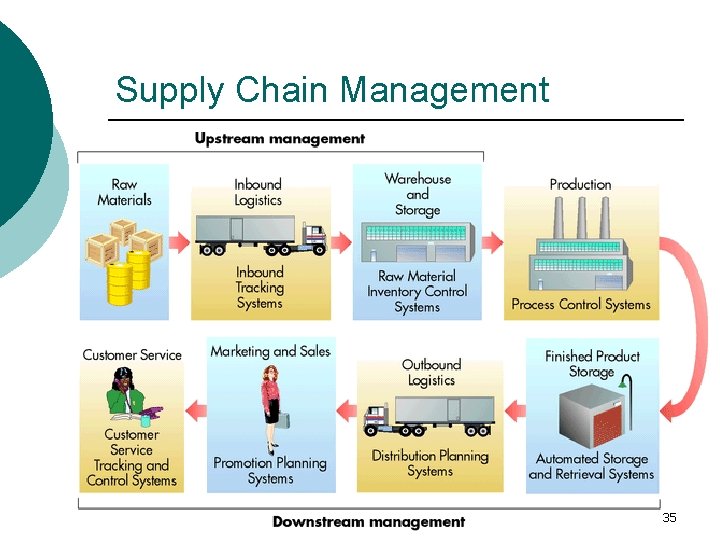
Supply Chain Management 35
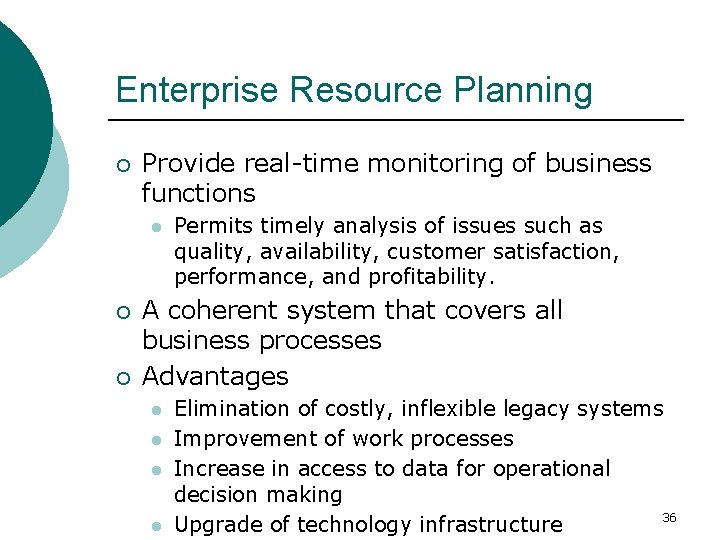
Enterprise Resource Planning ¡ Provide real-time monitoring of business functions l ¡ ¡ Permits timely analysis of issues such as quality, availability, customer satisfaction, performance, and profitability. A coherent system that covers all business processes Advantages l l Elimination of costly, inflexible legacy systems Improvement of work processes Increase in access to data for operational decision making 36 Upgrade of technology infrastructure
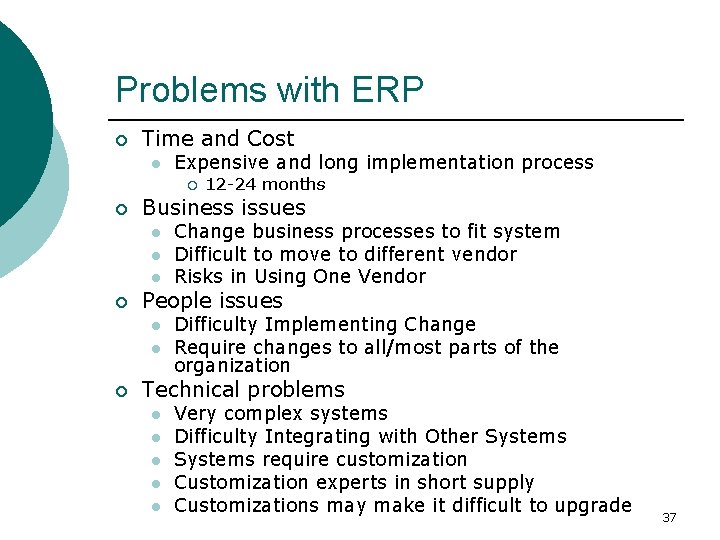
Problems with ERP ¡ Time and Cost l Expensive and long implementation process ¡ ¡ Business issues l l l ¡ Change business processes to fit system Difficult to move to different vendor Risks in Using One Vendor People issues l l ¡ 12 -24 months Difficulty Implementing Change Require changes to all/most parts of the organization Technical problems l l l Very complex systems Difficulty Integrating with Other Systems require customization Customization experts in short supply Customizations may make it difficult to upgrade 37
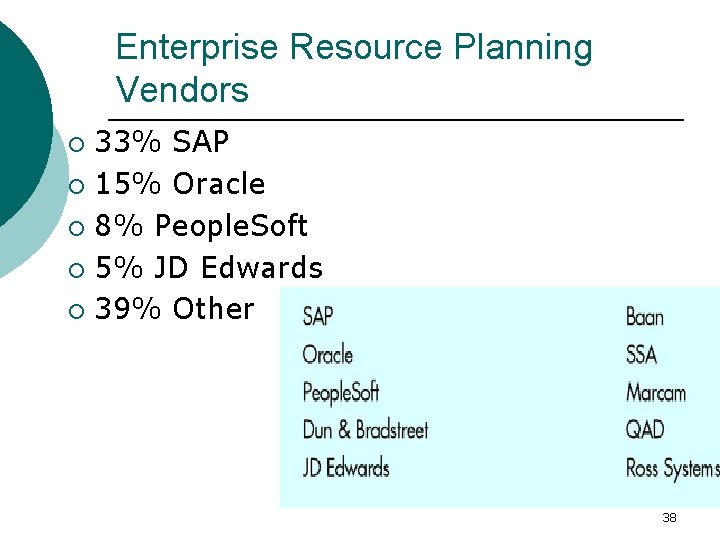
Enterprise Resource Planning Vendors 33% SAP ¡ 15% Oracle ¡ 8% People. Soft ¡ 5% JD Edwards ¡ 39% Other ¡ 38
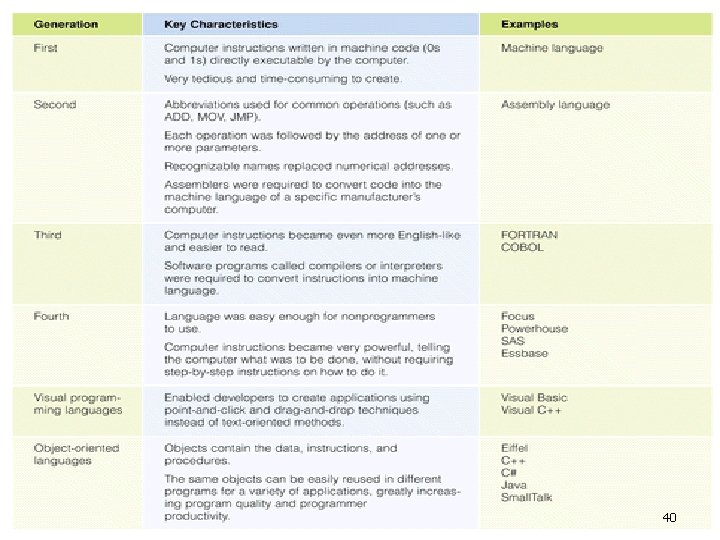
…. . Programming Languages …… Different languages for different purposes ¡ Tradeoff between easy to program (programmer-friendly) vs. Efficiency in execution (computer-friendly) ¡ 39
40
Coming up. . . ¡ Need more detail? l ¡ Today’s presentations l ¡ Go to www. howstuffworks. com and check out the Computer section. Team 1 and 2 Next week l l Lecture on Chapter 3: Databases Presentations from Team 3, 4, and 5 41