
Chapter 2 11 Program Validation Reliable System Reliable
Chapter 2. 11 Program Validation
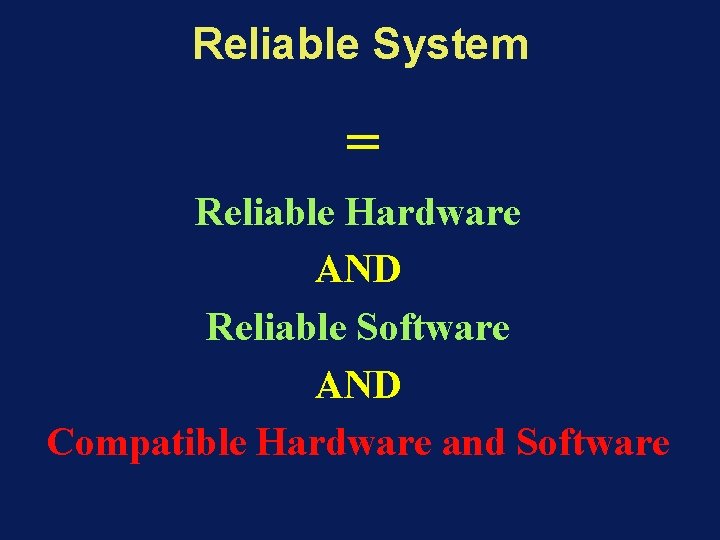
Reliable System = Reliable Hardware AND Reliable Software AND Compatible Hardware and Software
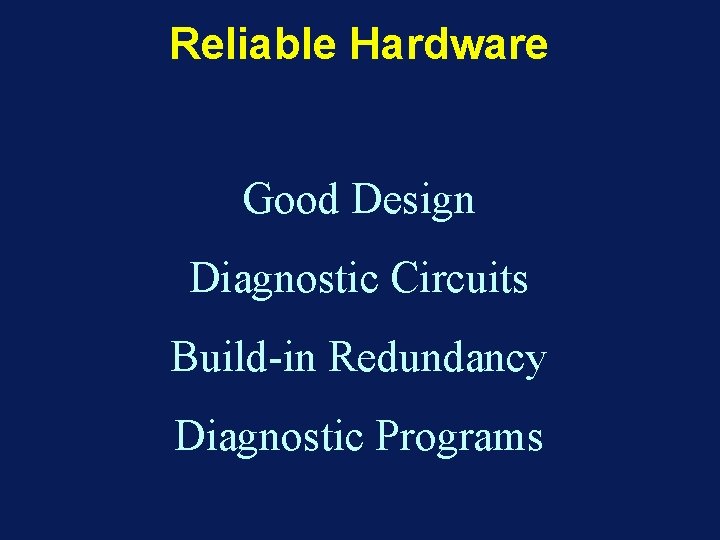
Reliable Hardware Good Design Diagnostic Circuits Build-in Redundancy Diagnostic Programs
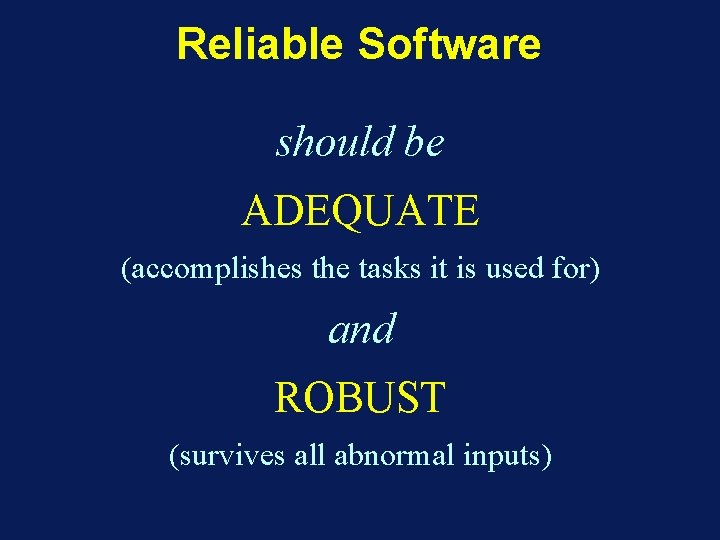
Reliable Software should be ADEQUATE (accomplishes the tasks it is used for) and ROBUST (survives all abnormal inputs)
Software Validation Before being used a program should be VALIDATED for ADEQUACY and ROBUSTNESS
Software Validation WARNING ! Validation can never improve the quality of software, it can only prevent the use of erroneous programs
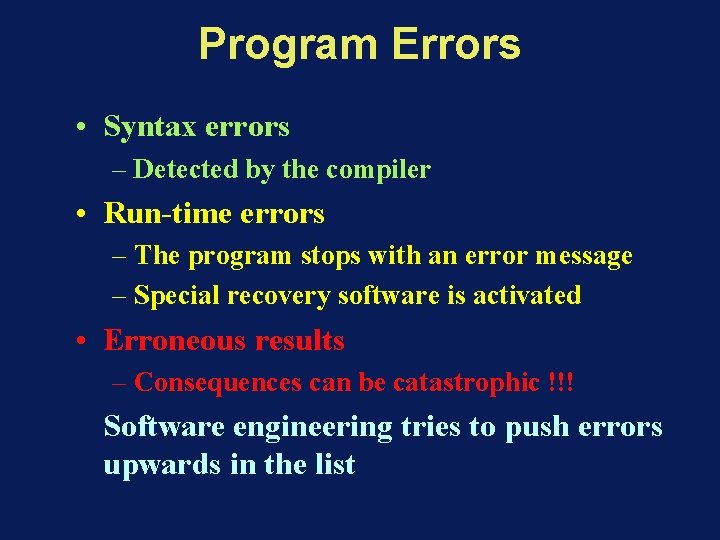
Program Errors • Syntax errors – Detected by the compiler • Run-time errors – The program stops with an error message – Special recovery software is activated • Erroneous results – Consequences can be catastrophic !!! Software engineering tries to push errors upwards in the list
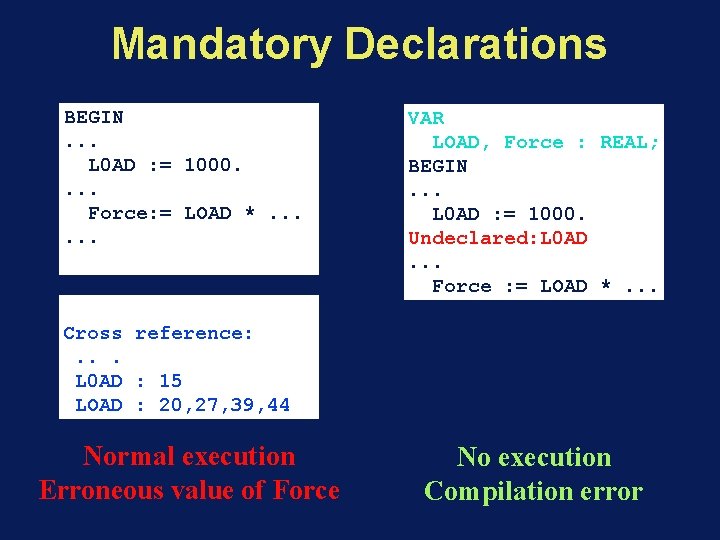
Mandatory Declarations BEGIN. . . L 0 AD : = 1000. . Force: = LOAD *. . . VAR LOAD, Force : REAL; BEGIN. . . L 0 AD : = 1000. Undeclared: L 0 AD. . . Force : = LOAD *. . . Cross reference: . . . L 0 AD : 15 LOAD : 20, 27, 39, 44 Normal execution Erroneous value of Force No execution Compilation error
Static vs. Dynamic Validation • Static validation: – based on the analysis of the program – source code required – could guarantee correctness • Dynamic validation (testing): – based on the execution of the program – only the object code is required – can only prove the presence of errors, never their absence
Bottom-up Validation • • Start with small building blocks Finish with the entire system Natural and intuitively attractive Major incompatibilities between building blocks discovered last • For dynamic validation: – Test programs required for each building block
Top-down Validation • • Start with the entire system, ignoring details. Finish with the small building blocks Somewhat counter-intuitive Major incompatibilities between building blocks discovered first • For dynamic validation: – Dummy substitutes for all building blocks have to be made for high-level tests.
Static Validation Techniques • Syntax checking by the compiler • Manual code checking – Desk checking – Walk through – Inspection • Data flow analysis • Correctness proofs
Static Validation Techniques • Syntax checking by the compiler • Manual code checking – Desk checking – Walk through – Inspection • Data flow analysis • Correctness proofs
Static Validation Techniques • Syntax checking by the compiler • Manual code checking – Desk checking – Walk through – Inspection • Data flow analysis • Correctness proofs
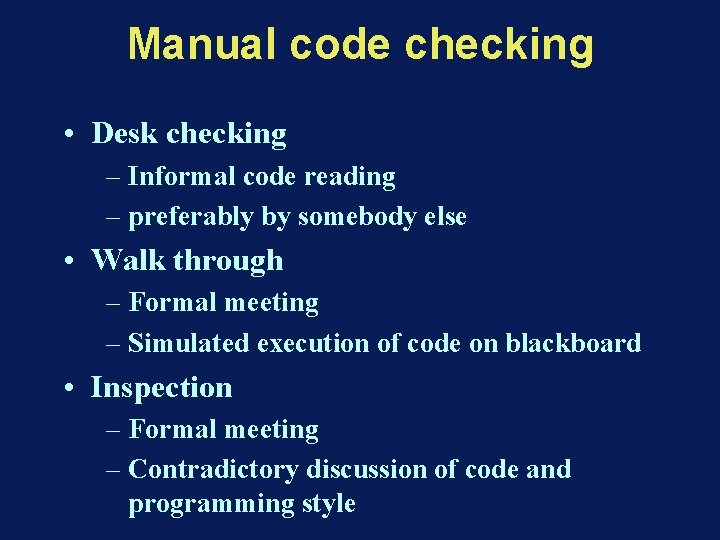
Manual code checking • Desk checking – Informal code reading – preferably by somebody else • Walk through – Formal meeting – Simulated execution of code on blackboard • Inspection – Formal meeting – Contradictory discussion of code and programming style
Static Validation Techniques • Syntax checking by the compiler • Manual code checking – Desk checking – Walk through – Inspection • Data flow analysis • Correctness proofs
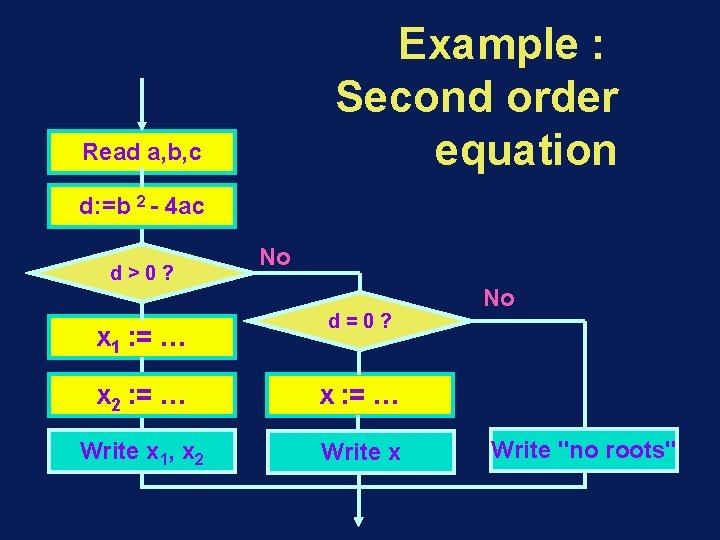
Example : Second order equation Read a, b, c d: =b 2 - 4 ac d>0? x 1 : = … No d=0? x 2 : = … x : = … Write x 1, x 2 Write x No Write "no roots"
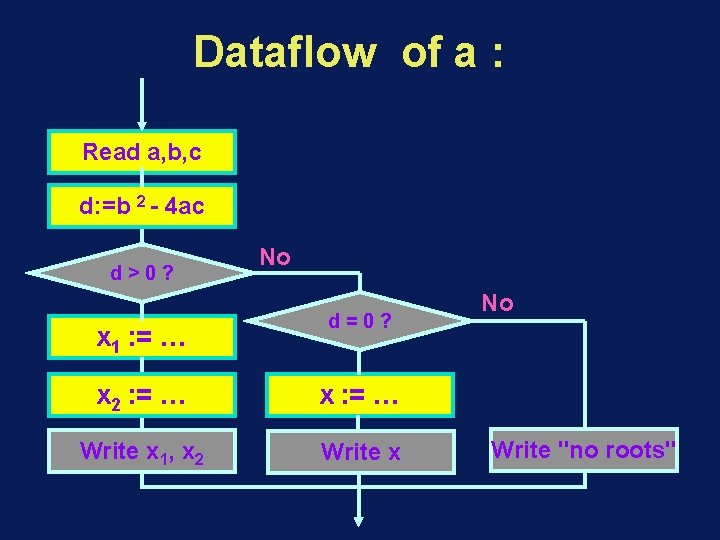
Dataflow of a : Read a, b, c d: =b 2 - 4 ac d>0? x 1 : = … No d=0? x 2 : = … x : = … Write x 1, x 2 Write x No Write "no roots"
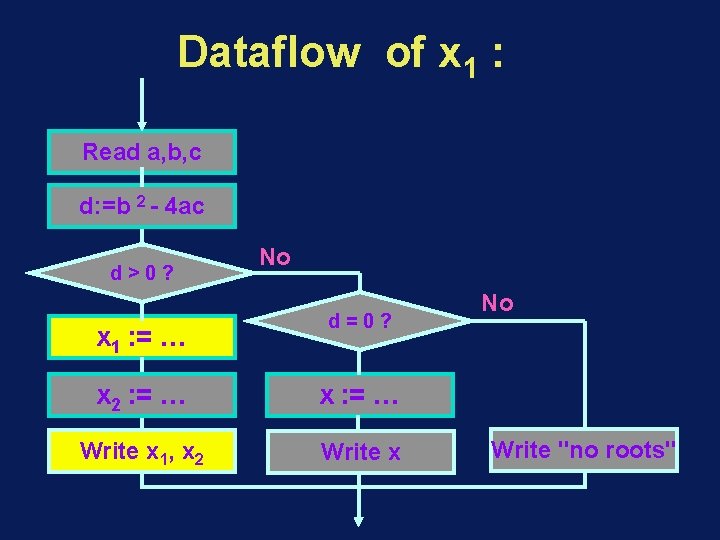
Dataflow of x 1 : Read a, b, c d: =b 2 - 4 ac d>0? x 1 : = … No d=0? x 2 : = … x : = … Write x 1, x 2 Write x No Write "no roots"
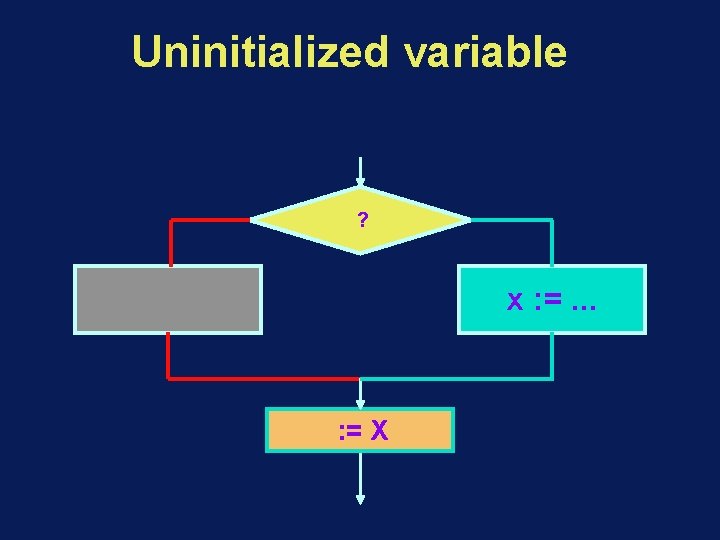
Uninitialized variable ? x : =. . . : = X
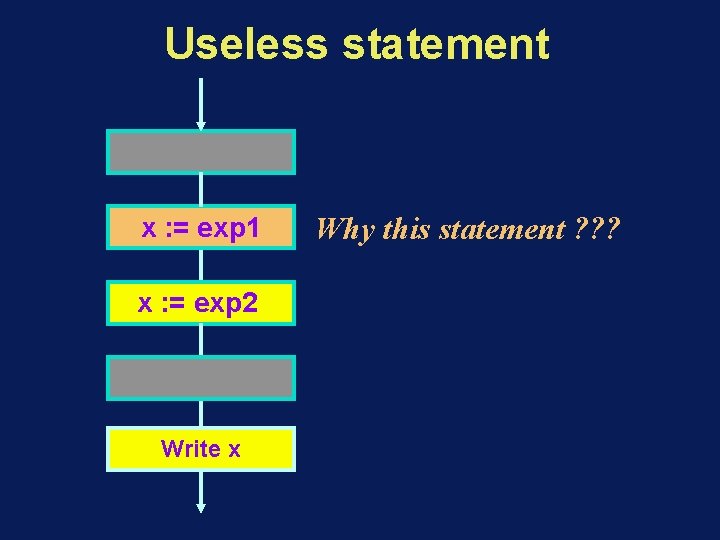
Useless statement x : = exp 1 x : = exp 2 Write x Why this statement ? ? ?
Static Validation Techniques • Syntax checking by the compiler • Manual code checking – Desk checking – Walk through – Inspection • Data flow analysis • Correctness proofs
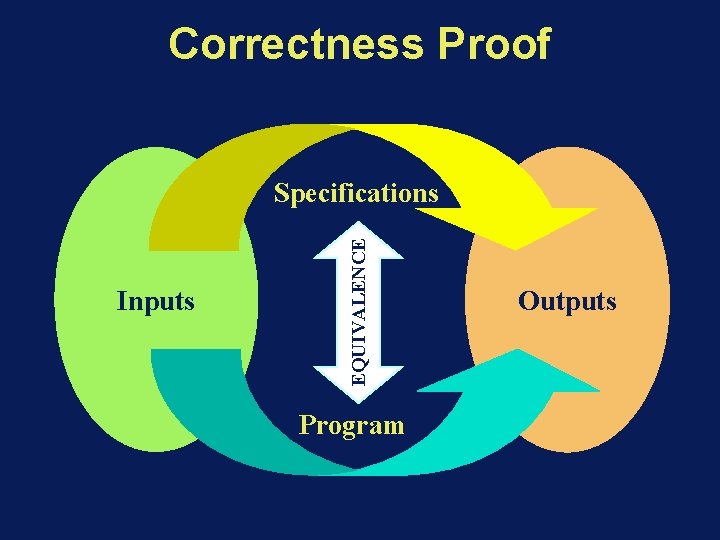
Correctness Proof Inputs EQUIVALENCE Specifications Program Outputs
Correctness Proof • Formal proofs can be long and complex – Impossible for large systems – Very error prone – Could be automated • Doesn't help with specification errors… • Useful for well specified, short, but complex, algorithms.
Dynamic Validation Techniques • Testing – No guarantee !!! – Black box vs. white box testing. – Test data • Debugging – The program state – Control flow breakpoints – Data flow breakpoints – Real time considerations
Dynamic Validation Techniques • Testing – No guarantee !!! – Black box vs. white box testing. – Test data • Debugging – The program state – Control flow breakpoints – Data flow breakpoints – Real time considerations
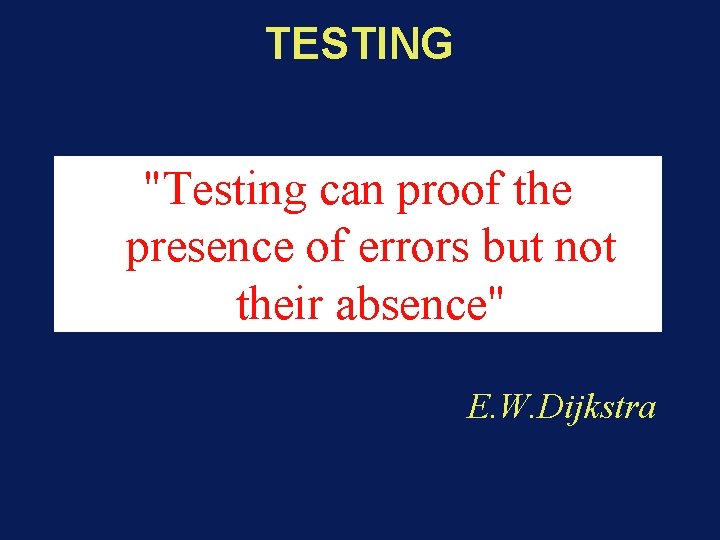
TESTING "Testing can proof the presence of errors but not their absence" E. W. Dijkstra
Dynamic Validation Techniques • Testing – No guarantee !!! – Black box vs. white box testing. – Test data • Debugging – The program state – Control flow breakpoints – Data flow breakpoints – Real time considerations
Dynamic Validation Techniques • Testing – No guarantee !!! – Black box vs. white box testing. – Test data • Debugging – The program state – Control flow breakpoints – Data flow breakpoints – Real time considerations
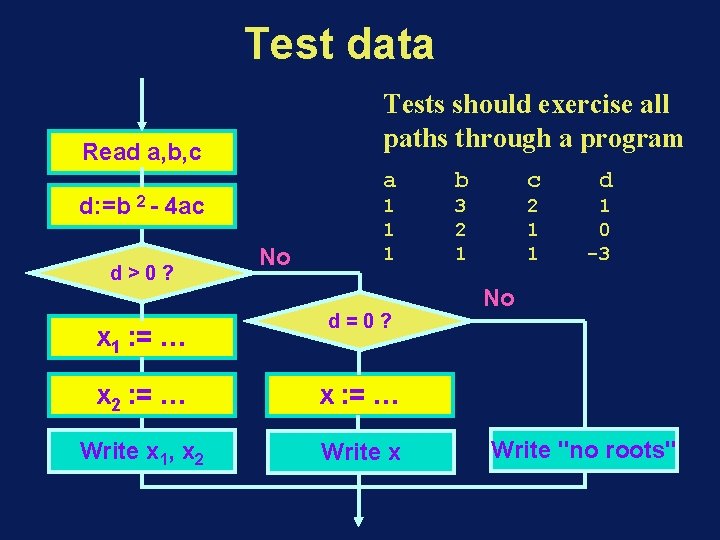
Test data Tests should exercise all paths through a program Read a, b, c d: =b 2 - 4 ac d>0? x 1 : = … No a b c d 1 1 1 3 2 1 1 1 0 -3 d=0? x 2 : = … x : = … Write x 1, x 2 Write x No Write "no roots"
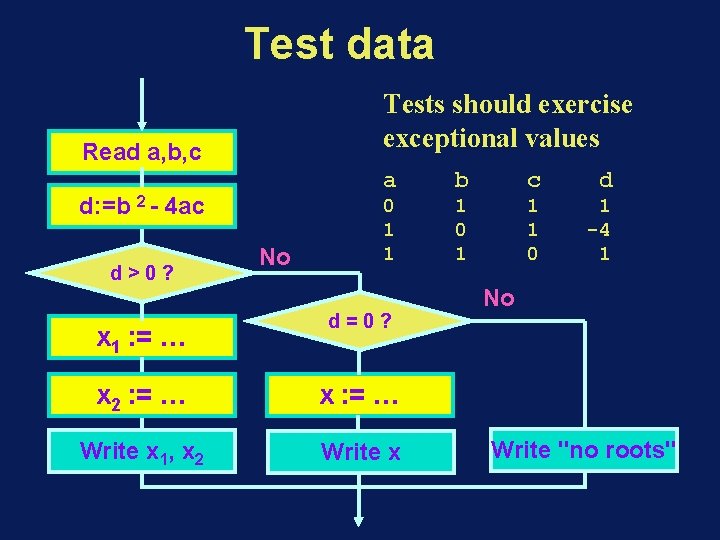
Test data Tests should exercise exceptional values Read a, b, c d: =b 2 - 4 ac d>0? x 1 : = … No a b c d 0 1 1 1 0 1 -4 1 d=0? x 2 : = … x : = … Write x 1, x 2 Write x No Write "no roots"
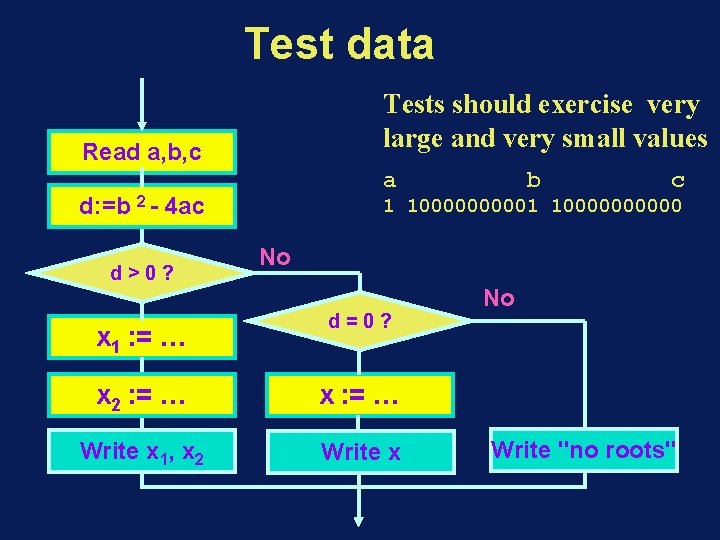
Test data Tests should exercise very large and very small values Read a, b, c a d: =b 2 - 4 ac d>0? x 1 : = … b c 1 10000000000 No d=0? x 2 : = … x : = … Write x 1, x 2 Write x No Write "no roots"
Dynamic Validation Techniques • Testing – No guarantee !!! – Black box vs. white box testing. – Test data • Debugging – The program state – Control flow breakpoints – Data flow breakpoints – Real time considerations
Dynamic Validation Techniques • Testing – No guarantee !!! – Black box vs. white box testing. – Test data • Debugging – The program state – Control flow breakpoints – Data flow breakpoints – Real time considerations
Dynamic Validation Techniques • Testing – No guarantee !!! – Black box vs. white box testing. – Test data • Debugging – The program state – Control flow breakpoints – Data flow breakpoints – Real time considerations
- Slides: 35