
Chapter 19 Netscape Navigator and Communicator Requirements for
- Slides: 21
Chapter 19 Netscape Navigator and Communicator 인공지능 연구실
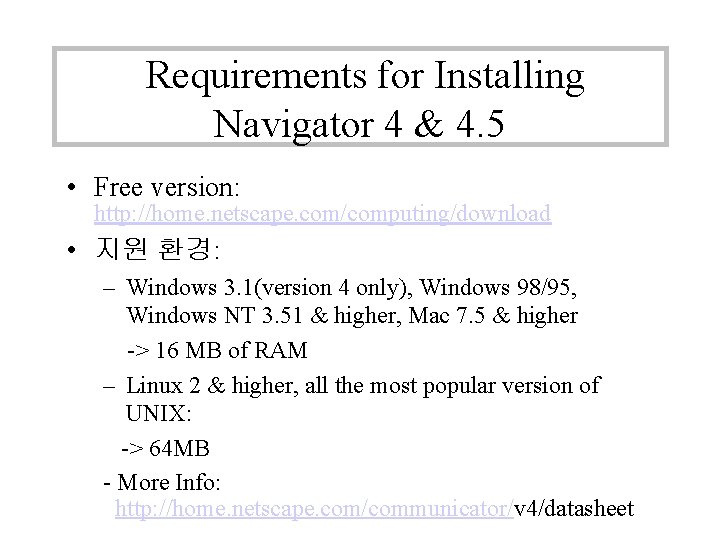
Requirements for Installing Navigator 4 & 4. 5 • Free version: http: //home. netscape. com/computing/download • 지원 환경: – Windows 3. 1(version 4 only), Windows 98/95, Windows NT 3. 51 & higher, Mac 7. 5 & higher -> 16 MB of RAM – Linux 2 & higher, all the most popular version of UNIX: -> 64 MB - More Info: http: //home. netscape. com/communicator/v 4/datasheet
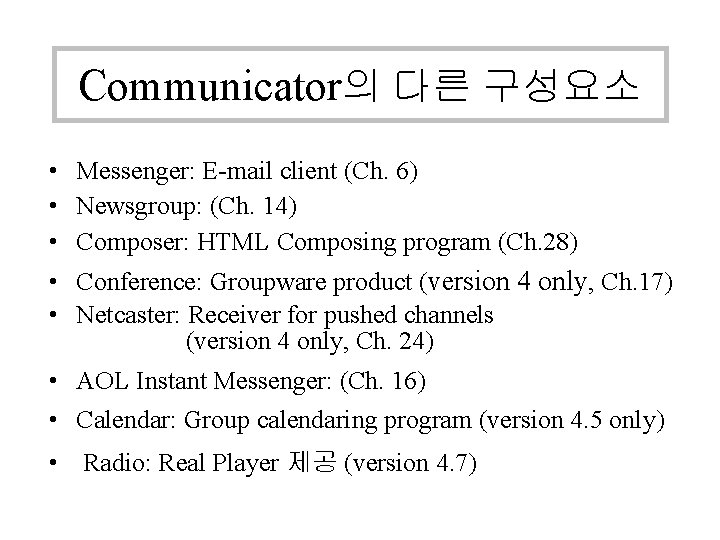
Communicator의 다른 구성요소 • Messenger: E-mail client (Ch. 6) • Newsgroup: (Ch. 14) • Composer: HTML Composing program (Ch. 28) • Conference: Groupware product (version 4 only, Ch. 17) • Netcaster: Receiver for pushed channels (version 4 only, Ch. 24) • AOL Instant Messenger: (Ch. 16) • Calendar: Group calendaring program (version 4. 5 only) • Radio: Real Player 제공 (version 4. 7)
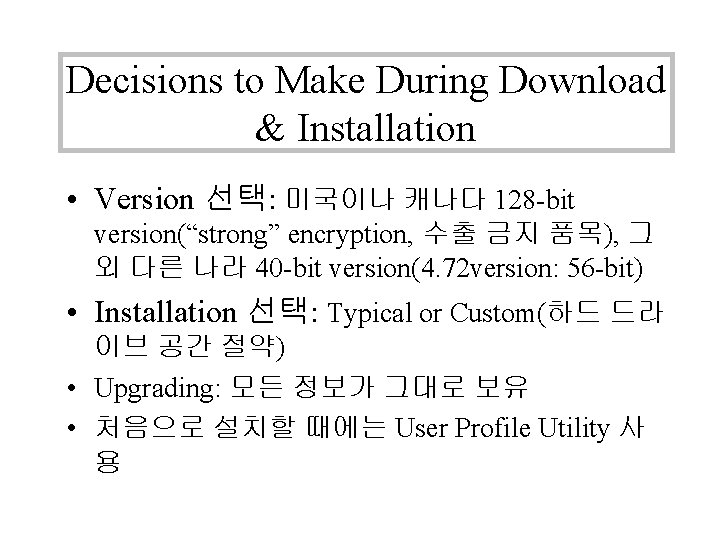
Decisions to Make During Download & Installation • Version 선택: 미국이나 캐나다 128 -bit version(“strong” encryption, 수출 금지 품목), 그 외 다른 나라 40 -bit version(4. 72 version: 56 -bit) • Installation 선택: Typical or Custom(하드 드라 이브 공간 절약) • Upgrading: 모든 정보가 그대로 보유 • 처음으로 설치할 때에는 User Profile Utility 사 용
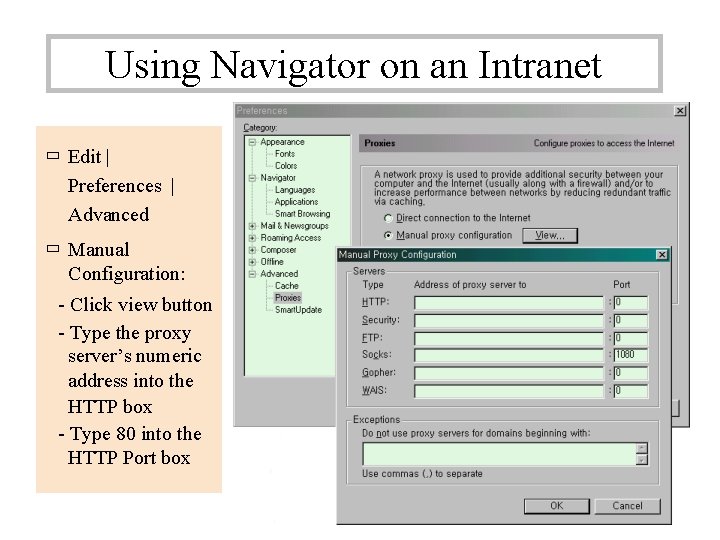
Using Navigator on an Intranet ㅁ Edit | Preferences | Advanced ㅁ Manual Configuration: - Click view button - Type the proxy server’s numeric address into the HTTP box - Type 80 into the HTTP Port box
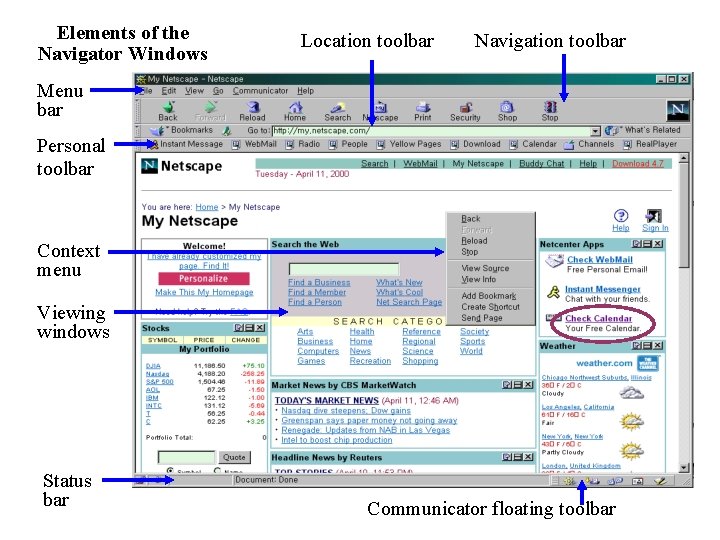
Elements of the Navigator Windows Location toolbar Navigation toolbar Menu bar Personal toolbar Context menu Viewing windows Status bar Communicator floating toolbar
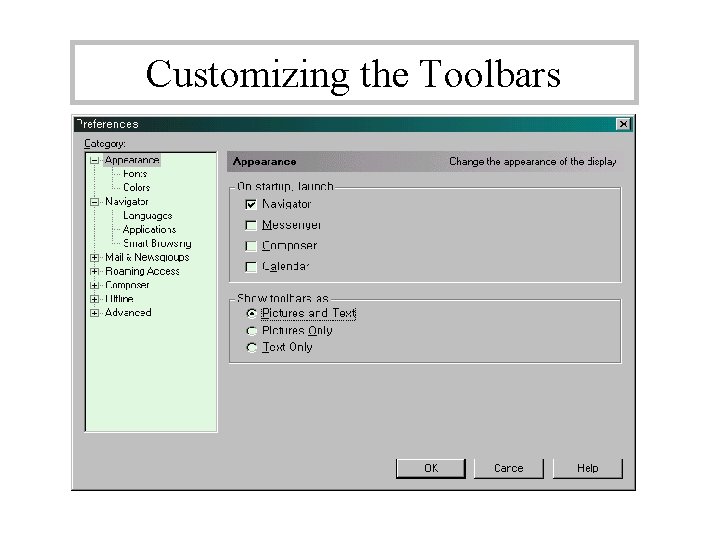
Customizing the Toolbars
Navigation Toolbar Buttons • Back, Forward, Reload, Home Search, Print, Stop • My Netscape: 개인 페이지 링크 등록(Ch. 25) http: //home. netscape. com/netcenter/personalize • Images(Mac only) • Security: Netscape security information screen을 보 여줌
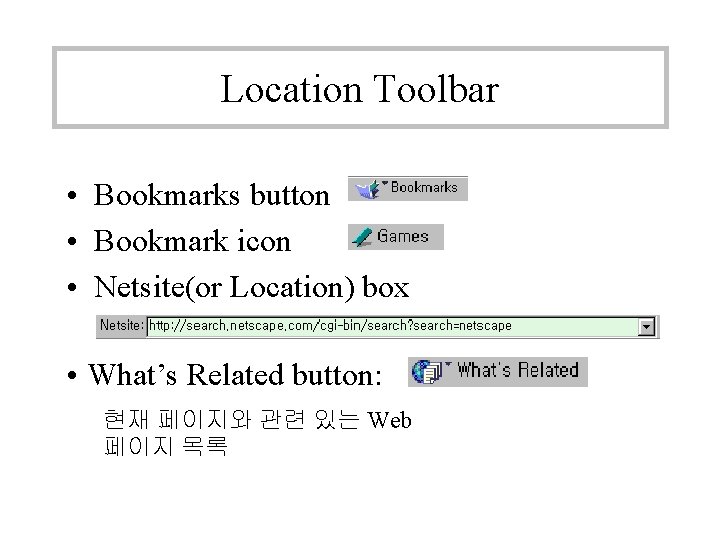
Location Toolbar • Bookmarks button • Bookmark icon • Netsite(or Location) box • What’s Related button: 현재 페이지와 관련 있는 Web 페이지 목록
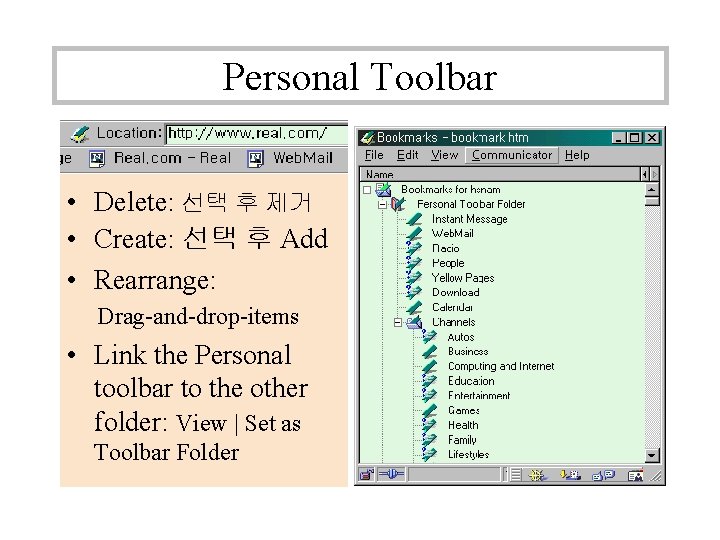
Personal Toolbar • Delete: 선택 후 제거 • Create: 선택 후 Add • Rearrange: Drag-and-drop-items • Link the Personal toolbar to the other folder: View | Set as Toolbar Folder
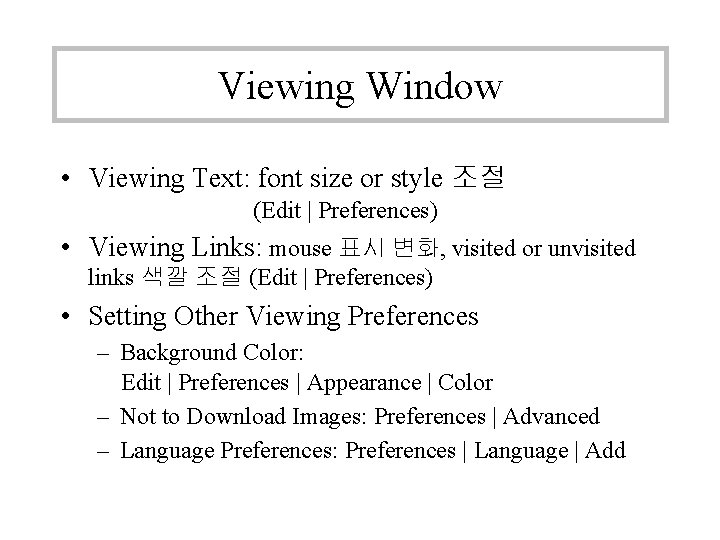
Viewing Window • Viewing Text: font size or style 조절 (Edit | Preferences) • Viewing Links: mouse 표시 변화, visited or unvisited links 색깔 조절 (Edit | Preferences) • Setting Other Viewing Preferences – Background Color: Edit | Preferences | Appearance | Color – Not to Download Images: Preferences | Advanced – Language Preferences: Preferences | Language | Add
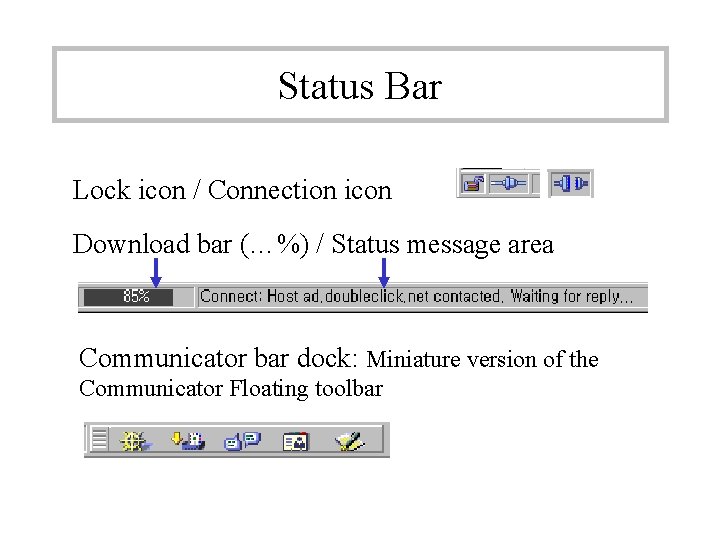
Status Bar Lock icon / Connection icon Download bar (…%) / Status message area Communicator bar dock: Miniature version of the Communicator Floating toolbar
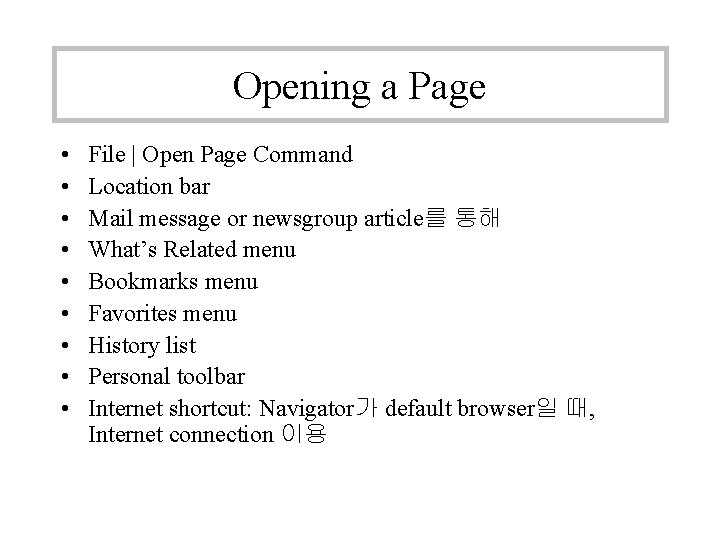
Opening a Page • • • File | Open Page Command Location bar Mail message or newsgroup article를 통해 What’s Related menu Bookmarks menu Favorites menu History list Personal toolbar Internet shortcut: Navigator가 default browser일 때, Internet connection 이용
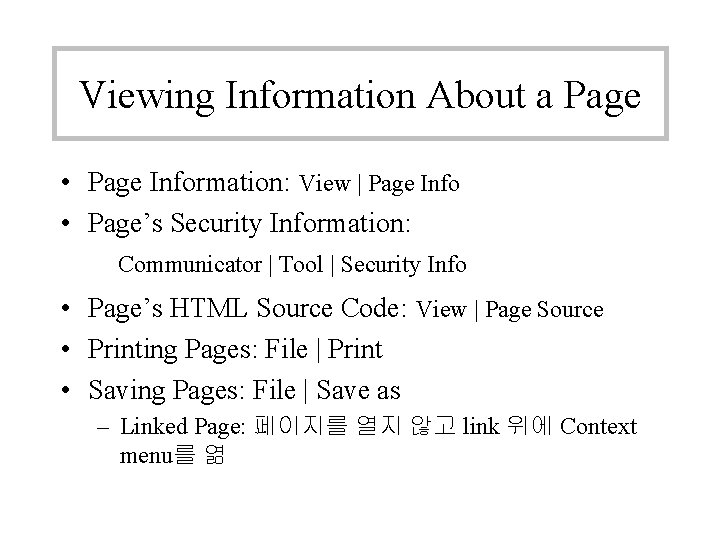
Viewing Information About a Page • Page Information: View | Page Info • Page’s Security Information: Communicator | Tool | Security Info • Page’s HTML Source Code: View | Page Source • Printing Pages: File | Print • Saving Pages: File | Save as – Linked Page: 페이지를 열지 않고 link 위에 Context menu를 엶
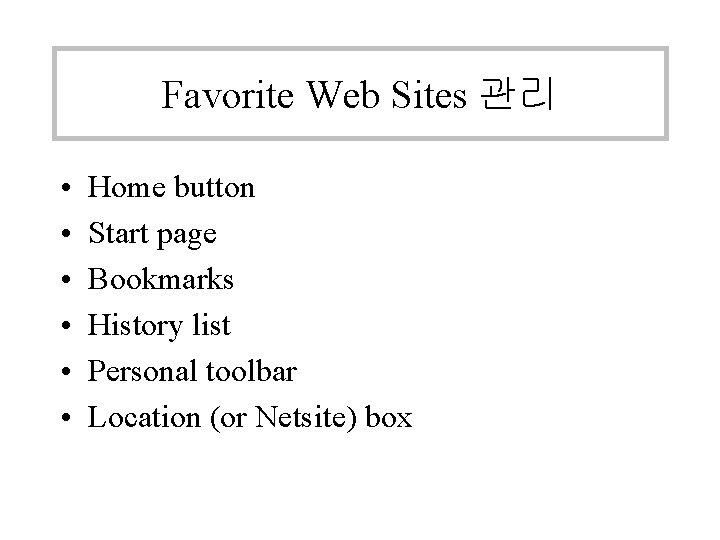
Favorite Web Sites 관리 • • • Home button Start page Bookmarks History list Personal toolbar Location (or Netsite) box
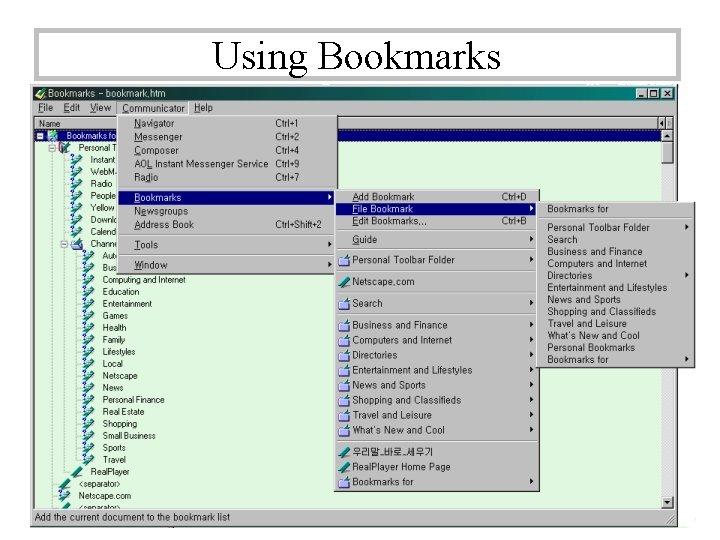
Using Bookmarks
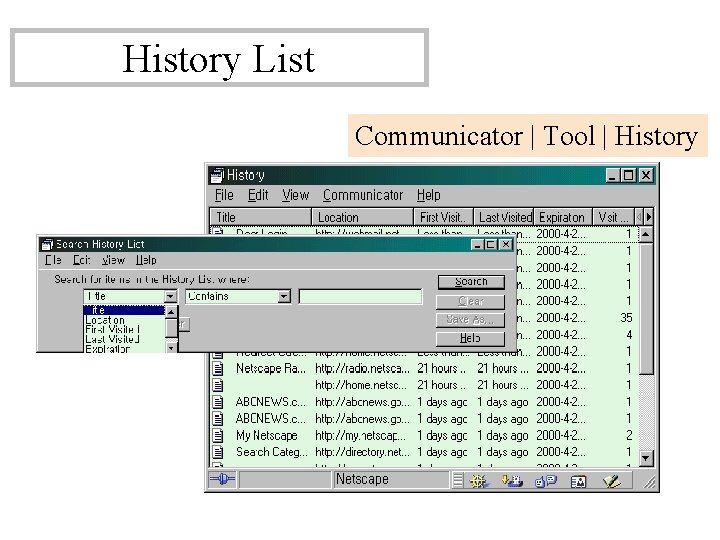
History List Communicator | Tool | History
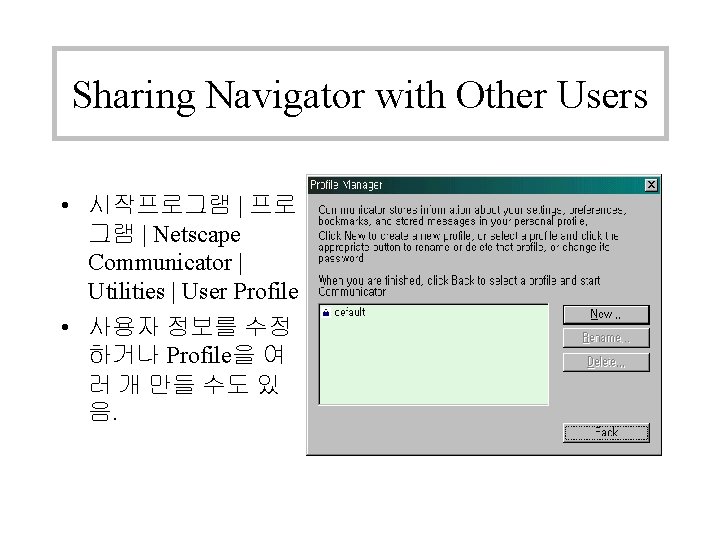
Sharing Navigator with Other Users • 시작프로그램 | 프로 그램 | Netscape Communicator | Utilities | User Profile • 사용자 정보를 수정 하거나 Profile을 여 러 개 만들 수도 있 음.
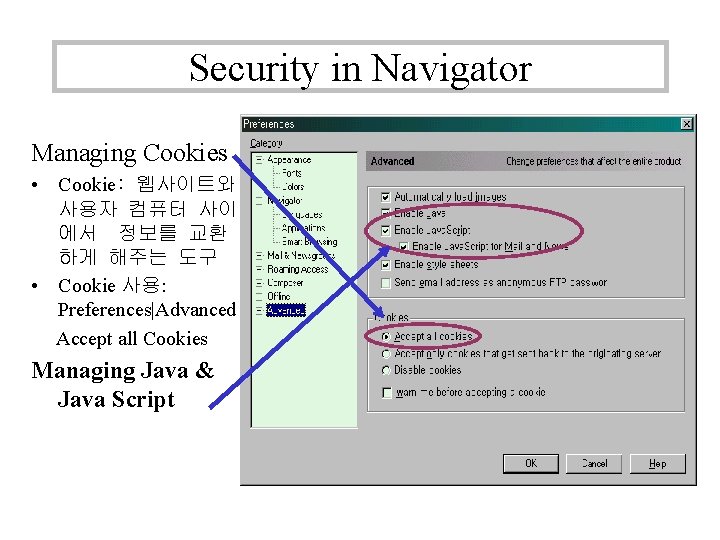
Security in Navigator Managing Cookies • Cookie: 웹사이트와 사용자 컴퓨터 사이 에서 정보를 교환 하게 해주는 도구 • Cookie 사용: Preferences|Advanced Accept all Cookies Managing Java & Java Script
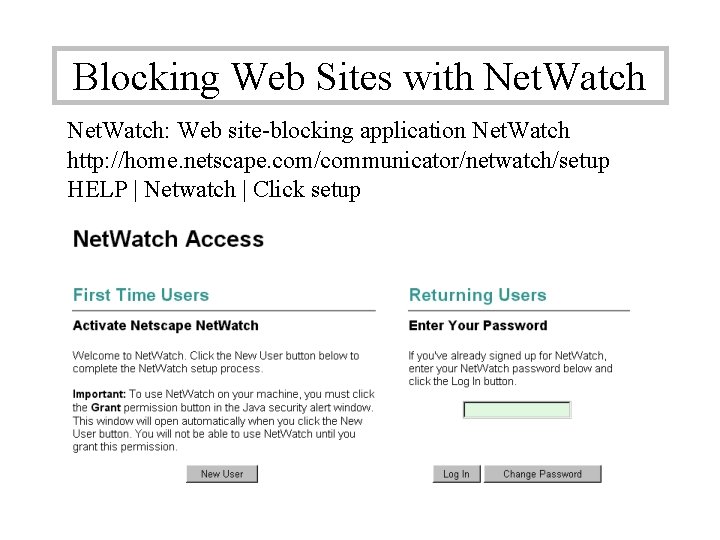
Blocking Web Sites with Net. Watch: Web site-blocking application Net. Watch http: //home. netscape. com/communicator/netwatch/setup HELP | Netwatch | Click setup
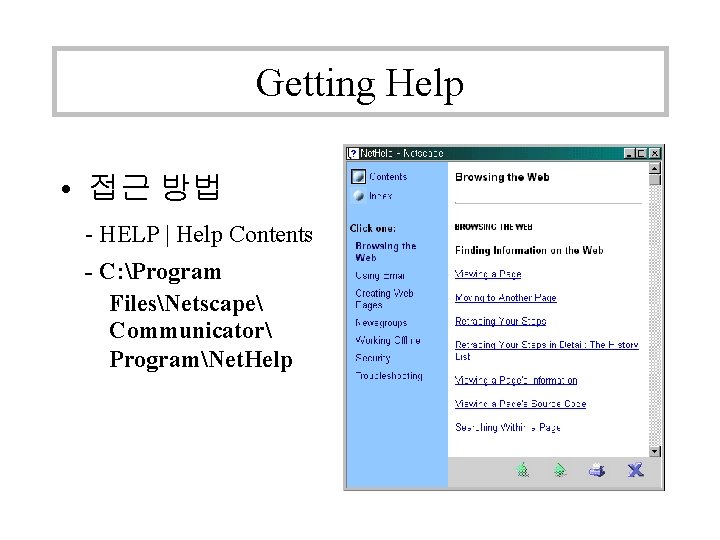
Getting Help • 접근 방법 - HELP | Help Contents - C: Program FilesNetscape Communicator ProgramNet. Help