
Chapter 18 Multimedia Images Animation Audio and Video
- Slides: 26
Chapter 18 – Multimedia: Images, Animation, Audio and Video Outline 18. 1 18. 2 18. 3 18. 4 18. 5 18. 6 18. 7 Introduction Loading, Displaying and Scaling Images Animating a Series of Images Customizing Logo. Animator via Applet Parameters Image Maps Loading and Playing Audio Clips Internet and World Wide Web Resources 2002 Prentice Hall, Inc. All rights reserved.
18. 1 Introduction • Multimedia – Use of sound, image, graphics and video – Makes applications “come alive” 2002 Prentice Hall, Inc. All rights reserved.
18. 1 Introduction (cont. ) • This chapter focuses on – – – Image-manipulation basics Creating smooth animations Customizing animation applets Playing audio files (via Audio. Clip interface) Creating image maps 2002 Prentice Hall, Inc. All rights reserved.
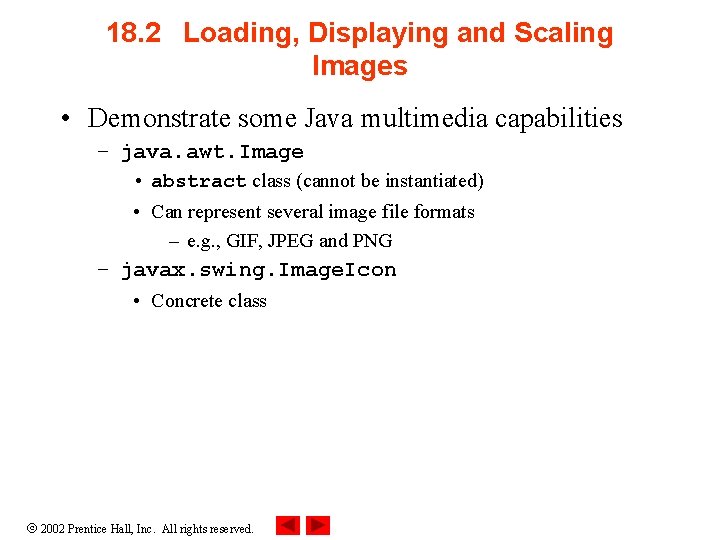
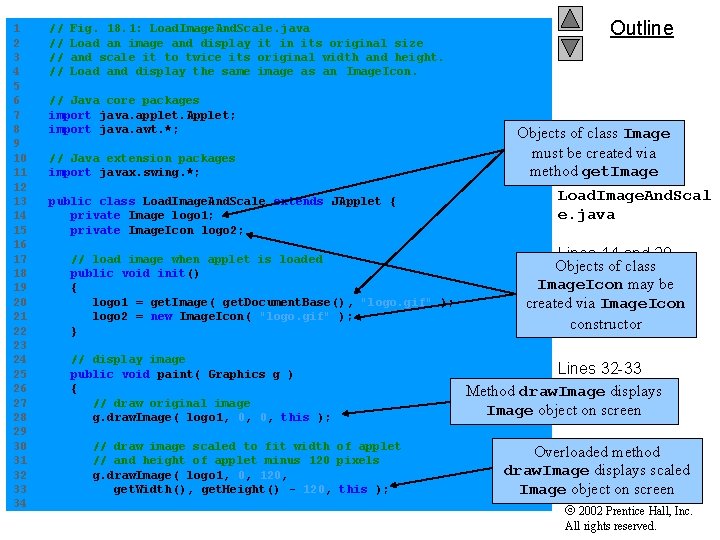
18. 2 Loading, Displaying and Scaling Images • Demonstrate some Java multimedia capabilities – java. awt. Image • abstract class (cannot be instantiated) • Can represent several image file formats – e. g. , GIF, JPEG and PNG – javax. swing. Image. Icon • Concrete class 2002 Prentice Hall, Inc. All rights reserved.
1 2 3 4 5 6 7 8 9 10 11 12 13 14 15 16 17 18 19 20 21 22 23 24 25 26 27 28 29 30 31 32 33 34 // // Fig. 18. 1: Load. Image. And. Scale. java Load an image and display it in its original size and scale it to twice its original width and height. Load and display the same image as an Image. Icon. // Java core packages import java. applet. Applet; import java. awt. *; // Java extension packages import javax. swing. *; public class Load. Image. And. Scale extends JApplet { private Image logo 1; private Image. Icon logo 2; // load image when applet is loaded public void init() { logo 1 = get. Image( get. Document. Base(), "logo. gif" ); logo 2 = new Image. Icon( "logo. gif" ); } // display image public void paint( Graphics g ) { // draw original image g. draw. Image( logo 1, 0, 0, this ); // draw image scaled to fit width of applet // and height of applet minus 120 pixels g. draw. Image( logo 1, 0, 120, get. Width(), get. Height() - 120, this ); Outline Objects of class Image must be created via method get. Image Load. Image. And. Scal e. java Lines 14 and 20 Objects of class Image. Icon may be Lines 15 and 21 created via Image. Icon constructor Line 28 Lines 32 -33 Method draw. Image displays Image object on screen Overloaded method draw. Image displays scaled Image object on screen 2002 Prentice Hall, Inc. All rights reserved.
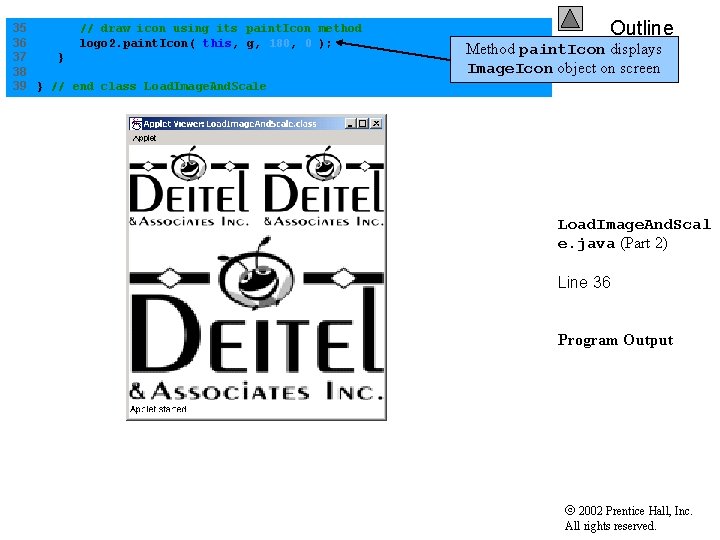
35 // draw icon using its paint. Icon method 36 logo 2. paint. Icon( this, g, 180, 0 ); 37 } 38 39 } // end class Load. Image. And. Scale Outline Method paint. Icon displays Image. Icon object on screen Load. Image. And. Scal e. java (Part 2) Line 36 Program Output 2002 Prentice Hall, Inc. All rights reserved.
18. 3 Animating a Series of Images • Demonstrate animating series of images – Images are stored in array 2002 Prentice Hall, Inc. All rights reserved.
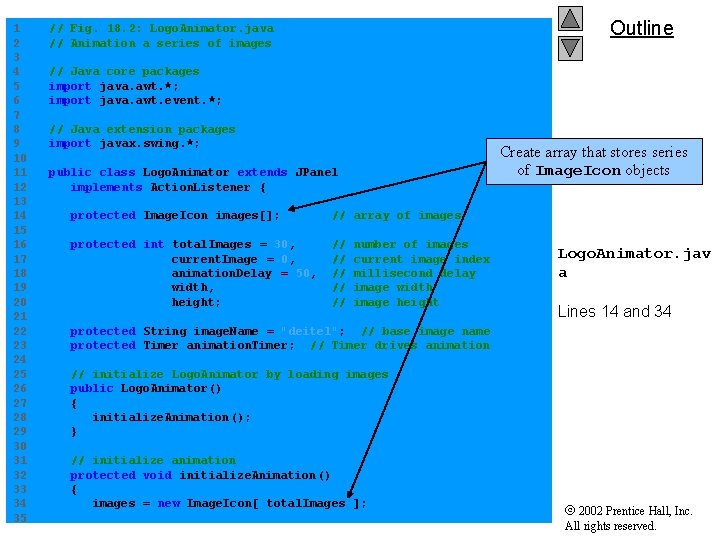
1 2 3 4 5 6 7 8 9 10 11 12 13 14 15 16 17 18 19 20 21 22 23 24 25 26 27 28 29 30 31 32 33 34 35 Outline // Fig. 18. 2: Logo. Animator. java // Animation a series of images // Java core packages import java. awt. *; import java. awt. event. *; // Java extension packages import javax. swing. *; Create array that stores series of Image. Icon objects public class Logo. Animator extends JPanel implements Action. Listener { protected Image. Icon images[]; // array of images protected int total. Images = 30, current. Image = 0, animation. Delay = 50, width, height; // // // number of images current image index millisecond delay image width image height Logo. Animator. jav a Lines 14 and 34 protected String image. Name = "deitel"; // base image name protected Timer animation. Timer; // Timer drives animation // initialize Logo. Animator by loading images public Logo. Animator() { initialize. Animation (); } // initialize animation protected void initialize. Animation() { images = new Image. Icon[ total. Images ]; 2002 Prentice Hall, Inc. All rights reserved.
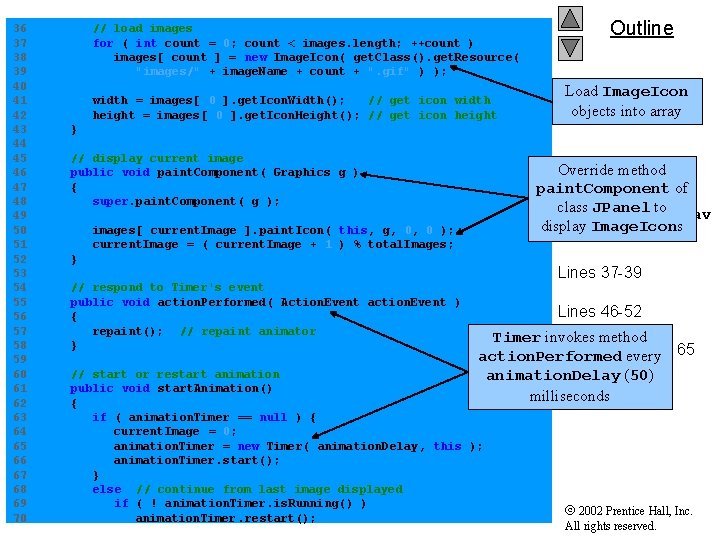
36 37 38 39 40 41 42 43 44 45 46 47 48 49 50 51 52 53 54 55 56 57 58 59 60 61 62 63 64 65 66 67 68 69 70 // load images for ( int count = 0; count < images. length; ++count ) images[ count ] = new Image. Icon( get. Class(). get. Resource( "images/" + image. Name + count + ". gif" ) ); width = images[ 0 ]. get. Icon. Width(); // get icon width height = images[ 0 ]. get. Icon. Height(); // get icon height Outline Load Image. Icon objects into array } // display current image public void paint. Component( Graphics g ) { super. paint. Component( g ); Override method paint. Component of class JPanel to Logo. Animator. jav display Image. Icons a (Part 2) images[ current. Image ]. paint. Icon( this, g, 0, 0 ); current. Image = ( current. Image + 1 ) % total. Images; } // respond to Timer's event public void action. Performed( Action. Event action. Event ) { repaint(); // repaint animator } Lines 37 -39 Lines 46 -52 Timer invokes method Lines 55 -58 and 65 action. Performed every animation. Delay (50) milliseconds // start or restart animation public void start. Animation() { if ( animation. Timer == null ) { current. Image = 0; animation. Timer = new Timer( animation. Delay, this ); animation. Timer. start(); } else // continue from last image displayed if ( ! animation. Timer. is. Running() ) animation. Timer. restart(); 2002 Prentice Hall, Inc. All rights reserved.
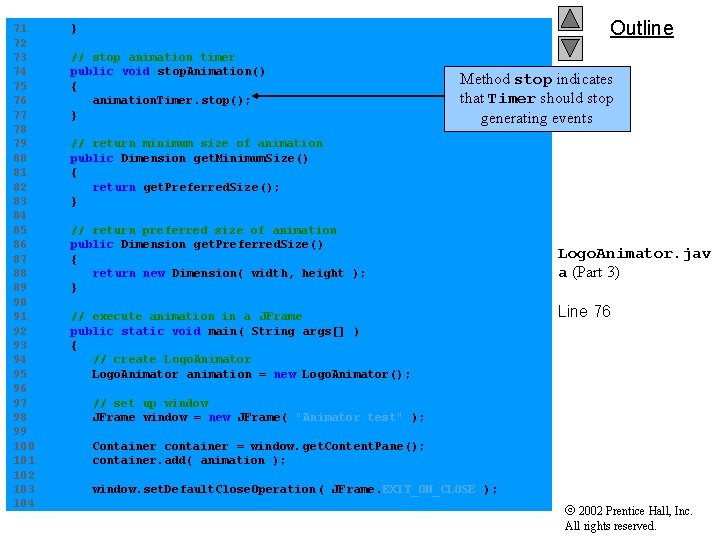
71 72 73 74 75 76 77 78 79 80 81 82 83 84 85 86 87 88 89 90 91 92 93 94 95 96 97 98 99 100 101 102 103 104 Outline } // stop animation timer public void stop. Animation() { animation. Timer. stop(); } Method stop indicates that Timer should stop generating events // return minimum size of animation public Dimension get. Minimum. Size() { return get. Preferred. Size(); } // return preferred size of animation public Dimension get. Preferred. Size() { return new Dimension( width, height ); } // execute animation in a JFrame public static void main( String args[] ) { // create Logo. Animator animation = new Logo. Animator(); Logo. Animator. jav a (Part 3) Line 76 // set up window JFrame window = new JFrame( "Animator test" ); Container container = window. get. Content. Pane(); container. add( animation ); window. set. Default. Close. Operation ( JFrame. EXIT_ON_CLOSE ); 2002 Prentice Hall, Inc. All rights reserved.
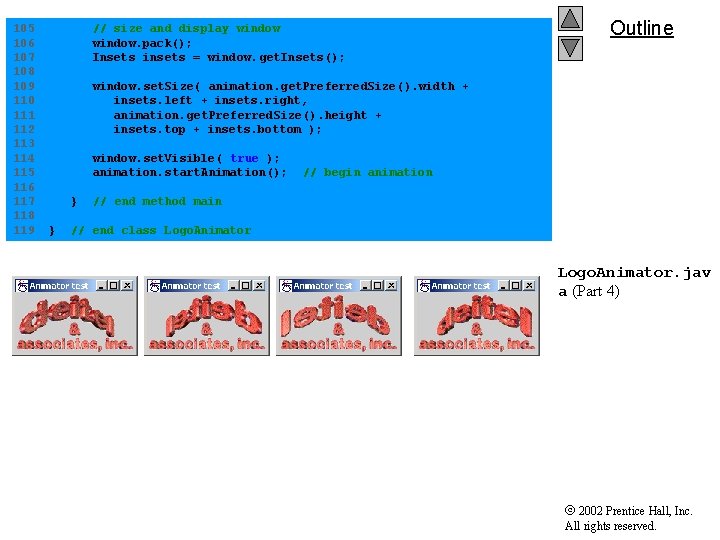
105 106 107 108 109 110 111 112 113 114 115 116 117 118 119 // size and display window. pack(); Insets insets = window. get. Insets(); Outline window. set. Size( animation. get. Preferred. Size(). width + insets. left + insets. right, animation. get. Preferred. Size(). height + insets. top + insets. bottom ); window. set. Visible( true ); animation. start. Animation(); } } // begin animation // end method main // end class Logo. Animator. jav a (Part 4) 2002 Prentice Hall, Inc. All rights reserved.
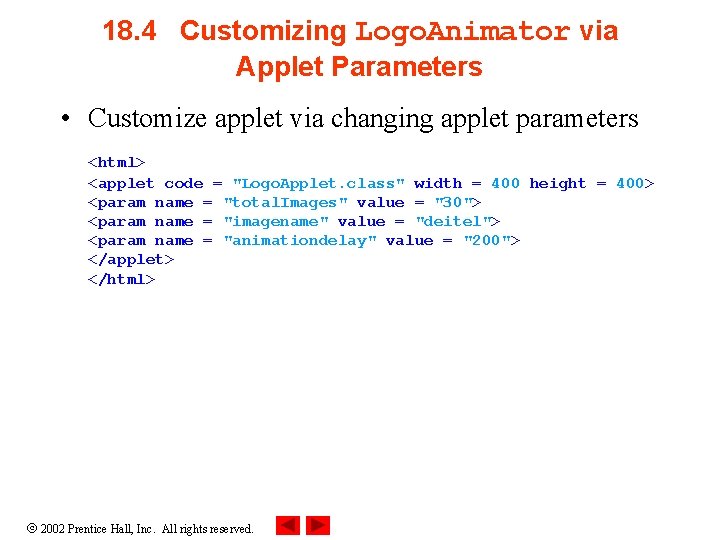
18. 4 Customizing Logo. Animator via Applet Parameters • Customize applet via changing applet parameters <html> <applet code = "Logo. Applet. class" width = 400 height = 400> <param name = "total. Images" value = "30"> <param name = "imagename" value = "deitel"> <param name = "animationdelay" value = "200"> </applet> </html> 2002 Prentice Hall, Inc. All rights reserved.
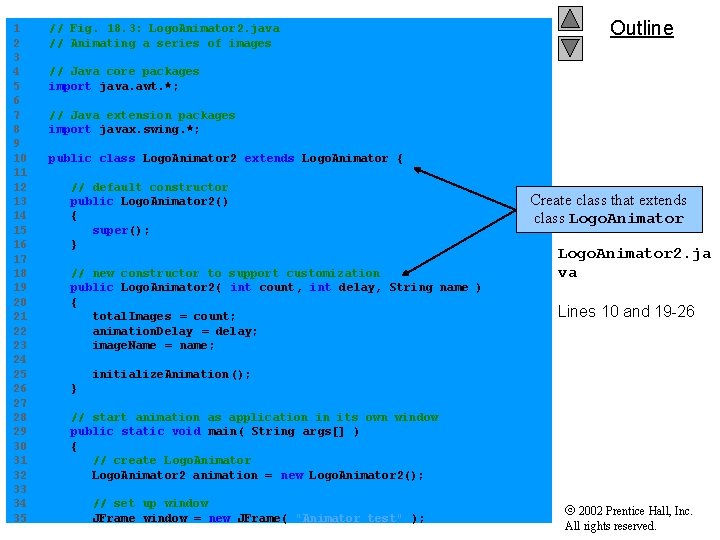
1 2 3 4 5 6 7 8 9 10 11 12 13 14 15 16 17 18 19 20 21 22 23 24 25 26 27 28 29 30 31 32 33 34 35 // Fig. 18. 3: Logo. Animator 2. java // Animating a series of images Outline // Java core packages import java. awt. *; // Java extension packages import javax. swing. *; public class Logo. Animator 2 extends Logo. Animator { // default constructor public Logo. Animator 2() { super(); } // new constructor to support customization public Logo. Animator 2( int count, int delay, String name ) { total. Images = count; animation. Delay = delay; image. Name = name; Create class that extends class Logo. Animator 2. ja va Lines 10 and 19 -26 initialize. Animation (); } // start animation as application in its own window public static void main( String args[] ) { // create Logo. Animator 2 animation = new Logo. Animator 2(); // set up window JFrame window = new JFrame( "Animator test" ); 2002 Prentice Hall, Inc. All rights reserved.
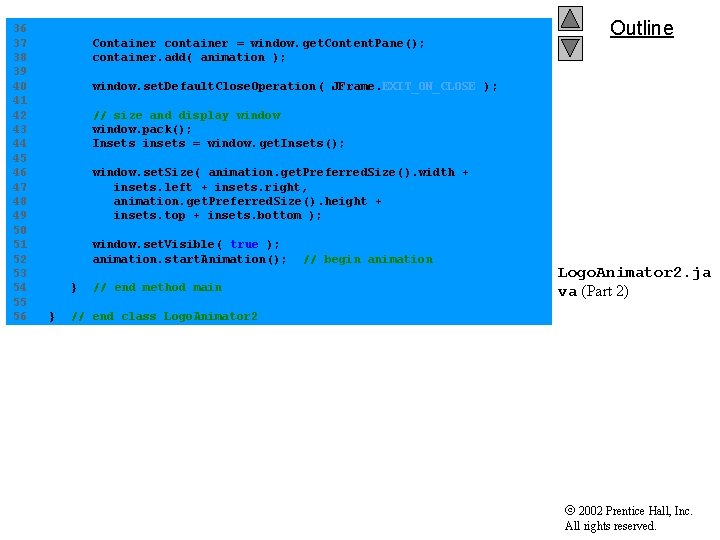
36 37 38 39 40 41 42 43 44 45 46 47 48 49 50 51 52 53 54 55 56 Container container = window. get. Content. Pane(); container. add( animation ); Outline window. set. Default. Close. Operation ( JFrame. EXIT_ON_CLOSE ); // size and display window. pack(); Insets insets = window. get. Insets(); window. set. Size( animation. get. Preferred. Size(). width + insets. left + insets. right, animation. get. Preferred. Size(). height + insets. top + insets. bottom ); window. set. Visible( true ); animation. start. Animation(); } } // end method main // begin animation Logo. Animator 2. ja va (Part 2) // end class Logo. Animator 2 2002 Prentice Hall, Inc. All rights reserved.
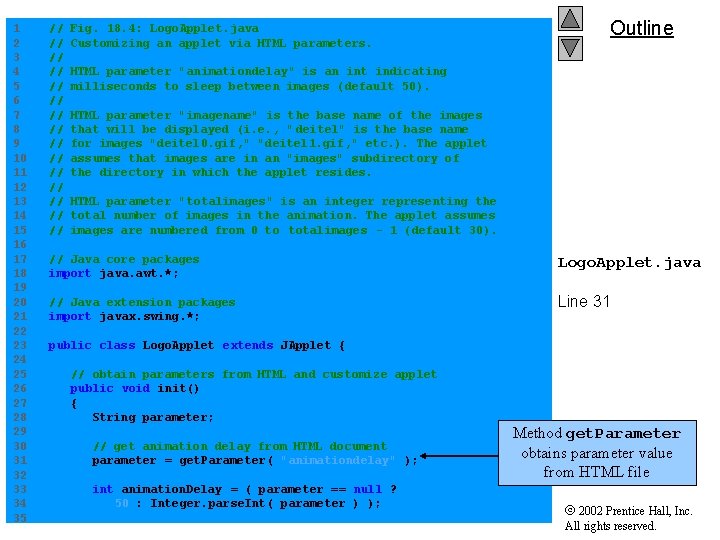
1 2 3 4 5 6 7 8 9 10 11 12 13 14 15 16 17 18 19 20 21 22 23 24 25 26 27 28 29 30 31 32 33 34 35 // // // // Fig. 18. 4: Logo. Applet. java Customizing an applet via HTML parameters. Outline HTML parameter "animationdelay" is an int indicating milliseconds to sleep between images (default 50). HTML parameter "imagename" is the base name of the images that will be displayed (i. e. , " deitel" is the base name for images "deitel 0. gif, " "deitel 1. gif, " etc. ). The applet assumes that images are in an "images" subdirectory of the directory in which the applet resides. HTML parameter "totalimages" is an integer representing the total number of images in the animation. The applet assumes images are numbered from 0 to totalimages - 1 (default 30). // Java core packages import java. awt. *; Logo. Applet. java // Java extension packages import javax. swing. *; Line 31 public class Logo. Applet extends JApplet { // obtain parameters from HTML and customize applet public void init() { String parameter; // get animation delay from HTML document parameter = get. Parameter( "animationdelay" ); int animation. Delay = ( parameter == null ? 50 : Integer. parse. Int( parameter ) ); Method get. Parameter obtains parameter value from HTML file 2002 Prentice Hall, Inc. All rights reserved.
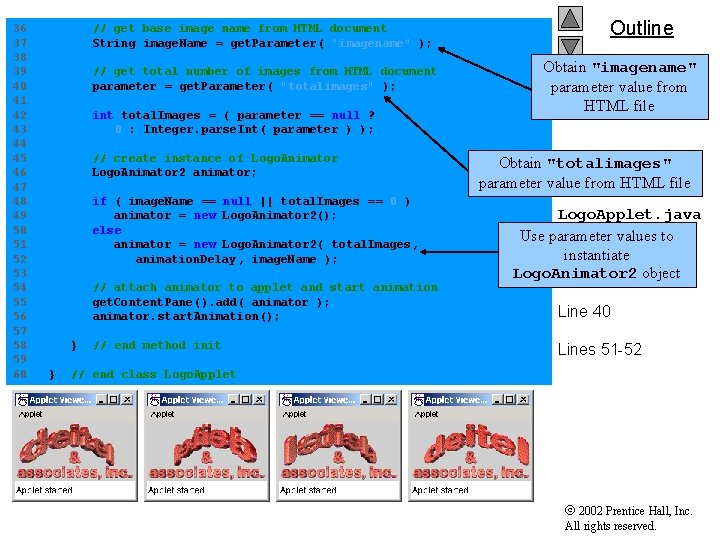
36 37 38 39 40 41 42 43 44 45 46 47 48 49 50 51 52 53 54 55 56 57 58 59 60 // get base image name from HTML document String image. Name = get. Parameter( "imagename" ); // get total number of images from HTML document parameter = get. Parameter( "totalimages" ); int total. Images = ( parameter == null ? 0 : Integer. parse. Int( parameter ) ); // create instance of Logo. Animator 2 animator; if ( image. Name == null || total. Images == 0 ) animator = new Logo. Animator 2(); else animator = new Logo. Animator 2( total. Images, animation. Delay , image. Name ); // attach animator to applet and start animation get. Content. Pane(). add( animator ); animator. start. Animation(); } } // end method init Outline Obtain "imagename" parameter value from HTML file Obtain "totalimages" parameter value from HTML file Logo. Applet. java (Part 2) values to Use parameter instantiate Logo. Animator 2 object Line 37 Line 40 Lines 51 -52 // end class Logo. Applet 2002 Prentice Hall, Inc. All rights reserved.
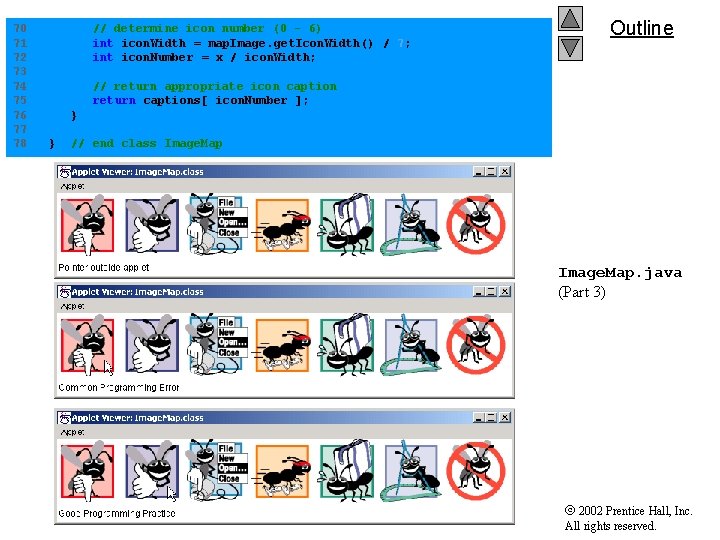
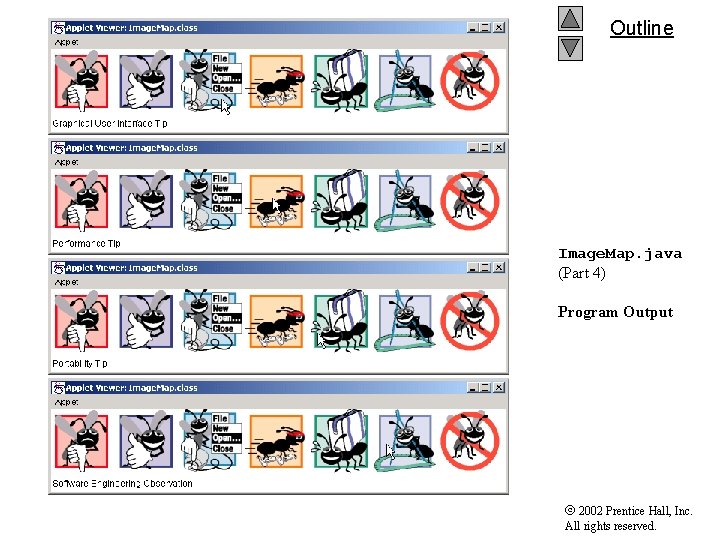
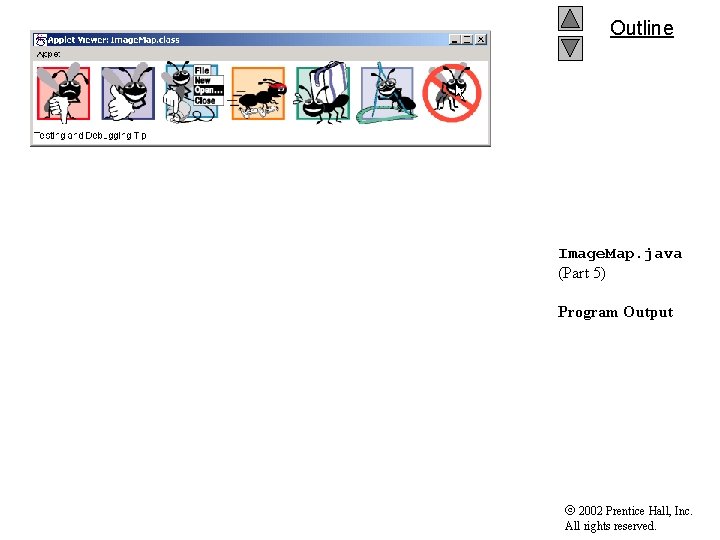
18. 5 Image Maps • Image map – Contains hot areas • Message appears when user moves cursor over these areas 2002 Prentice Hall, Inc. All rights reserved.
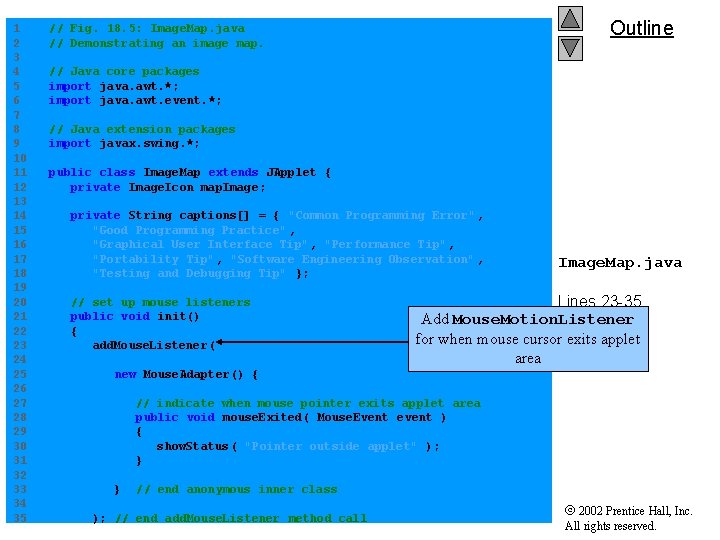
1 2 3 4 5 6 7 8 9 10 11 12 13 14 15 16 17 18 19 20 21 22 23 24 25 26 27 28 29 30 31 32 33 34 35 Outline // Fig. 18. 5: Image. Map. java // Demonstrating an image map. // Java core packages import java. awt. *; import java. awt. event. *; // Java extension packages import javax. swing. *; public class Image. Map extends JApplet { private Image. Icon map. Image; private String captions[] = { "Common Programming Error" , "Good Programming Practice" , "Graphical User Interface Tip" , "Performance Tip", "Portability Tip", "Software Engineering Observation" , "Testing and Debugging Tip" }; // set up mouse listeners public void init() { add. Mouse. Listener( Image. Map. java Lines 23 -35 Add Mouse. Motion. Listener for when mouse cursor exits applet area new Mouse. Adapter() { // indicate when mouse pointer exits applet area public void mouse. Exited( Mouse. Event event ) { show. Status ( "Pointer outside applet" ); } } // end anonymous inner class ); // end add. Mouse. Listener method call 2002 Prentice Hall, Inc. All rights reserved.
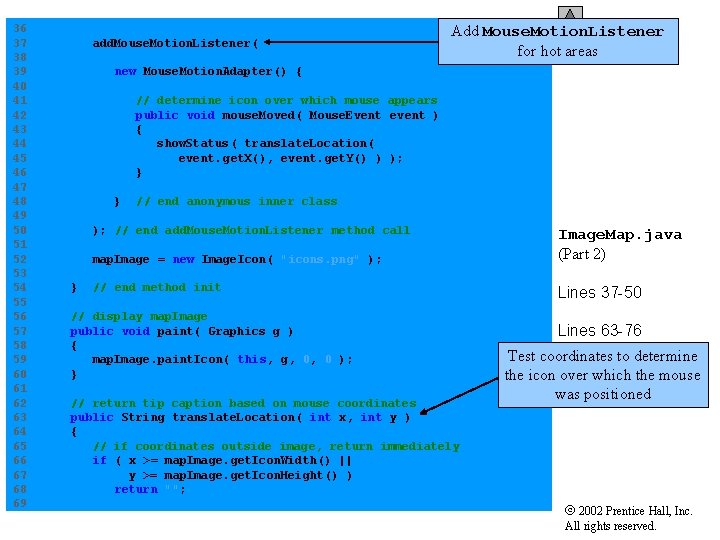
36 37 38 39 40 41 42 43 44 45 46 47 48 49 50 51 52 53 54 55 56 57 58 59 60 61 62 63 64 65 66 67 68 69 add. Mouse. Motion. Listener ( Outline Add Mouse. Motion. Listener for hot areas new Mouse. Motion. Adapter() { // determine icon over which mouse appears public void mouse. Moved( Mouse. Event event ) { show. Status ( translate. Location( event. get. X(), event. get. Y() ) ); } } // end anonymous inner class ); // end add. Mouse. Motion. Listener method call } map. Image = new Image. Icon( "icons. png" ); Image. Map. java (Part 2) // end method init Lines 37 -50 // display map. Image public void paint( Graphics g ) { map. Image. paint. Icon( this, g, 0, 0 ); } // return tip caption based on mouse coordinates public String translate. Location( int x, int y ) { // if coordinates outside image, return immediately if ( x >= map. Image. get. Icon. Width() || y >= map. Image. get. Icon. Height() ) return ""; Lines 63 -76 Test coordinates to determine the icon over which the mouse was positioned 2002 Prentice Hall, Inc. All rights reserved.
70 71 72 73 74 75 76 77 78 // determine icon number (0 - 6) int icon. Width = map. Image. get. Icon. Width() / 7; int icon. Number = x / icon. Width; Outline // return appropriate icon caption return captions[ icon. Number ]; } } // end class Image. Map. java (Part 3) 2002 Prentice Hall, Inc. All rights reserved.
Outline Image. Map. java (Part 4) Program Output 2002 Prentice Hall, Inc. All rights reserved.
Outline Image. Map. java (Part 5) Program Output 2002 Prentice Hall, Inc. All rights reserved.
18. 6 Loading and Playing Audio Clips • Playing audio clips – Method play of class Applet – Method play of class Audio. Clip – Java’s sound engine • Supports several audio file formats – Sun Audio (. au) – Windows Wave (. wav) – Macintosh AIFF (. aif or. aiff) – Musical Instrument Digital Interface (MIDI) (. mid) 2002 Prentice Hall, Inc. All rights reserved.
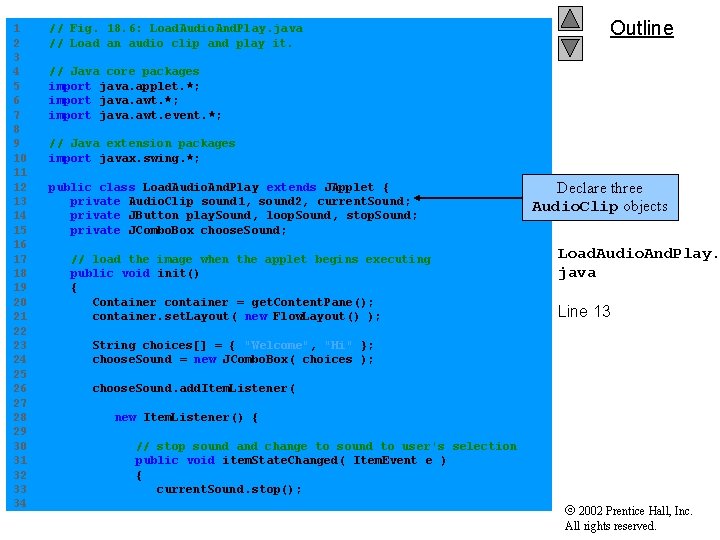
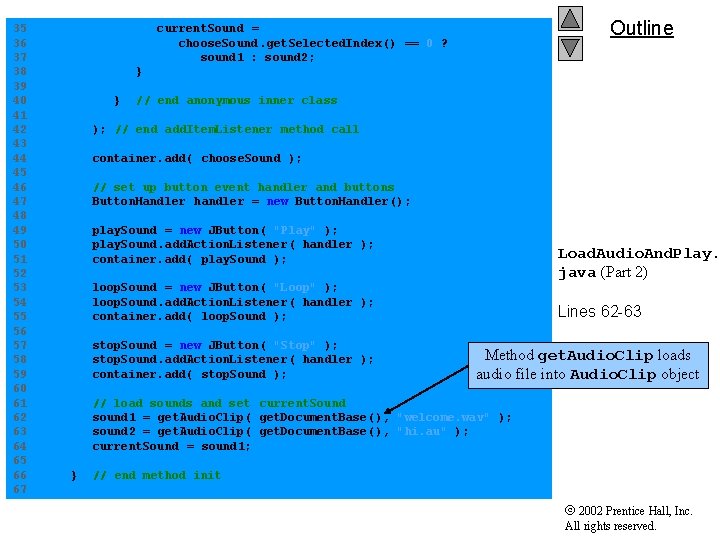
1 2 3 4 5 6 7 8 9 10 11 12 13 14 15 16 17 18 19 20 21 22 23 24 25 26 27 28 29 30 31 32 33 34 // Fig. 18. 6: Load. Audio. And. Play. java // Load an audio clip and play it. Outline // Java core packages import java. applet. *; import java. awt. event. *; // Java extension packages import javax. swing. *; public class Load. Audio. And. Play extends JApplet { private Audio. Clip sound 1, sound 2, current. Sound; private JButton play. Sound, loop. Sound, stop. Sound; private JCombo. Box choose. Sound; // load the image when the applet begins executing public void init() { Container container = get. Content. Pane(); container. set. Layout( new Flow. Layout() ); Declare three Audio. Clip objects Load. Audio. And. Play. java Line 13 String choices[] = { "Welcome", "Hi" }; choose. Sound = new JCombo. Box( choices ); choose. Sound. add. Item. Listener( new Item. Listener() { // stop sound and change to sound to user's selection public void item. State. Changed( Item. Event e ) { current. Sound. stop(); 2002 Prentice Hall, Inc. All rights reserved.
35 36 37 38 39 40 41 42 43 44 45 46 47 48 49 50 51 52 53 54 55 56 57 58 59 60 61 62 63 64 65 66 67 Outline current. Sound = choose. Sound. get. Selected. Index() == 0 ? sound 1 : sound 2; } } // end anonymous inner class ); // end add. Item. Listener method call container. add( choose. Sound ); // set up button event handler and buttons Button. Handler handler = new Button. Handler(); play. Sound = new JButton( "Play" ); play. Sound. add. Action. Listener( handler ); container. add( play. Sound ); Load. Audio. And. Play. java (Part 2) loop. Sound = new JButton( "Loop" ); loop. Sound. add. Action. Listener( handler ); container. add( loop. Sound ); stop. Sound = new JButton( "Stop" ); stop. Sound. add. Action. Listener( handler ); container. add( stop. Sound ); Lines 62 -63 Method get. Audio. Clip loads audio file into Audio. Clip object // load sounds and set current. Sound sound 1 = get. Audio. Clip( get. Document. Base(), "welcome. wav" ); sound 2 = get. Audio. Clip( get. Document. Base(), "hi. au" ); current. Sound = sound 1; } // end method init 2002 Prentice Hall, Inc. All rights reserved.
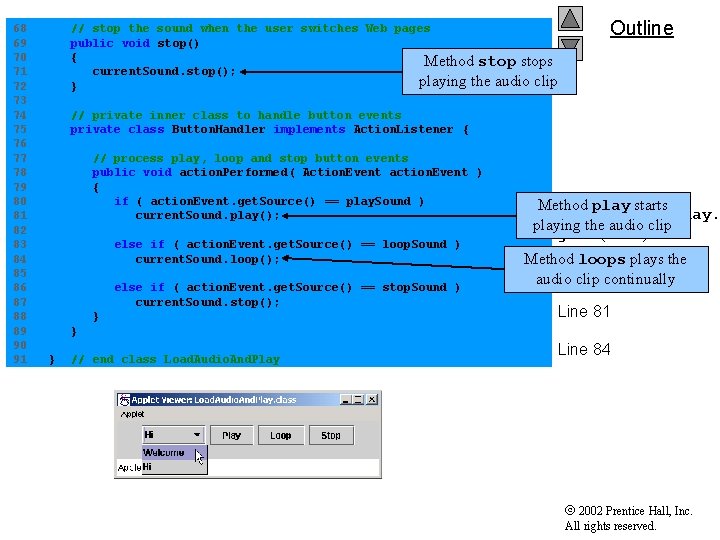
68 69 70 71 72 73 74 75 76 77 78 79 80 81 82 83 84 85 86 87 88 89 90 91 // stop the sound when the user switches Web pages public void stop() { Method stops current. Sound. stop(); playing the audio clip } Outline // private inner class to handle button events private class Button. Handler implements Action. Listener { // process play, loop and stop button events public void action. Performed( Action. Event action. Event ) { if ( action. Event. get. Source() == play. Sound ) current. Sound. play(); else if ( action. Event. get. Source() == loop. Sound ) current. Sound. loop(); else if ( action. Event. get. Source() == stop. Sound ) current. Sound. stop(); } Method play starts Load. Audio. And. Play. playing the audio clip java (Part 3) Method loops plays the Line audio clip 71 continually Line 81 } } // end class Load. Audio. And. Play Line 84 2002 Prentice Hall, Inc. All rights reserved.