
CHAPTER 17 RECURSION CHAPTER GOALS To learn about
CHAPTER 17 RECURSION CHAPTER GOALS • To learn about the method of recursion • To understand the relationship between recursion and iteration • To analysis problems that are much easier to solve by recursion than by iteration • To learn to think recursively • To be able to use recursive helper methods • To understand when the use of recursion affects the efficiency of an algorithm
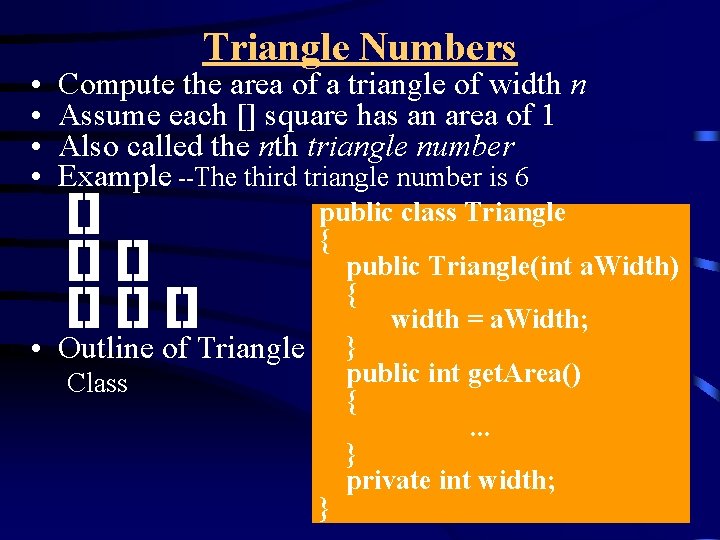
• • Triangle Numbers Compute the area of a triangle of width n Assume each [] square has an area of 1 Also called the nth triangle number Example --The third triangle number is 6 [] [] [] public class Triangle { public Triangle(int a. Width) { width = a. Width; • Outline of Triangle } public int get. Area() Class { . . . } private int width; }
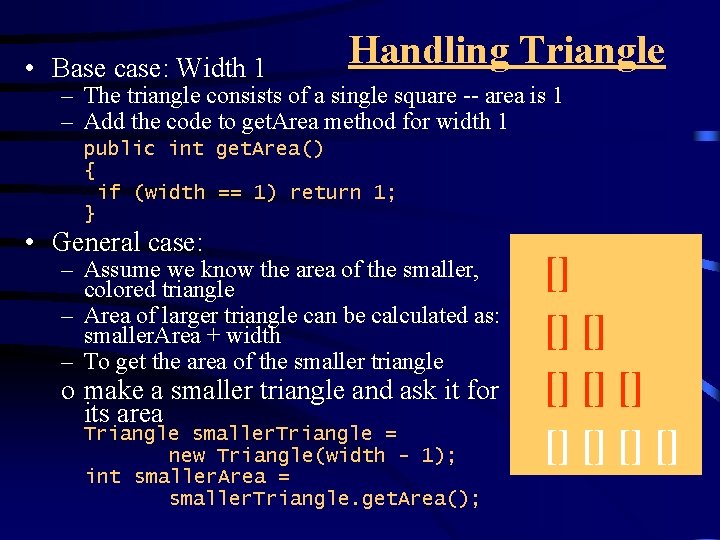
• Base case: Width 1 Handling Triangle – The triangle consists of a single square -- area is 1 – Add the code to get. Area method for width 1 public int get. Area() { if (width == 1) return 1; } • General case: – Assume we know the area of the smaller, colored triangle – Area of larger triangle can be calculated as: smaller. Area + width – To get the area of the smaller triangle o make a smaller triangle and ask it for its area Triangle smaller. Triangle = new Triangle(width - 1); int smaller. Area = smaller. Triangle. get. Area(); [] [] []
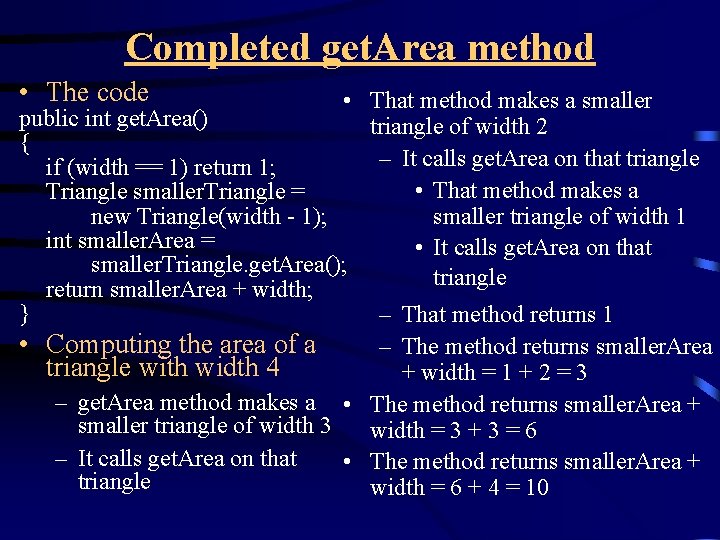
Completed get. Area method • The code • That method makes a smaller public int get. Area() triangle of width 2 { – It calls get. Area on that triangle if (width == 1) return 1; • That method makes a Triangle smaller. Triangle = new Triangle(width - 1); smaller triangle of width 1 int smaller. Area = • It calls get. Area on that smaller. Triangle. get. Area(); triangle return smaller. Area + width; } – That method returns 1 • Computing the area of a – The method returns smaller. Area triangle with width 4 + width = 1 + 2 = 3 – get. Area method makes a • The method returns smaller. Area + smaller triangle of width 3 width = 3 + 3 = 6 – It calls get. Area on that • The method returns smaller. Area + triangle width = 6 + 4 = 10
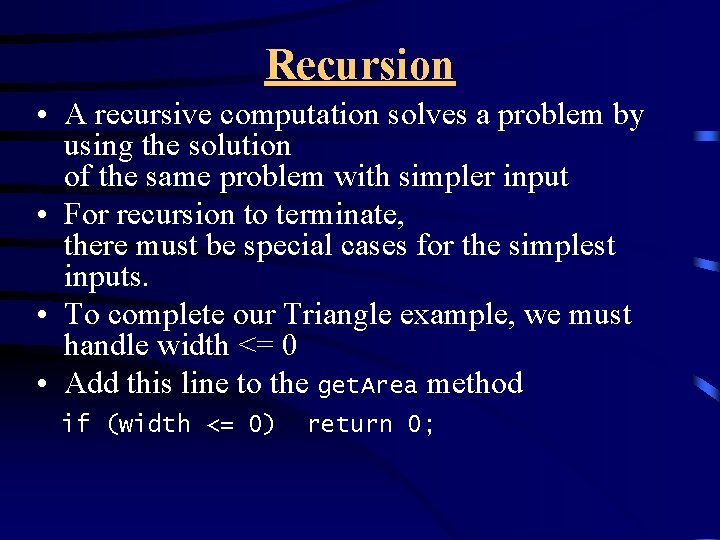
Recursion • A recursive computation solves a problem by using the solution of the same problem with simpler input • For recursion to terminate, there must be special cases for the simplest inputs. • To complete our Triangle example, we must handle width <= 0 • Add this line to the get. Area method if (width <= 0) return 0;

File Triangle. java 01: /** 02: A triangular shape composed of stacked unit squares like this: 03: [] 04: [][] 05: [][][] 06: . . . 07: */ 08: public class Triangle 09: { 10: /** 11: Constructs a triangular shape 12: @param a. Width the width (and height) of the triangle 13: */ 14: public Triangle(int a. Width) 15: { 16: width = a. Width; 17: } 18: 19: 20: 21: 22: 23: 24: 25: 26: 27: 28: /** Computes the area of the triangle. @return the area */ public int get. Area() { if (width <= 0) return 0; if (width == 1) return 1; Triangle smaller. Triangle = new Triangle(width - 1); int smaller. Area = smaller. Triangle. get. Area(); return smaller. Area + width; } 29: 30: 31: 32: private int width; 33: }
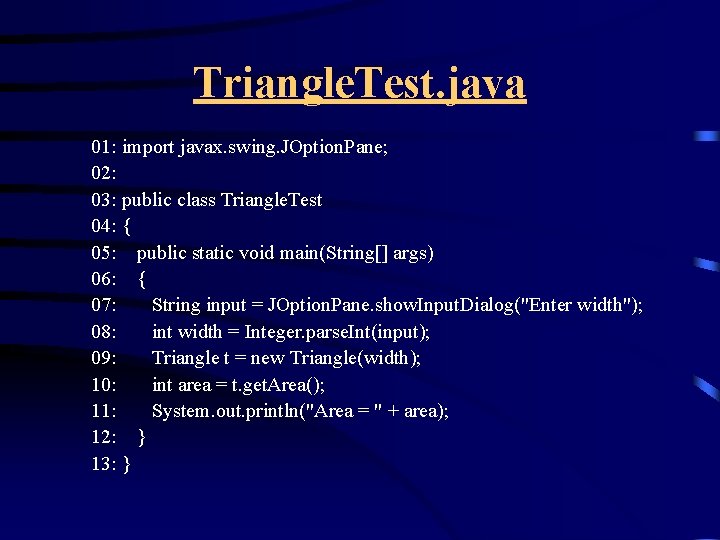
Triangle. Test. java 01: import javax. swing. JOption. Pane; 02: 03: public class Triangle. Test 04: { 05: public static void main(String[] args) 06: { 07: String input = JOption. Pane. show. Input. Dialog("Enter width"); 08: int width = Integer. parse. Int(input); 09: Triangle t = new Triangle(width); 10: int area = t. get. Area(); 11: System. out. println("Area = " + area); 12: } 13: }
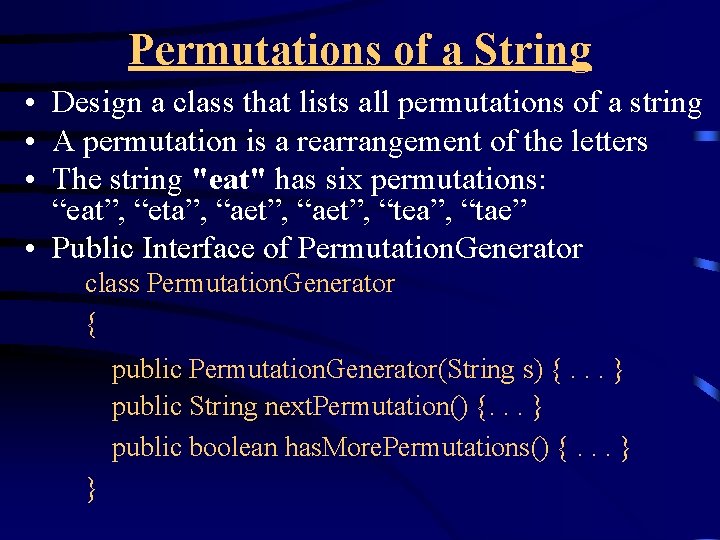
Permutations of a String • Design a class that lists all permutations of a string • A permutation is a rearrangement of the letters • The string "eat" has six permutations: “eat”, “eta”, “aet”, “tea”, “tae” • Public Interface of Permutation. Generator class Permutation. Generator { public Permutation. Generator(String s) {. . . } public String next. Permutation() {. . . } public boolean has. More. Permutations() {. . . } }
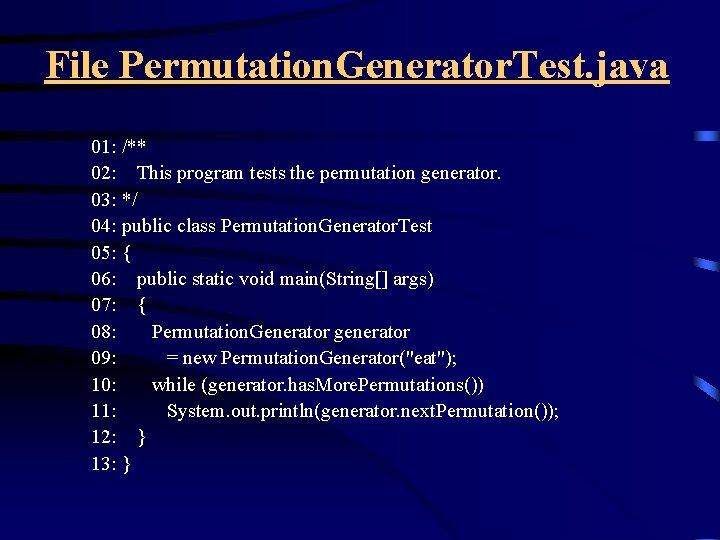
File Permutation. Generator. Test. java 01: /** 02: This program tests the permutation generator. 03: */ 04: public class Permutation. Generator. Test 05: { 06: public static void main(String[] args) 07: { 08: Permutation. Generator generator 09: = new Permutation. Generator("eat"); 10: while (generator. has. More. Permutations()) 11: System. out. println(generator. next. Permutation()); 12: } 13: }
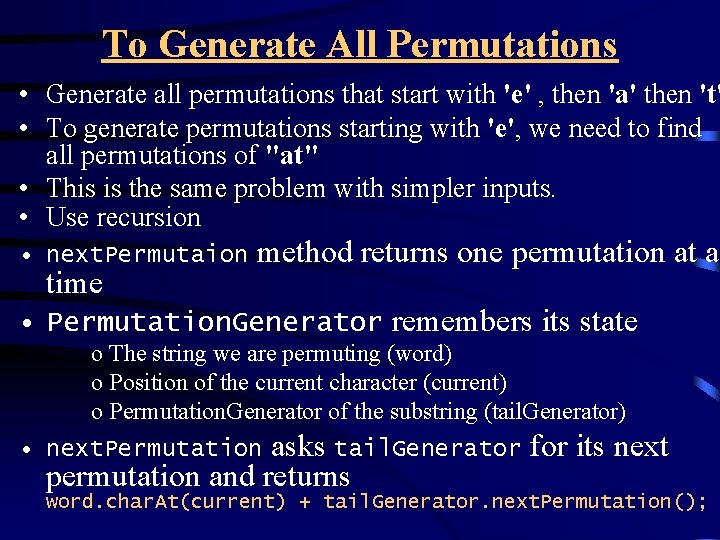
To Generate All Permutations • Generate all permutations that start with 'e' , then 'a' then 't' • To generate permutations starting with 'e', we need to find all permutations of "at" • This is the same problem with simpler inputs. • Use recursion • next. Permutaion time method returns one permutation at a • Permutation. Generator remembers its state o The string we are permuting (word) o Position of the current character (current) o Permutation. Generator of the substring (tail. Generator) asks tail. Generator for its next permutation and returns • next. Permutation word. char. At(current) + tail. Generator. next. Permutation();
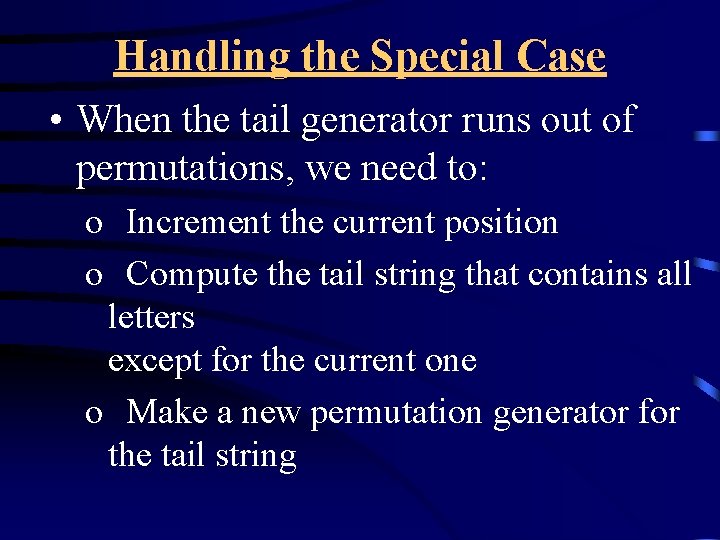
Handling the Special Case • When the tail generator runs out of permutations, we need to: o Increment the current position o Compute the tail string that contains all letters except for the current one o Make a new permutation generator for the tail string
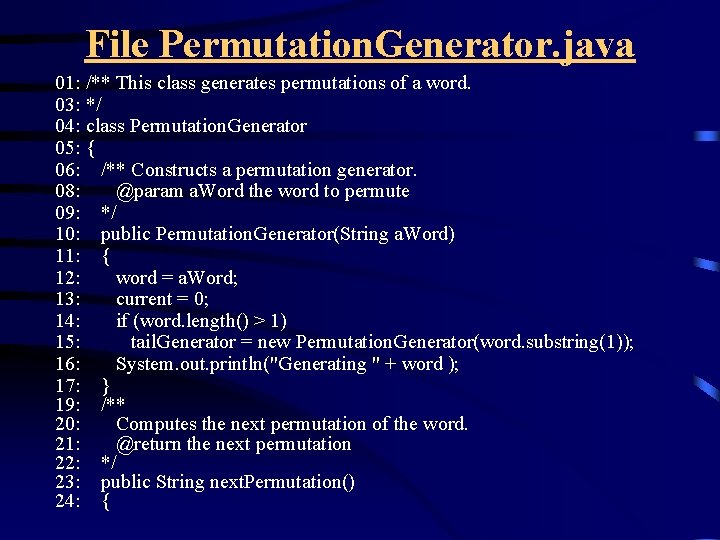
File Permutation. Generator. java 01: /** This class generates permutations of a word. 03: */ 04: class Permutation. Generator 05: { 06: /** Constructs a permutation generator. 08: @param a. Word the word to permute 09: */ 10: public Permutation. Generator(String a. Word) 11: { 12: word = a. Word; 13: current = 0; 14: if (word. length() > 1) 15: tail. Generator = new Permutation. Generator(word. substring(1)); 16: System. out. println("Generating " + word ); 17: } 19: /** 20: Computes the next permutation of the word. 21: @return the next permutation 22: */ 23: public String next. Permutation() 24: {
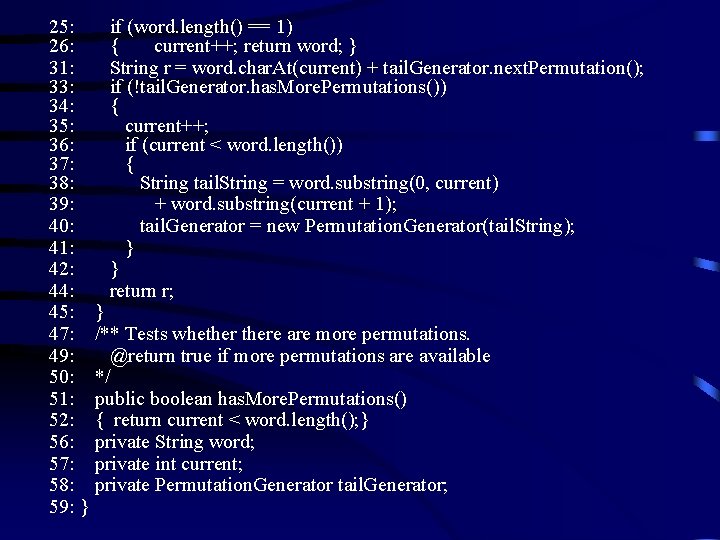
25: if (word. length() == 1) 26: { current++; return word; } 31: String r = word. char. At(current) + tail. Generator. next. Permutation(); 33: if (!tail. Generator. has. More. Permutations()) 34: { 35: current++; 36: if (current < word. length()) 37: { 38: String tail. String = word. substring(0, current) 39: + word. substring(current + 1); 40: tail. Generator = new Permutation. Generator(tail. String); 41: } 42: } 44: return r; 45: } 47: /** Tests whethere are more permutations. 49: @return true if more permutations are available 50: */ 51: public boolean has. More. Permutations() 52: { return current < word. length(); } 56: private String word; 57: private int current; 58: private Permutation. Generator tail. Generator; 59: }
Recursive Helper Method • The public boolean method is. Palindrone calls helper method is. Palindrome(int start, int end) • Helper method skips over matching letter pairs and non-letters and calls itself recursively
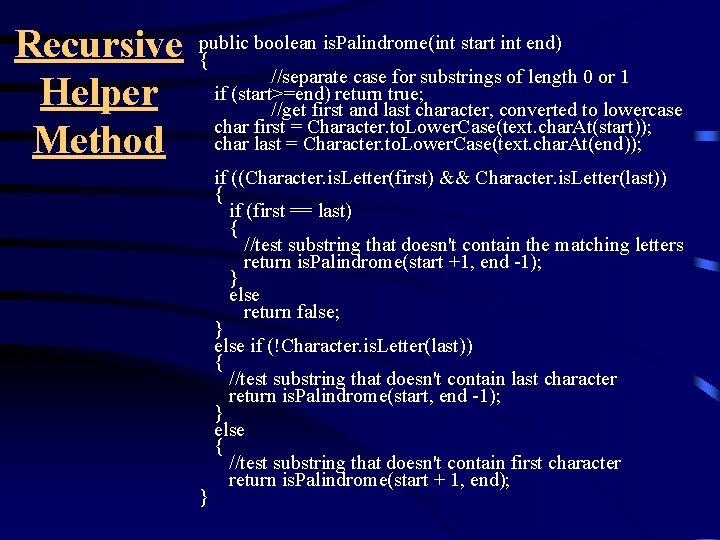
boolean is. Palindrome(int start int end) Recursive public { //separate case for substrings of length 0 or 1 return true; Helper if (start>=end) //get first and last character, converted to lowercase char first = Character. to. Lower. Case(text. char. At(start)); Method char last = Character. to. Lower. Case(text. char. At(end)); } if ((Character. is. Letter(first) && Character. is. Letter(last)) { if (first == last) { //test substring that doesn't contain the matching letters return is. Palindrome(start +1, end -1); } else return false; } else if (!Character. is. Letter(last)) { //test substring that doesn't contain last character return is. Palindrome(start, end -1); } else { //test substring that doesn't contain first character return is. Palindrome(start + 1, end);
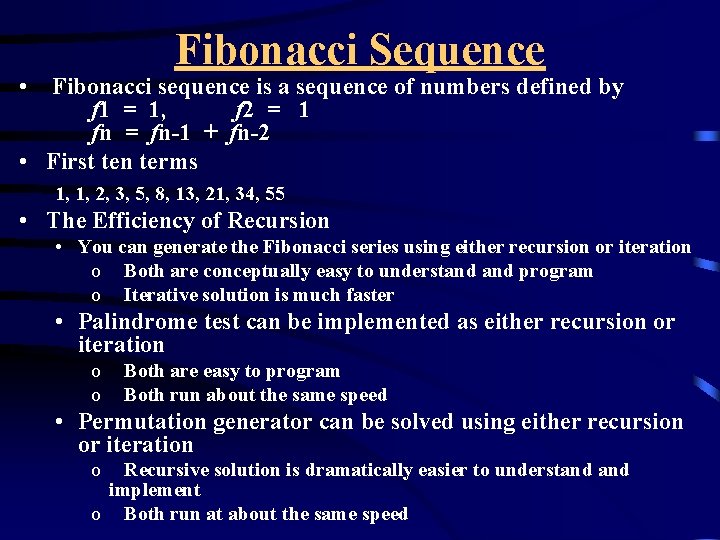
Fibonacci Sequence • Fibonacci sequence is a sequence of numbers defined by f 1 = 1, f 2 = 1 fn = fn-1 + fn-2 • First ten terms 1, 1, 2, 3, 5, 8, 13, 21, 34, 55 • The Efficiency of Recursion • You can generate the Fibonacci series using either recursion or iteration o Both are conceptually easy to understand program o Iterative solution is much faster • Palindrome test can be implemented as either recursion or iteration o Both are easy to program o Both run about the same speed • Permutation generator can be solved using either recursion or iteration o Recursive solution is dramatically easier to understand implement o Both run at about the same speed
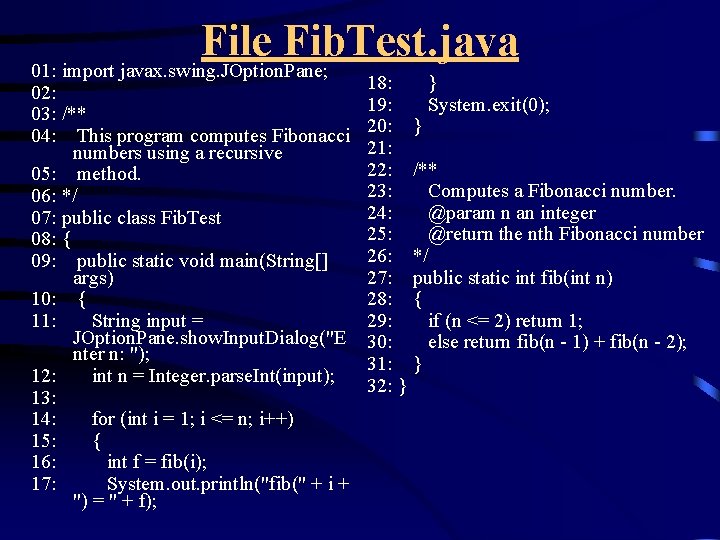
File Fib. Test. java 01: import javax. swing. JOption. Pane; 02: 03: /** 04: This program computes Fibonacci numbers using a recursive 05: method. 06: */ 07: public class Fib. Test 08: { 09: public static void main(String[] args) 10: { 11: String input = JOption. Pane. show. Input. Dialog("E nter n: "); 12: int n = Integer. parse. Int(input); 13: 14: for (int i = 1; i <= n; i++) 15: { 16: int f = fib(i); 17: System. out. println("fib(" + i + ") = " + f); 18: } 19: System. exit(0); 20: } 21: 22: /** 23: Computes a Fibonacci number. 24: @param n an integer 25: @return the nth Fibonacci number 26: */ 27: public static int fib(int n) 28: { 29: if (n <= 2) return 1; 30: else return fib(n - 1) + fib(n - 2); 31: } 32: }
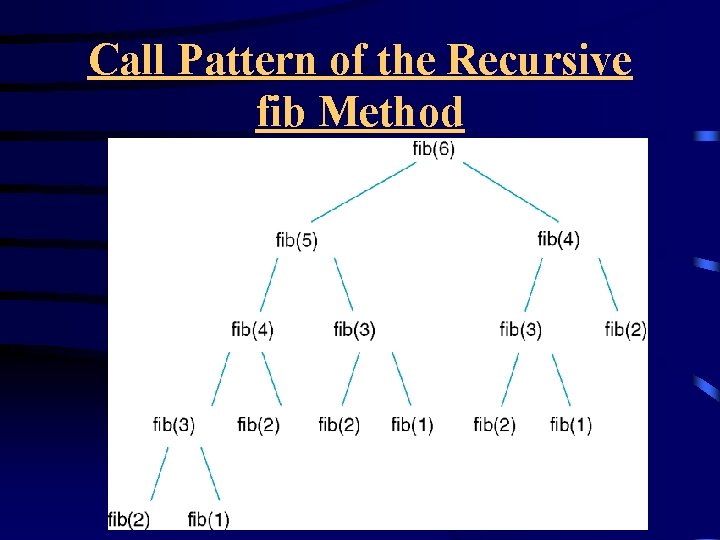
Call Pattern of the Recursive fib Method
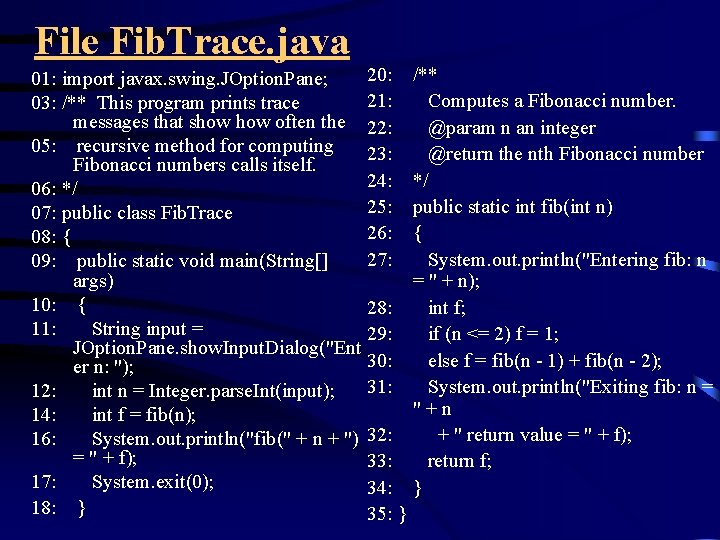
File Fib. Trace. java 20: /** 01: import javax. swing. JOption. Pane; 21: Computes a Fibonacci number. 03: /** This program prints trace messages that show often the 22: @param n an integer 05: recursive method for computing 23: @return the nth Fibonacci numbers calls itself. 24: */ 06: */ 25: public static int fib(int n) 07: public class Fib. Trace 26: { 08: { 27: System. out. println("Entering fib: n 09: public static void main(String[] args) = " + n); 10: { 28: int f; 11: String input = 29: if (n <= 2) f = 1; JOption. Pane. show. Input. Dialog("Ent 30: else f = fib(n - 1) + fib(n - 2); er n: "); 31: System. out. println("Exiting fib: n = 12: int n = Integer. parse. Int(input); "+n 14: int f = fib(n); + " return value = " + f); 16: System. out. println("fib(" + n + ") 32: = " + f); 33: return f; 17: System. exit(0); 34: } 18: } 35: }
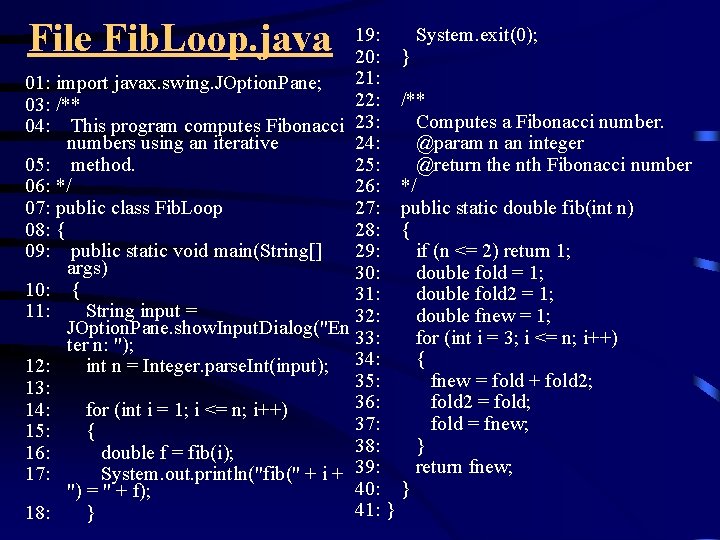
File Fib. Loop. java 19: System. exit(0); 20: } 21: 01: import javax. swing. JOption. Pane; 22: /** 03: /** Computes a Fibonacci number. 04: This program computes Fibonacci 23: numbers using an iterative 24: @param n an integer 05: method. 25: @return the nth Fibonacci number 06: */ 26: */ 07: public class Fib. Loop 27: public static double fib(int n) 08: { 28: { 09: public static void main(String[] 29: if (n <= 2) return 1; args) 30: double fold = 1; 10: { 31: double fold 2 = 1; 11: String input = 32: double fnew = 1; JOption. Pane. show. Input. Dialog("En 33: for (int i = 3; i <= n; i++) ter n: "); { 12: int n = Integer. parse. Int(input); 34: 35: fnew = fold + fold 2; 13: 36: fold 2 = fold; 14: for (int i = 1; i <= n; i++) 37: fold = fnew; 15: { 38: } 16: double f = fib(i); return fnew; 17: System. out. println("fib(" + i + 39: 40: } ") = " + f); 41: } 18: }
- Slides: 20