
Chapter 17 Files Streams and Object Serialization Java
Chapter 17 Files, Streams and Object Serialization Java How to Program, 9/e © Copyright 1992 -2012 by Pearson Education, Inc. All Rights Reserved.

© Copyright 1992 -2012 by Pearson Education, Inc. All Rights Reserved.

© Copyright 1992 -2012 by Pearson Education, Inc. All Rights Reserved.
17. 1 Introduction � Data stored in variables and arrays is temporary § It’s lost when a local variable goes out of scope or when the program terminates � For long-term retention of data, computers use files. � Computers store files on secondary storage devices § hard disks, optical disks, flash drives and magnetic tapes. � Data maintained in files is persistent data because it exists beyond the duration of program execution. © Copyright 1992 -2012 by Pearson Education, Inc. All Rights Reserved.
17. 1 Introduction (cont. ) � The techniques shown in this chapter are based on Java SE 6. � Java SE 7 introduces new file-system APIs for interacting with files and directories. � A version of this chapter implemented using these Java SE 7 APIs is available on the book’s Companion Website, accessible via: § www. pearsonhighered. com/deitel © Copyright 1992 -2012 by Pearson Education, Inc. All Rights Reserved.
17. 2 Files and Streams � Java views each file as a sequential stream of bytes (Fig. 17. 1). � Every operating system provides a mechanism to determine the end of a file, such as an end-of-file marker or a count of the total bytes in the file that is recorded in a system-maintained administrative data structure. � A Java program simply receives an indication from the operating system when it reaches the end of the stream © Copyright 1992 -2012 by Pearson Education, Inc. All Rights Reserved.

© Copyright 1992 -2012 by Pearson Education, Inc. All Rights Reserved.
17. 2 Files and Streams (cont. ) � File streams can be used to input and output data as bytes or characters. � Streams that input and output bytes are known as bytebased streams, representing data in its binary format. � Streams that input and output characters are known as character-based streams, representing data as a sequence of characters. � Files that are created using byte-based streams are referred to as binary files. � Files created using character-based streams are referred to as text files. Text files can be read by text editors. � Binary files are read by programs that understand the specific content of the file and the ordering of that content. © Copyright 1992 -2012 by Pearson Education, Inc. All Rights Reserved.
17. 2 Files and Streams (cont. ) � A Java program opens a file by creating an object and associating a stream of bytes or characters with it. § Can also associate streams with different devices. � Java creates three stream objects when a program begins executing § System. in (the standard input stream object) normally inputs bytes from the keyboard § System. out (the standard output stream object) normally outputs character data to the screen § System. err (the standard error stream object) normally outputs character-based error messages to the screen. � Class System provides methods set. In, set. Out and set. Err to redirect the standard input, output and error streams, respectively. © Copyright 1992 -2012 by Pearson Education, Inc. All Rights Reserved.
17. 2 Files and Streams (cont. ) � Java programs perform file processing by using classes from package java. io. � Includes definitions for stream classes § § File. Input. Stream (for byte-based input from a file) File. Output. Stream (for byte-based output to a file) File. Reader (for character-based input from a file) File. Writer (for character-based output to a file) � You open a file by creating an object of one these stream classes. The object’s constructor opens the file. © Copyright 1992 -2012 by Pearson Education, Inc. All Rights Reserved.
17. 2 Files and Streams (cont. ) � Can perform input and output of objects or variables of primitive data types without having to worry about the details of converting such values to byte format. � To perform such input and output, objects of classes Object. Input. Stream and Object. Output. Stream can be used together with the byte-based file stream classes File. Input. Stream and File. Output. Stream. � The complete hierarchy of classes in package java. io can be viewed in the online documentation at � http: //download. oracle. com/javase/6/docs /api/java/io/package-tree. html © Copyright 1992 -2012 by Pearson Education, Inc. All Rights Reserved.
17. 2 Files and Streams (cont. ) � Class File provides information about files and directories. � Character-based input and output can be performed with classes Scanner and Formatter. § Class Scanner is used extensively to input data from the keyboard. This class can also read data from a file. § Class Formatter enables formatted data to be output to any text-based stream in a manner similar to method System. out. printf. © Copyright 1992 -2012 by Pearson Education, Inc. All Rights Reserved.
17. 3 Class File � Class File provides four constructors. � The one with a String argument specifies the name of a file or directory to associate with the File object. § The name can contain path information as well as a file or directory name. § A file or directory’s path specifies its location on disk. § An absolute path contains all the directories, starting with the root directory, that lead to a specific file or directory. § A relative path normally starts from the directory in which the application began executing and is therefore “relative” to the current directory. © Copyright 1992 -2012 by Pearson Education, Inc. All Rights Reserved.
17. 3 Class File (cont. ) � The constructor with two String arguments specifies an absolute or relative path and the file or directory to associate with the File object. � The constructor with File and String arguments uses an existing File object that specifies the parent directory of the file or directory specified by the String argument. � The fourth constructor uses a URI object to locate the file. § A Uniform Resource Identifier (URI) is a more general form of the Uniform Resource Locators (URLs) that are used to locate websites. � Figure 17. 2 lists some common File methods. The � http: //download. oracle. com/javase/6/docs/ api/java/io/File. html © Copyright 1992 -2012 by Pearson Education, Inc. All Rights Reserved.

© Copyright 1992 -2012 by Pearson Education, Inc. All Rights Reserved.

© Copyright 1992 -2012 by Pearson Education, Inc. All Rights Reserved.

© Copyright 1992 -2012 by Pearson Education, Inc. All Rights Reserved.

© Copyright 1992 -2012 by Pearson Education, Inc. All Rights Reserved.

© Copyright 1992 -2012 by Pearson Education, Inc. All Rights Reserved.

© Copyright 1992 -2012 by Pearson Education, Inc. All Rights Reserved.

© Copyright 1992 -2012 by Pearson Education, Inc. All Rights Reserved.
17. 3 Class File (cont. ) � A separator character is used to separate directories and files in the path. � On Windows, the separator character is a backslash (). � On Linux/UNIX, it’s a forward slash (/). � Java processes both characters identically in a path name. � When building Strings that represent path information, use File. separator to obtain the local computer’s proper separator. § This constant returns a String consisting of one character— the proper separator for the system. © Copyright 1992 -2012 by Pearson Education, Inc. All Rights Reserved.

© Copyright 1992 -2012 by Pearson Education, Inc. All Rights Reserved.
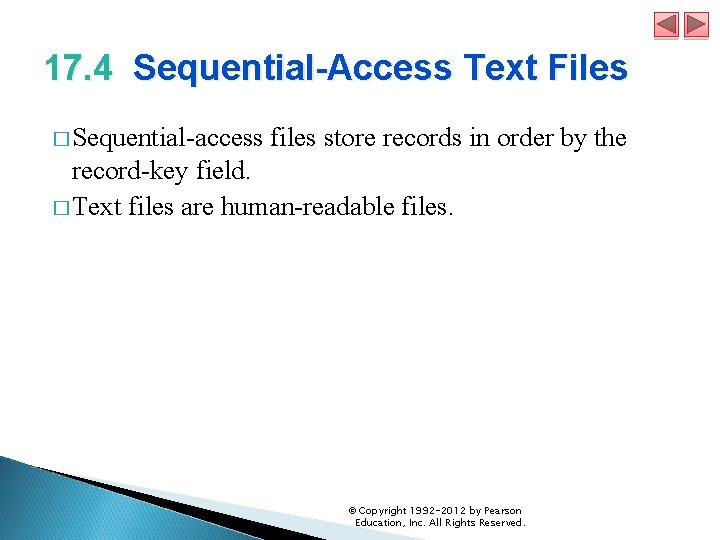
17. 4 Sequential-Access Text Files � Sequential-access files store records in order by the record-key field. � Text files are human-readable files. © Copyright 1992 -2012 by Pearson Education, Inc. All Rights Reserved.
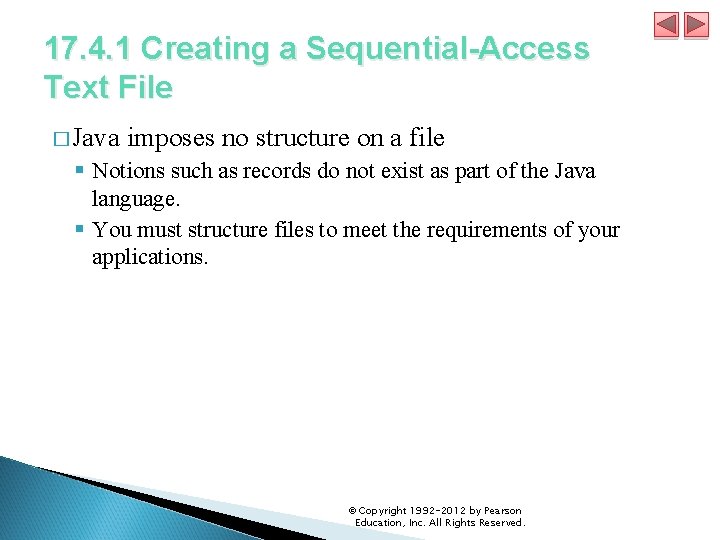
17. 4. 1 Creating a Sequential-Access Text File � Java imposes no structure on a file § Notions such as records do not exist as part of the Java language. § You must structure files to meet the requirements of your applications. © Copyright 1992 -2012 by Pearson Education, Inc. All Rights Reserved.

© Copyright 1992 -2012 by Pearson Education, Inc. All Rights Reserved.

© Copyright 1992 -2012 by Pearson Education, Inc. All Rights Reserved.

© Copyright 1992 -2012 by Pearson Education, Inc. All Rights Reserved.

© Copyright 1992 -2012 by Pearson Education, Inc. All Rights Reserved.
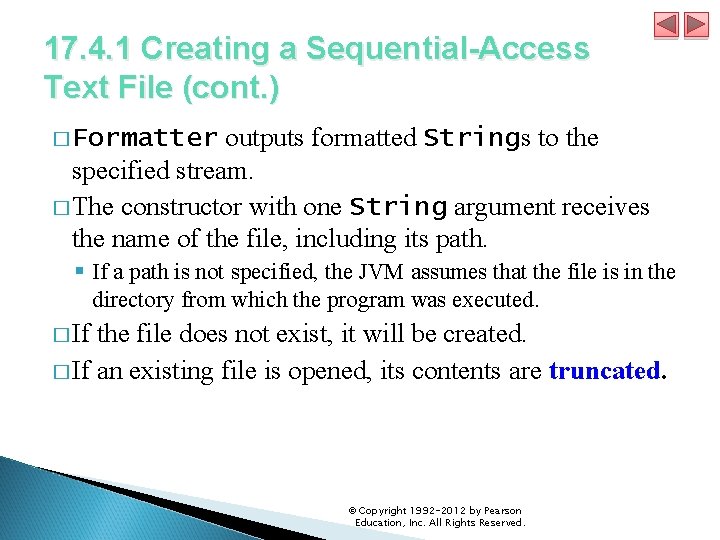
17. 4. 1 Creating a Sequential-Access Text File (cont. ) � Formatter outputs formatted Strings to the specified stream. � The constructor with one String argument receives the name of the file, including its path. § If a path is not specified, the JVM assumes that the file is in the directory from which the program was executed. � If the file does not exist, it will be created. � If an existing file is opened, its contents are truncated. © Copyright 1992 -2012 by Pearson Education, Inc. All Rights Reserved.

© Copyright 1992 -2012 by Pearson Education, Inc. All Rights Reserved.

© Copyright 1992 -2012 by Pearson Education, Inc. All Rights Reserved.

© Copyright 1992 -2012 by Pearson Education, Inc. All Rights Reserved.

© Copyright 1992 -2012 by Pearson Education, Inc. All Rights Reserved.

© Copyright 1992 -2012 by Pearson Education, Inc. All Rights Reserved.
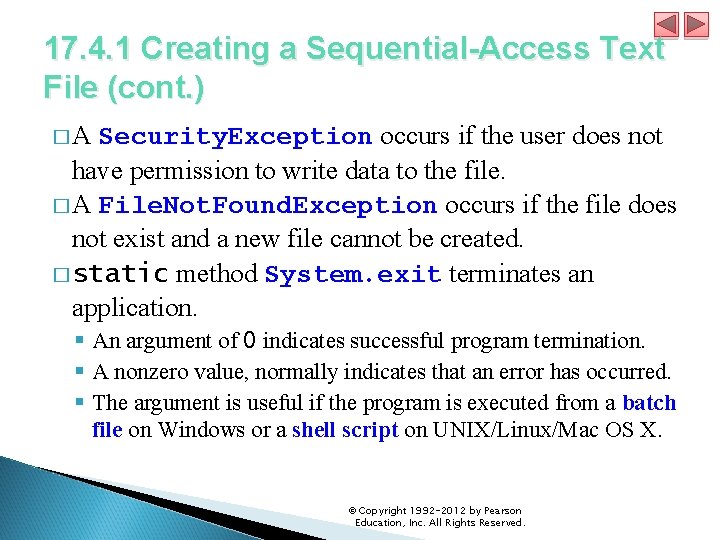
17. 4. 1 Creating a Sequential-Access Text File (cont. ) � A Security. Exception occurs if the user does not have permission to write data to the file. � A File. Not. Found. Exception occurs if the file does not exist and a new file cannot be created. � static method System. exit terminates an application. § An argument of 0 indicates successful program termination. § A nonzero value, normally indicates that an error has occurred. § The argument is useful if the program is executed from a batch file on Windows or a shell script on UNIX/Linux/Mac OS X. © Copyright 1992 -2012 by Pearson Education, Inc. All Rights Reserved.

© Copyright 1992 -2012 by Pearson Education, Inc. All Rights Reserved.
17. 4. 1 Creating a Sequential-Access Text File (cont. ) � Scanner method has. Next determines whether the end- of-file key combination has been entered. � A No. Such. Element. Exception occurs if the data being read by a Scanner method is in the wrong format or if there is no more data to input. � Formatter method format works like System. out. printf � A Formatter. Closed. Exception occurs if the Formatter is closed when you attempt to output. � Formatter method closes the file. § If method close is not called explicitly, the operating sys-tem normally will close the file when program execution terminates. © Copyright 1992 -2012 by Pearson Education, Inc. All Rights Reserved.
17. 4. 1 Creating a Sequential-Access Text File (cont. ) � Different platforms use different line-separator characters. � On UNIX/Linux-/Mac OS X, the line separator is a newline (n). � On Windows, it is a combination of a carriage return and a line feed—represented as rn. � You can use the %n format specifier in a format control string to output a platform-specific line separator. � Method System. out. println outputs a platformspecific line separator after its argument. � Regardless of the line separator used in a text file, a Java program can still recognize the lines of text and read them. © Copyright 1992 -2012 by Pearson Education, Inc. All Rights Reserved.

© Copyright 1992 -2012 by Pearson Education, Inc. All Rights Reserved.

© Copyright 1992 -2012 by Pearson Education, Inc. All Rights Reserved.

© Copyright 1992 -2012 by Pearson Education, Inc. All Rights Reserved.
17. 4. 2 Reading Data from a Sequential. Access Text File � The application in Figs. 17. 9 and 17. 10 reads records from the file "clients. txt" created by the application of Section 17. 4. 1 and displays the record contents. © Copyright 1992 -2012 by Pearson Education, Inc. All Rights Reserved.

© Copyright 1992 -2012 by Pearson Education, Inc. All Rights Reserved.

© Copyright 1992 -2012 by Pearson Education, Inc. All Rights Reserved.

© Copyright 1992 -2012 by Pearson Education, Inc. All Rights Reserved.

© Copyright 1992 -2012 by Pearson Education, Inc. All Rights Reserved.

© Copyright 1992 -2012 by Pearson Education, Inc. All Rights Reserved.
17. 4. 2 Reading Data from a Sequential. Access Text File � If a Scanner is closed before data is input, an Illegal. State. Exception occurs. © Copyright 1992 -2012 by Pearson Education, Inc. All Rights Reserved.
17. 4. 3 Case Study: A Credit-Inquiry Program � To retrieve data sequentially from a file, programs start from the beginning of the file and read all the data consecutively until the desired information is found. � It might be necessary to process the file sequentially several times (from the beginning of the file) during the execution of a program. � Class Scanner does not allow repositioning to the beginning of the file. § The program must close the file and reopen it. © Copyright 1992 -2012 by Pearson Education, Inc. All Rights Reserved.

© Copyright 1992 -2012 by Pearson Education, Inc. All Rights Reserved.

© Copyright 1992 -2012 by Pearson Education, Inc. All Rights Reserved.

© Copyright 1992 -2012 by Pearson Education, Inc. All Rights Reserved.

© Copyright 1992 -2012 by Pearson Education, Inc. All Rights Reserved.

© Copyright 1992 -2012 by Pearson Education, Inc. All Rights Reserved.

© Copyright 1992 -2012 by Pearson Education, Inc. All Rights Reserved.

© Copyright 1992 -2012 by Pearson Education, Inc. All Rights Reserved.

© Copyright 1992 -2012 by Pearson Education, Inc. All Rights Reserved.

© Copyright 1992 -2012 by Pearson Education, Inc. All Rights Reserved.

© Copyright 1992 -2012 by Pearson Education, Inc. All Rights Reserved.

© Copyright 1992 -2012 by Pearson Education, Inc. All Rights Reserved.
17. 4. 4 Updating Sequential-Access Files � The data in many sequential files cannot be modified without the risk of destroying other data in the file. � If the name “White” needed to be changed to “Worthington, ” the old name cannot simply be overwritten, because the new name requires more space. � Fields in a text file—and hence records—can vary in size. � Records in a sequential-access file are not usually updated in place. Instead, the entire file is usually rewritten. � Rewriting the entire file is uneconomical to update just one record, but reasonable if a substantial number of records need to be updated. © Copyright 1992 -2012 by Pearson Education, Inc. All Rights Reserved.
- Slides: 62