
CHAPTER 15 Slide 15 1 IMPLEMENTATION AND INTEGRATION

- Slides: 37
CHAPTER 15 Slide 15. 1 IMPLEMENTATION AND INTEGRATION PHASE © The Mc. Graw-Hill Companies, 2002
Overview l l l l Slide 15. 2 Implementation and integration Testing during the implementation and integration phase Integration testing of graphical user interfaces Product testing Acceptance testing CASE tools for the implementation and integration phase CASE tools for the complete software process © The Mc. Graw-Hill Companies, 2002
Overview (contd) l l l l Slide 15. 3 Integrated environments Environments for business applications Public tool infrastructures Potential problems with environments Metrics for the implementation and integration phase Air Gourmet Case Study: Implementation and integration phase Challenges of the implementation and integration phase © The Mc. Graw-Hill Companies, 2002
Implementation and Integration Phase Slide 15. 4 l Up to now: Implementation followed by integration – Poor approach l Better – Combine implementation and integration methodically © The Mc. Graw-Hill Companies, 2002
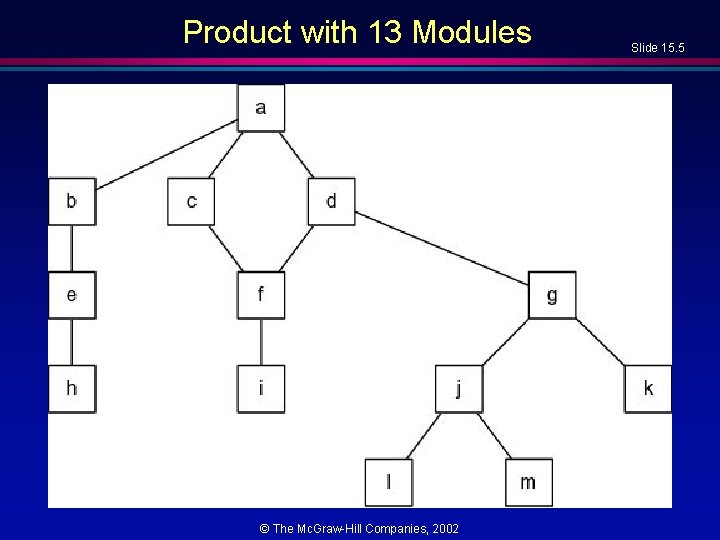
Product with 13 Modules © The Mc. Graw-Hill Companies, 2002 Slide 15. 5
Implementation, Then Integration l l Code and test each module separately Link all 13 modules together, test product as a whole © The Mc. Graw-Hill Companies, 2002 Slide 15. 6
Drivers and stubs l Slide 15. 7 To test module a, modules b, c, d must be stubs – Empty module, or – Prints message ("Procedure radar. Calc called"), or – Returns precooked values from preplanned test cases l To test module which calls it h on its own requires a driver, – Once, or – Several times, or – Many times, each time checking value returned l Testing module d requires driver and two stubs © The Mc. Graw-Hill Companies, 2002
Implementation, Then Integration (contd) Slide 15. 8 l Problem 1 – Stubs and drivers must be written, then thrown away after module testing is complete l Problem 2 – Lack of fault isolation – A fault could lie in any of 13 modules or 13 interfaces – In a large product with, say, 103 modules and 108 interfaces, there are 211 places where a fault might lie l Solution to both problems – Combine module and integration testing – “Implementation and integration phase” © The Mc. Graw-Hill Companies, 2002
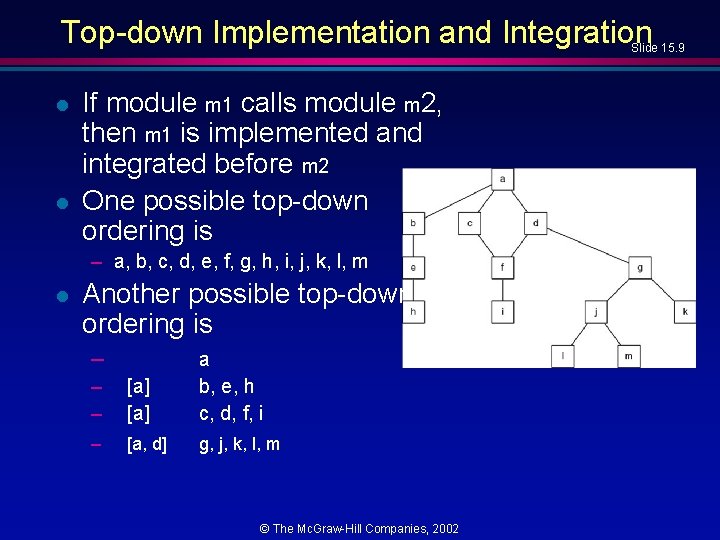
Top-down Implementation and Integration Slide 15. 9 l l If module m 1 calls module m 2, then m 1 is implemented and integrated before m 2 One possible top-down ordering is – a, b, c, d, e, f, g, h, i, j, k, l, m l Another possible top-down ordering is – – – [a] a b, e, h c, d, f, i – [a, d] g, j, k, l, m © The Mc. Graw-Hill Companies, 2002
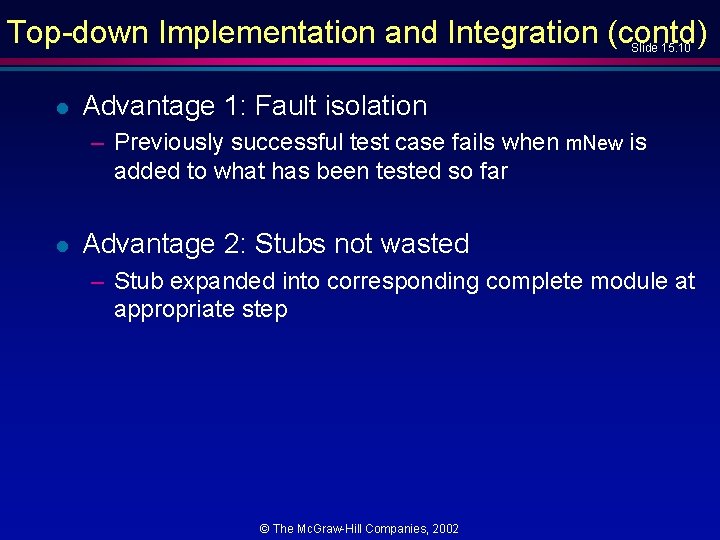
Top-down Implementation and Integration (contd) Slide 15. 10 l Advantage 1: Fault isolation – Previously successful test case fails when m. New is added to what has been tested so far l Advantage 2: Stubs not wasted – Stub expanded into corresponding complete module at appropriate step © The Mc. Graw-Hill Companies, 2002
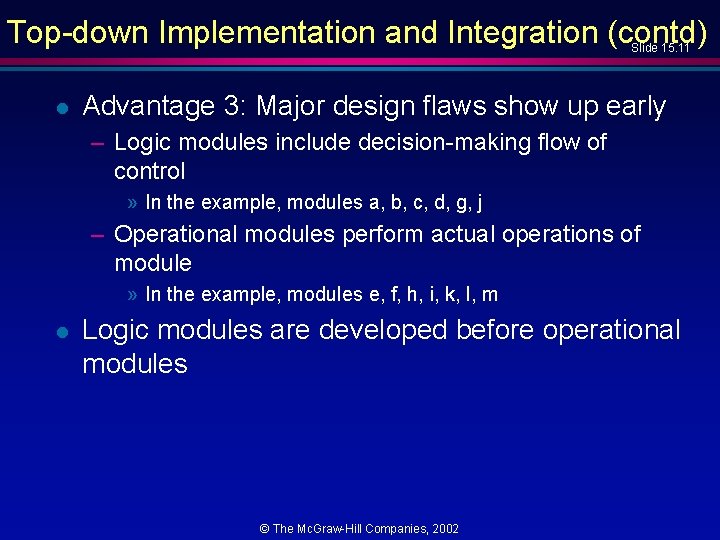
Top-down Implementation and Integration (contd) Slide 15. 11 l Advantage 3: Major design flaws show up early – Logic modules include decision-making flow of control » In the example, modules a, b, c, d, g, j – Operational modules perform actual operations of module » In the example, modules e, f, h, i, k, l, m l Logic modules are developed before operational modules © The Mc. Graw-Hill Companies, 2002
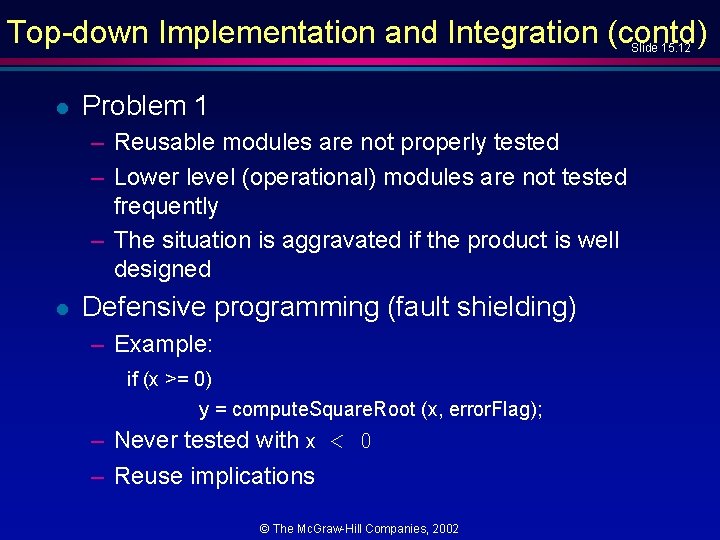
Top-down Implementation and Integration (contd) Slide 15. 12 l Problem 1 – Reusable modules are not properly tested – Lower level (operational) modules are not tested frequently – The situation is aggravated if the product is well designed l Defensive programming (fault shielding) – Example: if (x >= 0) y = compute. Square. Root (x, error. Flag); – Never tested with x < 0 – Reuse implications © The Mc. Graw-Hill Companies, 2002
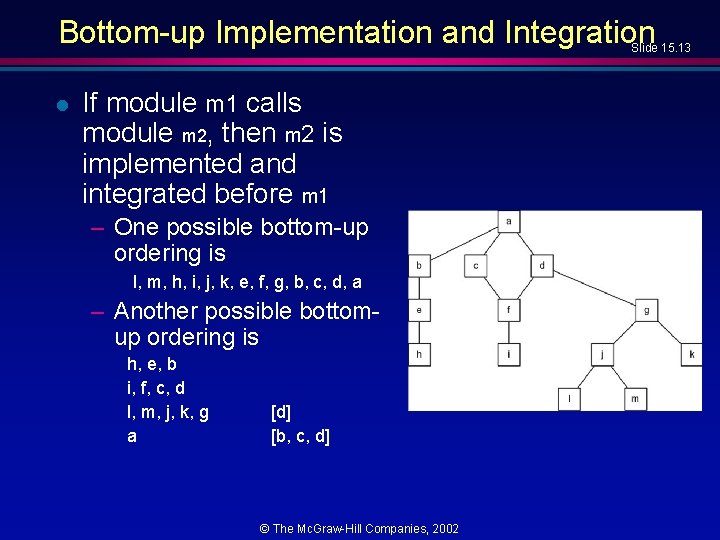
Bottom-up Implementation and Integration Slide 15. 13 l If module m 1 calls module m 2, then m 2 is implemented and integrated before m 1 – One possible bottom-up ordering is l, m, h, i, j, k, e, f, g, b, c, d, a – Another possible bottomup ordering is h, e, b i, f, c, d l, m, j, k, g a [d] [b, c, d] © The Mc. Graw-Hill Companies, 2002
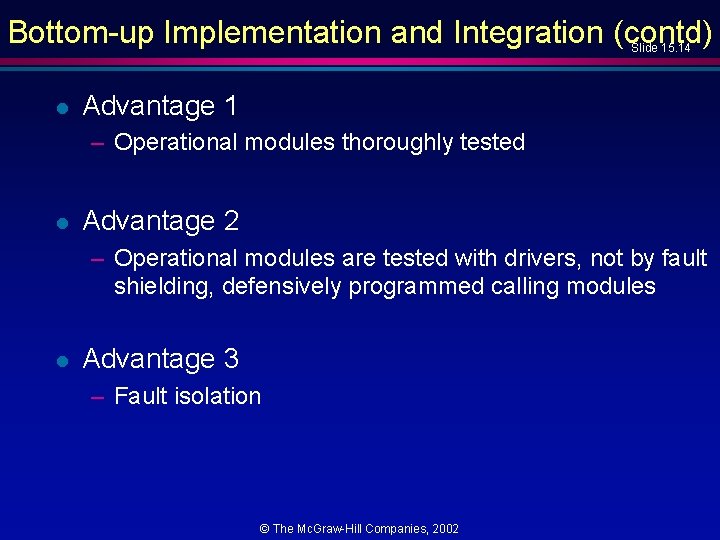
Bottom-up Implementation and Integration (contd) Slide 15. 14 l Advantage 1 – Operational modules thoroughly tested l Advantage 2 – Operational modules are tested with drivers, not by fault shielding, defensively programmed calling modules l Advantage 3 – Fault isolation © The Mc. Graw-Hill Companies, 2002
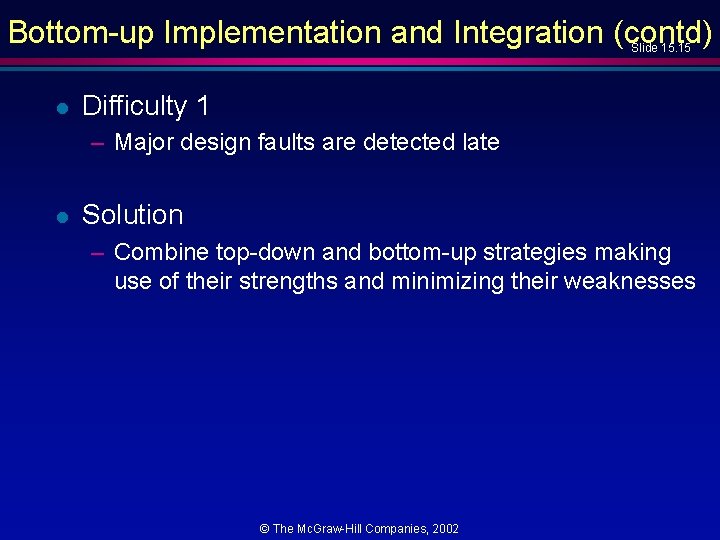
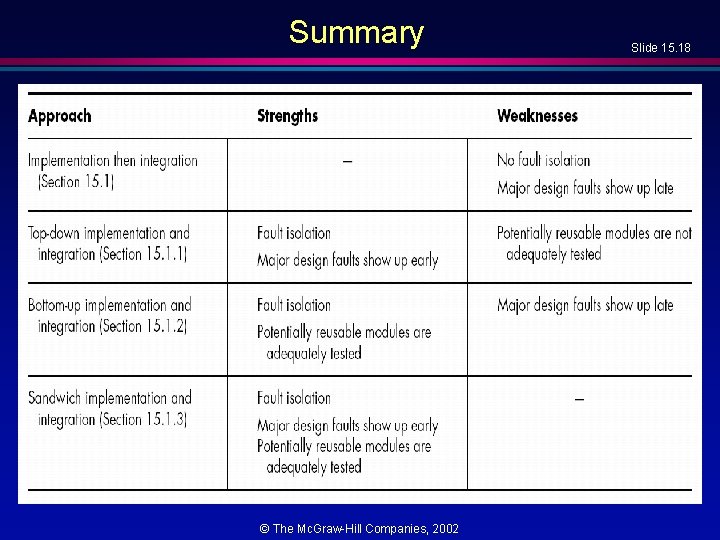
Bottom-up Implementation and Integration (contd) Slide 15. 15 l Difficulty 1 – Major design faults are detected late l Solution – Combine top-down and bottom-up strategies making use of their strengths and minimizing their weaknesses © The Mc. Graw-Hill Companies, 2002
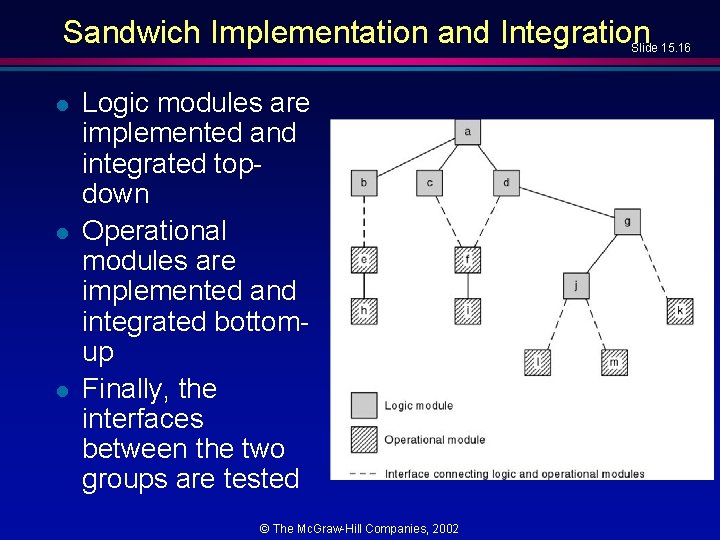
Sandwich Implementation and Integration Slide 15. 16 l l l Logic modules are implemented and integrated topdown Operational modules are implemented and integrated bottomup Finally, the interfaces between the two groups are tested © The Mc. Graw-Hill Companies, 2002
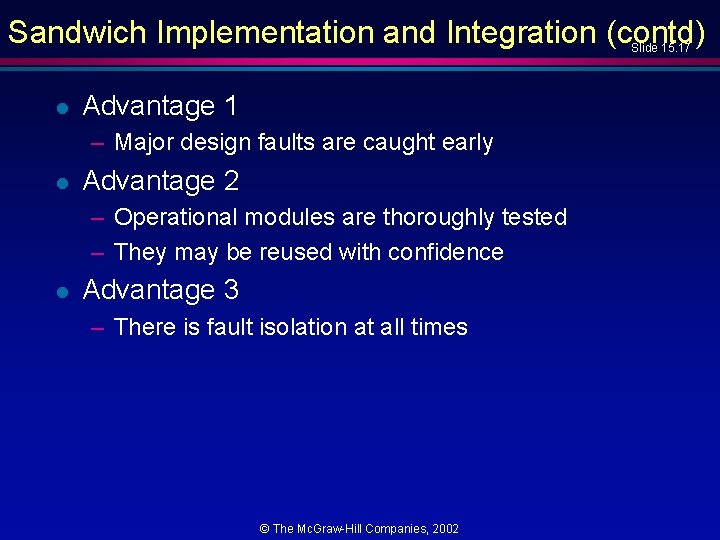
Sandwich Implementation and Integration (contd) Slide 15. 17 l Advantage 1 – Major design faults are caught early l Advantage 2 – Operational modules are thoroughly tested – They may be reused with confidence l Advantage 3 – There is fault isolation at all times © The Mc. Graw-Hill Companies, 2002
Summary © The Mc. Graw-Hill Companies, 2002 Slide 15. 18
Object-Oriented Implementation and Integration Slide 15. 19 l Object-oriented implementation and integration – Almost always sandwich implementation and integration – Objects are integrated bottom-up – Other modules are integrated top-down © The Mc. Graw-Hill Companies, 2002
Management Issues during Implem. and Int. Slide 15. 20 l Example – Design document used by Team 1 (who coded module m 1) shows m 1 calls m 2 passing 4 parameters – Design document used by Team 2 (who coded module m 2) states clearly that m 2 has only 3 parameters l Solution – The implementation and integration. process must be run by SQA © The Mc. Graw-Hill Companies, 2002
Testing during Implem. and Integration Phase Slide 15. 21 l Product testing – Performed to ensure that the product will not fail its acceptance test l Failing the acceptance test is a disaster for management – The client may conclude that the developers are incompetent – Worse, the client may believe that the developers tried to cheat l The SQA team must ensure that the product passes its acceptance test © The Mc. Graw-Hill Companies, 2002
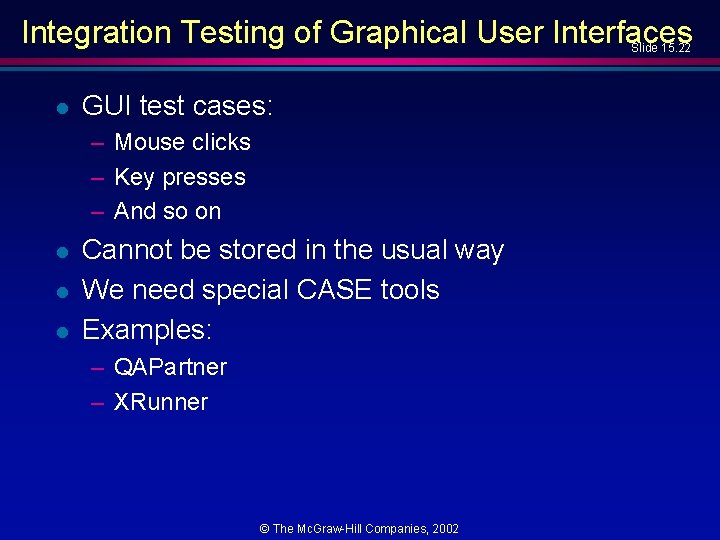
Integration Testing of Graphical User Interfaces Slide 15. 22 l GUI test cases: – Mouse clicks – Key presses – And so on l l l Cannot be stored in the usual way We need special CASE tools Examples: – QAPartner – XRunner © The Mc. Graw-Hill Companies, 2002
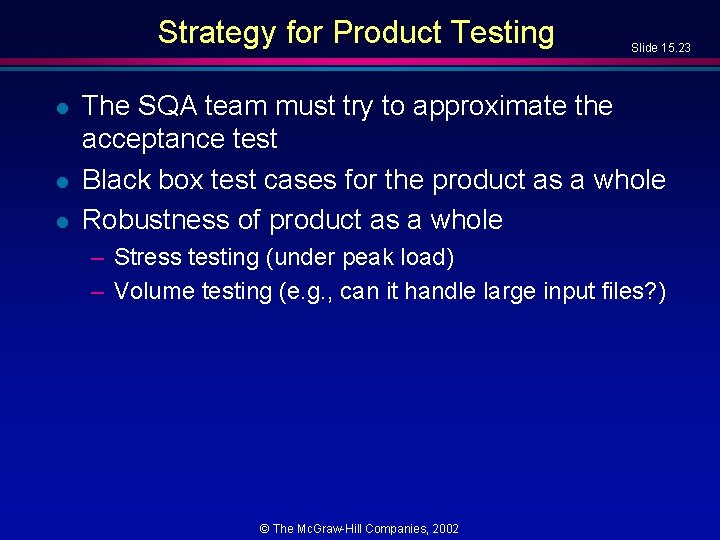
Strategy for Product Testing l l l Slide 15. 23 The SQA team must try to approximate the acceptance test Black box test cases for the product as a whole Robustness of product as a whole – Stress testing (under peak load) – Volume testing (e. g. , can it handle large input files? ) © The Mc. Graw-Hill Companies, 2002
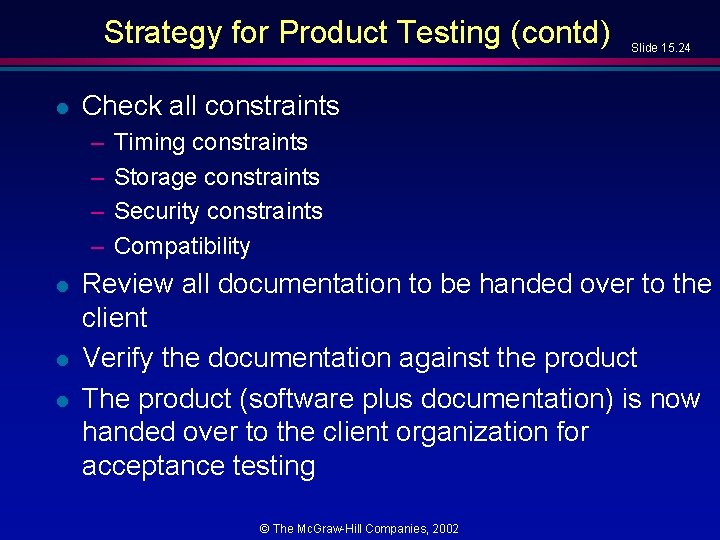
Strategy for Product Testing (contd) l Check all constraints – – l l l Slide 15. 24 Timing constraints Storage constraints Security constraints Compatibility Review all documentation to be handed over to the client Verify the documentation against the product The product (software plus documentation) is now handed over to the client organization for acceptance testing © The Mc. Graw-Hill Companies, 2002
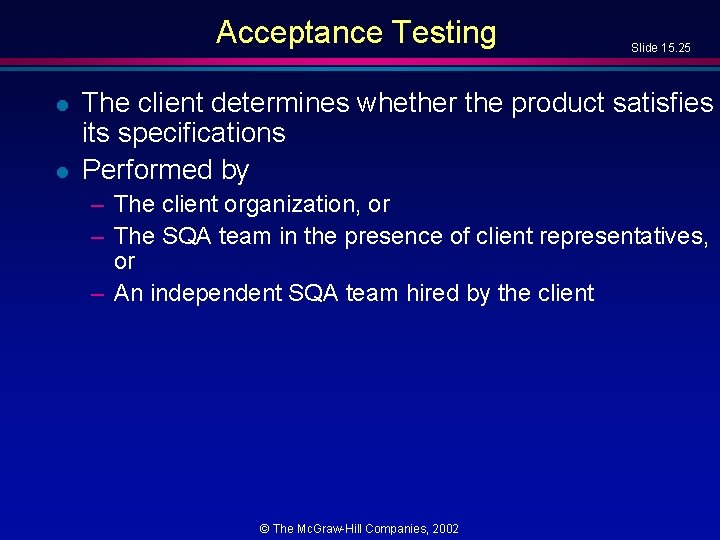
Acceptance Testing l l Slide 15. 25 The client determines whether the product satisfies its specifications Performed by – The client organization, or – The SQA team in the presence of client representatives, or – An independent SQA team hired by the client © The Mc. Graw-Hill Companies, 2002
Acceptance Testing (contd) l Four major components of acceptance testing – – l Slide 15. 26 Correctness Robustness Performance Documentation (Precisely what was done by developer during product testing) © The Mc. Graw-Hill Companies, 2002
CASE tools for the Implem. and Integ. Phase Slide 15. 27 l Bare minimum: – Version control tools – Examples: » rcs, sccs, PCVS, Source. Safe © The Mc. Graw-Hill Companies, 2002
CASE Tools for the Complete Software Process Slide 15. 28 l l l A large organization needs an environment A medium-sized organization can probably manage with a workbench A small organization can usually manage with just tools. © The Mc. Graw-Hill Companies, 2002
Integrated Environments l Usual meaning of “integrated” – User interface integration – Similar “look and feel” – Most successful on the Macintosh l There also other types of integration © The Mc. Graw-Hill Companies, 2002 Slide 15. 29
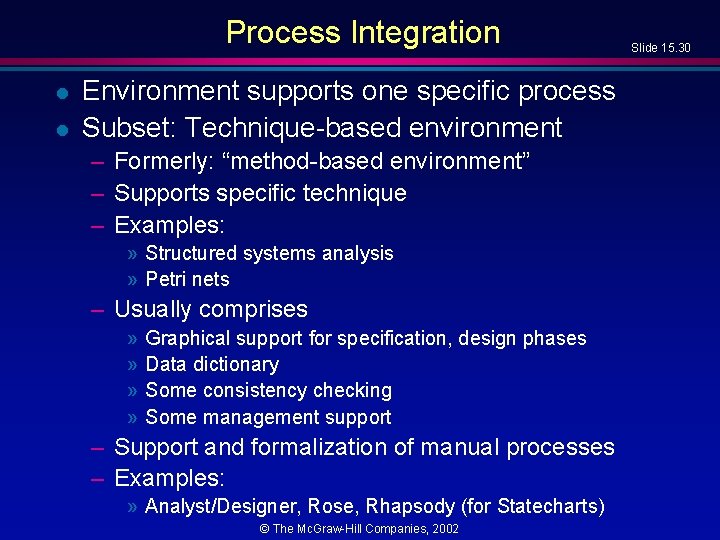
Process Integration l l Environment supports one specific process Subset: Technique-based environment – Formerly: “method-based environment” – Supports specific technique – Examples: » Structured systems analysis » Petri nets – Usually comprises » » Graphical support for specification, design phases Data dictionary Some consistency checking Some management support – Support and formalization of manual processes – Examples: » Analyst/Designer, Rose, Rhapsody (for Statecharts) © The Mc. Graw-Hill Companies, 2002 Slide 15. 30
Technique-Based Environments (contd) Slide 15. 31 l Advantage of technique-based environment – Forced to use specific method, correctly l Disadvantages of technique-based environment – Forced to use specific method – Inadequate support of programming-in-the-many © The Mc. Graw-Hill Companies, 2002
Environments for Business Application l The emphasis is on ease of use – GUI – Standard forms for input, output – Code generator » Detailed design is lowest level of abstraction » Expect productivity rise l Examples: – Foundation, Bachman Product Set © The Mc. Graw-Hill Companies, 2002 Slide 15. 32
Public Tool Infrastructure l Slide 15. 33 PCTE—Portable common tool environment – NOT an environment – An infrastructure for supporting CASE tools (similar to the way an operating system provides services for user products) – Adopted by ECMA (European Computer Manufacturers Association) l Example implementations: – IBM, Emeraude © The Mc. Graw-Hill Companies, 2002
Potential Problems with Environments l Slide 15. 34 No one environment is ideal for all organizations – Each has its strengths and weaknesses l Warning 1 – Choosing the wrong environment can be worse than no environment – Enforcing a wrong technique is counterproductive l Warning 2 – Shun environments below CMM level 3 – We cannot automate a nonexistent process – A CASE tool or CASE workbench is fine © The Mc. Graw-Hill Companies, 2002
Metrics for the Implem. and Integ. Phase Slide 15. 35 l l The five basic metrics, plus Complexity metrics Number of test cases, percentage which resulted in failure Total number of faults, by types © The Mc. Graw-Hill Companies, 2002
Air Gourmet Case Study: Impl. and Integ. Phase Slide 15. 36 l l Complete C++ implementation, Complete Java implementation, – at www. mhhe. com/engcs/compsci/schach © The Mc. Graw-Hill Companies, 2002
Challenges of the Implem. and Integration Phase Slide 15. 37 l Management issues are paramount here – – Appropriate CASE tools Test case planning Communicating changes to all personnel Deciding when to stop testing © The Mc. Graw-Hill Companies, 2002