
Chapter 15 examples BIOSlevel programming Variation on keybd
Chapter 15 examples BIOS-level programming

Variation on keybd. asm
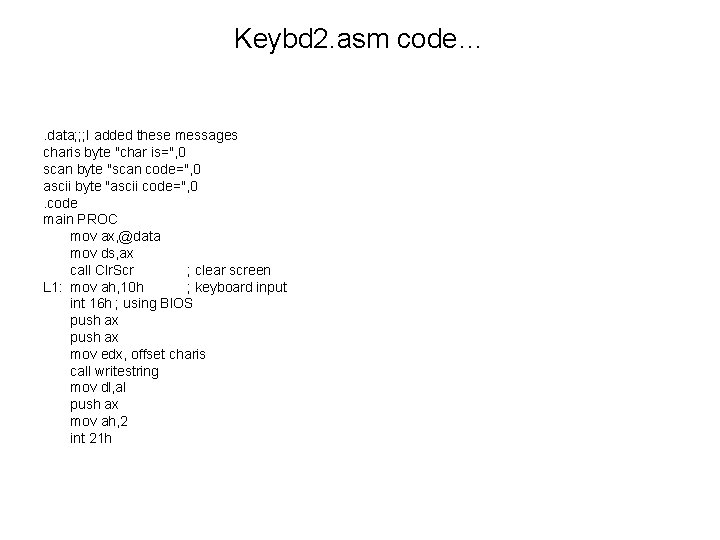
Keybd 2. asm code… . data; ; ; I added these messages charis byte "char is=", 0 scan byte "scan code=", 0 ascii byte "ascii code=", 0. code main PROC mov ax, @data mov ds, ax call Clr. Scr ; clear screen L 1: mov ah, 10 h ; keyboard input int 16 h ; using BIOS push ax mov edx, offset charis call writestring mov dl, al push ax mov ah, 2 int 21 h
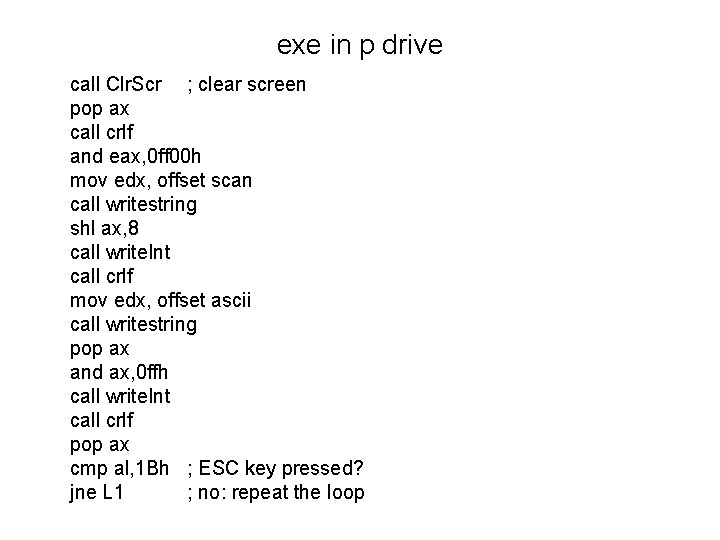
exe in p drive call Clr. Scr ; clear screen pop ax call crlf and eax, 0 ff 00 h mov edx, offset scan call writestring shl ax, 8 call write. Int call crlf mov edx, offset ascii call writestring pop ax and ax, 0 ffh call write. Int call crlf pop ax cmp al, 1 Bh ; ESC key pressed? jne L 1 ; no: repeat the loop
Clearing the type-ahead buffer • If the user is typing keys in some loop (in a game situation, for example) and the program is waiting for a particular key press, you may need to clear the typeahead buffer
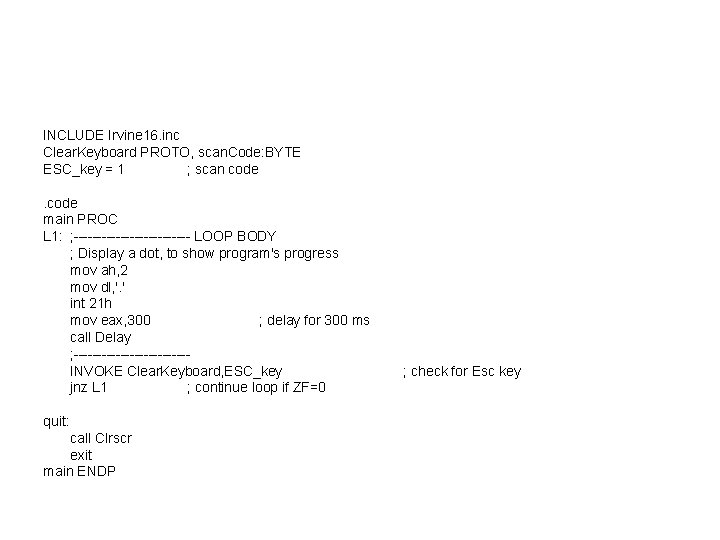
INCLUDE Irvine 16. inc Clear. Keyboard PROTO, scan. Code: BYTE ESC_key = 1 ; scan code main PROC L 1: ; ------------- LOOP BODY ; Display a dot, to show program's progress mov ah, 2 mov dl, '. ' int 21 h mov eax, 300 ; delay for 300 ms call Delay ; ------------INVOKE Clear. Keyboard, ESC_key jnz L 1 ; continue loop if ZF=0 quit: call Clrscr exit main ENDP ; check for Esc key
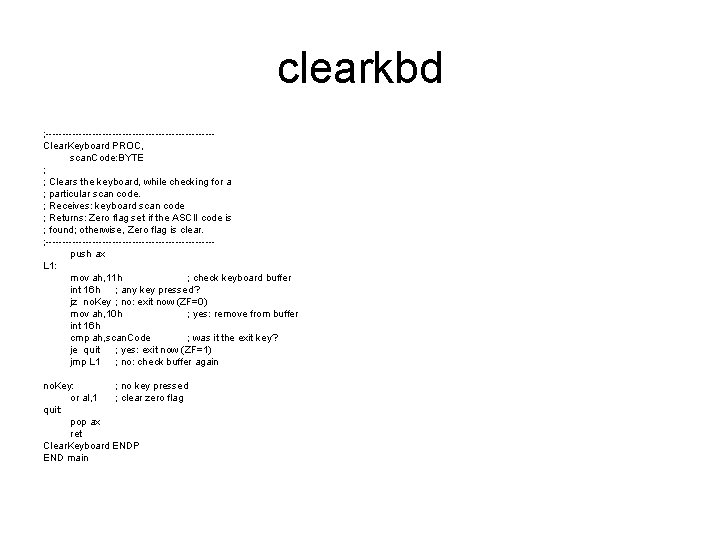
clearkbd ; -------------------------Clear. Keyboard PROC, scan. Code: BYTE ; ; Clears the keyboard, while checking for a ; particular scan code. ; Receives: keyboard scan code ; Returns: Zero flag set if the ASCII code is ; found; otherwise, Zero flag is clear. ; -------------------------push ax L 1: mov ah, 11 h ; check keyboard buffer int 16 h ; any key pressed? jz no. Key ; no: exit now (ZF=0) mov ah, 10 h ; yes: remove from buffer int 16 h cmp ah, scan. Code ; was it the exit key? je quit ; yes: exit now (ZF=1) jmp L 1 ; no: check buffer again no. Key: ; no key pressed or al, 1 ; clear zero flag quit: pop ax ret Clear. Keyboard ENDP END main
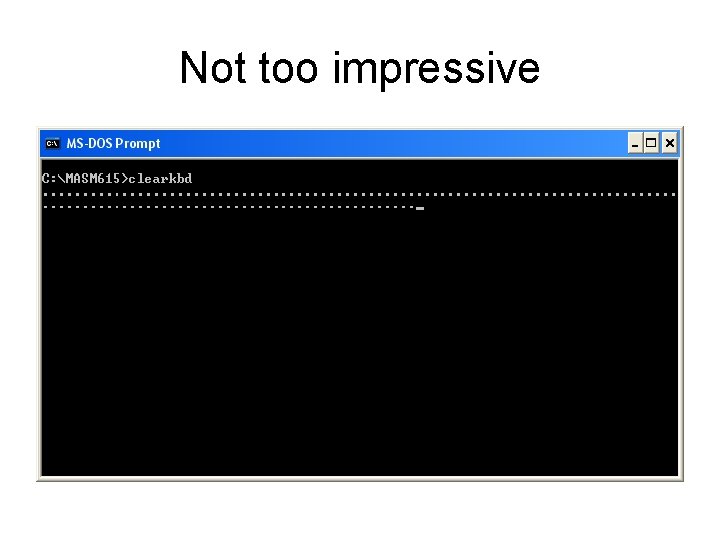
Not too impressive
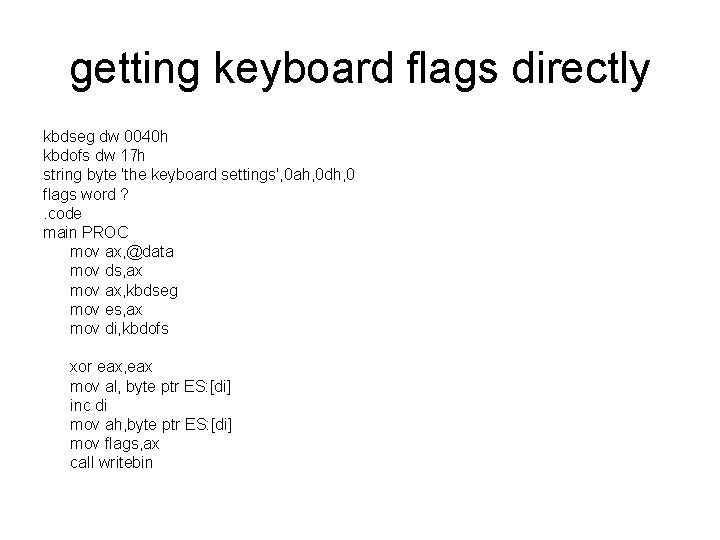
getting keyboard flags directly kbdseg dw 0040 h kbdofs dw 17 h string byte 'the keyboard settings', 0 ah, 0 dh, 0 flags word ? . code main PROC mov ax, @data mov ds, ax mov ax, kbdseg mov es, ax mov di, kbdofs xor eax, eax mov al, byte ptr ES: [di] inc di mov ah, byte ptr ES: [di] mov flags, ax call writebin
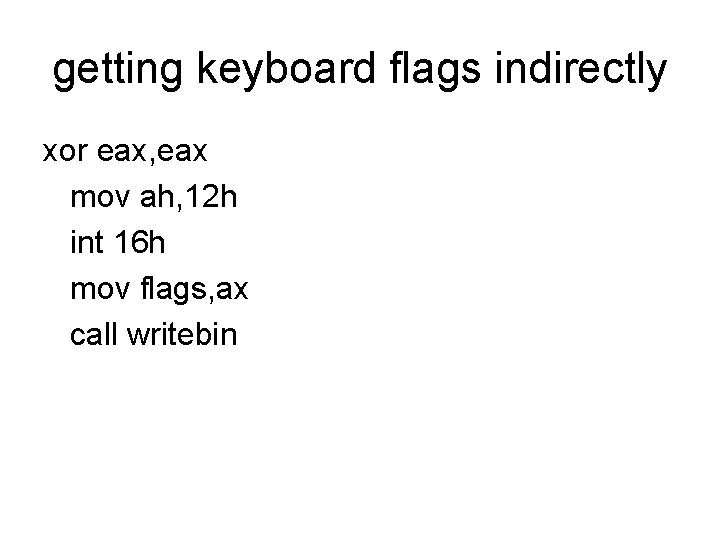
getting keyboard flags indirectly xor eax, eax mov ah, 12 h int 16 h mov flags, ax call writebin
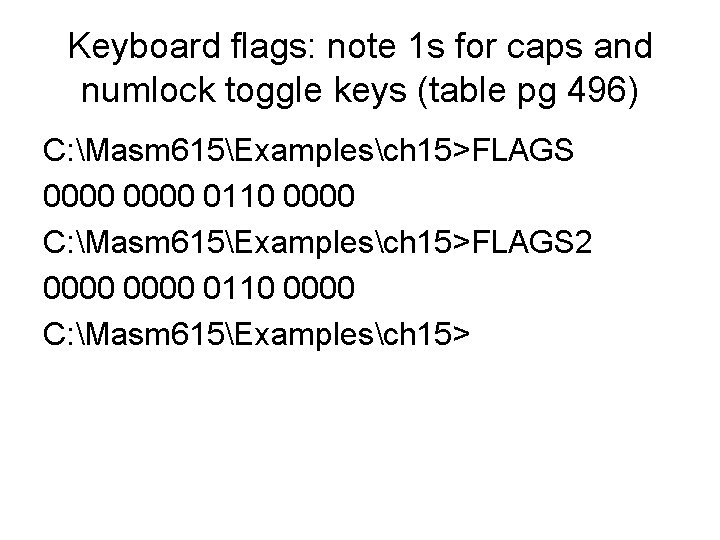
Keyboard flags: note 1 s for caps and numlock toggle keys (table pg 496) C: Masm 615Examplesch 15>FLAGS 0000 0110 0000 C: Masm 615Examplesch 15>FLAGS 2 0000 0110 0000 C: Masm 615Examplesch 15>
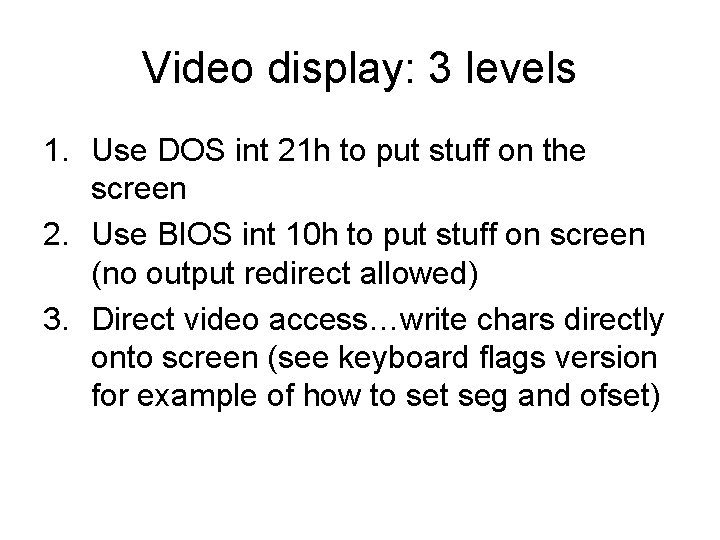
Video display: 3 levels 1. Use DOS int 21 h to put stuff on the screen 2. Use BIOS int 10 h to put stuff on screen (no output redirect allowed) 3. Direct video access…write chars directly onto screen (see keyboard flags version for example of how to set seg and ofset)
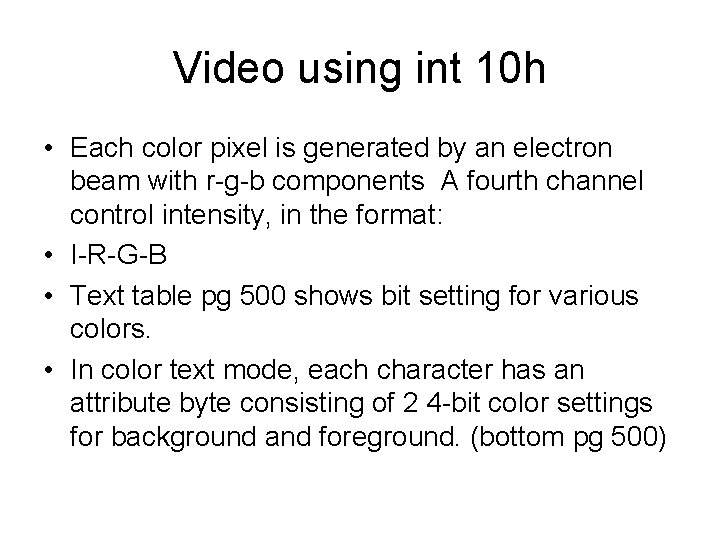
Video using int 10 h • Each color pixel is generated by an electron beam with r-g-b components A fourth channel control intensity, in the format: • I-R-G-B • Text table pg 500 shows bit setting for various colors. • In color text mode, each character has an attribute byte consisting of 2 4 -bit color settings for background and foreground. (bottom pg 500)
Int 10 h • Text pg 501 has a list of int 10 h function codes • These include reading characters from the screen, writing chars or pixels onto the screen
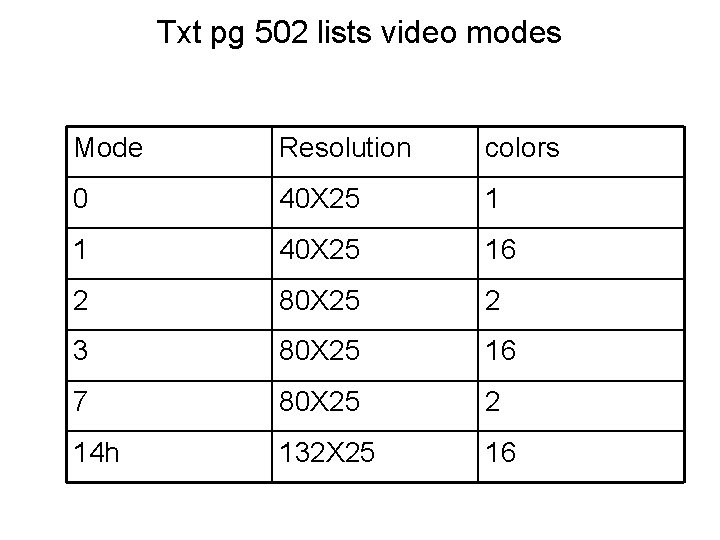
Txt pg 502 lists video modes Mode Resolution colors 0 40 X 25 1 1 40 X 25 16 2 80 X 25 2 3 80 X 25 16 7 80 X 25 2 14 h 132 X 25 16
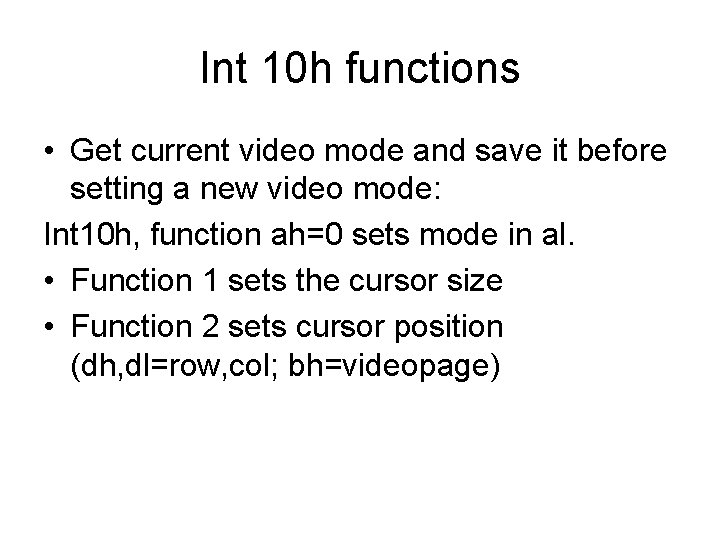
Int 10 h functions • Get current video mode and save it before setting a new video mode: Int 10 h, function ah=0 sets mode in al. • Function 1 sets the cursor size • Function 2 sets cursor position (dh, dl=row, col; bh=videopage)
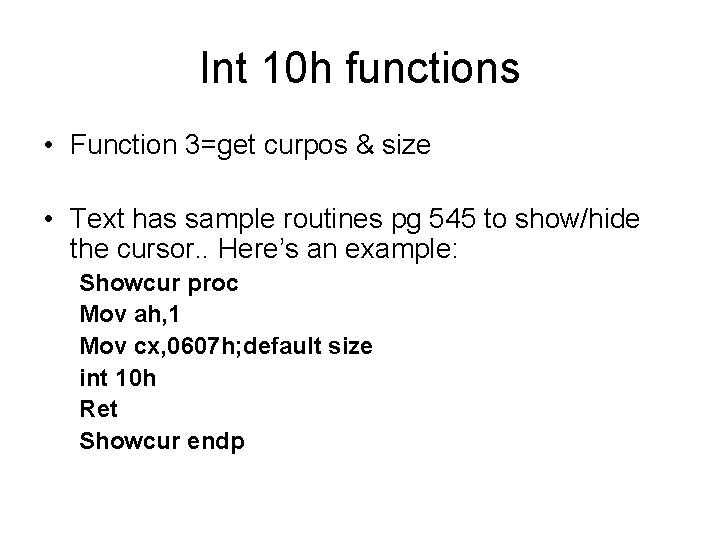
Int 10 h functions • Function 3=get curpos & size • Text has sample routines pg 545 to show/hide the cursor. . Here’s an example: Showcur proc Mov ah, 1 Mov cx, 0607 h; default size int 10 h Ret Showcur endp
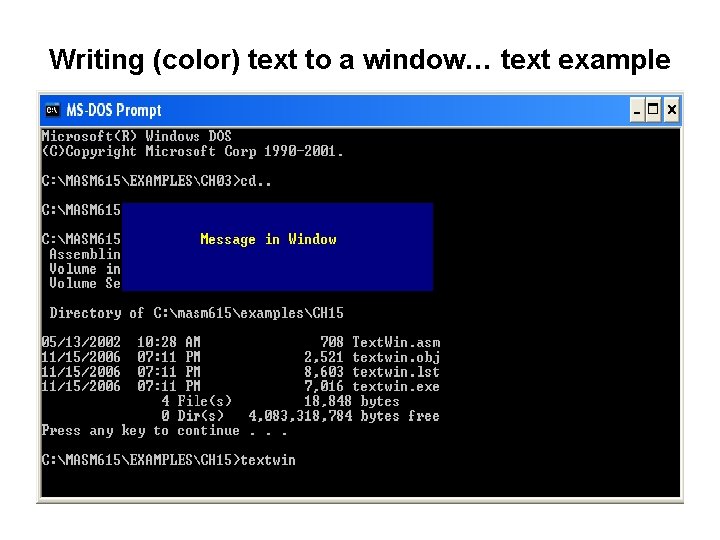
Writing (color) text to a window… text example
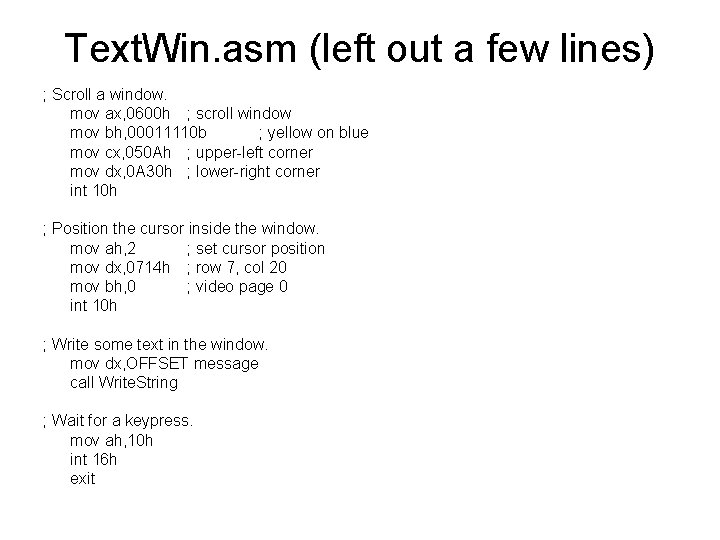
Text. Win. asm (left out a few lines) ; Scroll a window. mov ax, 0600 h ; scroll window mov bh, 00011110 b ; yellow on blue mov cx, 050 Ah ; upper-left corner mov dx, 0 A 30 h ; lower-right corner int 10 h ; Position the cursor inside the window. mov ah, 2 ; set cursor position mov dx, 0714 h ; row 7, col 20 mov bh, 0 ; video page 0 int 10 h ; Write some text in the window. mov dx, OFFSET message call Write. String ; Wait for a keypress. mov ah, 10 h int 16 h exit
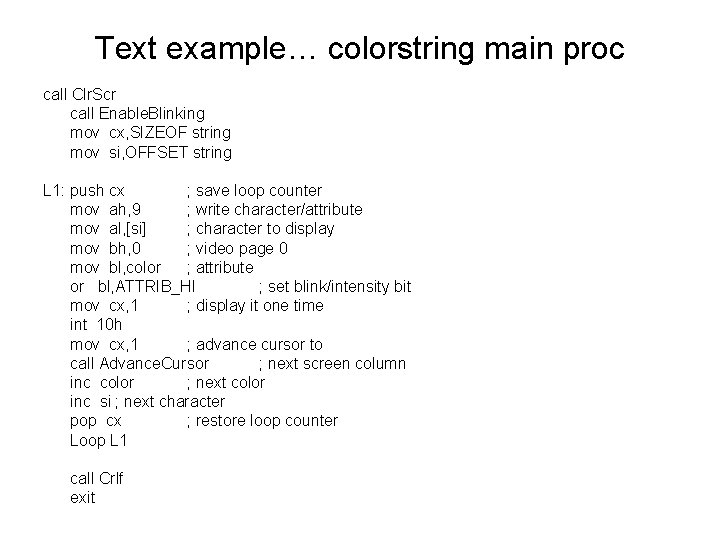
Text example… colorstring main proc call Clr. Scr call Enable. Blinking mov cx, SIZEOF string mov si, OFFSET string L 1: push cx ; save loop counter mov ah, 9 ; write character/attribute mov al, [si] ; character to display mov bh, 0 ; video page 0 mov bl, color ; attribute or bl, ATTRIB_HI ; set blink/intensity bit mov cx, 1 ; display it one time int 10 h mov cx, 1 ; advance cursor to call Advance. Cursor ; next screen column inc color ; next color inc si ; next character pop cx ; restore loop counter Loop L 1 call Crlf exit
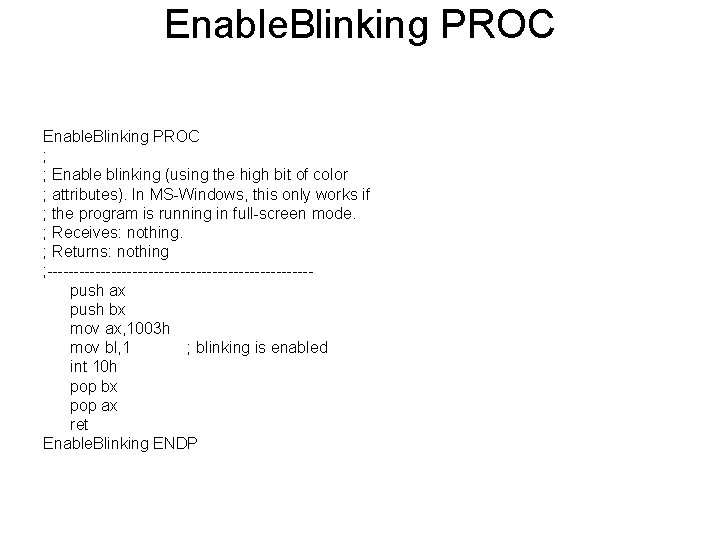
Enable. Blinking PROC ; ; Enable blinking (using the high bit of color ; attributes). In MS-Windows, this only works if ; the program is running in full-screen mode. ; Receives: nothing. ; Returns: nothing ; -------------------------push ax push bx mov ax, 1003 h mov bl, 1 ; blinking is enabled int 10 h pop bx pop ax ret Enable. Blinking ENDP
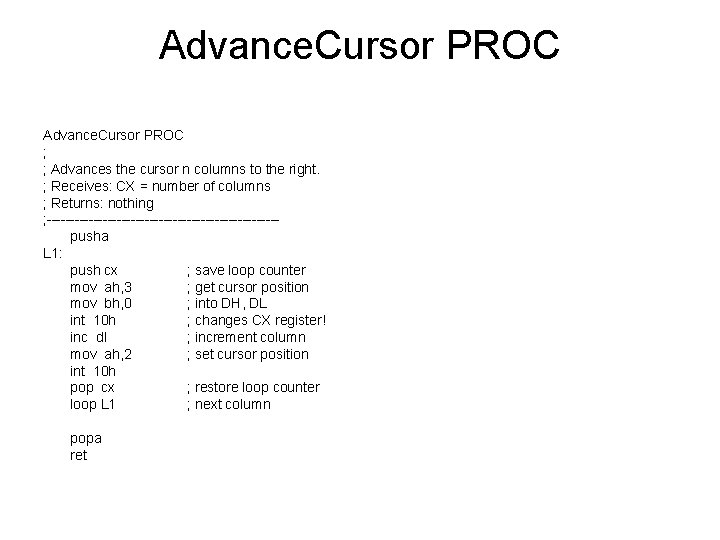
Advance. Cursor PROC ; ; Advances the cursor n columns to the right. ; Receives: CX = number of columns ; Returns: nothing ; -------------------------pusha L 1: push cx ; save loop counter mov ah, 3 ; get cursor position mov bh, 0 ; into DH, DL int 10 h ; changes CX register! inc dl ; increment column mov ah, 2 ; set cursor position int 10 h pop cx ; restore loop counter loop L 1 ; next column popa ret
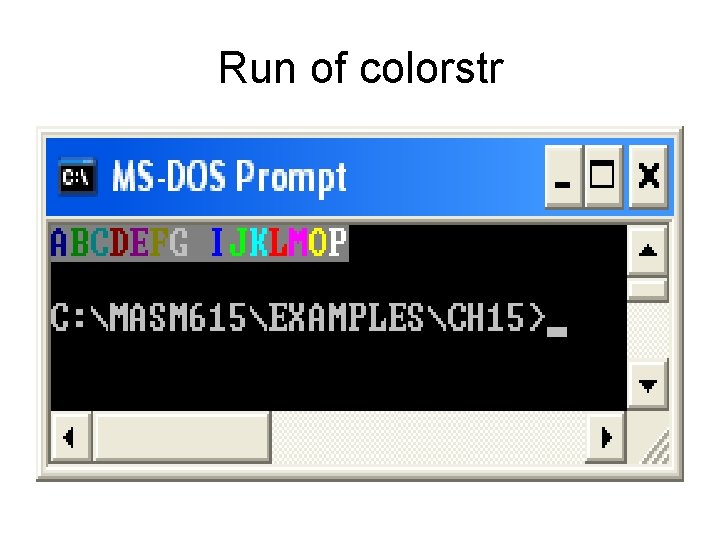
Run of colorstr
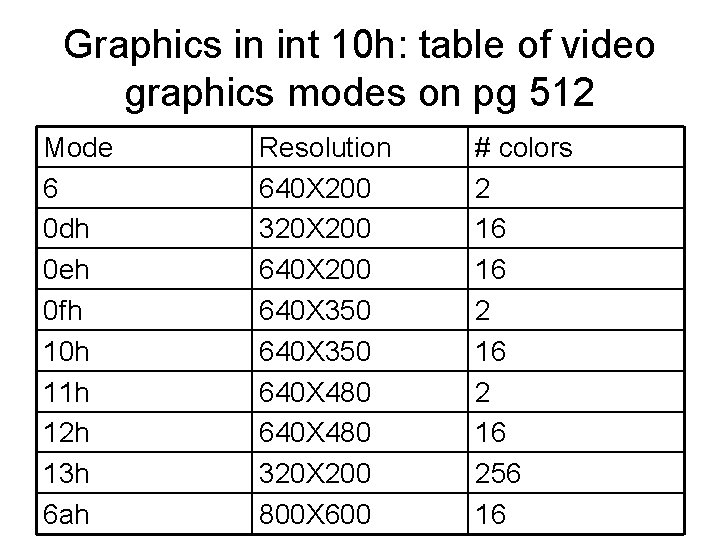
Graphics in int 10 h: table of video graphics modes on pg 512 Mode 6 0 dh 0 eh 0 fh 10 h 11 h 12 h 13 h 6 ah Resolution 640 X 200 320 X 200 640 X 350 640 X 480 320 X 200 800 X 600 # colors 2 16 16 256 16
functions • 0 Ch write a pixel • 0 dh read a pixel • See sample calls and parameters in text
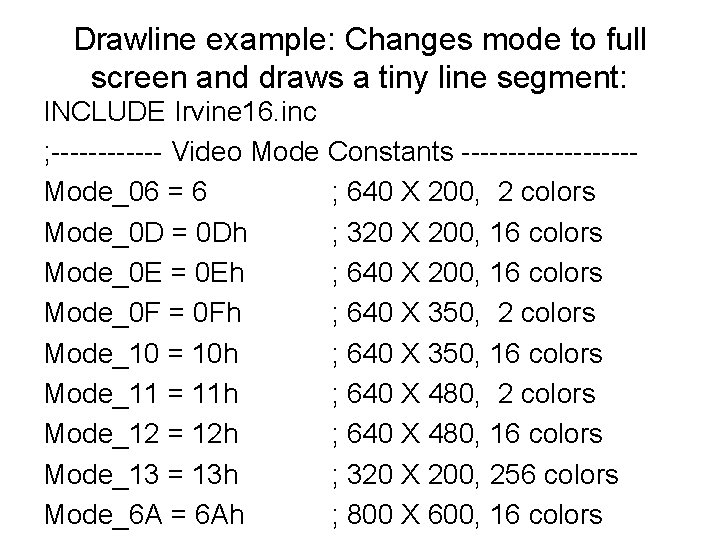
Drawline example: Changes mode to full screen and draws a tiny line segment: INCLUDE Irvine 16. inc ; ------ Video Mode Constants ---------Mode_06 = 6 ; 640 X 200, 2 colors Mode_0 D = 0 Dh ; 320 X 200, 16 colors Mode_0 E = 0 Eh ; 640 X 200, 16 colors Mode_0 F = 0 Fh ; 640 X 350, 2 colors Mode_10 = 10 h ; 640 X 350, 16 colors Mode_11 = 11 h ; 640 X 480, 2 colors Mode_12 = 12 h ; 640 X 480, 16 colors Mode_13 = 13 h ; 320 X 200, 256 colors Mode_6 A = 6 Ah ; 800 X 600, 16 colors
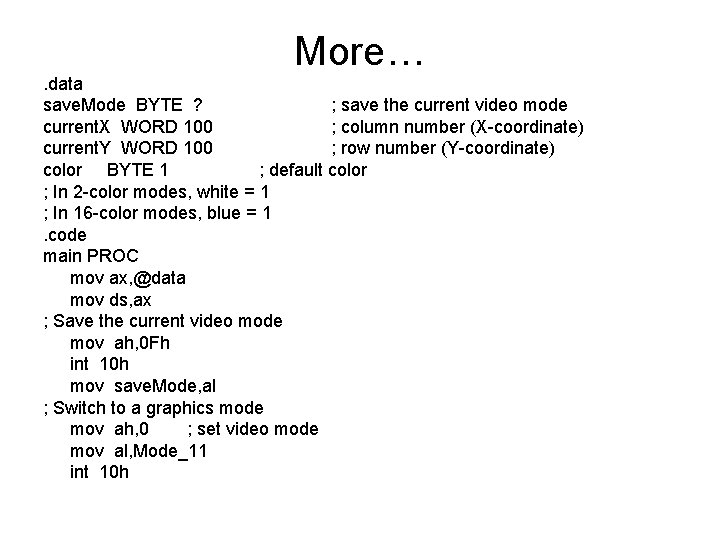
More…. data save. Mode BYTE ? ; save the current video mode current. X WORD 100 ; column number (X-coordinate) current. Y WORD 100 ; row number (Y-coordinate) color BYTE 1 ; default color ; In 2 -color modes, white = 1 ; In 16 -color modes, blue = 1. code main PROC mov ax, @data mov ds, ax ; Save the current video mode mov ah, 0 Fh int 10 h mov save. Mode, al ; Switch to a graphics mode mov ah, 0 ; set video mode mov al, Mode_11 int 10 h
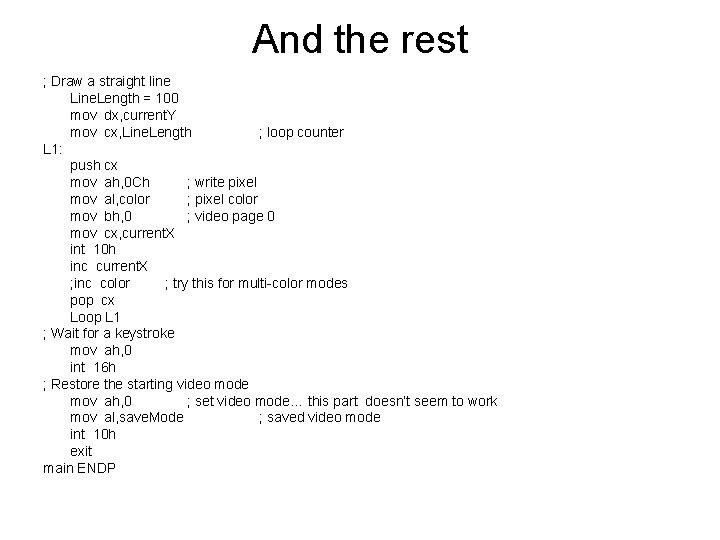
And the rest ; Draw a straight line Line. Length = 100 mov dx, current. Y mov cx, Line. Length ; loop counter L 1: push cx mov ah, 0 Ch ; write pixel mov al, color ; pixel color mov bh, 0 ; video page 0 mov cx, current. X int 10 h inc current. X ; inc color ; try this for multi-color modes pop cx Loop L 1 ; Wait for a keystroke mov ah, 0 int 16 h ; Restore the starting video mode mov ah, 0 ; set video mode… this part doesn’t seem to work mov al, save. Mode ; saved video mode int 10 h exit main ENDP
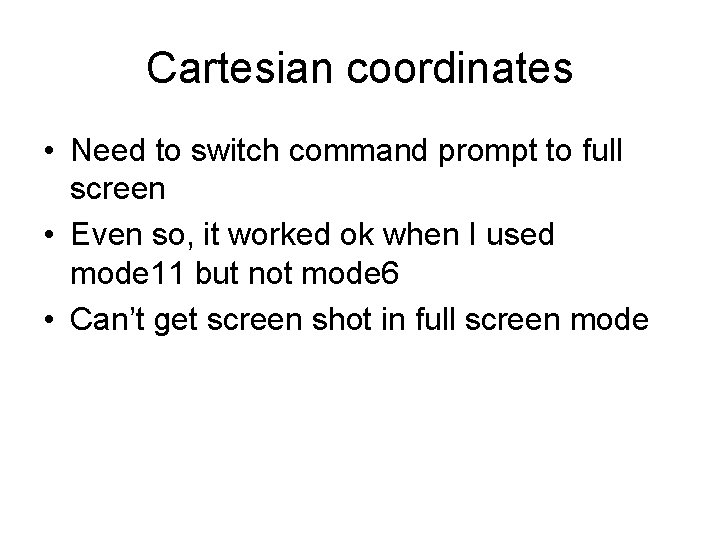
Cartesian coordinates • Need to switch command prompt to full screen • Even so, it worked ok when I used mode 11 but not mode 6 • Can’t get screen shot in full screen mode
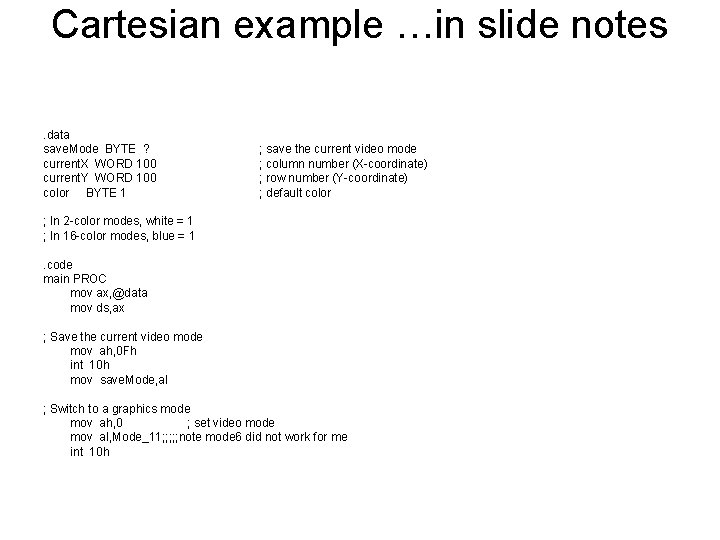
Cartesian example …in slide notes. data save. Mode BYTE ? current. X WORD 100 current. Y WORD 100 color BYTE 1 ; save the current video mode ; column number (X-coordinate) ; row number (Y-coordinate) ; default color ; In 2 -color modes, white = 1 ; In 16 -color modes, blue = 1. code main PROC mov ax, @data mov ds, ax ; Save the current video mode mov ah, 0 Fh int 10 h mov save. Mode, al ; Switch to a graphics mode mov ah, 0 ; set video mode mov al, Mode_11; ; ; note mode 6 did not work for me int 10 h
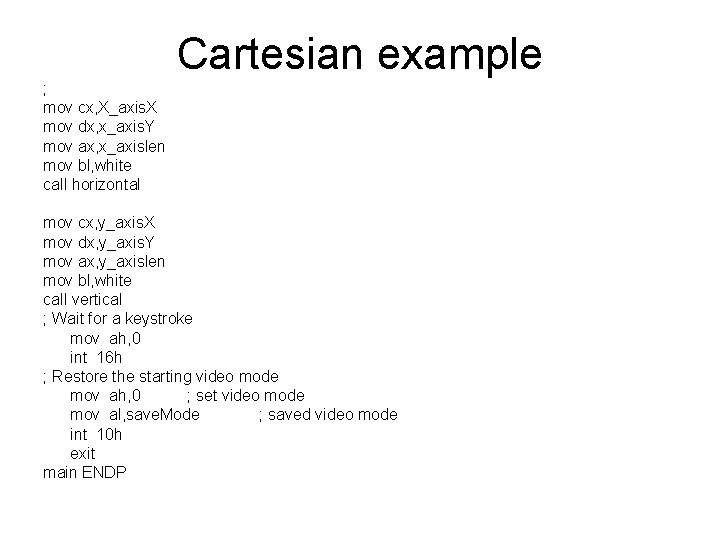
Cartesian example ; mov cx, X_axis. X mov dx, x_axis. Y mov ax, x_axislen mov bl, white call horizontal mov cx, y_axis. X mov dx, y_axis. Y mov ax, y_axislen mov bl, white call vertical ; Wait for a keystroke mov ah, 0 int 16 h ; Restore the starting video mode mov ah, 0 ; set video mode mov al, save. Mode ; saved video mode int 10 h exit main ENDP
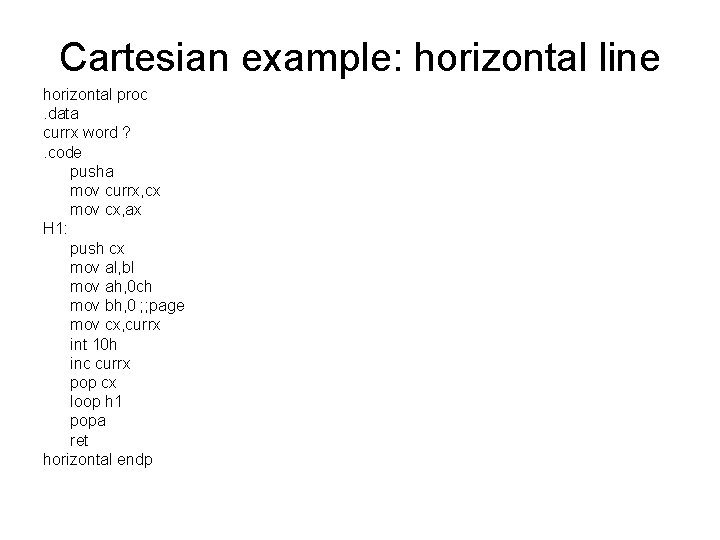
Cartesian example: horizontal line horizontal proc. data currx word ? . code pusha mov currx, cx mov cx, ax H 1: push cx mov al, bl mov ah, 0 ch mov bh, 0 ; ; page mov cx, currx int 10 h inc currx pop cx loop h 1 popa ret horizontal endp
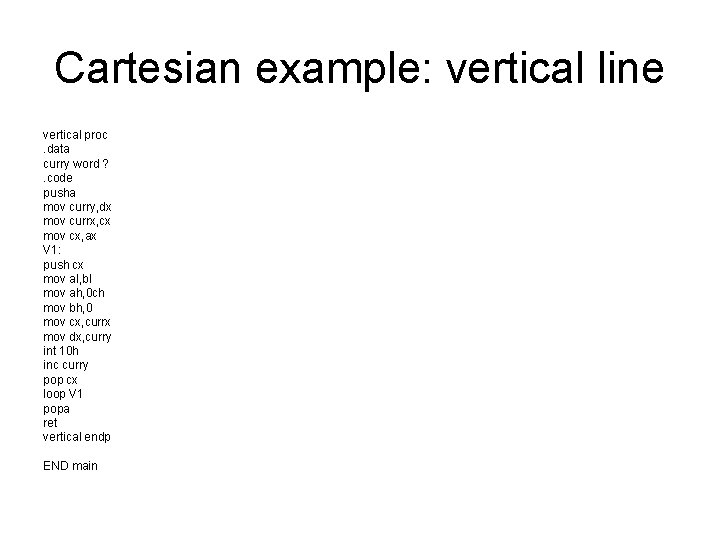
Cartesian example: vertical line vertical proc. data curry word ? . code pusha mov curry, dx mov currx, cx mov cx, ax V 1: push cx mov al, bl mov ah, 0 ch mov bh, 0 mov cx, currx mov dx, curry int 10 h inc curry pop cx loop V 1 popa ret vertical endp END main
Section 15. 5 memory mapped graphics • • Mode 13 h 320 X 200, 256 color Text example Mode 13. asm Draws a few blue dots on the screen… Need to run this in full screen
boatgame • Code in slide and posted • Draws a boat and sub • Uses old medium resolution graphics mode.
Medium resolution examples • These examples are based on an older graphics card but they still work: • Moveball---in slide notes • Medres plays cellular automata in medium resolution • Boatgame ---ask for source
moveball • Draws a cyan ball on a blue screen. • Hit or hold key to move ball rightwards (it wraps) • Type ‘x’ to exit
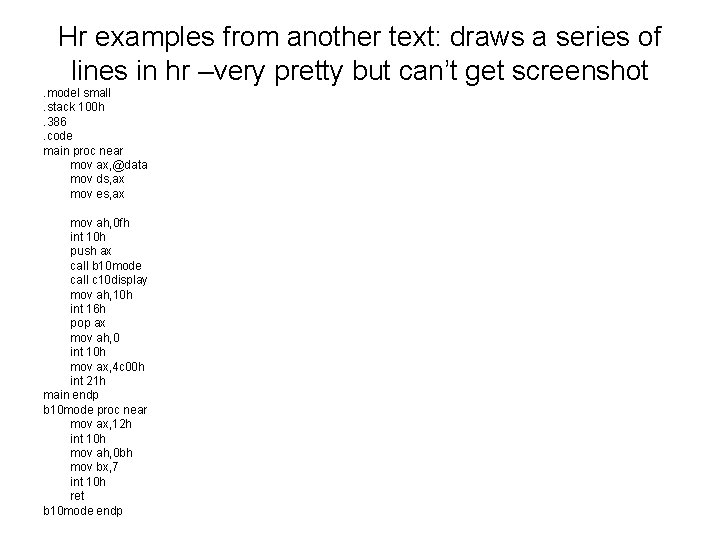
Hr examples from another text: draws a series of lines in hr –very pretty but can’t get screenshot. model small. stack 100 h. 386. code main proc near mov ax, @data mov ds, ax mov es, ax mov ah, 0 fh int 10 h push ax call b 10 mode call c 10 display mov ah, 10 h int 16 h pop ax mov ah, 0 int 10 h mov ax, 4 c 00 h int 21 h main endp b 10 mode proc near mov ax, 12 h int 10 h mov ah, 0 bh mov bx, 7 int 10 h ret b 10 mode endp
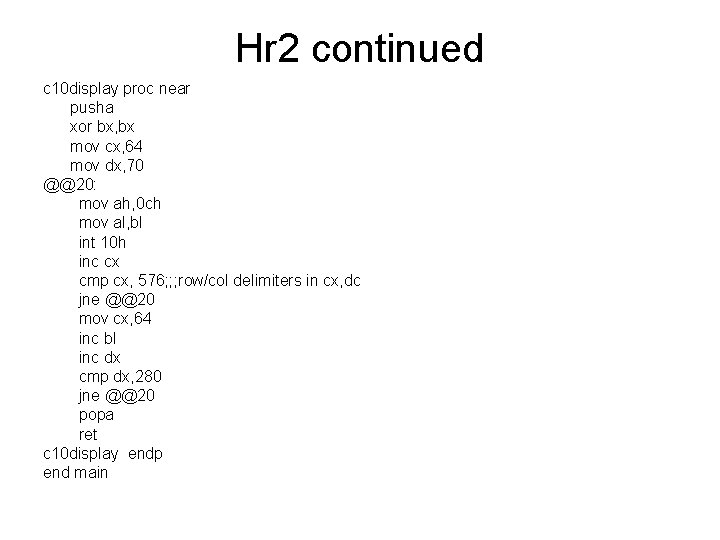
Hr 2 continued c 10 display proc near pusha xor bx, bx mov cx, 64 mov dx, 70 @@20: mov ah, 0 ch mov al, bl int 10 h inc cx cmp cx, 576; ; ; row/col delimiters in cx, dc jne @@20 mov cx, 64 inc bl inc dx cmp dx, 280 jne @@20 popa ret c 10 display endp end main
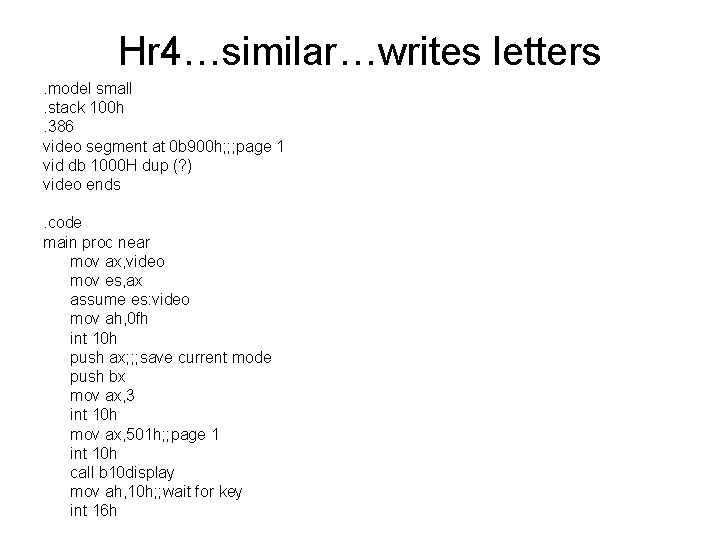
Hr 4…similar…writes letters. model small. stack 100 h. 386 video segment at 0 b 900 h; ; ; page 1 vid db 1000 H dup (? ) video ends. code main proc near mov ax, video mov es, ax assume es: video mov ah, 0 fh int 10 h push ax; ; ; save current mode push bx mov ax, 3 int 10 h mov ax, 501 h; ; page 1 int 10 h call b 10 display mov ah, 10 h; ; wait for key int 16 h
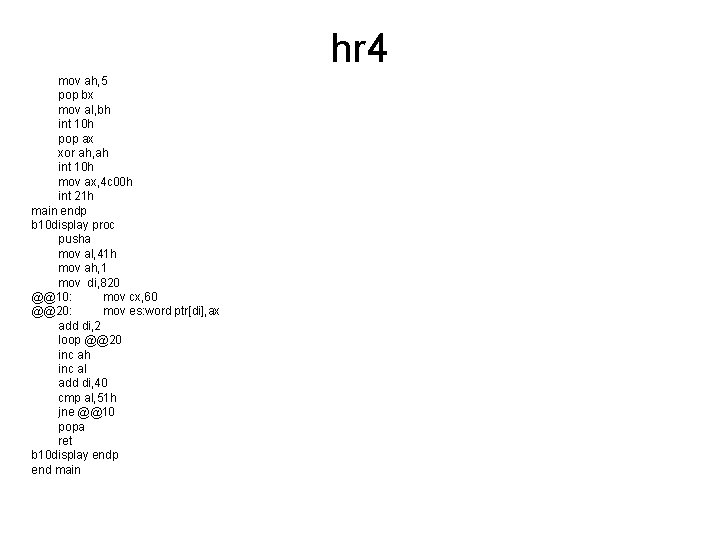
hr 4 mov ah, 5 pop bx mov al, bh int 10 h pop ax xor ah, ah int 10 h mov ax, 4 c 00 h int 21 h main endp b 10 display proc pusha mov al, 41 h mov ah, 1 mov di, 820 @@10: mov cx, 60 @@20: mov es: word ptr[di], ax add di, 2 loop @@20 inc ah inc al add di, 40 cmp al, 51 h jne @@10 popa ret b 10 display endp end main
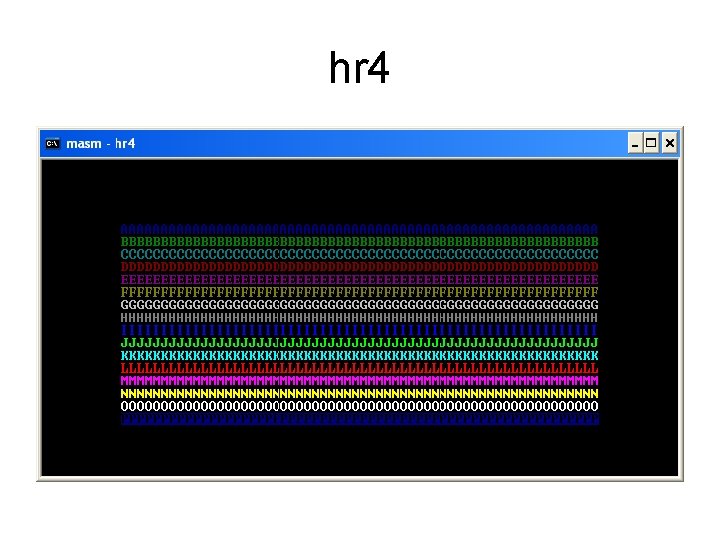
hr 4
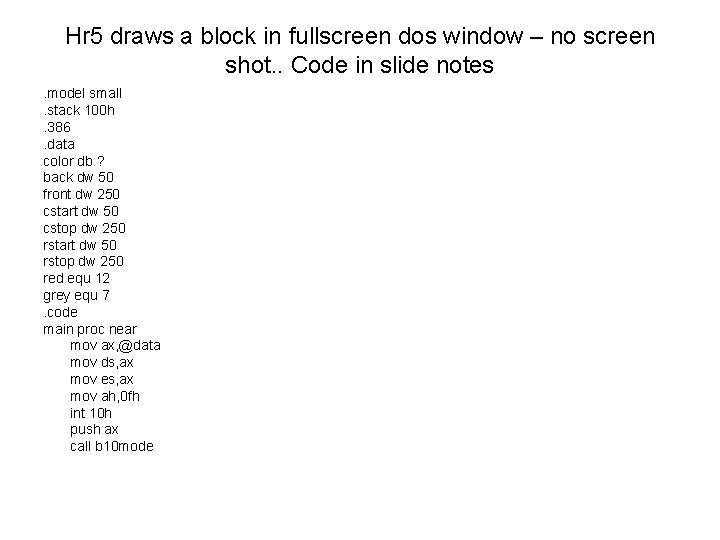
Hr 5 draws a block in fullscreen dos window – no screen shot. . Code in slide notes. model small. stack 100 h. 386. data color db ? back dw 50 front dw 250 cstart dw 50 cstop dw 250 rstart dw 50 rstop dw 250 red equ 12 grey equ 7. code main proc near mov ax, @data mov ds, ax mov es, ax mov ah, 0 fh int 10 h push ax call b 10 mode
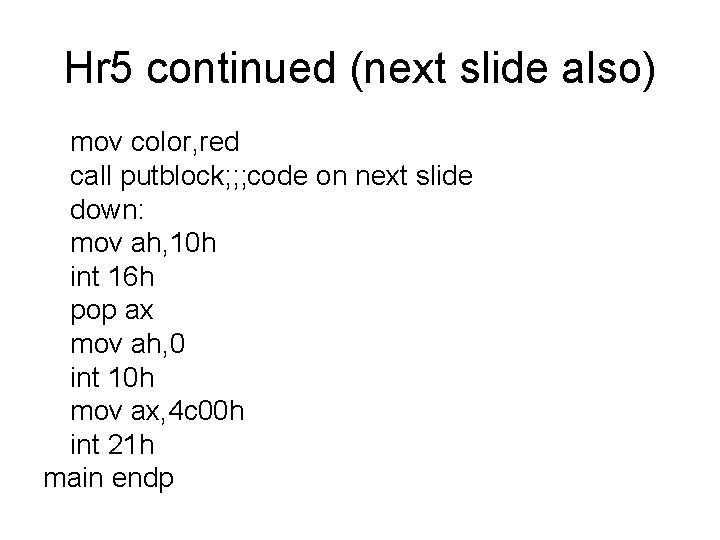
Hr 5 continued (next slide also) mov color, red call putblock; ; ; code on next slide down: mov ah, 10 h int 16 h pop ax mov ah, 0 int 10 h mov ax, 4 c 00 h int 21 h main endp
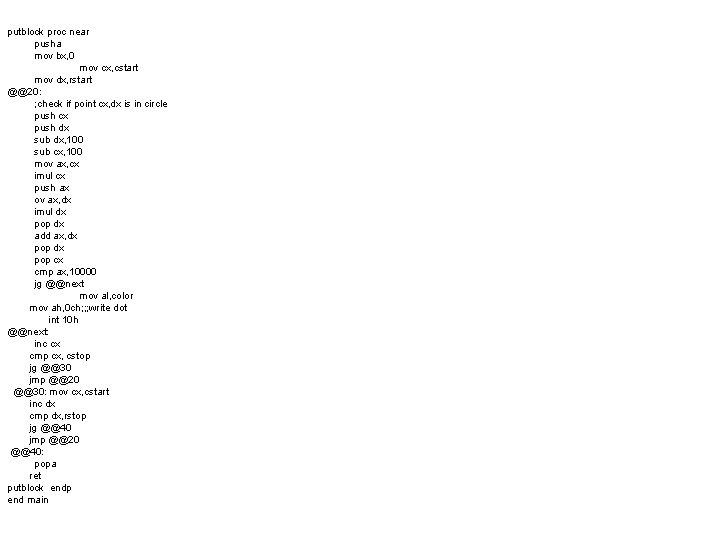
putblock proc near pusha mov bx, 0 mov cx, cstart mov dx, rstart @@20: ; check if point cx, dx is in circle push cx push dx sub dx, 100 sub cx, 100 mov ax, cx imul cx push ax ov ax, dx imul dx pop dx add ax, dx pop cx cmp ax, 10000 jg @@next mov al, color mov ah, 0 ch; ; ; write dot int 10 h @@next: inc cx cmp cx, cstop jg @@30 jmp @@20 @@30: mov cx, cstart inc dx cmp dx, rstop jg @@40 jmp @@20 @@40: popa ret putblock endp end main
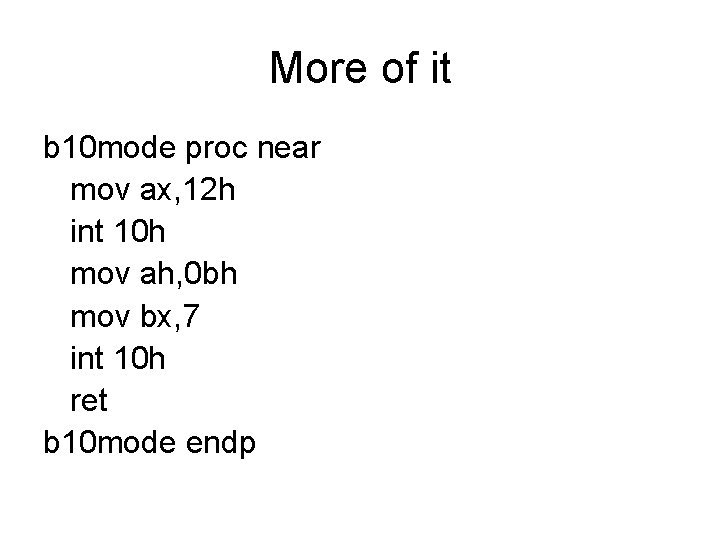
More of it b 10 mode proc near mov ax, 12 h int 10 h mov ah, 0 bh mov bx, 7 int 10 h ret b 10 mode endp
Other examples • Game of life (life. exe/. asm) implements a not too interesting one-dimensional cellular automata in hr graphics • Plotdot 3 seems to be the same as hr 2
- Slides: 47