
Chapter 15 Debugging Debugging with High Level Languages
Chapter 15 Debugging
Debugging with High Level Languages Same goals as low-level debugging • Examine and set values in memory • Execute portions of program • Stop execution when (and where) desired Want debugging tools to operate on high-level language constructs • Examine and set variables, not memory locations • Trace and set breakpoints on statements and function calls, not instructions • . . . but also want access to low-level tools when needed 15 -2
Types of Errors Syntactic Errors • Input code is not legal • Caught by compiler (or other translation mechanism) Semantic Errors • Legal code, but not what programmer intended • Not caught by compiler, because syntax is correct Algorithmic Errors • Problem with the logic of the program • Program does what programmer intended, but it doesn't solve the right problem 15 -3
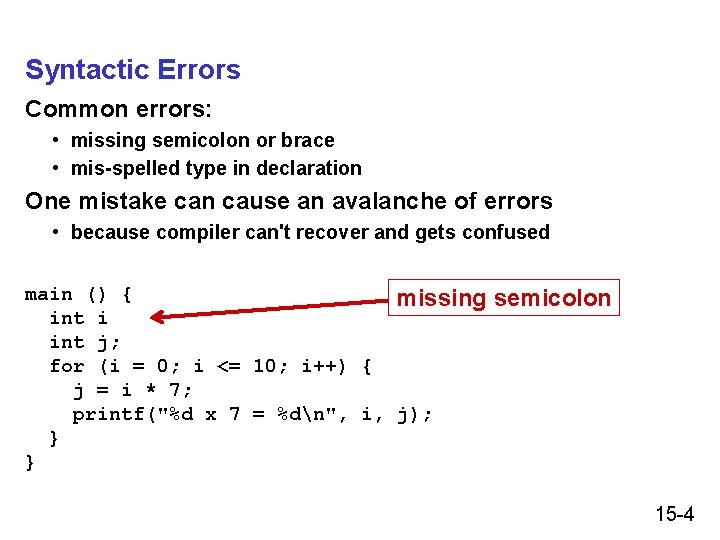
Syntactic Errors Common errors: • missing semicolon or brace • mis-spelled type in declaration One mistake can cause an avalanche of errors • because compiler can't recover and gets confused main () { missing int i int j; for (i = 0; i <= 10; i++) { j = i * 7; printf("%d x 7 = %dn", i, j); } } semicolon 15 -4
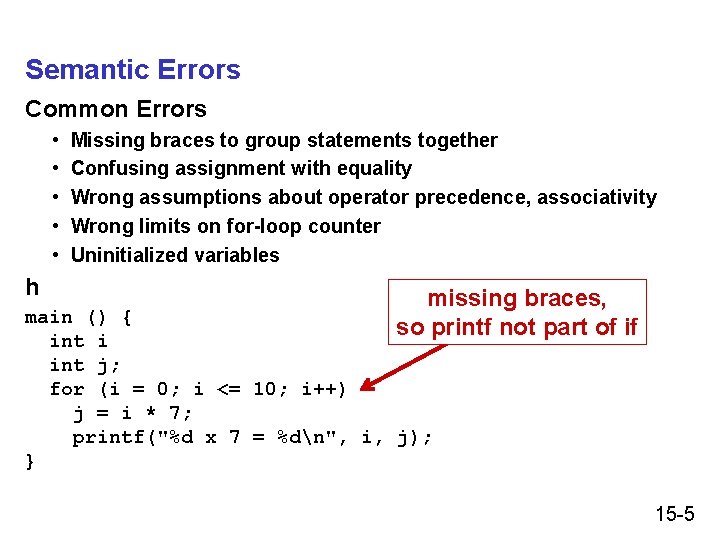
Semantic Errors Common Errors • • • h Missing braces to group statements together Confusing assignment with equality Wrong assumptions about operator precedence, associativity Wrong limits on for-loop counter Uninitialized variables missing braces, so printf not part of if main () { int i int j; for (i = 0; i <= 10; i++) j = i * 7; printf("%d x 7 = %dn", i, j); } 15 -5
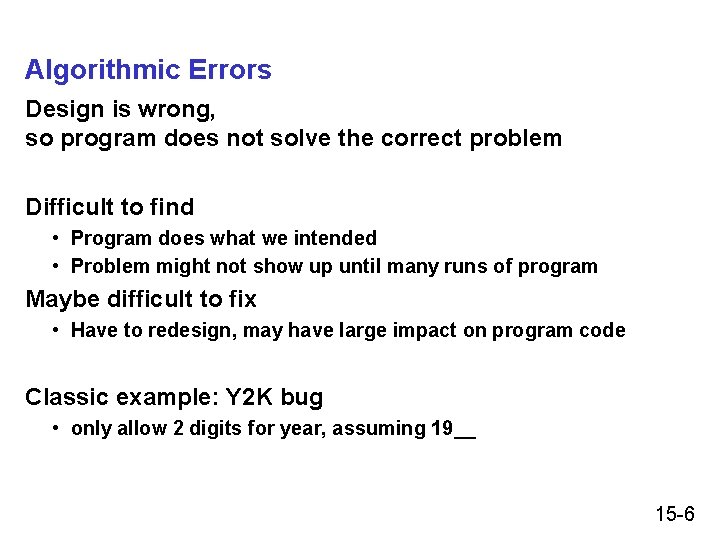
Algorithmic Errors Design is wrong, so program does not solve the correct problem Difficult to find • Program does what we intended • Problem might not show up until many runs of program Maybe difficult to fix • Have to redesign, may have large impact on program code Classic example: Y 2 K bug • only allow 2 digits for year, assuming 19__ 15 -6
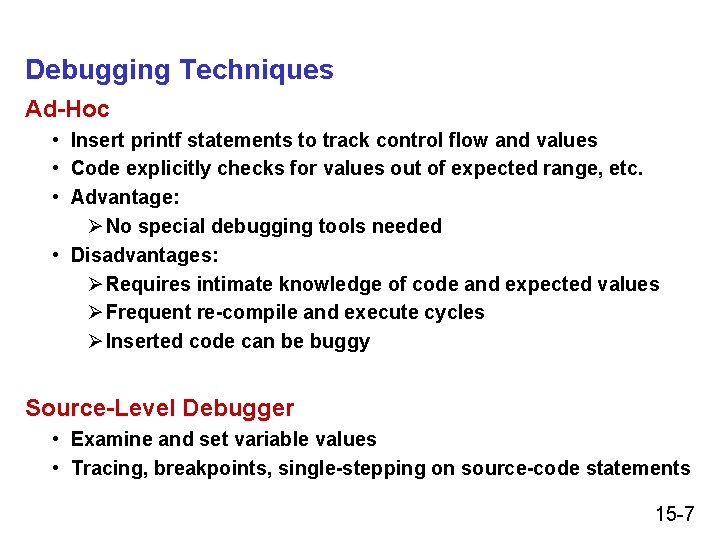
Debugging Techniques Ad-Hoc • Insert printf statements to track control flow and values • Code explicitly checks for values out of expected range, etc. • Advantage: Ø No special debugging tools needed • Disadvantages: Ø Requires intimate knowledge of code and expected values Ø Frequent re-compile and execute cycles Ø Inserted code can be buggy Source-Level Debugger • Examine and set variable values • Tracing, breakpoints, single-stepping on source-code statements 15 -7
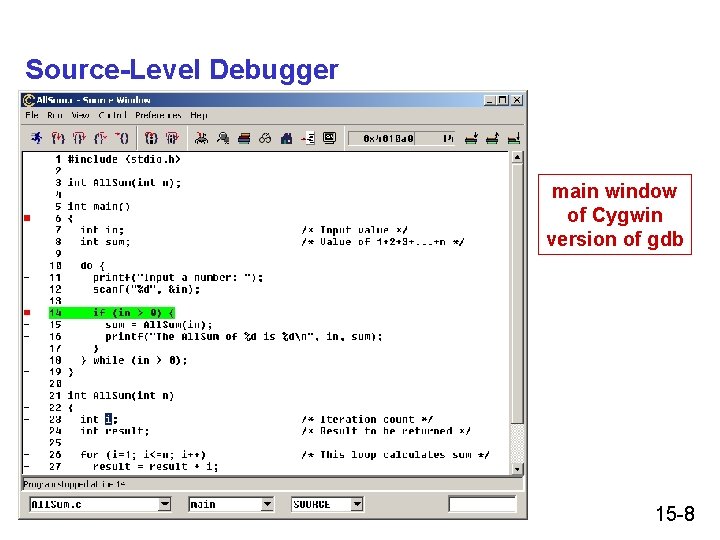
Source-Level Debugger main window of Cygwin version of gdb 15 -8
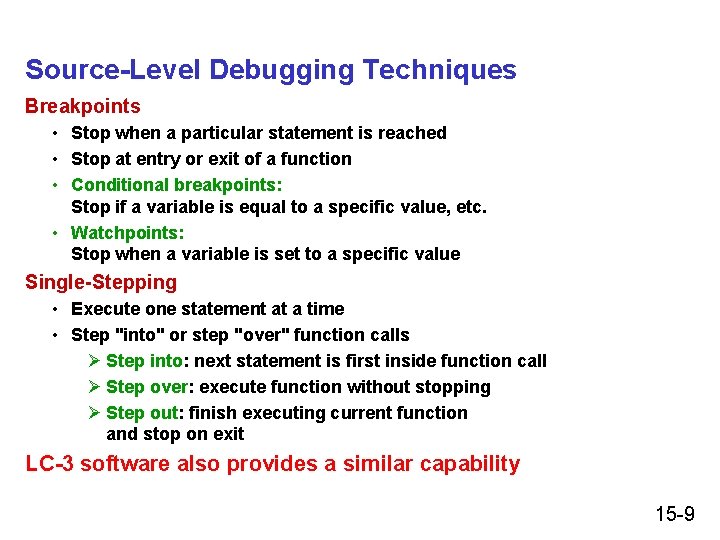
Source-Level Debugging Techniques Breakpoints • Stop when a particular statement is reached • Stop at entry or exit of a function • Conditional breakpoints: Stop if a variable is equal to a specific value, etc. • Watchpoints: Stop when a variable is set to a specific value Single-Stepping • Execute one statement at a time • Step "into" or step "over" function calls Ø Step into: next statement is first inside function call Ø Step over: execute function without stopping Ø Step out: finish executing current function and stop on exit LC-3 software also provides a similar capability 15 -9
- Slides: 9