
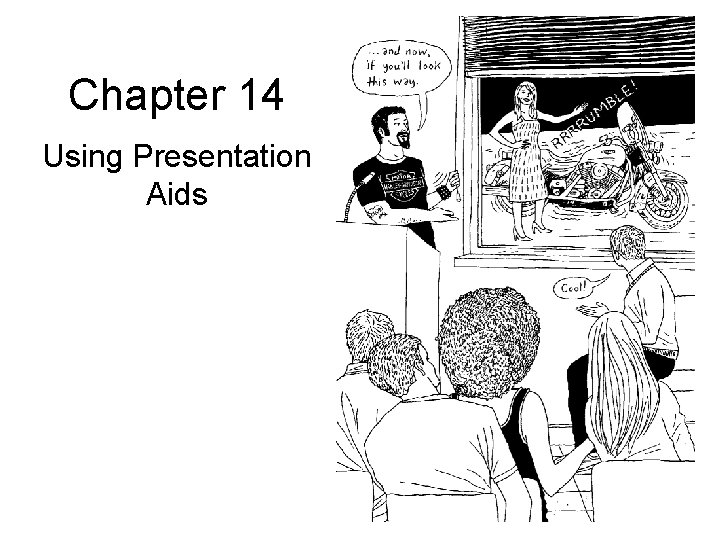
Chapter 14 Using Presentation Aids Using Presentation Aids
- Slides: 36
Chapter 14 Using Presentation Aids
Using Presentation Aids: Introduction • Presentation aids, or anything seen or heard in addition to your spoken words, can: – Effectively support your points and produce a more memorable and professional presentation – Bring life to your speech
Using Presentation Aids: An Overview • This chapter will discuss: – Why use presentation aids? – Types of presentation aids – Audience analysis and presentation aids – Guidelines for preparing presentation aids – Using presentation aids during your speech
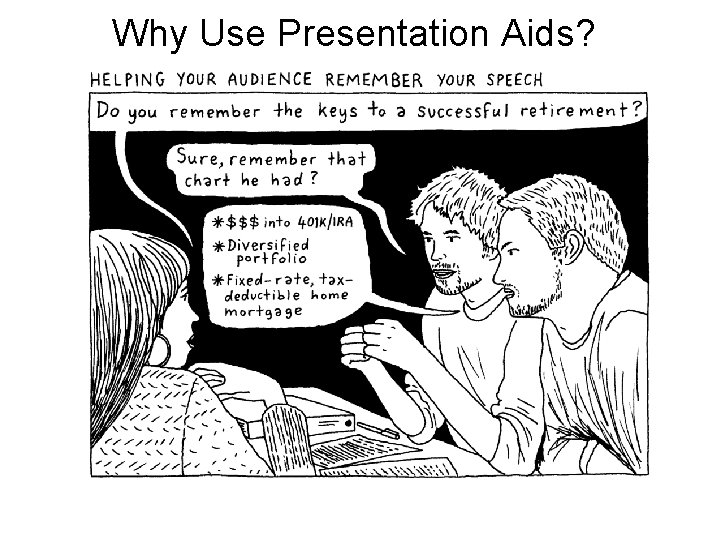
Why Use Presentation Aids? • Add interest and impact • Simplify technical or complicated messages • Help audiences remember speeches • Enhance credibility
Why Use Presentation Aids?
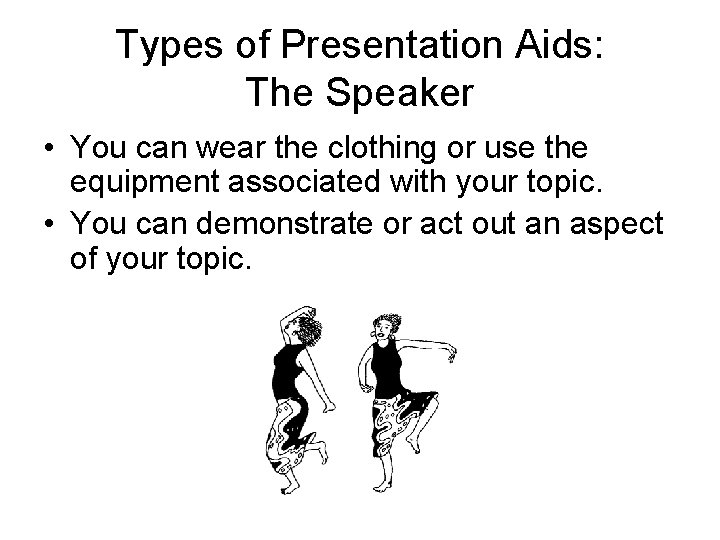
Types of Presentation Aids: The Speaker • You can wear the clothing or use the equipment associated with your topic. • You can demonstrate or act out an aspect of your topic.
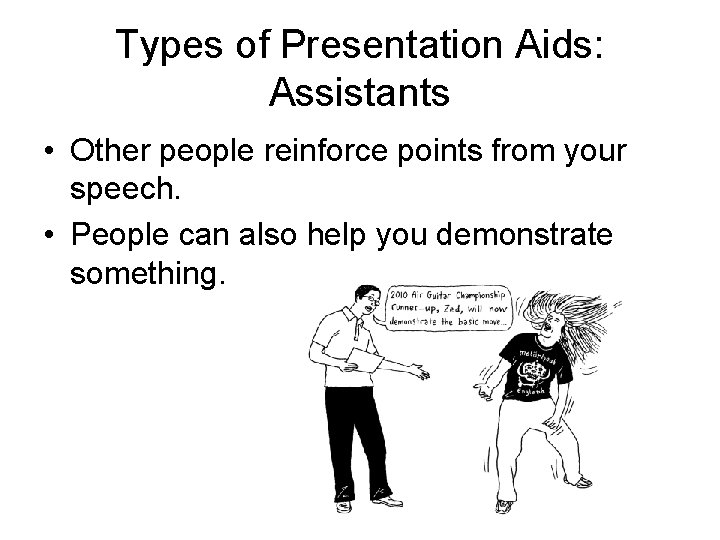
Types of Presentation Aids: Assistants • Other people reinforce points from your speech. • People can also help you demonstrate something.
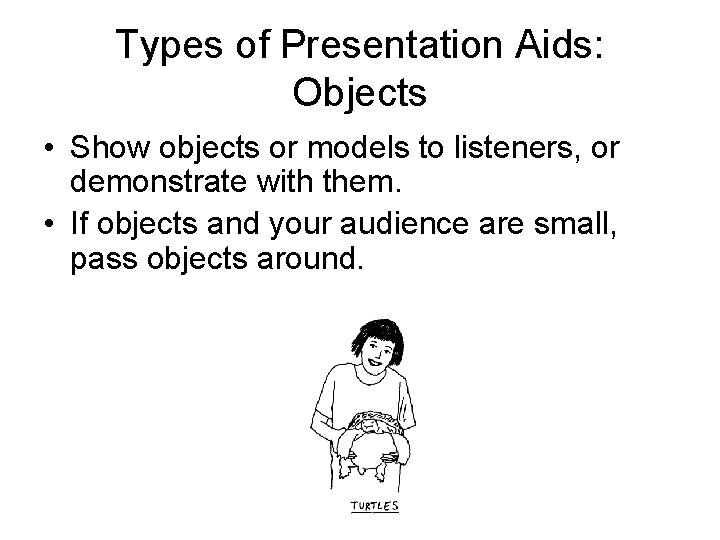
Types of Presentation Aids: Objects • Show objects or models to listeners, or demonstrate with them. • If objects and your audience are small, pass objects around.
Types of Presentation Aids: Visual Images • • Maps Photographs and drawings Diagrams Graphs
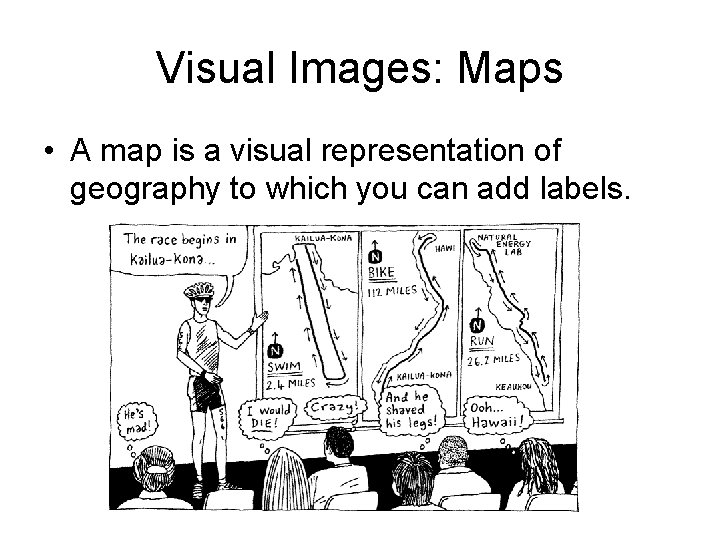
Visual Images: Maps • A map is a visual representation of geography to which you can add labels.
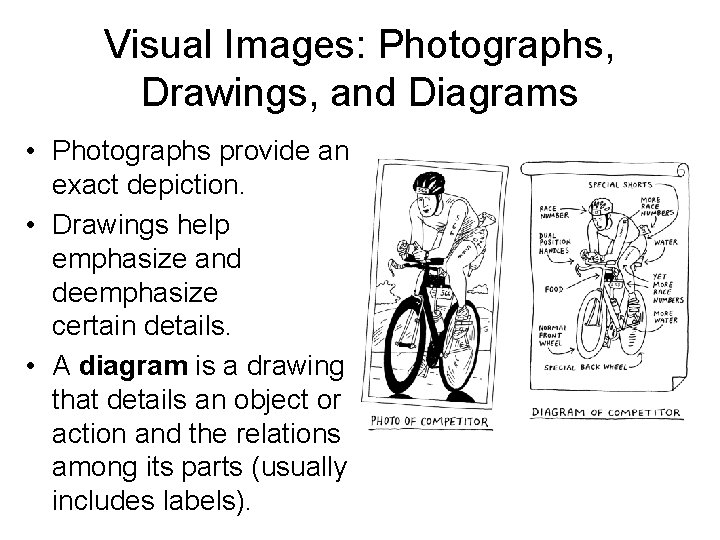
Visual Images: Photographs, Drawings, and Diagrams • Photographs provide an exact depiction. • Drawings help emphasize and deemphasize certain details. • A diagram is a drawing that details an object or action and the relations among its parts (usually includes labels).
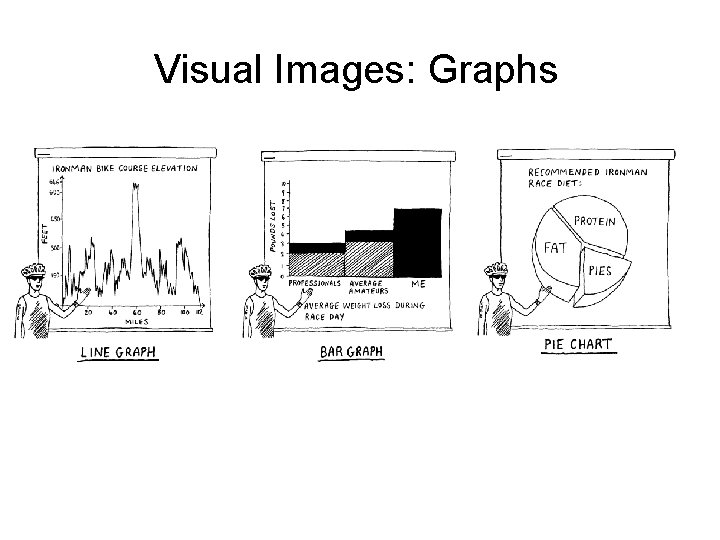
Visual Images: Graphs • Graph: any graphic representation that summarizes data or information – Line graph: Uses lines plotted on a pair of axes to show relationships between two elements – Bar graph: Uses parallel bars of varying height or length to compare several pieces of information – Pie chart (circle graph): Shows how percentages and proportions relate to one another
Visual Images: Graphs
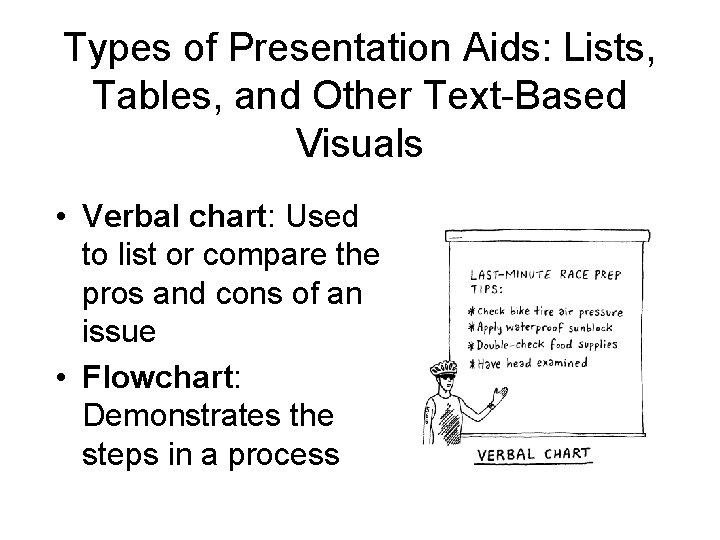
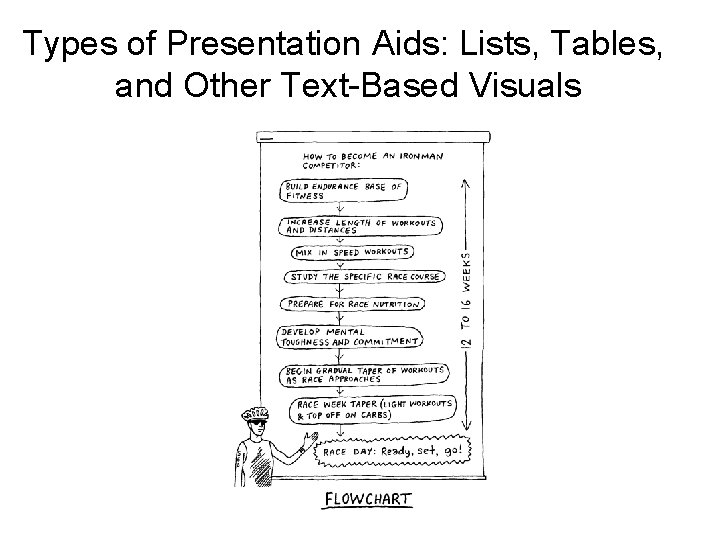
Types of Presentation Aids: Lists, Tables, and Other Text-Based Visuals • Verbal chart: Used to list or compare the pros and cons of an issue • Flowchart: Demonstrates the steps in a process
Types of Presentation Aids: Lists, Tables, and Other Text-Based Visuals
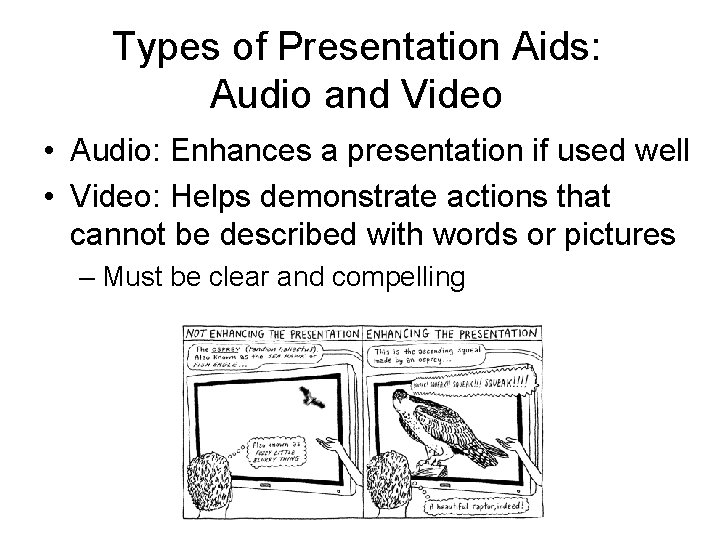
Types of Presentation Aids: Audio and Video • Audio: Enhances a presentation if used well • Video: Helps demonstrate actions that cannot be described with words or pictures – Must be clear and compelling
Using Technology Wisely: Presentation Software • Presentation software: Allows users to create, edit, and present information, usually in a slide-show format – Examples: Microsoft Power. Point, Adobe Flash, Impress Open. Office. org, Apple Keynote • Uses include: – Creating tables, chart, graphs – Uploading photos, videos, audio clips – Unifying a mixed-media presentation
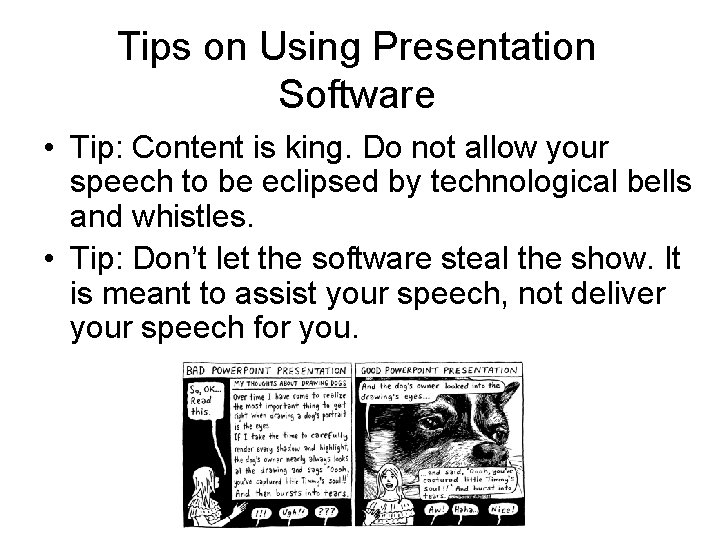
Tips on Using Presentation Software • Tip: Content is king. Do not allow your speech to be eclipsed by technological bells and whistles. • Tip: Don’t let the software steal the show. It is meant to assist your speech, not deliver your speech for you.
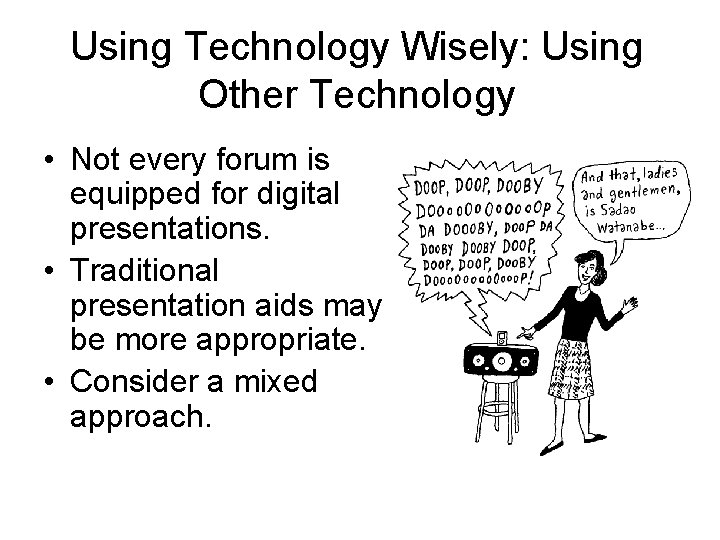
Using Technology Wisely: Using Other Technology • Not every forum is equipped for digital presentations. • Traditional presentation aids may be more appropriate. • Consider a mixed approach.
Guidelines for Developing Presentation Aids: Consider the Forum • Visit the forum to determine technological capabilities and limitations. – Check availability of DVD players, VCRs, outlets, projectors, a screen or blank wall, Internet access, etc. – Consider acoustics and lighting.
Guidelines for Developing Presentation Aids: Consider the Forum • For visual aids with verbal elements, check to see if you have access to: – Flip charts – Marker boards – Chalkboards
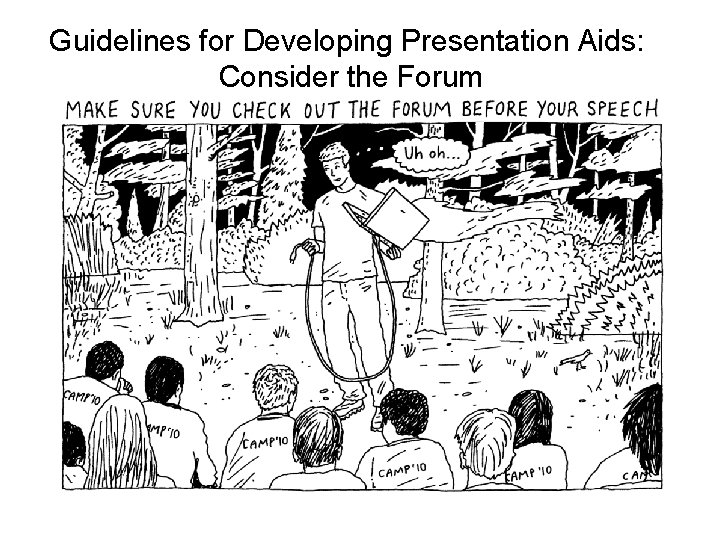
Guidelines for Developing Presentation Aids: Consider the Forum
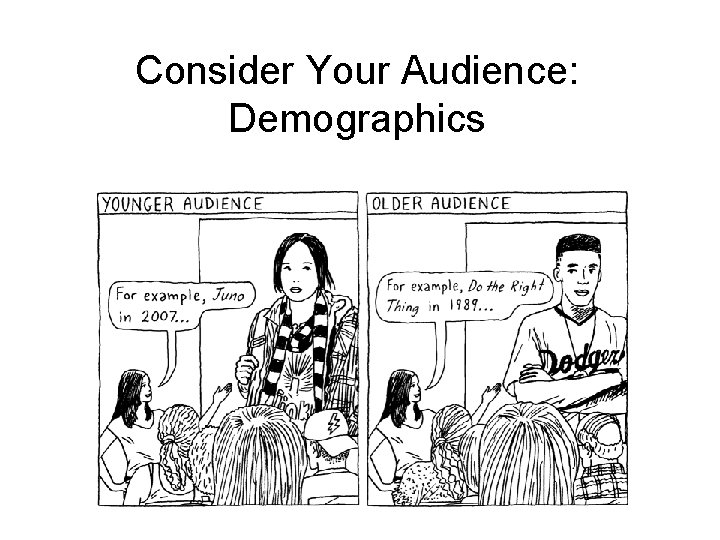
Guidelines for Developing Presentation Aids: Consider Your Audience • Demographics means considering audience members’: – Age – Gender – Sexual orientation – Religion – Educational background – Ethnicity – Cultural background
Consider Your Audience: Demographics
Guidelines for Developing Presentation Aids: Consider Your Audience • Prior exposure may negatively influence the audience. • Has your audience ever seen or heard this presentation aid before? – What was the result of this prior exposure? – If the prior exposure was unsatisfactory, what could have been the reason?
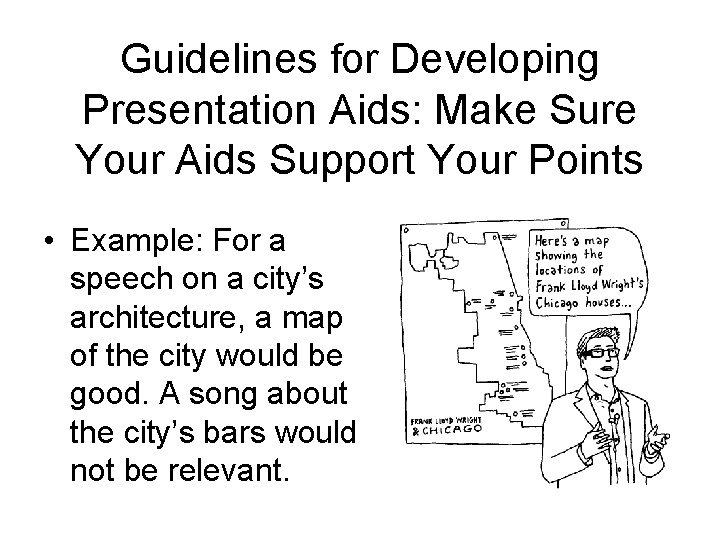
Guidelines for Developing Presentation Aids: Make Sure Your Aids Support Your Points • Example: For a speech on a city’s architecture, a map of the city would be good. A song about the city’s bars would not be relevant.
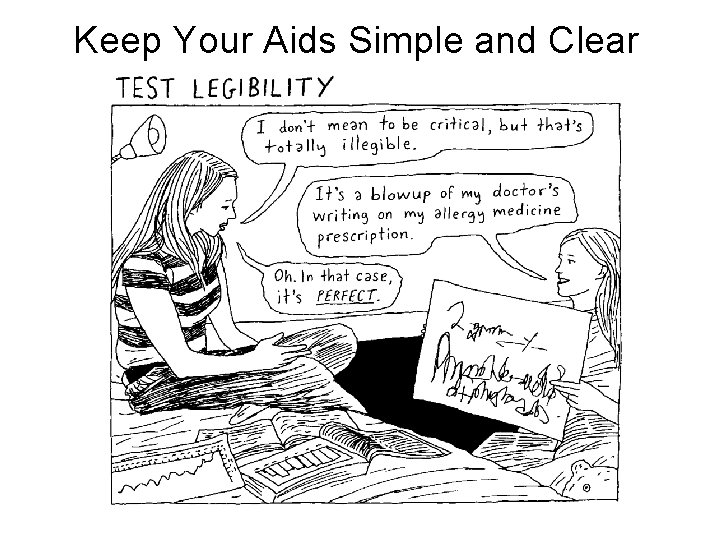
Guidelines for Developing Presentation Aids: Keep Your Aids Simple and Clear • • Keep your aids simple. Test visibility and legibility. Test volume and clarity. Create contrast.
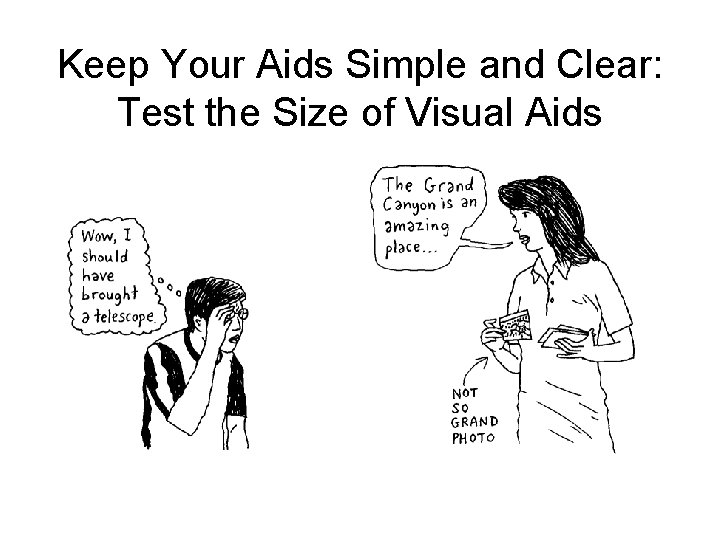
Keep Your Aids Simple and Clear: Test the Size of Visual Aids
Keep Your Aids Simple and Clear
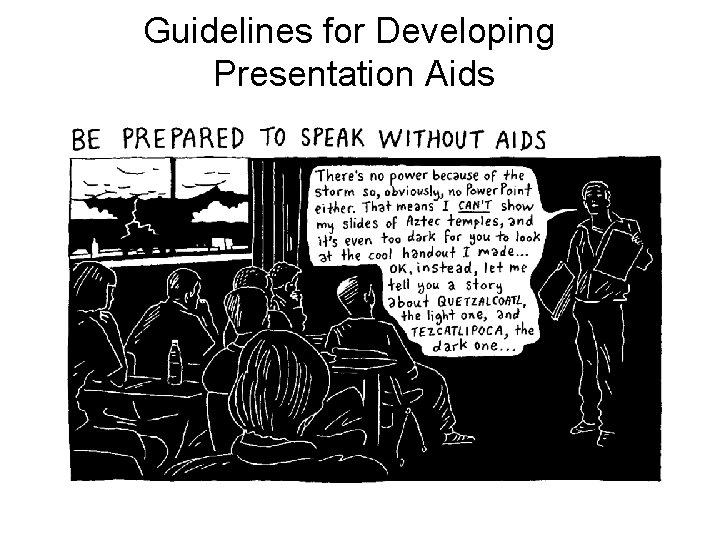
Guidelines for Developing Presentation Aids: Rehearsing with Your Presentation Aids • Practice using your aids as you deliver your speech. • Make sure they all work. • Be prepared to speak without your presentation aids—technology can fail.
Guidelines for Developing Presentation Aids
Tips for Using Presentation Aids • Tip: DVDs are a great invention but can take time to cue up during a speech. VCRs allow you to be cued up right where you want to be. You might also try finding the clip you want on You. Tube. • Tip: Follow Murphy’s law—anything that can go wrong will go wrong. Always have a back-up plan in case technology fails.
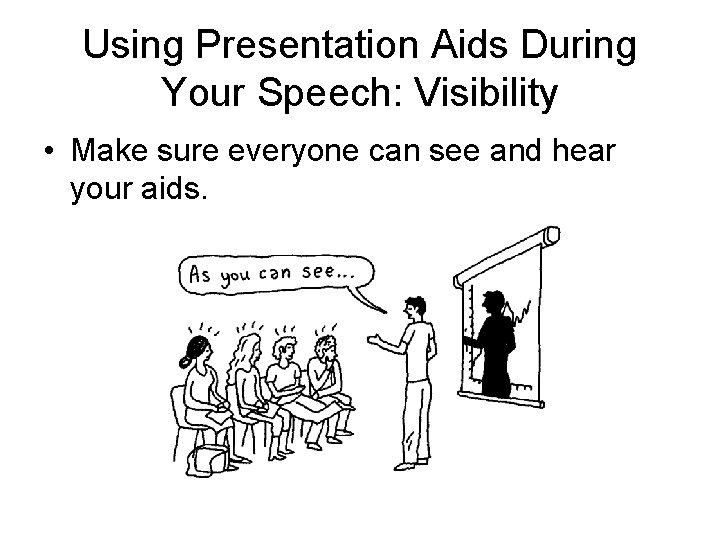
Using Presentation Aids During Your Speech: Visibility • Make sure everyone can see and hear your aids.
Using Presentation Aids During Your Speech: Control Audience Interaction • Show or play the aid when necessary, then take it away. • Cue up recordings ahead of time. • Block or conceal until you need it. • Remove visual aids after discussing them. • Ensure that handouts are informative and not distracting. – Give your audience clear instructions – Stay close to your listeners to monitor handout use
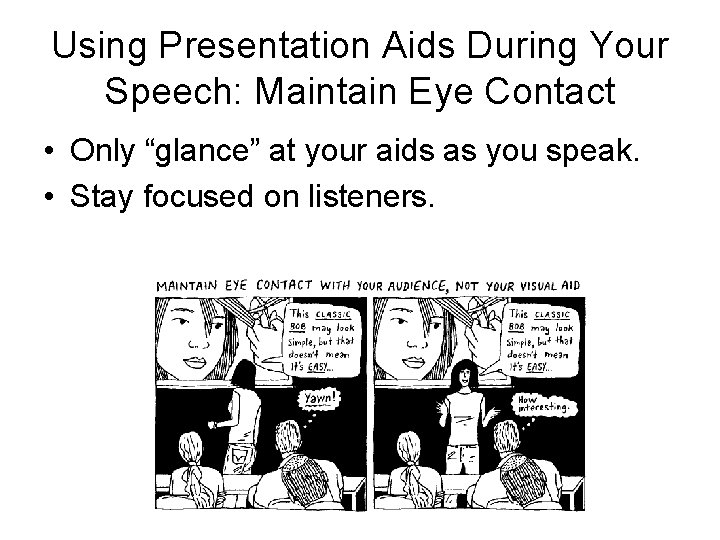
Using Presentation Aids During Your Speech: Maintain Eye Contact • Only “glance” at your aids as you speak. • Stay focused on listeners.
Using Presentation Aids During Your Speech: Remember the Purpose of Your Presentation Aids • Presentation aids should only supplement your speech, not dominate it. • Your audience expects, needs, and wants you!