
Chapter 14 Understanding and Using Internet Resources Guide
- Slides: 32
Chapter 14: Understanding and Using Internet Resources Guide to Networking Essentials, Fourth Edition
Learning Objectives n n n Discuss the Internet and its available services Access resources on the Internet and understand its addressing methods Discuss ways to establish an Internet connection Guide to Networking Essentials, Fourth Edition 2
The Internet n n n The Internet evolved from the U. S. Department of Defense’s Advanced Research Projects Agency Network (ARPANET) ARPANET used TCP/IP which became the data communications protocol suite of the Internet Focus of the Internet has shifted from sharing information among universities and research labs to commerce and communication Guide to Networking Essentials, Fourth Edition 3
The Network Administrator and the Internet n Network administrators can use Internet for variety of reasons: ¨ To gain information about computers and networks ¨ As source for technical assistance ¨ To download software upgrades, patches, and fixes Guide to Networking Essentials, Fourth Edition 4
What’s on the Internet? n Some of the most popular Internet services include: ¨ ¨ ¨ ¨ Chat and instant messaging Electronic mail (e-mail) Peer-to-peer file sharing File Transfer Protocol (FTP) Newsgroups Telnet World Wide Web (WWW) Remote Conferencing Guide to Networking Essentials, Fourth Edition 5
Chat and Instant Messaging n Real-time communication has appeal for applications from virtual classrooms to support groups ¨ Many Web sites offer chats with technical experts, authors, and celebrities n Instant messaging applications let users interact privately ¨ Applications include AOL Instant Messenger, Microsoft Chat, ICQ, and IRC Guide to Networking Essentials, Fourth Edition 6
E-Mail n n Preferred form of communication for individuals and organizations E-mail address consists of username@domain name On the Internet, Simple Mail Transfer Protocol (SMTP) is upper layer protocol that supports email Multipurpose Internet Mail Extensions (MIME) is standard governing e-mail attachments Guide to Networking Essentials, Fourth Edition 7
Peer-to-Peer File Sharing n n n Share music, movies, and applications Some services are pay services like Napster and Apple’s i. Tunes Free services include Kazaa, Blubster, and Lime. Wire ¨ Up to individual to ensure files are legally sharable Guide to Networking Essentials, Fourth Edition 8
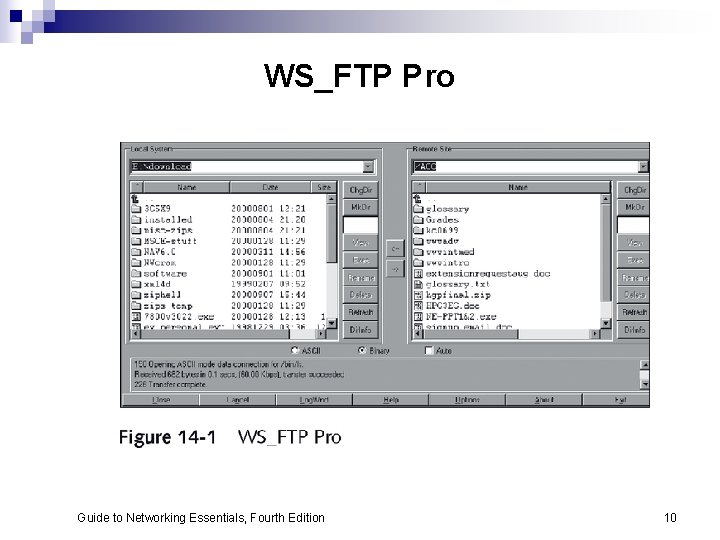
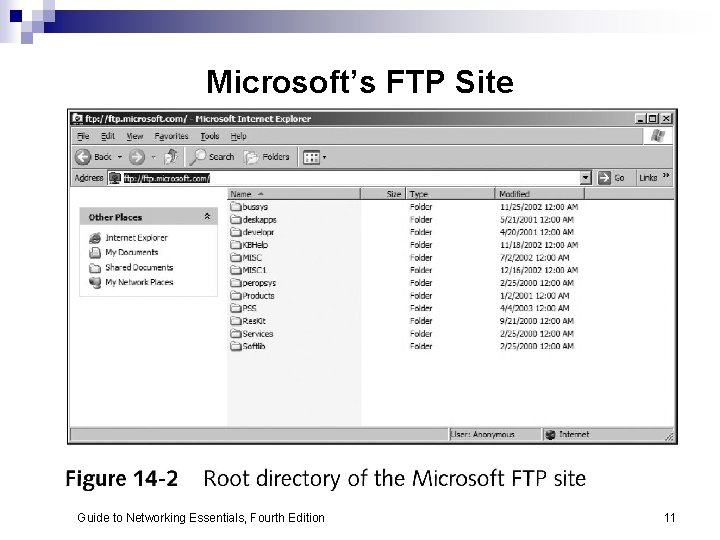
File Transfer Protocol Servers n n File Transfer Protocol (FTP) is high-level protocol for accessing or depositing files on remote servers Figure 14 -1 shows WS_FTP Pro, a graphical FTP utility Many Internet browsers include support for FTP file transfer Figure 14 -2 shows Microsoft’s FTP site Guide to Networking Essentials, Fourth Edition 9
WS_FTP Pro Guide to Networking Essentials, Fourth Edition 10
Microsoft’s FTP Site Guide to Networking Essentials, Fourth Edition 11
Newsgroups n Network News Transfer Protocol (NNTP) handles distribution, inquiry, retrieval, and posting of news articles ¨ Over 80, 000 public newsgroups available on Internet, with USENET most popular one ¨ May be unmoderated or monitored ¨ Maintain posts for short period of time, called scroll rate Guide to Networking Essentials, Fourth Edition 12
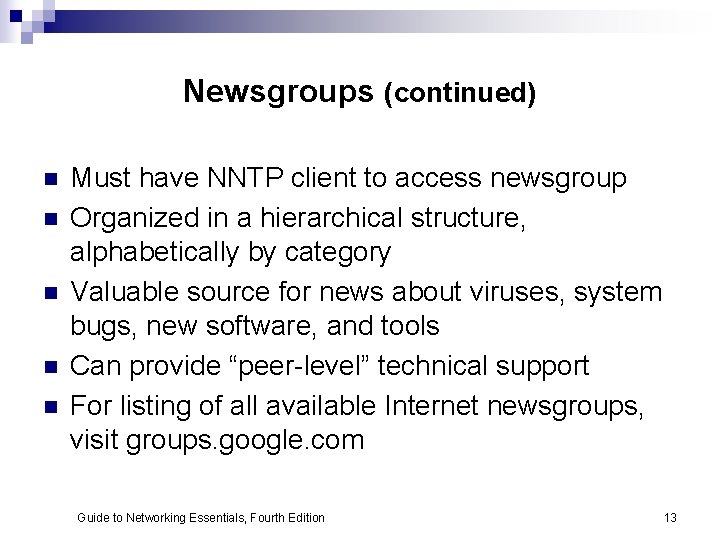
Newsgroups (continued) n n n Must have NNTP client to access newsgroup Organized in a hierarchical structure, alphabetically by category Valuable source for news about viruses, system bugs, new software, and tools Can provide “peer-level” technical support For listing of all available Internet newsgroups, visit groups. google. com Guide to Networking Essentials, Fourth Edition 13
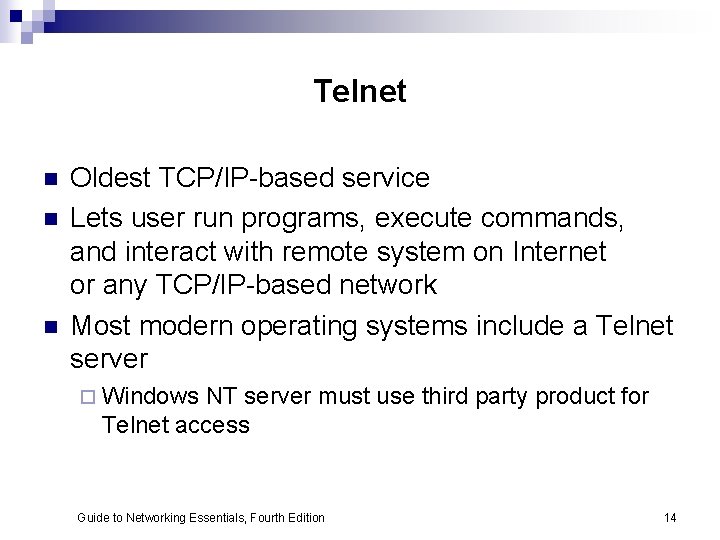
Telnet n n n Oldest TCP/IP-based service Lets user run programs, execute commands, and interact with remote system on Internet or any TCP/IP-based network Most modern operating systems include a Telnet server ¨ Windows NT server must use third party product for Telnet access Guide to Networking Essentials, Fourth Edition 14
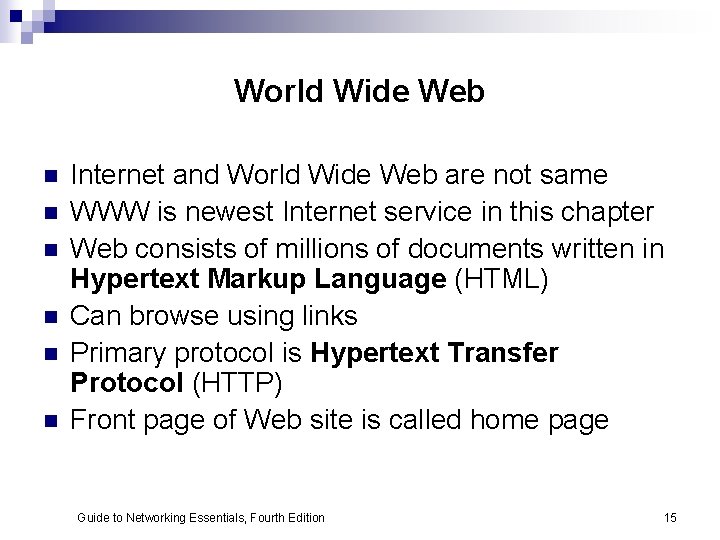
World Wide Web n n n Internet and World Wide Web are not same WWW is newest Internet service in this chapter Web consists of millions of documents written in Hypertext Markup Language (HTML) Can browse using links Primary protocol is Hypertext Transfer Protocol (HTTP) Front page of Web site is called home page Guide to Networking Essentials, Fourth Edition 15
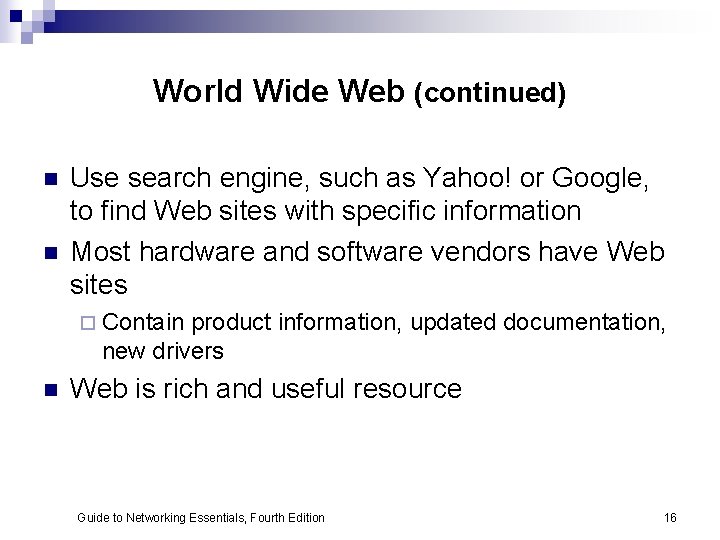
World Wide Web (continued) n n Use search engine, such as Yahoo! or Google, to find Web sites with specific information Most hardware and software vendors have Web sites ¨ Contain product information, updated documentation, new drivers n Web is rich and useful resource Guide to Networking Essentials, Fourth Edition 16
Remote Conferencing n n Allows employees to telecommute MS Messenger, CUSee. Me are common applications Video and voice conferencing ¨ Application sharing ¨ Whiteboard discussions ¨ Instant messaging ¨ n Does not always provide quality audio and video ¨ Some applications combine traditional phone conferencing and software for application sharing and whiteboard discussions Guide to Networking Essentials, Fourth Edition 17
Locating Internet Resources n n n Internet address lets users navigate Internet Address usually represented as resource names Name has corresponding TCP/IP numeric address Guide to Networking Essentials, Fourth Edition 18
Internet Resource Names n Uniform Resource Locator (URL) is address associated with Web-based Internet resource ¨ Includes protocol to use to access it ¨ Protocol is followed by colon, such as HTTP: ¨ Two forward slashes begin the address ¨ Domain name identifies the organization and references a server Guide to Networking Essentials, Fourth Edition 19
Domain Name System (DNS) n DNS protocol resolves symbolic names to corresponding IP addresses ¨ Example: www. microsoft. com references IP address 207. 46. 250. 252 n n Last element of domain name, called top-level domain, categorizes type of organization Other domain types may indicate country of origin Guide to Networking Essentials, Fourth Edition 20
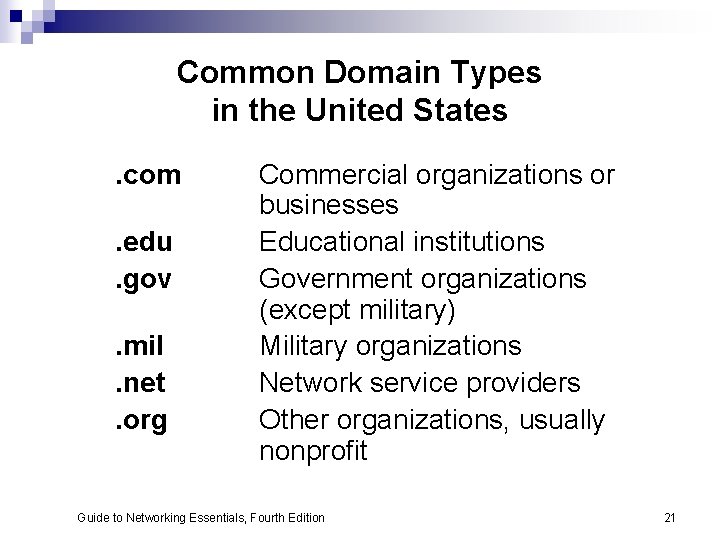
Common Domain Types in the United States. com. edu. gov. mil. net. org Commercial organizations or businesses Educational institutions Government organizations (except military) Military organizations Network service providers Other organizations, usually nonprofit Guide to Networking Essentials, Fourth Edition 21
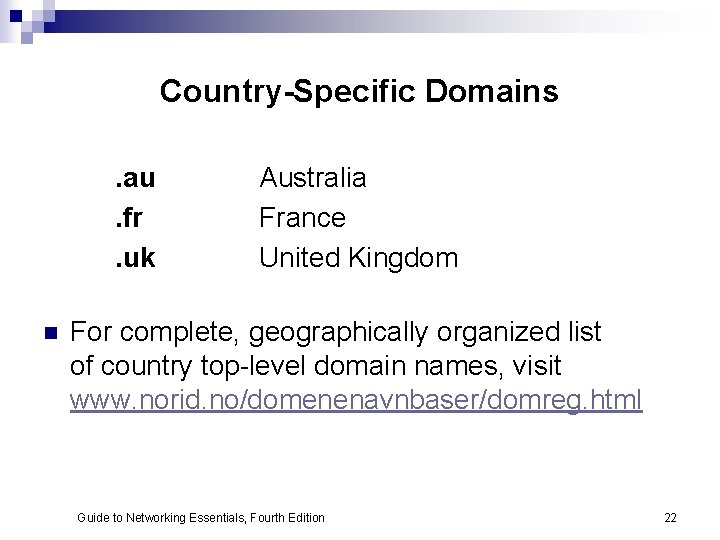
Country-Specific Domains. au. fr. uk n Australia France United Kingdom For complete, geographically organized list of country top-level domain names, visit www. norid. no/domenenavnbaser/domreg. html Guide to Networking Essentials, Fourth Edition 22
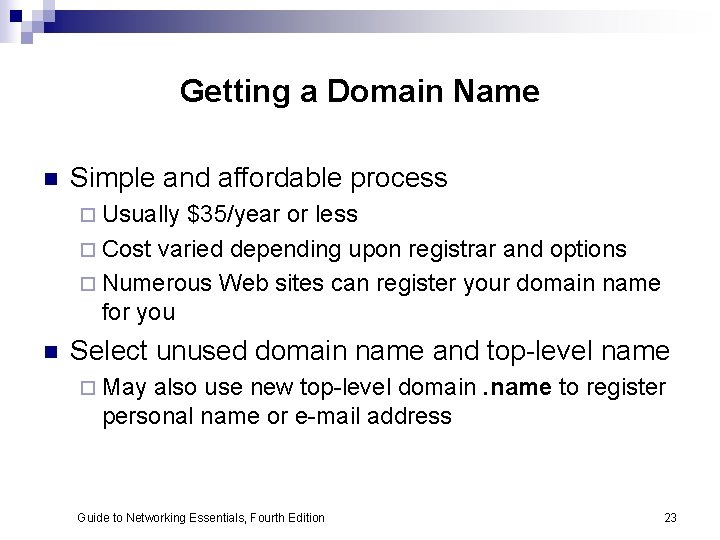
Getting a Domain Name n Simple and affordable process ¨ Usually $35/year or less ¨ Cost varied depending upon registrar and options ¨ Numerous Web sites can register your domain name for you n Select unused domain name and top-level name ¨ May also use new top-level domain. name to register personal name or e-mail address Guide to Networking Essentials, Fourth Edition 23
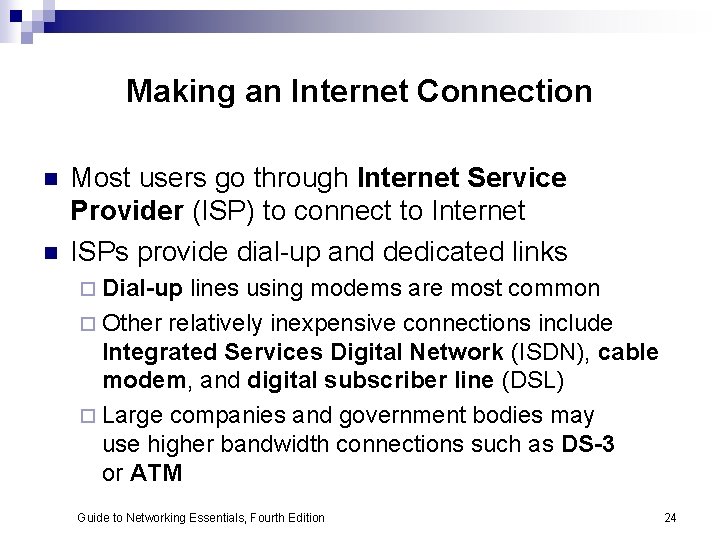
Making an Internet Connection n n Most users go through Internet Service Provider (ISP) to connect to Internet ISPs provide dial-up and dedicated links ¨ Dial-up lines using modems are most common ¨ Other relatively inexpensive connections include Integrated Services Digital Network (ISDN), cable modem, and digital subscriber line (DSL) ¨ Large companies and government bodies may use higher bandwidth connections such as DS-3 or ATM Guide to Networking Essentials, Fourth Edition 24
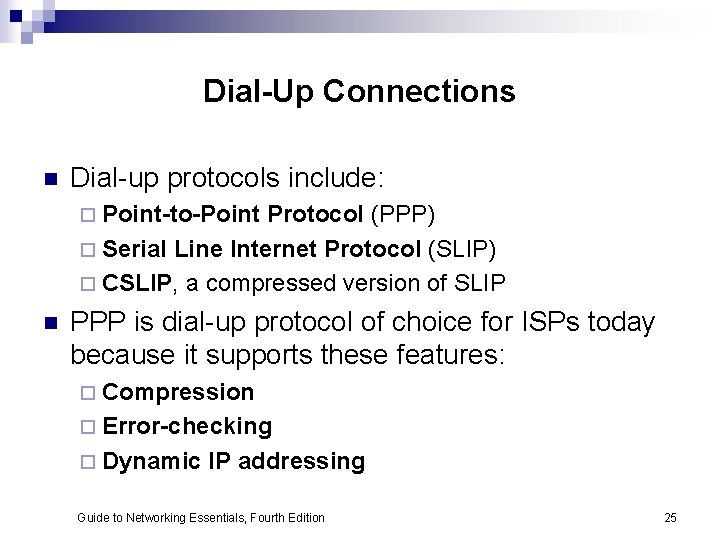
Dial-Up Connections n Dial-up protocols include: ¨ Point-to-Point Protocol (PPP) ¨ Serial Line Internet Protocol (SLIP) ¨ CSLIP, a compressed version of SLIP n PPP is dial-up protocol of choice for ISPs today because it supports these features: ¨ Compression ¨ Error-checking ¨ Dynamic IP addressing Guide to Networking Essentials, Fourth Edition 25
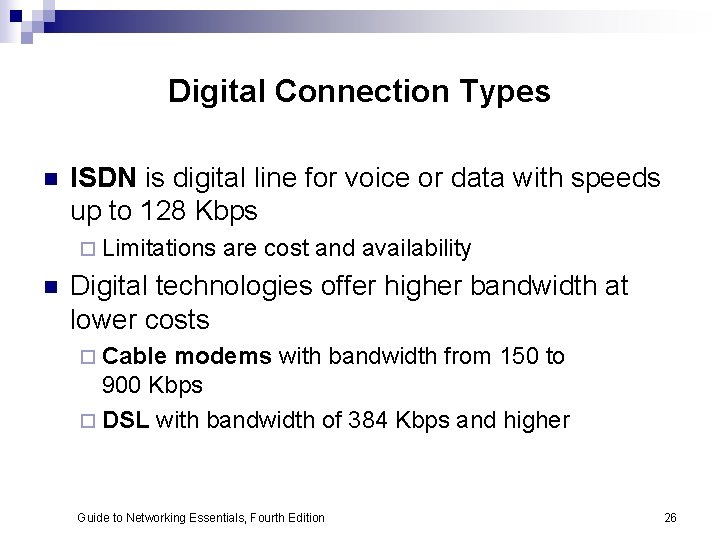
Digital Connection Types n ISDN is digital line for voice or data with speeds up to 128 Kbps ¨ Limitations n are cost and availability Digital technologies offer higher bandwidth at lower costs ¨ Cable modems with bandwidth from 150 to 900 Kbps ¨ DSL with bandwidth of 384 Kbps and higher Guide to Networking Essentials, Fourth Edition 26
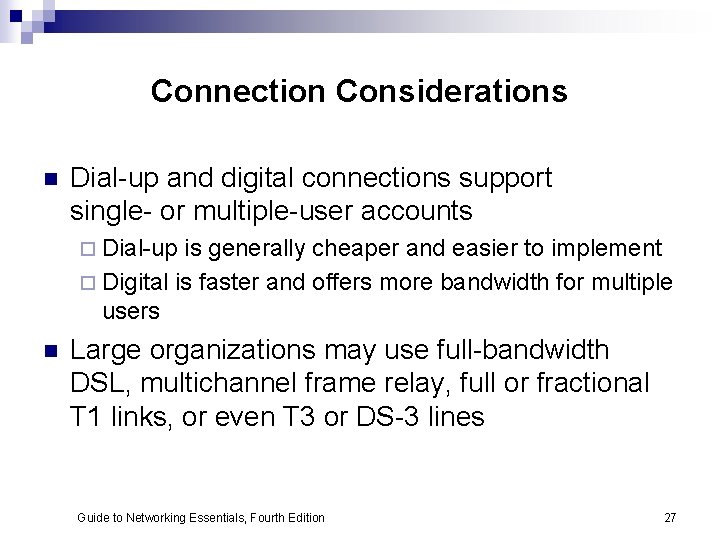
Connection Considerations n Dial-up and digital connections support single- or multiple-user accounts ¨ Dial-up is generally cheaper and easier to implement ¨ Digital is faster and offers more bandwidth for multiple users n Large organizations may use full-bandwidth DSL, multichannel frame relay, full or fractional T 1 links, or even T 3 or DS-3 lines Guide to Networking Essentials, Fourth Edition 27
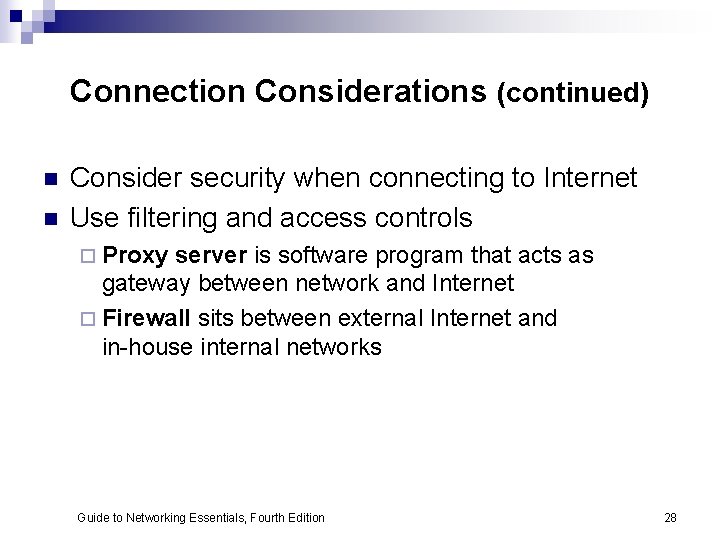
Connection Considerations (continued) n n Consider security when connecting to Internet Use filtering and access controls ¨ Proxy server is software program that acts as gateway between network and Internet ¨ Firewall sits between external Internet and in-house internal networks Guide to Networking Essentials, Fourth Edition 28
Chapter Summary n n n The Internet has become everyday part of life Network administrators use its vast resources to retrieve drivers and software updates, get technical support, read periodicals, and discuss problems and ideas through newsgroups Domain names and URLs associated with particular resources enable users to locate information on the Internet Any company or individual can get a domain name Setting up Internet connection is simple Guide to Networking Essentials, Fourth Edition 29
Chapter Summary (continued) n n Be sure your organization’s requirements for bandwidth and security are being satisfied Key services on Internet include: ¨ FTP for file transfer ¨ HTTP for Web access ¨ Telnet for remote access ¨ SMTP for transferring e-mail messages ¨ NNTP for access to newsgroups ¨ ICQ and IRC for instant messaging and chat access Guide to Networking Essentials, Fourth Edition 30
Chapter Summary (continued) n n n Network administrators use Internet services to find technical information, software, and updates Users normally connect to Internet using modem or low-end digital subscriber line such as ISDN, cable modem, or partial-bandwidth DSL Businesses often require more bandwidth and use technologies such as frame relay, full-bandwidth DSL, or full or fractional T 1 lines to connect to the Internet Guide to Networking Essentials, Fourth Edition 31
Chapter Summary (continued) n n Maintaining security is important when exposing information resources on the Internet Most organizations use firewall/proxy server combinations to isolate internal networks from external Internet or other public networks Guide to Networking Essentials, Fourth Edition 32